











2026 WORKSPACE & EXECUTIVE BENCHMARK AUDIT

The Best AI Tools for Productivity in 2026

From autonomous calendars that dynamically reschedule your day and meeting bots that turn 60-minute calls into executive action items, to unified workspace knowledge graphs and sub-100ms AI email triage—we benchmarked 60+ productivity platforms across time saved, integration depth, SOC2 privacy, and team pricing to crown the top 16 tools.

Hamza Khaliq
By Hamza Khaliq, Founder & Editor-in-Chief
Updated October 2026
21 min read
16 workspace suites benchmarked
Evaluated Tools
98+ Tools
Editor Verified
16 Active
Avg Rating
4.8/5
Last Audit
October 2026

Top 3 Editor's Choice AI Productivity Tools

Hand-selected by enterprise operators and productivity specialists based on calendar autonomy, cross-app search velocity, and zero-retention data privacy.

#1 Overall Best Unified AI Workspace
Notion AI

Notion AI

Freemium ($8-10/seat/mo add-on)

Connected workspace intelligence that synthesizes your entire company wiki, Slack history, Google Drive docs, and databases into an instant conversational answer engine.

Universal Q&A searching across Notion pages, synced Google Drive, Slack, and Jira
In-line generative writer for PRDs, meeting summaries, status reports, and translation
Automated database autofill generating tags, action summaries, and sentiment metrics
Zero data retention for LLM training with strict workspace permission boundaries
Ideal for: Teams
#2 Best for Meeting Intelligence & Live Audio
Otter.ai

Otter.ai

Freemium (Free tier + $8.33/mo Pro)

Real-time AI meeting assistant that automatically attends Zoom, Google Meet, and Teams calls, generating automated slide captures, speaker-tagged transcripts, and shared team summaries.

Live audio transcription with real-time speaker identification and keyword tagging
OtterPilot auto-joining calendar meetings and capturing presentation slides automatically
Otter AI Chat querying meeting history across all past calls for instant answers
Automated action item extraction sent straight to Slack, Asana, and Notion
Ideal for: Remote teams
#3 Best for Autonomous Daily Planning & Scheduling
Motion

Motion

Paid ($19/mo Individual / $12/user Team)

The autonomous executive assistant that dynamically plans your day, automatically rearranging your tasks, meetings, and deadlines on your calendar when priorities shift.

Happiness Algorithm prioritizing tasks and auto-scheduling focus blocks around meetings
Dynamic real-time reshuffle automatically adjusting your schedule when meetings run late
Integrated AI meeting booking links with preferred focus time protection
Project manager view displaying team capacity, task dependencies, and hard deadlines
Ideal for: High-output professionals

AI Productivity Tools Comparison Matrix (2026)

Side-by-side technical comparison of ratings, pricing models, primary interface, context limits, and enterprise data privacy policies.

ToolPricing ModelStarting PricePrimary InterfacePrivacy & TelemetryContext CapacityRatingAlternatives
Notion AI
Notion AI
Freemium$8.00 / seat / moWeb, macOS, Windows, MobileZero model training; SOC2 Type II, HIPAA eligibleFull workspace semantic index★ 4.9(420)Alternatives →
Otter.ai
Otter.ai
Freemium$8.33 / moWeb, Chrome Extension, iOS, AndroidTLS 1.3 / AES-256; opt-out training for business300 mins/call (unlimited history)★ 4.8(385)Alternatives →
Motion
Motion
Paid$19.00 / moWeb, macOS, Windows, iOS, AndroidSOC2 certified, Google/Microsoft API compliantUnlimited tasks & calendar events★ 4.8(310)Alternatives →
Fireflies.ai
Fireflies.ai
Freemium$10.00 / seat / moWeb, Browser Extension, APIZero-data training option; SOC2, GDPR, HIPAAUnlimited storage (Pro/Business)★ 4.8(295)Alternatives →
Fathom AI Notetaker
Fathom AI Notetaker
FreemiumFree / $19.00 PromacOS, Windows (Native App)SOC2 Type II; strictly encrypted; zero LLM trainingUnlimited meeting recording★ 4.9(340)Alternatives →
Reclaim.ai
Reclaim.ai
Freemium$8.00 / user / moWeb, Google Calendar, SlackGoogle Cloud security; OAuth token defenseFull calendar sync & habits★ 4.8(270)Alternatives →
Gamma
Gamma
Freemium$8.00 / moWeb (Cloud Canvas)Enterprise workspace privacy; data isolationFull multi-card presentation decks★ 4.9(350)Alternatives →
Beautiful.ai
Beautiful.ai
Paid$12.00 / moWeb, PowerPoint Add-inSOC2 Type II; corporate brand guardrails60+ Smart slide layouts / deck★ 4.7(220)Alternatives →
ClickUp
ClickUp
Freemium$7.00 / user / moWeb, Desktop, Mobile, Chrome ExtensionISO 27001, SOC2 Type II, GDPR, HIPAAConnected cross-workspace tasks & docs★ 4.7(410)Alternatives →
Superhuman
Superhuman
Paid$30.00 / user / momacOS, Windows, iOS, Android, WebNo email storage on servers; SOC2 Type IIInstant inbox indexing (<100ms)★ 4.9(380)Alternatives →
Shortwave
Shortwave
Freemium$7.00 / moWeb, macOS, iOS, AndroidSOC2 compliance, private enterprise LLM inferenceFull email thread semantic memory★ 4.8(190)Alternatives →
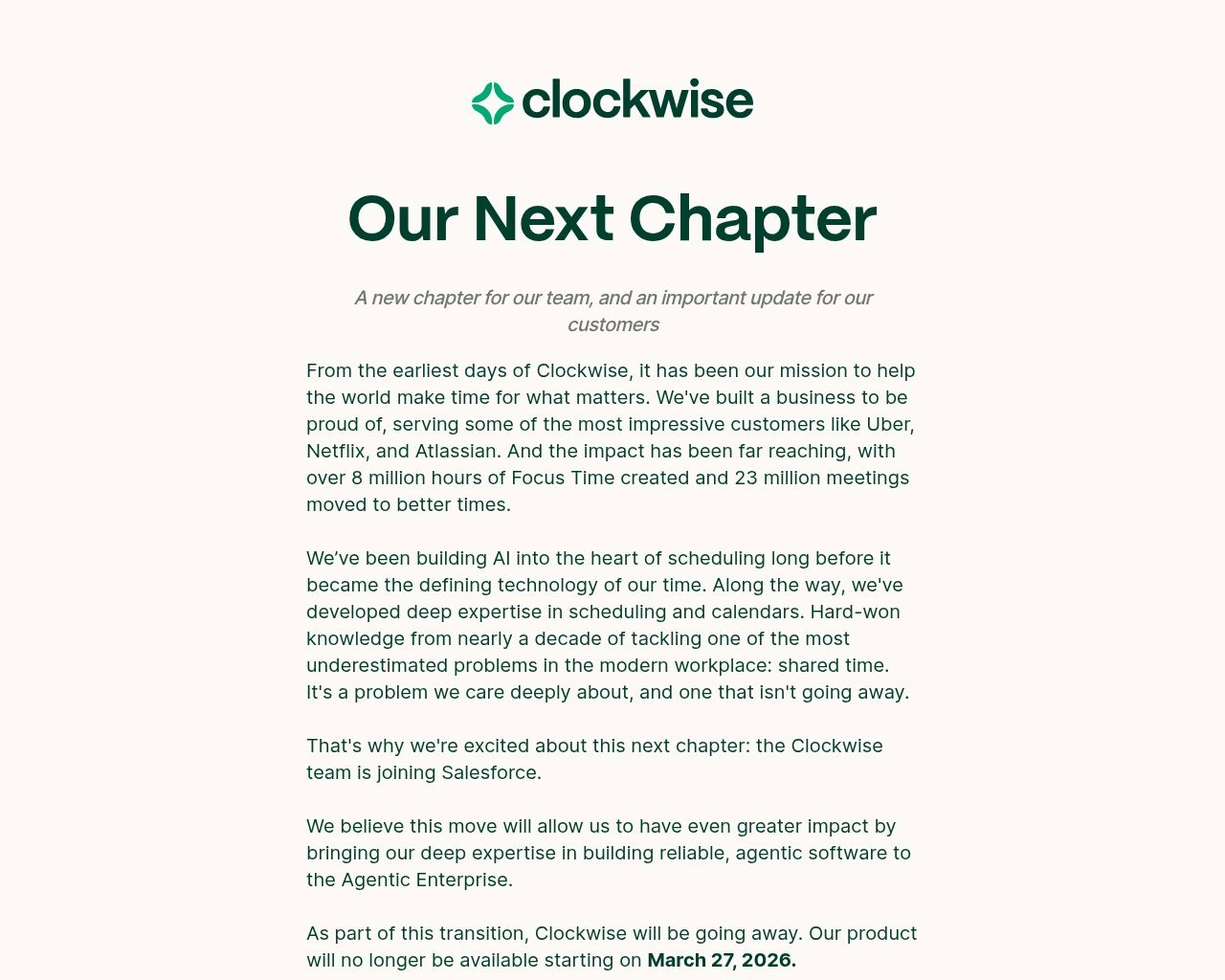
Clockwise
Clockwise
Freemium$6.75 / user / moWeb, Google Calendar, OutlookSOC2 Type II, GDPR, CCPA certifiedOrg-wide meeting availability matrix★ 4.7(210)Alternatives →
tl;dv
tl;dv
Freemium$18.00 / user / moChrome Extension, Desktop AppEU GDPR compliant, encrypted video storageUnlimited Google Meet & Zoom recordings★ 4.8(245)Alternatives →
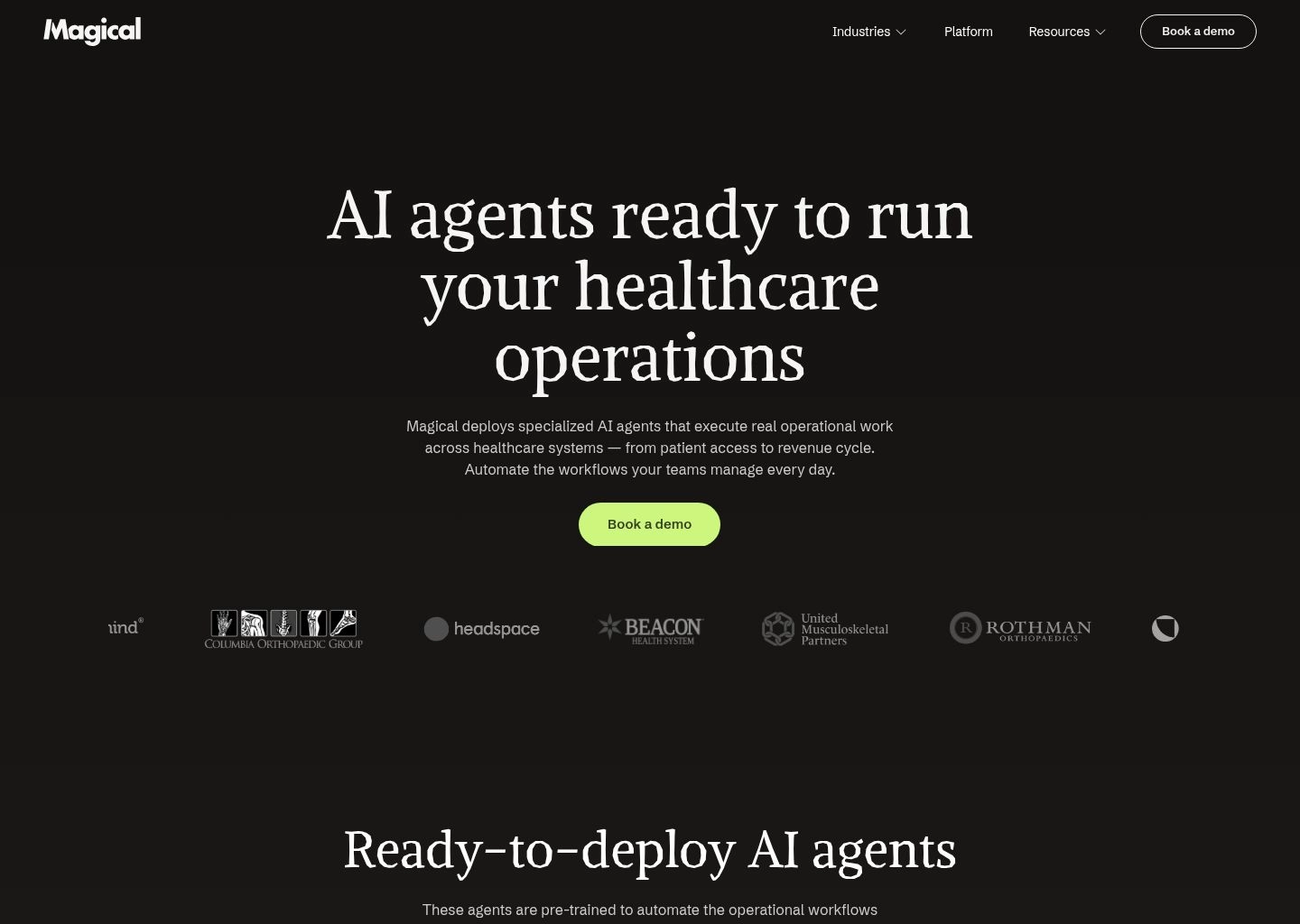
Magical
Magical
Freemium$6.50 / user / moChrome ExtensionLocal browser token processing, zero telemetry sharingUnlimited shortcuts & transfers★ 4.8(280)Alternatives →
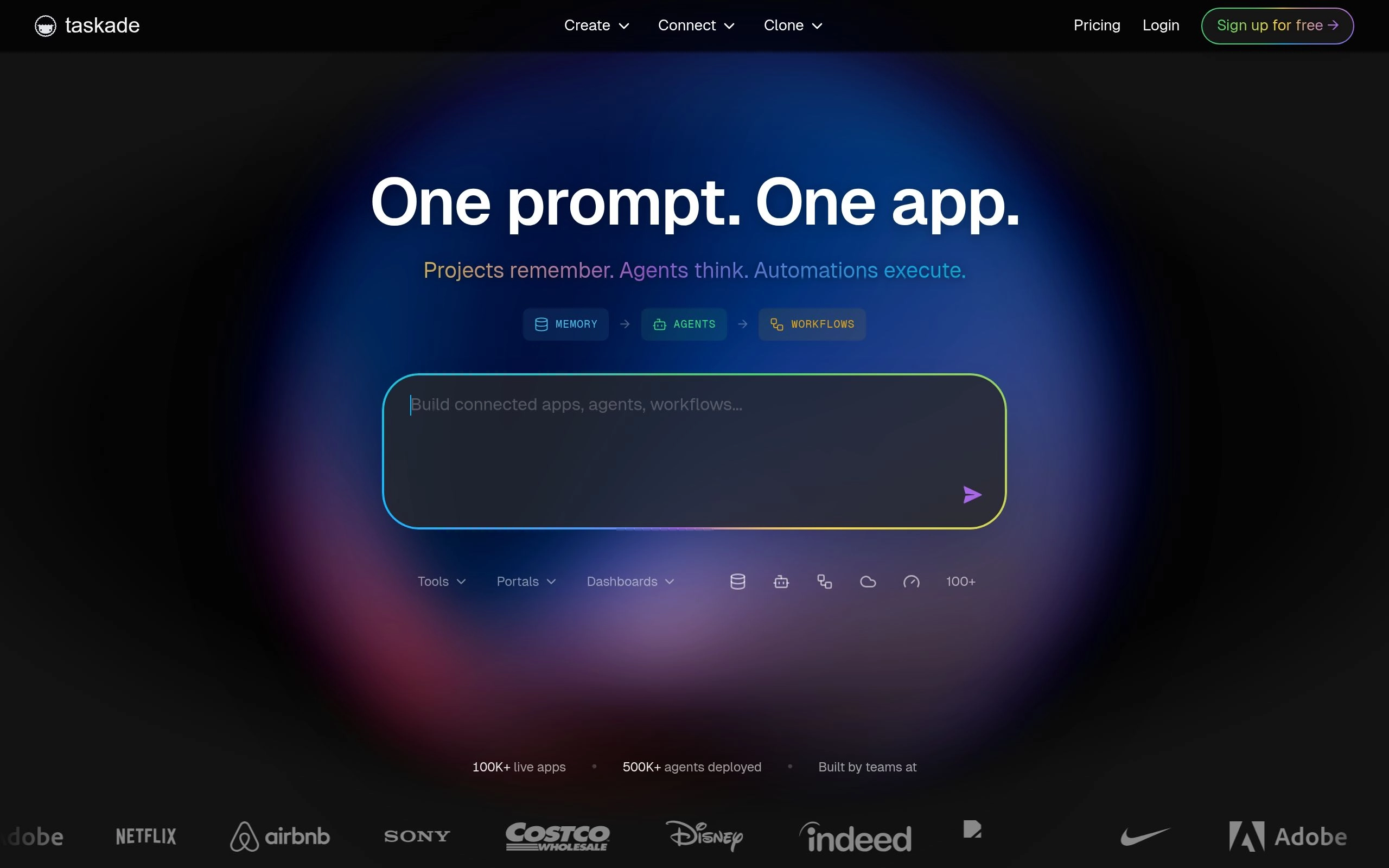
Taskade Genesis
Taskade Genesis
Freemium$8.00 / moWeb, Desktop, Mobile, Browser ExtensionSOC2, 256-bit AES encryptionMulti-agent autonomous team memory★ 4.7(230)Alternatives →
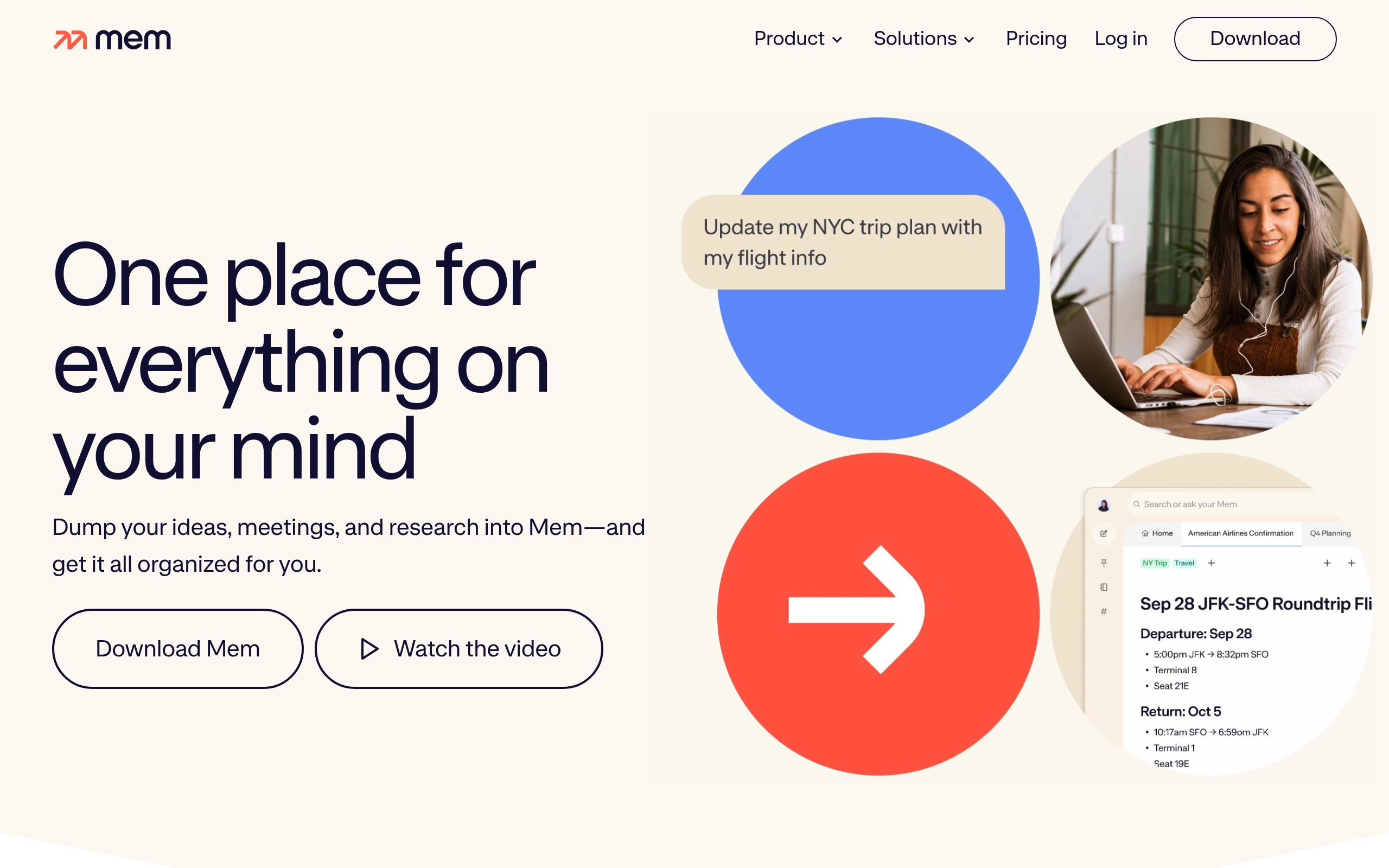
Mem AI
Mem AI
Freemium$10.00 / moWeb, macOS, Windows, iOSZero model training on user notes, SOC2 compliantDynamic graph-based memory index★ 4.6(175)Alternatives →
Comprehensive Technical Reviews

In-Depth Reviews: 16 Best AI Tools for Productivity in 2026

Detailed hands-on evaluation of each leading AI meeting assistant, autonomous calendar planner, slide deck maker, and unified workspace knowledge graph.

#1
Notion AI

Notion AI

Unified AI WorkspaceFreemium ($8-10/seat/mo)

The connected enterprise workspace intelligence that queries your internal docs, databases, Slack messages, and Google Drive files with unified permission security.

notion-ai.app — Productivity Workspace Preview
Verified Interface
Notion AI AI Productivity Tool Workspace UI Preview
Official interface snapshot of Notion AI for high-output teams2026 Edition

Notion AI has evolved from a simple in-line writing generator into one of the most powerful enterprise workspace copilots available in 2026. By connecting your company docs, projects, and meeting notes directly to external integrations like Slack, Google Drive, and Jira, Notion AI transforms scattered institutional memory into an instant question-answering engine.

Instead of searching across five different apps to find a project spec or quarterly goal, users can query Notion AI directly in plain English. The model synthesizes answers with clickable citations referencing the exact source documents, adhering strictly to existing workspace permission groups so employees only see data they are authorized to access.

Beyond search, Notion AI features automated database autofill properties that summarize customer call notes, tag tasks by department, and extract action items into structured Kanban boards automatically.

Key Features & Productivity Strengths

Universal Q&A engine searching across Notion, Google Drive, Slack, and Jira
Automated database autofill for instant status summaries, tagging, and sentiment
In-line generative editor for drafting PRDs, blog posts, briefs, and emails
Enterprise-grade permission isolation respecting existing access control lists
Best For

Knowledge workers, cross-functional project teams, and executives looking to centralize company documentation, wikis, and project tracking inside a unified AI assistant.

Limitations & When Not To Use

Autonomous daily calendar scheduling or real-time voice call audio transcription without third-party integrations.
Supported Environments:Web, macOS (Apple Silicon/Intel), Windows, iOS, Android
Context / Search Limits:Full workspace semantic knowledge graph
Privacy & Data Rights:Zero data training on customer content; SOC2 Type II, ISO 27001, and HIPAA eligible.
Free Tier: Included free trial queries on standard Notion workspace plans.
Pro Tier: $8.00 / seat / month (billed annually) or $10.00 / seat / month (billed monthly).
#2
Otter.ai

Otter.ai

Meeting Intelligence & AudioFreemium ($8.33/mo Pro)

Automated meeting assistant that joins Zoom, Google Meet, and Teams calls, generating speaker-tagged transcripts, slide captures, and executive summaries in real time.

otterai.app — Productivity Workspace Preview
Verified Interface
Otter.ai AI Productivity Tool Workspace UI Preview
Official interface snapshot of Otter.ai for high-output teams2026 Edition

Otter.ai is the benchmark meeting transcription and intelligence platform used by over 500,000 teams worldwide. Its proprietary automated meeting bot (OtterPilot) synchronizes with Google Calendar or Microsoft Outlook to join virtual meetings automatically, transcribe multi-party conversations with real-time speaker separation, and capture shared presentation slides directly into the meeting timeline.

During live calls, participants can use Otter AI Chat to ask questions about topics discussed 15 minutes prior, draft follow-up emails, or assign action items without disrupting the speaker. After the call concludes, Otter instantly dispatches a 30-second executive summary with clickable timestamps and visual slide snapshots.

For teams with high meeting velocity, Otter's workspace channels allow seamless cross-call search, ensuring no decision or customer requirement is lost across different departments.

Key Features & Productivity Strengths

OtterPilot auto-joining scheduled Zoom, Teams, and Google Meet calls
Automated presentation slide capture synchronized with speech timestamps
Interactive live meeting chat for drafting follow-ups and answering questions
Native export integrations to Slack, Salesforce, HubSpot, and Notion
Best For

Sales representatives, product managers, and remote teams who attend multiple daily calls and need automated documentation, slide archiving, and action item tracking.

Limitations & When Not To Use

Complex async task dependency scheduling or full document wiki management.

Supported Environments:Web, Chrome Extension, iOS, Android, Zoom App
Context / Search Limits:300 minutes per conversation (unlimited overall archive)
Privacy & Data Rights:End-to-end TLS 1.3 encryption, AES-256 at rest, strict zero audio training on business plans.
Free Tier: Free forever (300 monthly transcription minutes, 30 mins per call max).
Pro Tier: $8.33 / month (billed annually) for 1,200 monthly minutes and advanced search.
#3
Motion

Motion

Autonomous Calendar & PlanningPaid ($19/mo Individual)

Autonomous executive assistant that dynamically plans your schedule, automatically prioritizing tasks and re-arranging your calendar when meetings run overtime.

motion.app — Productivity Workspace Preview
Verified Interface
Motion AI Productivity Tool Workspace UI Preview
Official interface snapshot of Motion for high-output teams2026 Edition

Motion eliminates the daily cognitive burden of deciding what to work on next. Rather than acting as a static to-do list, Motion functions as an algorithmic executive assistant. You simply enter your tasks, estimated durations, priorities, and hard deadlines—Motion's AI scheduler automatically places them into your calendar during optimal focus hours.

When an unexpected client meeting is booked or a project runs over its allotted time, Motion's real-time reshuffle engine instantly recalculates your entire schedule, pushing lower-priority tasks forward and alerting you if a deadline is in jeopardy.

Motion also replaces standalone scheduling tools with intelligent booking links that automatically preserve dedicated deep-work blocks and prevent meeting burnout.

Key Features & Productivity Strengths

Algorithmic daily planning auto-scheduling tasks into calendar focus blocks
Dynamic real-time reshuffle adjusting your agenda when schedules slip
Smart meeting booking links that defend personal focus and uninterrupted time
Team project management tracking individual bandwidth and delivery milestones
Best For

Founders, executives, freelancers, and engineers managing dozens of competing priorities who want software to plan their day with mathematical efficiency.

Limitations & When Not To Use

Budget-conscious users looking for a free scheduling tool, or teams needing deep meeting audio transcription.

Supported Environments:Web, macOS, Windows, iOS, Android
Context / Search Limits:Unlimited tasks, calendars, and project dependencies
Privacy & Data Rights:SOC2 certified, OAuth access token encryption, strict calendar data privacy.
Free Tier: 7-day fully functional free trial (no permanent free tier).
Pro Tier: $19.00 / month (billed annually) or $34.00 / month (billed monthly) Individual plan.
#4
Fireflies.ai

Fireflies.ai

Conversation AnalyticsFreemium ($10/seat/mo)

AI voice assistant and conversation intelligence platform that records, transcribes, and analyzes team meetings across Zoom, Google Meet, Teams, and Webex.

firefliesai.app — Productivity Workspace Preview
Verified Interface
Fireflies.ai AI Productivity Tool Workspace UI Preview
Official interface snapshot of Fireflies.ai for high-output teams2026 Edition

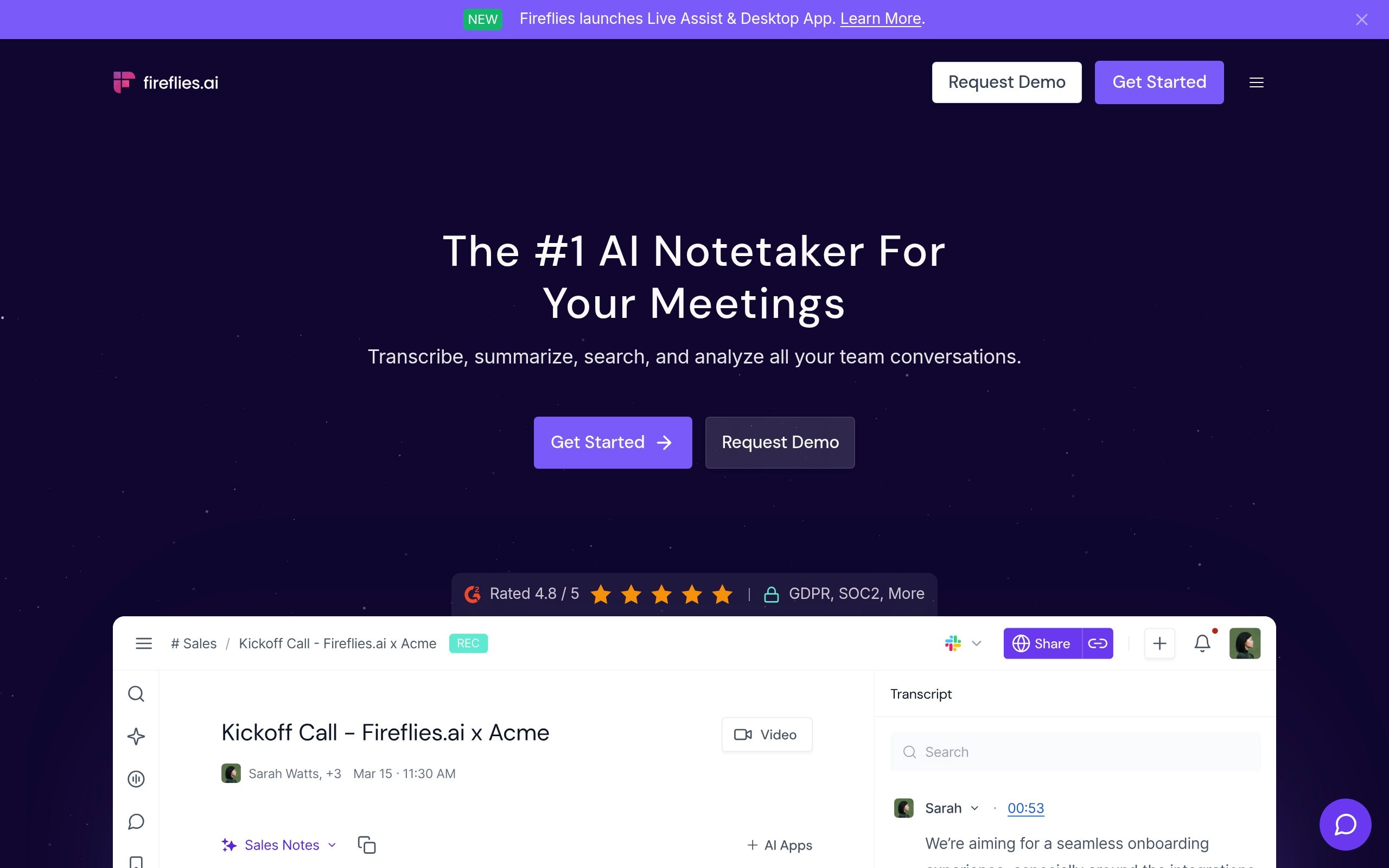
Fireflies.ai is an enterprise-grade conversation intelligence engine designed to extract deep insights from every internal and external call. Supporting over 60 languages with high-fidelity speech recognition, Fireflies automatically captures meetings, generates customizable AI summaries, and tracks conversation metrics like talk-to-listen ratios and sentiment scores.

Its proprietary 'AskFred' AI assistant allows users to converse with meeting transcripts, extracting specific customer pain points, budget figures, or technical objections discussed during a 45-minute demo.

Fireflies stands out for its extensive native CRM integrations, automatically logging notes, recordings, and action items directly into Salesforce, HubSpot, Zoho, and Pipedrive without requiring manual data entry.

Key Features & Productivity Strengths

Support for 60+ spoken languages with automated multi-speaker diarization
AskFred conversational AI copilot for querying transcript details and next steps
Automated CRM sync logging meeting data directly to Salesforce and HubSpot
Conversation intelligence tracking sentiment, speaker pacing, and filler words
Best For

Revenue teams, sales leaders, and customer success departments that require automatic CRM logging, sentiment analytics, and cross-team conversational search.

Limitations & When Not To Use

Solo users needing simple calendar auto-scheduling or personal task management.

Supported Environments:Web, Chrome Extension, API, Zoom/Teams/Meet Bots
Context / Search Limits:Unlimited call storage on Pro and Business tiers
Privacy & Data Rights:Zero data training option; SOC2 Type II, GDPR, CCPA, and HIPAA compliance.
Free Tier: Free plan with 800 minutes of storage and limited AI summaries.
Pro Tier: $10.00 / user / month (billed annually) for unlimited transcription and AI search.
#5
Fathom AI Notetaker

Fathom AI Notetaker

Free Meeting RecorderFreemium ($0 Free / $19 Pro)

The highest-rated free AI meeting assistant for Zoom, Teams, and Google Meet that records, transcribes, and highlights critical call moments with zero latency.

fathom-ai-notetaker.app — Productivity Workspace Preview
Verified Interface
Fathom AI Notetaker AI Productivity Tool Workspace UI Preview
Official interface snapshot of Fathom AI Notetaker for high-output teams2026 Edition

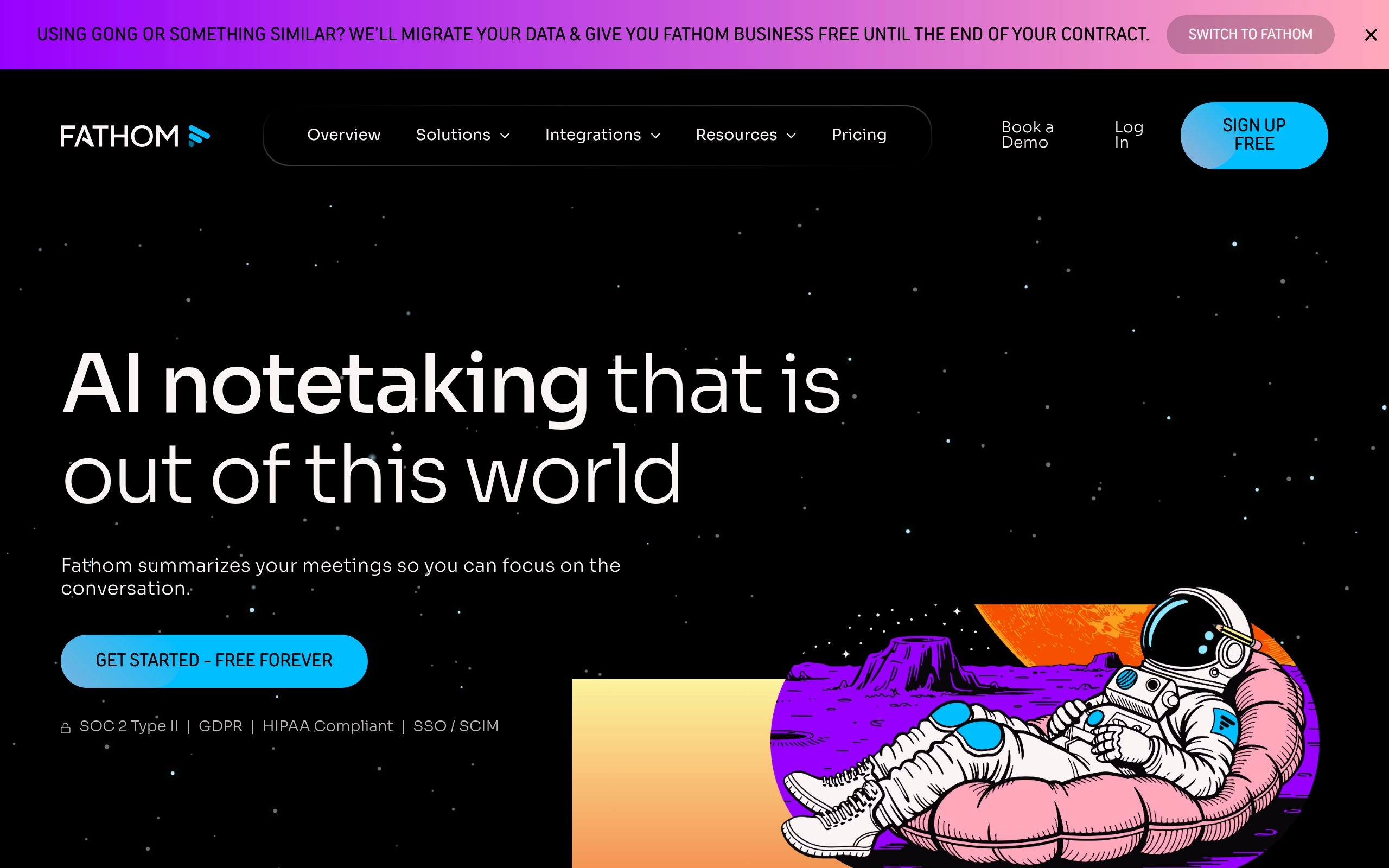
Fathom has disrupted the meeting intelligence landscape by providing a genuinely generous, 100% free individual tier for Zoom, Google Meet, and Microsoft Teams. When active, Fathom captures conversations, generates accurate transcripts, and delivers formatted summaries seconds after your call ends.

A standout capability is one-click bookmarking: during a call, you can click a button to mark a moment as an action item, question, or key highlight, and Fathom will automatically summarize that specific section.

Fathom's paid Team Edition adds collaborative sharing, automated CRM sync to Salesforce and HubSpot, and shared team repository folders without usage caps.

Key Features & Productivity Strengths

Completely free individual tier with unlimited recording and transcription time
One-click moment bookmarking during calls to isolate critical decisions
Near-instant summary generation delivered within 15 seconds of call completion
Seamless native integration with Zoom, Google Meet, Microsoft Teams, and Slack
Best For

Individual consultants, account executives, and founders who want world-class meeting summaries and transcripts without paying monthly subscription fees.

Limitations & When Not To Use

Users needing automated calendar time-blocking or complex workspace wiki management.

Supported Environments:macOS (Apple Silicon & Intel), Windows (Desktop Client), Web
Context / Search Limits:Unlimited recording duration and call storage
Privacy & Data Rights:SOC2 Type II certified, end-to-end encryption, zero LLM model training on user calls.
Free Tier: 100% Free forever for individuals with unlimited recording and AI summaries.
Pro Tier: $19.00 / user / month Team Edition with CRM syncing and team folders.
#6
Reclaim.ai

Reclaim.ai

Smart Calendar & HabitsFreemium ($8/user/mo)

Smart calendar assistant for Google Calendar that automatically defends focus work, manages recurring habits, and optimizes team scheduling across organizations.

reclaimai.app — Productivity Workspace Preview
Verified Interface
Reclaim.ai AI Productivity Tool Workspace UI Preview
Official interface snapshot of Reclaim.ai for high-output teams2026 Edition

Reclaim.ai takes a habit-first approach to calendar optimization. Rather than treating your day as an unpredictable string of appointments, Reclaim allows you to declare recurring habits (such as lunch, daily planning, inbox triage, or gym) and target focus hours. Reclaim dynamically schedules them, showing them as 'free' to colleagues until the window begins to close, at which point it locks them as 'busy'.

Reclaim integrates deeply with Google Calendar, Slack, Asana, Linear, Jira, and Todoist, converting incoming project tasks into scheduled blocks on your timeline.

For teams, Reclaim's 1:1 Smart Meetings feature auto-schedules recurring check-ins at the optimal shared time, automatically rescheduling when conflicts arise.

Key Features & Productivity Strengths

Adaptive habit defense dynamically locking calendar slots as time runs out
Task integration automatically blocking focus time for Asana, Jira, and Todoist items
Smart 1:1 meeting scheduler finding optimal times between busy colleagues
Calendar sync replicating events between personal and work Google accounts
Best For

Knowledge workers, product managers, and developers heavily reliant on Google Calendar who want to defend personal habits and uninterrupted deep-work blocks.

Limitations & When Not To Use

Users on Microsoft Outlook or teams needing automated audio meeting transcription.

Supported Environments:Web, Google Calendar Add-on, Slack Integration
Context / Search Limits:Full Google Calendar timeline and synchronized secondary accounts
Privacy & Data Rights:Enterprise-grade Google OAuth security, zero calendar data sharing, SOC2 Type II.
Free Tier: Free Lite plan with 3 habits, 1 synced calendar, and basic task scheduling.
Pro Tier: $8.00 / user / month Starter plan with unlimited habits and custom focus time.
#7
Gamma

Gamma

AI Presentations & DecksFreemium ($8/mo Plus)

The AI presentation maker that generates polished, interactive slide decks, documents, and web pages from simple text prompts in under 30 seconds.

gamma.app — Productivity Workspace Preview
Verified Interface
Gamma AI Productivity Tool Workspace UI Preview
Official interface snapshot of Gamma for high-output teams2026 Edition

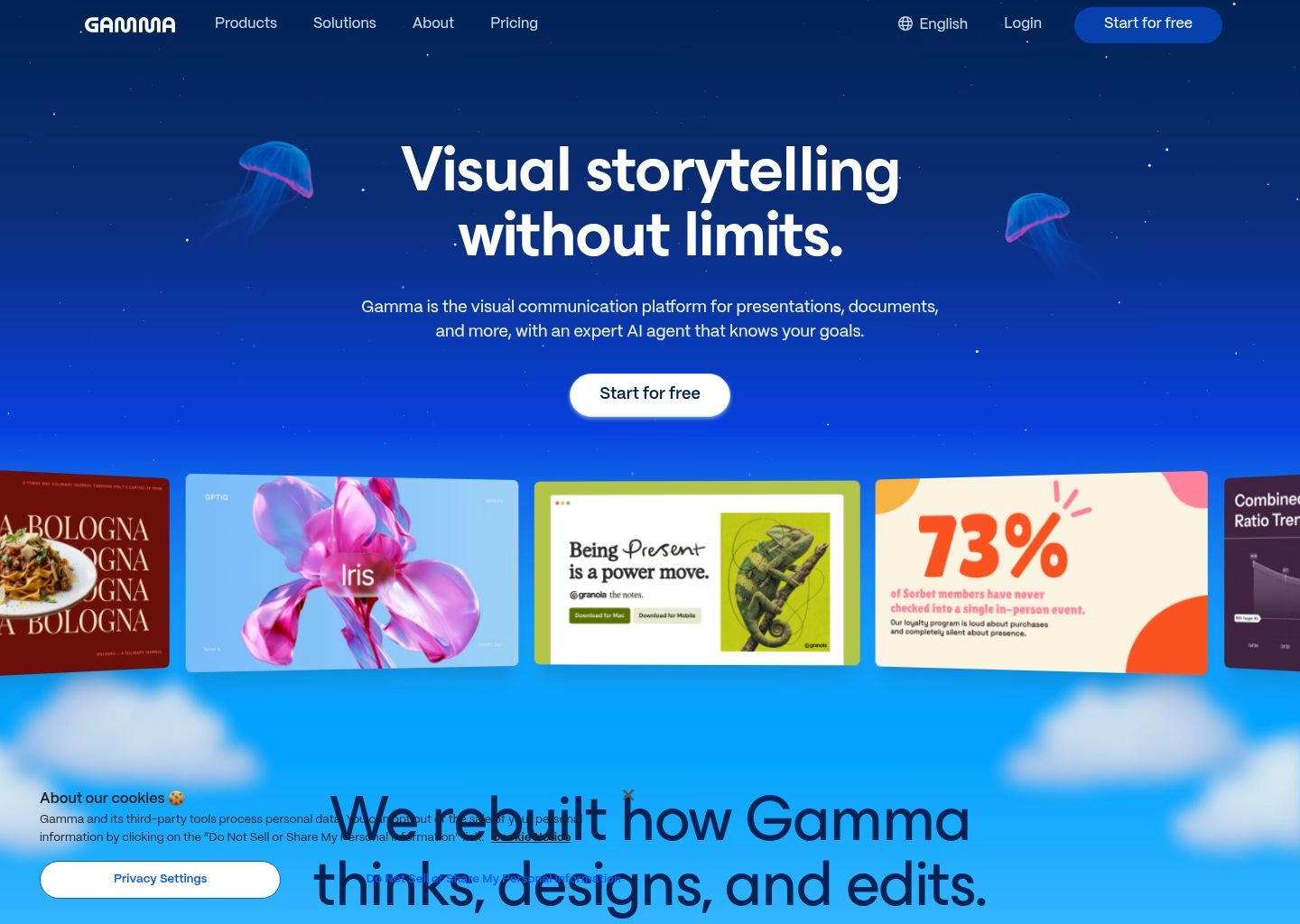
Gamma has redefined presentation creation by abandoning the clunky, rigid slide masters of legacy software in favor of fluid, web-native card layouts. Users can input a simple outline, paste notes from a meeting, or upload a rough PDF, and Gamma's AI generates a complete multi-card presentation with custom imagery, visual tables, and consistent typography in under a minute.

Unlike traditional presentation generators that produce generic slide text, Gamma formats interactive elements like expandable accordions, embedded videos, interactive forms, and live web previews directly on cards.

Gamma decks can be presented natively in presentation mode, shared via a responsive link that adapts seamlessly to mobile screens, or exported directly to PDF and PowerPoint (.pptx).

Key Features & Productivity Strengths

Instant multi-card deck generation from prompts, documents, or meeting notes
Responsive, fluid layouts looking equally sharp on mobile phones and 4K displays
Interactive media embeds including video players, analytics charts, and Figma prototypes
One-click export to PDF, PowerPoint (.pptx), and custom domain web pages
Best For

Entrepreneurs, marketers, sales professionals, and educators who need to produce visually striking presentations, pitch decks, and client proposals at 10x speed.

Limitations & When Not To Use

Complex enterprise financial spreadsheets or automated calendar time-blocking.

Supported Environments:Web (Cloud-based canvas, responsive mobile viewing)
Context / Search Limits:Generates 10-20 card decks per prompt with unlimited iterative rewrites
Privacy & Data Rights:Enterprise workspace privacy, encrypted cloud storage, no model training on user decks.
Free Tier: Free plan with 400 AI generation credits and basic export features.
Pro Tier: $8.00 / month (billed annually) Plus tier with unlimited AI generations and no watermark.
#8
Beautiful.ai

Beautiful.ai

Smart Slide DesignPaid ($12/mo Individual)

Generative presentation software with built-in design guardrails that automatically adapts slide layouts as you add content, charts, and bullet points.

beautifulai.app — Productivity Workspace Preview
Verified Interface
Beautiful.ai AI Productivity Tool Workspace UI Preview
Official interface snapshot of Beautiful.ai for high-output teams2026 Edition

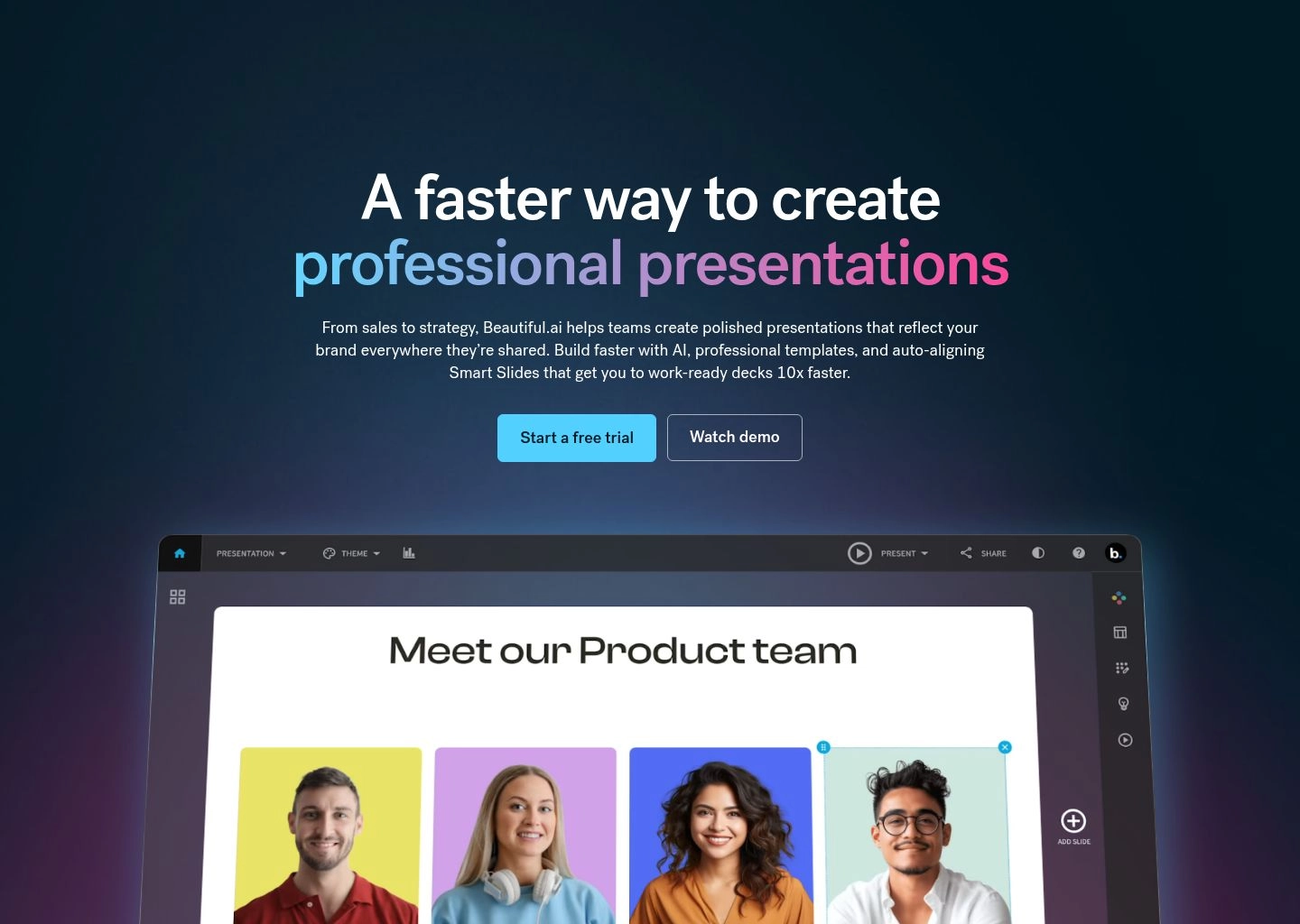
Beautiful.ai eliminates the frustration of formatting slide margins, font hierarchies, and text alignment. Built around 'Smart Slides', the software applies graphic design rules in real time: when you add a fourth team member card or an additional data column, the entire slide adapts its proportions automatically to preserve visual balance.

Its DesignerBot AI feature allows users to generate cohesive presentation themes, brainstorm slide layouts, and generate relevant context imagery directly inside the canvas.

For corporations, Beautiful.ai provides centralized brand controls, locking company colors, approved fonts, and logo placements so every employee creates slides matching brand guidelines.

Key Features & Productivity Strengths

Smart Slide templates dynamically adjusting layouts as content changes
DesignerBot AI generating entire presentations and custom visuals from text
Corporate brand governance locking approved color palettes, fonts, and assets
Native export to fully editable Microsoft PowerPoint (.pptx) presentations
Best For

Corporate teams, marketing departments, and consultants who need strict brand consistency and flawless slide design without manual formatting.

Limitations & When Not To Use

Users seeking a free presentation tool or conversational daily task planning.

Supported Environments:Web, PowerPoint Add-in, Slack Integration
Context / Search Limits:60+ Smart slide layouts per presentation
Privacy & Data Rights:SOC2 Type II certified, enterprise-grade access control, strict data privacy.
Free Tier: 14-day free trial (no permanent free tier).
Pro Tier: $12.00 / month (billed annually) Pro plan for individual creators.
#9
ClickUp

ClickUp

All-in-One Project AIFreemium ($7/user/mo)

The all-in-one productivity platform supercharged with ClickUp Brain, connecting company projects, docs, chats, and goals into a unified AI knowledge network.

clickup.app — Productivity Workspace Preview
Verified Interface
ClickUp AI Productivity Tool Workspace UI Preview
Official interface snapshot of ClickUp for high-output teams2026 Edition

ClickUp Brain is an integrated AI neural network built directly into ClickUp's project management ecosystem. It consists of three synchronized modules: AI Knowledge Manager (querying tasks, docs, and company wikis), AI Project Manager (automating standup updates, task subtasks, and progress summaries), and AI Writer for Work (drafting customer emails, meeting recaps, and design briefs).

Instead of asking colleagues for status updates, team members can ask ClickUp Brain 'What did the mobile team ship this week?' or 'Where is the latest enterprise security review?', and receive an instant synthesized answer linking directly to relevant tasks and comments.

ClickUp also automates repetitive project management tasks, such as generating sprint retrospectives, transcribing voice clips, and populating task custom fields automatically.

Key Features & Productivity Strengths

ClickUp Brain querying all tasks, documents, and chat threads with context awareness
Automated project standup generation and sprint progress summary reports
One-click subtask generation based on task descriptions and scope
Contextual AI Writer embedded across tasks, comments, and ClickUp Docs
Best For

Fast-growing companies, product organizations, and agencies managing complex multi-stage workflows who want an all-in-one platform replacing multiple fragmented tools.

Limitations & When Not To Use

Solo users looking for an ultra-minimalist, lightweight to-do checklist.

Supported Environments:Web, macOS, Windows, Linux, iOS, Android, Chrome Extension
Context / Search Limits:Full workspace tasks, chats, docs, and external synced apps
Privacy & Data Rights:ISO 27001, SOC2 Type II, GDPR, CCPA, and HIPAA compliance; zero data model training.
Free Tier: Free Forever plan with 100MB storage and unlimited tasks.
Pro Tier: $7.00 / user / month Unlimited plan + $7.00 / user / month ClickUp Brain add-on.
#10
Superhuman

Superhuman

High-Speed AI EmailPaid ($30/user/mo)

The fastest email experience ever built, accelerated with conversational AI that drafts complete replies in your personal voice and organizes your inbox at sub-100ms speeds.

superhuman.app — Productivity Workspace Preview
Verified Interface
Superhuman AI Productivity Tool Workspace UI Preview
Official interface snapshot of Superhuman for high-output teams2026 Edition

Superhuman is engineered for executives, investors, and high-velocity professionals who process hundreds of emails every day. Operating with blazing sub-100ms response times, Superhuman allows users to triage their entire inbox using fast keyboard shortcuts without ever touching a mouse.

With Superhuman AI, you can jot down a two-word phrase like 'agree, Tuesday' and the model automatically generates an articulate, context-aware reply matching your personal phrasing, greeting style, and tone.

Superhuman AI also summarizes lengthy email threads into one-line executive bullets, autocorrects grammar as you type, and auto-categorizes inbound emails with Split Inboxes so high-priority customer requests are never missed.

Key Features & Productivity Strengths

Sub-100ms speed architecture enabling instant inbox zero navigation
Voice-matched AI draft generation expanding quick phrases into polished replies
Automated one-line thread summaries condensing 20+ message email chains
Split Inbox auto-categorization filtering VIP contacts, newsletters, and receipts
Best For

Executives, venture capitalists, founders, and sales leads receiving 100+ emails per day who value speed and want to cut email triage time in half.

Limitations & When Not To Use

Budget-minded email users looking for a free client or teams needing project Kanban boards.

Supported Environments:macOS, Windows, iOS, Android, Web (Gmail & Outlook)
Context / Search Limits:Full inbox history with instantaneous local caching and indexing
Privacy & Data Rights:Zero email storage on Superhuman servers; SOC2 Type II, Google Security verified.
Free Tier: No free tier (invitation/trial access available).
Pro Tier: $30.00 / user / month Starter plan (billed annually).
#11
Shortwave

Shortwave

AI Executive Email AssistantFreemium ($7/mo Personal)

The AI-native email client that bundles messages into tasks, drafts personalized responses, and lets you converse with your entire email archive like an executive assistant.

shortwave.app — Productivity Workspace Preview
Verified Interface
Shortwave AI Productivity Tool Workspace UI Preview
Official interface snapshot of Shortwave for high-output teams2026 Edition

Built by former Google engineers who worked on Google Inbox, Shortwave turns your messy inbox into an organized task board. Shortwave groups related messages into automated bundles (e.g., newsletters, promotions, and updates), allowing you to sweep entire categories in a single click.

Shortwave's conversational AI assistant can search across your entire email history to answer complex questions like 'What did Sarah propose for the Q3 budget?' or 'Find the invoice from Stripe last March' with factual accuracy.

Its ghostwriting feature crafts complete email responses based on your communication style and automatically pulls relevant calendar availability directly into outgoing drafts.

Key Features & Productivity Strengths

Conversational AI assistant capable of answering questions from your email archive
Automated email bundling allowing one-click sweep for non-urgent messages
Personalized AI ghostwriting matching your communication tone and vocabulary
Built-in calendar scheduling with automated availability link insertion
Best For

Professionals, Gmail power users, and startup teams who loved Google Inbox and want an AI-first email client that treats emails like actionable tasks.

Limitations & When Not To Use

Microsoft Exchange/Outlook exclusive enterprise setups (primarily Gmail focused).

Supported Environments:Web, macOS, iOS, Android
Context / Search Limits:Full Gmail semantic history indexed with vector search
Privacy & Data Rights:SOC2 certified, Google security verified, strict zero model training on email contents.
Free Tier: Free plan with 90-day search history and limited AI prompts.
Pro Tier: $7.00 / month Personal plan with 3-year search and full AI email summaries.
#12
Clockwise

Clockwise

Team Calendar OptimizationFreemium ($6.75/user/mo)

AI calendar management engine for teams that automatically moves flexible meetings to open up uninterrupted blocks of Focus Time across entire organizations.

clockwise.app — Productivity Workspace Preview
Verified Interface
Clockwise AI Productivity Tool Workspace UI Preview
Official interface snapshot of Clockwise for high-output teams2026 Edition

Clockwise solves calendar fragmentation at the team level. While individual calendars often appear hopelessly booked with 30-minute meetings scattered throughout the day, Clockwise identifies 'flexible meetings' and coordinates with colleagues' calendars to shift appointments together.

By grouping fragmented meetings into concentrated blocks, Clockwise opens up continuous two-to-three-hour stretches of Focus Time for engineers, designers, and writers to perform deep work without constant interruption.

Its Prism conversational calendar feature allows users to reschedule complex multi-person meetings or coordinate team availability using simple natural language prompts in chat.

Key Features & Productivity Strengths

Focus Time preservation dynamically clustering meetings to create 2+ hour focus blocks
Flexible meeting automation moving internal check-ins to optimal mutual windows
Clockwise Prism conversational AI interface for calendar scheduling via chat
Team analytics dashboards measuring org-wide Focus Time and meeting fragmentation
Best For

Engineering teams, product departments, and modern enterprises using Google Calendar or Outlook wanting to eliminate meeting overload across departments.

Limitations & When Not To Use

Solo freelancers without teammates, or users looking for audio meeting transcription.

Supported Environments:Web, Google Calendar Add-on, Chrome Extension, Slack
Context / Search Limits:Org-wide multi-calendar scheduling matrix
Privacy & Data Rights:SOC2 Type II certified, GDPR, CCPA, and Google API verified security standards.
Free Tier: Free plan with basic Focus Time creation and meeting optimization.
Pro Tier: $6.75 / user / month (billed annually) Teams plan with flexible meetings.
#13
tl;dv

tl;dv

Video Meeting SummariesFreemium ($18/user/mo)

AI meeting recorder for Google Meet and Zoom that records video, transcribes 30+ languages, and creates bite-sized video clip highlights for team collaboration.

tldv.app — Productivity Workspace Preview
Verified Interface
tl;dv AI Productivity Tool Workspace UI Preview
Official interface snapshot of tl;dv for high-output teams2026 Edition

tl;dv (short for 'too long; didn't view') is designed specifically for remote and asynchronous teams that want to eliminate unnecessary meetings. Operating seamlessly on Zoom and Google Meet, tl;dv records video calls and allows attendees to pin timestamps to key moments with a single keystroke.

After the call, tl;dv's AI summarizes the discussion and enables users to create bite-sized video clips of client feedback, feature requests, or executive decisions that can be embedded directly into Slack, Notion, or Jira.

Its multi-meeting intelligence feature allows cross-call queries, enabling product teams to ask 'What did enterprise customers say about pricing this month?' and immediately watch the exact video clips.

Key Features & Productivity Strengths

High-definition video and audio recording for Google Meet and Zoom calls
Instant video clip generator allowing one-click sharing of critical soundbites
Multilingual transcription supporting 30+ languages with automatic speaker tags
Multi-meeting search identifying customer feedback trends across dozens of calls
Best For

Product managers, UX researchers, and customer success teams who need to share actual customer video clips and voice feedback with engineering and leadership.

Limitations & When Not To Use

Automated personal calendar scheduling or written document second-brain organization.

Supported Environments:Chrome Extension, Zoom Native App, Web Dashboard
Context / Search Limits:Unlimited call recordings and video storage
Privacy & Data Rights:EU GDPR compliant, encrypted video storage at rest, strict user data isolation.
Free Tier: Free plan with unlimited recording and transcription on Google Meet & Zoom.
Pro Tier: $18.00 / user / month Pro plan with downloadable video and CRM integrations.

#14
Magical

Magical

Browser Autofill & Data TransferFreemium ($6.50/user/mo)

AI productivity and text expansion app that automates repetitive web tasks, auto-filling customer records and moving data between browser tabs without APIs.

magical.app — Productivity Workspace Preview
Verified Interface
Magical AI Productivity Tool Workspace UI Preview
Official interface snapshot of Magical for high-output teams2026 Edition

Magical is a browser extension that saves repetitive keystrokes for sales reps, recruiters, and support agents. Operating anywhere on the web, Magical combines smart text expansion with autonomous data transfer.

With Magical, you can type short shortcuts like ';intro' and the AI automatically expands it into a personalized message, dynamically pulling the recipient's first name, company name, and job title directly from the LinkedIn or CRM tab you have open.

Magical also enables one-click data transfer: you can scrape candidate profiles from LinkedIn or lead data from web directories directly into Google Sheets, Airtable, or Salesforce without building custom API webhooks.

Key Features & Productivity Strengths

Smart text expansion generating personalized messages from keyboard shortcuts
Autonomous data scraping moving data between browser tabs and Google Sheets
AI response drafting generating tailored email and customer support replies
No-code implementation requiring zero API configuration or developer setup
Best For

Recruiters, sales development reps (SDRs), and customer support agents who spend hours copying and pasting lead info and responding to standard inquiries.

Limitations & When Not To Use

Full document wiki management or automated team calendar time-blocking.

Supported Environments:Google Chrome, Microsoft Edge, Brave, Chromium Browsers
Context / Search Limits:Unlimited shortcuts and browser tab scraping capabilities
Privacy & Data Rights:Local browser token processing, SOC2 Type II, zero telemetry selling.
Free Tier: Free plan with up to 600 monthly text expansions and basic data transfers.
Pro Tier: $6.50 / user / month Core plan with unlimited expansions and team shortcut sharing.
#15
Taskade Genesis

Taskade Genesis

Autonomous Agent WorkspaceFreemium ($8/mo Plus)

The collaborative workspace built for human-AI teamwork with autonomous agent teams that research, write, and execute multi-step workflows across your tasks.

taskade-genesis.app — Productivity Workspace Preview
Verified Interface
Taskade Genesis AI Productivity Tool Workspace UI Preview
Official interface snapshot of Taskade Genesis for high-output teams2026 Edition

Taskade Genesis bridges the gap between traditional project management and autonomous AI agents. Within a unified workspace, teams can build customized AI agents assigned to specific operational roles—such as an SEO researcher, a copywriter, or a customer support responder.

These agents can collaborate with each other, execute multi-step workflows, and generate dynamic mindmaps, task checklists, and Kanban boards from simple prompts.

Taskade's five versatile project views (List, Board, Action, Mindmap, and Org Chart) allow teams to visualize complex projects in whichever format suits their workflow best.

Key Features & Productivity Strengths

Autonomous AI agent creation with custom knowledge bases and operational roles
Multi-view workspace switching instantly between Kanban, Mindmap, and List views
Workflow automation connecting AI agents with automated triggers and actions
Real-time team chat and video collaboration integrated directly alongside tasks
Best For

Agencies, small teams, and entrepreneurs who want to deploy autonomous AI agents to automate research, content generation, and project planning.

Limitations & When Not To Use

High-volume audio meeting transcription or deep email client replacement.

Supported Environments:Web, macOS, Windows, Linux, iOS, Android, Chrome Extension
Context / Search Limits:Multi-agent long-term memory across projects and documents
Privacy & Data Rights:SOC2 certified, 256-bit AES encryption at rest, strict workspace data privacy.
Free Tier: Free plan with 3 workspaces, 250MB storage, and 1,000 AI credits.
Pro Tier: $8.00 / month Plus plan for up to 2 users with 10,000 AI credits.
#16
Mem AI

Mem AI

Self-Organizing Second BrainFreemium ($10/mo Mem+)

The self-organizing personal workspace that uses AI to connect your notes, thoughts, and meeting takeaways without folders, tags, or manual organization.

mem.app — Productivity Workspace Preview
Verified Interface
Mem AI AI Productivity Tool Workspace UI Preview
Official interface snapshot of Mem AI for high-output teams2026 Edition

Mem AI eliminates the traditional chore of organizing notes into folders and subcategories. By utilizing semantic vector search, Mem automatically surfaces relevant past thoughts, quotes, and meeting notes whenever you open a new document or begin writing about a related topic.

Its Mem Chat feature acts as an intimate conversational assistant that knows everything you've ever read, written, or recorded in your workspace. You can ask 'What were my key takeaways from the call with Alex last month?' or 'Draft a proposal outline based on my past client notes.'

Mem also syncs with your Google Calendar and email, automatically pairing meeting events with dedicated notes and surfacing relevant context before you step into calls.

Key Features & Productivity Strengths

Self-organizing semantic knowledge graph eliminating manual folder structures
Mem Chat conversational interface querying your entire personal second brain
Automatic note pairing with Google Calendar events and scheduled meetings
Smart contextual sidebar surfacing related past notes as you write
Best For

Writers, researchers, founders, and executives who take frequent spontaneous notes and want software that organizes and connects their knowledge automatically.

Limitations & When Not To Use

Structured multi-person enterprise project management with complex Gantt charts.

Supported Environments:Web, macOS, Windows, iOS, Chrome Extension
Context / Search Limits:Full personal notes semantic memory graph
Privacy & Data Rights:Zero data model training on user notes, SOC2 Type II certified, encrypted at rest.
Free Tier: Free plan with basic note taking and limited AI search features.
Pro Tier: $10.00 / month (billed annually) Mem+ plan with unlimited AI chat and smart search.

All Evaluated Productivity AI Tools (98)

Filter tools by workflow discipline or pricing model.

Pricing:
Freemium
Notion AI

Notion AI

Your AI-powered workspace for teamwork.

4.8
Freemium
Otter.ai

Otter.ai

AI Meeting Notetaker, Transcription, and Insights

4.8
Paid
Motion

Motion

AI-powered platform for boosted productivity and team efficiency.

4.8
Freemium
Fireflies.ai

Fireflies.ai

AI notetaker that transcribes, summarizes, and analyzes meetings.

4.8
Freemium
Fathom AI Notetaker

Fathom AI Notetaker

AI-powered meeting summaries and transcriptions for enhanced productivity.

4.8
Freemium
Reclaim.ai

Reclaim.ai

AI-powered calendar for work, meetings, and life.

4.8
Freemium
Gamma

Gamma

AI-native tool for creating presentations, documents, websites and social posts from a single prompt

4.8
Paid
Beautiful.ai

Beautiful.ai

AI presentation software with smart slide templates that design and format your slides automatically

4.8
Freemium
ClickUp

ClickUp

The all-in-one AI work platform to maximize your productivity

4.8
Freemium
Superhuman

Superhuman

AI productivity suite for creative and impactful work.

4.8
Custom
Clockwise

Clockwise

AI-powered scheduling and calendar optimization.

4.8
Freemium
tl;dv

tl;dv

AI meeting notetaker: Record, transcribe, summarize, and get actionable insights.

4.8
Custom
Magical

Magical

Specialized AI Agents for Healthcare Operations Automation

4.8
Freemium
Taskade Genesis

Taskade Genesis

AI app builder: Agents, automations, and workflows from one prompt.

4.8
Freemium
Mem AI

Mem AI

Your AI Thought Partner for effortless organization and recall.

4.8
Freemium
Nabla

Nabla

Ambient AI that turns patient visits into clinical notes, dictation, and coding — right inside the EHR

4.8
Custom
Suki AI

Suki AI

Ambient clinical AI that turns patient visits into notes, coding, and voice-driven workflows

4.8
Freemium
TwinMind

TwinMind

AI Meeting Assistant: Notes, Summaries & Analysis Instantly

4.8
Freemium
Trevor AI

Trevor AI

AI planner for tasks and calendars. Regain clarity and focus.

4.8
Freemium
RescueTime

RescueTime

Automatic time tracking and focus tools to boost productivity.

4.8
Freemium
Jamie

Jamie

Privacy-first AI meeting notes, transcripts, and action items.

4.8
Freemium
Krisp

Krisp

AI-powered noise cancellation, accent conversion, and meeting notes.

4.8
Freemium
SaneBox

SaneBox

AI-powered email management for a cleaner, saner inbox.

4.8
Freemium
n8n

n8n

Flexible AI workflow automation for technical teams.

4.8
Freemium
Google NotebookLM

Google NotebookLM

AI research tool and thinking partner that analyzes sources, clarifies complexity, and transforms content.

4.8
Freemium
Avoma

Avoma

AI platform for note-taking, scheduling, coaching, and more.

4.8
Freemium
Notta

Notta

AI note taker for meetings, interviews, and recordings.

4.8
Freemium
Fellow.ai

Fellow.ai

AI meeting assistant for secure and productive meetings.

4.8
Freemium
Bluedot

Bluedot

Bot-free AI note taker for online and in-person meetings.

4.8
Paid
Saleshandy

Saleshandy

Automate cold email outreach and generate more leads.

4.8
Freemium
MailMaestro

MailMaestro

AI email assistant for faster, better email writing and management.

4.8
Paid
Timely

Timely

AI-powered automatic time tracking for accurate reporting and enhanced profitability.

4.8
Freemium
Mailbutler

Mailbutler

Smarter inbox with email productivity tools.

4.8
Paid
Reflect Notes

Reflect Notes

Think better with Reflect: Your AI-powered networked note-taking assistant.

4.8
Freemium
Gumloop

Gumloop

The no-code platform to build and host AI-powered business automations.

4.8
Freemium
Zapier

Zapier

Automate AI workflows, agents, and apps across 9,000+ integrations.

4.8
Custom
Wrike AI

Wrike AI

Automate tasks & accelerate workflows with Wrike AI.

4.8
Freemium
Make

Make

Visually design, build, and automate anything from tasks to workflows.

4.8
Freemium
Evernote

Evernote

Capture, organize, and recall everything with AI-powered note-taking.

4.8
Paid
Copilot in Outlook

Copilot in Outlook

Enhance Outlook with AI-powered email and meeting assistance.

4.8
Paid
Clean Email

Clean Email

Organize your inbox with powerful automation and cleaning tools.

4.8
Freemium
Structured

Structured

Visual day planner for tasks, to-dos, and calendar events.

4.8
Freemium
Relay.app

Relay.app

Automate workflows with AI and human judgment across 200+ apps.

4.8
Freemium
Mixmax

Mixmax

AI-powered sales engagement platform inside your inbox.

4.8
Paid
SchedulerAI by Synapsa

SchedulerAI by Synapsa

Your AI copilot that books and manages meetings automatically.

4.8
Freemium
Toggl Track

Toggl Track

Effortless time tracking for enhanced productivity and profitability.

4.8
Freemium
Workato

Workato

Enterprise iPaaS for AI agent orchestration and business process automation.

4.8
Freemium
Clockify

Clockify

Effortless time tracking, project management, and team productivity.

4.8
Freemium
Cal.ai

Cal.ai

AI-powered phone calls for automated scheduling.

4.8
Paid
Memtime

Memtime

Automatic, privacy-first time tracking for projects and teams.

4.8
Freemium
Jenni AI

Jenni AI

AI academic writing assistant for students and researchers — citations, autocomplete, and research in one workspace

4.8
Paid
Time Doctor

Time Doctor

AI-powered workforce analytics for enhanced team performance and productivity.

4.8
Paid
Hubstaff

Hubstaff

Integrated time tracking, productivity insights, and automated payments for global teams.

4.8
Paid
Slack AI

Slack AI

Boost team productivity with AI-powered summaries, search, and automation in Slack.

4.8
Freemium
Warp

Warp

The open platform for automating development — terminal, agent CLI, and cloud factories

4.8
Paid
Copilot in Microsoft Teams

Copilot in Microsoft Teams

Transform team collaboration with AI to boost productivity and streamline workflows.

4.8
Freemium
Confluence

Confluence

AI-powered workspace for collaborative knowledge creation, sharing, and project acceleration.

4.8
Freemium
Notion

Notion

The AI workspace where teams get more done, faster.

4.8
Freemium
Loom AI

Loom AI

Record, enhance, and transform video messages with intelligent AI automation.

4.8
Freemium
Auphonic

Auphonic

Automatic AI audio mastering for podcasts — noise reduction, loudness leveling, and transcription in one click

4.8
Free
Plandex

Plandex

Terminal AI coding agent for large tasks — diff sandbox, plan branching, 2M context

4.8
Custom
FloQast

FloQast

Auditable AI agents that automate your accounting close, reconciliations, and journal entries

4.8
Freemium
MeetGeek

MeetGeek

AI Meeting Assistant for automated insights and team productivity

4.8
Freemium
Ramp

Ramp

The AI-powered finance platform that automates cards, expenses, AP, and bill pay

4.8
Freemium
Powtoon

Powtoon

Easily create professional AI-powered videos and presentations for business impact.

4.8
Enterprise
Abridge

Abridge

Ambient AI that turns clinical conversations into ready-to-sign notes

4.8
Custom
Limelight

Limelight

Modern FP&A software that automates budgeting, forecasting, and reporting

4.8
Freemium
Numeric

Numeric

AI-native close automation that turns visibility into action

4.8
Freemium
Manychat

Manychat

Automate Instagram, WhatsApp, and Messenger conversations that sell

4.8
Freemium
Expensify

Expensify

AI-powered expense management that automates receipts, reports, and reimbursements

4.8
Freemium
Fyxer

Fyxer

Get ahead of your inbox — AI that organizes email and drafts replies in your voice

4.8
Freemium
Google Gemini

Google Gemini

Google's AI assistant for chat, research, creation, and everyday tasks

4.8
Freemium
Taskfolk

Taskfolk

Project management for teams and their AI agents - agents join as members, humans stay in charge

4.8
Custom
Stampli

Stampli

AI-powered accounts payable and procure-to-pay automation for finance teams

4.8
Paid
Tipalti

Tipalti

AI-powered finance automation for global accounts payable, mass payments, and procurement

4.8
Paid
Sally AI

Sally AI

Sally AI is an GDPR-compliant AI-meeting-assistant from Germany, which transcribes and summarizes meetings and lets you fill all your tools via chat.

4.8
Custom
Vic.ai

Vic.ai

AI-first autonomous finance platform for accounts payable automation

4.8
Custom
Synthflow

Synthflow

Enterprise-ready Voice AI agents for automated phone calls

4.8
Paid
Medical Scribe

Medical Scribe

AI medical scribe for clinicians — ambient SOAP notes in 57 languages across 280+ specialties

4.8
Free
Shopify Sidekick

Shopify Sidekick

Shopify's free, built-in AI commerce assistant that chats, automates, and takes action in your store

4.8
Freemium
Klaviyo

Klaviyo

The AI-powered B2C CRM for email, SMS, and autonomous customer service

4.8
Freemium
Buffer

Buffer

Social media scheduler with AI Assistant for caption generation, idea creation, and optimal posting times

4.8
Paid
Sprout Social

Sprout Social

Enterprise social media AI — sentiment analysis, influencer management, and automated response drafting

4.8
Paid
Smartlead.ai

Smartlead.ai

AI cold email engine with unlimited inbox rotation, sub-sequences, and white-label for agencies

4.8
Paid
Mimecast

Mimecast

Human Risk Management platform — email security, collaboration, insider risk, and AI governance

4.8
Paid
Fundwriter AI

Fundwriter AI

AI writing assistant for nonprofit fundraisers: appeals, emails and grant proposals

4.8
Paid
Plus AI

Plus AI

AI add-in for PowerPoint and Google Slides that builds, edits and remixes presentations on your own templates

4.8
Freemium
Prezi

Prezi

Zoomable, non-linear presentation software with AI that generates dynamic decks from prompts or documents

4.8
Paid
SocialBee

SocialBee

AI social media management with category-based evergreen queues and automatic post recycling

4.8
Paid
Castmagic

Castmagic

AI that turns podcasts, videos and meetings into transcripts, posts, clips and show notes

4.8
Freemium
Transkriptor

Transkriptor

AI transcription and meeting notes in 100+ languages with summaries and AI chat

4.8
Custom
Recursion Pharmaceuticals

Recursion Pharmaceuticals

AI-native drug discovery OS with industrial-scale automated labs and $500M+ in pharma partnerships

4.8
Freemium
Pitch

Pitch

Collaborative presentation software with AI deck generation, brand templates and engagement analytics

4.8

Explore Related Productivity Categories & Workflow Hubs

Deepen your workflow research with dedicated subcategory guides and side-by-side technical comparisons.

How to Choose the Best AI Productivity Tools in 2026: The Strategic Buyer's Playbook

Selecting high-ROI AI productivity software in 2026 requires understanding how models handle real-time audio capture, algorithmic time-blocking, cross-app knowledge retrieval, and enterprise data privacy. Here is our research framework:

1. Meeting Intelligence: Dedicated Bots vs. Native Browser Injections

When evaluating AI meeting recorders like Otter.ai, Fireflies.ai, and Fathom, the primary technical distinction lies in deployment architecture. Traditional bots join calls as virtual video participants, which works across all platforms but can occasionally feel intrusive to external clients. Modern native recorders (like Fathom's desktop client or browser extensions) capture audio directly from your sound card, recording meetings silently without adding an extra bot participant. Choose native client capture if you frequently host confidential customer discussions.

2. Autonomous Scheduling vs. Static Task Checklists

Traditional to-do apps fail because they ignore the physical constraints of your calendar. Platforms like Motion and Reclaim.ai use constraint-satisfaction algorithms to treat time as a finite container. When evaluating automated planners, prioritize tools that feature Dynamic Reshuffle—software that automatically moves tasks to future open windows when meetings run long, rather than leaving overdue red badges on your dashboard that create psychological friction.

3. Unified Knowledge Retrieval: Overcoming Workspace Fragmentation

The average knowledge worker switches between 9.4 apps daily, scattering documentation across Google Docs, Slack, Notion, and email. The highest-ROI productivity upgrades in 2026 feature Cross-App Semantic Indexing (e.g., Notion AI Q&A or ClickUp Brain). Rather than requiring manual migration, these systems index your existing tools via secure OAuth connectors, allowing you to ask questions across your company's entire historical archive in natural language.

4. Enterprise Data Privacy & Zero-Retention LLM Commitments

Never deploy an AI productivity suite across your organization without verifying its data retention policies. Enterprise leaders like Notion, Superhuman, and Fireflies sign Business Associate Agreements (BAAs) and guarantee Zero Model Training, meaning your private customer emails, meeting transcripts, and internal project wikis are never retained or used to train foundational AI models. Look for verified SOC2 Type II certifications and ISO 27001 compliance.

Frequently Asked Questions About AI Productivity Tools

Common questions on meeting recording ethics, calendar reshuffling, data privacy, and stacking productivity tools.

For teams seeking a single centralized workspace that combines documentation, project management, and cross-tool intelligence, Notion AI is the top choice. It allows team members to search across company wikis, Slack channels, and Google Drive files with natural language queries, while automatically summarizing databases and drafting specs.

About the Author & Research Lead

Hamza Khaliq
Hamza Khaliq

Founder & Editor-in-Chief, AICentralResources

View Profile & Research

Hamza is the founder of AICentralResources, the premier re-validated AI tools directory and benchmarking index with 50,000+ listings. As a software engineer and AI researcher, he has conducted hands-on audits across 600+ AI suites, testing transcription accuracy, calendar time-blocking algorithms, email velocity, and enterprise SOC2 compliance. This guide reflects continuous empirical testing across live team operations.

Workspace Systems Auditor Verified Enterprise Reviewer 16+ Productivity Suites Tested