Mailbutler
Smarter inbox with email productivity tools.
Gallery
4 items

About Mailbutler
We tested Mailbutler's Smart Assistant add-in directly inside Apple Mail and Outlook. It integrates email tracking, contact insight profiling, and AI task extraction directly into native email apps without forcing you into a proprietary web client. However, it functions strictly as a plugin—it doesn't redesign your inbox layout like Superhuman—and unlocking full AI capabilities requires the $14.95/month Smart plan. For professionals committed to Apple Mail who want smart AI tracking and drafting without switching apps, it is a great companion.

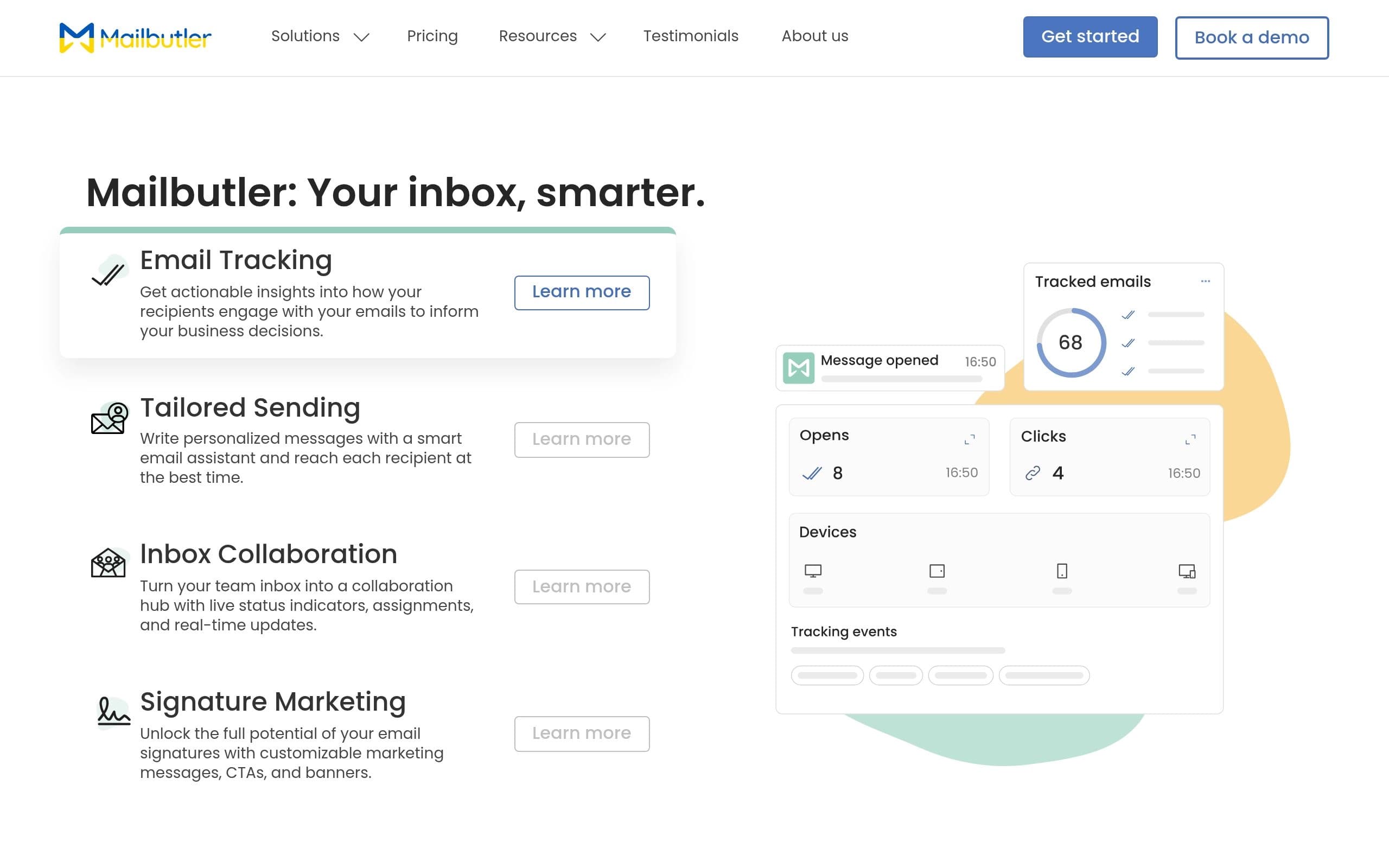
Mailbutler is an email extension that enhances productivity within Apple Mail, Gmail, and Outlook inboxes. It solves the challenges of inefficient email communication by providing tools for tracking, personalizing, and collaborating on emails. Key features include email tracking, smart sending with AI assistance, collaborative inbox tools, and signature marketing. It is designed for professionals and teams looking to streamline their email workflows and improve communication effectiveness.
Key Features
- Email Tracking: Real-time notifications and engagement data
- Tailored Sending: AI Smart Assistant for composing emails
- Inbox Collaboration: Shared notes, tasks, and email assignments
- Signature Marketing: Customizable email signatures with marketing elements
- Message Templates: Create and share reusable email templates
- Mail Merge: Personalize emails at scale
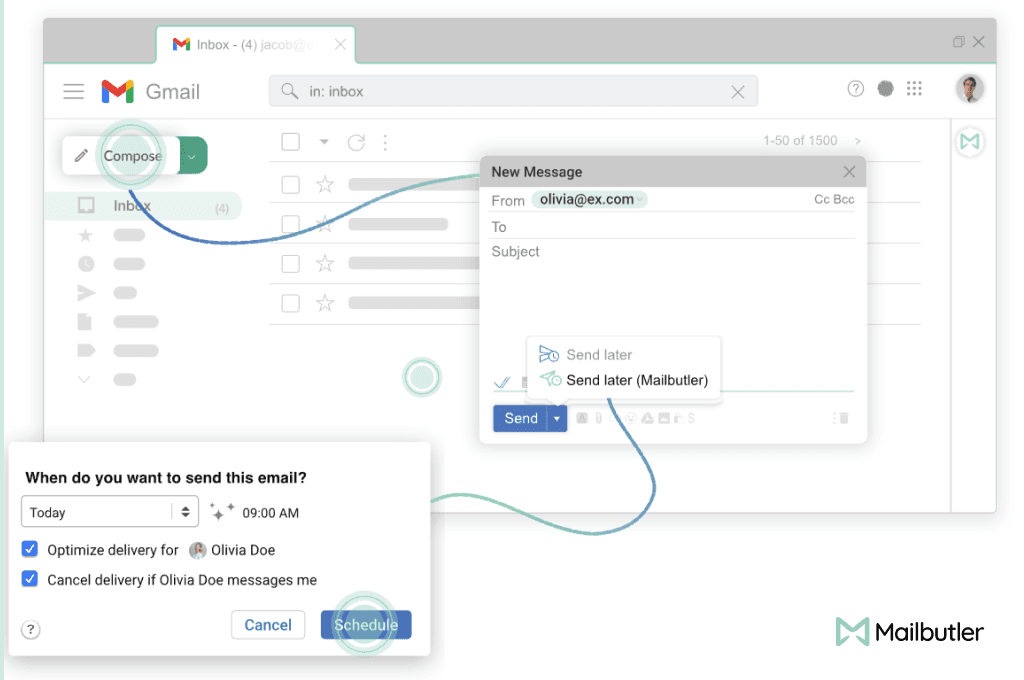
- Smart Timing: Optimize email delivery times
- Integrations: Sync with popular task managers and note-taking apps
Pros
- Enhances email productivity with tracking and automation
- Facilitates team collaboration within the inbox
- Offers AI-powered assistance for writing and improving emails
- Provides customizable email signatures for marketing
- Integrates seamlessly with popular email clients
Cons
- Requires a subscription for full feature access
- May have a learning curve for new users
- Reliance on third-party integrations for certain features
- Smart Assistant features require careful review for accuracy
- Limited customization options in the Starter plan
Pricing
Starter: Free, limited features with Mailbutler watermark. Professional: $7/user/month. Smart: $11/user/month. Business: Custom pricing. A free 14-day trial is available for all plans.
Claim Verified Creator Badge
Are you the founder of Mailbutler? Display this listing's verified badge on your website to show your customers that your product has been vetted and listed on AI Central Resources.
<a href="https://www.aicentralresources.com/tool/mailbutler" target="_blank" rel="noopener">
  <img src="https://www.aicentralresources.com/badges/featured-badge-dark.svg" alt="Featured on AICentralResources" width="200" height="54" style="border: none;" />
</a>
* Place this HTML snippet in your website's footer, landing page, or press section. This creates a search-friendly backlink directly to your verification page.
Frequently Asked Questions
Yes, Mailbutler offers a free 14-day trial to all new users, providing access to all features without requiring payment details upfront.
Mailbutler supports Apple Mail, Gmail, and Outlook, ensuring cross-platform functionality for its features.
Yes, Mailbutler is ISO/IEC 27001 certified and GDPR compliant, with servers located in Frankfurt, Germany, ensuring data privacy and security.
Yes, Mailbutler provides customizable signature templates and an HTML designer for creating professional email signatures with marketing elements.
Yes, Mailbutler integrates with popular task managers like Asana and note-taking apps like Evernote to streamline workflows.
Similar AI Tools to Mailbutler
View all alternatives of Mailbutler




Gemini in Gmail
AI-powered assistance for writing, organizing, and connecting in Gmail.

Compared with Mailbutler
Direct head-to-head feature matrices, pricing breakdowns, and real-world performance benchmarks