







2026 CREATOR BENCHMARK AUDIT

The Best AI Tools for Video Creators in 2026

From high-fidelity text-to-video generation and photorealistic AI avatars to automated timeline editing and viral short-form repurposing—we evaluated 50+ AI video tools across render speed, visual coherence, motion realism, and pricing to crown the top 16 platforms.

Hamza Khaliq
By Hamza Khaliq, Founder & Editor-in-Chief
Updated October 2026
18 min read
16 video suites benchmarked
Evaluated Tools
66+ Tools
Editor Verified
16 Active
Avg Rating
4.8/5
Last Audit
October 2026

Top 3 Editor's Choice AI Video Tools

Hand-selected by professional filmmakers, video editors, and content creators based on temporal consistency, rendering latency, and production fidelity.

#1 Overall Best AI Video Studio
Runway

Runway

Freemium (Free tier + $12/mo Standard)

The Hollywood-grade generative video suite powered by Gen-3 Alpha, multi-motion brush controls, and cinematic camera trajectory paths.

Gen-3 Alpha photorealistic text-to-video and image-to-video generation
Motion Brush with up to 5 directional motion zones and speed dampening
Camera Control paths: Pan, Zoom, Orbit, Roll, Tilt, and Truck
Keyframe interpolation with Lip Sync and custom style transfer presets
Ideal for: Filmmakers
#2 Best for AI Avatars & Presenters
HeyGen

HeyGen

Freemium (Free credit + $24/mo Creator)

Studio-grade AI avatar generation and automated video translation with photorealistic lip-sync in 175+ languages.

100+ hyper-realistic public avatars and custom Instant Avatar creation from a 2-minute video
Automated Video Translation with natural voice cloning and frame-by-frame lip-sync
Streaming Avatar interactive SDK for conversational virtual agents
Zapier, Canva, and Make integrations for automated video production at scale
Ideal for: Marketing teams
#3 Best for AI Timeline Editing
Descript

Descript

Freemium (1 watermark-free export/mo + $12/mo Hobbyist)

Revolutionary text-based video editor with Underlord AI co-editor, one-click filler word removal, and Studio Sound audio restoration.

Edit video like a text document by cutting, pasting, and rearranging automated transcripts
Underlord AI co-editor for highlight reels, chapter generation, and automated social clips
Studio Sound neural audio enhancement removing background room echo and noise
AI Eye Contact correction and Overdub voice synthesis for flubbed words
Ideal for: Podcasters

AI Video Tools Comparison Matrix (2026)

Side-by-side technical comparison of ratings, pricing models, primary interface, context limits, and data privacy policies.

ToolPricing ModelStarting PricePrimary InterfacePrivacy & TelemetryContext CapacityRatingAlternatives
Runway
Runway
FreemiumFree ($12/mo)Web Studio / API / Mobile AppSOC 2 Type II, Enterprise ZDR availableGen-3 Alpha, 10s clips, 1080p output★ 4.8(342)Alternatives →
Luma Dream Machine
Luma Dream Machine
FreemiumFree ($7.99/mo)Web Studio / APIStandard Cloud Privacy, Public/Private tiersDream Machine 1.5, 5s extensions, 720p/1080p★ 4.7(215)Alternatives →
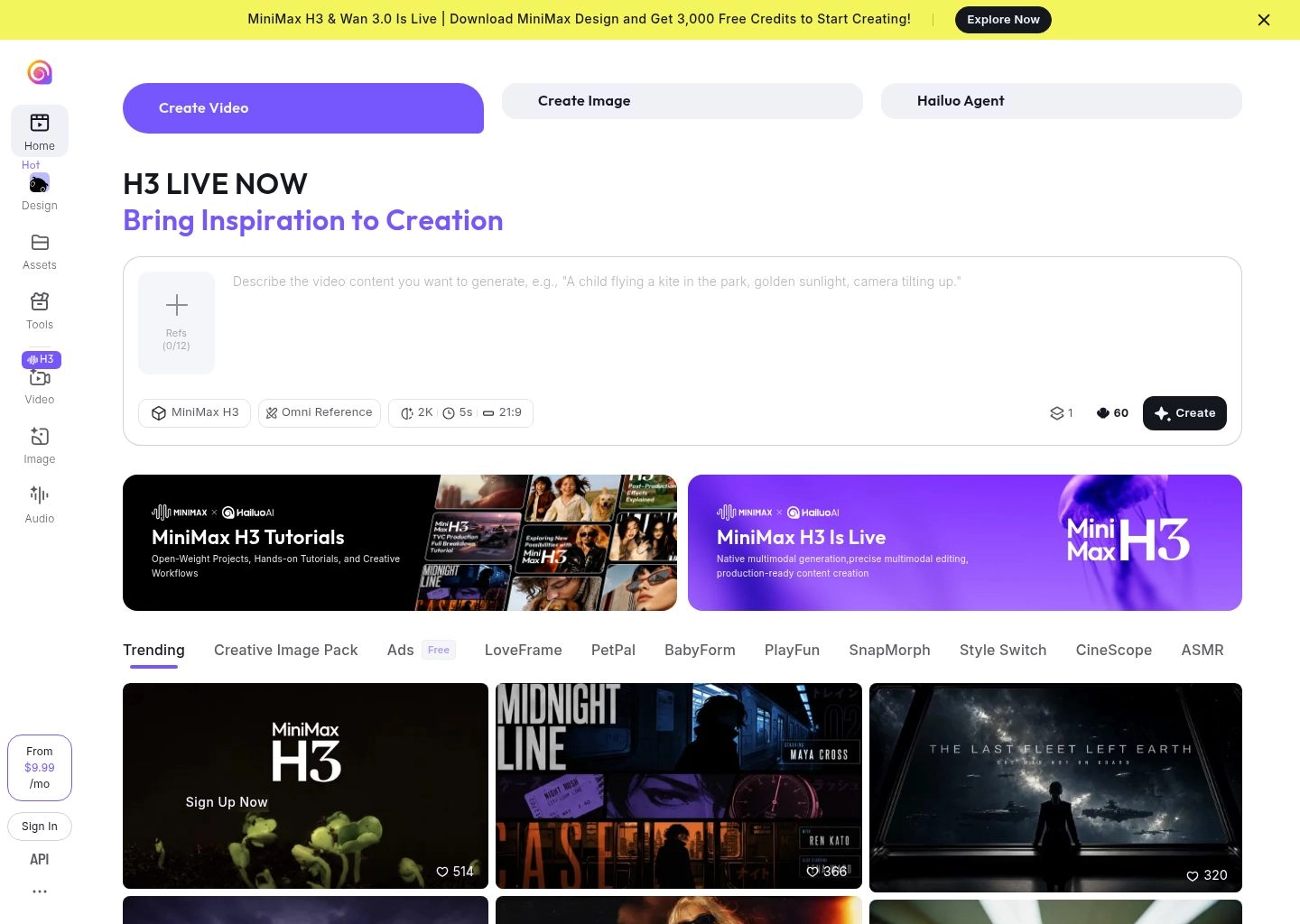
Hailuo AI
Hailuo AI
FreemiumFree ($7.99/mo)Web Platform / APIStandard Privacy, Credit-based processingHailuo 02/2.3, 6-10s clips, 1080p native★ 4.8(168)Alternatives →
Pika
Pika
FreemiumFree ($8/mo)Web Studio / DiscordStandard Cloud Privacy, Commercial rights on ProPika 2.0, 3s expandable clips, Pikaffects physics★ 4.6(289)Alternatives →
Kling AI
Kling AI
FreemiumFree ($10/mo)Web StudioStandard Cloud Privacy, Credit-based allocationKling 1.5, up to 10s clips, 1080p High-Quality mode★ 4.7(194)Alternatives →
HeyGen
HeyGen
FreemiumFree ($24/mo)Web Studio / API / Chrome ExtensionSOC 2 Type II, ISO 27001, biometric safeguards100+ Avatars, 175+ Languages, 4K rendering★ 4.8(412)Alternatives →
Synthesia
Synthesia
FreemiumFree ($18/mo)Web Studio / SCORM LMS ExportSOC 2, ISO 27001, GDPR, Enterprise SSO230+ Avatars, 140+ Languages, interactive triggers★ 4.7(388)Alternatives →
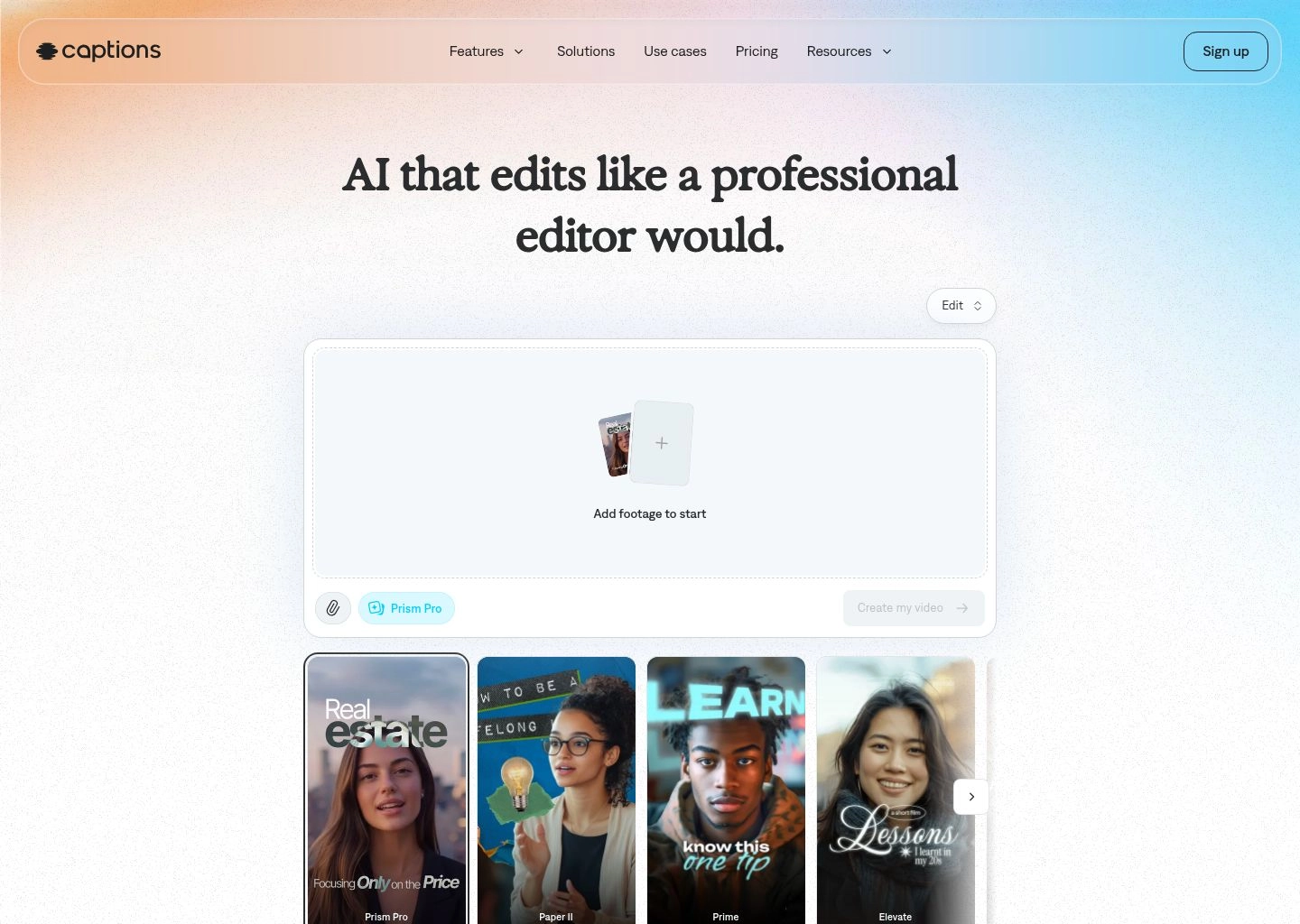
Captions
Captions
FreemiumFree ($9.99/mo)iOS / Android / Desktop / WebStandard Mobile/Cloud Privacy, local video cachingDynamic kinetic captions, AI Eye Contact, AI Twins★ 4.8(520)Alternatives →
Descript
Descript
FreemiumFree ($12/mo)macOS / Windows Desktop App & WebSOC 2 compliant, zero telemetry on training tiersText-based multi-track timeline, 4K export, Studio Sound★ 4.8(460)Alternatives →
CapCut
CapCut
FreemiumFree ($7.99/mo)Desktop (macOS/Win) / Mobile / WebByteDance Cloud Privacy, Local timeline processingMulti-layer 4K timeline, auto-captions, TikTok sync★ 4.7(780)Alternatives →
Opus Clip
Opus Clip
FreemiumFree ($9/mo)Web Application / Auto-SchedulerStandard Cloud Privacy, YouTube API integrationUp to 4-hour uploads, Virality Score, auto-reframe★ 4.7(310)Alternatives →
InVideo AI
InVideo AI
FreemiumFree ($20/mo)Web Studio / Mobile AppStandard Cloud Privacy, iStock/Shutterstock licenseText-to-video copilot, 16M+ stock library, 1080p/4K★ 4.6(275)Alternatives →
ElevenLabs
ElevenLabs
FreemiumFree ($5/mo)Web Studio / API / Python & Node SDKsSOC 2 Type II, GDPR, Voice Actor Marketplace RightsMultilingual v2 model, Video Dubber, AI Sound Effects★ 4.9(650)Alternatives →
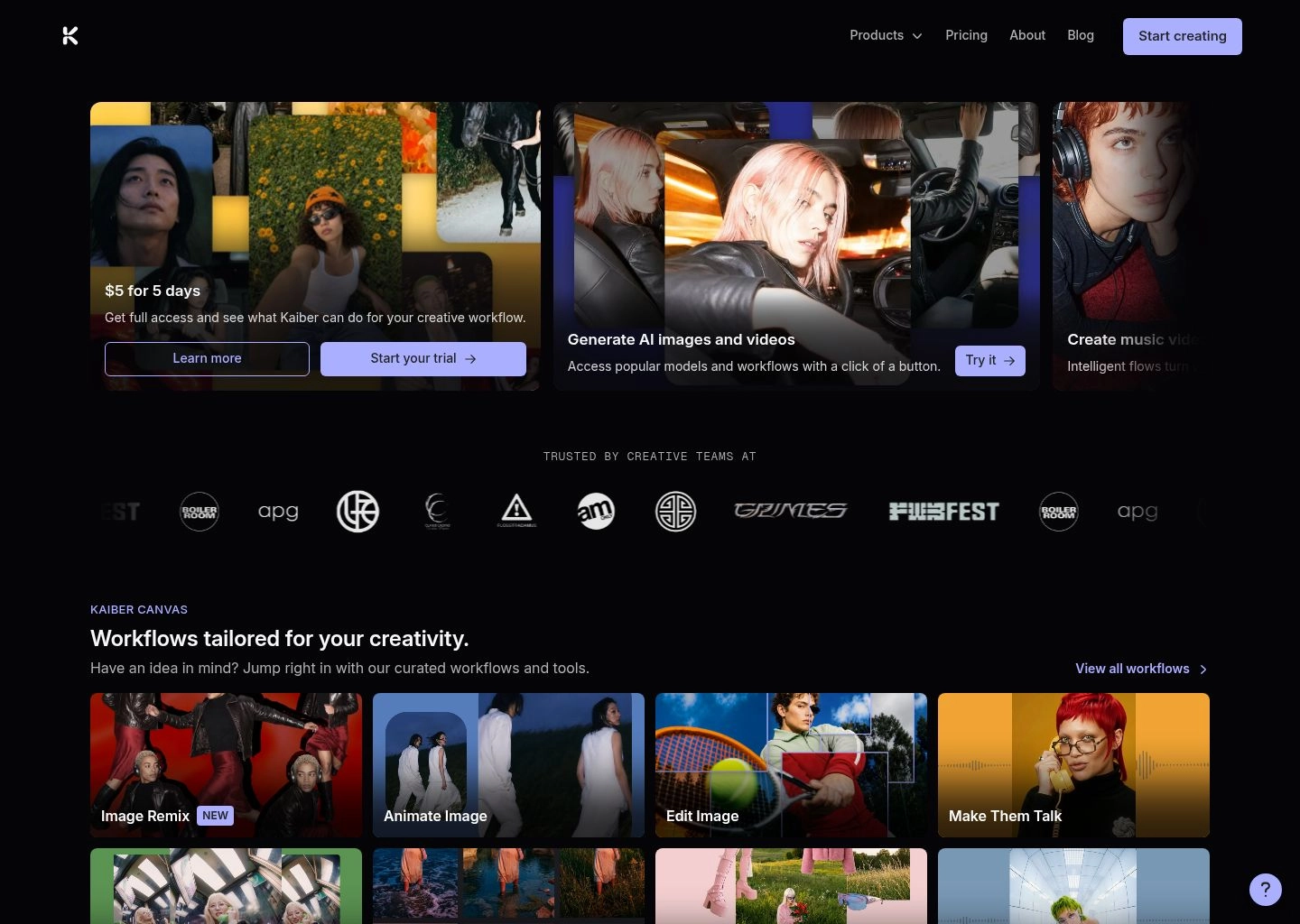
Kaiber
Kaiber
Paid$5/mo ExplorerWeb Canvas / Mobile AppCommercial rights on active paid tiersAudioreactive keyframing, Flip & Motion styles, 4K★ 4.6(145)Alternatives →
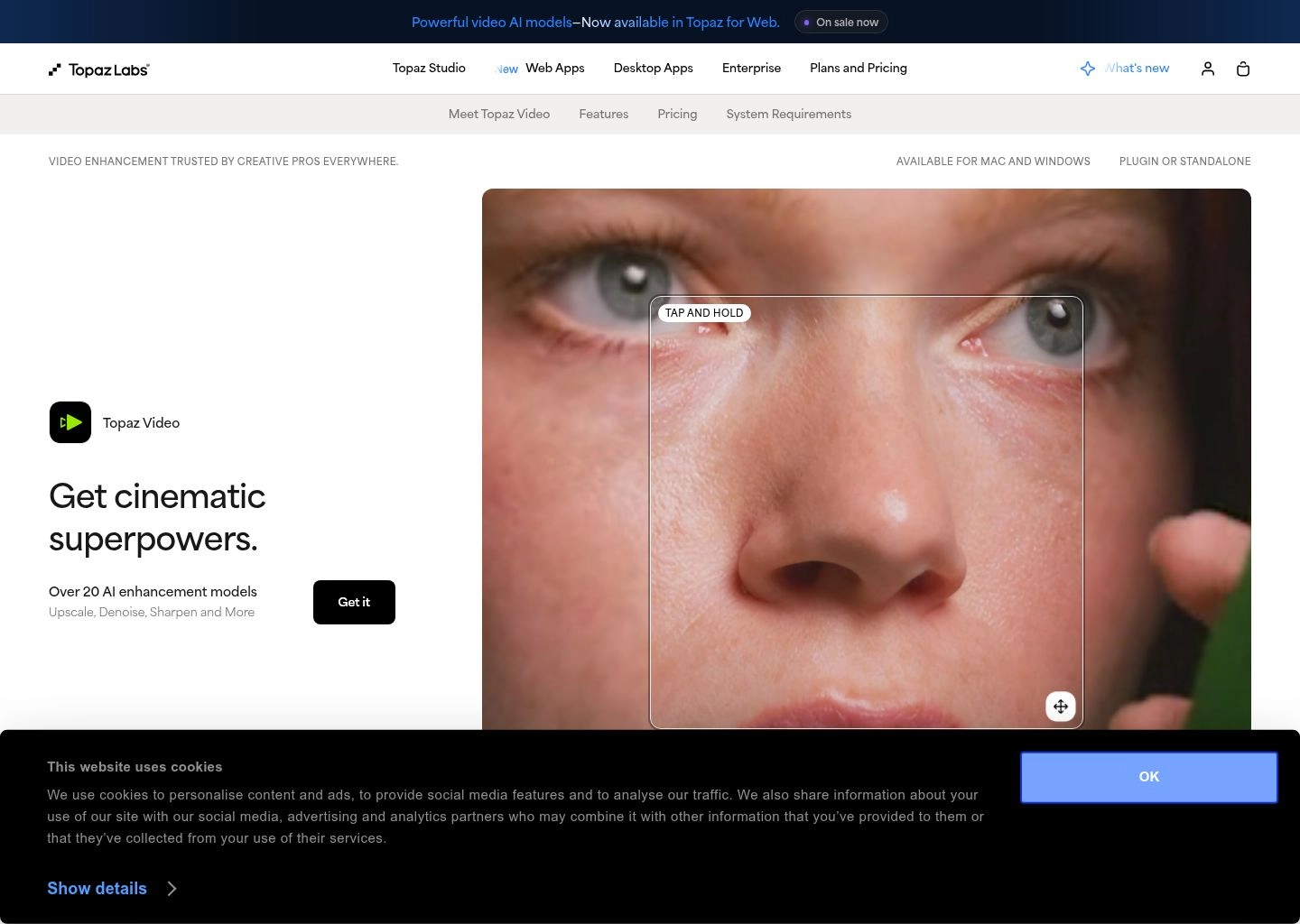
Topaz Video AI
Topaz Video AI
Paid$299 perpetual licenseLocal Desktop App (macOS & Windows GPU)100% On-Premise / Local offline processingUp to 16K upscaling, Chronos 120fps, Iris face recovery★ 4.8(230)Alternatives →
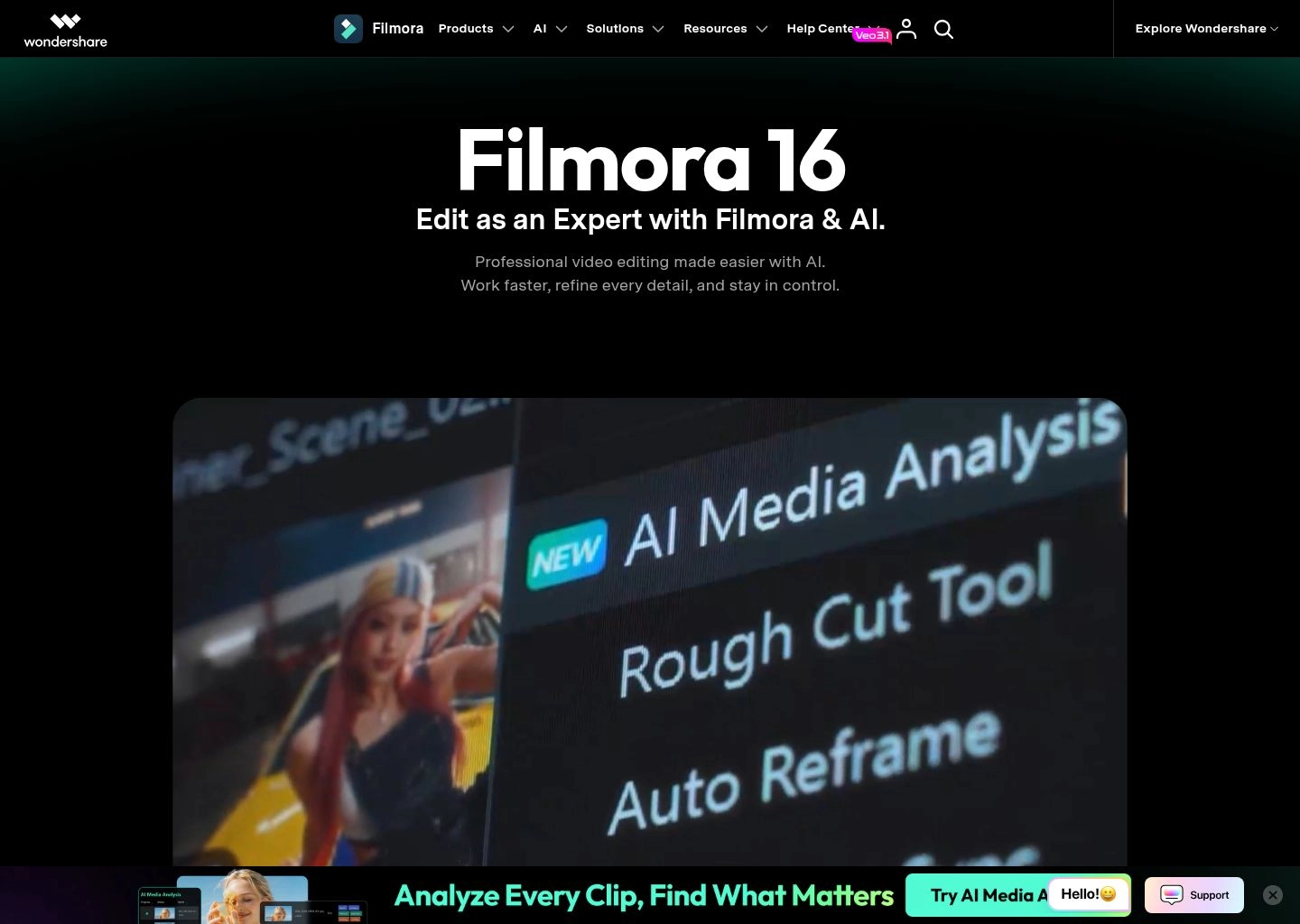
Wondershare Filmora
Wondershare Filmora
FreemiumFree ($29.99/quarter)Desktop App (macOS & Windows)Standard Desktop Privacy, Cloud AI credit packsAI Copilot editing, AI smart cutout, auto-reframe★ 4.6(390)Alternatives →
Comprehensive Technical Reviews

In-Depth Reviews: 16 Best AI Tools for Video Creators in 2026

Detailed hands-on evaluation of each leading AI video generation, avatar synthesis, and automated editing platform, breaking down temporal coherence, multi-shot pacing, lip-sync latency, and commercial rights.

#1
Runway

Runway

Generative Video & VFXFreemium (Free tier + $12/mo Standard)

The Hollywood-grade generative video suite powered by Gen-3 Alpha and multi-motion brush controls.

runway.app — Video Workspace Preview
Verified Interface
Runway AI Video Tool Workspace UI Preview
Official interface snapshot of Runway for video creators2026 Edition

Runway is widely recognized as the vanguard of artistic generative video for film, television, and high-production creative agencies. Built on its proprietary Gen-3 Alpha diffusion architecture, Runway transforms text prompts, reference photographs, and existing video sequences into fluid, photorealistic video clips with unprecedented fidelity.

What sets Runway apart from consumer-grade generators is its suite of Director-Level Motion Controls. The platform introduces Multi-Motion Brush, allowing creators to paint over up to 5 distinct regions of a still image and designate individual velocity vectors, physical trajectories, and flow directions. Paired with precise camera movement controls (pan, tilt, zoom, and roll), Runway behaves like a virtual cinematic soundstage rather than a black-box image extrapolator.

For high-end production pipelines, Runway offers seamless keyframe interpolation, generative lip-sync, and custom generative style presets. While rendering consumes credits rapidly, the precision of its outputs makes it the top choice for production design, concept visualization, and high-impact VFX shots.

Key Features & Video Strengths

Gen-3 Alpha generative video model rendering 720p and 1080p clips with realistic physics
Multi-Motion Brush for controlling up to 5 individual animated regions with directional vectors
Camera Control parameters for simulated dolly, pedestal, tracking, and orbital shots
Text-to-Video, Image-to-Video, and Video-to-Video transformation modes
Lip Sync AI syncing speech audio to generated characters with natural jaw mechanics
Export formats supporting ProRes 422, MP4, and direct integration into editing timelines
Best For

Visual directors, VFX artists, indie filmmakers, and high-end video creators who require granular directional control over simulated lighting, physical motion, and camera sweeps.

Limitations & When Not To Use

Casual creators looking for instant automated 1-click text-to-social video with built-in stock libraries and subtitles (tools like InVideo AI or CapCut are better suited).

Supported Environments:Web Browser, iOS App, API access for enterprise pipelines
Render Capacity / Limits:Gen-3 Alpha model, up to 10-second generations per pass with seamless extensions
Privacy & Data Rights:SOC 2 Type II certified; enterprise data is never used to train public models
Free Tier: 125 one-time generation credits, 720p output, standard generation queues
Pro Tier: $12/mo Standard (625 credits/mo, up to 4K upscaling, watermark removal); $28/mo Pro (2250 credits/mo, unlimited relaxed generations)
#2
Luma Dream Machine

Luma Dream Machine

Generative Video & VFXFreemium (Free tier + $7.99/mo Lite)

High-speed universal transformer model for cinematic camera sweeps and physical world simulation.

luma.app — Video Workspace Preview
Verified Interface
Luma Dream Machine AI Video Tool Workspace UI Preview
Official interface snapshot of Luma Dream Machine for video creators2026 Edition

Luma Dream Machine is a breakthrough universal video transformer model trained directly on video data, granting it an intuitive understanding of physics, weight, momentum, and light interaction. Developed by Luma AI (known for pioneering Neural Radiance Fields / NeRF capture), Dream Machine excels at maintaining object permanence during complex three-dimensional camera movements.

Creators favor Dream Machine when animating photorealistic humans, animals, and vehicular action where traditional diffusion models often suffer from rubbery limbs or morphing geometries. Its camera simulation allows users to execute dramatic drone-style push-ins, circular wraps, and sweeping landscapes with cinematic consistency.

The platform supports iterative video extensions, enabling users to anchor keyframes at both the start and end of a sequence to direct scene pacing smoothly. With competitive pricing tiers and rapid generation speeds, it has become a staple for digital storyboarders and commercial visual artists.

Key Features & Video Strengths

Universal video transformer architecture predicting fluid physical motion and light reflections
Camera path prompt comprehension: accurate execution of crane shots, pans, and 360-degree wraps
Keyframe bridging: specify starting and ending images to guide intermediate motion smoothly
High-speed cloud rendering generating 5-second initial clips in under 120 seconds
Image-to-video mode preserving intricate details of source art, portraits, and product renders
Export formats optimized for standard non-linear editors at 720p and 1080p resolutions
Best For

Story artists, 3D animators, and commercial agencies creating believable world-building scenes with authentic physical interactions and dramatic camera motions.

Limitations & When Not To Use

Avatar-based corporate training or automated talking-head explainers where synced lip movement to long audio tracks is required.

Supported Environments:Web Browser, iOS App, REST API
Render Capacity / Limits:Dream Machine 1.5 model, 5-second baseline clips with recursive forward and backward extension
Privacy & Data Rights:Standard cloud security; paid tiers offer private generation queues hidden from public gallery
Free Tier: 30 generations per month with standard priority queue and non-commercial attribution
Pro Tier: $7.99/mo Lite (70 priority generations); $23.99/mo Standard (250 priority generations); $79.99/mo Plus (850 generations, commercial rights)
#3
Hailuo AI

Hailuo AI

Generative Video & VFXFreemium (Free trial credits + $7.99/mo Standard)

Fast cinematic video generation with ultra-realistic human body dynamics and prompt adherence.

hailuo-ai.app — Video Workspace Preview
Verified Interface
Hailuo AI AI Video Tool Workspace UI Preview
Official interface snapshot of Hailuo AI for video creators2026 Edition

Hailuo AI, engineered by generative intelligence pioneer MiniMax, is one of the most exciting recent additions to the generative video arena. Powered by the Hailuo 02 and 2.3 model series, it specializes in resolving two of the most notorious challenges in video synthesis: natural human anatomy dynamics and photorealistic facial micro-expressions.

While many video models produce stiff or unnaturally drifting characters, Hailuo produces realistic gait cycles, fabric draping, hair physics, and complex emotional acting from straightforward text prompts. Its image-to-video engine brings high-resolution portraits and concept art to life with striking visual fidelity.

The platform includes camera motion commands, keyframe anchoring, and the Hailuo Agent for multi-step creative tasks. With native 1080p generation on paid plans and fast render speeds, Hailuo has quickly become a favorite among content creators producing viral social cinematics and short narrative films.

Key Features & Video Strengths

Hailuo 02 and 2.3 high-motion video synthesis models with exceptional human anatomy realism
Image-to-video conversion maintaining strict facial likeness and lighting consistency
Granular camera motion controls supporting dynamic cinematic dolly, zoom, and sweep prompts
First-frame and last-frame keyframing to guide start-to-finish scene choreography
Native 1080p rendering on paid subscriptions with watermark removal
Credit-based pay-as-you-go API for automated developer and studio video workflows
Best For

Social media creators, filmmakers, and digital artists who want realistic character motion, expressive human faces, and fast cinematic clip generation.

Limitations & When Not To Use

Creators needing long continuous multi-minute sequences without re-prompting or strict timeline video editing features.

Supported Environments:Web Browser, Mobile Web, REST API
Render Capacity / Limits:Hailuo 2.3 architecture, generating 6 to 10-second cinematic clips per run
Privacy & Data Rights:Encrypted cloud processing; commercial rights granted on active paid subscription plans
Free Tier: Daily free trial credits, 720p resolution, watermarked output, standard generation queue
Pro Tier: $7.99/mo Standard (1,000 credits, ~83 videos, watermark removal); $27.99/mo Pro (4,500 credits); $63.99/mo Master (10,500 credits)
#4
Pika

Pika

Generative Video & VFXFreemium (Free tier + $8/mo Standard)

Idea-to-video creative lab featuring Pikaffects physics-defying simulations and character lip sync.

pika.app — Video Workspace Preview
Verified Interface
Pika AI Video Tool Workspace UI Preview
Official interface snapshot of Pika for video creators2026 Edition

Pika 2.0 is an intuitive, creator-first generative video platform celebrated for its playful, highly inventive visual capabilities. Pika took the creative community by storm with its viral Pikaffects suite—pre-engineered physical simulations that allow users to melt, explode, crush, inflate, or dissolve any object in an image with remarkable procedural realism.

Beyond visual effects, Pika provides a comprehensive creative studio featuring prompt-driven regional editing (inpainting and outpainting), automated audio generation, sound effects, and character lip-syncing. Creators can select specific elements within an existing clip—such as changing an actor's clothing or altering the background weather—without re-rendering the entire frame.

Pika is exceptionally approachable, offering both a polished web workspace and Discord bot access. Its ability to expand video canvas aspect ratios on the fly makes it an invaluable tool for repurposing landscape footage into vertical TikTok and Reels formats.

Key Features & Video Strengths

Pikaffects procedural physics engine: Melt, Explode, Deflate, Crush, Squish, and Ta-da transformations
Inpainting and regional modification: highlight parts of a video to add or replace objects via text
Canvas expand (outpainting) to effortlessly convert 16:9 cinematic video into 9:16 vertical shorts
Integrated AI Voice & Lip Sync matching spoken audio files to generated character mouths
Automated Foley and sound effects generation matching the physical action in the clip
Camera controls including Pan, Tilt, Zoom, and customizable motion intensity parameters
Best For

Social media marketers, meme creators, motion designers, and advertisers looking for eye-catching visual effects and rapid video ideation.

Limitations & When Not To Use

Long-form documentary storytelling requiring strict character continuity across dozens of camera angles.

Supported Environments:Web Browser, Discord Community Server
Render Capacity / Limits:Pika 2.0 model, 3-second initial clips expandable in 4-second increments up to 15 seconds
Privacy & Data Rights:Standard cloud privacy; commercial usage rights included on Pro and Unlimited tiers
Free Tier: Daily replenishable credits, 720p watermarked video outputs, standard speed queue
Pro Tier: $8/mo Standard (700 monthly credits, watermark removal, commercial rights); $28/mo Pro (2,000 credits, turbo generation); $58/mo Unlimited (unlimited generations)
#5
Kling AI

Kling AI

Generative Video & VFXFreemium (Daily free credits + $10/mo Standard)

High-definition 1080p generative video model with extensive camera path controls and physics simulation.

kling-ai.app — Video Workspace Preview
Verified Interface
Kling AI AI Video Tool Workspace UI Preview
Official interface snapshot of Kling AI for video creators2026 Edition

Kling AI, developed by Kuaishou, is a state-of-the-art diffusion video generation system capable of producing clips up to 10 seconds in continuous length with native 1080p resolution. Kling gained global acclaim for its ability to model complex physical interactions—such as a person eating noodles with chopsticks, liquid pouring into a glass, or athletes sprinting—without morphing artifacts.

The platform provides a sophisticated Camera Control suite with explicit trajectory coordinates (horizontal, vertical, zoom, roll, tilt) and a Motion Brush tool. Its High-Quality mode delivers stunning cinematic contrast, natural depth of field, and accurate prompt interpretation even on complex multi-subject prompts.

With generous daily free credits and accessible subscription plans, Kling AI has emerged as one of the premier engines for indie filmmakers, YouTube creators, and advertising designers crafting realistic B-roll and teaser clips.

Key Features & Video Strengths

Kling 1.5 architecture generating continuous high-motion clips up to 10 seconds long at 1080p
Complex physical interaction modeling (food consumption, fluid mechanics, biological motion)
3D Camera Controls with 6 degrees of directional freedom (Pan, Tilt, Zoom, Roll, Tracking)
Motion Brush enabling selective regional motion isolation on static input images
High-Quality and Standard generation modes balancing speed versus render fidelity
End-frame matching allowing seamless continuity when stitching consecutive video generations
Best For

Creators and commercial producers who need photorealistic human actions, high-definition 1080p outputs, and extended clip durations up to 10 seconds.

Limitations & When Not To Use

Users needing rapid interactive editing, automated caption generation, or team collaborative timelines.

Supported Environments:Web Browser, Mobile Web
Render Capacity / Limits:Kling 1.5 model, 5-second and 10-second clips at 1080p resolution
Privacy & Data Rights:Standard cloud encryption; commercial rights granted on active paid subscription plans
Free Tier: 66 daily free credits, standard queue, watermark included on downloads
Pro Tier: $10/mo Standard (660 credits/mo, watermark removal, priority queue); $37/mo Pro (3,000 credits/mo, professional camera features); $92/mo Premier (8,000 credits/mo)
#6
HeyGen

HeyGen

AI Avatars & PresentersFreemium (Free credit + $24/mo Creator)

Studio-grade AI avatar generation and automated video translation with photorealistic lip-sync in 175+ languages.

heygen.app — Video Workspace Preview
Verified Interface
HeyGen AI Video Tool Workspace UI Preview
Official interface snapshot of HeyGen for video creators2026 Edition

HeyGen is the undisputed gold standard for AI avatar generation, corporate video communication, and automated video translation. Built for enterprises, educators, and marketing teams, HeyGen completely eliminates the need for expensive physical studios, cameras, teleprompters, and voice talent.

Users can choose from over 100 diverse, lifelike public avatars or create an Instant Avatar of themselves by uploading just two minutes of casual webcam footage. The avatar accurately mirrors the user's vocal timbre, facial nuances, and natural hand gestures, allowing them to produce professional videos simply by typing a script.

HeyGen's crowning achievement is its AI Video Translation engine: upload an existing video in English, and HeyGen will automatically translate the speech into Japanese, Spanish, German, or 175+ languages while cloning the original speaker's exact voice and re-animating their mouth movements frame-by-frame for flawless lip synchronization.

Key Features & Video Strengths

100+ photorealistic public studio avatars covering varied ethnicities, attire, and professional roles
Instant Avatar creation: clone your own digital twin with accurate voice and mannerisms from a 2-minute video
Video Translation engine: translate speech across 175+ languages with original voice cloning and lip-sync
Streaming Avatar SDK: power real-time conversational virtual agents for customer service and live kiosks
Script generation copilot powered by ChatGPT for instant educational, sales, and explainer outlines
Direct integrations with Zapier, Canva, Adobe Express, and Make for automated video generation at scale
Best For

Marketing teams, corporate trainers, sales leaders, and global educators who need to produce high-volume talking-head videos and multilingual localized content without cameras.

Limitations & When Not To Use

Filmmakers seeking cinematic VFX, imaginary fantasy worlds, or complex multi-actor action choreography.

Supported Environments:Web Browser, Chrome Extension, Zapier App, REST API & Streaming SDK
Render Capacity / Limits:Unlimited script length per project, 175+ languages and dialects, 4K rendering exports
Privacy & Data Rights:SOC 2 Type II certified, ISO 27001 compliant, strict biometric consent verification protocols
Free Tier: 1 free credit (1 minute of video), 720p resolution, access to 120+ standard avatars
Pro Tier: $24/mo Creator (15 monthly credits, fast processing, 4K export, auto-captions, commercial use); $72/mo Business (30 credits, 3 team seats, 4K resolution, priority processing)
#7
Synthesia

Synthesia

AI Avatars & PresentersFreemium (Free tier + $18/mo Starter)

Enterprise AI video communications platform for corporate training, onboarding, and global localization.

synthesia.app — Video Workspace Preview
Verified Interface
Synthesia AI Video Tool Workspace UI Preview
Official interface snapshot of Synthesia for video creators2026 Edition

Synthesia is the pioneer of enterprise-grade synthetic media, trusted by over 50,000 global companies—including Fortune 100 brands—to replace static text manuals and costly training shoots with engaging AI avatar presentations.

Synthesia boasts a library of over 230 diverse avatars, support for 140+ languages with natural voice inflection, and an intuitive browser-based canvas editor that feels familiar to anyone who has used PowerPoint or Canva. Creators can incorporate screen recordings, animated titles, shapes, and royalty-free stock media directly behind their avatar.

Its enterprise governance is second to none: Synthesia offers SCORM/xAPI exports for direct LMS integration, interactive in-video quiz branching, automated video updates when policies change, and enterprise-grade security protocols (SOC 2, ISO 27001, and GDPR compliance).

Key Features & Video Strengths

230+ hyper-realistic AI avatars with expressiveness controls and natural head/body movements
140+ voice languages and accents with emotion tuning and pronunciation dictionaries
Interactive video branching: embed clickable buttons, quizzes, and choices directly inside the player
SCORM and xAPI export formats for instant deployment into corporate Learning Management Systems (LMS)
Screen recording integration: capture software workflows and overlay avatar commentary in seconds
AI Video Assistant: convert text documentation, PDFs, and website URLs into complete video drafts
Best For

Corporate Learning & Development (L&D) departments, HR leaders, and IT trainers creating compliance, customer onboarding, and technical training modules at enterprise scale.

Limitations & When Not To Use

Independent YouTubers, short-form vloggers, or filmmakers seeking cinematic storytelling and organic camera movement.

Supported Environments:Web Browser, LMS SCORM integration, Enterprise REST API
Render Capacity / Limits:Over 230 stock avatars, 140+ languages, multi-slide scene presentations with interactive triggers
Privacy & Data Rights:SOC 2 Type II, ISO/IEC 27001, GDPR compliant; strict content moderation and ethics board oversight
Free Tier: Free plan with 3 minutes of video per month, access to 6 standard avatars and 140+ languages
Pro Tier: $18/mo Starter (10 minutes/mo, 1 editor seat, 125+ avatars); $59/mo Creator (30 minutes/mo, 180+ avatars, audio uploads, custom fonts)
#8
Captions

Captions

Short-Form & RepurposingFreemium (Free tier + $9.99/mo Creator)

All-in-one AI creator studio for viral short-form video, automated dynamic subtitles, and AI Eye Contact.

captions.app — Video Workspace Preview
Verified Interface
Captions AI Video Tool Workspace UI Preview
Official interface snapshot of Captions for video creators2026 Edition

Captions is the creative powerhouse behind millions of viral talking-head videos across TikTok, Instagram Reels, YouTube Shorts, and LinkedIn. Founded by former Goldman Sachs engineers and AI researchers, Captions transforms raw smartphone recordings into punchy, high-retention social videos.

The platform is world-famous for its dynamic kinetic subtitles that automatically highlight words, apply custom emojis, and sync animated sound effects to speech with 99% accuracy. Beyond captions, its groundbreaking AI Eye Contact tool automatically recalculates your gaze so you appear to be looking directly into the camera lens even if you were reading off a script.

Captions has evolved into a full-scale AI video creation suite: creators can generate AI Twins (digital clones), automatically remove filler words, denoise studio audio, generate automated B-roll, and perform seamless AI Lipdub translation across 28+ languages.

Key Features & Video Strengths

Dynamic animated word-by-word subtitles with automated keyword color-coding and emojis
AI Eye Contact correction keeping your pupils locked onto the camera lens naturally
AI Twin creator: generate endless talking-head video clips simply by typing a script
AI Lipdub: translate your voice into 28+ languages with natural voice cloning and lip synchronization
Smart audio cleanup removing background hum, room reverberation, and awkward pauses
AI B-roll generator automatically inserting relevant stock clips and animated graphics to match speech
Best For

Solo content creators, influencers, real estate agents, thought leaders, and social media managers producing daily short-form video content.

Limitations & When Not To Use

Long-form multi-camera documentary editing or Hollywood VFX compositing.

Supported Environments:iOS App, Android App, macOS Desktop App, Web Studio
Render Capacity / Limits:Optimized for 9:16 vertical video up to 10 minutes in length with 4K 60fps export
Privacy & Data Rights:Local on-device processing where possible; encrypted cloud servers for intensive AI rendering
Free Tier: Free mobile app download with basic captioning styles and watermarked exports
Pro Tier: $9.99/mo Creator Pro (unlimited captioning, AI Eye Contact, AI Audio cleanup, watermark removal, 4K export); $24.99/mo Max (AI Twin avatar studio, Lipdub localization)
#9
Descript

Descript

Timeline Editing & CopilotsFreemium (1 watermark-free export/mo + $12/mo Hobbyist)

Text-based video and podcast editor with Underlord AI co-editor, Studio Sound audio repair, and eye contact correction.

descript.app — Video Workspace Preview
Verified Interface
Descript AI Video Tool Workspace UI Preview
Official interface snapshot of Descript for video creators2026 Edition

Descript fundamentally reimagined how humans edit video by merging the simplicity of a word processor with the power of a non-linear audio/video editor. Instead of navigating confusing razor blades, ripple edits, and multi-track keyframes, creators edit video simply by editing the auto-generated text transcript.

Delete a sentence from the text transcript, and Descript automatically cuts the corresponding video footage with seamless audio crossfades. If you mispronounced a word, its Overdub technology lets you re-type the correct word and synthesizes it in your own cloned voice.

With the introduction of Underlord, Descript provides an autonomous AI co-editor that analyzes full podcasts and webinar recordings. Underlord automatically removes filler words ("um", "uh", "you know"), trims awkward dead air silences, applies Studio Sound neural noise removal, and extracts viral social highlight clips with animated captions in seconds.

Key Features & Video Strengths

Text-based editing paradigm: cut, reorder, and refine video by editing the interactive transcript
Underlord AI co-editor executing complex multi-step workflows from simple conversational prompts
Studio Sound neural audio restoration making cheap USB microphones sound like soundproof studio recordings
One-click filler word removal eliminating "ums", "ahs", and repeated phrases instantly
AI Eye Contact correction keeping your gaze focused forward even when reading off-screen notes
Multi-track screen recording, remote podcast recording rooms, and automated social clip generation
Best For

Podcasters, YouTubers, course instructors, and remote interviewers who want to produce polished, studio-sounding video content without traditional editing bottlenecks.

Limitations & When Not To Use

Feature filmmakers or colorists requiring complex 3D tracking, deep LUT grading, and frame-accurate node compositing.

Supported Environments:macOS Desktop, Windows Desktop, Web Browser
Render Capacity / Limits:Unlimited project lengths, multi-track audio and 4K video timelines, 23+ transcription languages
Privacy & Data Rights:SOC 2 Type II compliant; user voice models and media are strictly isolated and never trained publicly
Free Tier: 1 watermark-free 720p export per month, 1 hour of transcription/mo, standard Studio Sound
Pro Tier: $12/mo Hobbyist (10 hours transcription/mo, 1080p export, watermark removal); $24/mo Creator (30 hours transcription/mo, 4K export, Underlord AI co-editor, unlimited filler word removal)
#10
CapCut

CapCut

Timeline Editing & CopilotsFreemium (Free desktop/mobile + $7.99/mo Pro)

Viral video editing suite with instant AI auto-captions, background removal, and TikTok trend templates.

capcut.app — Video Workspace Preview
Verified Interface
CapCut AI Video Tool Workspace UI Preview
Official interface snapshot of CapCut for video creators2026 Edition

CapCut, developed by ByteDance, has established itself as the world's most popular video editing suite for modern short-form creators. Combining lightning-fast timeline controls with powerful on-device and cloud-based AI tools, CapCut bridges the gap between novice smartphone editors and professional social media agencies.

The software offers one of the most reliable multi-language Auto-Captions engines in the industry, automatically generating word-by-word synced animated subtitles with trending typography presets. Its AI background cutout removes complex backgrounds from green-screen-free footage with astonishing edge precision.

Available natively across Windows, macOS, iOS, Android, and web browsers, CapCut includes an immense ecosystem of licensed music, viral audio tracks, sound effects, dynamic transitions, and commercial-ready creative templates, making it an indispensable daily driver for TikTok, Shorts, and Reels creators.

Key Features & Video Strengths

Multi-language AI Auto-Captions generating animated kinetic subtitles in over 20 languages
Smart Background Removal (Chroma Key & AI Cutout) isolating subjects without green screens
Optical Flow slow motion smoothing high-speed action clips into fluid cinematic replays
AI Script-to-Video generator drafting narrations, pulling stock footage, and building instant timelines
Vocal isolation and background noise reduction for clean spoken dialogue on noisy location shoots
Seamless TikTok and YouTube Shorts synchronization with trending filters, stickers, and sound tracks
Best For

Short-form creators, social media managers, ecommerce brands, and TikTok marketers wanting rapid, high-retention video production with zero learning curve.

Limitations & When Not To Use

Enterprise broadcast compliance workflows or complex feature film color grading workflows.

Supported Environments:Windows Desktop, macOS Desktop, iOS, Android, Web Browser
Render Capacity / Limits:Multi-layer 4K 60fps timeline, unlimited tracks, extensive cloud asset integration
Privacy & Data Rights:ByteDance cloud data governance; local desktop project files remain cached on-device
Free Tier: Extensive free desktop and mobile app with basic auto-captions, standard transitions, and 1080p exports
Pro Tier: $7.99/mo or $74.99/yr CapCut Pro (advanced AI tools, optical flow slow-mo, cloud storage, 4K 60fps ProRes export, premium sound library)
#11
Opus Clip

Opus Clip

Short-Form & RepurposingFreemium (Free trial credits + $9/mo Starter)

AI video repurposing powerhouse converting long-form podcasts and webinars into viral short clips with Virality Score.

opus-clip.app — Video Workspace Preview
Verified Interface
Opus Clip AI Video Tool Workspace UI Preview
Official interface snapshot of Opus Clip for video creators2026 Edition

Opus Clip revolutionized video repurposing by using generative AI to solve the single most tedious problem in content marketing: sifting through 60-minute podcast episodes, keynote speeches, or webinars to identify the golden 30-second viral moments.

Drop in a YouTube link, Zoom recording, or raw video file, and Opus Clip's ClipGenius algorithm analyzes conversational hooks, emotional climaxes, and narrative arcs. It automatically trims the footage into 10+ distinct vertical shorts, assigns each a calculated Virality Score (1-100), and explains why each clip is likely to capture audience attention.

Beyond trimming, Opus Clip executes automated dynamic reframing—keeping active speakers centered in 9:16 frames—adds animated captions with highlighted keywords and emojis, and even inserts contextual AI B-roll to boost visual retention.

Key Features & Video Strengths

ClipGenius AI curation automatically extracting the most captivating hooks from hours of long-form footage
AI Virality Score (1-100) ranking generated clips based on hook strength, retention curve, and emotional payoff
Active Speaker Auto-Reframe tracking face movements and switching camera angles dynamically for multi-guest shows
Dynamic animated captions with customizable brand typography, colors, emojis, and sound effects
AI B-roll generator automatically overlaying relevant stock video footage to enhance storytelling pacing
Social media auto-scheduler integrating directly with YouTube Shorts, TikTok, Instagram, and LinkedIn
Best For

Podcasters, agency content repurposers, webinar hosts, and marketing teams needing to turn 1 hour of video into 15+ viral short clips with zero manual editing.

Limitations & When Not To Use

Original script-to-video generation or narrative fiction where there is no existing long-form source footage.

Supported Environments:Web Application, Cloud Auto-Scheduler
Render Capacity / Limits:Supports video uploads up to 4 hours in duration, multi-language speech transcription
Privacy & Data Rights:Secure cloud video storage; YouTube API Services certified; data is not shared with third parties
Free Tier: 60 free processing minutes per month, 720p watermarked video outputs, standard queue
Pro Tier: $9/mo Starter (150 processing minutes/mo, watermark removal, 1080p export, auto-scheduler); $19/mo Pro (300 processing minutes/mo, team seats, custom brand templates)
#12
InVideo AI

InVideo AI

Timeline Editing & CopilotsFreemium (Free tier + $20/mo Plus)

Prompt-to-video copilot generating complete videos with script, voiceover, stock footage, and music in seconds.

invideo-ai.app — Video Workspace Preview
Verified Interface
InVideo AI AI Video Tool Workspace UI Preview
Official interface snapshot of InVideo AI for video creators2026 Edition

InVideo AI operates like an autonomous video production studio inside a chat prompt. By typing a single prompt—such as "Create a 60-second documentary on the origins of the James Webb Space Telescope for YouTube Shorts"—InVideo AI autonomously researches the topic, writes a complete script, selects licensed B-roll clips from its 16-million-asset stock library, synthesizes a lifelike human voiceover, generates subtitles, and scores background music.

What makes InVideo AI extraordinary is its conversational iteration engine. Creators can refine the generated video using plain English commands: "Make the pacing faster," "Replace the voiceover with a British accent," or "Change the clip in scene 3 to an image of deep space." The AI updates the timeline instantly without requiring manual track adjustments.

With its full non-linear timeline editor accessible on desktop and mobile, InVideo AI is a favorite among affiliate marketers, faceless YouTube channel creators, and digital marketing agencies producing high volumes of explainer and promotional content.

Key Features & Video Strengths

Complete prompt-to-video copilot generating script, voiceover, stock video, music, and subtitles from one command
Conversational video editor: modify scenes, swap voiceovers, or change pacing via natural text chat prompts
Massive stock library integration with over 16 million royalty-free iStock, Storyblocks, and Shutterstock assets
Human-like AI voiceovers with customizable accents, emotional cadences, and multi-language support
Voice cloning allowing creators to narrate automated videos in their own personal voice
Cross-platform accessibility with synchronized mobile and desktop project workflows
Best For

Faceless YouTube channel creators, content marketers, ecommerce dropshippers, and affiliate publishers who want ready-to-publish explainer videos generated in minutes.

Limitations & When Not To Use

High-end cinematographers requiring custom 3D keyframe animation or original filmed character dialogue.

Supported Environments:Web Browser, iOS App, Android App
Render Capacity / Limits:Generate scripts and videos up to 15 minutes in length, 16M+ stock library assets, 1080p/4K exports
Privacy & Data Rights:Encrypted cloud infrastructure; commercial licensing included for all stock footage on paid plans
Free Tier: Free trial generation with watermarked video outputs and 10 minutes of AI generation per week
Pro Tier: $20/mo Plus (50 minutes AI generation/mo, 80 iStock assets/mo, unlimited exports, watermark removal); $48/mo Max (200 minutes AI generation/mo, 320 iStock assets, voice cloning)
#13
ElevenLabs

ElevenLabs

Audio & UpscalingFreemium (Free tier + $5/mo Starter)

Pioneering AI audio research platform providing human-like voice synthesis, AI video dubbing, and foley sound effects.

elevenlabs.app — Video Workspace Preview
Verified Interface
ElevenLabs AI Video Tool Workspace UI Preview
Official interface snapshot of ElevenLabs for video creators2026 Edition

Audio is 50% of the video experience, and ElevenLabs is universally celebrated as the most advanced, human-sounding AI voice synthesis and audio research platform in the world. For video creators, animators, and game developers, ElevenLabs has replaced robotic text-to-speech with organic, emotionally nuanced voice acting.

The platform's Multilingual v2 model grasps conversational nuance, pauses, whispers, laughter, and emotional intensity across 29 languages. Creators can create an Instant Voice Clone from a 60-second audio sample or design completely new characters with custom age, gender, accent, and rasp parameters.

ElevenLabs has expanded aggressively into end-to-end video workflows with its AI Dubbing Studio—which translates full YouTube videos while preserving original background audio and speaker timbre—and its revolutionary AI Sound Effects (SFX) generator, capable of generating custom cinematic foley, explosions, and ambient soundscapes from text prompts.

Key Features & Video Strengths

Hyper-realistic text-to-speech with natural cadence, emotional dynamics, breathing, and pacing control
Instant Voice Cloning from a 1-minute audio recording and Professional Voice Cloning for studio narrations
AI Dubbing Studio translating complete video files across 29 languages while preserving the original speaker's voice
Generative AI Sound Effects creating custom foley, ambient backgrounds, and cinematic impact effects from text
Voice Library marketplace allowing creators to discover thousands of vetted character and narrator voices
Robust developer REST API with sub-100ms ultra-low latency streaming for real-time video applications
Best For

Video creators, documentarians, animators, and game designers needing Hollywood-caliber voiceovers, multilingual video dubbing, and custom sound design.

Limitations & When Not To Use

Visual video editing or timeline timeline assembly (this is an audio/speech dedicated platform).

Supported Environments:Web Studio, REST API, Python & Node.js SDKs, Mobile Reader App
Render Capacity / Limits:Multilingual v2 engine, support for 29 languages, uncompressed 24-bit 48kHz audio export
Privacy & Data Rights:SOC 2 Type II certified, GDPR compliant, strict Voice Actor Safety & Attribution Safeguards
Free Tier: 10,000 characters per month (~10 minutes of audio), 3 custom voices, attribution required
Pro Tier: $5/mo Starter (30,000 characters/mo, instant voice cloning, commercial license); $22/mo Creator (100,000 characters, professional voice cloning, high-quality audio); $99/mo Pro (500,000 characters)
#14
Kaiber

Kaiber

Generative Video & VFXPaid ($5/mo Explorer tier)

Creative AI animation lab transforming audio, video, and text into stylized artistic animations and music videos.

kaiber.app — Video Workspace Preview
Verified Interface
Kaiber AI Video Tool Workspace UI Preview
Official interface snapshot of Kaiber for video creators2026 Edition

Kaiber is the artistic generative video platform beloved by musicians, digital animators, and creative agencies worldwide. Notably used by rock legends Linkin Park for their "Lost" music video, Kaiber focuses on surreal, illustrative, and audioreactive animation rather than pure photorealism.

The platform allows creators to feed in audio tracks (MP3/WAV) and synchronizes visual transformations to musical beats, bass drops, and tempo shifts. Creators can select from iconic artistic styles—including anime, cyberpunk, steampunk, retro sci-fi, and oil painting—or define their own custom aesthetic with descriptive prompts.

Kaiber's Transform video-to-video mode takes live-action smartphone footage and converts it into mind-bending animation, tracking the subject's physical movements while reimagining their skin, clothing, and environment into hand-drawn illustrations.

Key Features & Video Strengths

Audioreactive animation engine synchronizing visual pacing and camera zooms to uploaded audio waveforms
Transform (Video-to-Video) mode turning live-action footage into stylized anime and 3D illustrations
Curated art styles: Anime, Cyberpunk, Watercolor, 3D Render, Steampunk, and Retro Graphic Novel
Camera movement controls: Zoom, Rotate, and directional camera pan trajectories
Storyboard mode allowing creators to define sequential scene prompts for full-length music videos
High-resolution upscaling delivering crisp 1080p and 4K outputs for broadcast distribution
Best For

Musicians, visual artists, animators, and music video directors who want to create stylized, beat-synced animations and surreal music visualizers.

Limitations & When Not To Use

Corporate explainers, realistic avatar presentations, or standard talking-head tutorials.

Supported Environments:Web Canvas Studio, iOS App, Android App
Render Capacity / Limits:Audioreactive keyframing engine, video uploads up to 4K resolution, multi-scene storyboard sequencing
Privacy & Data Rights:Standard cloud security; full commercial ownership granted to users on active paid subscription plans
Free Tier: 7-day free trial with 100 starter credits
Pro Tier: $5/mo Explorer (300 credits/mo, up to 1-minute video lengths, 1080p export); $15/mo Pro (1,000 credits/mo, 4K export, camera control, storyboard mode); $30/mo Artist (2,500 credits/mo, priority queue)
#15
Topaz Video AI

Topaz Video AI

Audio & UpscalingPaid ($299 perpetual license)

Neural video enhancement desktop software for artifact removal, 16K upscaling, and 120fps motion interpolation.

topaz-video-ai.app — Video Workspace Preview
Verified Interface
Topaz Video AI AI Video Tool Workspace UI Preview
Official interface snapshot of Topaz Video AI for video creators2026 Edition

Topaz Video AI stands in a category of its own as the definitive professional standard for neural video restoration, super-resolution upscaling, and frame interpolation. Unlike consumer cloud apps that apply simple sharpening filters, Topaz Video AI executes deep convolutional neural networks directly on your local workstation GPU.

The software can upscale compressed 720p or 1080p video up to 4K, 8K, and even 16K resolution, synthesizing realistic micro-details such as skin pores, foliage textures, and fabric weaves while eradicating digital noise and compression blockiness. Its specialized Iris model specifically reconstructs human facial features in blurry or low-resolution archival footage.

For sports and action creators, Topaz's Chronos and Aion frame interpolation models generate brand-new intermediate frames, converting standard 24fps or 30fps footage into butter-smooth 60fps or 120fps slow-motion without jitter or warping artifacts.

Key Features & Video Strengths

Deep neural video upscaling transforming SD and HD source footage up to pristine 4K, 8K, and 16K resolutions
Chronos & Aion frame interpolation creating flawless 60fps and 120fps slow-motion without optical flow ghosts
Iris Face Recovery model reconstructing natural facial details from degraded or low-bitrate recordings
Dione neural de-interlacing converting legacy interlaced broadcast footage (576i, 1080i) into progressive frames
Stabilization neural engine eliminating jittery camera shake while preserving natural pan movements
100% on-premise local execution utilizing NVIDIA TensorRT, Apple Silicon Metal, and AMD ROCm GPUs
Best For

Professional video editors, archivists, commercial colorists, and content studios demanding uncompromised video restoration, 4K/8K upscaling, and frame rate conversion without cloud compression.

Limitations & When Not To Use

Users with low-spec laptop hardware without dedicated GPUs, or creators seeking generative text-to-video prompt tools.

Supported Environments:macOS (Apple Silicon M1-M4 optimized), Windows 10/11 (NVIDIA RTX / AMD Radeon GPUs)
Render Capacity / Limits:Unlimited local video resolution and length, supports ProRes, DNxHR, H.264, and H.265 codecs
Privacy & Data Rights:100% On-Premise: zero video files or telemetry are uploaded to third-party cloud servers
Free Tier: Free downloadable trial with watermarked video preview exports
Pro Tier: $299 perpetual standalone license (includes 1 full year of software updates and neural model upgrades)
#16
Wondershare Filmora

Wondershare Filmora

Timeline Editing & CopilotsFreemium (Free tier + $29.99/quarter)

Accessible desktop video editing suite with embedded AI copilot editing, smart cutout, and instant silence trimming.

wondershare-filmora.app — Video Workspace Preview
Verified Interface
Wondershare Filmora AI Video Tool Workspace UI Preview
Official interface snapshot of Wondershare Filmora for video creators2026 Edition

Wondershare Filmora has long been one of the most beloved non-linear video editors for emerging creators, offering a gentle learning curve without sacrificing professional multi-track timeline capabilities. In its latest releases, Filmora has seamlessly infused artificial intelligence into every stage of the editing workflow.

Filmora's flagship AI Copilot Editing acts like a knowledgeable assistant sitting beside you: type "Remove all pauses from this clip," "Create an energetic montage to the music," or "Color grade this scene to look like a moody thriller," and the copilot executes the operations directly on the timeline.

The software features a robust suite of assistive AI tools—including Smart Cutout for isolating moving subjects, AI Audio Stretch for fitting background music perfectly to scene lengths, AI Silence Detection, and AI Translation with voice cloning—making it an exceptional all-in-one workstation for YouTube creators, educators, and small marketing teams.

Key Features & Video Strengths

AI Copilot Editing interpreting natural language instructions to perform multi-track timeline edits
AI Smart Cutout for tracking and isolating dynamic moving subjects without green screen backdrops
AI Audio Stretch fitting background music tracks seamlessly to exact scene durations without jarring cuts
AI Silence Detection automatically identifying and purging dead pauses and false starts from raw footage
AI Translation converting video voiceovers into multiple languages with synchronized lip movement
Text-to-Video generator transforming written outlines and blog posts into structured multi-clip timelines
Best For

Mid-tier creators, vloggers, educators, and small business marketing teams looking for an all-in-one desktop editor that combines traditional timeline precision with modern generative AI shortcuts.

Limitations & When Not To Use

Hollywood color finishing suites requiring complex ACES color management and multi-user facility project sharing.

Supported Environments:Windows Desktop, macOS Desktop, iOS, Android, Cloud Project Sync
Render Capacity / Limits:Multi-layer 4K timeline supporting up to 100 video tracks, comprehensive media asset store
Privacy & Data Rights:Standard desktop application security; cloud AI processing governed by Wondershare privacy policy
Free Tier: Free download with access to core editing tools, export contains a Filmora watermark
Pro Tier: $29.99/quarter or $49.99/year Cross-Platform Plan (watermark removal, 4K export, 1GB cloud storage, standard AI credits); $79.99 perpetual plan

All Evaluated Video AI Tools (66)

Filter tools by creator workflow discipline or pricing model.

Pricing:
Freemium
Runway

Runway

The complete AI creative toolkit for video, image, and audio generation.

4.8
Paid
Luma

Luma

Creative agents that make you prolific

4.8
Freemium
Pika

Pika

The idea-to-video platform that sets your creativity in motion.

4.8
Freemium
Kling AI

Kling AI

Next-generation AI creative studio for imaginative images and videos.

4.8
Freemium
HeyGen

HeyGen

Transform ideas into stunning AI videos with realistic avatars and multi-language support.

4.8
Freemium
Synthesia

Synthesia

Create AI-generated videos from text with advanced avatars and voiceovers.

4.8
Freemium
Descript

Descript

Edit video and podcasts as easily as editing a text document

4.8
Freemium
CapCut

CapCut

Free AI video editing suite with auto-captions, effects, and TikTok-optimized templates

4.8
Freemium
InVideo AI

InVideo AI

Prompt-to-video AI platform — create marketing promos, YouTube videos, and faceless content from text

4.8
Freemium
ElevenLabs

ElevenLabs

Lifelike AI voices, agents, and audio for creators and developers

4.8
Freemium
Wondershare Filmora

Wondershare Filmora

Beginner-friendly AI video editor for desktop and mobile with creative effects

4.8
Custom
Suki AI

Suki AI

Ambient clinical AI that turns patient visits into notes, coding, and voice-driven workflows

4.8
Freemium
Remini

Remini

Transform low-quality photos and videos into stunning HD masterpieces with AI.

4.8
Freemium
Leonardo.Ai

Leonardo.Ai

Generative AI platform for images, art, and video creation

4.8
Freemium
Kits AI

Kits AI

Studio-quality AI voice cloning, singing generators, and mastering for music producers

4.8
Freemium
Adobe Firefly

Adobe Firefly

Unleash creativity with generative AI for images, video, audio, and more.

4.8
Freemium
VanceAI

VanceAI

Transform and enhance images & videos with AI-powered editing and generation tools.

4.8
Freemium
Claude

Claude

Anthropic's AI assistant for chat, research, coding, writing, and analysis — with a uniquely human-like voice

4.8
Freemium
Riverside

Riverside

Studio-quality podcast and video recording, editing, and publishing powered by AI

4.8
Freemium
Krikey AI

Krikey AI

Generate professional 3D animations and talking avatars from text or video in minutes.

4.8
Freemium
Cascadeur

Cascadeur

AI-assisted 3D animation software for realistic character motion and game development.

4.8
Freemium
D-ID

D-ID

Create AI-powered videos and interactive visual AI agents

4.8
Freemium
Loom AI

Loom AI

Record, enhance, and transform video messages with intelligent AI automation.

4.8
Freemium
Voice.ai

Voice.ai

Real-time AI voice changing, cloning, text-to-speech, and voice agents in one platform

4.8
Freemium
Auphonic

Auphonic

Automatic AI audio mastering for podcasts — noise reduction, loudness leveling, and transcription in one click

4.8
Freemium
Murf AI

Murf AI

Studio-quality AI voiceovers and voice agents in 200+ voices across 35+ languages

4.8
Paid
AWS Rekognition

AWS Rekognition

AWS's deep learning API for image and video analysis, face recognition, and content moderation

4.8
Freemium
Cleanvoice AI

Cleanvoice AI

AI podcast editor that removes filler words, noise, and dead air in minutes

4.8
Freemium
DeepMotion

DeepMotion

Generate 3D animations from video in seconds with AI motion capture.

4.8
Freemium
Move AI

Move AI

AI-powered markerless motion capture for high-fidelity 3D animation.

4.8
Freemium
Steve AI

Steve AI

Transform text, audio, or prompts into professional AI videos.

4.8
Freemium
Deepgram

Deepgram

Voice AI infrastructure for speech-to-text, text-to-speech, and voice agents

4.8
Paid
OpenAI API

OpenAI API

Developer platform for GPT models, AI agents, and real-time voice

4.8
Freemium
Voiceflow

Voiceflow

Build, launch, and scale chat and voice AI agents for customer support and CX

4.8
Freemium
Async

Async

Record, edit, and generate podcasts and videos in one AI-powered creative studio

4.8
Freemium
Convai

Convai

Build lifelike 3D AI characters with real-time vision, voice, and memory for games and virtual worlds

4.8
Freemium
Inworld AI

Inworld AI

Realtime TTS, STT, and LLM routing infrastructure for consumer-scale voice AI

4.8
Paid
Jasper AI

Jasper AI

Enterprise AI marketing copilot — brand voice, campaigns, and content pipelines at scale

4.8
Freemium
Adobe Podcast

Adobe Podcast

AI-powered audio recording, enhancement, and editing, all in the browser

4.8
Freemium
Soundverse

Soundverse

Music, video, and voice generated from a prompt, directed by Agent One

4.8
Freemium
Bland AI

Bland AI

Enterprise voice AI agents for high-stakes, regulated phone calls

4.8
Freemium
AssemblyAI

AssemblyAI

Voice AI infrastructure for speech-to-text, voice agents, and conversation intelligence

4.8
Freemium
Powtoon

Powtoon

Easily create professional AI-powered videos and presentations for business impact.

4.8
Freemium
NVIDIA ACE

NVIDIA ACE

Bring digital humans to life with generative AI microservices for speech, intelligence, and animation

4.8
Paid
Photo AI

Photo AI

Generate photorealistic AI images and videos of people, replacing traditional photoshoots.

4.8
Freemium
Morphed AI

Morphed AI

Generate stunning AI images and videos from text with 100+ models.

4.8
Freemium
Hume AI

Hume AI

The data and evaluation layer for emotionally intelligent voice AI and empathic speech

4.8
Freemium
Fyxer

Fyxer

Get ahead of your inbox — AI that organizes email and drafts replies in your voice

4.8
Freemium
Colossyan Creator

Colossyan Creator

Create professional AI videos with real actors in minutes.

4.8
Freemium
WellSaid Labs

WellSaid Labs

Enterprise-grade AI voice generator with 120+ realistic, licensed voices

4.8
Freemium
Speechify

Speechify

Voice AI that reads, writes, and answers anything aloud for you

4.8
Freemium
Resemble AI

Resemble AI

Generative AI security platform for voice cloning, deepfake detection, and watermarking

4.8
Paid
Vapi

Vapi

Build, test, and deploy advanced voice AI agents in minutes

4.8
Custom
Synthflow

Synthflow

Enterprise-ready Voice AI agents for automated phone calls

4.8
Freemium
Pixelcut

Pixelcut

AI photo and video editor for background removal and product visuals

4.8
Freemium
Botika

Botika

AI fashion models that turn flat lays into on-model photos and videos

4.8
Freemium
Predis.ai

Predis.ai

Text-to-social post, video reels, and carousel ad generator with built-in scheduling

4.8
Freemium
Buffer

Buffer

Social media scheduler with AI Assistant for caption generation, idea creation, and optimal posting times

4.8
Paid
Hootsuite

Hootsuite

Enterprise social media platform with OwlyWriter AI for caption generation, scheduling, and social listening

4.8
Freemium
Ludo.ai

Ludo.ai

AI-generated production-ready game assets: sprites, 3D models, audio, and video

4.8
Paid
Magnific AI

Magnific AI

The leading AI image upscaler and enhancer — add stunning detail and upscale to 8K+ with creative AI reimagining

4.8
Freemium
Viggle AI

Viggle AI

Animate any character with realistic AI motion, swaps and meme videos

4.8
Paid
Pencil

Pencil

AI operating system for marketing: on-brand ad images, video and copy at scale

4.8
Freemium
Sonix

Sonix

AI transcription for audio and video with editing, captions and translation in 50+ languages

4.8
Paid
Castmagic

Castmagic

AI that turns podcasts, videos and meetings into transcripts, posts, clips and show notes

4.8
Enterprise
Hippocratic AI

Hippocratic AI

Generative AI voice agents for patient engagement — 180M+ interactions across 1,000+ use cases in 25 specialties

4.8

Explore Related Video Categories & Comparison Hubs

Deepen your research with dedicated subcategory guides and side-by-side technical comparisons.

The Comprehensive 2026 AI Video Creator's Buyer's Guide

As generative video diffusion architectures accelerate from grainy seconds into 1080p photorealistic cinematic footage, selecting the ideal video creator software in 2026 requires balancing temporal motion consistency, rendering queue speeds, lip-sync latency, and commercial monetization rights.

1. The 2026 AI Video Hierarchy: Diffusion Transformers vs. Synthetic Avatar Engines

When evaluating AI video tools in 2026, the most critical architectural distinction is between Generative World Simulation Models (Runway Gen-3, Luma Dream Machine, Hailuo AI, Kling AI) and Synthetic Presenter & Avatar Platforms (HeyGen, Synthesia). Generative World Simulators are powered by spatial-temporal diffusion transformers. They do not merely stitch stock footage; they synthesize brand-new pixels across time, modeling lighting, gravity, fluid dynamics, and perspective changes. These tools are the future of cinematic B-roll, visual effects, and imaginative storytelling. However, they are fundamentally probabilistic: you prompt a vision, but camera drift and minor physical anomalies remain trade-offs that require multi-take prompt iterations. Synthetic Avatar Platforms, by contrast, are deterministic communication engines. They capture human facial geometry, vocal timbre, and phoneme-to-viseme lip movements with mathematical precision. You provide a script, and the platform delivers a reliable, photorealistic human speaking directly to the audience. For corporate training, localized marketing, and software tutorials, avatar engines deliver consistent high-ROI performance where generative models would introduce unwanted randomness.

2. Solving the Motion Consistency Problem: Camera Controls, Keyframing, and Seed Pinning

The greatest obstacle video creators face with generative video has always been temporal consistency—preventing an actor's face, clothing, or surroundings from morphing wildly from one second to the next. In 2026, leading platforms solve this through advanced motion scaffolding: - Multi-Motion Brushing: Tools like Runway allow creators to paint specific directional velocity vectors onto distinct elements (e.g., painting waves to flow right while keeping a boat anchored in the center). - First-Frame and Last-Frame Keyframing: Platforms like Luma Dream Machine and Hailuo AI let you upload both the starting image and ending frame of a shot, forcing the AI model to synthesize a realistic physical interpolation between the two states. - Camera Path Anchoring: Rather than relying on descriptive text prompts like 'cinematic camera motion', state-of-the-art tools provide coordinate-based camera controls (Dolly, Pan, Tilt, Roll, Orbit) with speed ramping to ensure predictable camera choreography. - Seed Pinning: Locking random generation seeds allows creators to iterate on prompt wording without resetting the underlying character features or scene lighting.

3. The Hybrid Production Pipeline: Merging AI Copilots with Traditional Non-Linear Editors (NLEs)

The most productive video creators and digital agencies in 2026 do not rely on a single monolithic tool; they operate a Modular 4-Stage Production Pipeline that leverages specialized AI tools at each distinct phase: 1. Pre-Production & Scripting: Conceptualize ideas and draft synchronized shot-lists using ChatGPT Canvas or Claude 3.7 Sonnet. 2. Generative Asset & B-Roll Synthesis: Generate custom background scenes, conceptual visual metaphors, and establishing shots using Runway, Luma, or Hailuo AI. 3. Voiceover & Sound Design: Produce pristine multi-character voiceovers and custom Foley sound effects with ElevenLabs, bypassing expensive studio voice recording sessions. 4. Timeline Assembly & Polishing: Assemble raw takes in Descript or Wondershare Filmora using text-based transcripts to remove filler words, enhance audio with neural noise reduction, and finalize color grading. 5. Short-Form Repurposing & Distribution: Feed the finished long-form video into Opus Clip or Captions to automatically generate 10+ viral 9:16 vertical shorts with animated subtitles, speaker tracking, and Virality Scores for TikTok, Reels, and YouTube Shorts.

4. Commercial Licensing, Watermarks, and Copyright Ownership for AI Video in 2026

Before deploying AI-generated video assets into client campaigns, broadcast commercials, or monetization channels, creators must rigorously review legal and licensing frameworks: - Copyright Protection & Human Authorship: Under established international copyright rulings, raw AI video generated purely from a text prompt with zero human creative intervention cannot be copyrighted. However, finished video projects that incorporate human scriptwriting, directorial prompt choreography, multi-take selection, original editing, and human-arranged sound design receive full legal copyright protection as derivative creative works. - Commercial Usage Rights: Most platforms (such as Runway, Luma, Pika, and HeyGen) restrict free-tier outputs to personal, non-commercial use with watermarks. Upgrading to standard paid tiers automatically grants full commercial monetization rights and removes all platform branding. - Stock Media Indemnification: When using platforms like InVideo AI that automatically pull licensed third-party B-roll, verify that the platform includes commercial indemnification through enterprise partnerships with iStock, Storyblocks, or Shutterstock. - Biometric Ethics & Voice Cloning: Enterprise avatar and voice platforms (HeyGen, Synthesia, ElevenLabs) enforce strict consent verification. Creating digital twins or voice clones requires live video or audio consent confirmations to prevent unauthorized deepfakes.

Frequently Asked Questions About AI Video Tools

Common questions on render resolution, YouTube monetization, commercial licensing, and AI avatar realism.

For high-end cinematic visual quality, complex camera movements, and granular motion controls, Runway (Gen-3 Alpha) remains the industry benchmark for filmmakers and VFX artists. For photorealistic human motion and physical simulations, Luma Dream Machine and Hailuo AI provide exceptional alternative engines. If your goal is talking-head presentations or avatar training videos, HeyGen is the top-ranked avatar platform.

About the Author & Research Lead

Hamza Khaliq
Hamza Khaliq

Founder & Editor-in-Chief, AICentralResources

View Profile & Research

Hamza is the founder of AICentralResources, the premier re-validated AI tools directory and benchmarking index with 50,000+ listings. As a software engineer and AI researcher, he has personally evaluated 600+ AI creative suites, diffusion video models, digital avatar pipelines, and speech synthesis engines for temporal coherence, render efficiency, and commercial copyright safety. This guide reflects continuous hands-on production testing.

AI Tool Researcher Verified Reviewer 16+ Video Suites Benchmarked