

Zoom AI Companion
Your smart AI assistant for enhanced productivity.
Gallery
5 items


About Zoom AI Companion
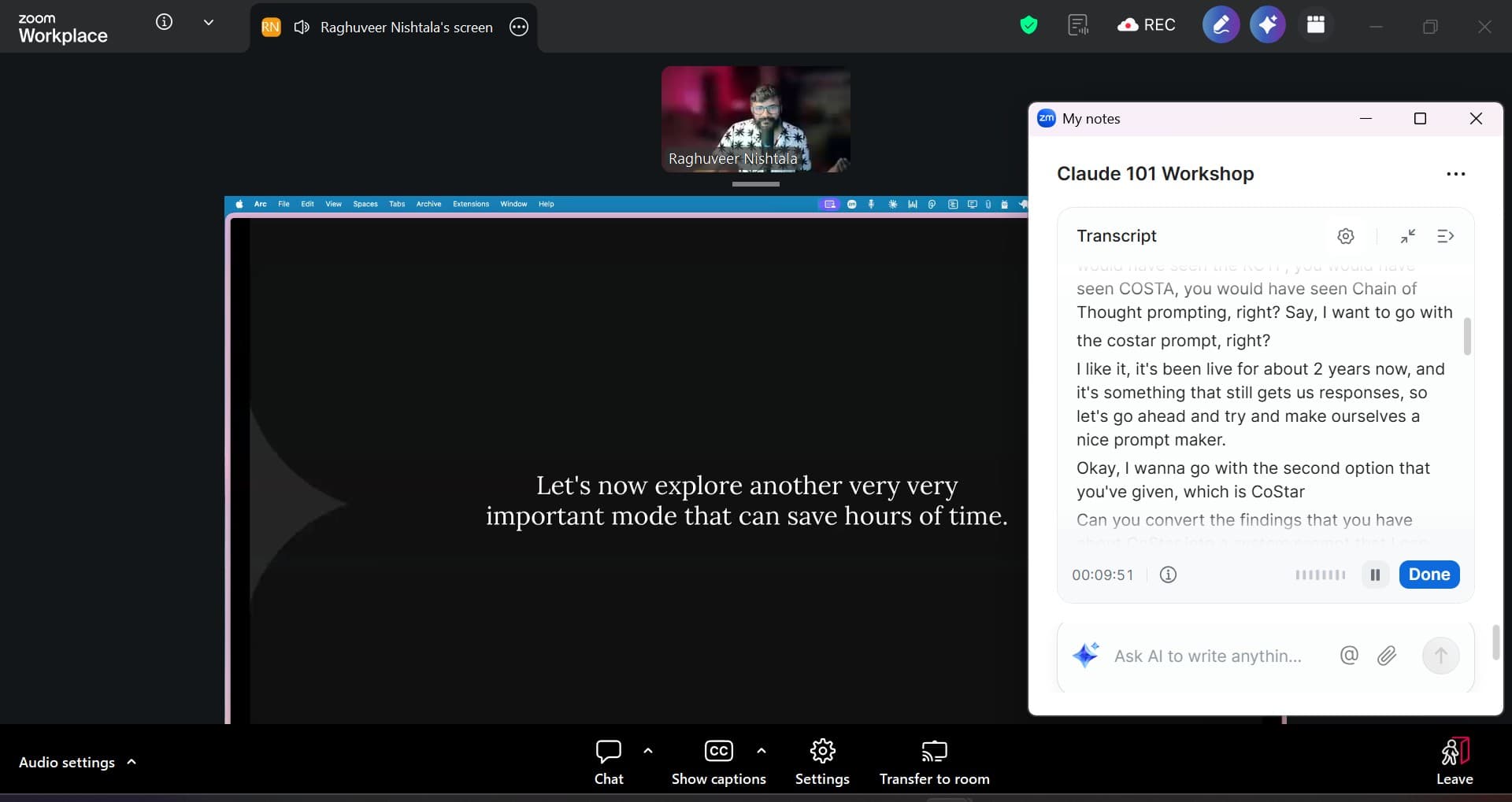
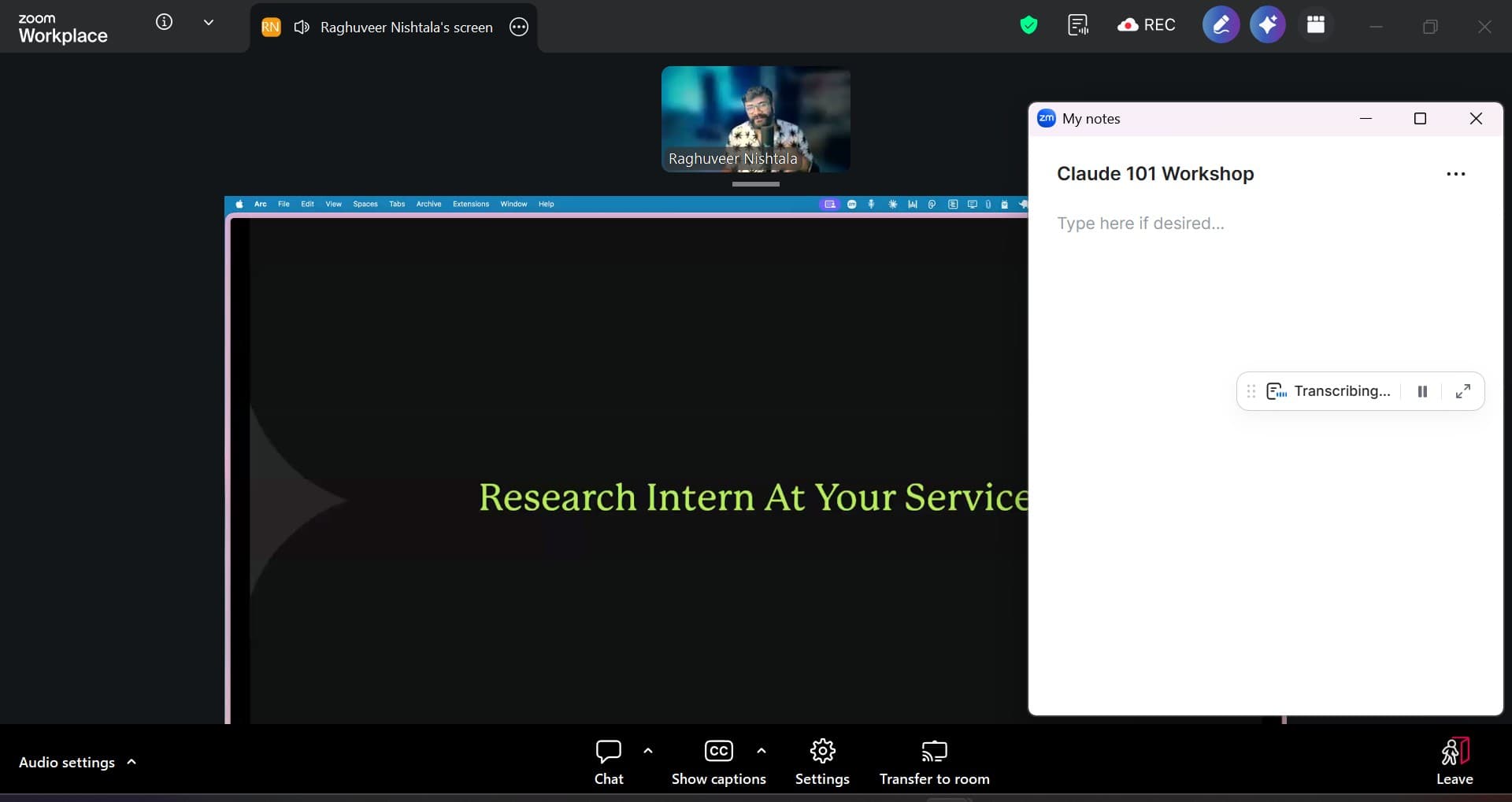
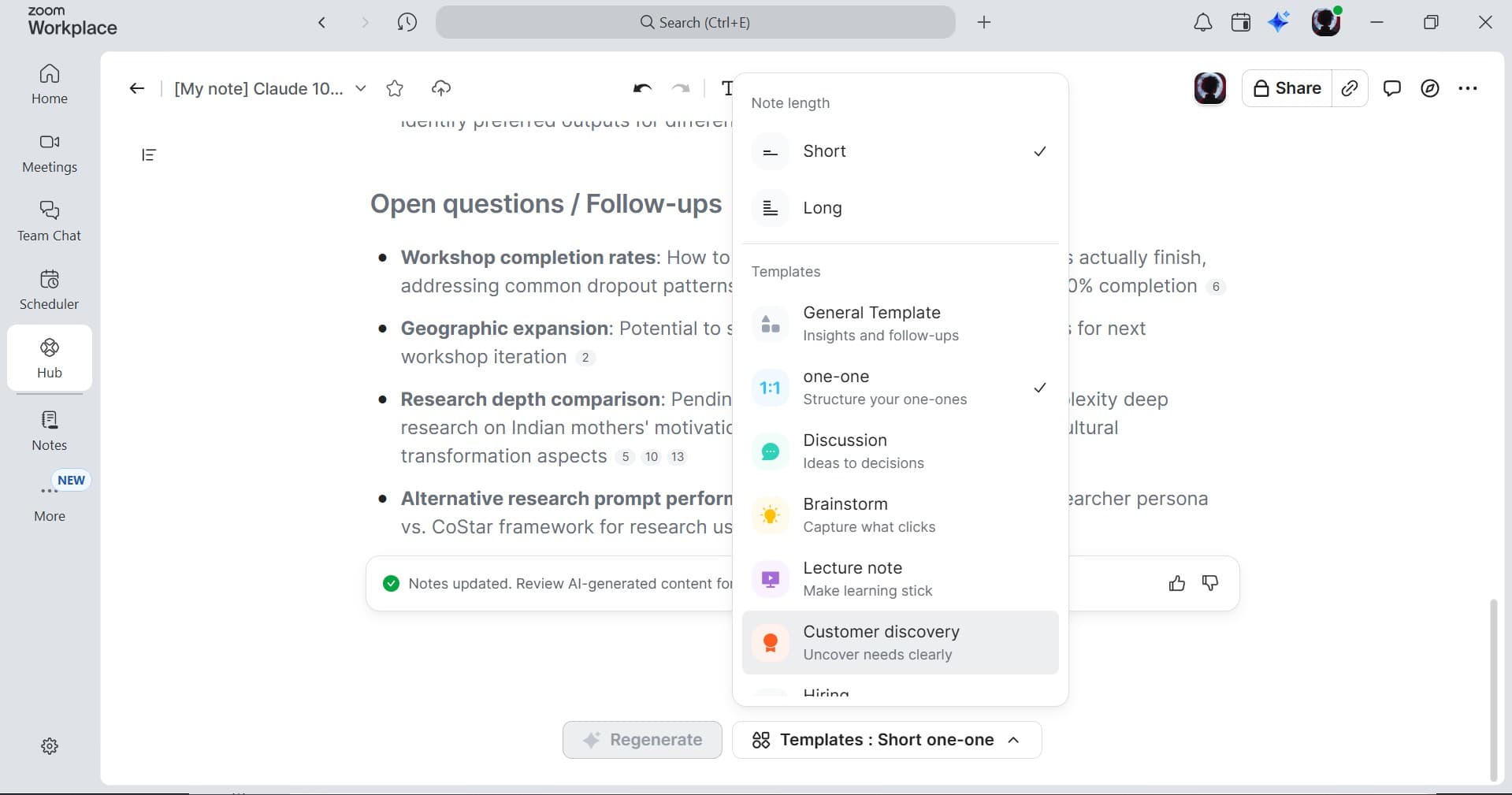
Zoom AI Companion is an AI assistant designed to boost productivity within the Zoom Workplace. It helps users draft emails and chat messages, summarize meetings and chat threads, brainstorm with colleagues, and more, all within the Zoom app. The AI captures context, uncovers insights, and helps deliver better work, from stronger customer conversations to faster, more-informed decisions.
Key features include note-taking capabilities, agentic retrieval, content generation, and the ability to create personalized AI workflows. It works across various platforms like Google Meet and Microsoft Teams, providing meeting summaries, transcripts, and action items. Zoom AI Companion connects Zoom Meetings with other business tools, enabling users to conduct deep research, create content with context, and turn ideation into action.
Zoom AI Companion is ideal for professionals across various roles, including executive leaders, sales, IT, HR, product managers, customer support, and marketing. It also benefits students, teachers, and anyone looking to enhance their productivity and streamline their daily tasks.
Key Features
- AI-powered meeting summaries and transcriptions
- AI note-taking across multiple platforms
- Content generation for documents and messages
- AI-driven task prioritization and scheduling
- Web surface for accessing insights from connected apps
- AI-assisted document editing and refinement
- Customizable AI workflows
- Real-time translation and transcription in 46 languages
Pros
- Enhances productivity by automating repetitive tasks
- Improves meeting efficiency with AI-generated summaries and action items
- Facilitates better decision-making with deep research capabilities
- Streamlines content creation with AI-assisted drafting and editing
- Offers accessibility features like real-time translation and transcription
- Integrates seamlessly with Zoom Workplace and other platforms
Cons
- Advanced features may require a paid Zoom Workplace plan
- Effectiveness depends on the quality of data and context provided
- Custom AI Companion and certain third-party agents may incur additional fees
- Accuracy of transcriptions may vary depending on accents and audio quality
- Reliance on AI could reduce human interaction and critical thinking
- Some features are still listed as 'coming soon'
Pricing
AI Companion is included with paid Zoom Workplace plans at no extra charge.
Basic: Free, limited in-meeting use (meeting summaries and in-meeting questions), limited queries on the side panel and web surface, agentic retrieval with limited resources per query. Meetings 40 minutes per meeting, 100 participants per meeting.
AI Companion: $8.33 /user/month billed annually, Access to AI Companion across Zoom Workplace and the web. All of AI Companion Basic, and: AI Companion New AI note-taking across Zoom, Microsoft Teams, Google Meet, in-person meetings, and 3rd-party meetings Meeting summaries in Zoom Meetings Meeting questions in Zoom Meetings Meeting summaries can be sent to Slack automatically Queries on the side panel and web surface Writing mode Personal workflows
Pro Workplace: $14.16 /user/month billed annually, Bundle — All the essential features of Workplace Pro bundled with AI Companion. All of AI Companion, and: Meetings 30 hours max per meeting 100 participants max per meeting Increase with Large Meeting Clips Plus Unlimited clips Custom avatars (3 mins per month) Mail Zoom Mail
Claim Verified Creator Badge
Are you the founder of Zoom AI Companion? Display this listing's verified badge on your website to show your customers that your product has been vetted and listed on AI Central Resources.
<a href="https://www.aicentralresources.com/tool/zoom-ai-companion" target="_blank" rel="noopener">
  <img src="https://www.aicentralresources.com/badges/featured-badge-dark.svg" alt="Featured on AICentralResources" width="200" height="54" style="border: none;" />
</a>
* Place this HTML snippet in your website's footer, landing page, or press section. This creates a search-friendly backlink directly to your verification page.
Connect with Zoom AI Companion
Frequently Asked Questions
Zoom AI Companion is included at no additional cost with the paid services assigned to Zoom user accounts. However, specialized AI Companion products and custom configurations may require additional fees.
Zoom does not use any customer audio, video, chat, screen sharing, attachments, or other communications-like customer content to train Zoom’s or its third-party artificial intelligence models.
Yes, AI Companion can join meetings on Google Meet, Microsoft Teams, and other platforms, whether you're a participant or the host, to provide note-taking and summarization features.
Zoom AI Companion supports real-time translation and transcription in 46 languages, making meetings more accessible for global teams.
Yes, Zoom's AI note-taking tool automatically summarizes meetings, extracts action items, and organizes notes, enhancing post-meeting productivity.
Similar AI Tools to Zoom AI Companion
View all alternatives of Zoom AI Companion


Fathom AI Notetaker
AI-powered meeting summaries and transcriptions for enhanced productivity.



Compared with Zoom AI Companion
Direct head-to-head feature matrices, pricing, and category breakdowns