

Otter.ai
AI Meeting Notetaker, Transcription, and Insights
Gallery
6 items
About Otter.ai
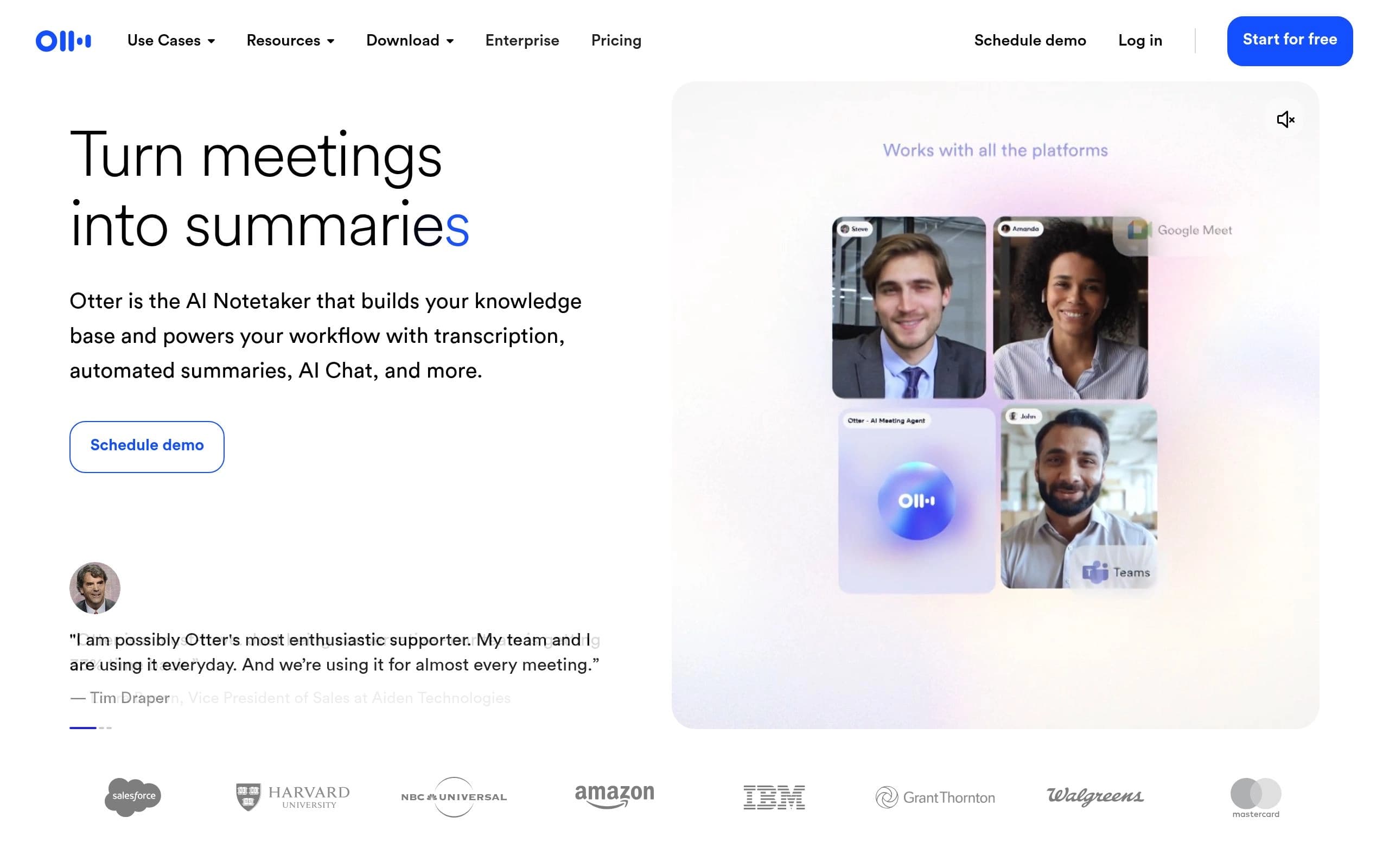
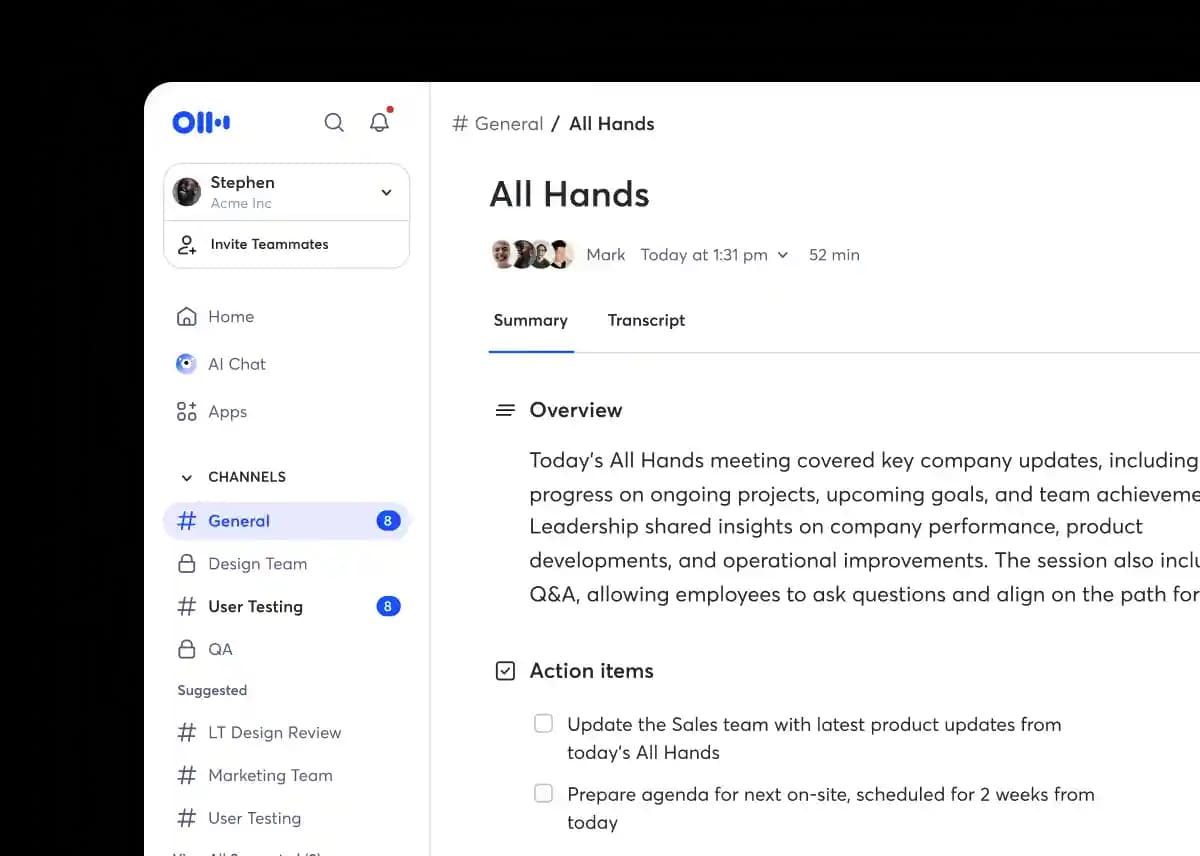
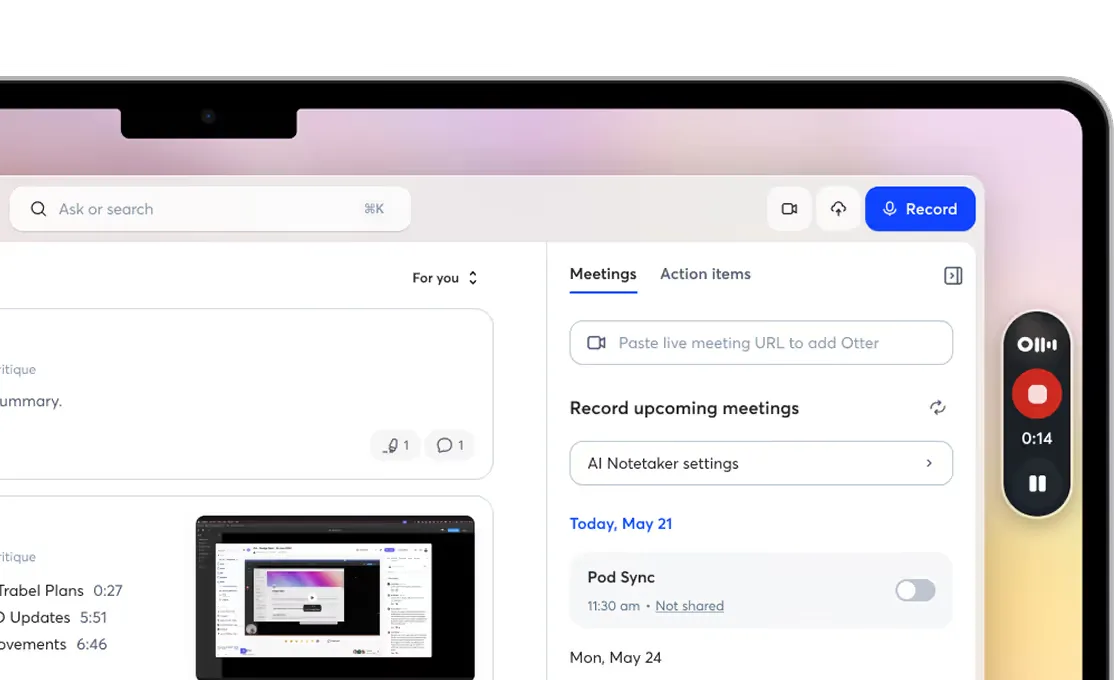
Otter.ai is an AI-powered meeting assistant that transcribes conversations in real-time, generates automated summaries, and provides valuable insights. It helps users capture the full conversation, track takeaways, and automate follow-ups, acting like an executive assistant that never takes a day off.
Key features include live transcription in multiple languages, speaker recognition, instant summaries with decisions and action items, automated action item assignment, and CRM integration for sales insights. Otter.ai uses voice-activated AI to answer questions about past conversations and integrates with popular apps like Zoom, Slack, and Google Calendar.
Otter.ai is ideal for sales teams, educators, media professionals, SDRs, and recruiters looking to automate meeting notes, improve collaboration, and drive efficiency. It offers flexible plans for individuals, teams, and enterprises, ensuring there's a solution for every need.
Key Features
- Real-time transcription
- Automated meeting summaries
- AI Chat for instant answers
- Speaker recognition
- Action item automation
- CRM integration
- Integration with Zoom, Google Meet, and Microsoft Teams
- Voice-activated AI assistant
Pros
- Saves time by automating transcription and summaries
- Improves team collaboration with shared meeting notes
- Enhances sales efficiency with CRM integration
- Provides accurate and searchable meeting records
- Offers flexible plans for different user needs
- Integrates seamlessly with popular meeting platforms
Cons
- Advanced features require a paid subscription
- Accuracy of transcription may vary depending on audio quality
- Limited transcription minutes in the basic free plan
- Some integrations require an Enterprise plan
- Relies on stable internet connection for real-time transcription
- May not accurately transcribe specialized or technical jargon without custom vocabulary
Pricing
Basic: Free forever with 300 monthly transcription minutes. Pro: $8.33/user/month (billed annually). Business: $19.99/user/month (billed annually). Enterprise: Custom pricing, contact sales.
Claim Verified Creator Badge
Are you the founder of Otter.ai? Display this listing's verified badge on your website to show your customers that your product has been vetted and listed on AI Central Resources.
<a href="https://www.aicentralresources.com/tool/otterai" target="_blank" rel="noopener">
  <img src="https://www.aicentralresources.com/badges/featured-badge-dark.svg" alt="Featured on AICentralResources" width="200" height="54" style="border: none;" />
</a>
* Place this HTML snippet in your website's footer, landing page, or press section. This creates a search-friendly backlink directly to your verification page.
Connect with Otter.ai
Frequently Asked Questions
Yes, Otter.ai offers a 7-day free trial for the Business plan, which includes enhanced team and admin features.
Yes, Otter.ai offers a 20% discount on Pro Monthly and Pro Annual plans for individual students and teachers using a .edu email address.
Otter.ai integrates with Zoom, Google Meet, Microsoft Teams, Slack, Dropbox, Google Calendar, Google Docs, HubSpot, Salesforce, and more.
Yes, Otter.ai allows you to import and transcribe audio and video files, with limits depending on your subscription plan.
Otter.ai supports transcription and summaries in English, French, and Spanish.
Similar AI Tools to Otter.ai
View all alternatives of Otter.ai

Fathom AI Notetaker
AI-powered meeting summaries and transcriptions for enhanced productivity.




Compared with Otter.ai
Direct head-to-head feature matrices, pricing, and category breakdowns