

Google NotebookLM
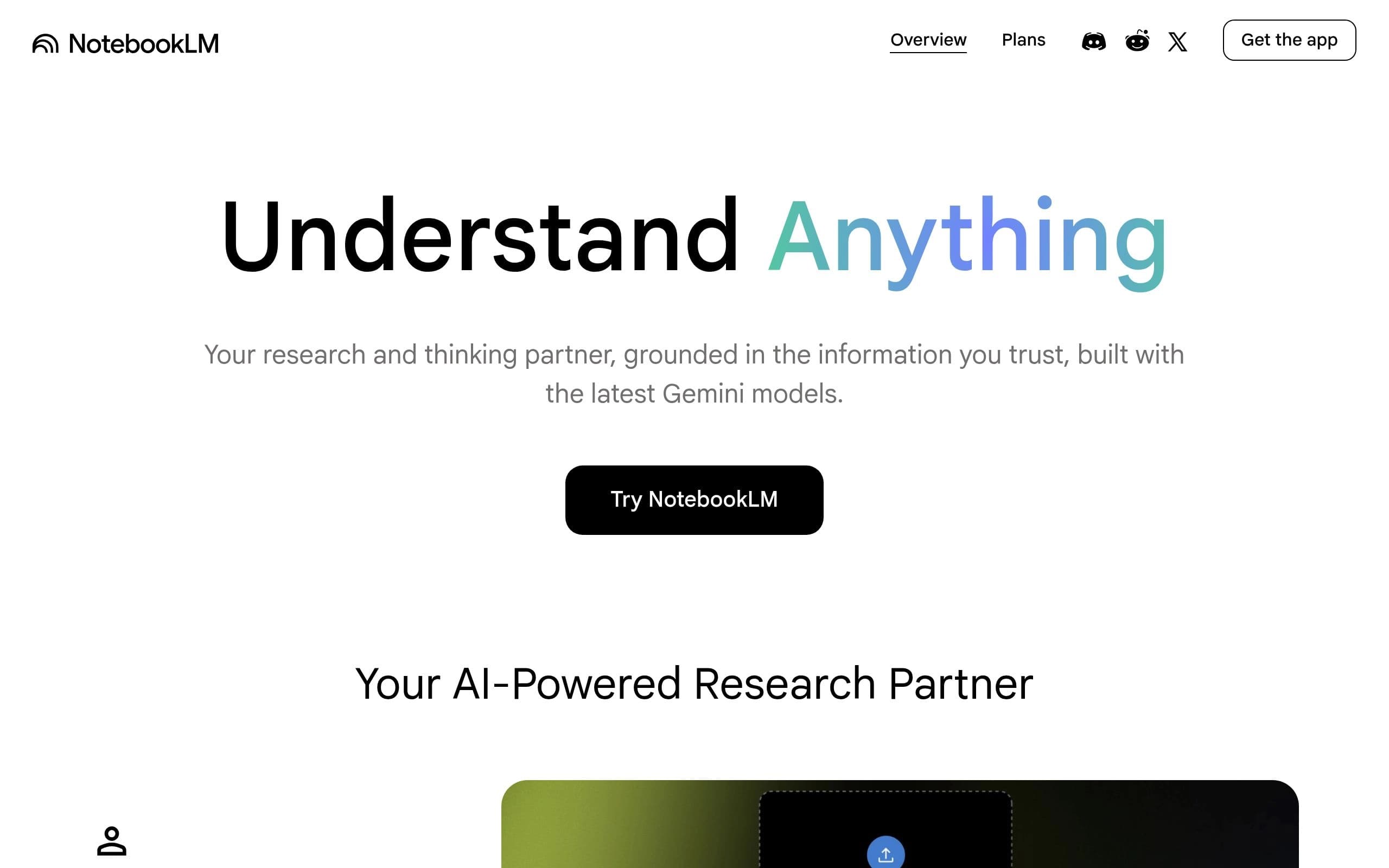
AI research tool and thinking partner that analyzes sources, clarifies complexity, and transforms content.
Gallery
4 items

About Google NotebookLM
Google NotebookLM is an advanced AI research tool and thinking partner designed to transform how users interact with their information. Built with the latest Gemini models, it excels at analyzing diverse sources, converting complex data into clear insights, and generating new content. It acts as a personalized AI expert, grounded in the specific information users provide, significantly reducing the time spent on information synthesis and comprehension.
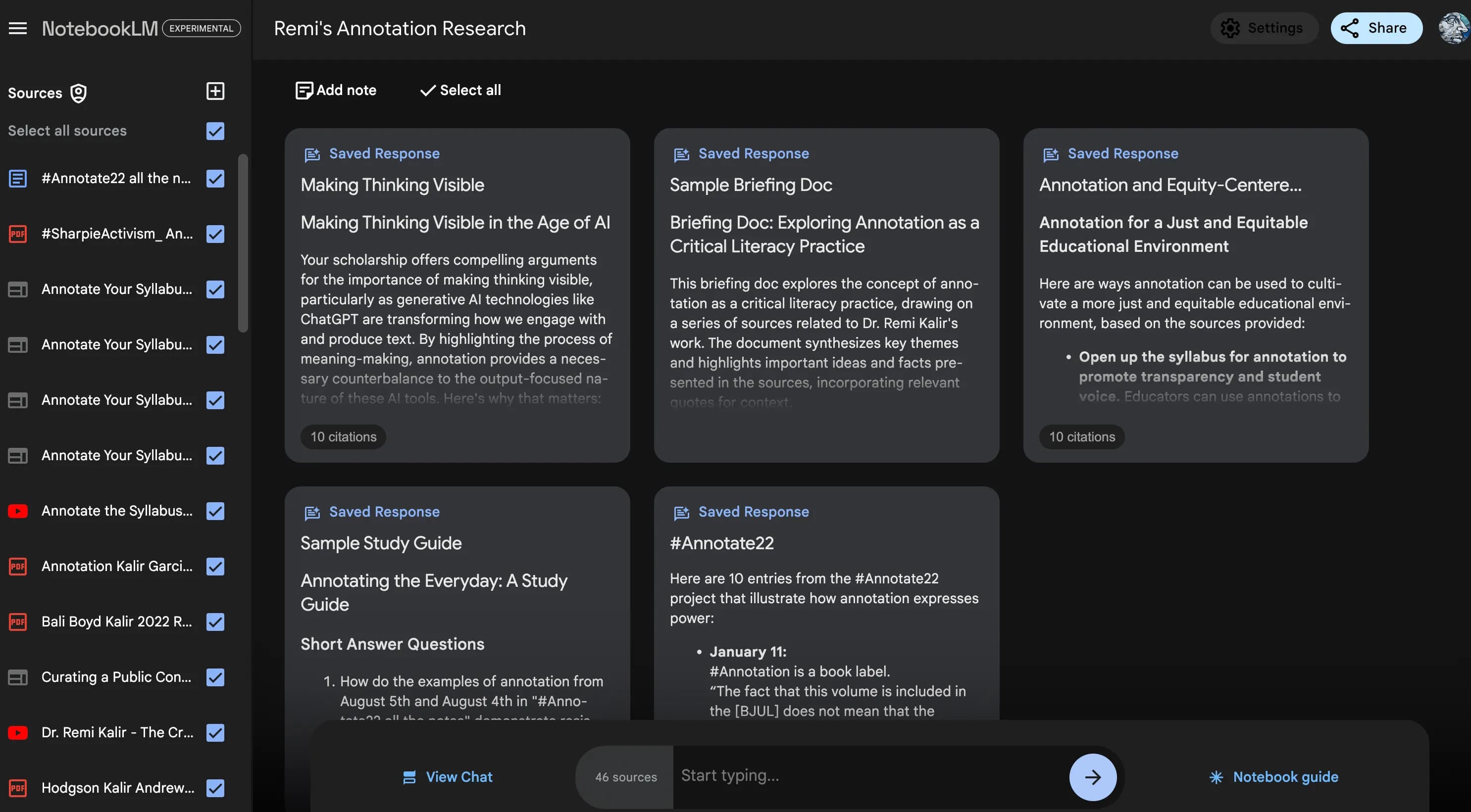
The platform supports uploading a wide array of source materials, including PDFs, websites, YouTube videos, audio files, Google Docs, and Slides. NotebookLM summarizes these sources, identifies key connections, and provides instant, source-grounded insights with clear citations to ensure accuracy and build user confidence. Its innovative Audio Overview feature can even turn uploaded content into engaging "Deep Dive" discussions, facilitating learning on the go.
NotebookLM caters to a broad audience, from students seeking to power their studies and learn faster, to professionals organizing their thinking for presentations and sparking new ideas for creative projects. Organizations and schools can leverage it for enhanced learning, deep research, streamlining customer support, boosting sales efforts, improving training and onboarding, and generating marketing content, all while maintaining robust data privacy.
Key Features
- Upload diverse sources: PDFs, websites, YouTube videos, audio files, Google Docs, Google Slides
- Summarizes content and identifies connections between topics
- Generates instant, personalized insights based on your sources
- Provides clear citations for all generated responses
- Audio Overview feature for engaging "Deep Dive" discussions from sources
- Assists with study aids like flashcards, quizzes, and reports
- Creates presentation outlines with key talking points and evidence
- Identifies trends and generates new product ideas from research
Pros
- Significantly reduces AI hallucinations by being source-grounded
- Accelerates research and information synthesis from large volumes of data
- Enhances understanding of complex concepts with simplified explanations
- Supports diverse use cases for individuals, teams, and organizations
- Robust data privacy measures, especially for organizational data
- Multimodal input capabilities for comprehensive source analysis
Cons
- Usage limits on generations and sources vary significantly by plan
- Premium features and higher limits require a paid subscription
- Google AI Plus, Pro, and Ultra plans are only available in specific regions
- No recovery option for deleted notes or notebooks
- Individual user data might be used for training if feedback is shared
Pricing
A free tier is available for personal projects, offering standard generations and up to 50 sources per notebook. Paid plans (Plus, Pro, Ultra) provide increased generation limits (2X, 5X, 50X respectively), higher source capacities (100, 300, 600 per notebook), and priority access to Google's Gemini models. Specific pricing for Plus, Pro, and Ultra plans is not explicitly stated on the website, requiring users to 'Upgrade' for details. Google AI Plus, Pro, and Ultra plans are only available in specific regions.
Claim Verified Creator Badge
Are you the founder of Google NotebookLM? Display this listing's verified badge on your website to show your customers that your product has been vetted and listed on AI Central Resources.
<a href="https://www.aicentralresources.com/tool/google-notebooklm" target="_blank" rel="noopener">
  <img src="https://www.aicentralresources.com/badges/featured-badge-dark.svg" alt="Featured on AICentralResources" width="200" height="54" style="border: none;" />
</a>
* Place this HTML snippet in your website's footer, landing page, or press section. This creates a search-friendly backlink directly to your verification page.
Connect with Google NotebookLM
Frequently Asked Questions
NotebookLM's primary advantage is its source-grounded approach, ensuring answers and insights are based on your specific uploaded material, which reduces AI errors and hallucinations. It creates a highly personalized learning and research environment.
Built with the latest Gemini models, NotebookLM gains a more nuanced understanding of your sources, delivering more insightful summaries, identifying deeper connections across documents, and providing more accurate answers.
Yes, NotebookLM can create podcast-style Audio Overviews and generate presentation outlines with key talking points. It helps organize research, summarize sources, and brainstorm or refine scripts and content with AI suggestions.
Google NotebookLM is built with robust security measures. For organizations and schools, data remains private and is never used to train NotebookLM. For individuals, data is not used for training unless feedback is explicitly shared.
The free tier allows up to 50 sources per notebook with standard generations. Paid plans (Plus, Pro, Ultra) offer significantly higher limits, ranging from 100 to 600 sources per notebook and 2X to 50X more generations.
Similar AI Tools to Google NotebookLM
View all alternatives of Google NotebookLM




Reflect Notes
Think better with Reflect: Your AI-powered networked note-taking assistant.

Slite
AI-powered knowledge base for instant answers and streamlined team collaboration.
Compared with Google NotebookLM
Direct head-to-head feature matrices, pricing, and category breakdowns