

Visually design, build, and automate anything from tasks to workflows.
Gallery
4 items



About Make
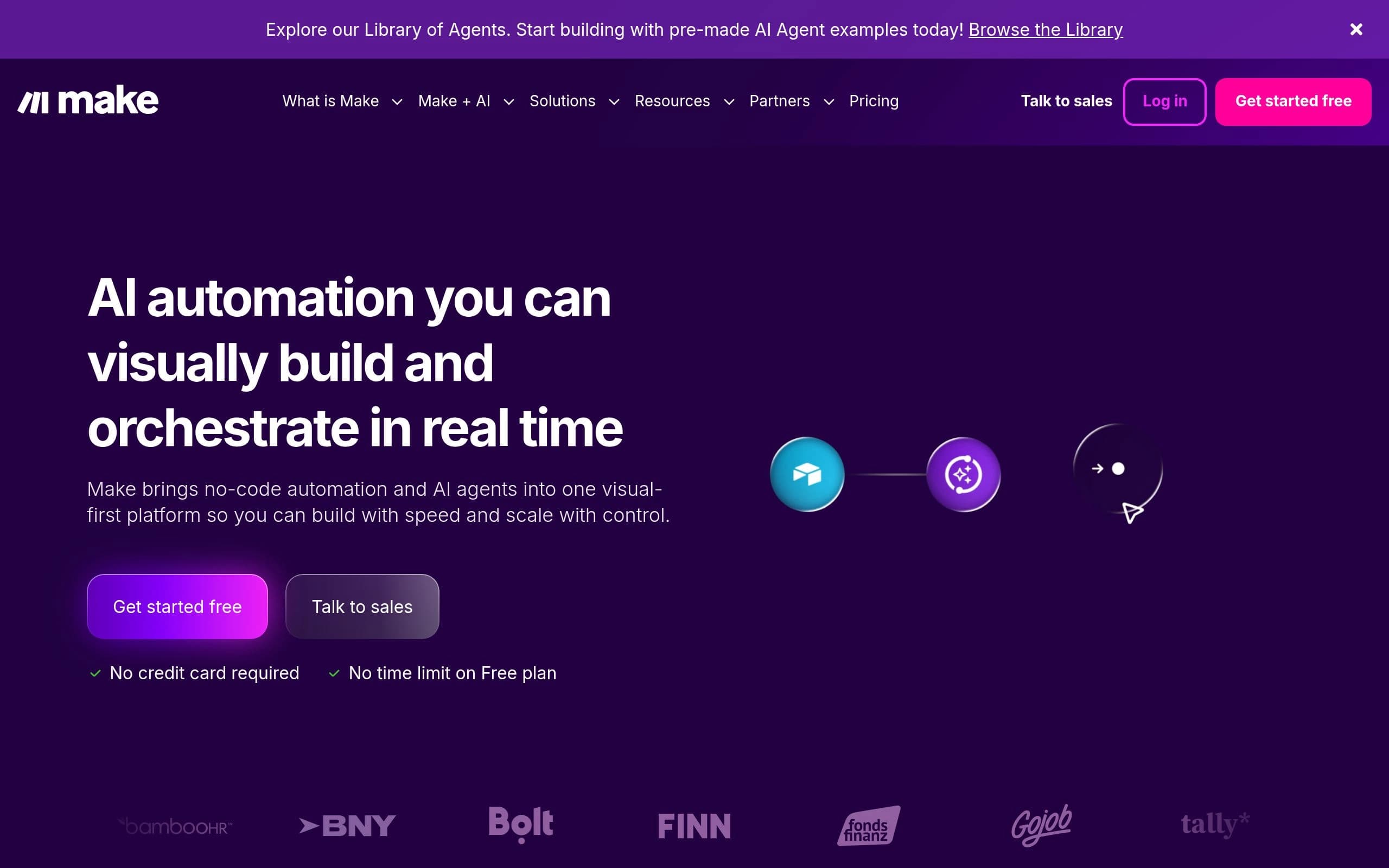
Make.com (formerly Integromat) is a powerful visual platform designed to help businesses and individuals automate their workflows and connect various applications seamlessly. It empowers users to create complex integrations and data transfers without writing a single line of code, streamlining operations and boosting productivity across numerous departments.
The platform offers a drag-and-drop interface, allowing users to visually design intricate scenarios that respond to triggers and perform actions across thousands of popular apps and services. It supports a wide array of connectors, from CRM systems and marketing tools to databases and custom APIs, enabling highly customized automation solutions.
Make.com is ideal for small businesses, enterprises, developers, and non-technical users alike who need to automate repetitive tasks, synchronize data between systems, or build custom applications without the overhead of traditional coding. It caters to anyone looking to enhance efficiency, reduce manual effort, and innovate their digital processes.
Key Features
- Visual drag-and-drop builder
- Thousands of app integrations
- Advanced scenario design
- Real-time data processing
- Error handling and logging
- Custom webhook support
- Data stores and iterators
Pros
- Highly flexible and customizable automation
- Extensive library of pre-built app connectors
- Visual interface simplifies complex workflows
- Scalable for both small tasks and enterprise solutions
- Robust error handling and monitoring
- Cost-effective compared to custom development
Cons
- Steep learning curve for advanced features
- Pricing can become expensive with high usage volumes
- Debugging complex scenarios can be challenging
- Performance can be affected by the number of operations
- Limited offline functionality
Pricing
Make offers a Free plan with limited operations and data transfer. Paid plans start from $9/month (billed annually) for the Core plan, offering more operations, data transfer, and advanced features. Higher tiers like Pro, Teams, and Enterprise provide increased capacity, team collaboration, and dedicated support.
Claim Verified Creator Badge
Are you the founder of Make? Display this listing's verified badge on your website to show your customers that your product has been vetted and listed on AI Central Resources.
<a href="https://www.aicentralresources.com/tool/make" target="_blank" rel="noopener">
  <img src="https://www.aicentralresources.com/badges/featured-badge-dark.svg" alt="Featured on AICentralResources" width="200" height="54" style="border: none;" />
</a>
* Place this HTML snippet in your website's footer, landing page, or press section. This creates a search-friendly backlink directly to your verification page.
Connect with Make
Frequently Asked Questions
Yes, Make offers a free plan that includes a limited number of operations and data transfer, allowing users to test its capabilities.
Yes, Make provides tools like HTTP modules and webhooks to connect with virtually any API, even if a dedicated connector doesn't exist.
Make employs industry-standard security measures, including encryption in transit and at rest, to protect user data and ensure privacy.
Absolutely, Make offers enterprise-grade features, scalability, and dedicated support plans designed for large organizations with complex automation needs.
While both are automation platforms, Make is often considered more powerful and flexible for complex, multi-step workflows due to its visual builder and advanced logic capabilities, whereas Zapier is known for its simplicity for straightforward integrations.
Similar AI Tools to Make
View all alternatives of Make


Workato
Enterprise iPaaS for AI agent orchestration and business process automation.

Bardeen
Source, qualify, and reach leads with AI-powered web scraping and enrichment.


Compared with Make
Direct head-to-head feature matrices, pricing, and category breakdowns