

Notion AI
Your AI-powered workspace for teamwork.
Gallery
6 items
About Notion AI
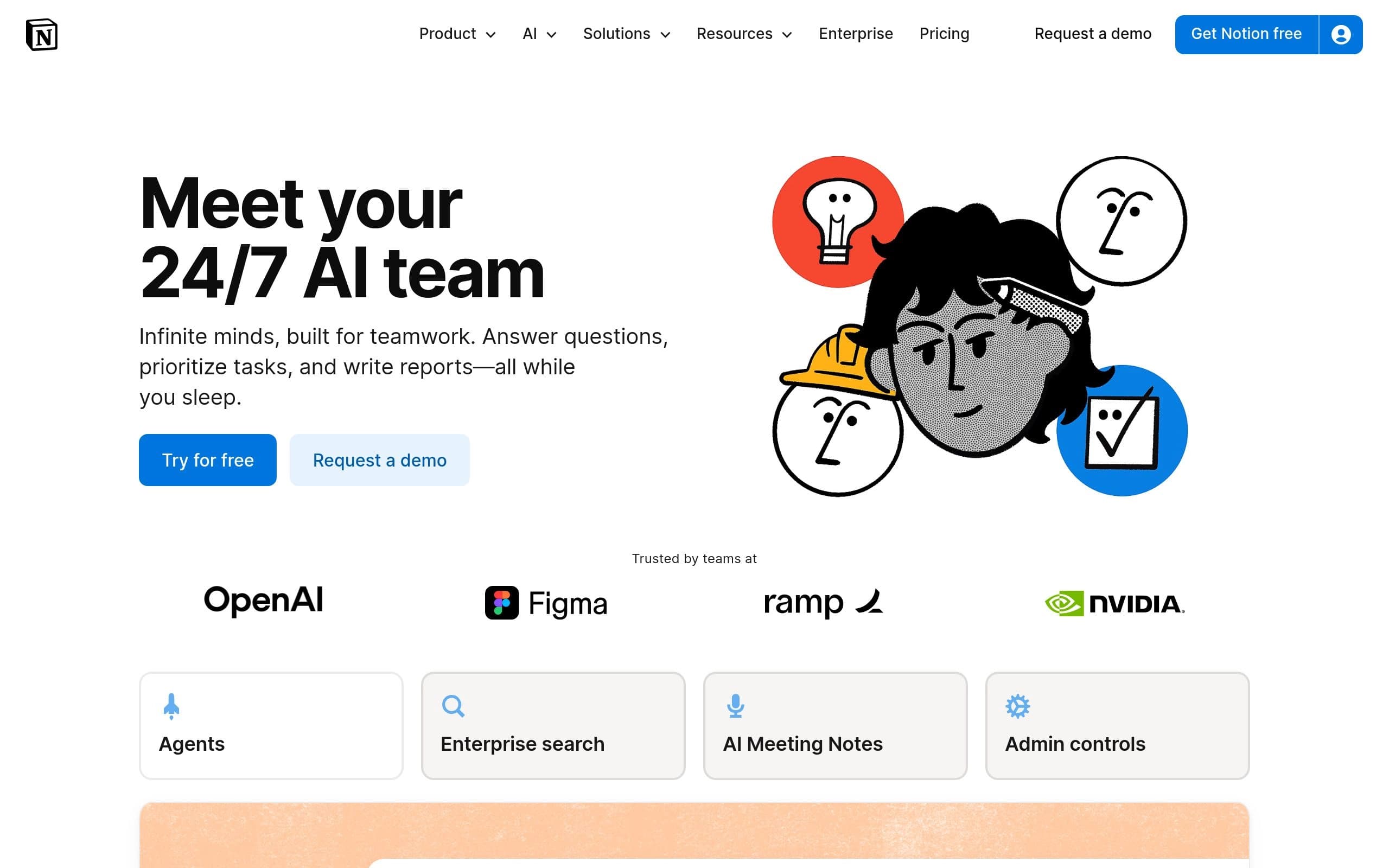
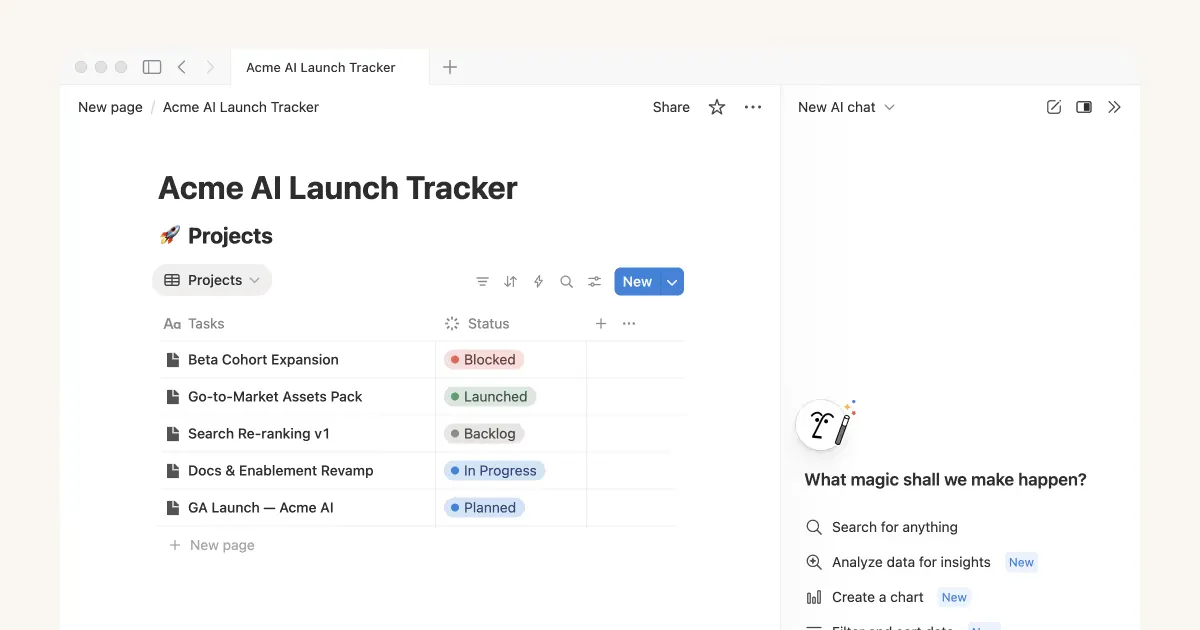
Notion AI is an integrated suite of AI-powered tools designed to enhance productivity within the Notion workspace. It offers features like Notion Agent for automating tasks, Enterprise Search for quick information retrieval, and AI Meeting Notes for capturing and summarizing meeting details. Notion AI leverages workspace context and connected apps to streamline workflows and decision-making.
Key features include custom AI agents, enterprise-wide search, automated meeting notes, and AI-assisted writing and content generation. It also provides tools for database creation, auto-population, and formula writing. Notion AI is model-agnostic, allowing users to switch between different AI models and providers.
Notion AI is ideal for teams and individuals looking to centralize their work and knowledge, automate repetitive tasks, and improve overall productivity. It caters to various roles, including project managers, marketers, engineers, and anyone seeking to leverage AI to optimize their workflows.
Key Features
- Notion Agent for automated task completion
- Enterprise Search across connected apps
- AI Meeting Notes for transcription and summaries
- Custom Agents for automating recurring work
- AI-assisted writing and content generation
- Database creation and auto-population
- Model agnostic architecture
- Usage and analytics dashboards
Pros
- Seamless integration within the Notion workspace
- Automates repetitive tasks, freeing up time for more strategic work
- Enhances team collaboration and knowledge sharing
- Provides a centralized hub for work and information
- Offers enterprise-grade security and compliance features
Cons
- Requires a paid Notion subscription for full access
- Custom Agents are priced separately using Notion credits
- Can be a learning curve to fully utilize all AI features
- Reliance on the quality of data within the Notion workspace
- Potential for AI to misinterpret instructions or generate inaccurate content
Pricing
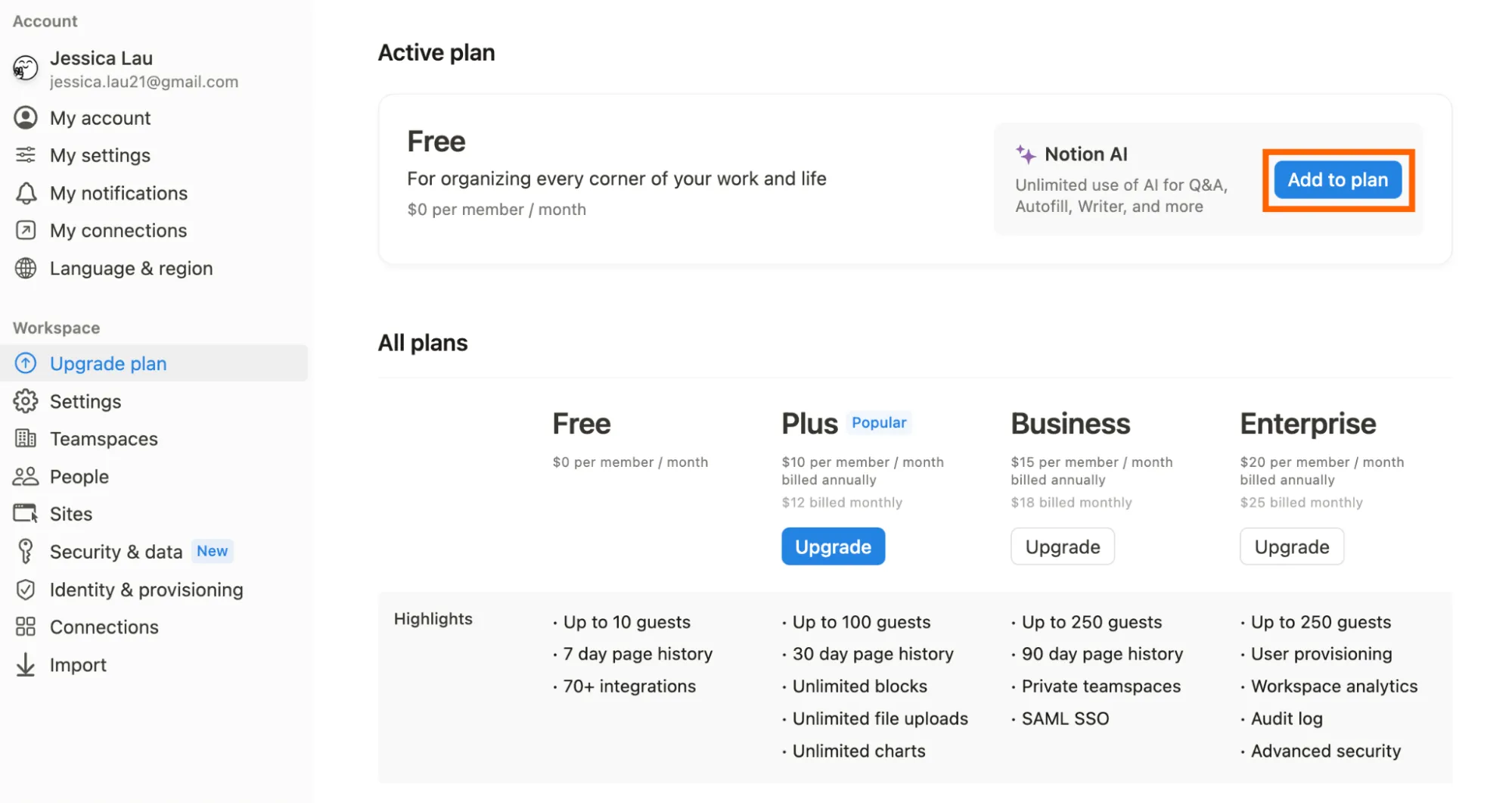
Notion AI is included with Notion’s Business and Enterprise plans. Custom Agents are free to use on Business and Enterprise plans until May 3, 2026, after which they will cost $10 per 1,000 credits. Limited trial usage is available on Free and Plus plans.
Claim Verified Creator Badge
Are you the founder of Notion AI? Display this listing's verified badge on your website to show your customers that your product has been vetted and listed on AI Central Resources.
<a href="https://www.aicentralresources.com/tool/notion-ai" target="_blank" rel="noopener">
  <img src="https://www.aicentralresources.com/badges/featured-badge-dark.svg" alt="Featured on AICentralResources" width="200" height="54" style="border: none;" />
</a>
* Place this HTML snippet in your website's footer, landing page, or press section. This creates a search-friendly backlink directly to your verification page.
Connect with Notion AI
Frequently Asked Questions
Notion AI follows standard data protection practices, encrypting your data and keeping it private. Your data will not be used to train AI models unless you opt in.
Custom Agents automate recurring tasks for your team. Set a trigger or schedule, and the agent handles it, 24/7, using credits based on the work it does.
Notion AI is included with Notion’s Business and Enterprise plans. Workspaces on other plans get a limited amount of trial usage to try it out.
Yes, workspace owners can disable web search capabilities for Notion AI within the settings.
Yes, Notion AI enables HIPAA compliance for Enterprise users by utilizing LLM provider’s zero-retention APIs and allows for the processing of protected health information (PHI).