

Evernote
Capture, organize, and recall everything with AI-powered note-taking.
Gallery
5 items

About Evernote
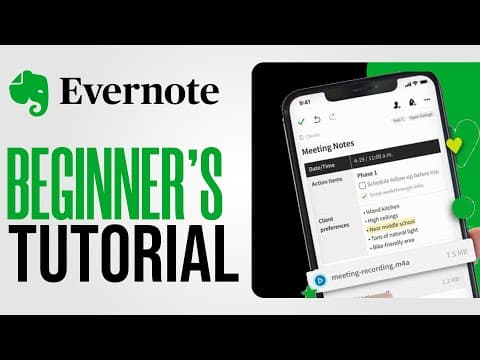
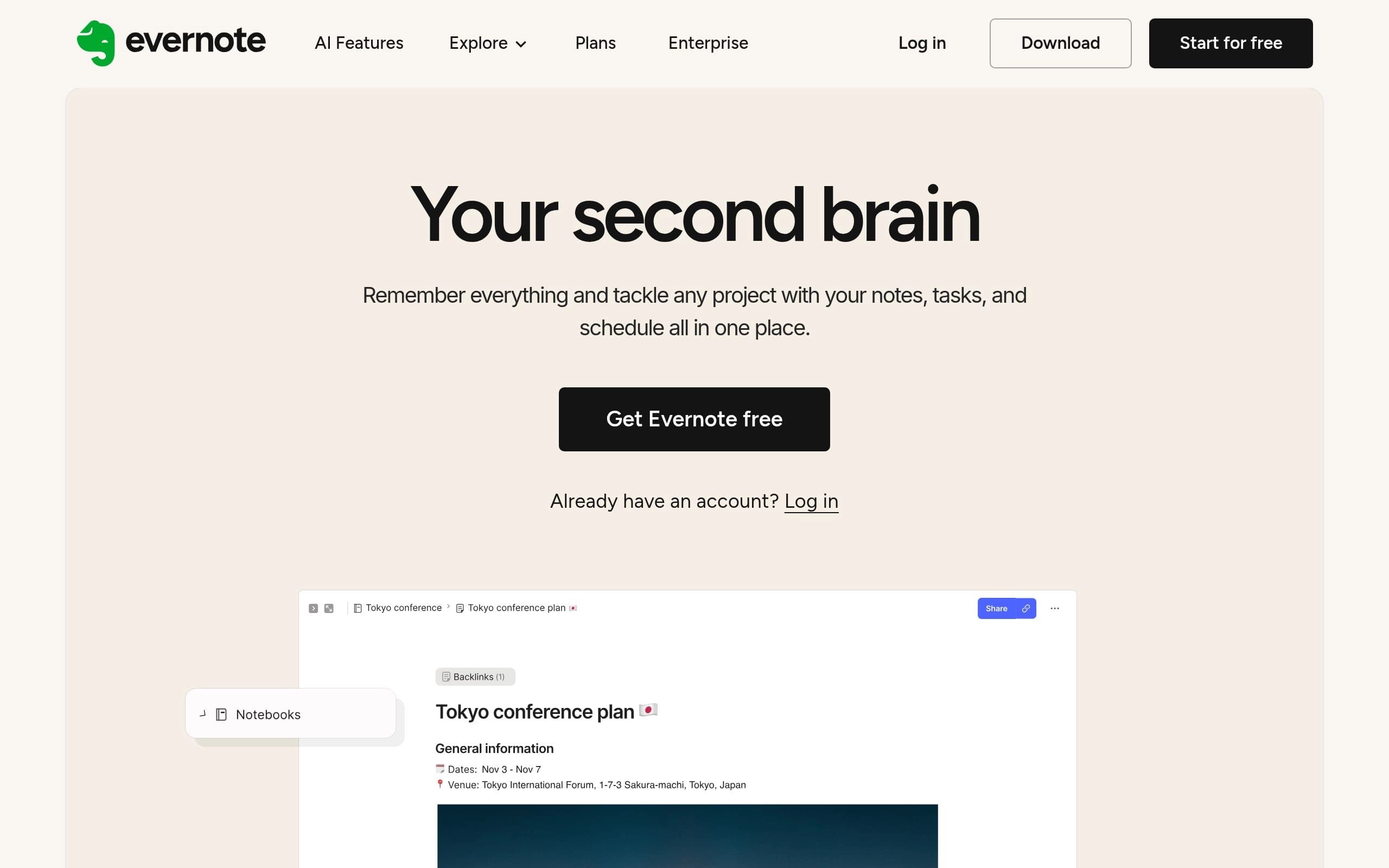
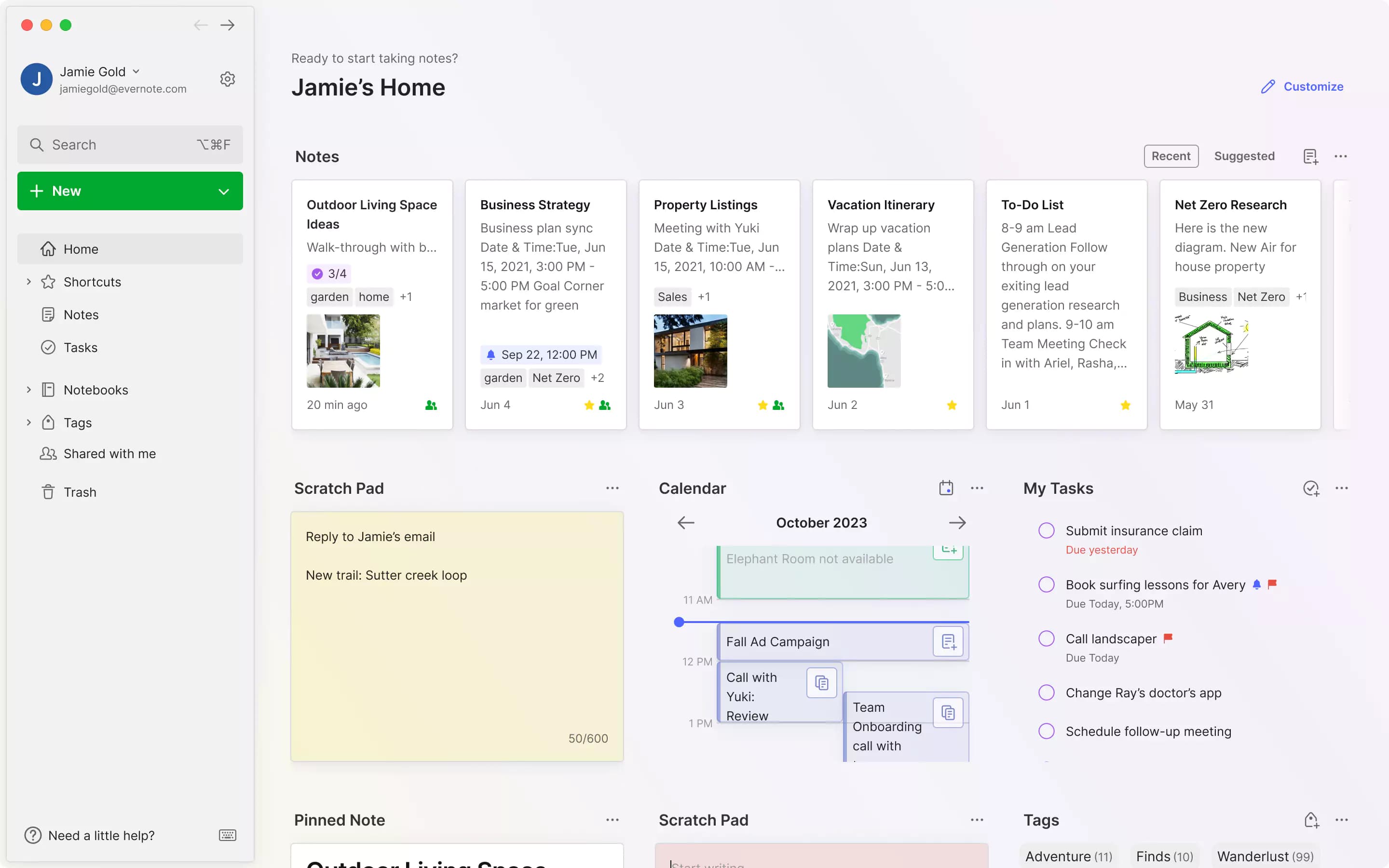
Evernote is a comprehensive note-taking and productivity application designed to help users capture, organize, and recall information effortlessly. It serves as a "second brain," allowing individuals and teams to manage ideas, projects, and to-do lists across multiple devices. The platform ensures that important information is never lost, fostering enhanced productivity and streamlined workflows for both personal and professional use.
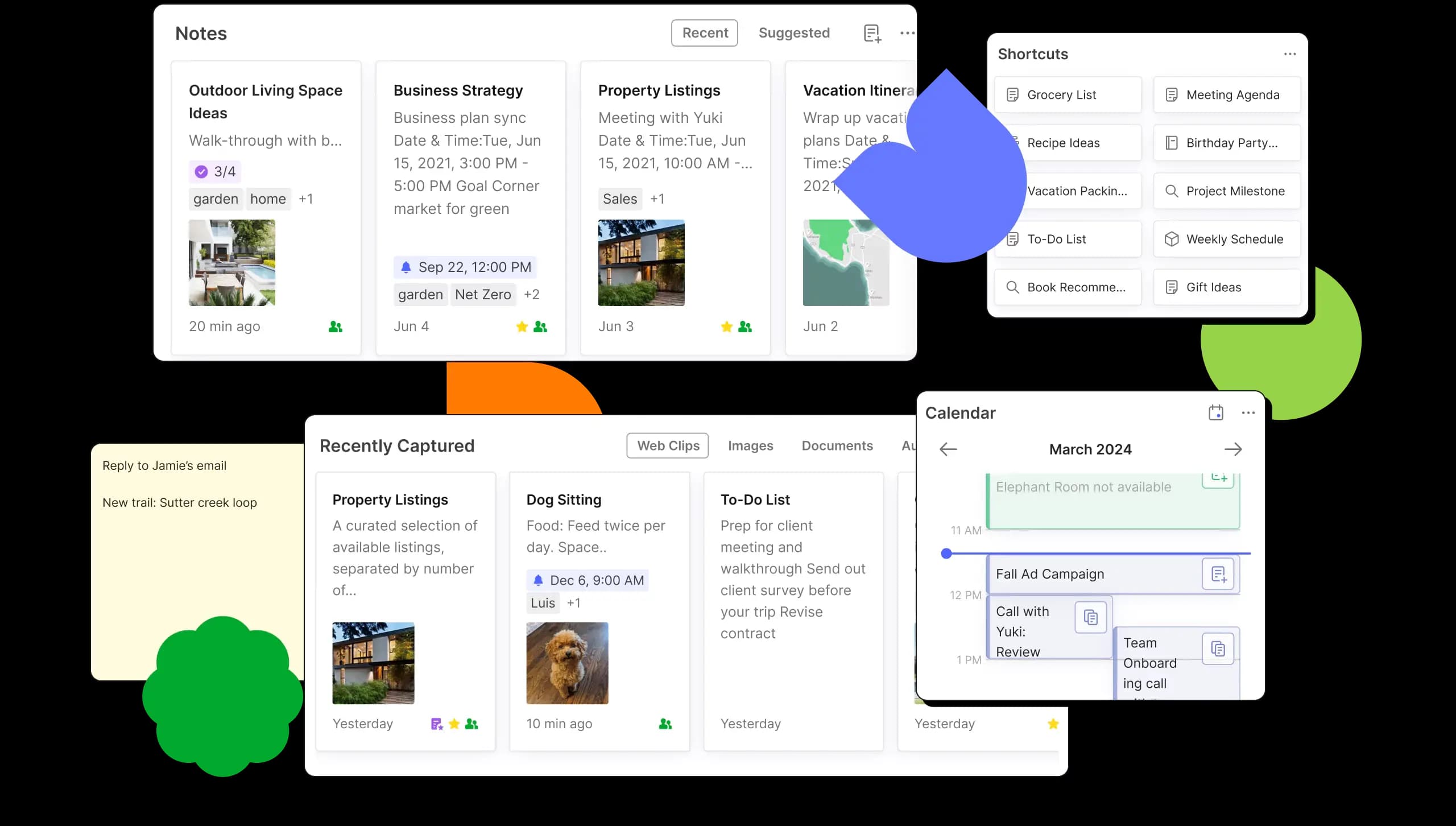
The platform integrates advanced AI features, including AI Assistant for chat-based note enrichment, Semantic Search for intuitive content discovery, and AI Meeting Notes for instant summaries and transcriptions. Beyond AI, Evernote offers core functionalities like web clipping, document scanning, task management, calendar integration, and real-time collaboration. Its robust search capabilities extend to handwritten notes and attachments, ensuring quick access to any stored content.
Evernote is ideal for students, professionals, teams, and anyone seeking to improve their information management and productivity. It caters to individuals who need a centralized hub for diverse content, from web articles and scanned documents to meeting notes and personal reminders. With its cross-device synchronization and customizable interface, Evernote empowers users to stay organized and productive, whether working alone or collaborating with others.
Key Features
- AI Assistant for note enrichment and task management
- Semantic Search for relevant content discovery
- AI Meeting Notes for summaries and transcriptions
- Web Clipper for saving online content
- Document and business card scanning
- Integrated tasks and calendar synchronization
- Real-time collaboration and sharing
- Cross-device sync and offline access
Pros
- Comprehensive note-taking and organization features
- Powerful AI capabilities for enhanced productivity
- Seamless synchronization across multiple devices
- Robust search, including handwritten notes and attachments
- Effective web clipping and document scanning
- Supports team collaboration and task delegation
Cons
- Advanced AI features and full functionality require paid plans
- Free plan has significant limitations on notes, notebooks, and devices
- Steep learning curve for new users to master all features
- Some users report performance issues or bloat with larger note libraries
- Subscription costs can be a barrier for budget-conscious users
Claim Verified Creator Badge
Are you the founder of Evernote? Display this listing's verified badge on your website to show your customers that your product has been vetted and listed on AI Central Resources.
<a href="https://www.aicentralresources.com/tool/evernote" target="_blank" rel="noopener">
  <img src="https://www.aicentralresources.com/badges/featured-badge-dark.svg" alt="Featured on AICentralResources" width="200" height="54" style="border: none;" />
</a>
* Place this HTML snippet in your website's footer, landing page, or press section. This creates a search-friendly backlink directly to your verification page.
Connect with Evernote
Frequently Asked Questions
Yes, individual paid plans (Starter, Advanced) offer a 7-day free trial, and Evernote Enterprise offers a 14-day free trial.
Yes, users can enable or disable individual AI features at any time within the Evernote settings.
No, Evernote states that user data is not used to train AI models by Evernote or any third-party.
You can upgrade or downgrade your plan through your account settings in Evernote Web, under 'Manage Subscription' or 'Billing'.
Yes, eligible college students can receive 40% off a one-year subscription to Evernote Starter.
Similar AI Tools to Evernote
View all alternatives of Evernote




Reflect Notes
Think better with Reflect: Your AI-powered networked note-taking assistant.
Compared with Evernote
Direct head-to-head feature matrices, pricing, and category breakdowns