

Copilot in Outlook
Enhance Outlook with AI-powered email and meeting assistance.
Gallery
4 items

About Copilot in Outlook
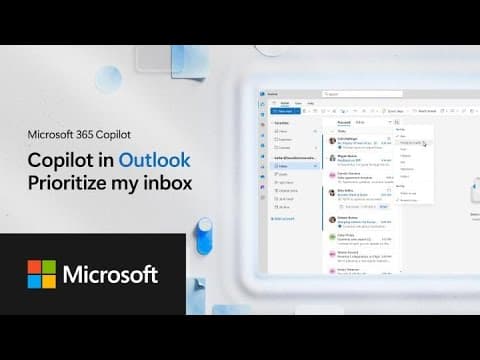
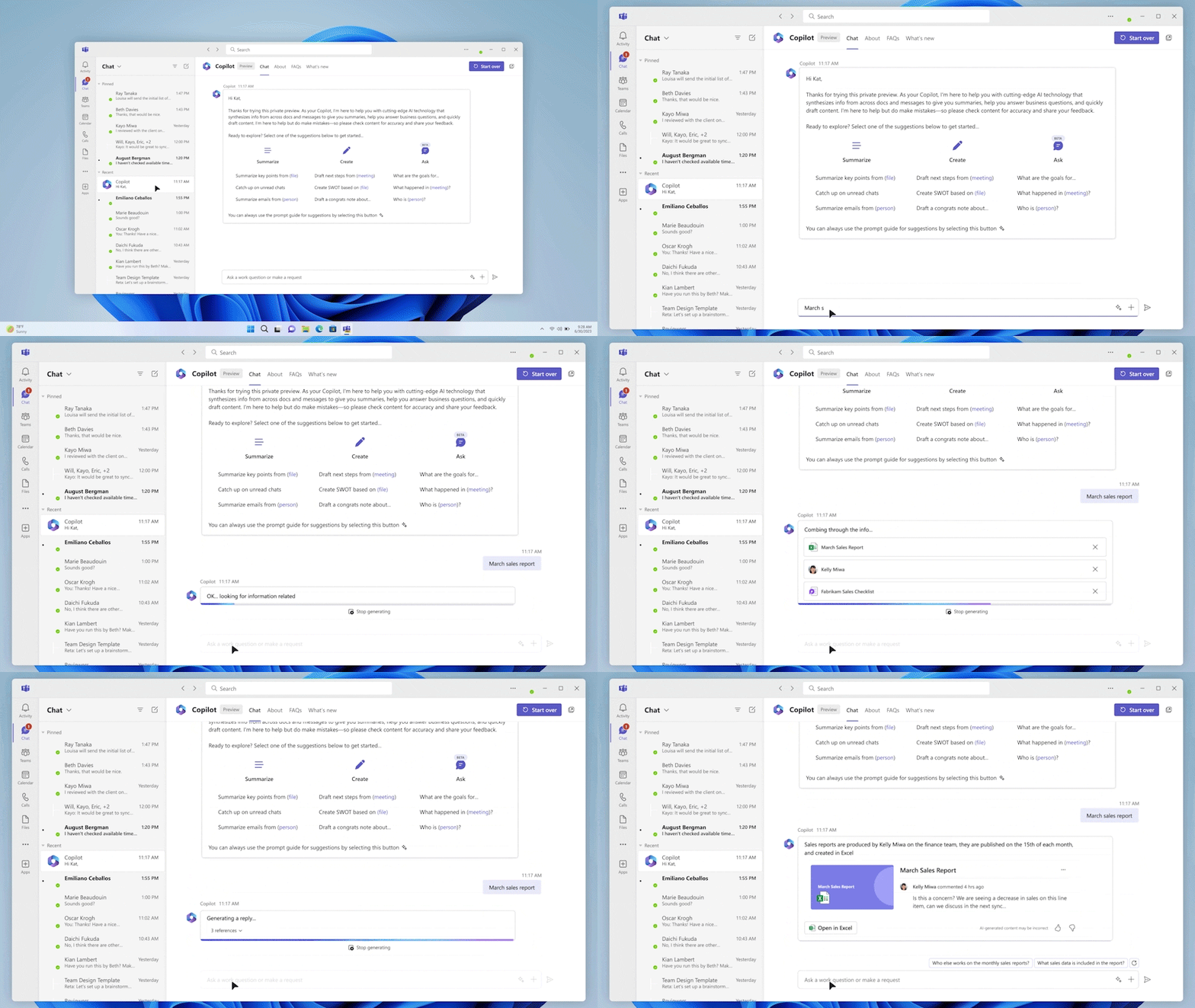
Copilot in Outlook is an AI-powered tool designed to enhance your email and meeting management experience. It offers contextual help, email summarization, and task automation, such as drafting emails, creating auto-replies, and setting up rules. Copilot is deeply integrated into Outlook, allowing you to retrieve information and take action directly within the app.
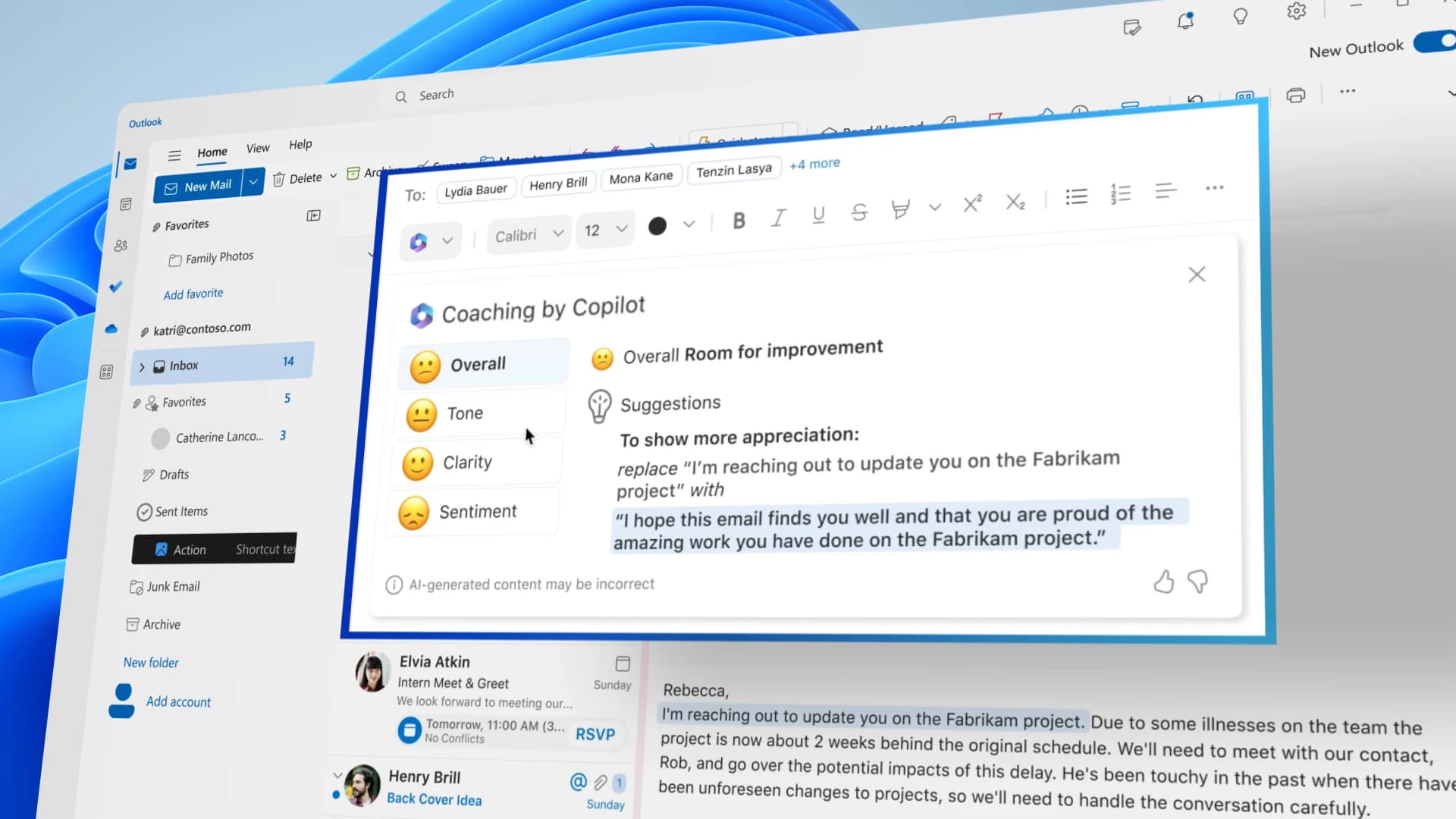
Key features include summarizing email threads, drafting email messages, creating meeting agendas, and providing email coaching. Copilot can also tailor email drafts to match your writing style. It supports conversations about your organization's data, information from the web, and questions about your inbox and calendar.
Copilot in Outlook is ideal for professionals and teams looking to streamline their email communication, improve meeting efficiency, and automate routine tasks. It is available for Outlook on Windows, Web, and Mac, requiring a Microsoft 365 Copilot license for full functionality.
Key Features
- Email summarization
- AI-powered email drafting
- Meeting scheduling assistance
- Meeting agenda creation
- Email coaching
- Customizable writing style
- Contextual information retrieval
- Task automation
Pros
- Streamlines email communication
- Improves meeting efficiency
- Automates routine tasks
- Enhances writing quality and style
- Provides contextual information
Cons
- Requires a Microsoft 365 Copilot license for full functionality
- Functionality is limited without an add-on license
- May require a learning curve to effectively use all features
- Performance depends on the quality of prompts
- Integration is limited to the Microsoft ecosystem
Pricing
Requires a Microsoft 365 Copilot add-on license. Pricing details can be found on the Microsoft 365 website. Custom pricing may be available for enterprise clients.
Claim Verified Creator Badge
Are you the founder of Copilot in Outlook? Display this listing's verified badge on your website to show your customers that your product has been vetted and listed on AI Central Resources.
<a href="https://www.aicentralresources.com/tool/copilot-in-outlook" target="_blank" rel="noopener">
  <img src="https://www.aicentralresources.com/badges/featured-badge-dark.svg" alt="Featured on AICentralResources" width="200" height="54" style="border: none;" />
</a>
* Place this HTML snippet in your website's footer, landing page, or press section. This creates a search-friendly backlink directly to your verification page.
Frequently Asked Questions
Without a Microsoft 365 Copilot add-on license, you can ask questions about your inbox, calendar, meetings, and other limited data, and take action directly in Outlook.
With a Microsoft 365 Copilot add-on license, you can interact with your inbox, calendar, meetings, chats, and enterprise data using advanced prompts and commands.
Sign in to Outlook with your work or school account and select the Copilot button located in the upper region of your Outlook app.
Yes, Copilot can be customized to draft emails that match your writing habits and tone. You can set custom instructions in the settings.
Check the Microsoft Copilot support page for the most up-to-date information on supported regions and languages.
Similar AI Tools to Copilot in Outlook
View all alternatives of Copilot in Outlook
Gemini in Gmail
AI-powered assistance for writing, organizing, and connecting in Gmail.



Fyxer
Get ahead of your inbox — AI that organizes email and drafts replies in your voice


Compared with Copilot in Outlook
Direct head-to-head feature matrices, pricing, and category breakdowns