

![10 Best No-Code AI Automation Tools in 2026 [Ranked]](https://res.cloudinary.com/dfhb6cyat/image/upload/w_1200,c_limit,f_auto,q_auto/v1791707591/ai-tools-resources/blog/10-best-no-code-ai-automation-tools-in-2026-hero.webp)
Two years ago, "no-code automation" meant setting up rigid, linear if-this-then-that triggers that broke whenever a date format shifted, a webhook changed, or a form field came back empty. In 2026, the paradigm has completely flipped. Modern no-code AI automation tools don't just move static data between APIs—they read messy documents, extract semantic context with frontier Large Language Models (LLMs), make autonomous decisions, and execute multi-step business workflows without writing a single line of backend code.
Whether you're looking to automate customer onboarding, parse thousands of PDF invoices with OpenAI API endpoints or cheaper open-source LLM alternatives, build autonomous research agents, or eliminate manual CRM updates, picking the right platform determines whether your operational pipeline scales smoothly or becomes an expensive maintenance headache. Software teams frequently connect these systems alongside modern AI coding assistants and automated productivity stacks to eliminate manual engineering overhead.
In 2026, no-code AI automation is no longer about simple linear triggers—it is about orchestrating autonomous multi-agent pipelines with zero code. Here is our direct stack recommendation:
In this guide, we evaluate, benchmark, and rank the 10 best no-code AI automation tools in 2026 based on real-world workflow tests, pricing efficiency, AI agent flexibility, and enterprise governance across our comprehensive AI No-Code & Automation Tools hub.
The Shift from Traditional Automation to AI-Native Workflows in 2026
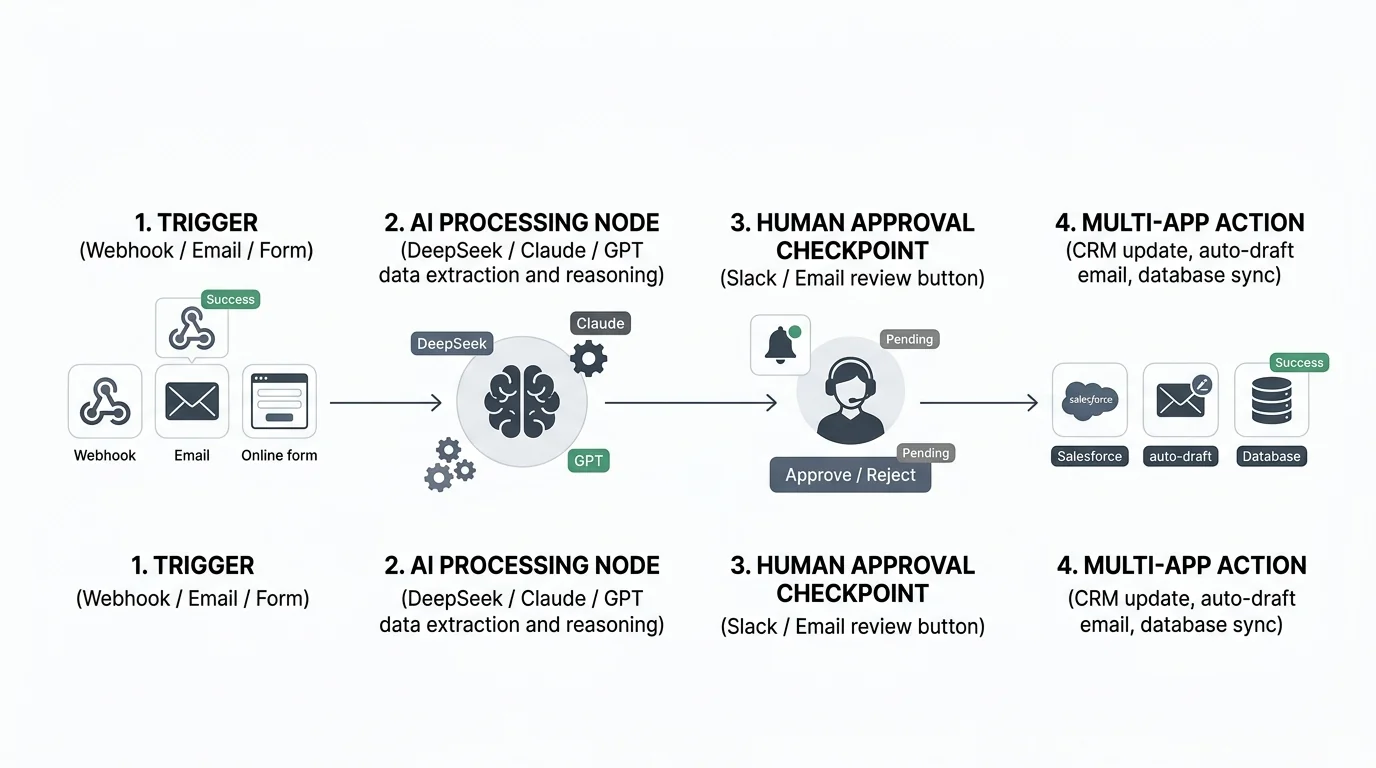
Traditional iPaaS (Integration Platform as a Service) platforms relied on exact schema matching. If an inbound webhook payload changed slightly, the automation failed. Modern AI-native automation platforms solve this through four core capabilities that integrate deeply with your AI productivity workflows:
- Unstructured Data Parsing: Instead of configuring complex regex or custom parsers, an AI node accepts raw emails, scanned PDFs, or audio recordings and structures them into clean JSON objects ready for database insertion, similar to workflows explored in our Ultimate Guide to AI Productivity Tools.
- Autonomous Routing & Intent Classification: AI evaluation nodes dynamically decide the next branch in a workflow based on sentiment, urgency, or semantic meaning rather than hardcoded string conditions.
- Human-in-the-Loop (HITL) Safeguards: High-risk actions (such as issuing refunds, sending client emails, or executing database deletions) can trigger interactive Microsoft Teams or Slack approval buttons before proceeding.
- Multi-Model Intelligence: Leading platforms allow you to route simple extraction tasks to cost-effective models like DeepSeek-V3 or Google Gemini API, while reserving Claude 3.5 Sonnet or ChatGPT GPT-4o for complex reasoning (explore our benchmark in the Top 8 OpenAI API Alternatives Guide).
Top 10 No-Code AI Automation Tools: 2026 Comparison Matrix
The table below summarizes the key features, pricing models, best use cases, and AI integration depth across our top 10 tested platforms:
| Platform | Best For | Pricing Model | AI Model Flexibility | Self-Hosting Support | Key Strength |
|---|---|---|---|---|---|
| 1. n8n | Advanced AI Agents & Power Users | Free Self-Hosted / €20/mo Cloud | OpenAI, Claude, Groq, Ollama, Custom BYOK | Yes (Full Open Source) | Complex multi-agent memory, vector stores & $0 execution fees when self-hosted |
| 2. Make | Visual Logic & Data Manipulation | Free tier / $9/mo Core | OpenAI, Claude, Gemini, Perplexity | No (Cloud Only) | Best-in-class visual branching, array aggregators & sub-workflow routing |
| 3. Zapier | Massive App Ecosystem & Beginners | Free tier / $19.99/mo Pro | Zapier Central, ChatGPT, Claude | No (Cloud Only) | 7,000+ native app integrations & natural language Zap building |
| 4. Gumloop | AI Web Scraping & Document Extraction | Free trial / $37/mo Standard | Multi-LLM Native, Custom Python Nodes | No (Cloud Only) | Built specifically for LLM pipelines, autonomous scrapers & research flows |
| 5. Relay.app | Human-in-the-Loop Team Workflows | Free tier / $9/user/mo | Native 1-click AI Prompts (Multi-model) | No (Cloud Only) | Seamless Slack/Email human approval checkpoints & role-based multi-user flows |
| 6. Activepieces | Open-Source Zapier Alternative | Free Self-Hosted / $25/mo Cloud | OpenAI, Anthropic, DeepSeek, Local | Yes (MIT License) | Lightweight, modern UI, typescript pieces & complete data privacy |
| 7. Bardeen | Browser Automation & Prospecting | Free plan / $10/mo Professional | Contextual Browser AI Extraction | No (Chrome Extension) | Scrapes web pages directly from the browser into Google Sheets, Notion & CRMs |
| 8. Cassidy.ai | Internal Company Knowledge & Teams | Free trial / $40/mo per seat | RAG over Notion, Drive, Slack, Jira | No (Cloud Only) | Live company RAG context connected to automated AI task triggers |
| 9. Lindy | Autonomous AI Employees & Agents | Free trial / $49/mo Starter | Multi-agent conversation engine | No (Cloud Only) | Pre-built specialized agents (meeting scheduler, triage assistant, email drafter) |
| 10. Kindo.ai | Enterprise Compliance & Security | Custom Enterprise / Team Tiers | 200+ Commercial & Open Models (Together AI, Replicate) | Hybrid / Private Cloud | SOC-2, HIPAA compliant workflows with centralized security policy enforcement |
Deep-Dive: The 10 Best No-Code AI Automation Platforms
1. n8n — The Ultimate Powerhouse for AI Agent Workflows & Self-Hosting
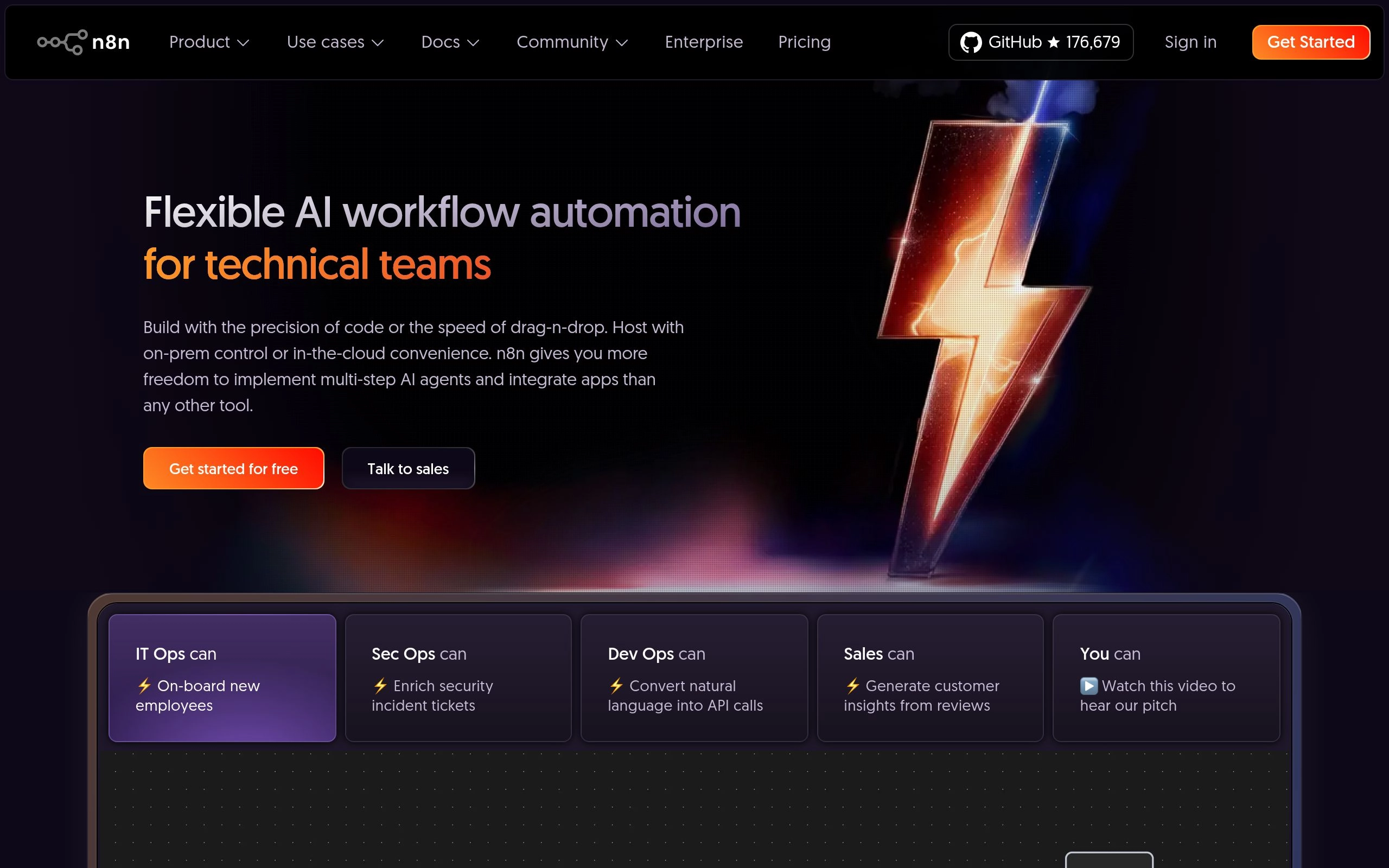
Overview: n8n has evolved from a developer-focused workflow tool into the undisputed gold standard for building advanced, multi-step AI agents without coding. Featuring native LangChain nodes, memory buffers, custom vector store connectors, and sub-workflow orchestrations, n8n lets you build autonomous agent networks that rival custom-coded Python frameworks (as detailed in our Top 10 AI Workflow Automation Tools Guide).
Why It Wins:
- Zero Per-Execution Fees When Self-Hosted: Run millions of workflow runs on a $10/month VPS using Docker with zero execution markups.
- Advanced AI Agent Nodes: Drag and drop tools, vector stores (Pinecone, Qdrant, Supabase), and LLM routers directly into visual canvases.
- Full Data Privacy: Connect local open-weights models running via Groq or local Ollama instances for HIPAA/GDPR-compliant processing.
Pricing & Value: Free open-source self-hosted version; hosted cloud plans start at €20/month for 2,500 executions. Check out our in-depth Zapier vs Make vs n8n Comprehensive Cost Comparison and our Pricing Math & AI Agents Breakdown.
2. Make (formerly Integromat) — Best for Complex Visual Branching & Data Logic
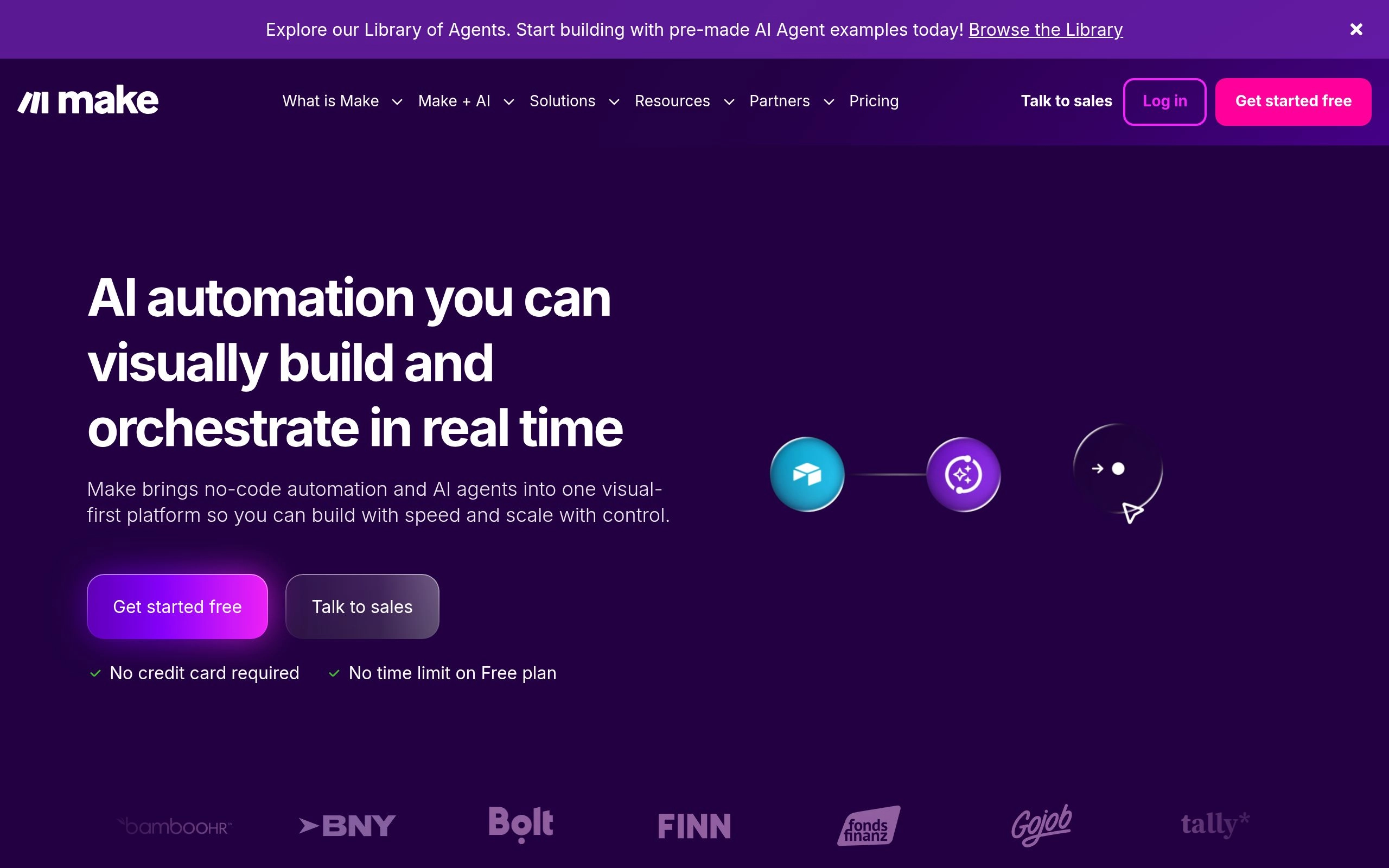
Overview: Make is celebrated for having the most intuitive, visually expressive canvas in the automation industry. For automations requiring sophisticated data transformations, multi-branch routers, array iterators, and aggregators, Make outclasses every competitor in precision.
Why It Wins:
- Visual Modular Architecture: Zoom in, trace data packets in real-time, and debug failing API payloads with pinpoint visual logs.
- Built-in AI Modules: Direct modules for OpenAI, Claude, Google Gemini, and Perplexity AI allow seamless document summarization, translation, and structured data generation.
- Cost-Effective Operation Tiers: Starting at $9/month for 10,000 operations, Make is significantly more affordable than Zapier for data-heavy operations.
Best For: Operations managers, agencies, and e-commerce brands needing complex multi-condition routing without software engineers, especially when connecting with Notion or CRM systems.
3. Zapier — The Ecosystem King with Instant App Compatibility
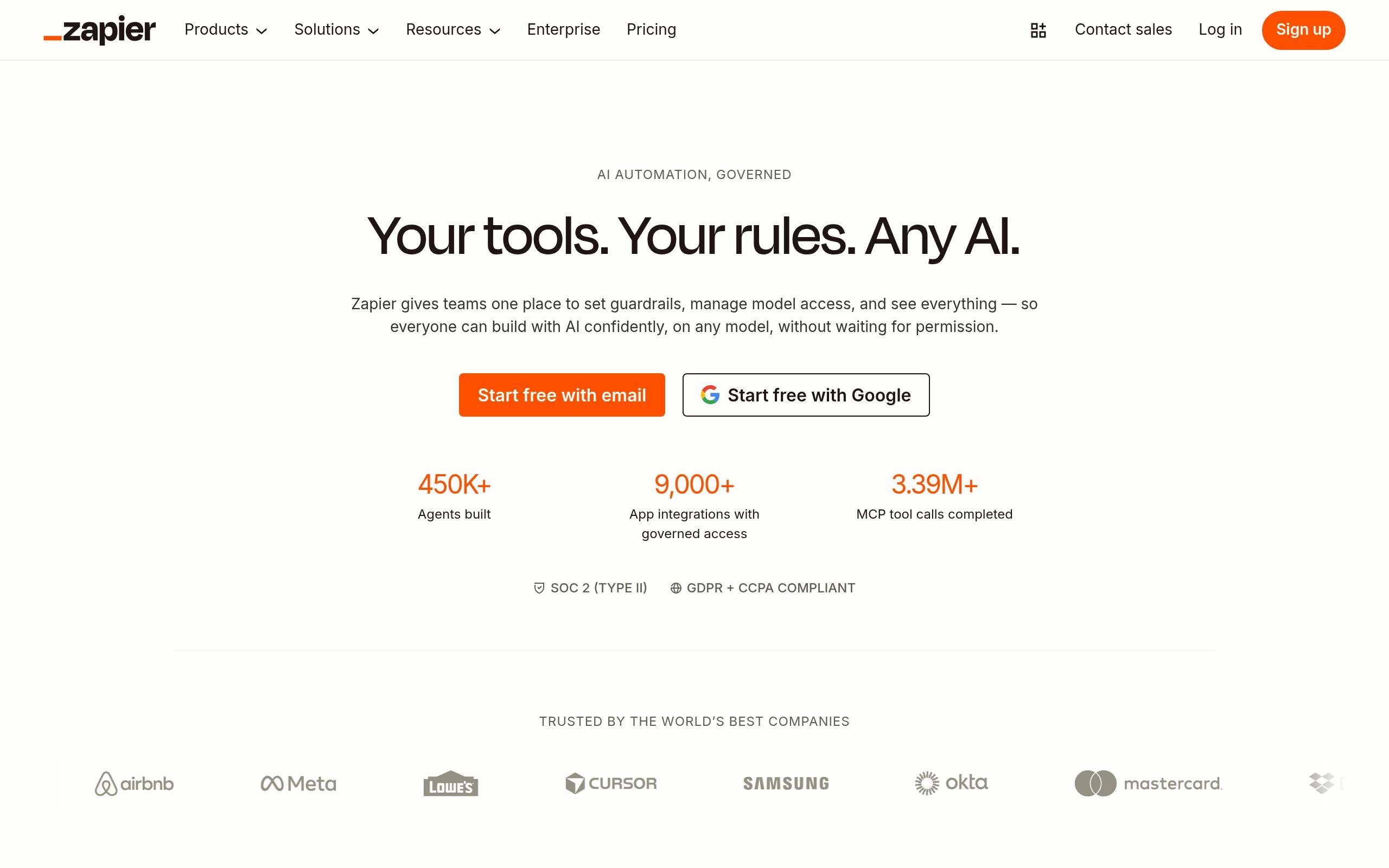
Overview: Zapier remains the undisputed market leader in third-party integrations, supporting over 7,000 SaaS applications. In 2026, Zapier has deeply embedded artificial intelligence through Zapier Central (autonomous AI assistants), Zapier Tables, and natural-language workflow generation.
Why It Wins:
- Unmatched App Coverage: If a SaaS product has an API, it almost certainly has an official Zapier connector.
- Natural Language AI Builder: Describe your workflow in plain English ("Whenever a new lead fills out Typeform, summarize their company using ChatGPT, score the lead, and add them to HubSpot"), and Zapier automatically configures the trigger and action steps.
- Enterprise Reliability: Enterprise-grade governance, SSO, audit logging, and SOC-2 Type II compliance out of the box, connecting effortlessly with Microsoft Teams and Outlook Copilot.
Best For: Business users, marketing teams, and non-technical founders who prioritize fast setup and instant integrations over custom node logic.
4. Gumloop — The Dedicated Canvas for AI Web Scraping & Document Intelligence
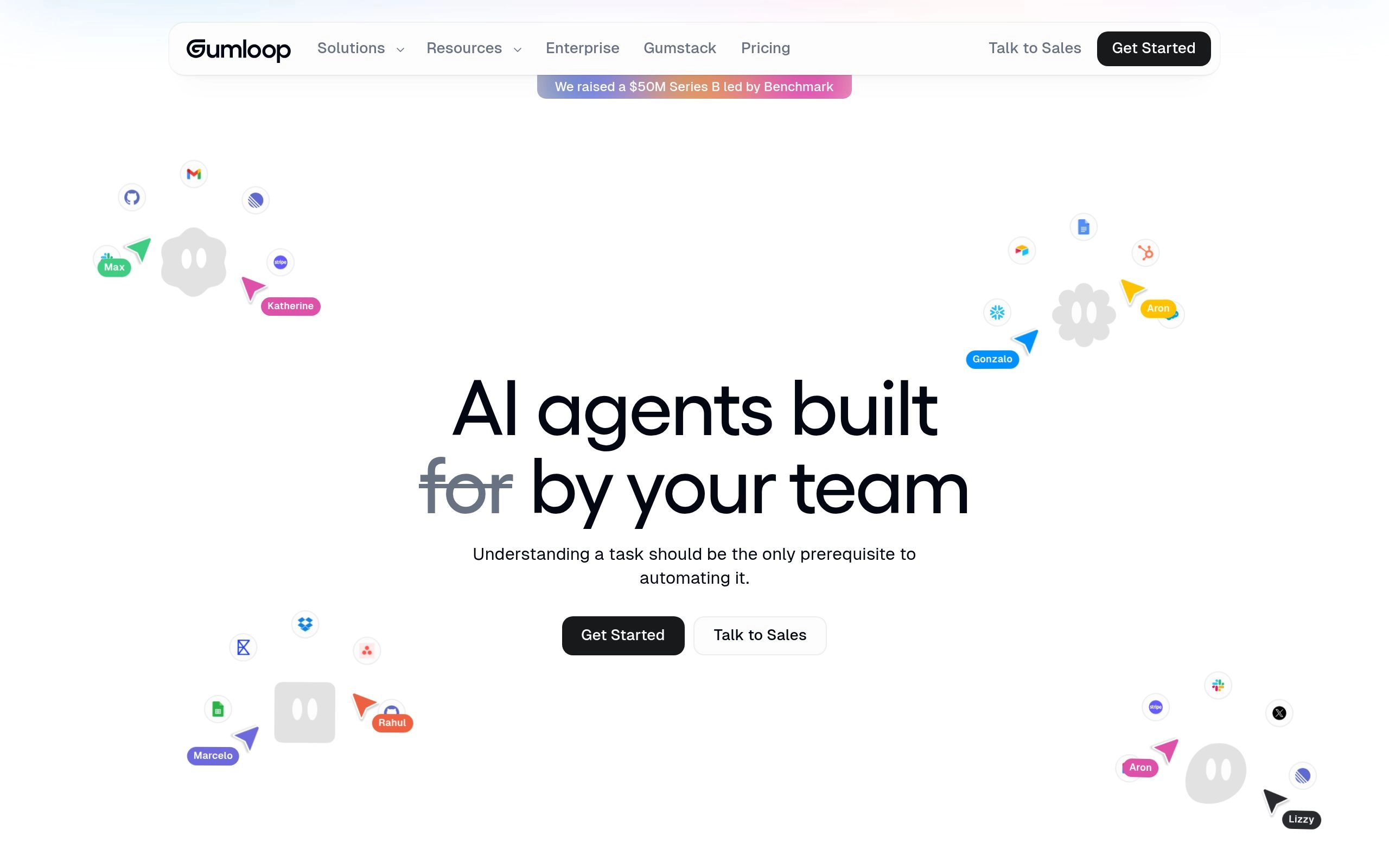
Overview: Unlike legacy automation tools adapted for AI, Gumloop was built from day one specifically for LLM pipelines. It excels at web research, autonomous browser scraping, bulk document synthesis, and automated market intelligence.
Why It Wins:
- Native Multi-Step AI Nodes: Chain web scrapers directly into PDF extractors, image recognizers, and summarizers without complex JSON mapping.
- Custom Python Block Escape Hatch: If a specific data transformation requires custom logic, drop in an inline Python node that executes serverlessly within the visual workflow.
- Batch Processing Power: Upload a CSV with 5,000 company URLs and let Gumloop automatically research each prospect, extract founder emails, and write personalized outreach drafts.
Best For: Growth marketers, research analysts, and sales development teams executing complex data enrichment across directories on our Top AI Tool Directories Guide.
5. Relay.app — The Gold Standard for Human-in-the-Loop (HITL) Workflows
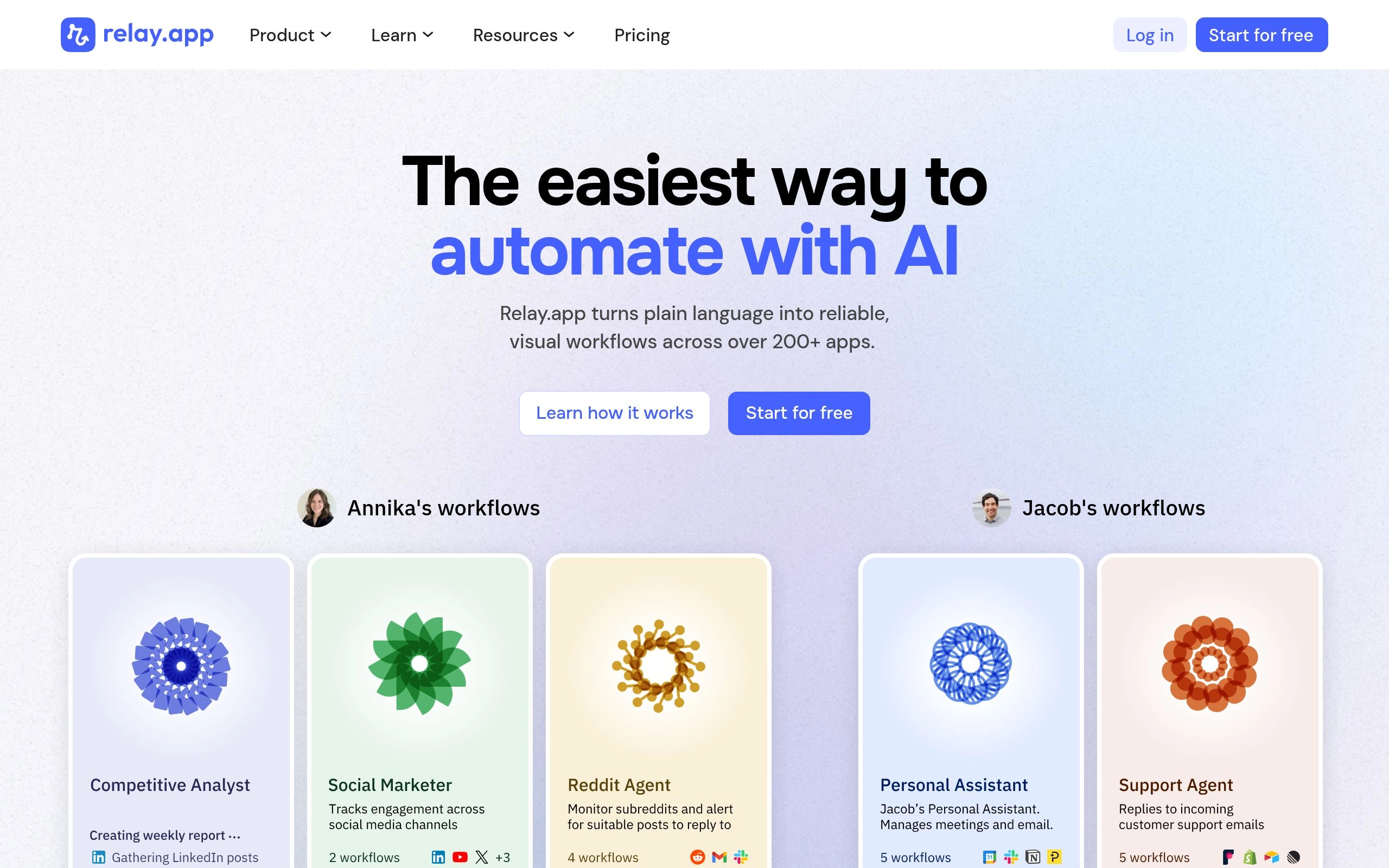
Overview: The biggest risk with fully autonomous AI workflows is hallucination or unvetted actions sent directly to clients. Relay.app elegantly solves this by building first-class Human-in-the-Loop checkpoints directly into its automation engine.
Why It Wins:
- 1-Click Interactive Approvals: Pause a workflow and send a message to Slack or Email with interactive "Approve", "Edit Draft", or "Reject" buttons before an AI email or contract is dispatched.
- Collaborative Multi-User Roles: Assign approval steps to specific department heads, account managers, or legal reviewers.
- Deep Workspace Integrations: Native two-way sync with Google Workspace, Gemini in Gmail, Notion, Asana, and Linear. Check out our comparison of Best AI Tools for Asynchronous Communication.
Best For: Customer success, sales, and executive workflows where AI drafts communications but humans retain final approval authority.
6. Activepieces — The Lightweight Open-Source Zapier Alternative
Overview: Activepieces is a modern, open-source workflow automation platform written in TypeScript with an MIT license. It provides a clean, user-friendly interface reminiscent of Zapier while giving engineering teams complete control over self-hosted deployments.
Why It Wins:
- Extensible Open-Source "Pieces": Developers can write custom TypeScript integration modules in minutes and contribute them back to the private or community registry.
- Built-In AI Connectors: Direct native support for OpenAI, Anthropic Claude, DeepSeek, and custom API endpoints.
- Complete Data Isolation: Run the entire stack inside your own private cloud or on-premise Kubernetes cluster.
Best For: Privacy-conscious startups and mid-market companies wanting an intuitive Zapier-like UX without vendor lock-in or high SaaS subscription costs.
7. Bardeen.ai — Best for Browser-Native Scraping & Workflow Triggers
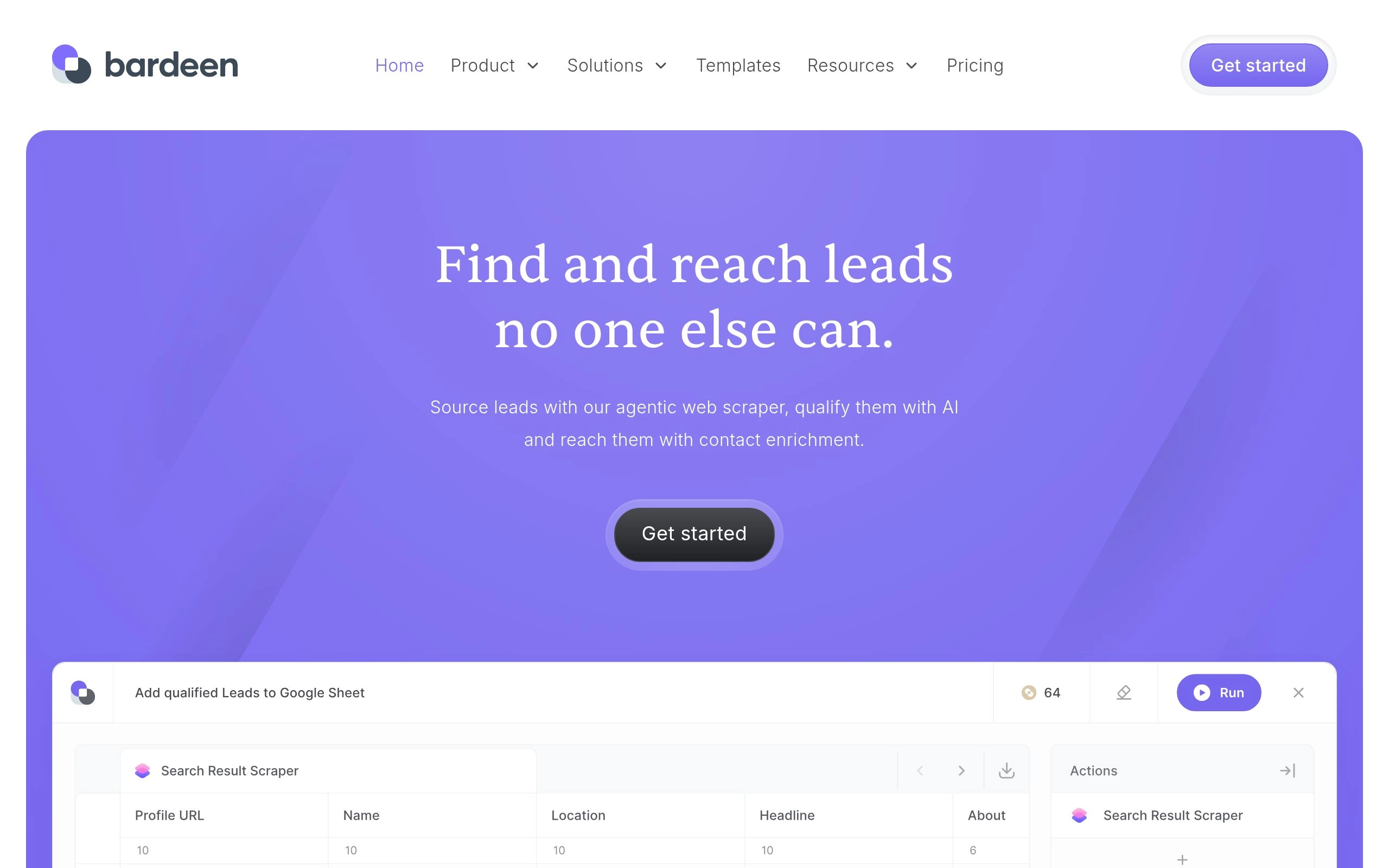
Overview: While most automation platforms run exclusively in the cloud, Bardeen operates as a powerful Chromium extension. This allows it to interact directly with web applications currently open in your browser tabs, bypassing API limitations and paywalls.
Why It Wins:
- 1-Click Page Scraping: Extract LinkedIn profiles, real estate listings, or e-commerce products directly into Notion, Google Sheets, or Airtable.
- Magic Box AI Automation: Type what you want to achieve into the search bar, and Bardeen dynamically generates the automation script.
- Zero API Token Hurdles: Automates repetitive web tasks using your existing browser authentication session.
Best For: Recruiters, sales reps, real estate agents, and researchers working heavily within the browser alongside apps in our AI Productivity category.
8. Cassidy.ai — The AI Workflow Brain Connected to Company Knowledge
Overview: Cassidy.ai combines enterprise RAG (Retrieval-Augmented Generation) with automated workflow triggers. It connects to your company’s internal tools (Slack, Notion, Notion AI, Google Drive, Jira, Zendesk) to create automations that understand company context, brand guidelines, and past documentation (compare with Notion AI vs Obsidian vs Mem.ai).
Why It Wins:
- Context-Aware Execution: When Cassidy generates a customer support response or RFP proposal, it cites verified internal SOPs and knowledge base articles, similar to research capabilities in Google NotebookLM.
- Continuous Indexing: Automatically syncs documentation changes across all connected repositories in real-time.
- Role-Based Access Control (RBAC): Ensures automated assistants only access documents their assigned user permissions allow.
Best For: Mid-size to enterprise organizations seeking to automate knowledge-intensive internal operations safely.
9. Lindy.ai — Build Specialized Autonomous AI Teammates
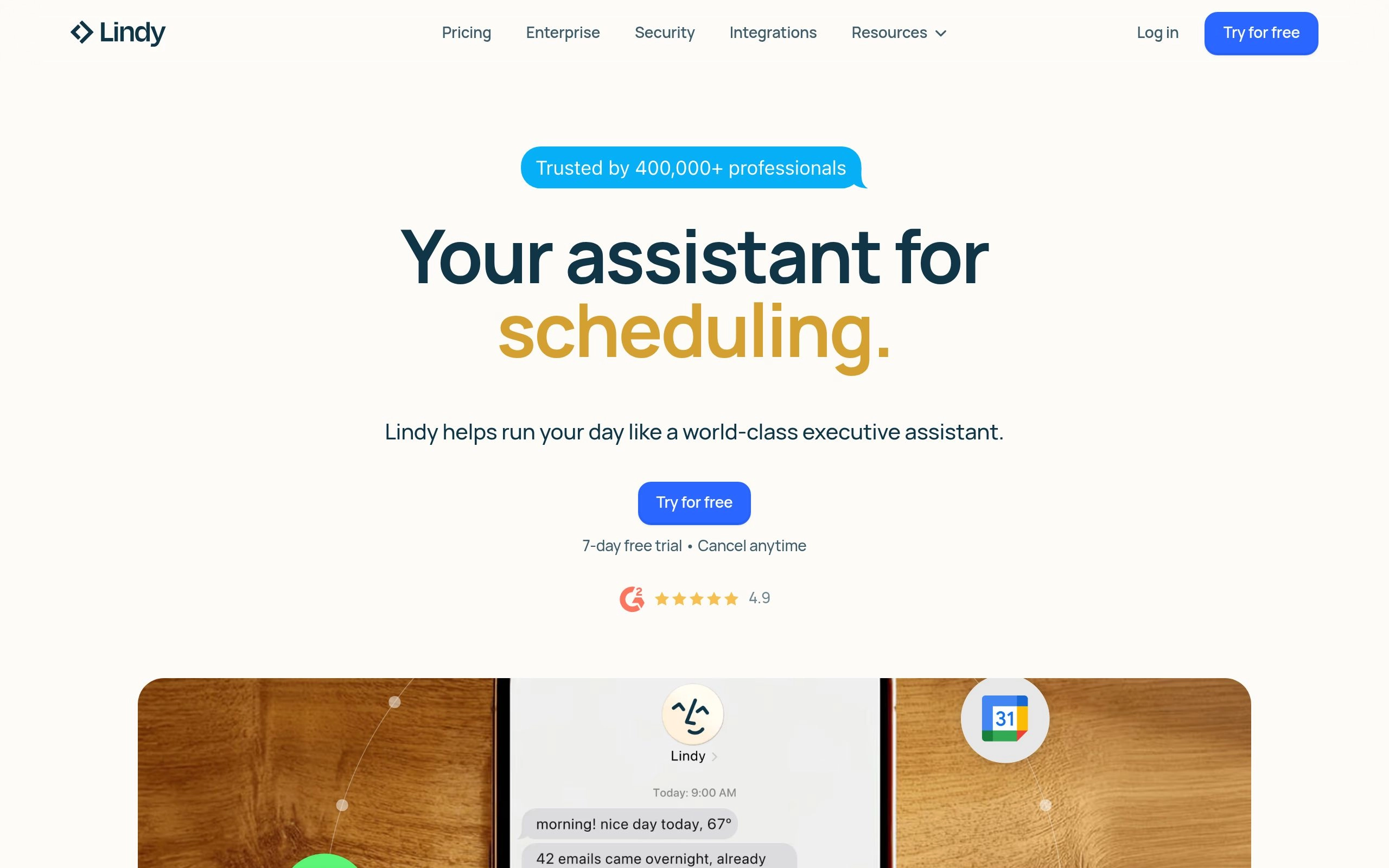
Overview: Rather than forcing you to configure trigger-action graphs from scratch, Lindy conceptualizes automations as specialized digital employees (e.g., "Medical Scribe Lindy", "Executive Assistant Lindy", "Recruiting Sourcer Lindy").
Why It Wins:
- Pre-Built Persona Templates: Deploy pre-configured agents for meeting triage, inbox zero, and lead qualification in minutes.
- Autonomous Multi-Tasking: Agents can browse the web, verify calendar availability, draft customized email responses, and follow up autonomously.
- Voice & Phone Call Capabilities: Native integration with telephony APIs to make and receive real-time voice calls.
Best For: Solopreneurs, small business owners, and busy executives looking to delegate repetitive daily tasks (explore more delegation strategies in our No-Code AI Automation Blueprint and our rankings of 10 Best AI Task Management Tools).
10. Kindo.ai — Enterprise Security & Universal Model Governance
Overview: For regulated enterprise environments subject to strict SOC-2, HIPAA, or ISO 27001 compliance standards, Kindo.ai provides a secure, unified no-code automation canvas with centralized administrative oversight.
Why It Wins:
- Access to 200+ AI Models: Route tasks across commercial frontier models (OpenAI, Anthropic, Google) and sovereign open-source models (Together AI, Replicate, Llama, DeepSeek).
- Data Loss Prevention (DLP): Built-in PII redaction filters automatically mask credit card numbers, social security numbers, and patient data before hitting external LLM endpoints on Google Cloud Vertex AI.
- Detailed Audit Trails: Comprehensive logging of every automated prompt, output token, and API execution for compliance audits.
Best For: Healthcare institutions, financial service firms, and enterprise IT departments requiring rigorous AI governance.
Strategic Decision Guide: How to Pick the Right Tool for Your Stack
To determine the perfect automation tool for your organizational tier, use this practical framework:
- Choose n8n if you want complete control over AI agents, vector databases, and zero execution costs through self-hosting alongside developer tools like Cursor and CodeRabbit.
- Choose Make if your automations involve intricate multi-branch visual logic, JSON manipulations, and budget-friendly cloud scaling.
- Choose Zapier if you need instant connectivity to 7,000+ commercial apps and prioritize ease of use over per-task cost optimization.
- Choose Gumloop or Bardeen if your primary objective is autonomous web scraping, prospect research, and document data extraction across our full catalog of AI Tools & Directories.
- Choose Relay.app if your workflows require human oversight and interactive Slack/Email approval buttons before dispatching client-facing actions.
- Choose Cassidy or Kindo if you are operating within an enterprise environment requiring RAG over internal company documentation or strict HIPAA/SOC-2 compliance.
Related AI Automation & Architecture Guides
Master end-to-end autonomous systems with our hands-on technical tutorials and pricing breakdowns:
- How to Automate Your Entire Work Life with AI (Zero Coding Required) — Step-by-step blueprints for email triage, CRM sync, and research.
- Zapier vs Make vs n8n: 2026 Pricing & Enterprise Architecture Comparison — Every plan, tier, and hidden execution cost benchmarked.
- 8 Best OpenAI API Alternatives for Developers in 2026 — Slash LLM inference costs by 94% across your automation pipelines.
- Explore All No-Code AI Automation Tools — Browse verified software listings with real user reviews.
Frequently Asked Questions
What is the best no-code AI automation tool in 2026?
n8n and Make are the top-rated no-code automation platforms in 2026. n8n is the gold standard for power users and agencies building advanced multi-agent workflows with local LLMs, vector databases, and $0 execution fees via self-hosting. For business users and growth teams wanting an intuitive drag-and-drop builder with robust JSON parsing, Make offers the most cost-effective managed cloud experience.
How do I set up automated lead outreach and prospecting without writing code?
Combine browser scrapers like Bardeen or Gumloop with Make and Claude 3.5 Sonnet. The workflow automatically extracts prospect company data from LinkedIn or industry directories, enriches company news via web search, generates personalized outreach copy tailored to recipient pain points, and drafts email sequences in your CRM or Gmail with human review checkpoints.
What is the difference between traditional no-code automation and AI agents?
Traditional automation follows rigid deterministic paths (Trigger → Action). If a date format or API schema changes, traditional workflows fail. In contrast, AI agentic automations (powered by tools like Lindy and n8n AI Agent nodes) maintain goal awareness, dynamically choose which sub-tools to invoke, parse unstructured messy text, self-correct errors, and adapt to unpredictable real-world inputs.
Can I build enterprise-grade AI automations completely for free?
Yes, by self-hosting open-source platforms like n8n or Activepieces on Docker or VPS. You pay zero software subscription fees and connect directly to your own Bring-Your-Own-Key (BYOK) provider credentials (such as Groq, DeepSeek, or local Ollama models) for near-zero inference cost per execution.
How do I prevent AI hallucinations in automated business operations?
Implement Human-in-the-Loop (HITL) checkpoints and strict JSON schema validators. Tools like Relay.app let you pause workflows until an authorized team member approves the action via Slack or email. Additionally, ground all LLM prompts in verified internal vector knowledge bases rather than relying on unconstrained generation.
Which platform has the lowest cost for high-volume data workflows?
Self-hosted n8n is completely free with unlimited task runs. Among hosted SaaS platforms, Make is 5x to 10x cheaper per operation than Zapier, making it the superior option for operations processing over 10,000 tasks per month (see our detailed Zapier vs Make vs n8n Comparison).



