![10 Best AI Workflow Automation Tools in 2026 [Ranked & Tested]](https://res.cloudinary.com/dfhb6cyat/image/upload/w_1200,c_limit,f_auto,q_auto/v1791707589/ai-tools-resources/blog/10-best-ai-workflow-automation-tools-in-2026-ranked-tested-hero.webp)
The way we connect software has fundamentally changed. Just a few years ago, automation meant setting up rigid, rules-based triggers. If a form was submitted, an email was sent. If a row was added to a spreadsheet, a Slack message fired off. The logic was binary, and any unexpected data broke the entire sequence.
Today, that infrastructure has evolved. We are no longer just moving data from point A to point B; we are interpreting it, routing it, and acting on it in real time. AI task automation tools are essential for modern work environments to streamline daily operations. Instead of relying on static rules, modern platforms use large language models to read incoming emails, categorize support tickets based on sentiment, draft context-aware responses, and execute complex sequences across your tech stack.
🔗 Related Reading: Compare visual workflow engines in our hands-on review of the 10 Best No-Code AI Automation Tools in 2026.
The best AI workflow automation platforms connect disparate software into intelligent, autonomous data pipelines with minimal manual maintenance:
- ✓ Best for Complex Visual Workflows: Make.com — Sprawling multi-branch visual canvas with robust array iteration, JSON parsing, and native OpenAI/Anthropic modules.
- ✓ Best for Developers & Self-Hosting: n8n — Source-available, hostable behind private firewalls with custom JavaScript nodes and private local LLM connectivity.
- ✓ Best for Non-Technical Business Users: Zapier — 9,000+ app connectors, natural-language workflow generation, and built-in AI formatter tables.
- ✓ Best for Browser Web Automation & Scraping: Bardeen — Runs right inside Chrome/Edge to scrape web data, auto-fill forms, and enrich CRM contacts directly from active tabs.
This evolution requires a shift in how we evaluate our technology stack. Finding the right solution isn't just about counting integrations anymore. It requires matching the platform's technical depth to your team's actual capabilities.
The Rise of AI Workflow Automation in 2026
The current software environment demands more than basic connectivity. As businesses scale, the volume of unstructured data—like customer emails, call transcripts, and open-ended survey responses—grows exponentially. Traditional automation chokes on this kind of data. AI workflow automation thrives on it.
If you are currently evaluating your overall strategy for AI productivity tools, your workflow engine is the central nervous system that makes those individual applications function together. The best platforms in 2026 do not just offer a text box to prompt an AI. They provide structured environments where AI models can securely access your company's data, execute API calls, and make conditional decisions based on complex parameters.
Building a comprehensive workflow automation tools list for your organization requires understanding who will actually build and maintain these systems. A platform designed for a senior developer will frustrate a marketing manager, while a tool built for rapid, no-code deployment might lack the granular control an IT department requires.
How to Choose: The 2026 Use Case Table

Workflow Tools User Comparison Matrix
Matching the right tool to the right user is the most critical step in successful deployment. A mismatch here leads to abandoned software, broken processes, and wasted budgets. We have categorized the top automation tools based on the technical proficiency required to use them effectively.
Platform Category | Target User Profile | Ideal Automation Use Case | Recommended Tools |
|---|---|---|---|
No-Code Beginners | Business operators, marketers, sales teams | Basic routing, drafting responses, simple multi-step actions | Zapier, Relay.app, Gumloop |
Power Users | Operations managers, data analysts | Complex data manipulation, multi-branch logic, API connections | Make.com, Parabola |
Technical Teams | Developers, IT departments, security teams | Self-hosted infrastructure, custom scripts, enterprise compliance | n8n, Workato, Jinba Flow |
Browser Extension Users | Individual contributors, researchers | Ad-hoc scraping, text expansion, repetitive web tasks | Bardeen, Magical |
Understanding this segmentation ensures that your team adopts a tool they can actually maintain.
2026 AI Workflow Automation & Agent Orchestration Matrix
Modern operations teams and software engineers must evaluate automation engines across hosting security, cost scalability, visual design capabilities, and multi-agent execution. The table below benchmarks how the top automation platforms compare in 2026.
| Platform | Interface Model | Hosting & Privacy | AI Agent Support | Pricing Structure |
|---|---|---|---|---|
| Make.com | Interactive 2D Visual Flow Canvas | Cloud Hosted (EU / US Data Centers) | Native LLM Connectors + Function Calling | Operation-based (from $9/mo) |
| n8n | Node-Based Developer Visual Builder | 100% Self-Hostable / Docker Behind Firewalls | LangChain & Custom Agent Architecture | Free Self-Hosted / Cloud from $20/mo |
| Zapier | Linear Multi-Step Trigger / Action List | Cloud Enterprise SOC 2 | Zapier Central / AI Agents Beta | Task-based (Free tier / from $19.99/mo) |
| Relay.app | Human-in-the-Loop Workflow Cards | Cloud Hosted | Integrated Approval Gates + AI Drafts | Free tier / from $18/mo |
| Bardeen | Browser Extension Click-to-Automate | Client-Side Browser Execution | Autonomous Page Parser & Web Agent | Credit-based (Free tier / from $15/mo) |
| Workato | Enterprise iPaaS Recipe Builder | Enterprise Multi-Region Cloud | Enterprise AI Copilot & Guardrails | Custom Annual Enterprise Contract |
Best AI Workflow Automation Tools for No-Code Beginners
Not every automation requires a computer science degree. The platforms in this category prioritize visual interfaces, drag-and-drop mechanics, and natural language instructions. As established by industry research, AI workflow automation tools help business users and non-technical staff streamline operations without coding.
These tools are built for the non technical user who understands their business process intimately but doesn't want to write API requests or format JSON payloads.
1. Zapier: The Standard for Business Users
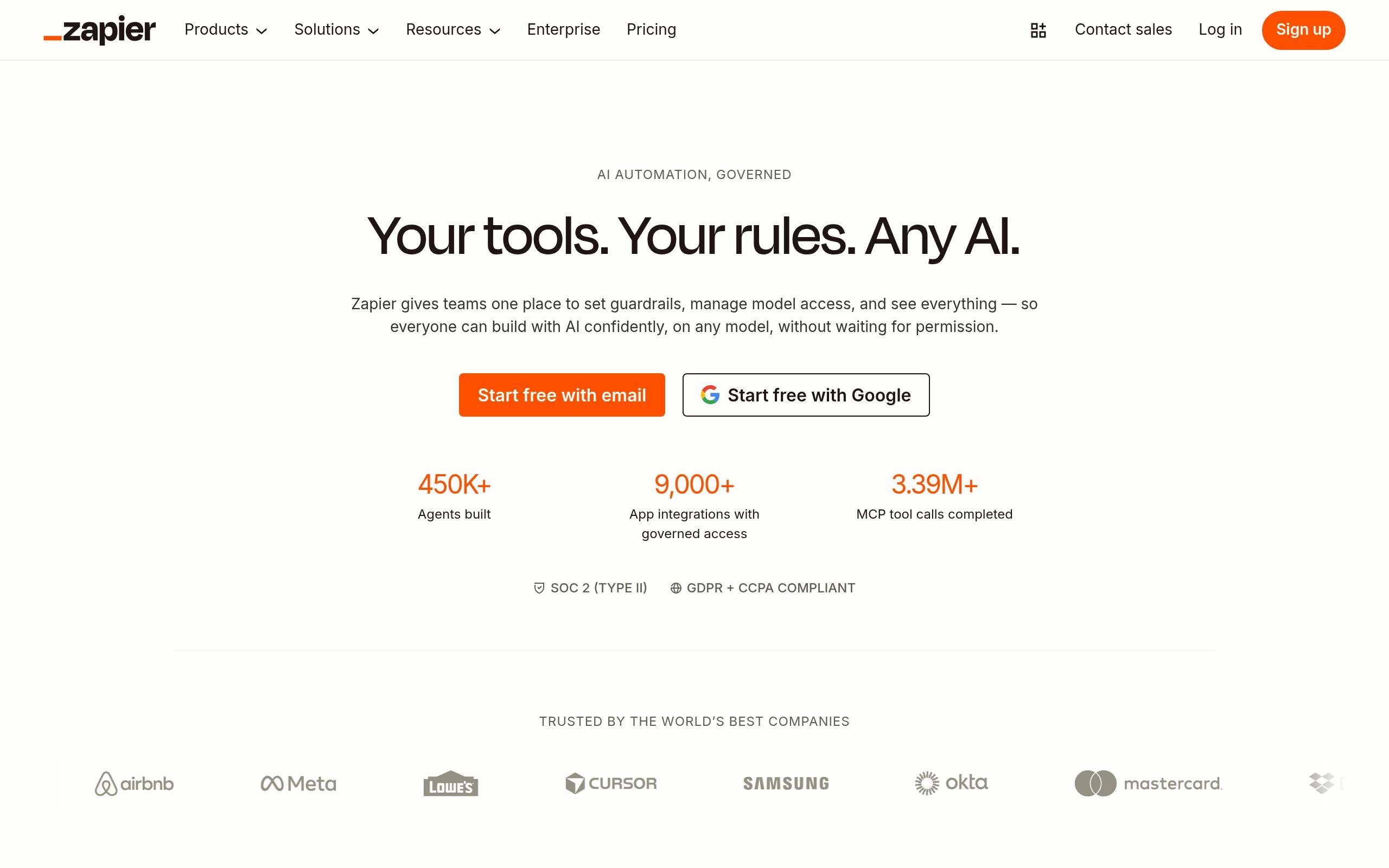
Zapier remains the most recognizable name in the automation space, and its transition into AI has cemented its position for business users. The platform's primary advantage is its massive integration library. If a software product has an API, it almost certainly has a Zapier integration.
In 2026, Zapier's AI features allow users to build entirely new workflows simply by describing what they want in plain English. You can type, "When a high-priority customer emails support, summarize the issue and send a Slack message to the management channel," and the platform will assemble the necessary steps, triggers, and actions.
Beyond workflow generation, Zapier includes native AI formatting steps. Users can add a step to parse names from messy text, extract specific dates from long email threads, or generate professional responses without needing an external OpenAI account. The interface remains highly intuitive, making it the default choice for teams dipping their toes into automated logic.
Check Zapier's official website for current pricing.
2. Relay.app: Best for Human-in-the-Loop
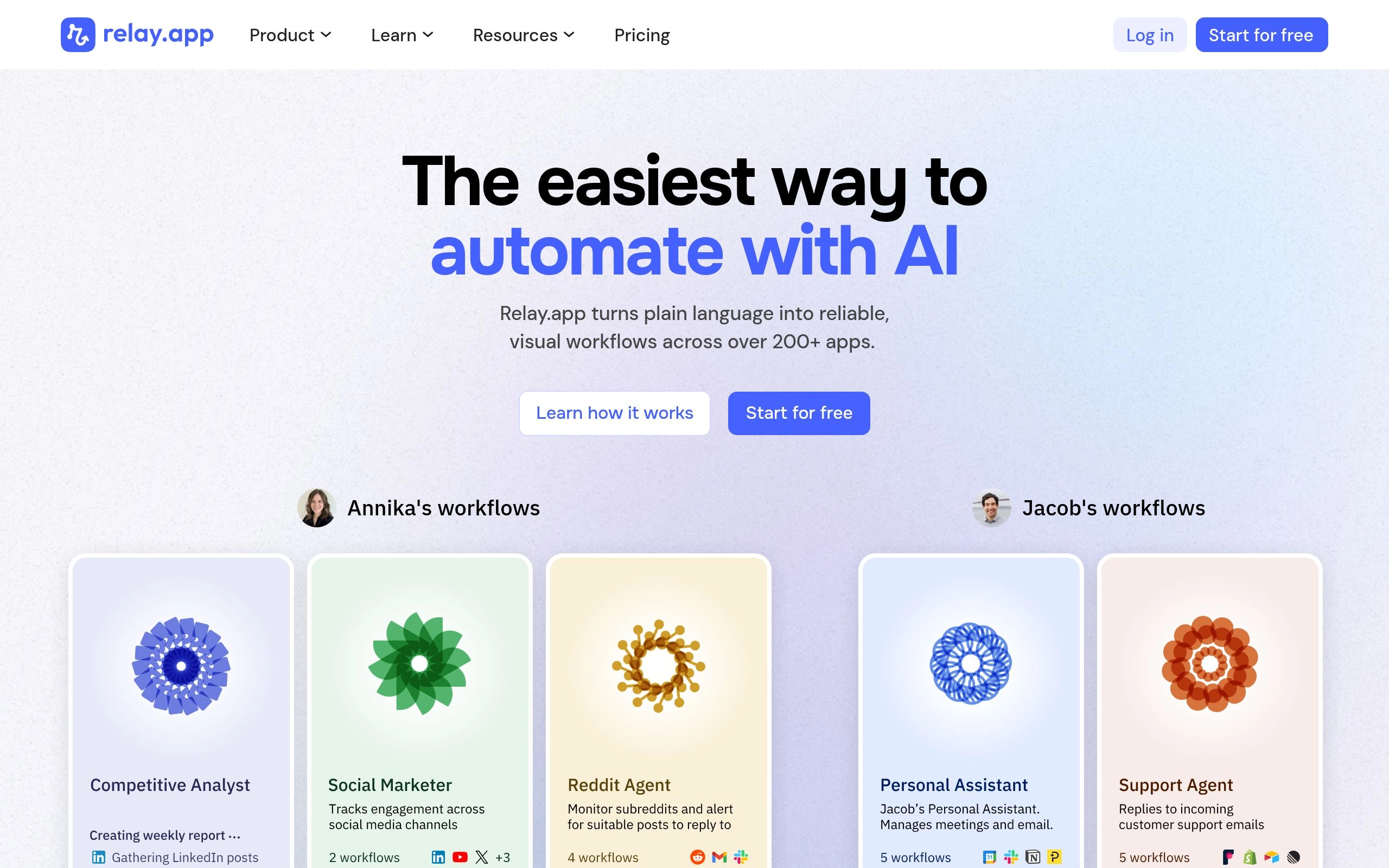
Total automation is not always the goal. Many critical business processes—like sending a final quote to a client, approving a refund, or publishing a public-facing document—require human oversight. Relay.app was built specifically for these hybrid workflows.
Relay.app integrates AI to handle the heavy lifting of data processing while seamlessly pausing the workflow when human judgment is required. For example, you can build a sequence where an AI model drafts a response to a complex vendor inquiry based on your internal documentation. Instead of sending that email automatically, Relay.app routes the draft to a designated team member.
The team member receives a clean, actionable notification with the drafted text. They can approve it, edit it, or reject it directly within the interface. Once approved, the workflow resumes its automated path. This human-in-the-loop architecture provides safety and quality control, making it ideal for teams that want the efficiency of AI without surrendering final authority.
Check Relay.app's official website for current pricing.
3. Gumloop: Best for AI-First No-Code Building
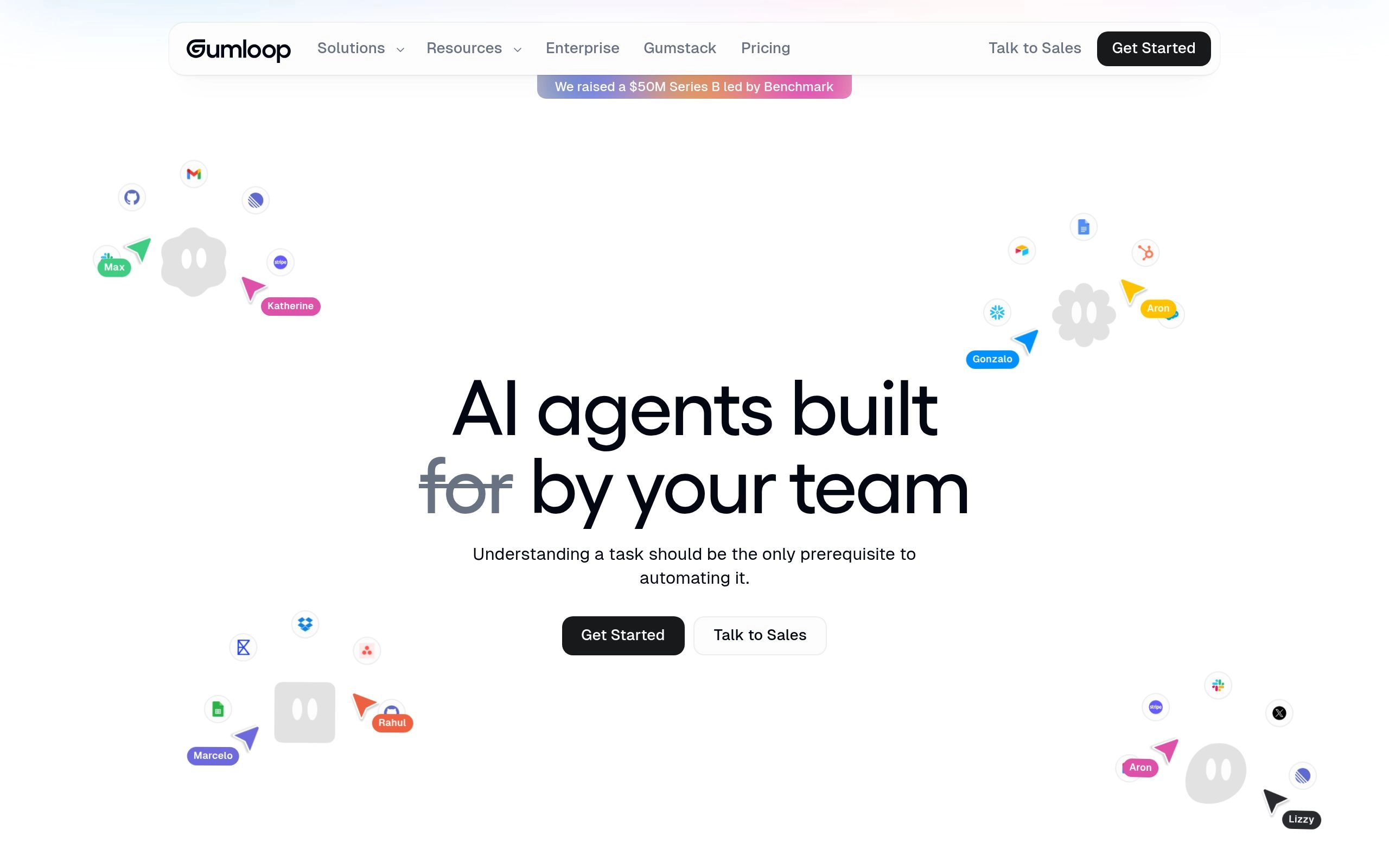
While many legacy platforms bolted AI features onto their existing architecture, Gumloop was built from the ground up specifically for large language models. Gumloop is highlighted as a top AI workflow automation tool for 2026, specifically designed for building AI workflows.
Gumloop excels at handling unstructured data. If your workflow involves scraping a lengthy PDF, extracting specific clauses, comparing those clauses against your company policy, and formatting the output into a structured database, Gumloop handles this natively. The platform visualizes these complex AI steps as clear, manageable blocks.
For business users, the learning curve is remarkably gentle. Gumloop offers intuitive features specifically designed to help non-technical users build AI workflows easily. You do not need to understand how to format prompt templates or manage token limits; the platform abstracts that complexity away, allowing you to focus purely on the business logic.
Check Gumloop's official website for current pricing.
Best AI Automation Platforms for Power Users
When your processes outgrow linear, step-by-step sequences, you need platforms that offer more robust logic. Power users—often operations managers or growth marketers—require tools that can handle conditional routing, array iterations, and heavy data manipulation.
These platforms bridge the gap between simple no-code tools and full-scale developer environments.
4. Make.com: Advanced Visual Workflows
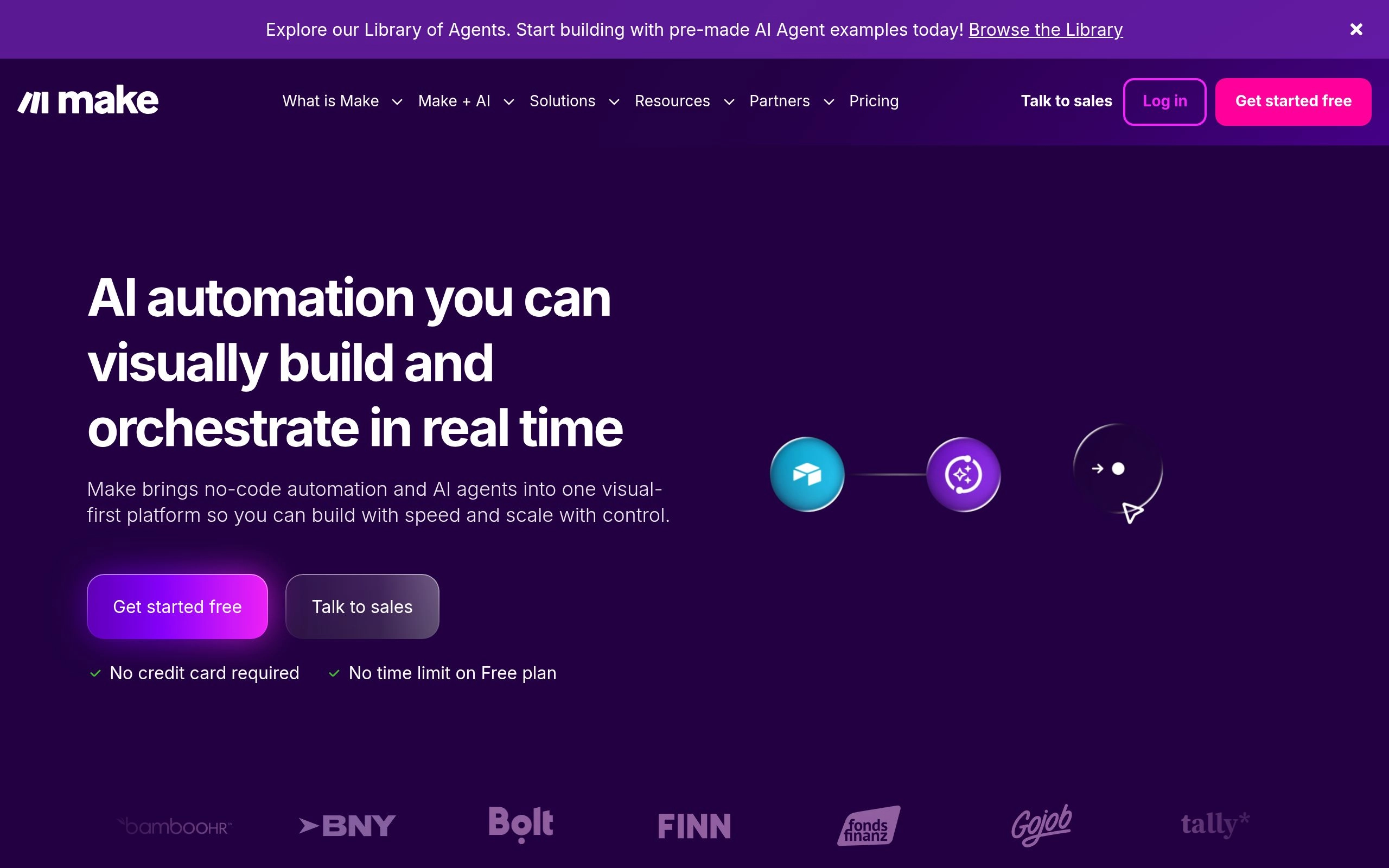
Make.com (formerly Integromat) provides a massive visual canvas that allows power users to build highly complex, multi-branching automations. Where other tools force you into a top-to-bottom list of steps, Make.com lets you map out sprawling, interconnected systems that look like digital whiteboards.
The visual nature of the platform is its greatest strength. You can easily see how data flows from a CRM, passes through an AI model for analysis, and then splits into five different directions based on the AI's output. If a customer inquiry is categorized as "urgent," the visual path routes it to an SMS alert. If it is categorized as "feedback," it routes to a product database.
Make.com gives users deep control over how data is formatted and passed between modules. You can map specific variables, use built-in functions to manipulate text strings, and handle complex arrays. For operations teams that need to build sophisticated routing without writing raw code, Make.com remains a top-tier choice.
Check Make.com's official website for current pricing.
5. Parabola: Best for Data-Heavy Operations
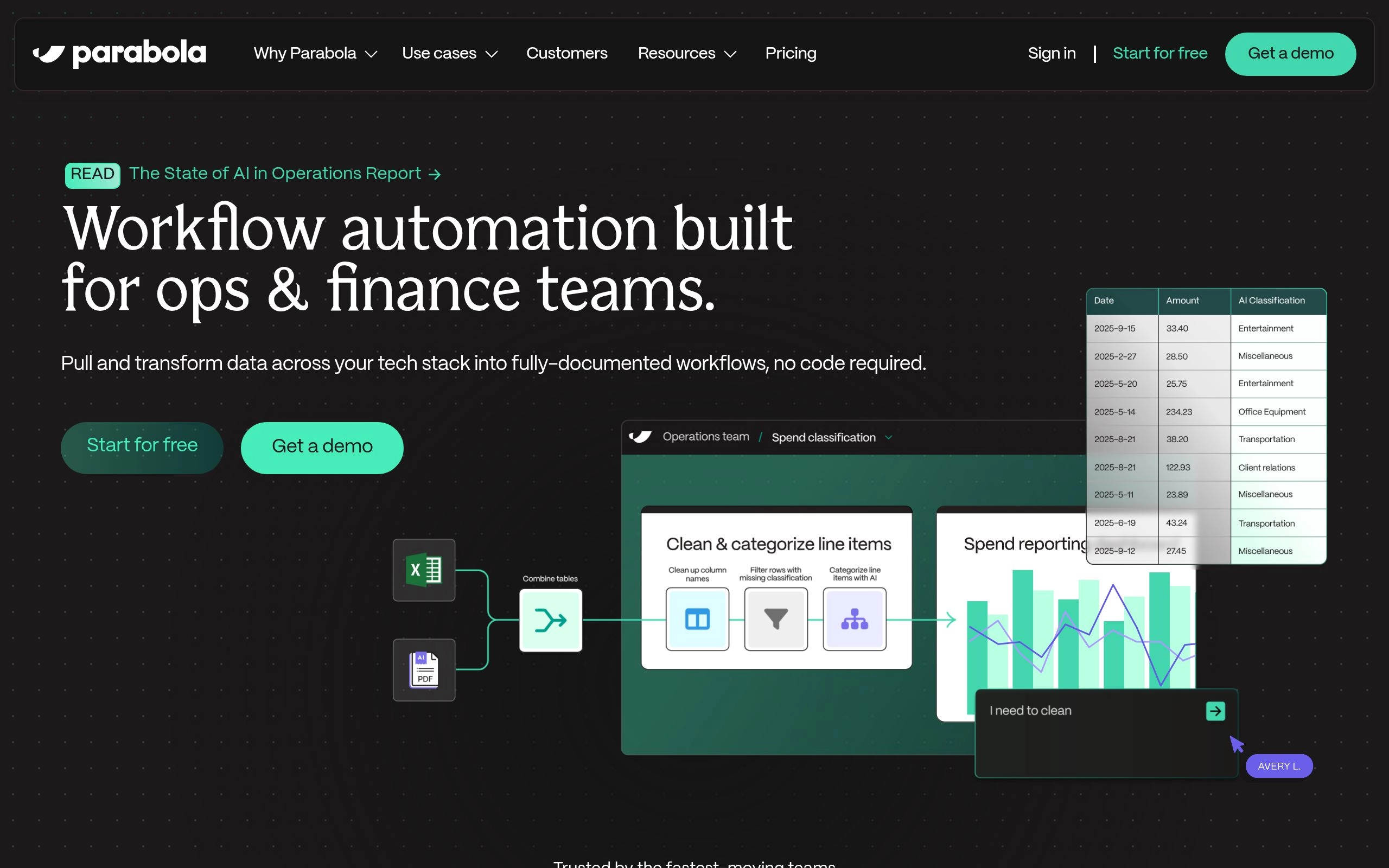
Parabola takes a different approach to automation, focusing heavily on bulk data transformation rather than real-time event triggers. It is the ideal tool for teams managing massive spreadsheets, e-commerce inventory lists, or complex logistics data.
The platform operates using a drag-and-drop interface where each step performs a specific operation on a dataset. You can pull in a messy CSV file containing thousands of product descriptions, use AI features to standardize the formatting, generate new SEO-optimized titles, and push the cleaned data directly into your e-commerce backend.
Parabola's strength lies in its ability to handle volume. Instead of running a workflow every time a single event happens, you can schedule Parabola to process entire databases nightly. This makes it indispensable for supply chain managers, financial analysts, and e-commerce operators who need to apply AI transformations across large datasets consistently.
Check Parabola's official website for current pricing.
Best Enterprise-Grade Tools for Technical Teams

Enterprise AI Automation Architecture
As organizations scale, security, compliance, and infrastructure control become non-negotiable. Technical teams cannot rely on consumer-grade platforms to handle sensitive customer data or mission-critical backend processes. They need enterprise grade solutions that fit within their existing development operations.
These tools are built for developers who need maximum flexibility, custom API configurations, and strict governance over how data moves through the organization.
6. n8n: Best for Self-Hosted & Developer Control
For engineering teams that refuse to compromise on data ownership, n8n is the definitive choice. n8n is recommended as the best solution for self-hosted, developer-controlled automation.
Unlike pure SaaS platforms, n8n offers a source-available model. This means your IT department can host the entire automation engine on your own servers, behind your own firewalls. When dealing with highly sensitive information—such as patient records or financial data—keeping the processing inside your own infrastructure is often a strict legal requirement.
The platform is explicitly designed for technical users. n8n allows technical teams to build workflows with high developer control and flexibility. Users can write custom JavaScript inside the nodes, handle raw HTTP requests, and manage complex authentication protocols. The AI workflow automation platform tools n8n provides allow developers to connect their own private language models, ensuring that proprietary company data is never sent to third-party AI providers.
Check n8n's official website for current pricing.
7. Workato: Best for Complex Multi-Departmental Automation
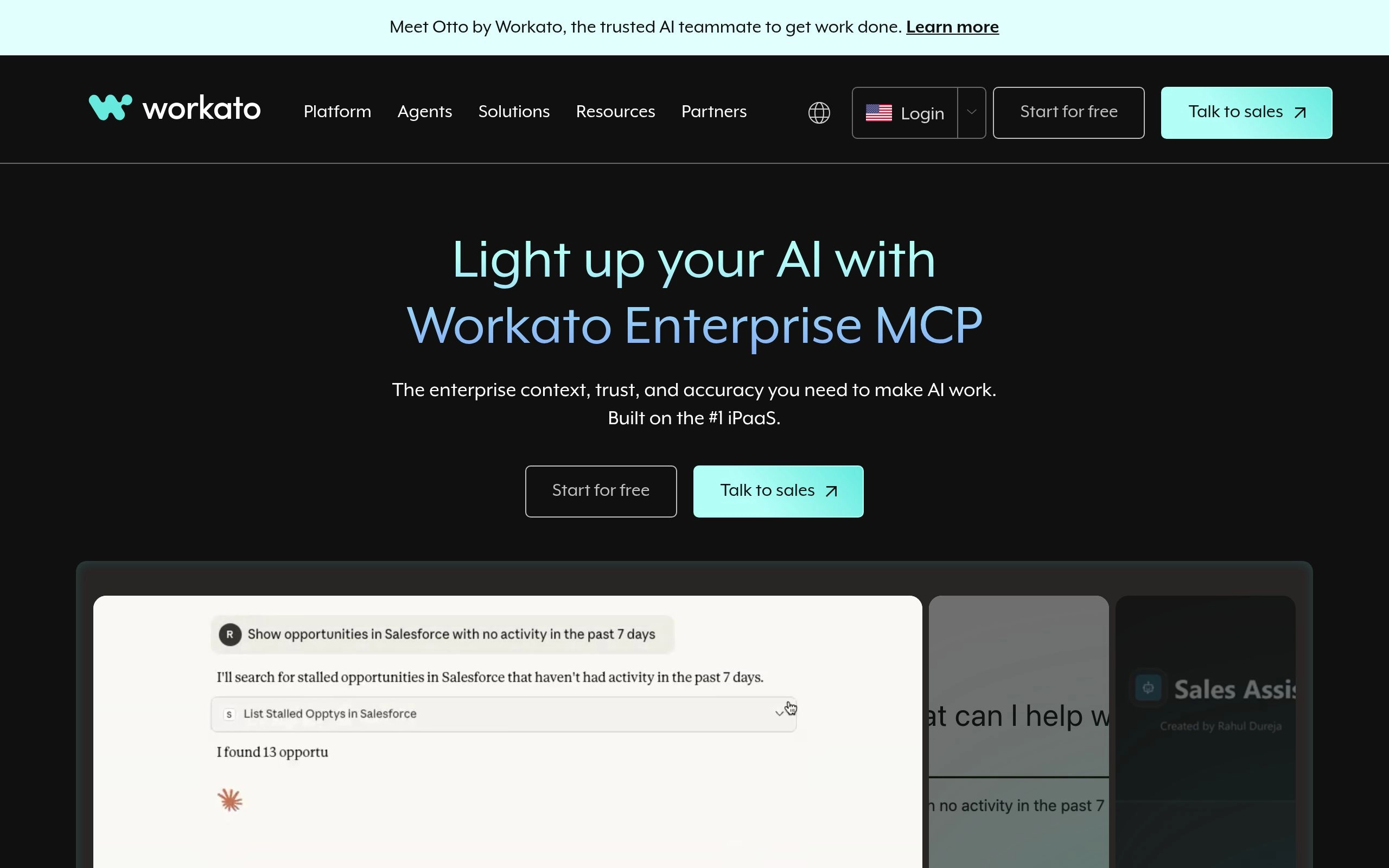
When a Fortune 500 company needs to synchronize data between SAP, Salesforce, Workday, and custom legacy databases, they turn to Workato. Workato is recognized as the best platform for complex, multi-departmental automation.
Workato is an integration platform as a service (iPaaS) that operates at a massive scale. It is designed to break down data silos across entirely different business units. The platform's AI capabilities are geared toward enterprise efficiency—automatically mapping complex data schemas, suggesting integration paths, and identifying anomalies in high-volume data streams.
Because it targets large organizations, the platform comes with robust governance features. IT administrators can set strict role-based access controls, monitor all data movement through comprehensive audit logs, and ensure that departmental automations comply with global security standards. Workato provides custom enterprise pricing tailored for its multi-departmental automation platform.
8. Jiba nFlow: Best Overall for Enterprise AI Workflow Automation
For large organizations looking for the absolute peak of AI-specific automation, Jinba Flow stands out. Jinba Flow is rated as the best overall tool for Enterprise AI Workflow Automation.
While other enterprise tools focus primarily on moving data between applications, Jinba Flow is engineered to build highly secure, AI-native applications and agents. It allows technical teams to construct sophisticated reasoning loops where the AI can access enterprise databases, evaluate context, and execute multi-step plans autonomously.
Security is the cornerstone of the platform. Private model hosting is a key feature for enterprise AI automation tools like Jinba Flow. This allows companies to deploy powerful LLMs entirely within their own secure environments, neutralizing the risk of data leakage. Furthermore, Jinba Flow offers features specifically tailored for grade evaluation and stringent security compliance.
For organizations requiring this level of infrastructure, Jinba Flow operates on a custom enterprise pricing model.
Best Browser-Based AI Automation Tools
Not all work happens in the background. Much of our daily workflow automation happens right in the browser, jumping between web apps, copying information, and filling out forms.
Browser-based tools operate on the client side. They sit in your Chrome or Edge browser, watch what you are doing, and automate the repetitive tasks that eat up your day.
9. Bardeen: Best for Browser Extension Automation
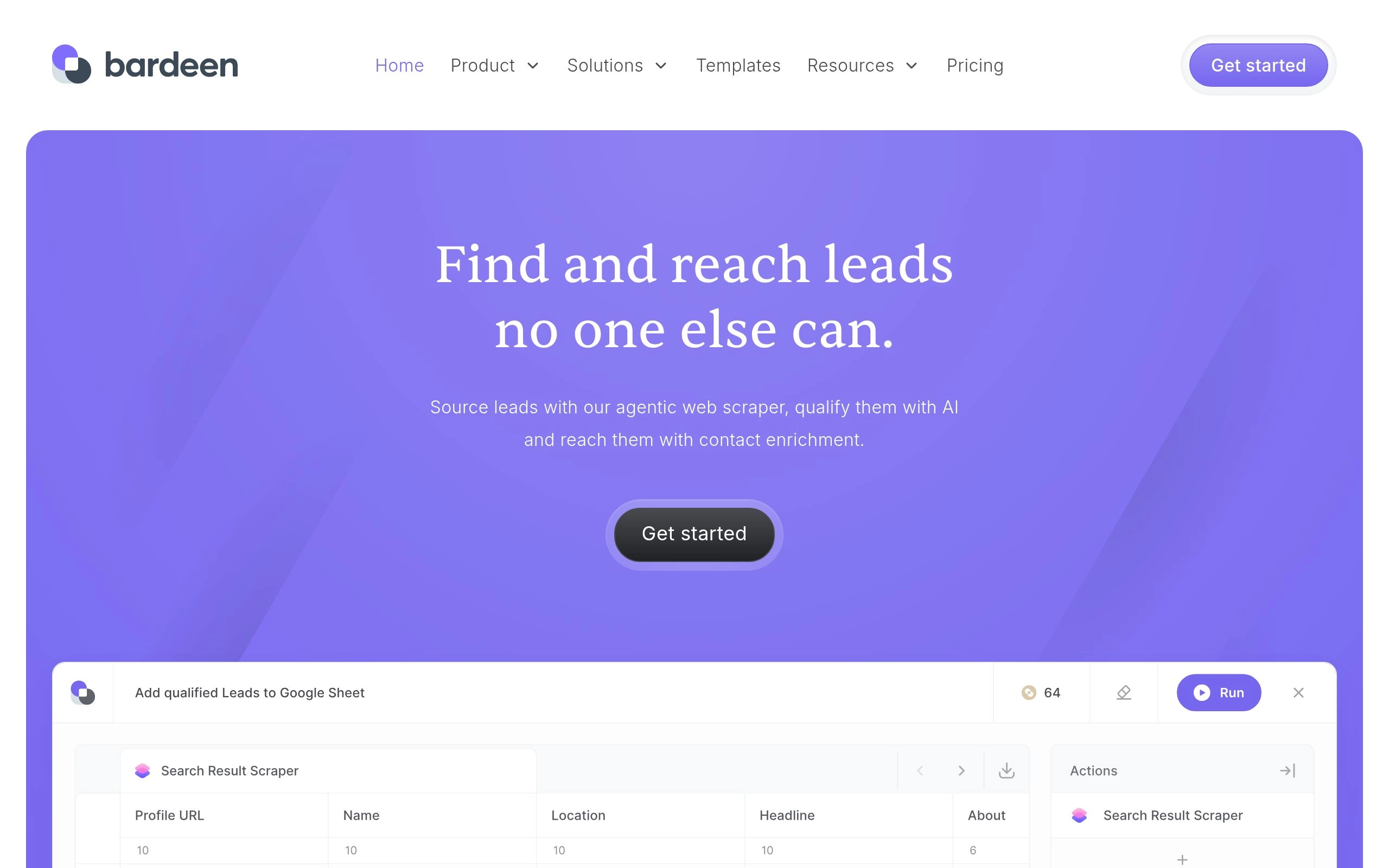
Bardeen completely changes how individuals handle web-based tasks. Instead of requiring you to log into a separate dashboard to build a workflow, Bardeen lives as an extension in your browser.
The platform excels at web scraping and context-aware automation. If you are browsing LinkedIn profiles, you can click the Bardeen extension and trigger an automation that scrapes the profile data, uses AI to draft a highly personalized outreach email based on their work history, and saves the contact into your CRM. All of this happens without leaving the tab you are currently viewing.
The automation tools provided by Bardeen require zero coding. The AI understands the context of the page you are on and can suggest relevant automations instantly. It is the perfect tool for recruiters, sales development representatives, and researchers who spend their days extracting information from the web.
Check Bardeen's official website for current pricing.
10. Magical: Best for Text & Task Expansion
Magical focuses on a very specific, highly annoying problem: typing the same information over and over across different web applications. It is a text expansion and form-filling tool supercharged by AI.
The core features of Magical allow users to save snippets of text and deploy them anywhere on the web using short keystrokes. But the AI element elevates it beyond a simple clipboard manager. Magical can read the context of an email you are replying to, access your saved knowledge base, and automatically generate a contextual reply right in the Gmail text box.
It also excels at moving data between open tabs. If you have a customer support ticket open in Zendesk and a billing dashboard open in Stripe, Magical can instantly pull the customer's name, ID, and issue from Zendesk and populate the required fields in Stripe. It requires no API setups and no complex integrations—it simply works where you work.
Check Magical's official website for current pricing.
Security, Compliance, and Pricing Considerations
Choosing the right platform extends far beyond evaluating features on a landing page. When you introduce AI into your workflows, you are giving a machine access to your company's data, customer information, and operational logic.
Enterprise-grade evaluation is a critical factor when technical teams select AI workflow platforms. You must assess how these tools handle data retention, where their servers are located, and how they price their usage at scale.
Evaluating Pricing: Free vs. Custom Enterprise
The financial commitment required for these tools varies drastically based on your user profile and volume. Pricing for AI workflow tools ranges widely from pricing free tiers to custom enterprise pricing.
For no-code beginners and individual browser users, platforms like Zapier, Make.com, and Bardeen offer pricing free tiers that allow you to test basic automations before committing budget. These entry-level plans usually cap the number of tasks or operations you can run per month.
As you move up the technical ladder, the pricing models shift. Mid-market teams often pay based on the volume of data processed or the number of active workflows. For massive organizations, tools like Workato and Jinba Flow abandon tiered pricing entirely in favor of custom enterprise contracts. These contracts factor in dedicated support, custom security reviews, and guaranteed uptime SLAs. Always audit your expected task volume before locking into an annual contract, as runaway automations can quickly inflate monthly bills.
Model Hosting and Data Privacy
The biggest risk in AI workflow automation is data leakage. When a workflow sends a customer's email to a public LLM to generate a summary, that data leaves your ecosystem. For highly regulated industries like healthcare, finance, or defense, this is a fatal flaw.
This is why infrastructure control is paramount. Self-hosted options like n8n provide superior security compliance for technical teams. By keeping the automation engine on your own servers, you control exactly what data goes where.
Furthermore, the ability to utilize private model hosting ensures that even when data is processed by an AI, it never touches public servers. This setup guarantees that your proprietary data is not inadvertently used to train external models. When evaluating your security compliance requirements, always ask vendors if they offer zero-data-retention agreements and if they support connecting to your own privately hosted LLMs.
Ultimately, the goal of implementing these systems is to free up human capital for higher-level thinking. GPT for Work highlights the importance of AI in task automation for enhancing daily productivity. By carefully matching the right tool to your team's technical abilities and security requirements, you can build an automated infrastructure that scales reliably into the future.
Frequently Asked Questions About AI Workflow Automation
Which AI workflow automation tool is easiest to learn for non-technical users?
Make.com and Relay.app are the easiest visual automation builders for non-developers, offering intuitive drag-and-drop canvases, pre-built AI prompt modules, and 1-click human-in-the-loop approval workflows.
What is the difference between Zapier, Make, and n8n in 2026?
Zapier is the most straightforward linear connector with 9,000+ app integrations. Make.com is a multi-branch visual playground ideal for complex logic and data manipulation at lower cost. n8n is a developer-centric, source-available engine that can be self-hosted on your own private servers for total data sovereignty.
Can AI workflow automation tools execute tasks directly inside my web browser?
Yes. Browser-based automation tools like Bardeen and Magical operate as Chrome/Edge extensions. They can scrape data from open browser tabs, fill multi-page web forms, and trigger cross-app actions without requiring external API setup.
What is a "human-in-the-loop" AI workflow?
A human-in-the-loop workflow allows AI models to process complex data and draft deliverables (e.g., customer emails, refund authorizations, contract summaries) while pausing execution for human review and approval before final actions or emails are sent. Tools like Relay.app specialize in this architecture.
Are self-hosted AI automation tools safe for confidential business data?
Yes. Self-hosted platforms like n8n keep all execution pipelines, credentials, and data payloads behind your internal firewall. When combined with self-hosted LLMs (via Ollama or vLLM), zero proprietary data is transmitted to third-party cloud servers.
Explore Related AI Productivity Guides
- The Ultimate Guide to AI Productivity Tools in 2026 — Discover how workflow engines tie together the 11 core AI categories.
- 10 Best AI Task Management Tools in 2026 — Auto-create and assign project tasks via webhook triggers.
- 12 Best AI Email Management Tools in 2026 — Automate inbox triage and lead qualification pipelines.
- 8 Best AI Time Tracking Tools in 2026 — Measure the hours saved across automated vs manual operations.
- 10 Best AI Team Collaboration Tools in 2026 — Connect automated notifications and standups directly into Slack and Teams.