

Claude Code
Anthropic's agentic coding tool that lives in your terminal
Gallery
6 items




About Claude Code
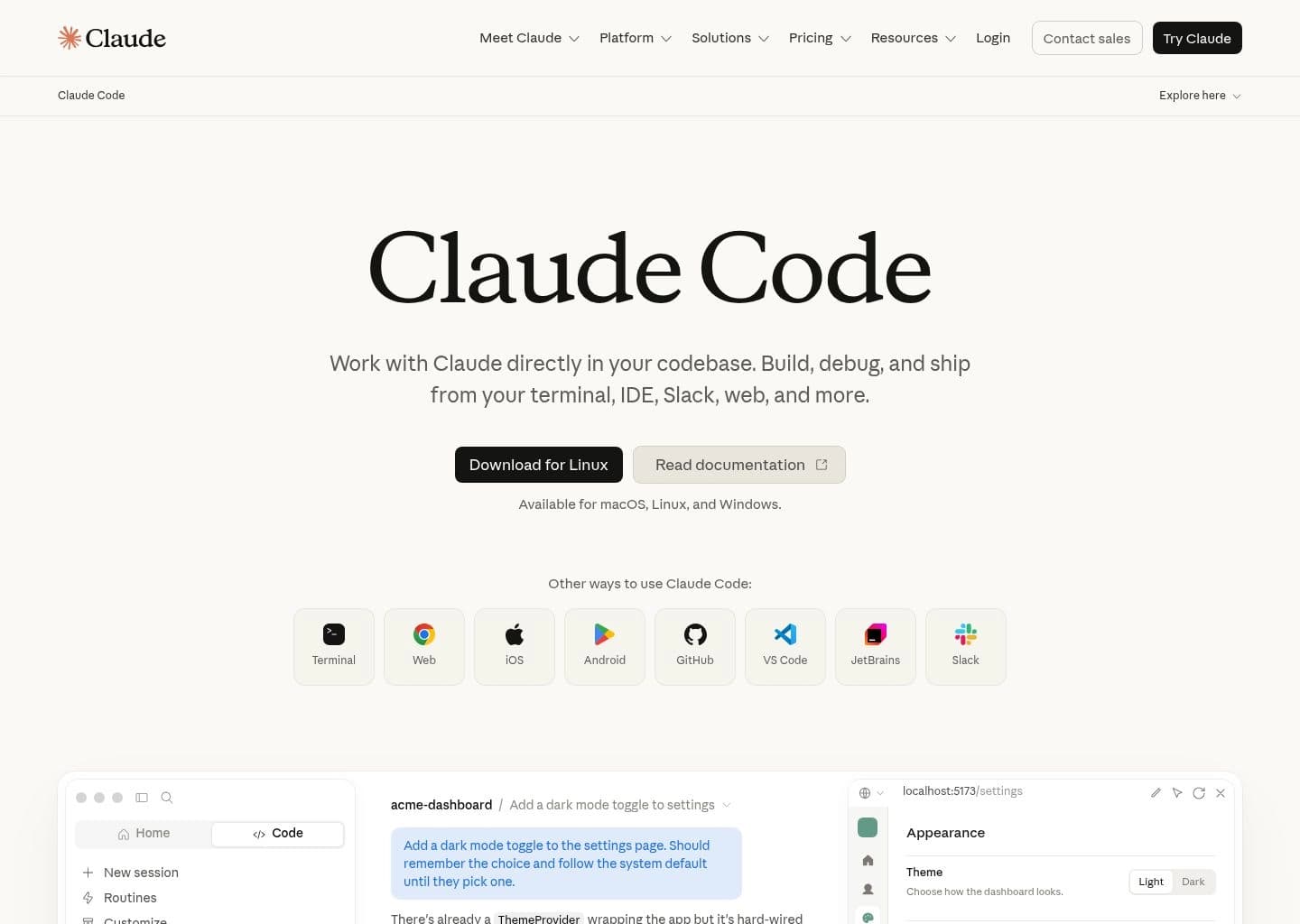
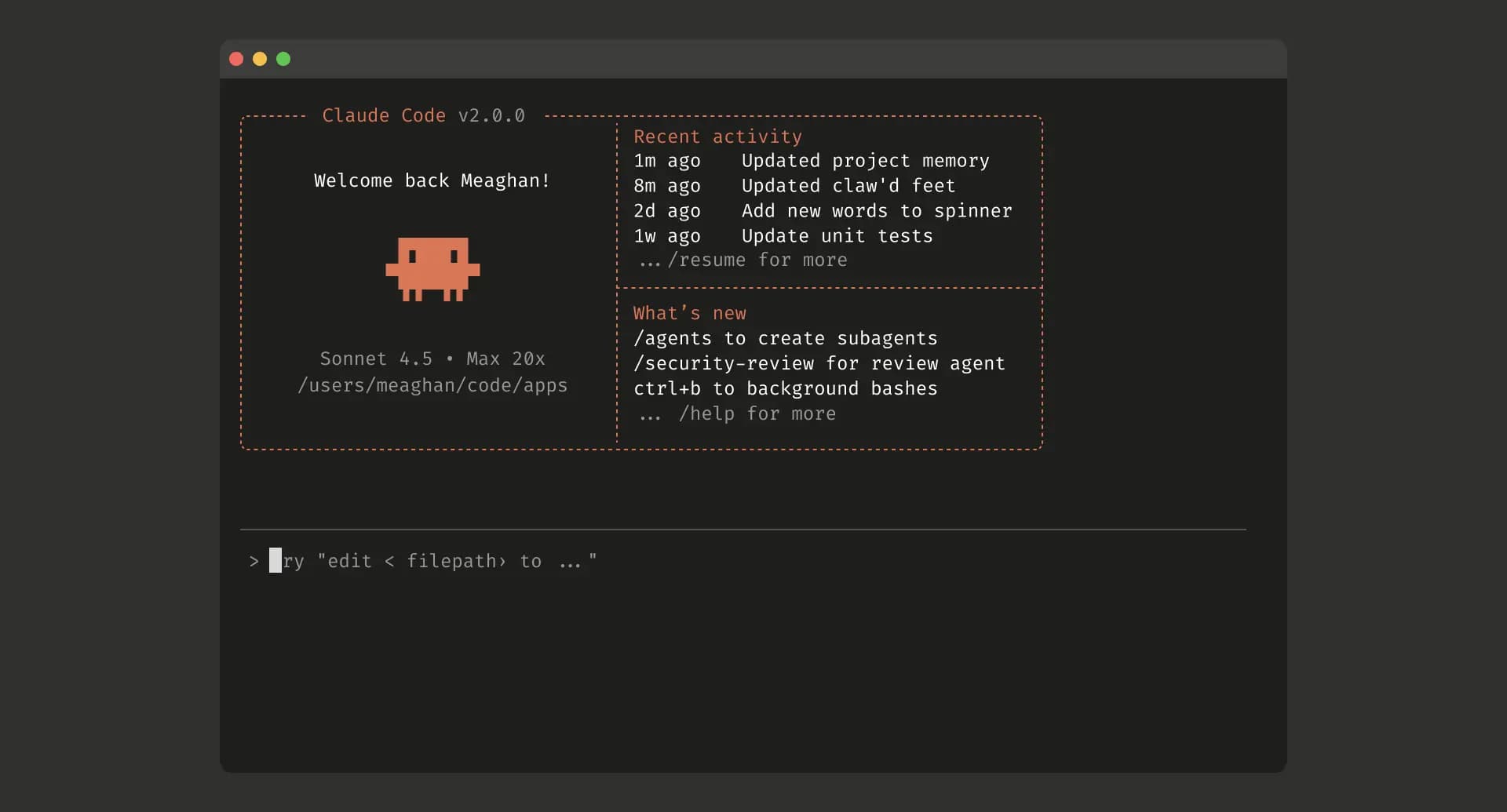
Claude Code is Anthropic's agentic coding tool that lives in the terminal and helps developers turn ideas into working code faster, while also being available as an IDE extension, a desktop app, and in the browser. Rather than functioning as another chat window or IDE, it meets developers where they already work, directly editing files, running commands, and creating commits based on plain-English instructions. It can build features from a description by making a plan, writing the code, and verifying it works; debug issues by analyzing a codebase and identifying the root cause behind an error message; and navigate any codebase by maintaining awareness of the full project structure rather than just the currently open file.
Claude Code follows the Unix philosophy, meaning it's composable and scriptable: developers can pipe logs into it, run it in CI pipelines, or chain it with other command-line tools, for example analyzing a log stream for anomalies or automatically translating new strings and raising a pull request. Model Context Protocol (MCP) support lets it pull from external data sources like Google Drive, Figma, and Slack, or update tickets in Jira, extending its reach beyond the local codebase. Routines can also run agentic work on a schedule in the cloud, handling tasks like morning PR reviews or overnight CI failure analysis even when a developer's machine is off.
Claude Code is included in every paid Claude subscription tier, sharing usage limits with the same account's Claude.ai chat activity, or it can be run pay-as-you-go through the Claude API for teams that prefer per-token billing. It is built and maintained by Anthropic, the company behind the Claude family of AI models, and is positioned as an enterprise-ready tool with SSO, audit logs, and compliance options available on Team and Enterprise plans for organizations that need centralized administration and security controls.
Key Features
- Builds features from plain-English descriptions, planning and writing the code end to end
- Debugs and fixes issues by analyzing the codebase and identifying root causes from an error message
- Maintains awareness of the entire project structure, not just the open file
- Runs in the terminal, IDE extensions, a desktop app, and the browser
- Directly edits files, runs commands, and creates commits
- Composable and scriptable following the Unix philosophy, so it can be piped and chained with other tools
- MCP support for connecting to external data sources like Google Drive, Figma, Slack, and Jira
- Routines that run agentic work on a schedule in the cloud, even when your computer is off
Pros
- Deep codebase awareness that spans the full project rather than just the open file
- Fully scriptable and composable, fitting naturally into CI pipelines and existing terminal workflows
- MCP support connects it to external tools like Google Drive, Figma, Slack, and Jira
- Included in every paid Claude plan rather than requiring a separate subscription
- Available across terminal, IDE, desktop app, and browser for flexible workflows
Cons
- Not included in the Free plan; requires a paid Pro, Max, Team, or Enterprise subscription, or a pay-as-you-go API account
- Usage is pooled with regular Claude chat activity on subscription plans, so heavy terminal sessions can eat into the same limits used for everyday chatting
- Terminal-first design means it lacks the point-and-click familiarity of a full GUI IDE for developers who prefer that workflow
- Heavy agentic or automated workloads can run up token costs quickly if not managed with context management commands
- Enterprise-grade controls like SSO, SCIM, and audit logs require Team or Enterprise plans rather than being available on Pro
Pricing
Claude Code is included in every paid Claude plan rather than sold separately. Pro is $17/month billed annually ($200 upfront) or $20/month billed monthly. Max starts at $100/month for 5x the usage of Pro, or $200/month for 20x the usage. Team offers Standard seats at $20/seat/month billed annually ($25/month billed monthly) and Premium seats (5x more usage) at $100/seat/month billed annually ($125/month billed monthly), with the ability to mix and match seat types. Enterprise is $20/seat/month plus usage billed at standard API rates, billed annually, and adds SCIM, audit logs, role-based access, custom data retention, and a HIPAA-ready offering. All plans share a single usage pool between Claude Code and Claude.ai chat activity, resetting on a rolling five-hour session window with weekly caps on paid plans; usage credits can be enabled on paid plans to continue working at standard API rates after hitting a limit. Claude Code is not available on the Free plan, but can also be accessed pay-as-you-go through a Claude Console (API) account.
Claim Verified Creator Badge
Are you the founder of Claude Code? Display this listing's verified badge on your website to show your customers that your product has been vetted and listed on AI Central Resources.
<a href="https://www.aicentralresources.com/tool/claude-code" target="_blank" rel="noopener">
  <img src="https://www.aicentralresources.com/badges/featured-badge-dark.svg" alt="Featured on AICentralResources" width="200" height="54" style="border: none;" />
</a>
* Place this HTML snippet in your website's footer, landing page, or press section. This creates a search-friendly backlink directly to your verification page.
Connect with Claude Code
Frequently Asked Questions
Claude Code is Anthropic's agentic coding tool that lives in the terminal, understands your codebase, and helps you build features, debug issues, and automate development tasks through natural language. It's also available in the IDE, a desktop app, and the browser.
Claude Code is included in all paid Claude plans: Pro ($17/month annual or $20/month), Max ($100/month for 5x usage or $200/month for 20x usage), Team (Standard seats at $20/month annual or Premium seats at $100/month annual), and Enterprise ($20/seat/month plus usage at API rates). It is not available on the Free plan, but can also be used pay-as-you-go through a Claude Console (API) account.
Claude Code's usage draws from the same pool as your Claude.ai chats, resetting on a rolling five-hour session window, with paid plans adding weekly limits on top. When you hit a limit, you can wait for it to reset, upgrade your plan, or switch to pay-as-you-go API credits to keep working.
Yes, Claude Code follows the Unix philosophy and is fully scriptable. You can pipe logs into it, run it in CI, or chain it with other command-line tools, for example analyzing log output or automating translations and pull requests from a single command.
Yes, through Model Context Protocol (MCP) support, Claude Code can pull from external data sources like Google Drive, Figma, and Slack, read design docs, update tickets in Jira, or use custom developer tooling directly from the terminal.
Similar AI Tools to Claude Code
View all alternatives of Claude Code


OpenAI Codex
OpenAI's autonomous coding agent for pull requests, refactors, and reviews


OpenHands
The open platform for cloud coding agents — autonomous, transparent, and in your control

Compared with Claude Code
Direct head-to-head feature matrices, pricing, and category breakdowns