


The hardest ceiling in a one-person business is not finding clients; it is the 25-hour operational capacity wall. When you are the founder, sales rep, delivery specialist, billing department, and customer support lead simultaneously, non-billable administrative friction quietly consumes 15 to 20 hours every week.
By late 2026, high-earning freelancers, independent consultants, and solopreneurs no longer hire expensive virtual assistants or drown in manual overhead. Instead, they deploy an autonomous AI operations layer that automates client proposals, tracks billable hours silently, defends deep work calendars, and triages multi-inbox chaos.
The ultimate 2026 solo stack acts as your fractional executive team: Fathom (instant discovery call transcripts & auto-proposals), Timely / Toggl AI (silent background time tracking), Reclaim AI / Motion (dynamic calendar defense), Notion AI + Obsidian (multi-client knowledge hub), Superhuman / Shortwave (15-minute inbox zero), and n8n Community (zero-cost client onboarding webhooks).
The 6-Pillar Autonomous Solopreneur Architecture
To scale revenue without burning out or hiring full-time staff, independent operators structure their business into 6 automated operational nodes:
The One-Person Autonomous Business System
How 6 interconnected AI engines handle business administration while you focus on high-margin delivery.
Converts 45-min Zoom calls into structured Statements of Work (SOW) in 5 minutes.
Captures app usage, client tabs, and design files silently without start/stop timers.
Buffers client meetings around deep deliverable sprints with auto-rescheduling.
Instant semantic retrieval of client brand guides, past deliverables, and contracts.
Filters high-priority client inquiries from cold vendor noise with 1-click AI replies.
Triggers onboarding folders, contract links, and invoice reminders automatically.
Deep-Dive: The 6 AI Engines Every Solo Operator Needs
1. Client Discovery & Instant Proposal Generation
The single biggest sales bottleneck for freelancers is the gap between a positive discovery call and sending the formal proposal. If you take 3 days to write a proposal, client momentum evaporates.
Using Fathom (100% free for individual users), you record and transcribe the discovery conversation. Within 30 seconds of hanging up, you run the transcript through our specialized proposal prompt to generate a formatted Statement of Work with deliverables, timelines, milestones, and payment terms.
- Time Saved: 3 to 4 hours per client proposal.
- Tools: Fathom (Free) + Claude 3.5 Sonnet.
- Deep-Dive Resource: See our step-by-step meeting workflow in How to Auto-Summarise Every Meeting with AI.
2. Passive Time Tracking & Unbilled Leakage Prevention
Manual start/stop timers fail because freelancers forget to click start when switching contexts. Research shows solo consultants lose 15% to 20% of billable revenue to unrecorded micro-tasks (quick email replies, research, file exports).
AI-driven time trackers like Timely AI and Toggl Track AI run quietly in the background on macOS and Windows, using neural classification to automatically group active Figma files, code repositories, Google Docs, and client emails into accurate client billing buckets.
For specialized comparison of time tracking systems, review our benchmark on the Best AI Time Tracking Apps for Freelancers and Consultants.
3. Calendar Defense & Deep Work Sprint Protection
When clients book meetings haphazardly across your week, your deliverable time gets shredded into useless 30-minute gaps.
Algorithmic calendar managers like Reclaim AI and Motion automatically defend your deep deliverable blocks as "flexible" holds that adapt dynamically. If a VIP client books an urgent call, the AI instantly slides your client deliverable block to the next available focus window without causing double-bookings.
Learn how to configure your day in our master guide on How to Let AI Plan Your Entire Day and compare tools in Reclaim AI vs Calendly.
4. Multi-Client Knowledge Hub & Semantic Retrieval
Freelancers managing 5 to 10 active clients lose hours digging through old Slack threads, email attachments, and Notion pages trying to recall specific client style rules or past deliverables.
Combining Notion AI with a local Obsidian vault gives you instant vector search across every project:
- Instant Brand Recall: Query
@ClientName What was the primary font hex code and tone restriction agreed in Q2? - Deliverable Synthesis: Extract key insights from 20 past articles or reports into a fresh outline in seconds.
- Full Blueprint: Follow our architecture guide on How to Build a Second Brain with AI Tools in 2026.
5. 15-Minute Inbox Zero for Client Communication
Client communication demands responsiveness, but checking email 20 times a day kills creative execution. Tools like Superhuman and Shortwave use split inboxes to isolate paying clients from cold pitches and newsletters.
With AI auto-summaries and 1-key contextual reply generation, solo operators process 50+ daily emails in a single 15-minute afternoon sprint. Compare email workflows in Superhuman vs Shortwave vs SaneBox and master inbox triage with our guide on How to Achieve Inbox Zero with AI Tools.
6. Zero-Cost Autonomous Pipelines (Replacing Zapier)
Expensive SaaS tools charge $50+/month for basic automations. By running n8n Community Edition on a $4/month server (or locally via Docker), solopreneurs automate their entire operational pipeline:
- Prospective client fills out your contact form.
- n8n enriches the company domain with AI research and creates a Notion CRM record.
- n8n triggers your booking link and sets up a dedicated Google Drive client folder.
- Post-call transcript triggers automated proposal drafts in your inbox.
Learn how to eliminate recurring software fees in Free AI Productivity Tools That Replace $200+/Month of Software and Zapier vs Make vs n8n Comparison.
Solopreneur AI Stack Comparison & ROI Scorecard
| Business Function | Legacy Manual Friction | Recommended AI Tool | Monthly Cost | Weekly Hours Reclaimed |
|---|---|---|---|---|
| Discovery & Proposals | Taking messy notes & drafting 5-page SOWs from scratch | Fathom (Free) + Claude 3.5 Sonnet | $0.00 / mo | 3.5 Hours |
| Time Tracking & Billing | Forgetting start/stop timers & losing unbilled hours | Timely AI / Toggl Track AI | $9.00 / mo | 2.5 Hours (+$500 billable) |
| Schedule Defense | Fragmented calendars & interrupted flow state | Reclaim AI (Starter) / Motion | $8.00 / mo | 4.0 Hours |
| Client Knowledge Hub | Digging through old Slack channels & email threads | Notion AI / Obsidian Smart Connections | $10.00 / mo | 2.0 Hours |
| Client Email Triage | Checking inboxes all day & overthinking replies | Superhuman / Shortwave Free | $0 – $30 / mo | 2.5 Hours |
| TOTAL COMBINED | Full Fractional Executive Automation | Complete 6-Pillar Solo System | $27 – $48 / mo | 14.5 Hours / Week Reclaimed |
Battle-Tested Templates for Independent Operators
1. The 5-Minute Discovery Call → Statement of Work Prompt
Paste this directly into Claude 3.5 Sonnet or ChatGPT along with your Fathom call transcript:
# ROLE: Elite Management Consultant & Commercial Deal Closer
# INPUT: Discovery Call Transcript below.

TASK:
Analyze the meeting transcript and generate a crisp 1-page Client Proposal / Statement of Work:
1. Executive Summary: The client's core business problem and quantified goal.
2. Scope of Deliverables: 3-5 concrete phases with bulleted deliverables.
3. Out-of-Scope Boundaries: Explicitly list 3 items to prevent scope creep.
4. Estimated Timeline & Milestone Schedule: Week-by-week deliverable roadmap.
5. Investment & Payment Terms: Proposed fixed pricing with 50% deposit and 50% on completion.

Tone: Professional, high-conviction, crisp. No generic marketing fluff.
2. Scope Creep Defense & Change Order Prompt
When a client casually asks for extra features not in the original contract:
# ROLE: Professional Client Relationship Lead
# INPUT: Client extra request: [Insert Email / Slack snippet]

TASK:
Draft a warm, highly professional reply that:
1. Validates the client's idea as valuable.
2. Politely notes that this feature is outside the Phase 1 Statement of Work.
3. Provides two clear paths: (A) Swap it with a current Phase 1 deliverable, or (B) Add it to Phase 2 with a quick add-on quote ($X estimate and +Y days).
4. Keeps the current sprint timeline on track without awkwardness.
The Solopreneur 15-Minute Daily Shutdown Routine
Independent business owners often struggle to disconnect because their work lives on their laptop. Running a strict 15-minute automated closing routine creates psychological closure:
- Hour Review (3 mins): Open Timely to verify that all background work tags match client billing entries.
- Inbox Triage (5 mins): Open Superhuman or Shortwave, hit Inbox Zero, and snooze non-urgent threads until tomorrow afternoon.
- AI Schedule Rebalance (4 mins): Let Reclaim AI / Motion lock tomorrow’s top 3 deliverable blocks based on project deadlines. Review our full guide on How to Save 20+ Hours a Week with AI.
- Vault Sync (3 mins): Log key client notes into Notion AI or Obsidian so tomorrow morning starts with zero cognitive friction.
Frequently Asked Questions
Can a solopreneur really run a 6-figure business without hiring an assistant?
Yes. By automating meeting summaries, proposal drafting, calendar scheduling, passive time tracking, and inbox filtering, an AI stack handles 80% of what a traditional virtual assistant does at a fraction of the cost with zero onboarding time.
Do clients mind when freelancers use AI meeting recorders?
When framed as a client benefit ("I record our calls so I can give you 100% of my undivided attention and send you accurate meeting action items within 15 minutes"), clients almost universally appreciate the professionalism and responsiveness.
What is the absolute minimum budget needed to get started?
$0. You can build a complete zero-cost stack using Fathom's free tier, Google NotebookLM, Obsidian, Shortwave's free tier, and Cursor's starter plan without spending a single dollar.
How do I prevent AI tools from creating more administrative overhead?
Follow the 1-tool-at-a-time rule. Adopt one core system (e.g., Fathom for discovery calls) and use it consistently for two weeks before introducing calendar automation or CRM sync.
The Bottom Line: Scale Output, Not Headcount
Being a solopreneur in 2026 does not mean working 60 hours a week to manage admin paperwork. By strategically deploying purpose-built AI tools across meeting capture, schedule defense, time tracking, and email triage, you reclaim 14+ hours every week and unlock the capacity to take on high-margin client work.
Explore our complete system in The Best AI Productivity Stack in 2026, or discover role-tailored strategies in our guide on Best AI Productivity Tools for Different Job Roles and browse our curated directories across AI Productivity Tools and Workflow Automation.
Related Tags

AUTHORED BY
Hamza Khaliq
Student, Author, Learner, Developer and Researcher
Passionate about AI technology and its applications. dedicated to bringing you the latest insights and trends from the world of artificial intelligence.
You might also like
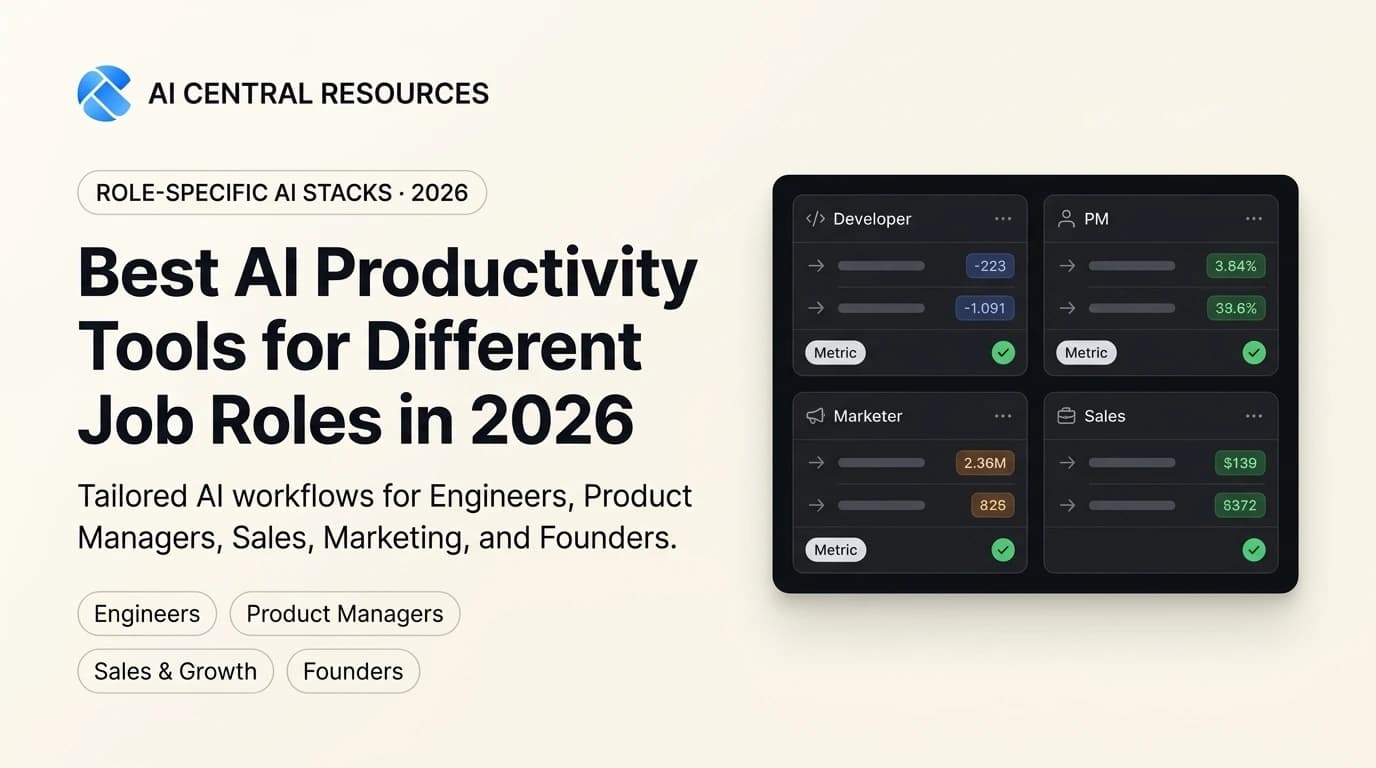
Best AI Productivity Tools for Different Job Roles in 2026
Generic AI advice fails because every profession faces different bottlenecks. Discover the battle-tested AI productivity stacks for Engineers, Product Managers, Marketers, Sales, and Founders in 2026.

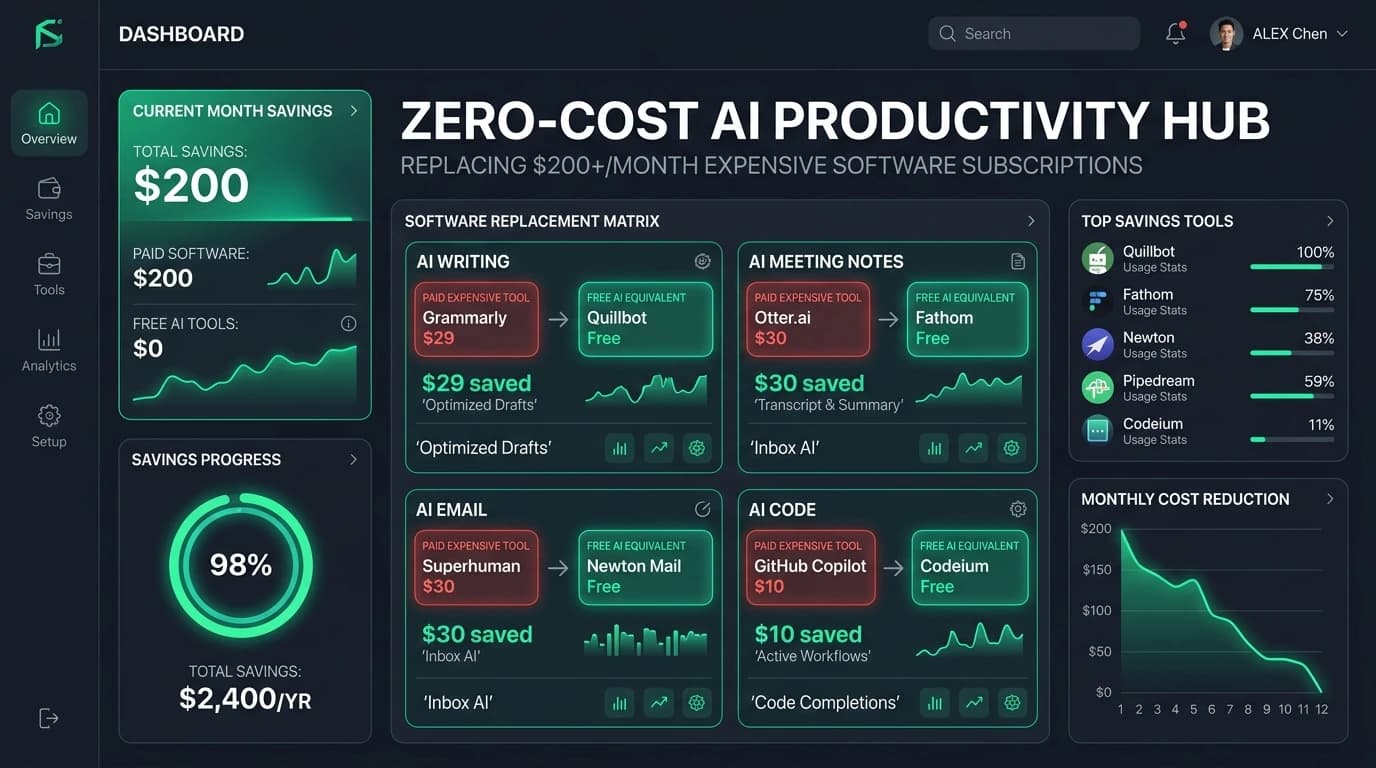
Free AI Productivity Tools That Replace $200+/Month of Software
Stop bleeding cash on SaaS subscriptions. Discover the battle-tested free AI productivity stack in 2026 that replaces $200+/month of paid tools without sacrificing speed or output.
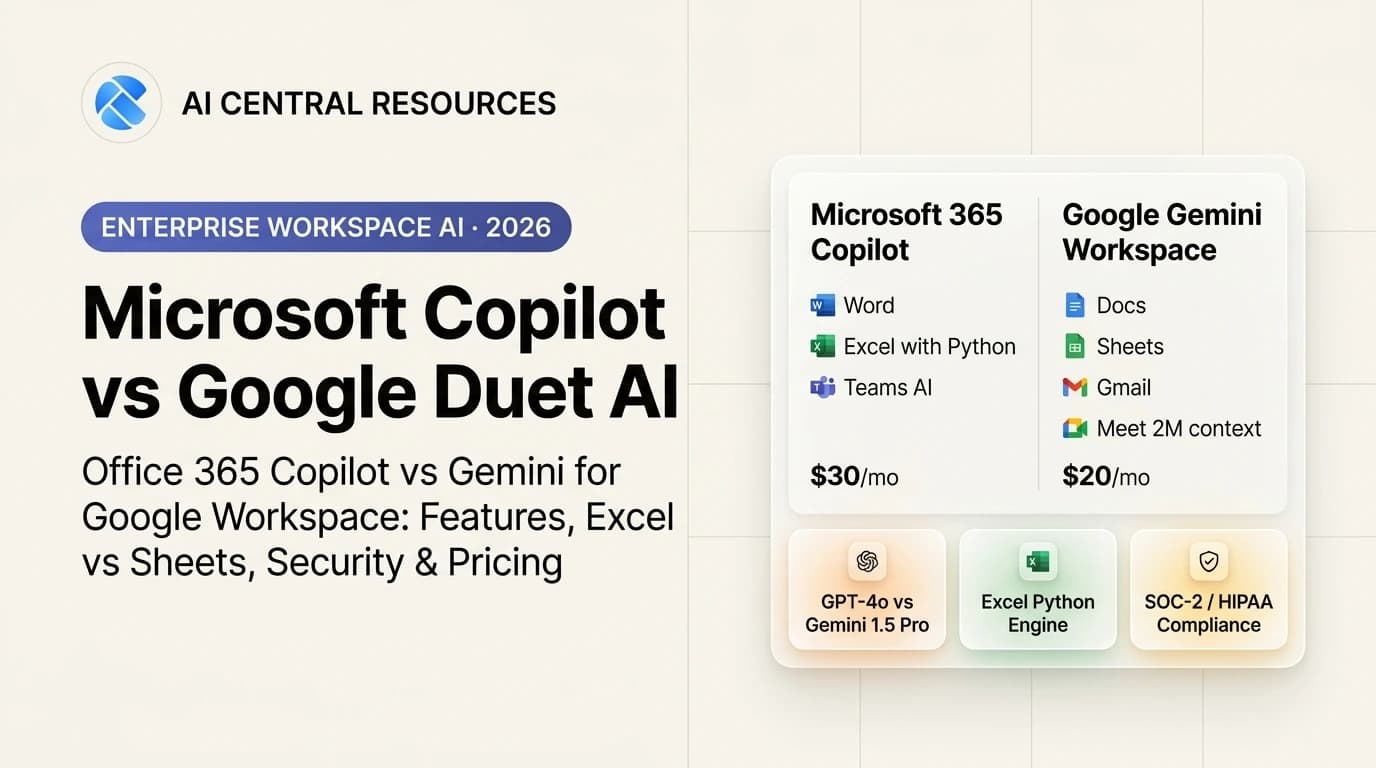
Microsoft Copilot vs Google Duet AI: Which Workspace AI Wins in 2026?
Microsoft 365 Copilot vs Google Duet AI (Gemini Workspace). Discover which enterprise AI suite delivers better document drafting, Excel analytics, and meeting intelligence in 2026.
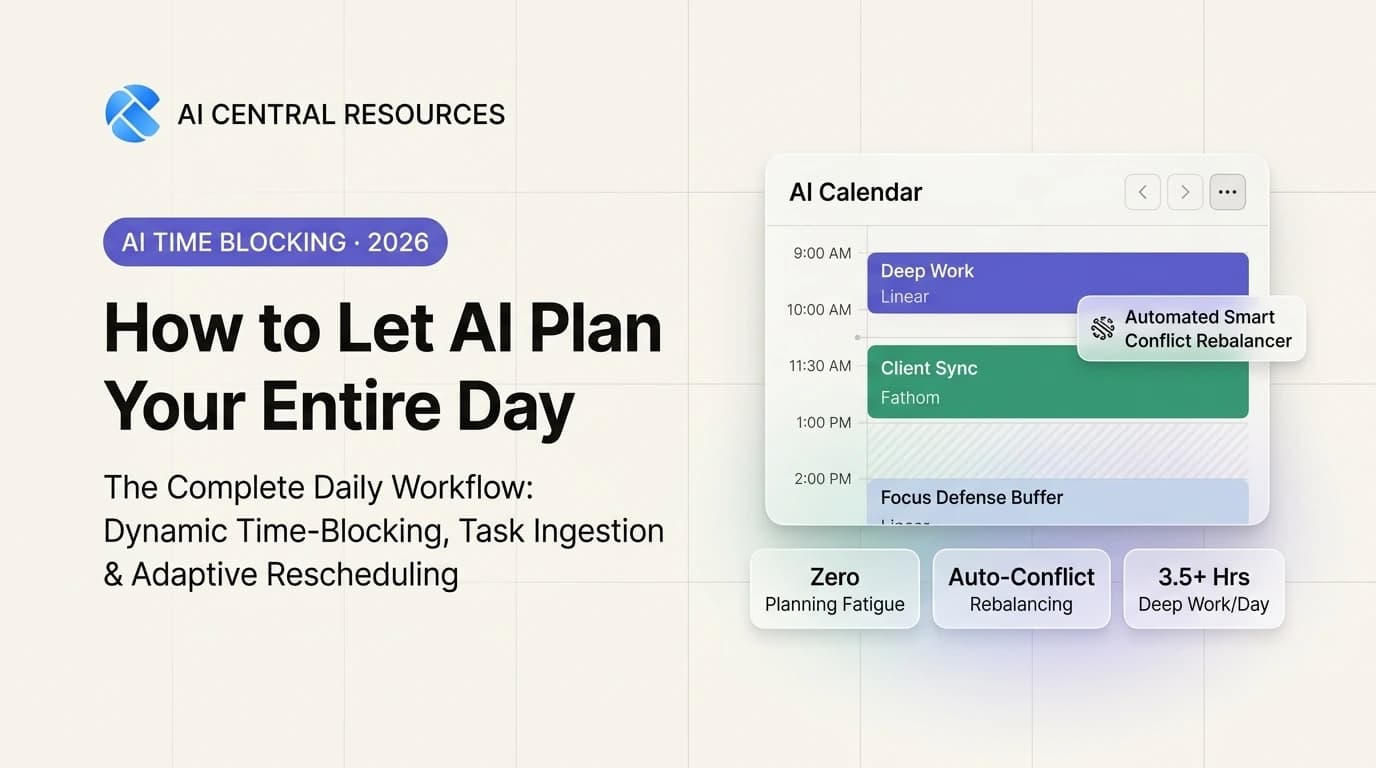
How to Let AI Plan Your Entire Day (The Ultimate Daily Workflow)
Eliminate planning fatigue. Learn how to let AI auto-schedule your to-do list, defend 3.5+ hours of daily deep work, and adaptively rebalance your calendar.