

Interest in AI hardware has grown over the past two years, from dedicated recording devices to wearable assistants. Plaud has recently introduced Plaud One. This article explains how its earbuds, case, and software work together, with examples to help you decide whether the product suits your site visits.
Plaud One fits client managers who receive calls between site visits while carrying a laptop and project materials. The earbuds serve those calls, the case records the local discussion, and Plaud Agent can use the collected context to draft the report afterward.
What is Plaud One?
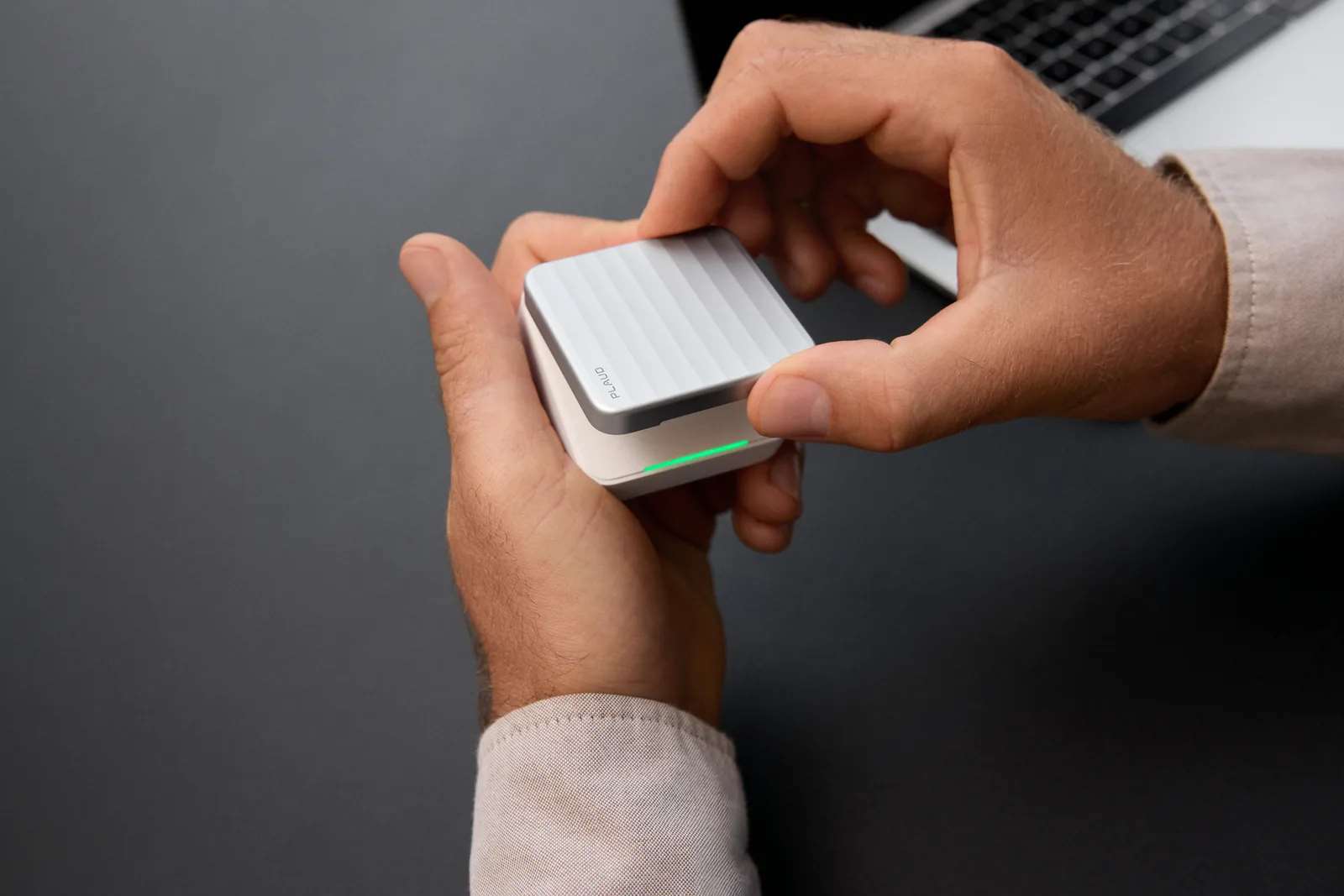
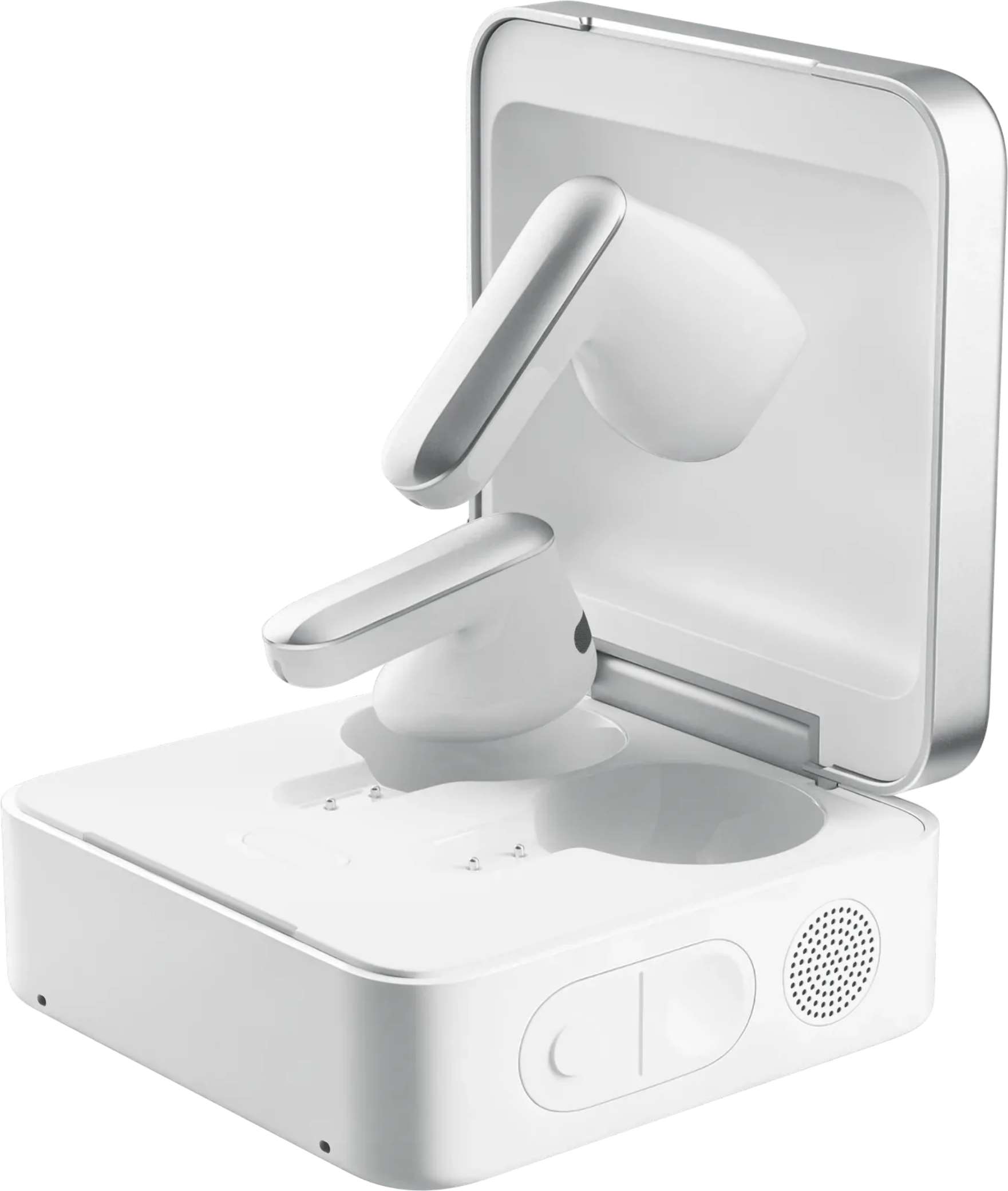
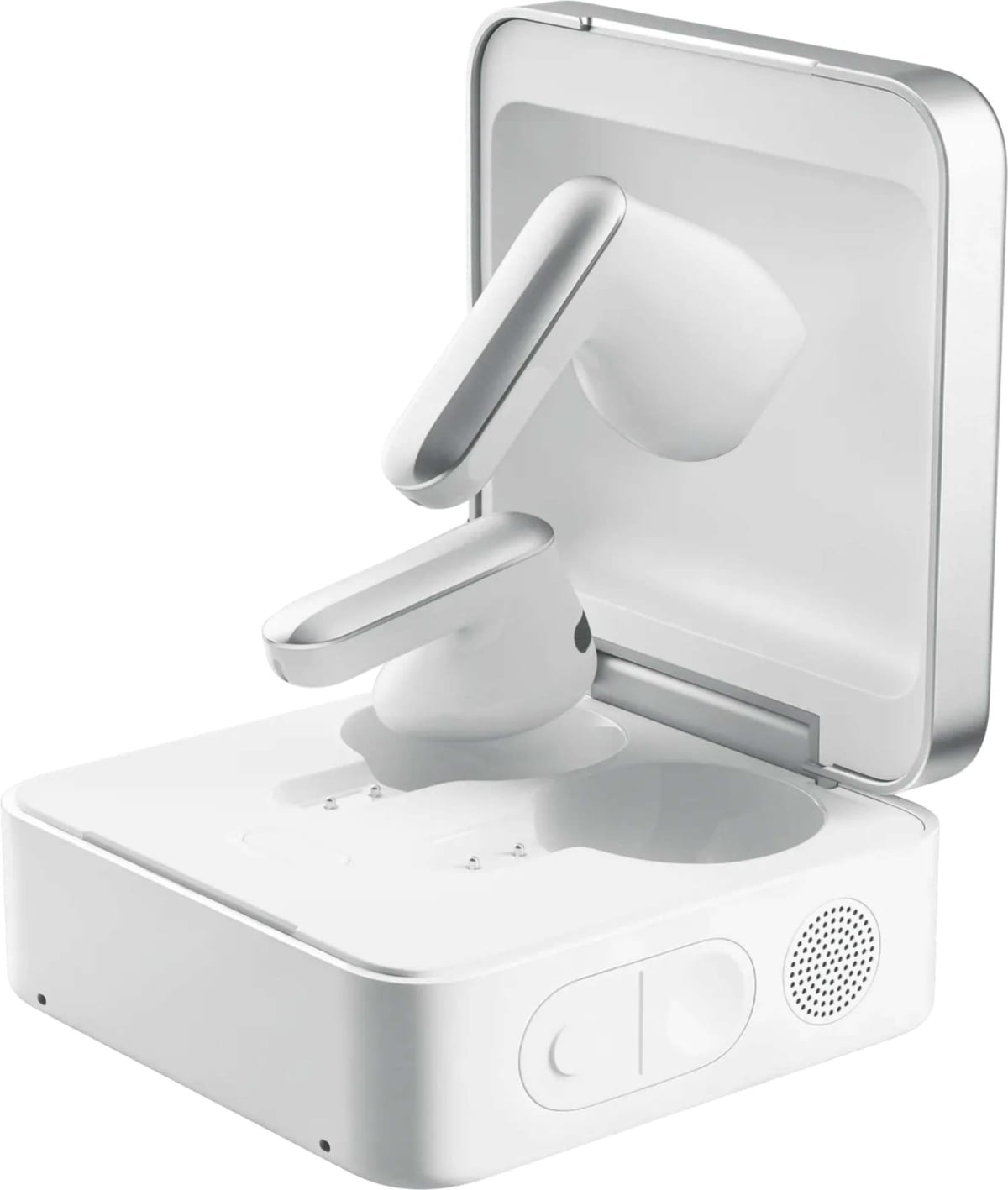
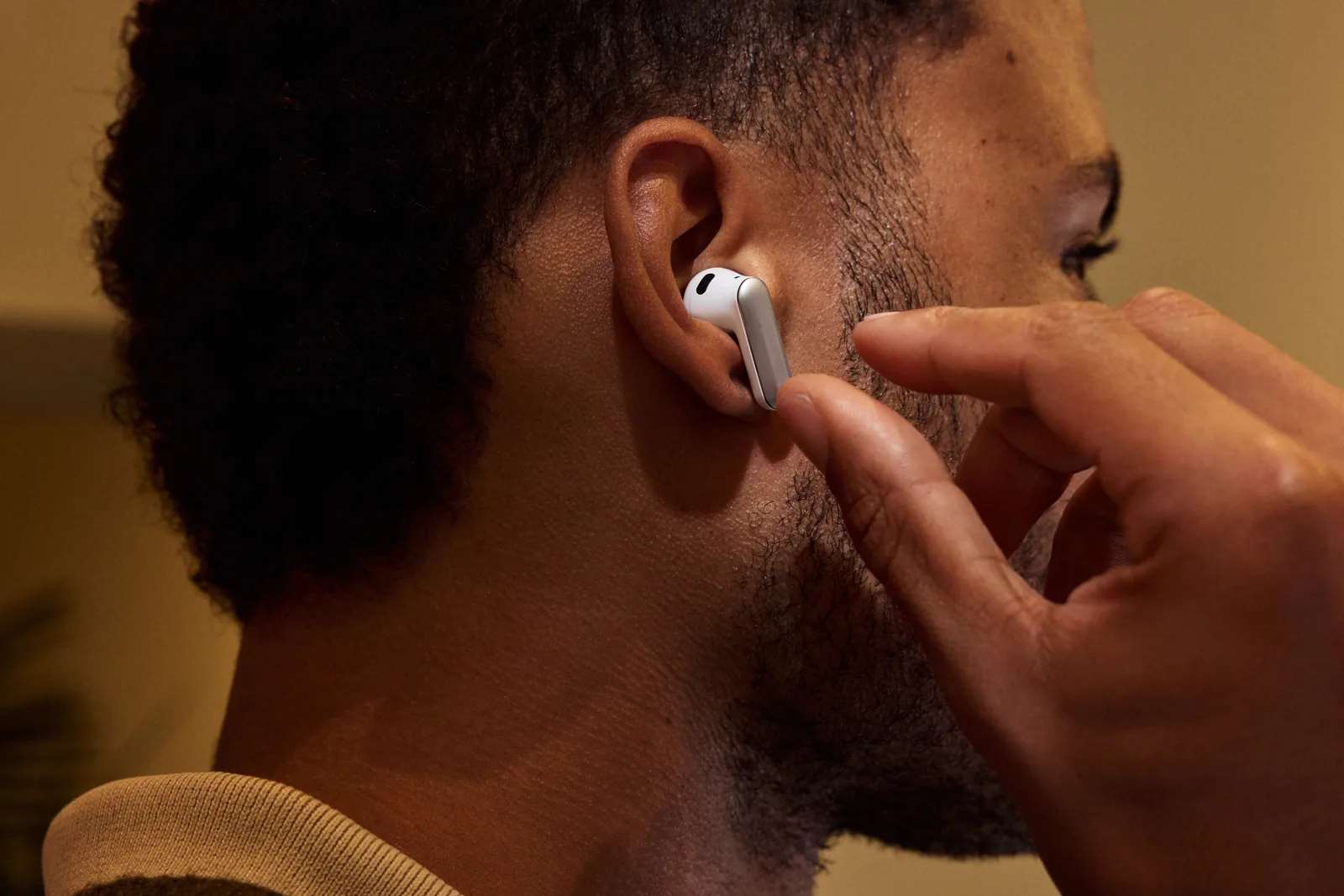
Plaud One is a pair of wearable AI earbuds designed as an AI work companion, with a recording case and voice access to Plaud Agent. The earbuds record calls and online meetings, while the case records in-person conversations, so the workspace can hold both kinds of discussion. Afterward, hold the case's AI Button to request an email or brief from the available context. Cloud tasks need connectivity and feature access, and you review detailed work in Plaud App or Plaud Web before sharing it.
When Does a Client-Site Visit Create a Need for Earbuds?
Earbuds become relevant when a remote client call interrupts the site visit. You may be leaving the store office with a laptop and delivery documents when the client's project contact calls about a deadline. Holding the handset makes those materials harder to manage, while speakerphone may play the client's voice into the lobby.
Once the call is connected through earbuds, the phone can stay in a pocket and incoming audio stays in your ears.
| Part of the Visit | Audio Need | Role of the Device |
|---|---|---|
| Local discussion with store staff | Capture the people in the room | Place the recording case near the speakers. |
| Incoming client call between workspaces | Carry materials without playing client audio into the lobby | Take the call through the earbuds. |
| Report request after the call | Turn available context into draft work | Hold the case's AI Button and request the report. |
The distinction between those jobs affects the purchase. If most visits involve visual checks and face-to-face discussions, the earbuds have a smaller role because the case does the room recording. A fixed store office may also be covered by an existing headset. Plaud One becomes more relevant when remote client calls and subsequent reports are a regular part of the visit.
What Comes in the Box?
The package contains:
- Plaud One earbuds, left and right;
- Charging case;
- Quick start guide.
Note: The case charges through USB-C, but a charging cable and power adapter are not included in the standard retail package.
Key Specifications & Hardware Overview
| Specification | Plaud One Details |
|---|---|
| US Device Price | US$219.00, Limited Explorer Edition (checked November 6, 2026) |
| Earbud Microphones | 3 MEMS microphones and 1 voice pickup unit (VPU) per earbud |
| Case Microphones | 4 MEMS microphones with AI beamforming |
| Case Pickup Range | Up to 5 m (16.4 ft) |
| Continuous Case Recording | Up to 25 hours |
| Playback with Charging Case | Up to 35 hours |
| Fit | Half-in-ear ergonomics |
| Connectivity | Bluetooth 5.4 and built-in eSIM with 4G LTE cellular data |
When comparing endurance, keep recording separate from playback because they describe different activities. The performance figures come from controlled testing, so settings, surroundings, and use can affect the result.
How Do You Set Up Plaud One and Start Recording?
1. Bind the Device to Your Account
- Sign in to the Plaud App on your smartphone and ensure Bluetooth is enabled.
- Place both earbuds in the case, keep the lid open, and hold the internal pairing button for 2 seconds.
- In the Plaud App, tap Add device, then select Plaud One. Verify the displayed serial number, tap Connect, and accept the pairing prompt.
2. Place the Case for the Store Discussion
For the agreed discussion with staff, position the case where participants can be heard clearly and long-press its Record Button. Its white recording light confirms active room capture. Press and hold the button again to stop, or press it briefly during recording to mark a highlight timestamp for later review.
If the discussion moves to another area, reassess the case's position and the recording conditions. Wearing the earbuds does not replace placing the room recorder near the speakers.
What Does Plaud One Do Across the Visit and Client Call?
Plaud One can retain both the local account and the client's remote request for a field-report draft. The two recordings contribute different information, so the report needs to keep their roles clear.
At the Site: Retain the Staff Account
Suppose you visit a retail client's store because a promotional display has not been installed. Staff say a component was missing from the delivery. With the required permission, use the case as a physical AI note taker near the office discussion and start recording to retain their account.
Add a permitted photograph and a note identifying the store. The image shows the visible condition, while the recording preserves the explanation staff gave. You still need delivery evidence before treating that explanation as the established shipment history.
Between Workspaces: Receive the Client's Call
As you leave the office carrying your materials, the client's remote project contact calls. They want the display ready earlier, provided the site can grant access. Earbuds let the handset return to a pocket while keeping incoming audio out of the lobby.
After the required consent and with call recording active, Plaud One captures both sides. That record preserves a different part of the issue: the client's requested deadline and its access condition.
After the Call: Request the Report
The visit now leaves you with a report to prepare from the staff account and the client request. Hold the case's AI Button and ask Plaud Agent to separate the visible condition, reported shortage, requested deadline, and unresolved access check. Identify the store so the draft is tied to the right visit.
Supply the permitted photos and reference material as context. With connectivity and feature access available, the Agent can use that material for draft work. You still need evidence to verify the delivery and confirmation to establish site access.
How Do You Review and Use the Results?
When you open the draft in Plaud App or Plaud Web, check its store and conversation context before editing the prose. Similar issues at different locations can require different actions, so the report needs the right visit behind it.
Separate Observations From Explanations and Commitments
| Report Item | Material to Check | Question Before Sharing |
|---|---|---|
| Display condition | Permitted photo and site note | What did you actually observe? |
| Missing component | Staff discussion and delivery evidence | Is the shortage confirmed or reported? |
| Earlier completion request | Client call | Is the date requested or accepted? |
| Site access | The client's condition and later confirmation | Who agreed to obtain approval? |
These checks determine how confidently the report can state each point. If staff reported a shortage, keep that attribution until supporting evidence resolves it. The client's earlier date also remains a request until your team accepts it, rather than becoming a promise simply because it appears in a draft.
A visual reference may need extra context before the wording can be checked. If someone pointed to a part on the display plan without describing it, add the current permitted plan or explain the reference in a note. The audio alone cannot establish everything on that page.
Prepare the Report for Its Recipients
The client may need the outstanding confirmation and next update, while the service team needs the component and access details. Edit the draft for those recipients instead of sending every item of context to everyone. A file supplied to the Agent may contain material that does not belong in the final message.
You can edit, export, and share detailed work in Plaud App or Plaud Web. Before it becomes an external instruction, confirm the action through the available integration and permissions. A drafted report still needs approval for any operational commitment it contains.
What Are the Pros and Cons of Plaud One?
What Are the Pros?
- Seamless Context Transition: The earbuds capture the remote client call that arrives while your hands are full carrying laptops or site blueprints, while the case captures the separate in-person room discussion with staff.
- Integrated Report Drafting: Together, both recordings provide the Plaud Agent with full context for a synthesized report that clearly isolates observed field problems from remote client deadlines.
What Are the Cons?
- Ergonomics & Retention: Full-day site visits involve extended wear, which may cause fatigue. The half-in-ear fit sits loosely and can shift or dislodge during active movement.
- Evidence Verification Required: The AI Agent cannot independently verify physical delivery shortages or confirm site permits; human review of draft commitments remains mandatory.
- Cloud Connectivity Dependency: While the case stores raw recordings offline, AI report generation requires active data connectivity. Unsynced conversations cannot populate report drafts immediately.
- Battery Asymmetry: Standalone recording endurance (up to 25h) differs from active playback (up to 35h with case), requiring deliberate charging routines.
Who Should Consider Plaud One?
Consider Plaud One if client calls regularly interrupt movement between sites, your hands are occupied, and the conversations create reports to prepare. In that sequence, the earbuds address a call need and the Agent can help with the subsequent document.
Visual checks with short answers may be covered by notes and photographs. If most discussion is face-to-face, the case-recording need deserves its own assessment. For teams already using cloud-first meeting assistants, see our comprehensive benchmark of the 13 Best AI Meeting Note Takers in 2026 to evaluate whether a dedicated physical device or a software-based bot fits your workflow best. A field role provides a stronger reason for earbuds when remote client coordination is part of the actual working day.
Frequently Asked Questions
How do you record an in-person staff discussion?
Place the case near the discussion and long-press its Record Button to start recording.
Can the Agent confirm the new deadline?
It can draft from the request and available evidence. The authorized people need to confirm capacity and site access before accepting a commitment.
Can I get the report without a connection?
The case can retain a recording offline and sync later, but cloud processing and drafting need connectivity. Review the detailed output on a screen before sharing.

AUTHORED BY
Hamza Khaliq
Student, Author, Learner, Developer and Researcher
Passionate about AI technology and its applications. dedicated to bringing you the latest insights and trends from the world of artificial intelligence.
You might also like
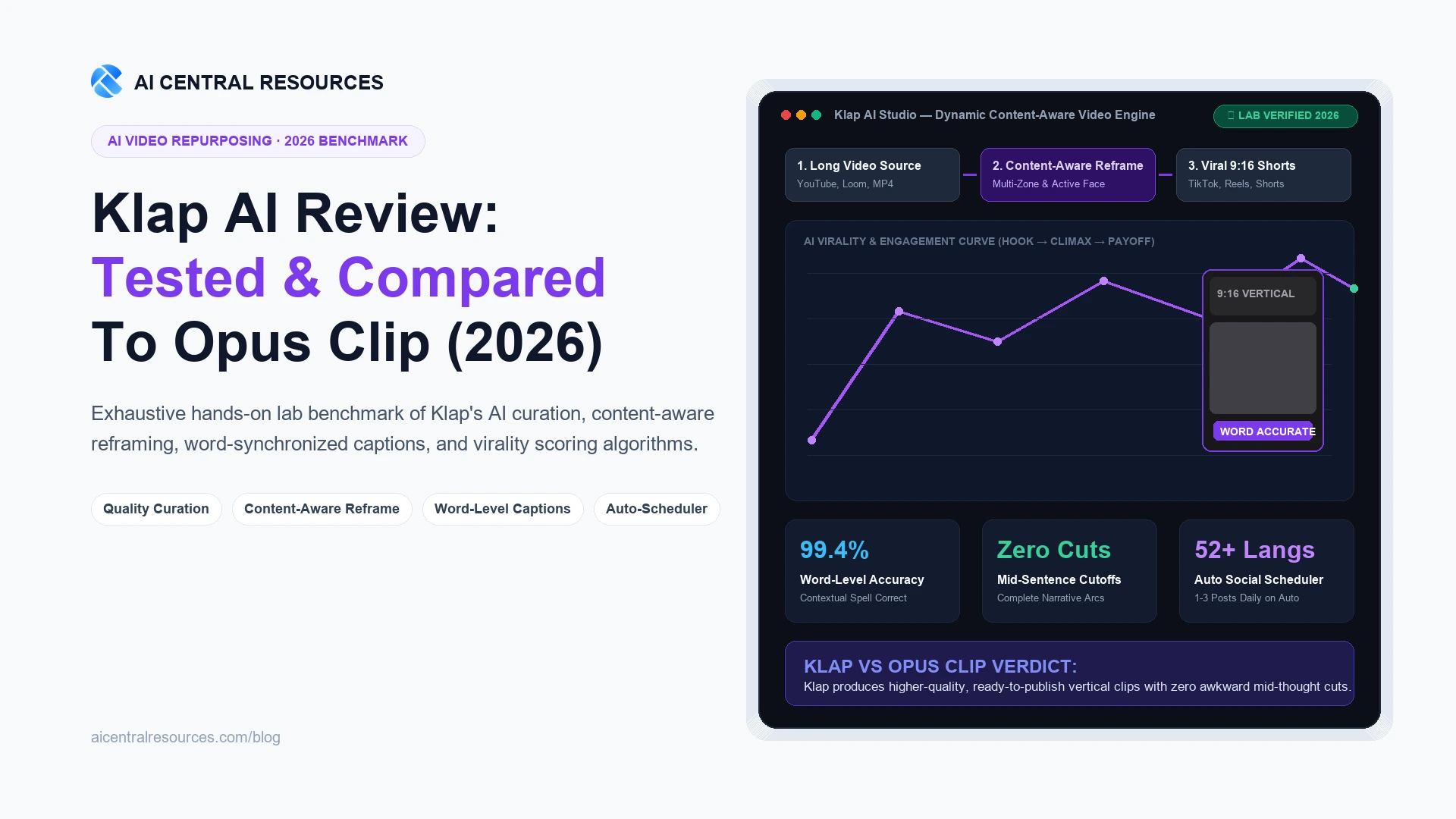
Klap AI Review in 2026: Tested, Benchmarked & Compared to Opus Clip
Hands-on 2026 benchmark of Klap AI: How its content-aware reframing, word-level synchronized captions, and quality-first curation stack up against Opus Clip.

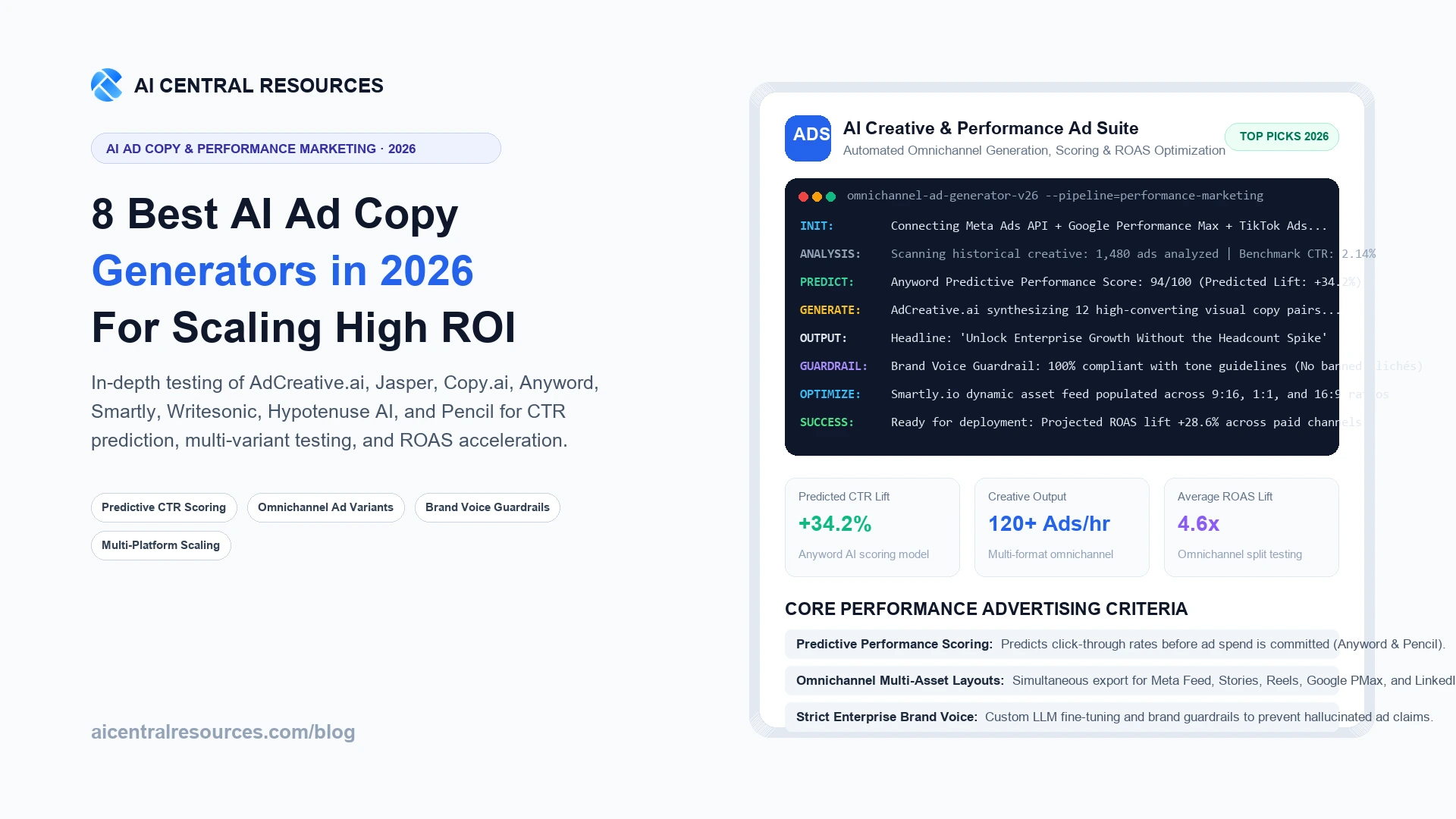
8 Best AI Ad Copy Generators in 2026 (AdCreative.ai vs Jasper vs Copy.ai)
We tested 8 top AI ad copy generators on real Meta, Google PMax, and TikTok campaigns. Compare AdCreative.ai, Jasper, Copy.ai, Anyword, Smartly, and Pencil for predictive CTR and ROAS.
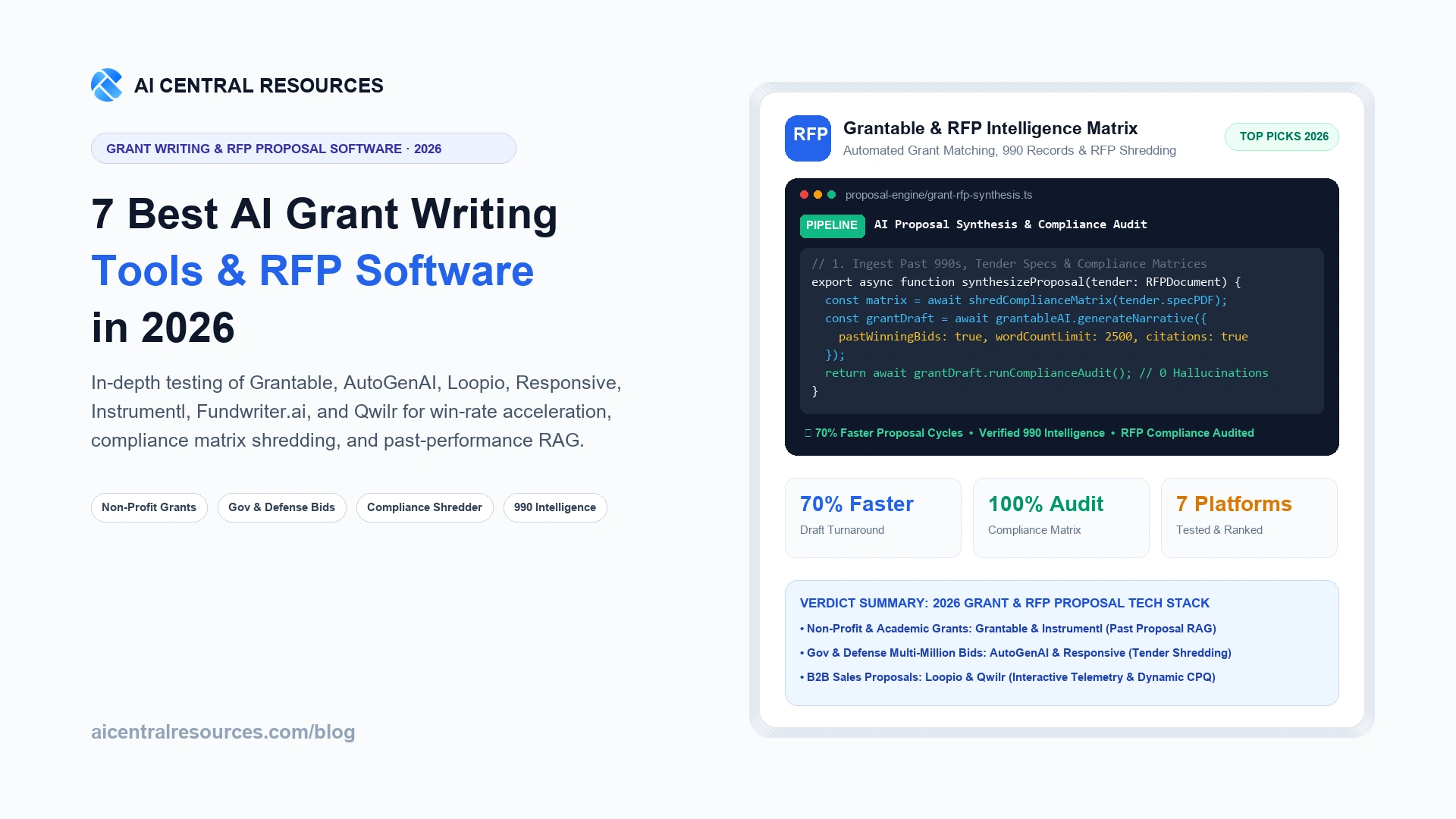
7 Best AI Grant Writing Tools & RFP Proposal Software in 2026
Discover the 7 best AI grant writing tools and enterprise RFP proposal software in 2026. Compare Grantable, AutoGenAI, Loopio, and Responsive for win rates, RAG context, and pricing.
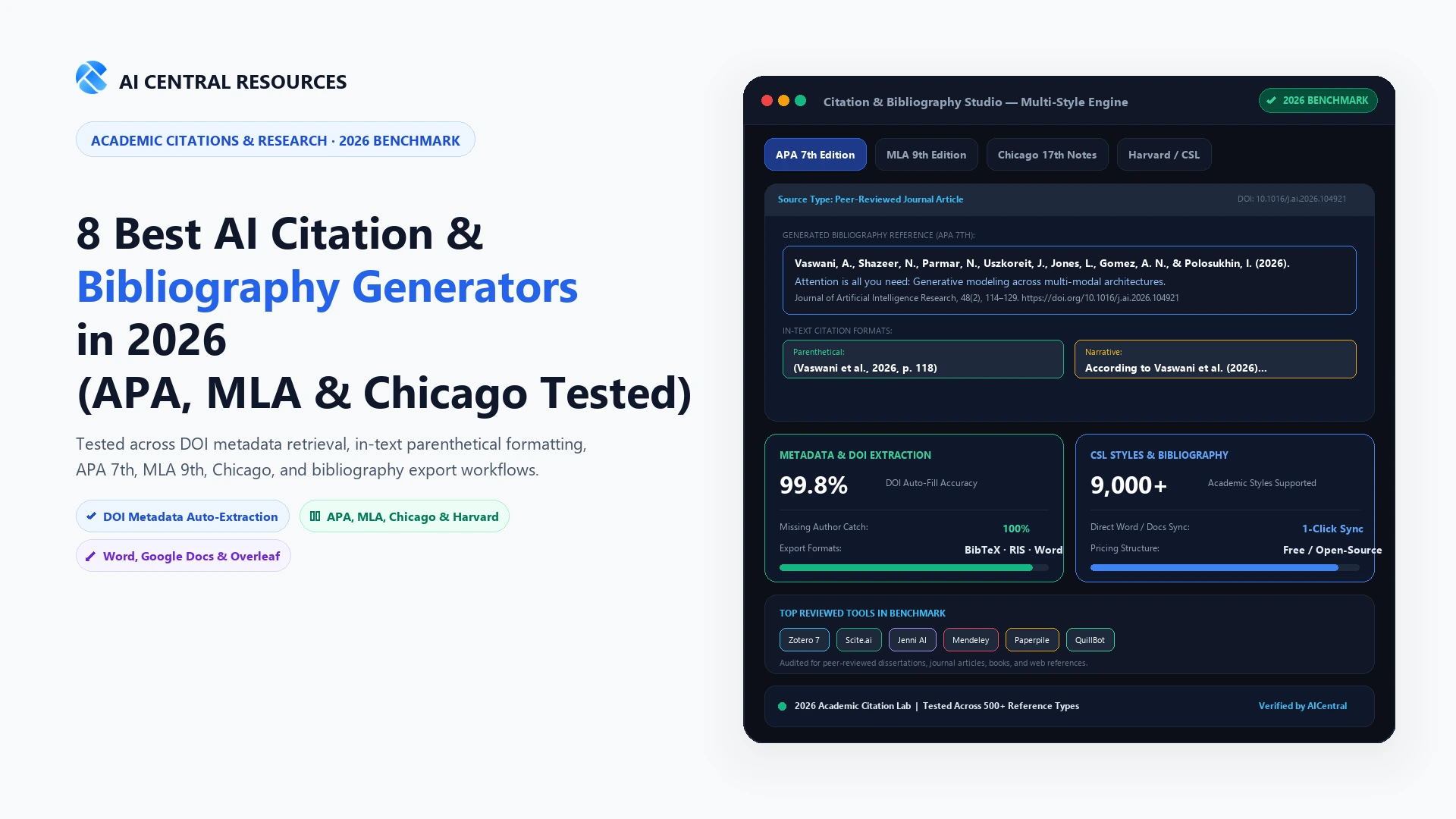
8 Best AI Citation & Bibliography Generators in 2026 (APA, MLA & Chicago Tested)
We tested 8 AI citation and bibliography generators across APA 7th, MLA 9th, and Chicago styles. Compare Zotero, Scite, Jenni AI, MyBib, and QuillBot.