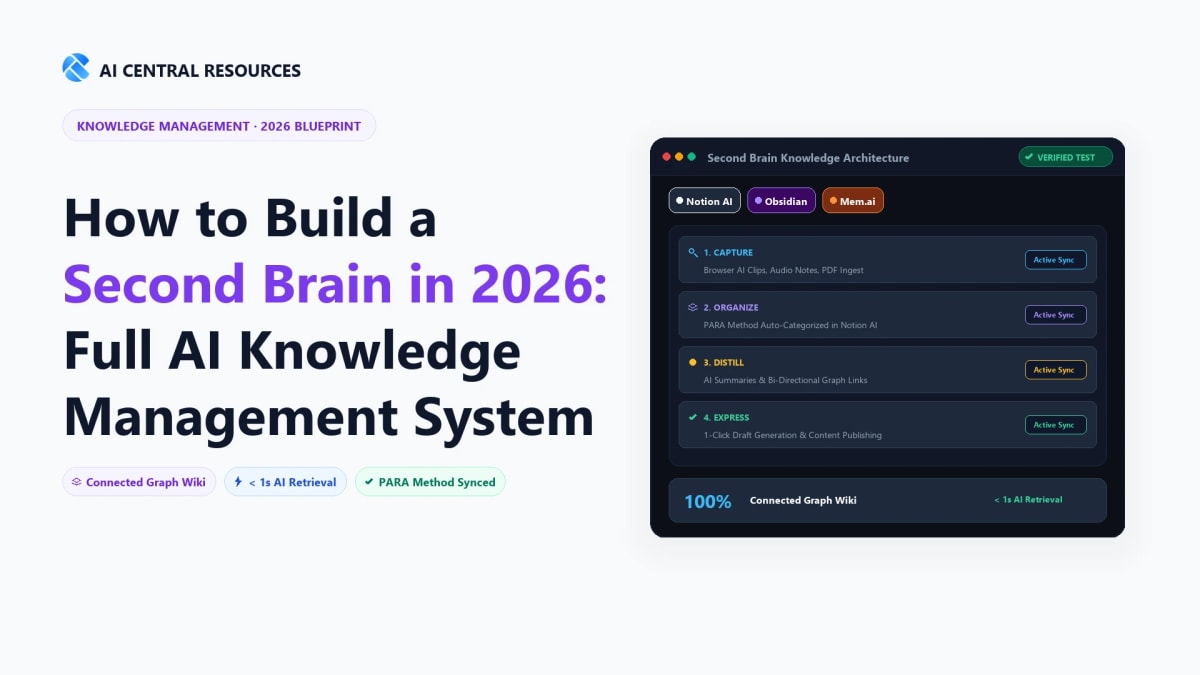
For over a decade, building a personal knowledge management (PKM) system meant spending dozens of hours creating complex folder taxonomies, wrestling with bidirectional links, and manually summarizing book highlights. In 2026, manual note organization is officially obsolete.
The Quick Answer: Building an AI-powered Second Brain in 2026 replaces manual filing with automated semantic retrieval: use Fathom AI + Readwise Reader for omnichannel capture, Notion AI for team-accessible relational knowledge bases, Obsidian for 100% offline markdown privacy, and Google NotebookLM for grounded research synthesis.
Why Traditional Second Brains Fail in 2026
Tiago Forte’s original Building a Second Brain revolutionized how knowledge workers store information using the CODE framework (Capture, Organize, Distill, Express) and PARA (Projects, Areas, Resources, Archives).
However, over 80% of knowledge workers who try to maintain a manual Second Brain abandon it within six months due to three systemic points of failure:
- The Organization Tax: Spending 30 minutes every Sunday filing web clips into hierarchical folders produces "productivity theater" rather than creative output.
- The Search Bottleneck: Exact-keyword search fails when you remember the *concept* of an insight (e.g., "that article about pricing psychology in B2B SaaS") but forget the author's name or exact terminology.
- Static Silos: Traditional notes sit inert in databases without actively synthesizing new connections across meetings, reading highlights, and task trackers.
By integrating Large Language Models (LLMs), dense vector embeddings, and autonomous agent loops, we transform a static digital filing cabinet into a dynamic, queryable intellectual co-pilot.
CODE 2.0: The Modern AI Knowledge Engine
How information flows effortlessly from ingestion to creative synthesis without manual friction.
Readwise Reader, mymind, instant web clips
Vector auto-tagging, zero manual folder sorting
Cross-note clustering & atomic takeaway extraction
AI-augmented drafts, executive memos & briefs
Stage 1: Omnichannel Intelligent Capture
The golden rule of an AI Second Brain is zero capture resistance. If capturing an idea requires opening a specific desktop app, waiting 10 seconds to load, and choosing a folder, you will lose the thought.
1. Web & Document Ingestion: Readwise Reader
Readwise Reader remains the undisputed king of reading capture. Using its browser extension and iOS/Android app, any newsletter, PDF, YouTube video, or web article is saved with one click.
- Ghostreader AI: Instantly summarizes long academic papers, extracts the main thesis, and auto-generates high-yield Q&A flashcards.
- Automated Sync: Automatically routes every highlight and note directly into your core knowledge vault (Notion AI or Obsidian) via webhooks.
2. Audio & Spoken Thoughts: Voice Memos to Structured Text
Your best ideas happen away from your desk. In 2026, tools like Jamie AI, Wispr Flow, or AudioPen convert rambling 3-minute voice notes into crisp, structured markdown summaries categorized by topic. For automated meeting capture, see our complete guide on How to Auto-Summarise Every Meeting with AI.
3. Universal Desktop Scratchpad: Raycast AI
Using Raycast on macOS (or PowerToys on Windows), press ⌥ + Space to trigger an AI scratchpad. You can draft a quick thought, attach context from your active clipboard, and push it directly into a Notion or Obsidian vault in less than 2 seconds.
Stage 2: Choosing Your Core Brain Vault (The 3 Archetypes)
Different workflows require different vault architectures. Here are the three proven Second Brain stacks in 2026:
Notion AI + Q&A
Best for professionals, founders, and cross-functional teams who want databases, project boards, and company wikis under one unified roof.
- ✓ Universal workspace search (Slack, Google Drive, Jira)
- ✓ Database AI property auto-fill
- ✓ Zero configuration required
Obsidian + Smart Connections
Best for developers, researchers, and privacy-conscious thinkers who require 100% local markdown files and offline knowledge graph RAG.
- ✓ 100% Local data ownership (.md files)
- ✓ Local vector embeddings via Ollama/Whisper
- ✓ Zero subscription lock-in
Mem.ai + Autonomous RAG
Best for busy executives who refuse to organize folders and want AI to automatically cluster related notes and surface relevant context.
- ✓ Autonomous self-organizing collections
- ✓ Real-time related notes sidebar
- ✓ Native calendar meeting notes linkage
Stage 3: Progressive AI Distillation & Synthesis
The most powerful capability of an AI Second Brain is its ability to synthesize disparate pieces of knowledge into actionable mental models. Instead of manually bolding sentences, use these three automated distillation patterns:
# ROLE: Expert Knowledge Synthesizer
# INPUT: Attached 12 reading highlights, 3 meeting notes, and 2 research bookmarks on [Topic].

## INSTRUCTIONS:
1. Identify the Top 3 Non-Obvious Insights that connect these sources.
2. Formulate a Contrarian Perspective: Where do these sources disagree or challenge conventional wisdom?
3. Create a 1-Paragraph Mental Model: Explain how to apply this framework in practical decision-making.
4. Extract Actionable Heuristics: Bullet points starting with concrete verbs (e.g., 'Audit...', 'Eliminate...').

Tone: Analytical, dense, zero fluff.
Pro Tip: Google NotebookLM for Complex Document Analysis
If you are analyzing dense 100-page PDF reports, research papers, or legal contracts, pair your Second Brain with Google NotebookLM. Powered by Gemini 1.5 Pro's 2-million-token context window, NotebookLM grounds every single answer with clickable citation footnotes to exact page numbers in your source files, eliminating hallucination risks entirely.
Stage 4: Universal Retrieval & Creative Expression
Your Second Brain is only valuable when it produces creative output: writing articles, preparing proposals, designing architecture specs, or solving business bottlenecks.
1. Multi-App Semantic Search (The Connected Workspace)
In 2026, enterprise knowledge is fragmented across Google Docs, Slack channels, Notion wikis, Linear tickets, and Figma files. Using Notion AI Q&A or enterprise search agents, you can ask a question like:
"What were the exact pricing concessions we offered Enterprise Client X in June, and what did engineering decide regarding the custom SSO integration?"
The AI crawls across your Notion notes, Slack conversations, and meeting minutes to return a verified, cited 3-paragraph answer in under 4 seconds.
2. Generative Output: First Draft in Seconds
When writing a comprehensive proposal or strategy brief, pull your curated Second Brain notes directly into your workspace. In tools like Claude 3.5 or Cursor, feed your raw notes into the context window and prompt:
"Draft a 1,500-word product specification based strictly on the architectural decisions in @Sprint-Notes and customer pain points in @Q3-Feedback."
You instantly skip the dreaded blank page syndrome and start at the 80% mark. For a complete look at our end-to-end workflow, check our breakdown of The Best AI Productivity Stack in 2026.
Second Brain AI Tools Compared (2026)
Here is how the top AI knowledge platforms compare across storage type, privacy, semantic search depth, and pricing:
| Platform | Storage Architecture | Semantic Search | Cross-App Connectors | Pricing | Ideal User |
|---|---|---|---|---|---|
| Notion AI | Cloud Database | Native Q&A + Vector RAG | Slack, Google Drive, Jira, GitHub | $10 / user / mo | Teams, founders, power note-takers |
| Obsidian (Smart Connections) | 100% Local Markdown | Local Vector Embeddings | Community Plugins (1,800+) | 100% Free / Open | Developers, researchers, privacy purists |
| Mem.ai | Cloud Auto-Cluster | Autonomous Knowledge Graph | Zapier, Make, Email Inbound | $14.99 / mo | Executives who hate manual folders |
| Google NotebookLM | Google Cloud Vault | Grounded Citations (Gemini 1.5) | Google Docs, Slides, Drive | Free | Heavy PDF, research, and book analysis |
| Evernote AI | Cloud Notes | Basic Keyword + OCR AI | Web Clipper, Email Forwarding | $14.99 / mo | Legacy Evernote users with large PDF archives |
Frequently Asked Questions
How does Tiago Forte's CODE method evolve in the age of AI Second Brains?
Traditional CODE (Capture, Organize, Distill, Express) relied on manual tagging and folder maintenance, which created organizational debt. In 2026, AI automates the "Organize" and "Distill" phases completely through vector embeddings and semantic summarization, allowing creators to focus 95% of their energy on "Capture" and "Express."
Which software is best for building a local, private digital Second Brain?
Obsidian paired with local LLM plugins (e.g., Smart Connections, Ollama) is the gold standard for 100% offline, private knowledge vaults. All your Markdown notes, PDFs, and canvas graphs stay encrypted on your local hard drive without touching third-party cloud servers.
How does Google NotebookLM fit into a modern Second Brain stack?
Google NotebookLM acts as an agile project-specific synthesis engine with strictly grounded source citations. Feed up to 50 PDFs, research papers, or audio recordings into a notebook, and NotebookLM answers complex queries with zero hallucination and generates conversational Audio Overviews for on-the-go review.
Mem AI vs. Notion AI: Which second brain tool requires less manual maintenance?
Mem AI requires zero manual filing because its autonomous knowledge graph automatically links notes based on content similarity. Notion AI requires structured database templates, but provides far more powerful project management, timeline views, and team wiki capabilities.
What is the fastest way to capture web articles and highlights into my Second Brain?
Use Readwise Reader paired with its bidirectional Notion/Obsidian sync integration. Highlight text or listen to text-to-speech articles on mobile, and Readwise automatically extracts quotes, metadata, and AI summaries into your central knowledge base within seconds.
Master personal knowledge management and AI-augmented memory with our tested software comparisons: