![10 Best AI Note-Taking Apps in 2026 [Tested & Ranked]](https://res.cloudinary.com/dfhb6cyat/image/upload/w_1200,c_limit,f_auto,q_auto/v1787913743/ai-tools-resources/blog/best-ai-note-taking-apps-2026-hero.webp)
Knowledge workers process an overwhelming amount of information every single day. Between endless video calls, research documents, slack threads, and strategy documents, capturing information is no longer the primary challenge. The real challenge is retrieving that information when you actually need it.
If you are just typing words into a blank digital document, you are doing the heavy lifting that software should be handling for you. The modern approach requires systems that actively organize, summarize, and connect your thoughts. Finding the best ai note taking app 2026 offers is about choosing a system that matches how your specific brain works.
Whether you are a developer managing complex code snippets, an executive jumping between back-to-back meetings, or a researcher synthesizing academic papers, the right tool acts as an extension of your memory. This guide ranks the top options based on professional use cases, helping you navigate the broader AI productivity tools landscape. If meeting transcription specifically is your bigger bottleneck rather than long-term knowledge management, our dedicated meeting note-taker rankings go deeper on that specific category.
The 'Second Brain' Evolution: Why AI Note-Taking Apps Are Essential in 2026
The concept of a "second brain" is simple: your biological brain is excellent at generating ideas but terrible at storing them. By offloading the storage and organization of information to a digital system, you free up mental bandwidth for actual deep work and creative problem-solving.
In previous years, building a second brain required immense manual effort. You had to create rigid folder structures, tag every entry meticulously, and remember exactly where you filed a specific thought. If your organizational discipline slipped for even a week, your digital workspace quickly devolved into a chaotic junk drawer.
Artificial intelligence has completely removed this friction. Modern tools do the organizing for you. They surface relevant information based on context, connect related ideas automatically, and summarize long documents into readable briefs.
From Dictation to Knowledge Management
We have moved far beyond the era of simple speech-to-text software. Today, AI note-taking tools are shifting from simple dictation software to comprehensive knowledge management systems.
This shift means your software no longer just records what was said. It understands the context of the conversation. It knows the difference between a casual remark and a critical project deadline. Instead of leaving you with a massive block of raw text that you have to parse manually, these systems provide structured data, connected insights, and clear deliverables.
How We Ranked the Best AI Note-Taking Apps for Knowledge Workers
Ranking software is inherently subjective. A tool that feels perfectly intuitive to a software engineer might feel overwhelmingly complex to a marketing director. Because of this, we did not just look for the app with the most features — we also considered the personal memory and recall use case separately from team-wide knowledge bases, since the two jobs need different tools. We evaluated how well each tool serves specific professional roles.
We spent time testing these applications in real-world scenarios. We ran them during actual client calls, used them to draft complex project proposals, and tested their ability to retrieve obscure facts from months-old entries.
Key Features and Ranking Criteria
To determine our top picks, we evaluated each platform against a strict set of criteria focused on actual utility rather than marketing hype.
First, we looked at the quality of the AI processing. The best AI note-taking apps reduce post-meeting administrative work by automatically extracting next steps and action items. If a tool required us to manually highlight what needed to be done after a meeting, it lost points.
We also evaluated user experience, pricing structures, and privacy standards. We looked closely at how these tools handle data security, especially for enterprise users discussing confidential information. Finally, we categorized the winners by their ideal user profile, ensuring you can find the exact match for your daily workflow.
10 Best AI Note-Taking Apps Ranked by Use Case
Finding the best ai note-taking app for college students, developers, or executives requires understanding that no single tool does everything perfectly. Here are the top 10 applications on the market, categorized by the specific type of knowledge worker they serve best.
1. Notion AI: Best for Team Knowledge Management

Notion has long been the standard for collaborative workspaces, but its native AI integration elevates it from a static wiki to an active team assistant. Notion AI is embedded directly into the editor. You can highlight a confusing project brief and ask the AI to rewrite it for clarity, or generate a summary of a massive database with a single click.
What makes Notion AI stand out is its context awareness. Because your team's documents, project boards, and company wikis already live inside Notion, the AI can reference all of that existing knowledge when answering questions or drafting new content. It acts as a universal search engine for your company's collective brain.
Keep in mind that this functionality comes at a premium, and the pricing structure changed in 2026. Notion AI used to be sold as a cheap $8-10 add-on available on any plan; that standalone add-on has since been discontinued, and full AI access — including Enterprise Search, which queries across Notion, Slack, Google Drive, GitHub, and several other connected tools from one prompt — is now bundled into the Business plan at $20 per user per month. Notion Agent, a newer addition, can also execute multi-step tasks inside your workspace on its own, though the separate Custom Agents builder runs on metered credits rather than being included free. For teams already entrenched in the Notion ecosystem, the productivity gains can still justify the cost, but it is a meaningfully bigger commitment than the old add-on price most reviews still quote. See our Notion AI alternatives if the Business-plan requirement is a dealbreaker for a smaller team.
2. Obsidian: Best for Developers & Local Storage
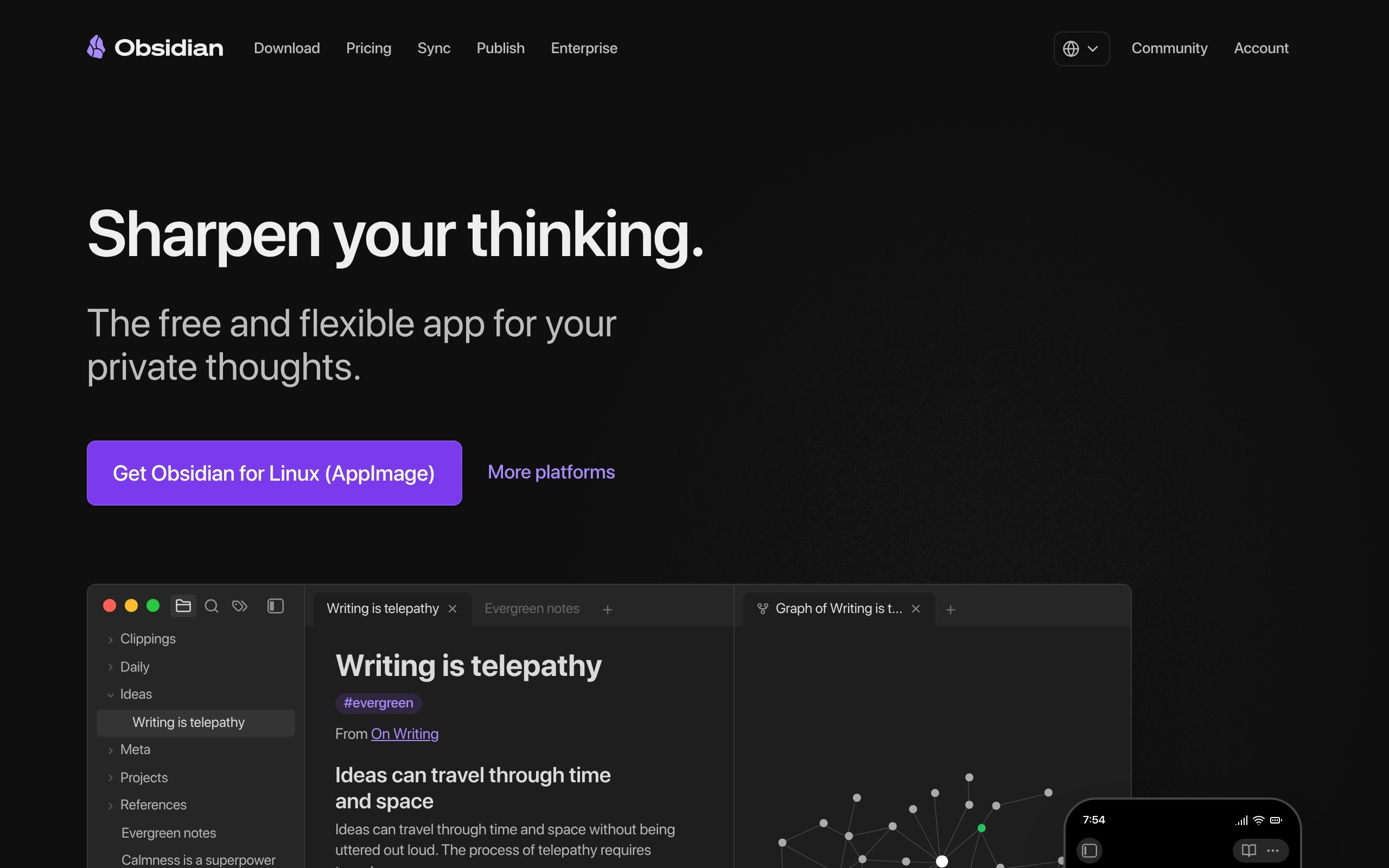
Obsidian takes a radically different approach to knowledge management. Instead of storing your data on a proprietary cloud server, Obsidian saves everything as plain text markdown files directly on your local hard drive. This local-first approach makes it incredibly fast, highly secure, and immune to server outages.
Developers and technical writers favor Obsidian because it functions similarly to a code editor. You can customize almost every aspect of the interface using community plugins, allowing you to build a highly specialized workflow. The platform visually maps the connections between your files, creating a literal graph of your knowledge network.
If you are looking for the best free ai note-taking app, this is a strong contender. Obsidian offers a completely free tier for personal use with local markdown storage, appealing heavily to developers. You own your data forever, without being locked into a subscription model for core features. If you are torn between the two local-first, privacy-conscious approaches lower down this list, our Obsidian vs Reflect comparison breaks down exactly where they diverge, and the full list of Obsidian alternatives is worth a look if plugin sprawl ever gets overwhelming.
3. Mem.ai: Best for Unstructured Thinkers & Executives
For many professionals, the biggest barrier to capturing information is the friction of deciding where it belongs. Mem.ai eliminates this problem entirely by removing folders from the equation. You simply open the app, type what you are thinking, and close it.
The magic happens in the background. Mem.ai uses self-organizing AI to connect related notes automatically, making it ideal for unstructured thinkers and executives. When you search for a topic later, Mem pulls together every relevant thought, meeting transcript, and idea you have ever captured about that subject, presenting it in a cohesive timeline.
Users say this approach feels the most like an actual second brain. It requires zero maintenance or organizational discipline. Mem remains an independently operated, venture-backed company rather than part of a larger suite, which is worth knowing if platform longevity factors into your decision. Visit Mem.ai's official website for current pricing and available plans, or browse every note-taking tool in this category if you want to compare more folder-free options.
4. NotebookLM: Best for Researchers & Deep Document Analysis
Google's NotebookLM is built specifically for deep research and source synthesis. Unlike general-purpose chatbots that pull answers from the broader internet, NotebookLM restricts its knowledge base to the exact documents you upload.
This makes it an incredibly powerful note-taking ai for students free from the risk of AI hallucinations. NotebookLM by Google allows researchers to ground AI responses strictly in uploaded source documents rather than the open web. You can upload a dozen academic PDFs, a textbook chapter, and your own lecture notes, and then ask the AI to synthesize the common themes across all of them.
The tool even generates interactive audio overviews, turning your dense reading materials into a personalized podcast discussion. NotebookLM's free plan is still genuinely useful — 100 notebooks, 50 sources each — but Google restructured it into four tiers after I/O 2026, so it is no longer purely free: Plus runs $7.99/month, Pro is $19.99/month ($9.99 for students), and Ultra starts at $99.99/month for Veo 3-powered Cinematic Video Overviews. We go deep on exactly what each tier unlocks in our full NotebookLM review, and if source-grounded research specifically is your priority, our NotebookLM vs Obsidian comparison lines up the two side by side.
5. Evernote AI: Best for Traditionalists Upgrading to AI
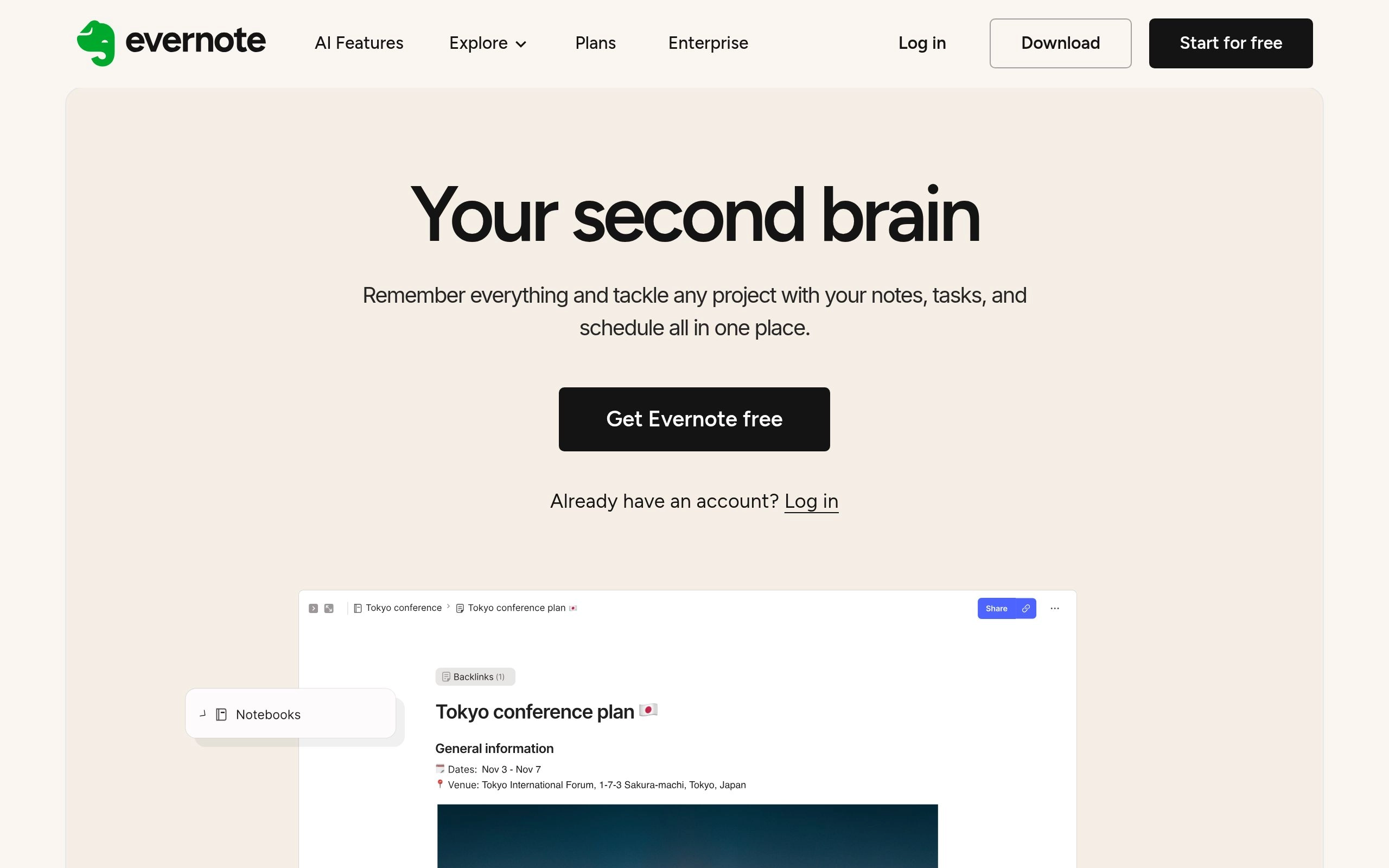
Evernote is one of the oldest names in the digital organization space, and millions of users have archives dating back a decade or more. Instead of forcing users to migrate to a new platform, Evernote has integrated AI directly into its legacy system to make all that historical data useful again.
The standout feature is the AI-powered search capability. You no longer have to remember the exact keyword you used in 2018. Evernote's AI-powered search can summarize notes and extract key action items from legacy notebooks. It cleans up formatting, fixes typos, and helps you make sense of years of digital hoarding.
For professionals who already have an established Evernote workflow, these AI upgrades provide modern capabilities without the steep learning curve of a new tool. Two details worth knowing if you're privacy-conscious: Evernote states user data is not used to train its own or any third-party AI models, and every individual AI feature can be switched off separately in settings if you only want some of them. Eligible college students also get 40% off the Starter plan. Visit Evernote's website for current pricing and plans.
6. Capacities: Best for Object-Based Second Brains
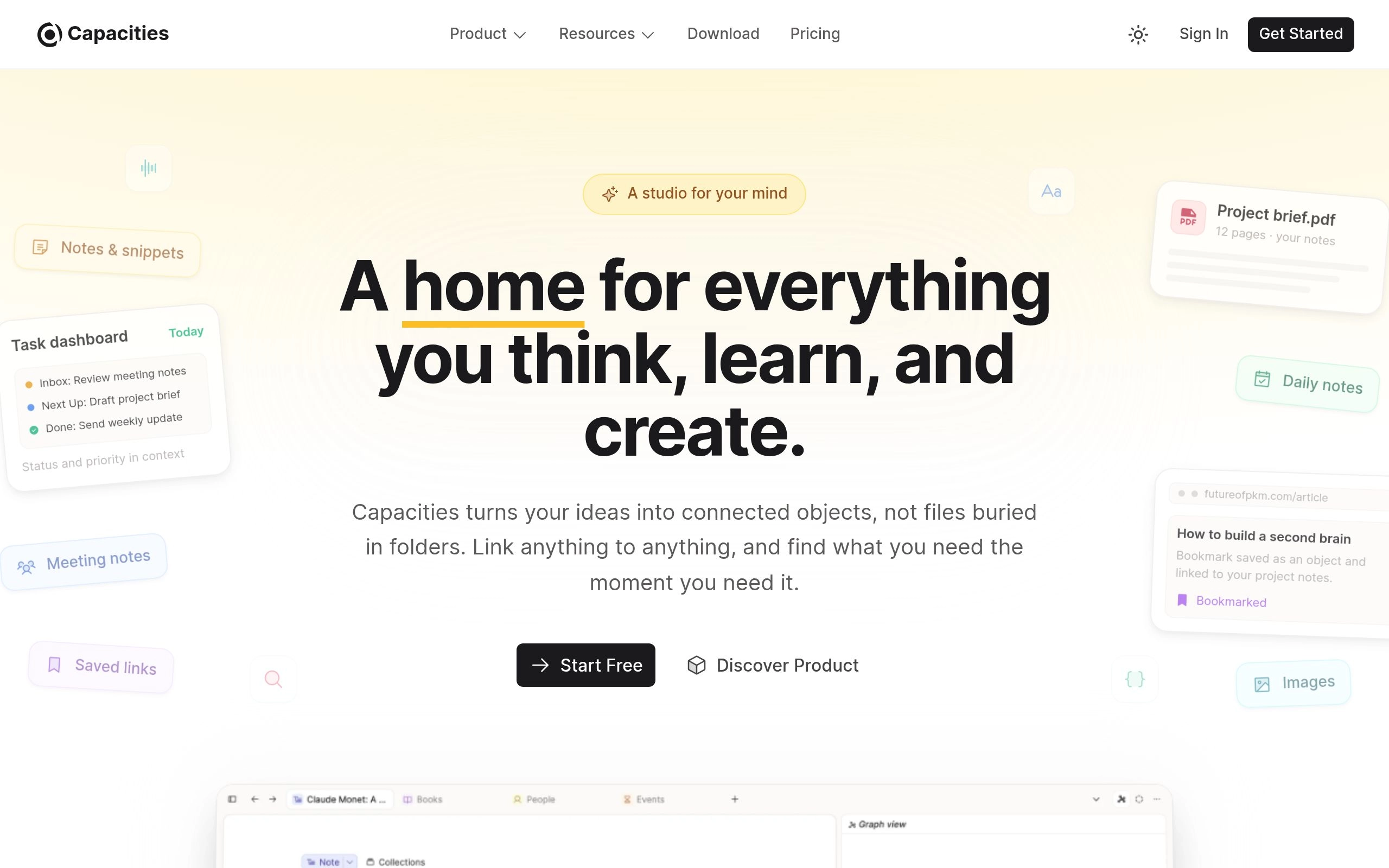
Most platforms force you to organize information chronologically or hierarchically. Capacities takes a different route, organizing information by "objects." Instead of creating a generic page, you create a specific object type: a Person, a Book, a Meeting, or a Project.
This structure mimics how the human brain actually categorizes the world. Capacities structures notes as objects rather than traditional pages or folders, creating a unique second brain architecture. When you link a Person object to a Meeting object, the system automatically builds a relationship database in the background.
It is a highly visual and intuitive way to build a personal wiki, and the core product has a genuine free-forever plan across Mac, Windows, Linux, iOS, and Android. Capacities Pro adds the AI Assistant, smart queries, and calendar integration; data is stored on GDPR-compliant EU servers with full export available, which matters if you're wary of vendor lock-in. Pricing for Pro varies by region — check the official website for current tiers.
7. Reflect: Best for Networked Thinking & Calendar Integration
Reflect is designed for professionals whose daily workflow revolves around their calendar. The application features a minimalist, distraction-free interface that centers heavily on the daily note. Every day generates a fresh page where you can log thoughts, tasks, and meeting details.
The calendar integration is seamless. You can pull in your scheduled events and instantly generate dedicated workspaces for each call — a similar philosophy to how dedicated AI scheduling tools defend your calendar, just applied to notes instead of tasks. Reflect includes end-to-end encryption and direct calendar integration for managing daily meeting notes securely. This security focus makes it a favorite among founders, investors, and therapists who handle highly sensitive information.
The tool also features robust backlinking, allowing you to track how ideas evolve over time. Check Reflect's official site for current pricing.
8. Roam Research: Best for Academic Researchers
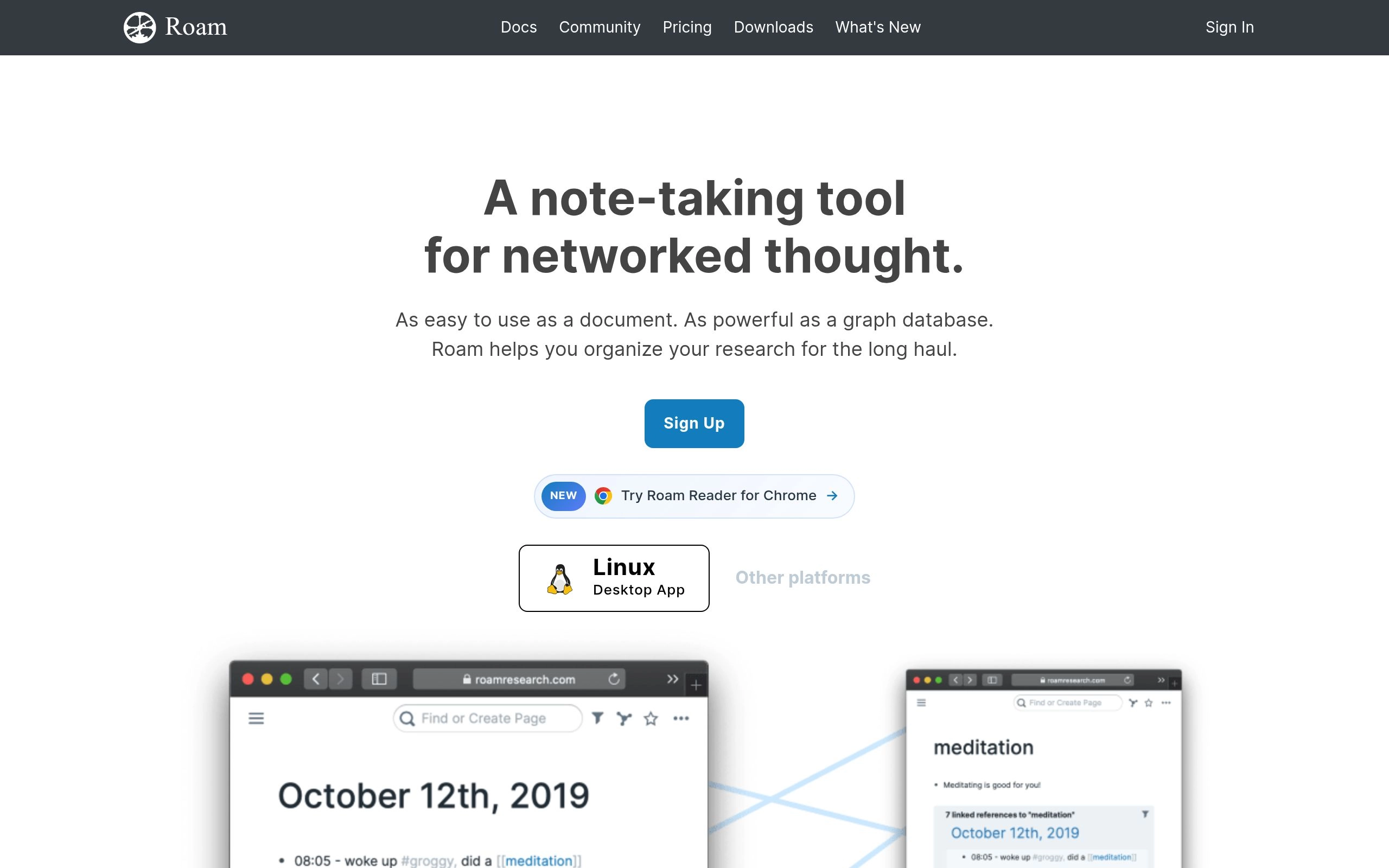
Roam Research popularized the concept of networked thought. It operates as an outliner, meaning every paragraph you type is a distinct block of information that can be referenced, embedded, or linked anywhere else in your database.
This granular level of control is unparalleled for complex writing projects. Roam Research utilizes bi-directional linking to create a networked graph of thoughts, which is highly favored by academic researchers. When you link a concept on one page, Roam automatically creates a reciprocal link on the destination page, ensuring no idea is ever orphaned.
While the learning curve is steep, power users swear by its ability to facilitate deep, connected thinking. Visit Roam's official website for current pricing.
9. Lindy: Best for Bot-Free Meeting Notes
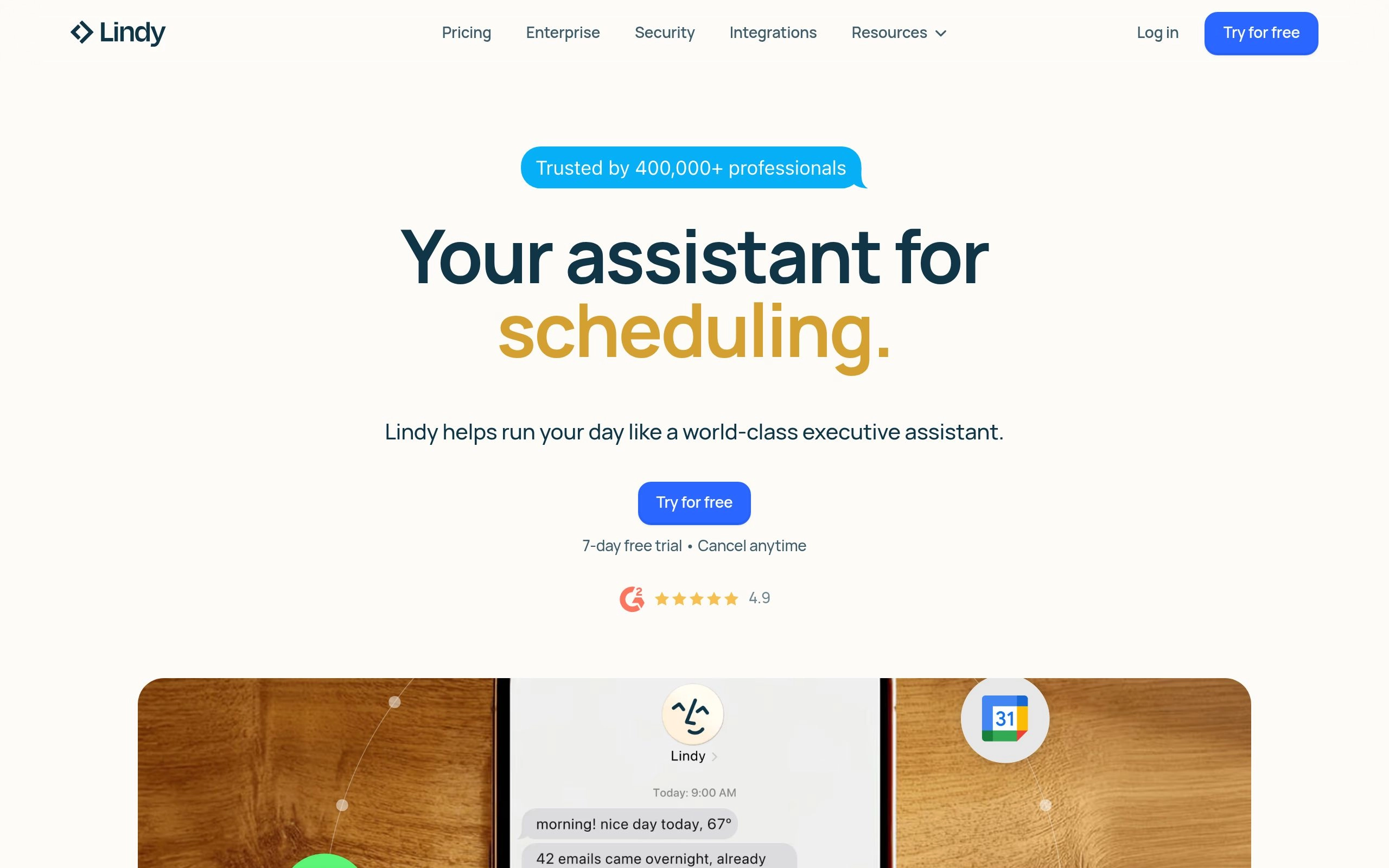
Lindy focuses specifically on automating the administrative burden of meetings. While many tools require a visible bot to join your video calls, Lindy operates entirely in the background.
Lindy operates as a bot-free AI note-taker that turns meeting notes into follow-up actions without joining calls as a virtual participant. This provides a much more natural meeting experience. You do not have to explain to your clients why an AI assistant is sitting in the waiting room. Furthermore, Lindy provides live transcription capabilities that integrate directly into user workflows for post-meeting analysis.
It captures the audio, generates the transcript, identifies what needs to be done, and can even draft the follow-up emails automatically. Check Lindy's official website for current pricing, or see how it stacks up against the rest of the field in our 13 best AI meeting note-takers ranking.
10. Otter.ai: Best for Live Transcription & Calls
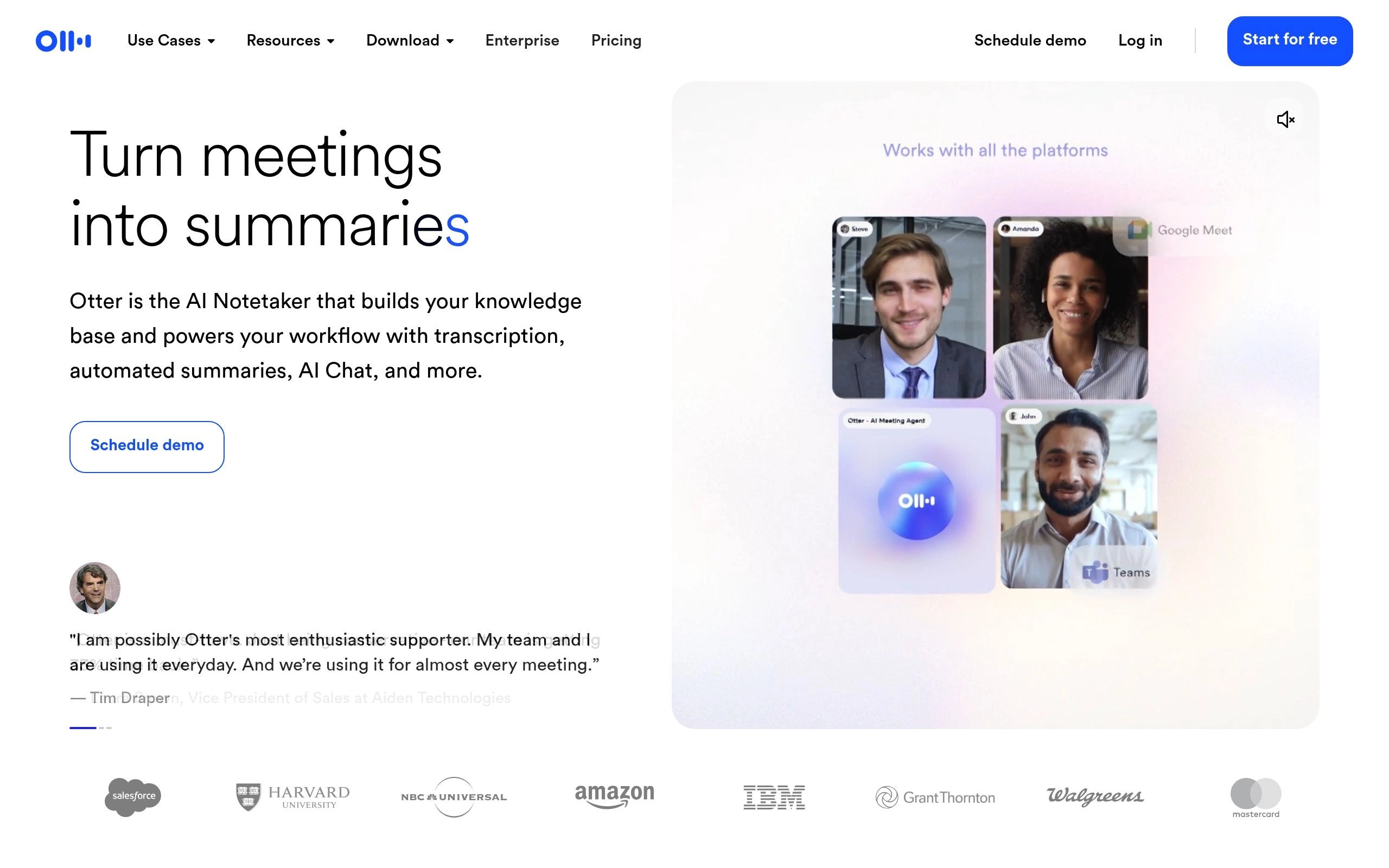
Otter.ai remains the industry standard for high-volume transcription. It is built specifically to handle spoken word, making it incredibly accurate even with multiple speakers, background noise, or complex technical jargon.
The platform integrates directly with Zoom, Google Meet, and Microsoft Teams. Otter.ai provides live transcription for meetings and automatically generates post-meeting summaries and next steps. You can highlight text during a live meeting, add comments to the transcript in real-time, and share the final document with your team instantly.
For sales teams, recruiters, and journalists who conduct dozens of interviews a week, Otter is an indispensable utility. Visit Otter.ai's official website for current pricing, or read our full Otter.ai vs Fireflies.ai vs Fathom comparison if you're weighing it specifically against the two other meeting-transcription heavyweights, or the Notion AI vs Otter.ai breakdown if you're deciding between an all-in-one workspace and a dedicated transcription tool.
Bot-Based vs. Bot-Free AI Notetakers: What's the Difference?

Bot-Based vs Bot-Free Meeting AI
When choosing an AI tool for meetings from the wider meeting and transcription category, you must decide between bot-based and bot-free architecture. Bot-based tools act as virtual participants. They require calendar access, join your Zoom or Teams calls via a link, and appear as a distinct attendee on the screen. While effective, their visible presence changes the dynamic of the conversation.
Bot-free solutions take a stealthier approach. Bot-free AI notetakers capture audio natively on the device, avoiding the awkwardness of a bot joining the meeting. They route your system's audio directly into the transcription engine without ever showing up on the participant list. Similar to tools like the Bluedot AI note taker, they prioritize a seamless, invisible user experience.
Why Executives Prefer Bot-Free Solutions
For high-level executives, privacy and professionalism are paramount. Having a bot join a sensitive board meeting, a one-on-one performance review, or a confidential client negotiation can make participants uncomfortable. They may speak less candidly knowing a third-party application is actively recording the session as a visible participant.
Bot-free solutions eliminate this friction. The meeting notes are still captured accurately, but the technology remains invisible. This allows executives to maintain the natural flow of human conversation while still reaping the benefits of automated documentation and task extraction.
Decision Matrix Quiz: Which AI Note-Taking App is Right for You?

AI Note-Taking App Decision Tree
With so many powerful options available, selecting the right ai note-taking app for meetings, research, or daily planning can feel overwhelming. Your choice should align with your specific workflow, data privacy requirements, and organizational style.
Use the following decision matrix to narrow down your options and find the tool that best fits your professional needs.
Find Your Perfect Second Brain Match
Question 1: Do you need the tool primarily to record and summarize live meetings?
* Yes, and I want an invisible experience: Choose Lindy. It captures audio natively without sending a bot to your calls.
* Yes, and I need robust team sharing and live highlighting: Choose Otter.ai.
* No, I need a tool for personal thought organization: Move to Question 2.
Question 2: How much manual organization do you want to do?
* None. I want the AI to connect everything for me automatically: Choose Mem.ai. Its self-organizing architecture requires zero folder management.
* I want strict control over my file structure and data: Choose Obsidian. You own your local markdown files completely.
* I want a highly visual, object-based system: Choose Capacities.
Question 3: Are you primarily analyzing dense documents and research papers?
* Yes, and I need the AI to strictly cite its sources: Choose NotebookLM. It grounds all answers in your uploaded materials.
* Yes, and I need complex bi-directional linking for academic writing: Choose Roam Research.
Question 4: Do you need your notes integrated tightly with your daily calendar?
* Yes, with a focus on end-to-end security: Choose Reflect.
* I need my notes integrated with my entire company's project management system: Choose Notion AI.
Pricing Breakdown: Free Plans vs. Billed Monthly
Building a digital second brain does not necessarily require a massive software budget, but unlocking true AI capabilities usually comes with a subscription fee. Understanding the pricing landscape helps you allocate your software budget effectively.
Many top-tier AI note-taking tools offer a free basic plan, with premium AI features restricted to paid plans billed monthly. Free tiers typically allow for basic text entry, limited document uploads, and standard cloud syncing. However, the computationally expensive features—like generating automatic summaries, querying your entire database via chat, or transcribing hours of audio—are gated behind premium tiers.
Are Premium AI Features Worth the Cost?
When evaluating the cost of these tools, you have to measure the subscription price against the value of your own time. If a premium plan costs $15 a month but saves you three hours a week in administrative cleanup, formatting, and manual searching, the return on investment is undeniable.
The real value of premium plans lies in automation. When your software automatically links your meeting transcripts to your project databases, extracts the deliverables, and drafts the follow-up communication, you are no longer paying for a digital notebook. You are paying for an administrative assistant that works instantly and never sleeps. For most knowledge workers handling complex daily workflows, upgrading to the paid tiers is one of the highest-leverage investments they can make in their own productivity.
Frequently Asked Questions About AI Note-Taking Apps
Which AI note-taking app is best in 2026?
It depends on the job. Notion AI wins for teams who already live inside a shared workspace and need Enterprise Search across connected tools. Obsidian wins for developers and anyone who wants their notes stored locally, forever, outside a subscription. Mem.ai wins if you want zero manual organization. NotebookLM wins for research grounded strictly in your own uploaded sources. There is no single best app — see the decision matrix above for a faster route to your specific answer.
Is Notion AI worth it in 2026?
It's worth it if your team is already paying for Notion's Business plan or would use Enterprise Search heavily — at $20/user/month for full AI access, the math works best for teams of five or more sharing one knowledge base. For a solo user who just wants AI-assisted notes, that price is steep compared to Obsidian (free) or Capacities (free core plan); browse our Notion AI alternatives if you're on the fence.
Is Google NotebookLM still free?

The core NotebookLM experience remains free — 100 notebooks with up to 50 sources each is enough for most students and individual researchers. But it is no longer only free: Google added Plus, Pro, and Ultra tiers in 2026 for higher usage limits and features like Cinematic Video Overviews. Most people researching a single project or paper will never need to leave the free tier.
What is the most accurate AI note-taker for meetings?
For live transcription accuracy across accents, background noise, and technical jargon, Otter.ai and Fireflies.ai are consistently rated among the most reliable, with Otter historically edging ahead on real-time accuracy and Fireflies pulling ahead on CRM-ready structured output. Our full meeting note-taker rankings test this claim across 60+ real calls rather than marketing copy.
What's the difference between an AI note-taking app and an AI meeting transcription tool?
Meeting transcription tools like Otter.ai, Fireflies.ai, and Lindy solve one problem: turning spoken conversation into an accurate, searchable record with action items. Note-taking and knowledge management apps like Notion AI, Obsidian, and Mem.ai solve a broader problem: organizing everything you know — meeting notes included — into a system you can actually retrieve from months later. Most serious knowledge workers end up running one tool from each category rather than expecting either to do both jobs well; our complete AI productivity tools guide maps out how the categories fit together, and our full AI tools directory is the fastest way to browse every option side by side.
Can I build a second brain entirely for free?
Yes. Obsidian's core app is free forever for personal use, Capacities has a genuine free-forever tier across every platform, and NotebookLM's free plan covers real research work. Stack any of those with a free-tier meeting transcription tool — see our best free AI meeting transcription tools roundup — and you can run a genuinely capable second-brain system without a subscription. Our broader guide to saving 20+ hours a week with AI productivity tools walks through what a full free stack looks like in practice.
Frequently Asked Questions
What are the top AI note-taking apps for knowledge workers and consultants?
Notion AI, Obsidian with Smart Connections, and Mem AI lead the industry for knowledge workers who need connected second brains and fast synthesis.