

![Best AI for Writing Professional Reports in 2026 [Guide]](https://res.cloudinary.com/dfhb6cyat/image/upload/w_1200,c_limit,f_auto,q_auto/v1791714812/ai-tools-resources/blog/best-ai-for-writing-professional-reports-in-2026-tools-templates-workflow-hero.webp)
Friday afternoon rolls around and you stare at a blank document knowing a comprehensive weekly report is due before you log off. You have all the data. You lived through all the outcomes. But translating raw numbers and scattered notes into a polished, executive-ready document takes another 90 minutes of formatting, drafting, and second-guessing sentences that all sound the same.
That process is now optional. Modern AI writing tools can compress a 90-minute reporting workflow into under 15 minutes — not by cutting corners on quality, but by eliminating the parts that never required human intelligence in the first place: formatting, structural skeleton-building, and first-draft generation. What remains is the genuinely human work: verifying accuracy, adding strategic context, and making the judgment calls that no AI can replicate.
The Quick Answer: For dense, analytical reports requiring nuanced human-like prose and zero robotic clichés, Claude 3.5 Sonnet is the overall #1 AI model. For strict document grounding across 50+ source PDFs and spreadsheets with zero hallucinations, Google NotebookLM is unbeatable. For live web data, financial tables, and code execution, ChatGPT Plus (GPT-4o) provides the best raw flexibility.
This guide shows exactly how to build that workflow. We cover which tools are worth using in 2026, how to structure your data for the best output, three copy-paste prompt templates for different report types, and the specific mistakes that make AI-generated reports look immediately recognizable as AI-generated. For context on how AI reporting fits into a broader productivity setup, the Ultimate Guide to AI Productivity Tools covers the full picture.
📋 What This Guide Covers
The Real Shift: Why AI Changes Report Writing
There is a simple mental model that makes AI reporting work: you are no longer the writer. You are the editor and director. This is not just a philosophical reframe — it changes every decision about how you structure your input, which tool you pick, and how much time you budget for review.
In the traditional workflow, you pull data from three dashboards, open a blank document, and begin the familiar grind: formatting headers, writing sentences that translate numbers into meaning, getting blocked on the executive summary, adjusting bullet point alignment. The cognitive work and the administrative work happen simultaneously and interfere with each other.
The AI workflow separates them cleanly. You do the cognitive work first — gathering, curating, and understanding your data. Then you hand the administrative work (structure, phrasing, formatting) to the AI. Then you return to the cognitive work for review and strategic addition. The result is not just faster — it is actually better, because your analytical energy is not being depleted by formatting decisions before you have written the part that requires thinking.
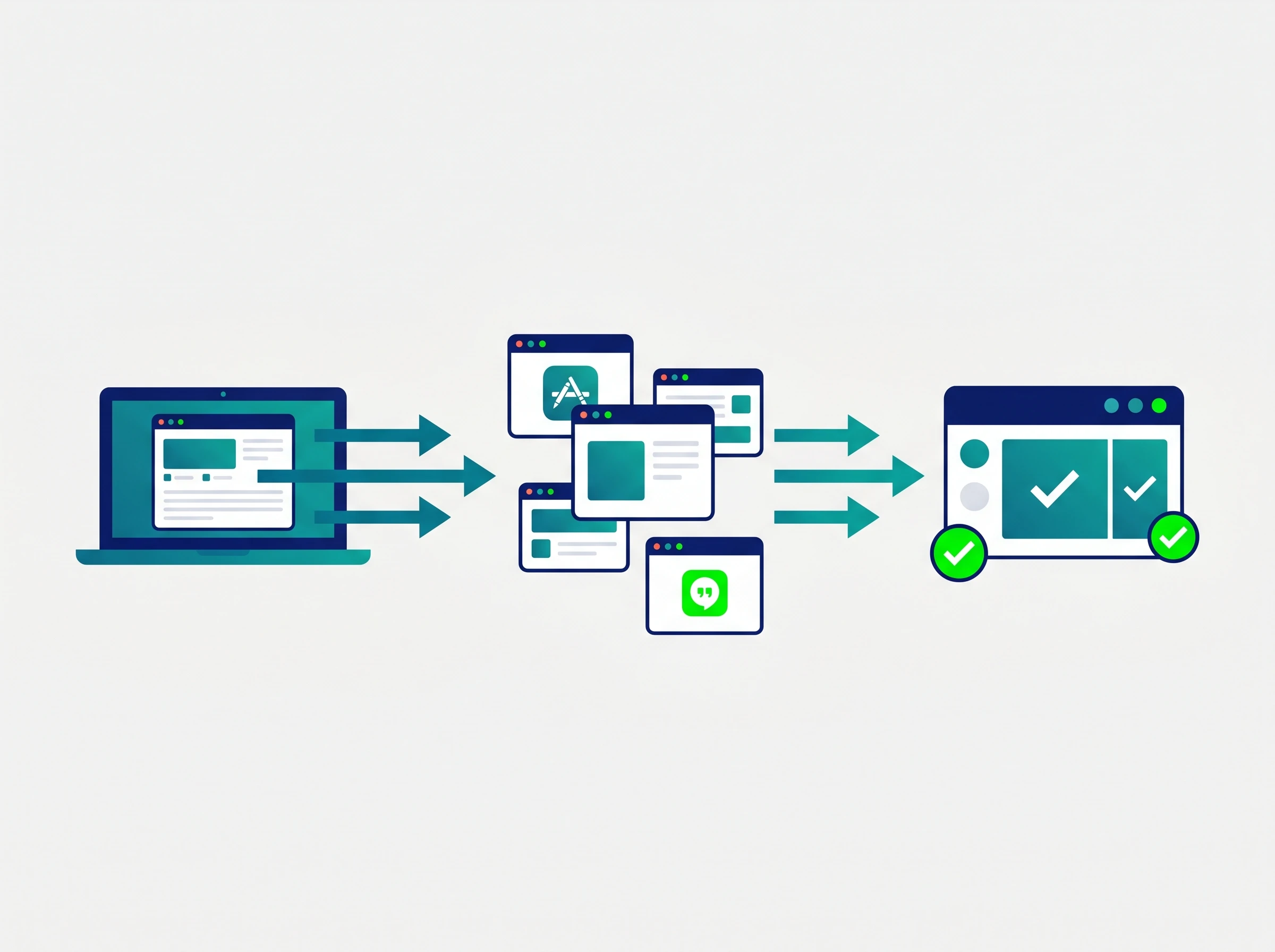
Before vs After — Traditional vs AI-Assisted Report Workflow
⚠️ The One Rule That Makes or Breaks AI Reporting
Every number in an AI-generated report must be cross-referenced against your original source data before it leaves your hands. AI models do not fabricate statistics maliciously — but they can misread, misattribute, or reformat numbers from your input in ways that look plausible until someone checks. The single most common cause of an embarrassing AI reporting error is skipping this verification step because the output "looked right." Budget the time. It takes two minutes and is non-negotiable.
Which AI Tool Should You Use for Reports?
The answer depends almost entirely on where your data lives and whether you need the output to land in a specific platform. A tool that is brilliant for one workflow is clunky for another. Here is an honest breakdown of the real options in 2026.
| Tool | Best Report Type | Free Plan | Paid From | Data Integration |
|---|---|---|---|---|
| ChatGPT | General business reports, versatile | ✅ GPT-4o limited | $8/month (Plus) | Paste or upload |
| Claude (Anthropic) | Long-form analysis, polished prose | ✅ Daily limits | $20/month (Pro) | Paste or upload |
| Notion AI | Workspace-integrated reports & updates | ✅ Limited | $8/month AI add-on | Lives inside Notion workspace |
| Microsoft Copilot | M365 enterprise reports from Teams/Outlook | ❌ | $21/user/month | Word, Excel, Teams, Outlook |
| NotebookLM | Research-heavy, source-cited reports | ✅ Generous | $7.99/month (Plus) | PDFs, Docs, URLs, CSVs |
| Canva AI | Visually polished reports & presentations | ✅ Limited templates | $15/month (Pro) | Text import, design templates |
Claude and ChatGPT: The General-Purpose Workhorses

For most professionals generating reports outside a specific platform ecosystem, Claude and ChatGPT are the practical starting points. Both operate at approximately $20/month for their primary professional tiers (Claude Pro and ChatGPT Plus), both accept large document uploads or pasted data, and both produce strong first drafts from well-structured prompts.
The meaningful difference comes at the output stage. Claude consistently produces more naturally flowing, well-structured prose with less obvious AI patterning — particularly important for executive-facing documents where "AI-written" is immediately recognizable as a style problem. Claude also handles very long source documents more reliably, with a 200K context window (1M token in beta) that can absorb extensive raw data without truncation. ChatGPT offers broader tool integrations, native image analysis for charts and screenshots, and strong code execution for data manipulation. For most report-writing tasks, Claude edges ahead on output quality; for reports that need to incorporate visual data analysis, ChatGPT's capabilities are more complete.
Notion AI: Best When Your Data Is Already in Notion

If your meeting notes, project updates, and KPI trackers already live in a Notion workspace, Notion AI is the most frictionless option available. There is no copy-pasting between platforms — you open a page, invoke the AI inline with a forward slash, and generate a structured report directly from the content that already exists in your workspace. Notion AI uses Claude (Anthropic) as its underlying model, which means output quality is comparable to Claude's direct API — though Notion's interface and usage limits add constraints that direct Claude access does not.
The $8/month AI add-on (which is now included in Plus and Business plans at no extra cost for subscribers as of 2026) makes this one of the better-value options for teams that are already paying for Notion. The limitation is platform dependency: Notion AI only works on content inside Notion. If your data spans email threads, Excel files, and Slack conversations, you need to bring it into Notion first or use a different tool. Our comparison of Notion AI vs Obsidian vs Mem.ai covers the workspace knowledge management landscape in more detail.
Microsoft Copilot: The Enterprise Standard for M365 Users
For organizations running on Microsoft 365, Microsoft Copilot is the enterprise standard — not because it produces the best individual outputs, but because it has access to data sources that no other tool can reach. Copilot can pull context from your recent Teams meeting transcripts, Outlook email threads, SharePoint documents, and Excel spreadsheets, then synthesize all of that into a Word document without any manual data gathering. This cross-application data access is genuinely unique and eliminates the most time-consuming step for many reporting workflows.
The trade-off is cost: Microsoft 365 Copilot requires a separate $21/user/month license on top of your existing M365 subscription, making it the most expensive option on this list by a significant margin. For enterprise teams where multiple people contribute to the same report, Copilot Pages — a real-time collaborative workspace for AI-generated content — also solves the coordination problem that makes shared document drafting tedious. Verify current pricing and promotional rates on Microsoft's official website, as enterprise licensing changes frequently.
NotebookLM: The Best Choice for Research-Heavy Reports
When a report requires synthesizing a large body of source material — research papers, competitor documents, regulatory filings, client interview transcripts, multiple PDFs — Google NotebookLM is the strongest option on this list for that specific task. Its source-grounding architecture means every claim in the output is linked directly to the exact paragraph in the exact source document where the AI found it. For research-based reports where being caught with an inaccurate citation is professionally damaging, this verifiability matters.
NotebookLM's free tier is genuinely functional for individual use. The paid Plus plan at $7.99/month removes the more constraining daily limits. Our full NotebookLM review covers the complete feature set and updated pricing in detail.
The 4-Phase AI Report Workflow
The workflow below is built around a 15-minute target for a standard weekly or client update report. Longer or more complex reports will naturally take more time, but the phase structure and time allocation ratios hold across most business reporting scenarios.
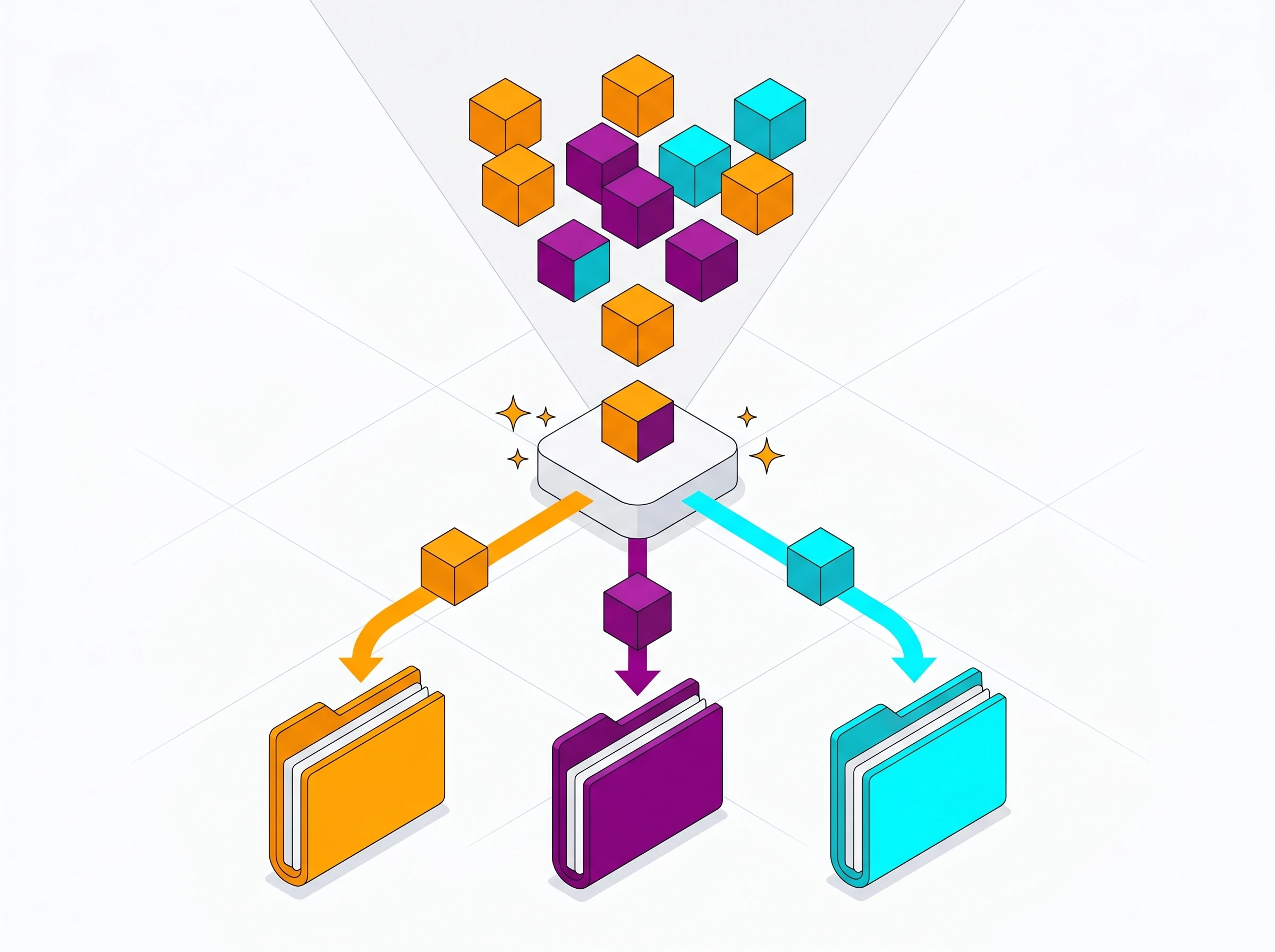
4-Phase AI Report Workflow — Structure, Timing, and Checkpoints
Phase 1: Gather and Organize Your Raw Context (Minutes 1–4)
The quality of your output depends almost entirely on the quality of what you put in. A vague, disorganized data dump produces a vague, disorganized report — just generated faster. Spend the first four minutes building a clean, structured data block you can paste into your prompt.
Open a blank text document and collect everything relevant to this report: your KPIs and their current values, key decisions made in recent meetings, blockers or risks that came up this week, action items assigned and their status, and any qualitative context the reader needs to interpret the numbers correctly. Be precise with metrics — "revenue increased" is useless input; "$147,250 in revenue this week vs. $132,000 last week (+11.6%)" is what good output requires.
If your report draws from meeting transcripts, your AI meeting note-taker is your fastest source here. Tools like Fireflies.ai automatically extract action items and key decisions from every call — you can paste those directly into your data block without reading the full transcript. This integration between your meeting capture workflow and your reporting workflow is one of the most underused time-savers in professional settings.
Phase 2: Generate the Draft Structure (Minutes 5–8)
With your data block ready, paste it into your chosen AI tool along with the prompt template from the next section. Do not ask for complete paragraphs on the first pass — ask for bullet points organized under the headings you need. This serves two purposes: it takes less time for the AI to generate, and it is much faster for you to scan and verify that the structure is right and nothing critical was missed or misread.
Check the bullet points against your raw data before moving on. If a number looks wrong, fix it in the source block and regenerate that section. Correcting errors at the bullet point stage takes 30 seconds; correcting them after paragraphs have been generated takes five minutes of editing.
Phase 3: Refine for Tone and Voice (Minutes 9–11)
Approved bullet points in hand, ask the AI to expand them into concise professional paragraphs. At this stage, include a specific instruction about tone: objective and data-driven for internal leadership reports; forward-looking and reassuring for client updates; analytical and evidence-based for investigative reports. If you have a sample of past reports you have written that captured the right voice, paste a paragraph as an example and ask the AI to match it. This single instruction eliminates most of the recognizably-AI phrasing patterns that make outputs look templated.
The other instruction worth adding at this stage: "Remove all filler phrases, avoid stating the obvious, and do not use the words 'leverage,' 'robust,' 'actionable,' 'comprehensive,' or 'streamlined.'" These are the most common AI crutch words. Their absence is the fastest signal that a document has been properly edited.
Phase 4: Human Review and Final Verification (Minutes 12–15)
This is where the work that only a human can do happens. Read the generated text line by line and cross-reference every number against your original source data. Adjust any phrasing that sounds like a template. Add the strategic context that only someone who lived through the week can provide — the nuance behind a metric, the relationship context that explains a decision, the note that a particular KPI looks bad on paper but is tracking ahead of internal expectations for a reason the numbers do not reveal.
If your report requires visual formatting — charts, tables, branded layouts — your text is ready to paste into Canva AI, Google Slides, or PowerPoint. For teams distributing reports directly to communication channels, the AI features in Slack and Microsoft Teams handle formatting and distribution directly, removing the final distribution step.
Copy-Paste Prompt Templates for Three Report Types
The difference between a mediocre AI output and a genuinely useful document lies almost entirely in the prompt. These three templates are built around the specific structural requirements of each report type. Copy them exactly, then replace the bracketed instructions with your actual data.
Template 1: The Weekly Performance Report
Act as a Senior Data Analyst writing an internal report for company leadership.
I will provide you with raw data and notes from this week's operations. Your task is to generate a structured weekly performance report.
Required sections (use these as H2 headings):
1. Executive Summary — 3 sentences maximum. State the single most important outcome, one key challenge, and one forward-looking priority.
2. Key Performance Metrics — Bullet list only. Format as: [Metric name]: [Value] ([Change vs. last week, as %]).
3. Operational Issues and Risks — Briefly describe any blockers, delays, or emerging risks. If none, write "No active blockers this week."
4. Actions and Owners — Bullet list of specific commitments made this week. Format: [Owner name]: [Action] by [Date].
Tone: Objective, direct, and analytical. Avoid enthusiasm, filler adjectives, and vague language. Every claim must be traceable to the data I provide. If a piece of information is missing from my notes, say "data not available" rather than inferring.
Here is my raw data:
[PASTE YOUR DATA BLOCK HERE]
Template 2: The Investigative or Research Synthesis Report
Use this when you need to synthesize multiple sources into a coherent finding — customer feedback, incident post-mortems, competitive intelligence, market research, or any scenario where the raw material is messy and the conclusions are not yet obvious.
Act as a Lead Investigator synthesizing evidence into a professional findings report.
I am providing you with unformatted notes, transcripts, and data from multiple sources regarding a specific topic. Your task is to identify the most significant patterns and present them as a structured report.
Required sections:
1. Background — Summarize the context in 2–3 sentences using only the information I provide. Do not add background knowledge.
2. Key Findings — Identify the 3 most significant and evidence-supported conclusions from the data. For each finding, cite where in my notes you found evidence for it.
3. Contradictions or Data Gaps — Note any areas where my sources disagree or where information is insufficient to draw a conclusion.
4. Recommendations — Based strictly on what the data shows, suggest 2–3 specific next steps. Label each as High / Medium / Low priority.
Critical constraint: Do not invent or assume any facts not present in the notes I provide. If something is unclear, say so explicitly. Accuracy is more important than completeness.
Topic: [ONE SENTENCE DESCRIPTION]
Raw notes:
[PASTE ALL SOURCE MATERIAL HERE]
Template 3: The Client Progress Update
This template handles the trickiest translation task in professional life: turning internal technical or operational notes into something a client can read without context, follow without jargon, and feel positive about without being patronized. The tone calibration instruction in this one is the most important part.
Act as a Senior Account Manager writing a client-facing project update for an enterprise client.
I will provide you with raw internal notes from our team. Translate these into a polished client communication. The client is not familiar with our internal processes or technical terminology.
Required sections:
1. Progress This Week — Describe what was completed in terms of value delivered to the client, not tasks checked off internally. Use plain language.
2. Deliverable Status — For each open deliverable, state the current status and the expected completion date. Format as a table with columns: Deliverable | Status | Target Date.
3. What We Need From You — List any actions, approvals, or assets required from the client. Be specific about deadlines and consequences of delay if relevant.
4. What Comes Next — One paragraph on what the team will focus on in the next two weeks and what the client can expect to see.
Tone: Confident, transparent, and forward-looking. Do not hide problems, but frame them with the plan to resolve them. Do not use internal jargon, ticket numbers, or tool names. Write as if this will be the client's only view into our progress this week.
Internal notes:
[PASTE TEAM NOTES, STATUS UPDATES, AND ANY CLIENT CONTEXT HERE]
Quality Control: The 10/20/70 Rule
The single most effective framework for maintaining quality when using AI for reports is a simple time allocation model that forces you to invest effort where it creates the most value.

The 10/20/70 Rule — Allocating Your Time for Maximum Quality Output
In a 15-minute workflow, the three phases map like this:
10% (≈1–2 minutes): Data preparation. Gather your raw numbers, notes, and context into a clean, structured block. Do not overthink the formatting — plain text with clear labels is fine. What matters is completeness and accuracy. This is the step most people rush, and it is why most AI outputs are disappointing: the tool can only work with what you give it.
20% (≈3 minutes): Prompt construction. Select and customize the right template for your report type. Add your specific tone requirements, the headings you need, any constraints about what information is and is not available, and any examples of past writing you want the AI to match. A well-crafted prompt is the highest-leverage two minutes in the entire workflow.
70% (≈10 minutes): Review, verification, and editorial judgment. This is where the human work happens. Read every sentence. Verify every number. Add the strategic context that data alone cannot convey. Adjust the phrasing to match your voice. Remove the AI crutch words. The first draft is not the deliverable — this phase produces the deliverable. Teams that treat AI output as finished product are the teams producing reports that feel hollow and imprecise, because the 70% is exactly where authentic professional judgment shows up in a document.
Common AI Report Mistakes and How to Fix Them
After using these workflows consistently, a set of predictable failure patterns emerge. Here is what to watch for in your review phase.
Metric hallucination. The AI reads "revenue increased significantly" in your notes and generates a specific percentage that you never provided. Always catch this by checking every number that you did not explicitly input. The fix is to write "this data point is not available" in your raw notes rather than leaving a metric blank and assuming the AI will not fill it in.
Consensus smoothing. When your raw notes contain conflicting data points or unresolved tensions, AI models tend to smooth them into a false consensus rather than accurately representing the contradiction. The investigative report template's "contradictions and data gaps" section forces this out explicitly, but for other report types, add a prompt instruction like "note any areas in the data where the evidence points in different directions."
Action item vagueness. AI-generated next steps tend toward the abstract: "Continue monitoring progress," "Align with stakeholders," "Review the timeline." Real action items have an owner, a specific deliverable, and a date. Add this constraint explicitly to your prompt: "Every action item must include: who is responsible, what specifically they will do, and by when."
Over-formality. AI defaults to a corporate register that sounds authoritative but generic. If your reports have a specific voice — more direct, more conversational, more blunt about problems — paste a paragraph from a past report as a style example and instruct the AI to match it. This one step eliminates about 80% of the "sounds like AI wrote it" problem.
Connecting AI Reporting to Your Broader Workflow
A report is only as good as the data that goes into it, and the fastest way to improve your reporting workflow is to improve your data capture workflow first. If meeting outcomes and action items are already being automatically transcribed and organized by an AI meeting note-taker, your Phase 1 data gathering drops from four minutes to about 90 seconds. If your task management tool surfaces completed items from the week with one click, your status report data is already assembled.
For teams distributing reports via AI email tools, the distribution step can also be automated: finalized report text flows directly to a Slack channel, becomes an email draft pre-addressed to the right stakeholders, or lands in a shared Notion page — without manual formatting or distribution effort. Our guide to saving 20+ hours a week with AI tools covers how report automation fits into the complete time-recovery picture.
For teams that need to track how long the reporting process actually takes — and demonstrate the time savings to leadership — our guide to AI time tracking tools covers how to measure this without adding manual effort to your workday.
Explore Related AI Writing & Documentation Guides
- • Best AI Document Creation Tools in 2026 for Professionals
- • Google NotebookLM Review: Source-Grounded Research & Audio Overviews
- • Notion AI vs Obsidian vs Mem AI: Best Knowledge App in 2026
- • The Ultimate Guide to AI Productivity Tools in 2026
- • How to Save 20+ Hours a Week with AI: 2026 Data Playbook
- • Browse All AI Writing & Documentation Tools
Frequently Asked Questions
What is the best AI tool for writing professional reports in 2026?
Claude 3.5 Sonnet is the highest-rated AI model for business and technical report writing. It produces clear, highly articulate prose without robotic AI buzzwords, structures complex arguments logically, and supports interactive Artifacts for reviewing sections and formatted tables side-by-side.
How do you prevent AI-generated reports from sounding robotic or generic?
Apply a 3-step prompt framework: (1) Provide 2 to 3 sample paragraphs of your organization's voice and tone. (2) Explicitly ban AI crutch words (*"leverage, robust, delve, comprehensive, testaments, landscape, streamline"*). (3) Use the 10/20/70 framework—spend 10% of time outlining data, 20% on AI draft generation, and 70% verifying facts and polishing executive commentary.
Is it safe to input confidential company financial data into AI report tools?
Only if using paid enterprise tiers with Zero Data Retention (ZDR) agreements. Enterprise plans like ChatGPT Team/Enterprise, Claude Team, and Google NotebookLM explicitly guarantee that uploaded documents and prompts are never used to train future public models. Free consumer tiers should never be used with unredacted sensitive financial or customer data.
How do you prevent hallucinations in AI-generated technical reports?
Use source-grounded architectures like Google NotebookLM or Claude with Project Knowledge. Restrict the model with a system prompt: "Answer solely from the provided source text. If a metric is not explicitly stated in the document, write [DATA UNAVAILABLE] rather than estimating." Always cross-verify tabular metrics against original spreadsheets before final export.
Can AI generate executive reports directly from meeting transcripts?
Yes. Pairing an AI meeting recorder (Fathom or Fireflies.ai) with Claude or ChatGPT automates weekly status reporting. The AI reliably synthesizes transcript timestamps into structured decision registers, milestone updates, and blocker matrices with minimal manual editing.
What is the best AI tool for compiling multi-page PDF research reports?
Google NotebookLM and Perplexity Enterprise excel at multi-document research. NotebookLM ingests up to 50 sources (up to 500,000 words per file) and provides verifiable inline footnote citations linking directly to the exact source paragraph.
How can AI help format tables, charts, and executive summaries?
ChatGPT Plus with Advanced Data Analysis can execute Python scripts directly on raw CSV/Excel files to calculate growth percentages, generate high-resolution SVG/PNG charts, and draft executive bullet points in a single prompt loop.
What is the recommended workflow for drafting a 20-page business report with AI?
Never generate a 20-page document in a single prompt. Instead, build the report section by section: (1) Generate a master outline with agreed headings. (2) Feed raw data and generate Section 1. (3) Review and lock Section 1. (4) Pass Section 1 summary as context to generate Section 2. This modular approach maintains consistent narrative flow and prevents context degradation.



