Riverside
Studio-quality podcast and video recording, editing, and publishing powered by AI
Gallery
5 items

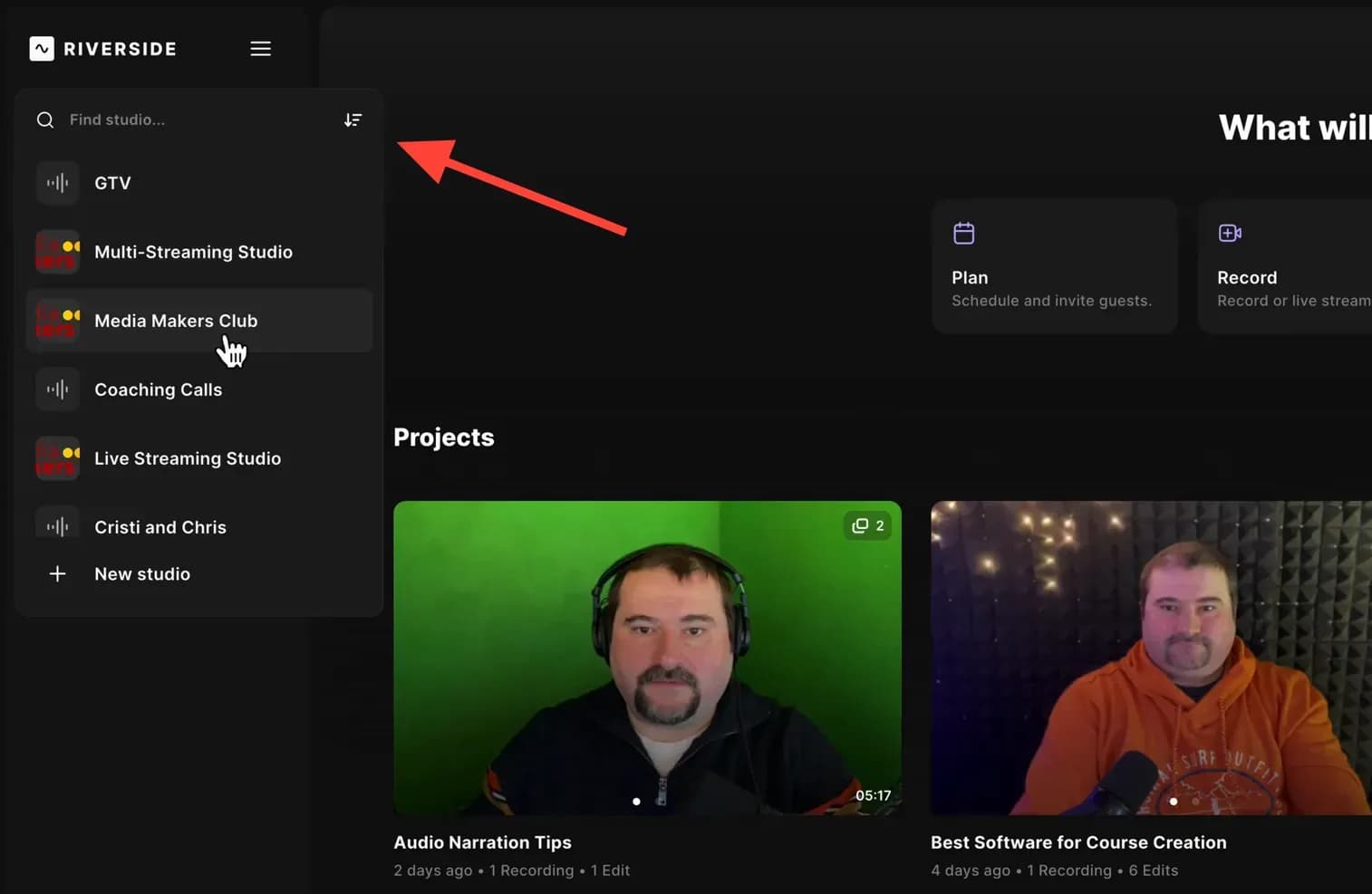
About Riverside
Testing Riverside across remote video interviews demonstrated the power of local recording: it records uncompressed 4K video and lossless 48kHz audio directly on each participant's device, completely immune to spotty internet dropouts. Its Magic Clips AI editor cuts long recordings into captioned social snippets in seconds. Uploading massive uncompressed local files after long sessions requires participants to keep browser tabs open until transfers complete. Starting at $15/month for Pro, it is the absolute gold standard for remote podcasters and serious video interviewers.
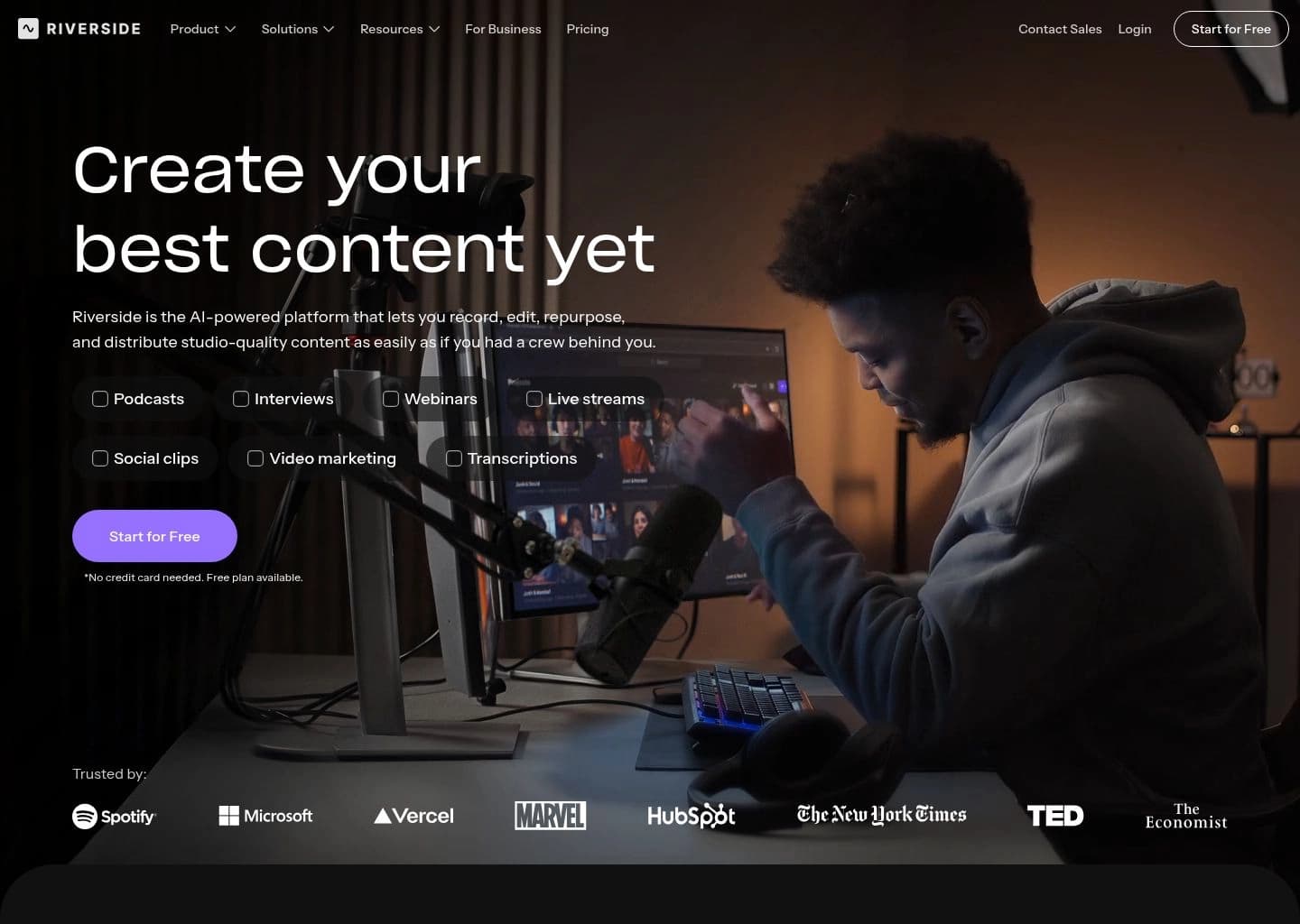
Riverside (formerly Riverside.fm) is an all-in-one AI-powered platform for recording, editing, repurposing, and publishing studio-quality podcasts and videos. Instead of relying on standard video-call software that compresses audio and video in real time, Riverside records every participant locally on their own device in up to 4K video and uncompressed audio, then uploads the files to the cloud, so a shaky internet connection during the call never degrades the final recording.
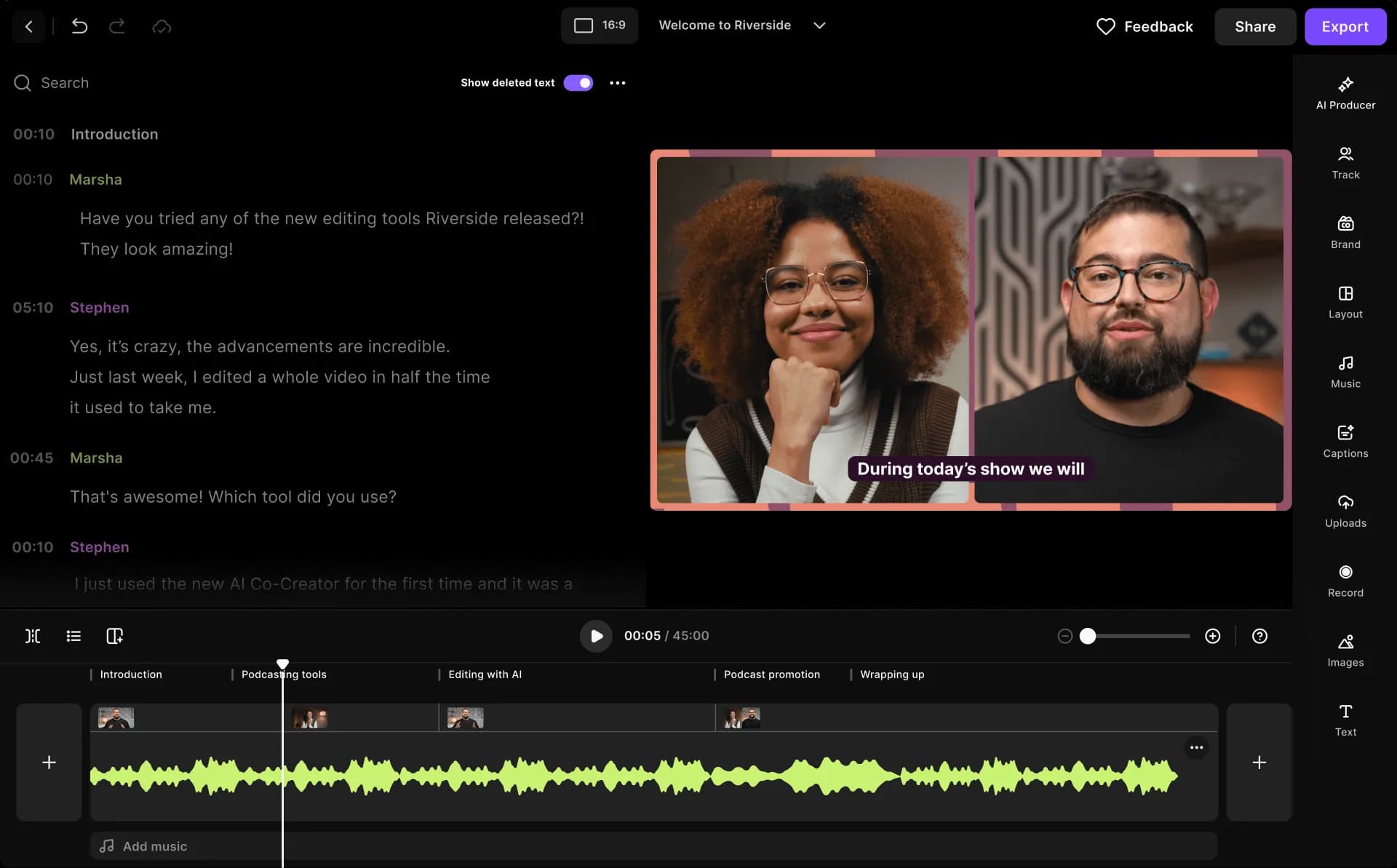
Beyond recording, Riverside layers in a full AI production suite. Its text-based editor lets creators trim a video simply by deleting words from the transcript, while Magic Clips, Magic Audio, and the AI Co-Creator automatically turn long-form sessions into social clips, show notes, captions, and translated versions in more than 30 languages. Additional AI tools clean up filler words and silences, fix eye contact, generate B-roll from a prompt, and apply auto layouts based on who is speaking, cutting editing time from hours to minutes.
Riverside also handles distribution: built-in podcast hosting publishes directly to Spotify, Apple, and YouTube with analytics, and live streaming pushes broadcasts in full HD to multiple destinations like YouTube, LinkedIn, Facebook, and Twitch simultaneously. A dedicated Webinar plan adds registration pages, lead capture, and audience engagement tools for up to 10,000 registrants.
Riverside is built for podcasters, YouTubers, marketers, producers, and businesses that want professional-grade remote recordings without a physical studio. Solo creators and interview-style podcasters get reliable, high-quality output from a simple browser link, while the Business tier adds collaborative editing, custom roles, SSO, and compliance features for media teams and larger organizations producing content at scale.
Key Features
- Local recording of up to 4K video and uncompressed audio on separate tracks per participant
- Text-based transcript editor for trimming and rearranging video by editing text
- Magic Clips and AI Co-Creator that auto-generate social clips, posts, and thumbnails
- Automatic transcription, AI show notes, and multi-language captions
- AI audio enhancement, filler-word and silence removal, and eye-contact correction
- AI translation and dubbing into 30+ languages
- Live streaming in full HD to YouTube, LinkedIn, Facebook, Twitch, and custom RTMP destinations
- Built-in podcast hosting and analytics with direct publishing to Spotify, Apple, and YouTube
Pros
- Local device recording keeps audio and video quality high even with unstable internet
- AI editing tools significantly cut post-production time for clips, captions, and show notes
- All-in-one workflow covers recording, editing, hosting, and live streaming in one platform
- Generous free plan and beginner-friendly interface with no software download required for guests
- Strong ecosystem trusted by major podcasters and brands like Spotify, Marvel, and Microsoft
Cons
- Separate track download hours are capped on lower tiers, limiting high-quality exports
- Some users report occasional glitches, upload issues, or audio sync problems
- AI features like Magic Clips can be inconsistent, sometimes producing awkward clip selections
- Pricing can feel steep for casual or beginner creators compared to simpler recording tools
- Collaborative multi-editor workflows require the higher-priced Business plan
Pricing
Free plan: $0/month, includes 2 hours of one-off multi-track recording, unlimited single-track recording, up to 720p video, 44.1kHz audio, Magic Clips, and a Riverside watermark. Pro: $24/month billed annually ($288/year) or $29/month billed monthly, includes 1 studio, 15 hours/month of separate track downloads, up to 4K video, 48kHz audio, no watermark, unlimited text-based editing, AI editing and repurposing agent, unlimited transcriptions, and podcast hosting. Grow: $34/month billed annually ($408/year) or $39/month billed monthly, includes 2 studios, 20 hours/month of track downloads, social scheduling, newsletter, creator website, full HD live streaming, and multistreaming to unlimited destinations. Webinar: $79/month billed annually ($408/year, promotional) or $99/month billed monthly, includes 3 studios, 25 hours/month of track downloads, webinars for up to 100 registrants, branded registration forms, and HubSpot integration. Business: custom pricing via Contact Sales, includes unlimited studios, unlimited track downloads, up to 10,000 webinar registrants, collaborative editing, SSO, SOC2/ISO27001 compliance, API access, and a dedicated CSM. Annual billing saves up to 20% versus monthly. Pro, Grow, and Webinar plans include a 14-day free trial and can add extra editor seats as a paid add-on. AI Credits (used for AI Translation, AI B-Roll, and Animated Clips) start with 20 free credits on Pro and Grow, and 60 on Business.
Claim Verified Creator Badge
Are you the founder of Riverside? Display this listing's verified badge on your website to show your customers that your product has been vetted and listed on AI Central Resources.
<a href="https://www.aicentralresources.com/tool/riverside" target="_blank" rel="noopener">
  <img src="https://www.aicentralresources.com/badges/featured-badge-dark.svg" alt="Featured on AICentralResources" width="200" height="54" style="border: none;" />
</a>
* Place this HTML snippet in your website's footer, landing page, or press section. This creates a search-friendly backlink directly to your verification page.
Frequently Asked Questions
Yes, Riverside offers a free plan with 2 hours of multi-track recording, unlimited single-track recording, Magic Clips, and up to 720p video, though it includes a Riverside watermark.
Riverside records audio and video locally on each participant's own device rather than streaming it live, then uploads the files afterward, so connection drops do not degrade the final recording.
Yes, Riverside's text-based editor lets you cut, copy, and rearrange your video or podcast simply by editing the transcript, and it automatically syncs the corresponding audio and video.
Yes, paid plans support full HD live streaming to multiple destinations at once, including YouTube, LinkedIn, Facebook, Twitch, and custom RTMP services.
Pro focuses on high-quality recording and editing for a single studio, Grow adds live streaming, multistreaming, and audience growth tools across two studios, and Webinar adds registration, lead capture, and engagement tools for hosting webinars with up to 100 registrants.
Similar AI Tools to Riverside
View all alternatives of Riverside

Adobe Podcast
AI-powered audio recording, enhancement, and editing, all in the browser

Async
Record, edit, and generate podcasts and videos in one AI-powered creative studio

Auphonic
Automatic AI audio mastering for podcasts — noise reduction, loudness leveling, and transcription in one click

Cleanvoice AI
AI podcast editor that removes filler words, noise, and dead air in minutes

Compared with Riverside
Direct head-to-head feature matrices, pricing breakdowns, and real-world performance benchmarks