AI-powered audio recording, enhancement, and editing, all in the browser
Gallery
6 items
About Adobe Podcast
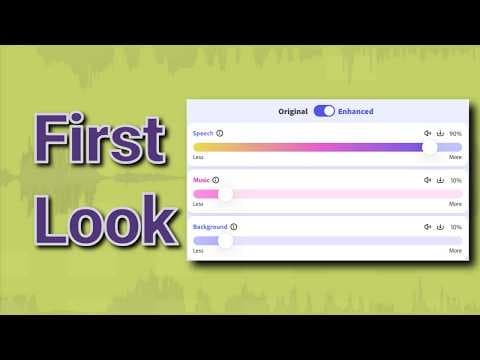
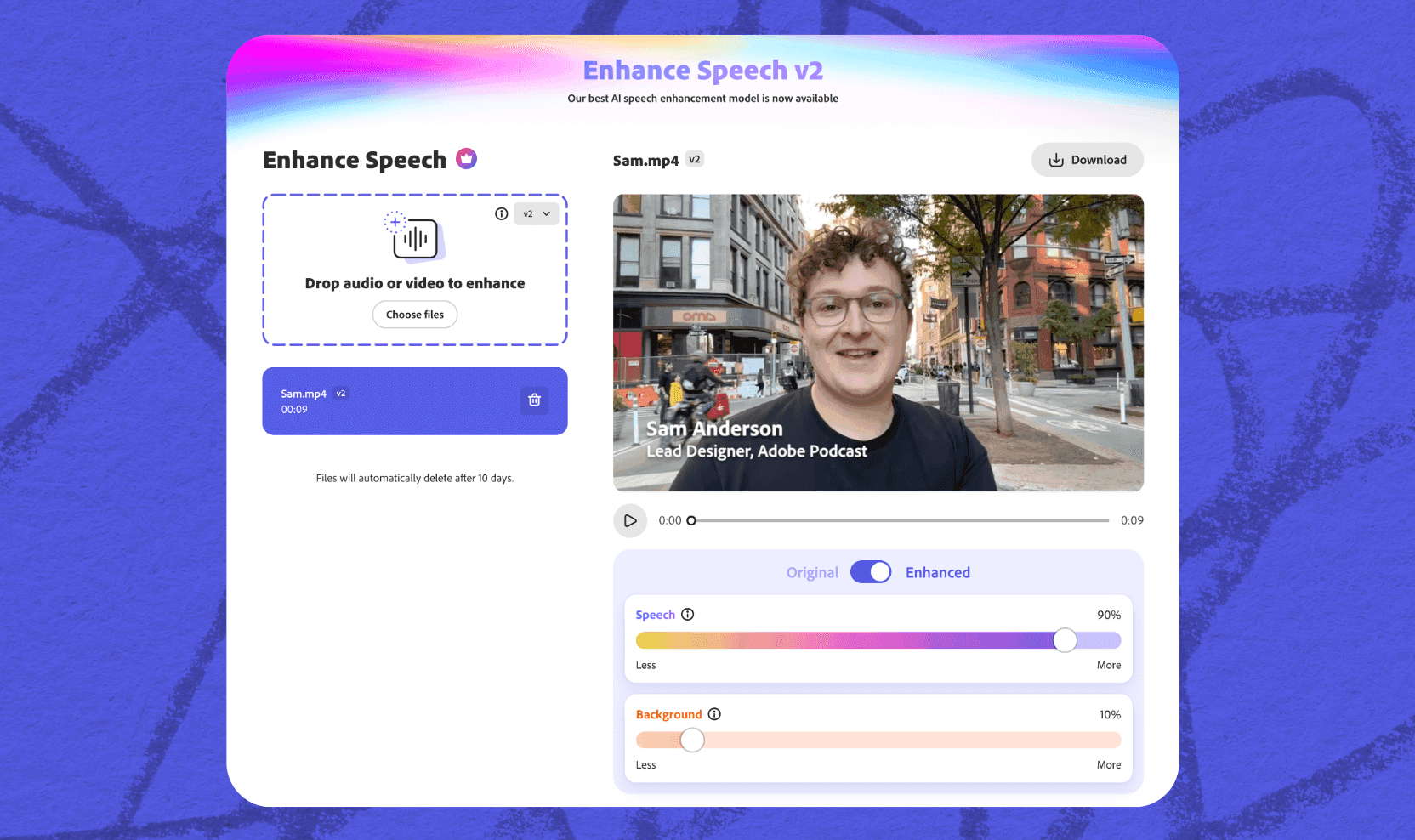
In my audio tests of Adobe Podcast's Enhance Speech filter, it took echoey, muffled smartphone voice recordings and isolated vocal harmonics with near-studio broadcast clarity in seconds. The browser-based Mic Check tool accurately diagnosed room acoustics and mic distance before recording. Overly aggressive noise reduction can occasionally introduce subtle robotic phasing on consonants if the original recording has severe background clatter. Included with Creative Cloud or available as a standalone freemium web app, it is a lifesaver for podcasters and video creators.
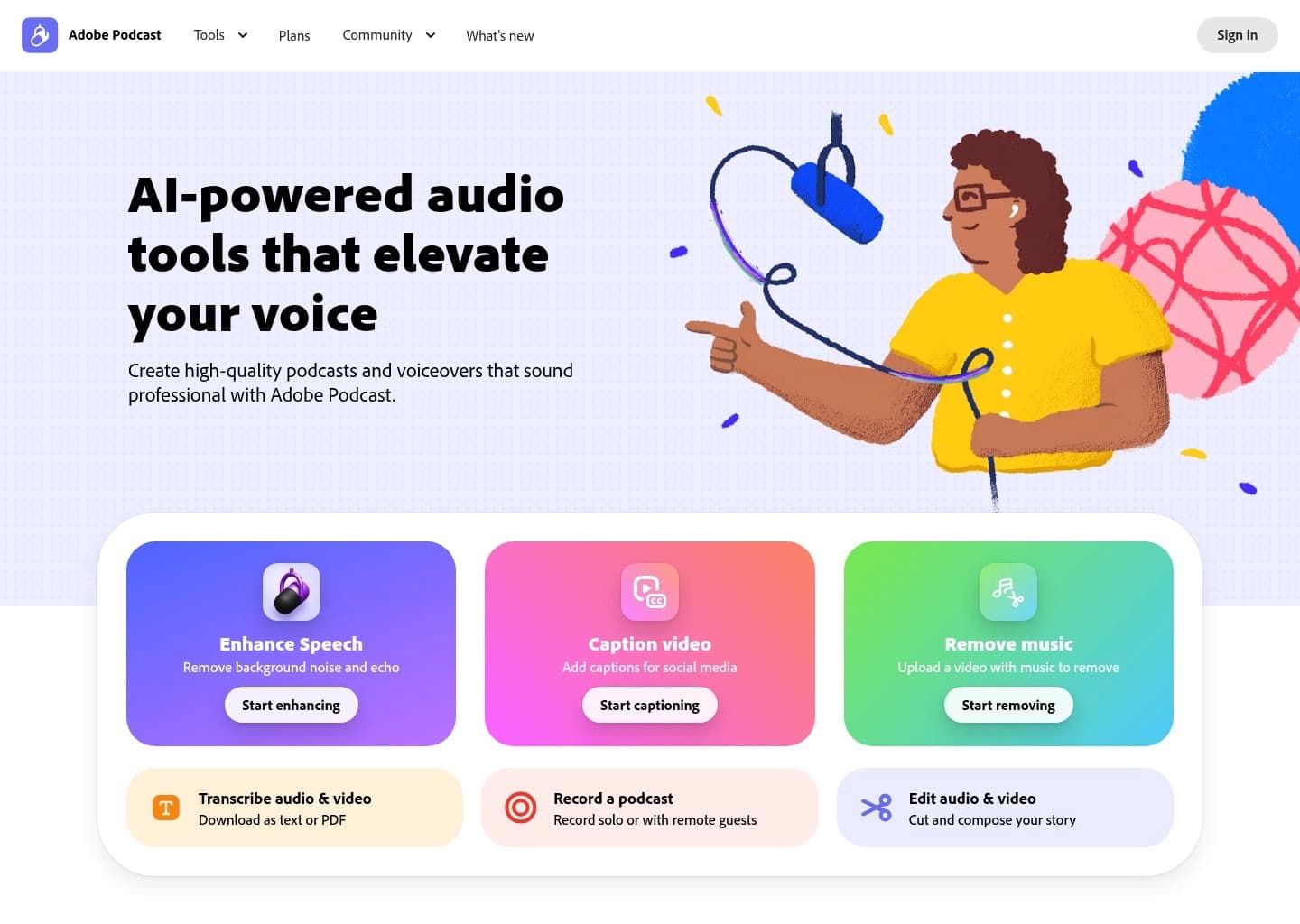
Adobe Podcast is a free, browser-based suite of AI audio tools built by Adobe for podcasters, video creators, educators, and anyone who records spoken audio. Its flagship feature, Enhance Speech, uses Adobe's AI to strip out background noise, echo, and room reverb from a recording, reconstructing a studio-quality voice track from audio captured on a laptop mic, phone, or noisy room. Alongside Enhance Speech, the suite includes Mic Check, which analyzes a microphone setup before recording and flags issues like distance, gain, and background noise, and Studio, an in-browser recorder and text-based editor that captures 16-bit 48kHz audio, supports remote multi-track recording, and lets users edit by deleting words from a transcript rather than manipulating a waveform.
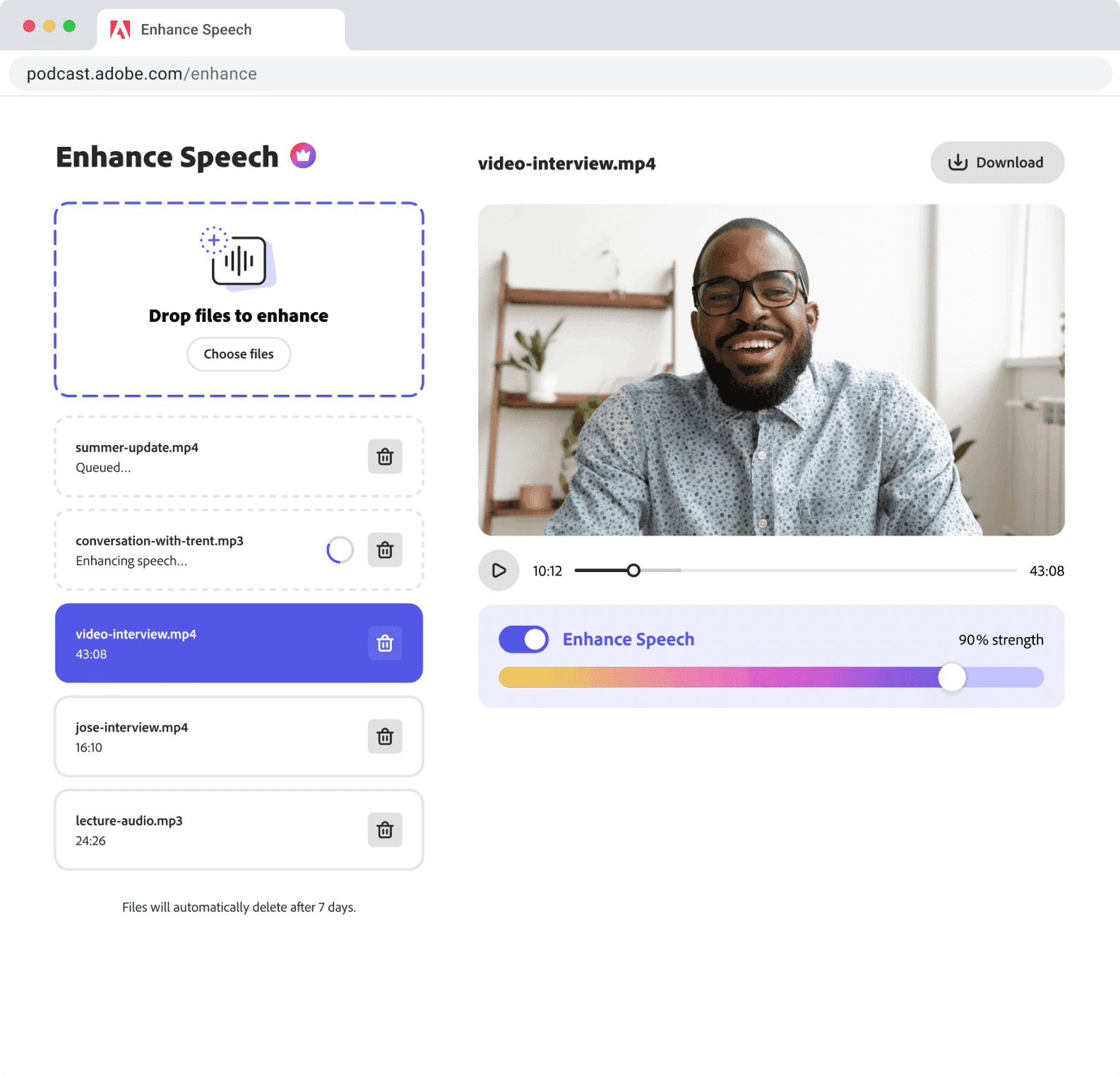
Adobe Podcast solves the common problem of unusable audio: recordings made in imperfect conditions that would otherwise require a re-record or a trip through a full digital audio workstation. It requires no software installation and no prior audio editing experience, making professional-sounding voice tracks accessible to non-technical creators. Enhance Speech also supports video files, so talking-head videos and interview footage can be cleaned up the same way as audio-only podcasts.
The tool is aimed at solo podcasters, YouTubers, course creators, interviewers, and small content teams who need a fast, low-friction way to improve audio quality without hiring an audio engineer. It's less suited to multi-speaker tracks recorded on a single microphone, music production, or workflows that demand fine-grained manual control, where a dedicated DAW like Adobe Audition or a tool like Descript may be a better fit. Originally launched in beta as "Project Shasta" in December 2021, it was rebranded to Adobe Podcast in late 2022 and has continued to add features like video support, source separation, and adjustable enhancement strength.
Key Features
- AI Enhance Speech that removes background noise, echo, and room reverb from recordings
- Mic Check tool that analyzes microphone setup and suggests fixes before recording
- Studio browser-based recorder for remote, multi-track podcast recording
- Text-based transcript editing that cuts audio and video by deleting words
- Video file enhancement for MP4, MOV, and other formats (Premium)
- Bulk upload and automatic queue processing for multiple files (Premium)
- Adjustable enhancement strength for a more natural, less processed sound (Premium)
- Podcast-branded audiogram generation for social sharing
Pros
- Enhance Speech produces a noticeable, often dramatic quality improvement on noisy or echoey recordings
- Free tier is genuinely usable with no account required for basic enhancement
- No software download or DAW experience needed, works entirely in the browser
- Works on audio from any source, including built-in laptop mics and phone recordings
- Backed by Adobe's infrastructure and integrates with the wider Creative Cloud ecosystem
- Transcript-based editing in Studio is approachable for non-technical users
Cons
- Free tier caps files at 30 minutes and limits processing to 1 hour per day
- Cannot reliably separate voice bleed when multiple speakers share a single microphone track
- Aggressive enhancement settings can make voices sound robotic or over-processed
- Full Studio experience is officially best supported on desktop Chrome only
- Lacks the granular manual control of a full digital audio workstation like Adobe Audition
Pricing
Free plan: no cost, requires an Adobe ID. Includes Enhance Speech (audio only, one file at a time, 30-minute/500MB max duration per file, up to 1 hour of processing per day), Mic Check, Studio (beta, download limits of 2 projects per day, no download of original recordings), and podcast-branded audiograms. Premium plan: $9.99/month (or $99.99/year), with a 30-day free trial. Premium adds video file support (MP4, MOV, and more), bulk upload/processing in a queue, adjustable enhancement strength, up to 4 hours of daily enhancement with files up to 1GB and 2 hours long, unlimited Studio project downloads, downloads of original speaker-separated recordings, customizable audiogram themes and captions, and premium design features on Adobe Express. Adobe Podcast tools are also included with Adobe Creative Cloud subscriptions.
Claim Verified Creator Badge
Are you the founder of Adobe Podcast? Display this listing's verified badge on your website to show your customers that your product has been vetted and listed on AI Central Resources.
<a href="https://www.aicentralresources.com/tool/adobe-podcast" target="_blank" rel="noopener">
  <img src="https://www.aicentralresources.com/badges/featured-badge-dark.svg" alt="Featured on AICentralResources" width="200" height="54" style="border: none;" />
</a>
* Place this HTML snippet in your website's footer, landing page, or press section. This creates a search-friendly backlink directly to your verification page.
Connect with Adobe Podcast
Frequently Asked Questions
Yes. Adobe Podcast offers a free plan that includes Enhance Speech, Mic Check, and Studio, with limits like a 30-minute max file duration and 1 hour of daily processing. A Premium plan at $9.99/month removes most of these limits.
Enhance Speech uses AI to analyze a voice recording, isolate the speaker, and remove background noise, echo, and room reverb, producing audio that sounds closer to a professional studio recording.
Yes, on the Premium plan. Free users are limited to audio files, while Premium subscribers can upload MP4, MOV, and other video formats for audio enhancement.
It struggles to cleanly separate voice bleed when multiple speakers are recorded on the same microphone track. For multi-speaker interviews, recording each speaker on a separate track is recommended before enhancement.
Adobe Podcast is a simplified, browser-based tool aimed at fast AI-driven cleanup with no editing experience required, while Adobe Audition is a full desktop digital audio workstation for detailed manual mixing, editing, and sound design.
Similar AI Tools to Adobe Podcast
View all alternatives of Adobe Podcast

Riverside
Studio-quality podcast and video recording, editing, and publishing powered by AI

Async
Record, edit, and generate podcasts and videos in one AI-powered creative studio

Auphonic
Automatic AI audio mastering for podcasts — noise reduction, loudness leveling, and transcription in one click
Cleanvoice AI
AI podcast editor that removes filler words, noise, and dead air in minutes

Compared with Adobe Podcast
Direct head-to-head feature matrices, pricing breakdowns, and real-world performance benchmarks