

Captions
AI video editor with auto captions, AI avatars, and one-click edits
Gallery
7 items
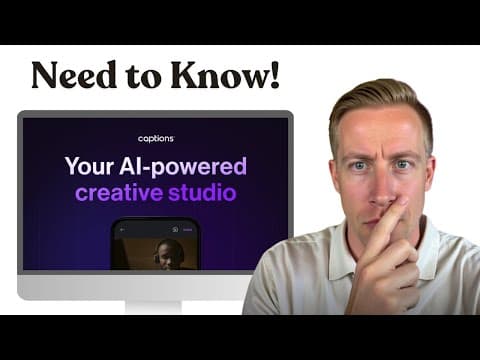
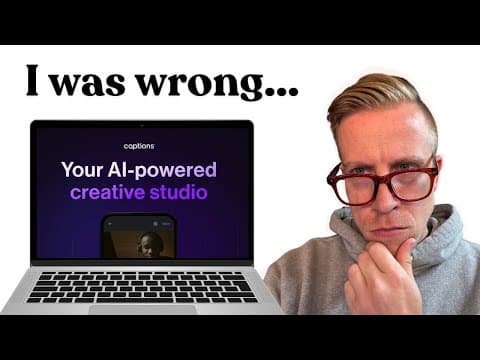

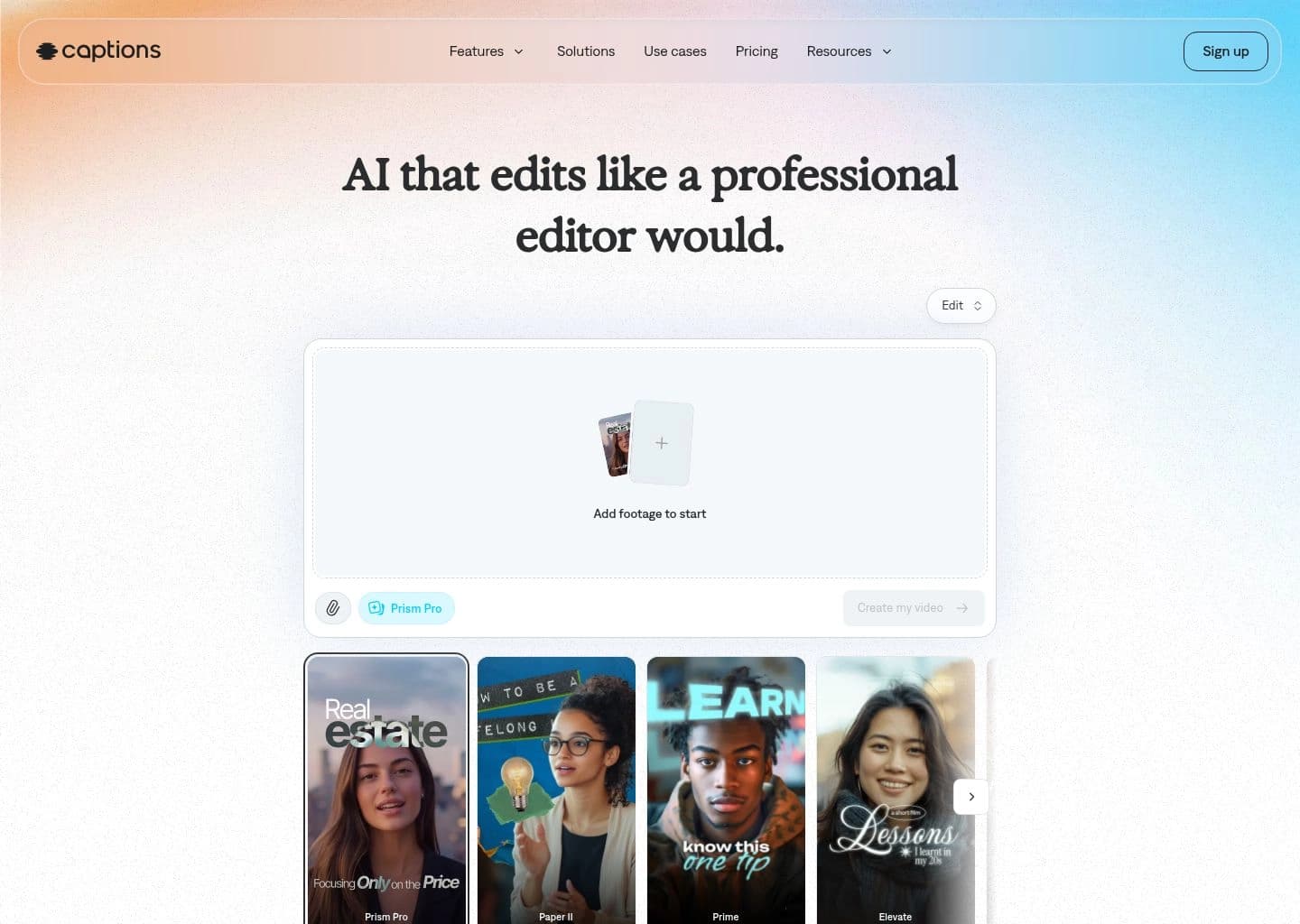
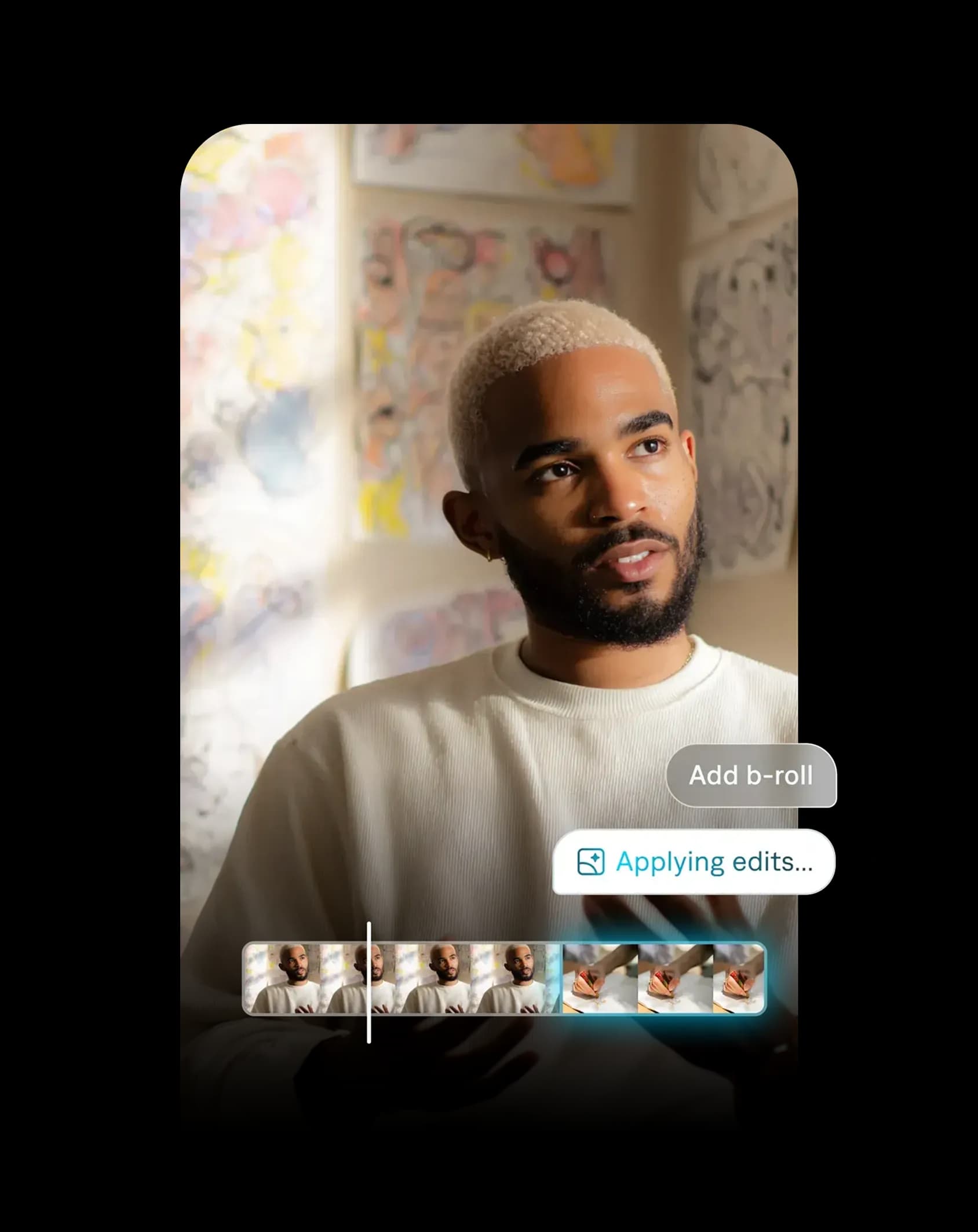
About Captions
Captions is built around one workflow: record a talking-head clip on your phone, then let the app clean it up. Auto captions are the entry point, and the AI Edit tools add eye-contact correction, filler-word removal and automatic B-roll on top. The mobile-first design makes it fast to go from raw take to a vertical post, which is the whole point for TikTok and Reels creators. The friction is commercial rather than technical. The free plan has no AI credits, so the headline features are locked until you pay, and pricing is mainly surfaced in the iOS app and has moved since the Mirage rebrand. AI Twins are convenient for script-to-video, but they will not replace a real presenter for anything high stakes, and you get far less manual control than in a desktop editor. Pay for it if you publish talking-head shorts several times a week and your editing time is the bottleneck. If you only need subtitles, a free captioning tool or CapCut covers most of the job.
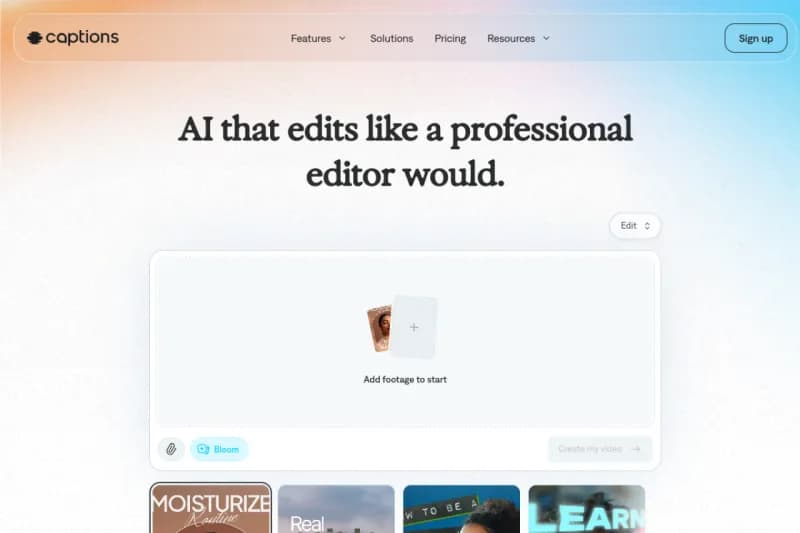
Captions is an AI-powered video creation and editing app (now operating under the Mirage umbrella) built for short-form creators. It generates accurate auto-captions, then layers on AI editing tools such as eye-contact correction, filler-word removal, background cleanup and automatic B-roll.
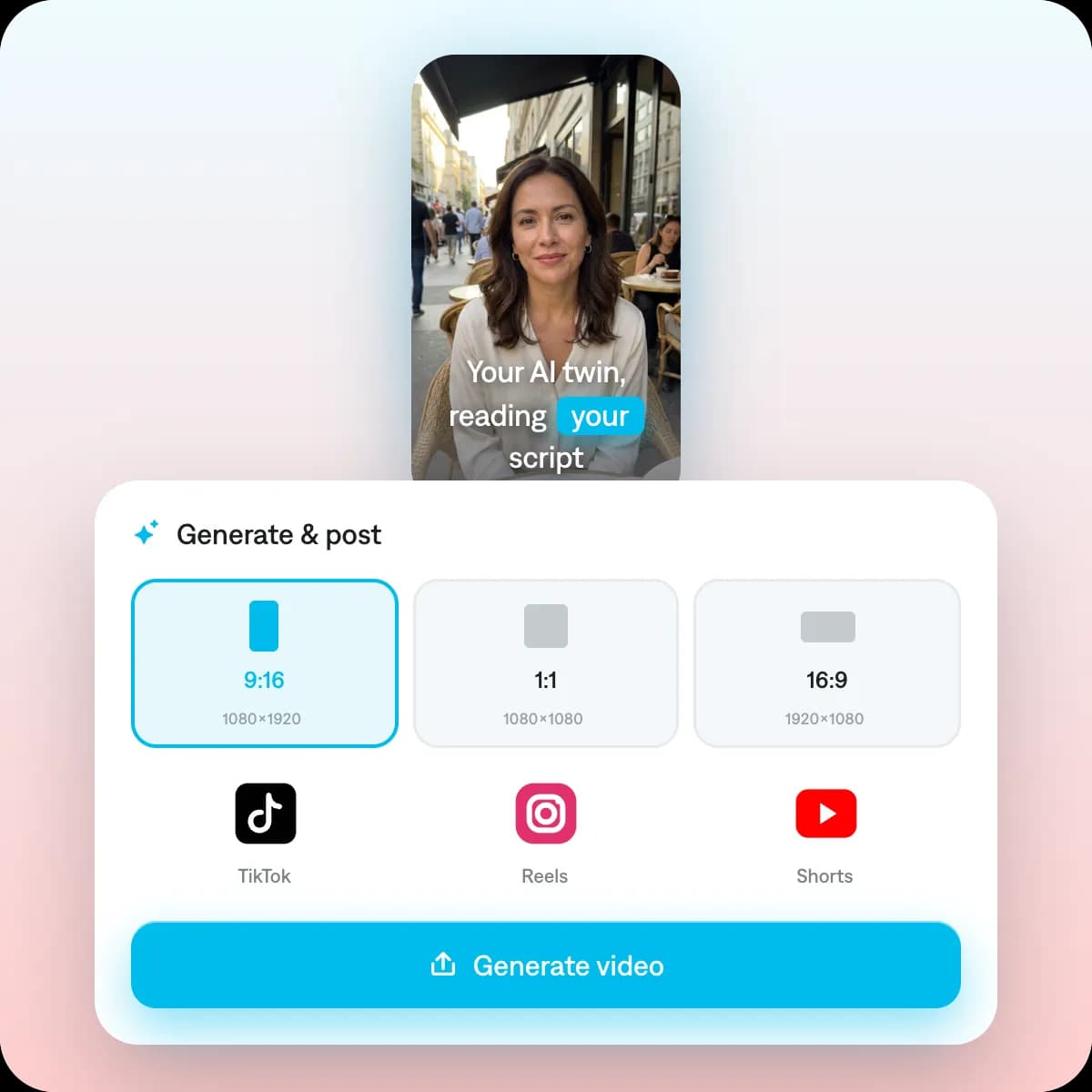
Beyond editing, Captions offers AI Twins and AI avatars that turn a script into a talking-head video, plus AI dubbing and translation to localize clips into other languages. The workflow is mobile-first, so creators can record, edit and publish vertical videos for TikTok, Reels and Shorts from a phone.
It suits solo creators, marketers and small brands who need to produce polished talking-head content quickly without a traditional editing suite. Pricing and credit limits are shown mainly inside the iOS app and have changed since the Mirage rebrand, so check current plans before subscribing.
Key Features
- Auto captions with animated styles
- AI Edit with eye-contact correction and filler removal
- AI Twin avatar videos from a script
- AI dubbing and translation
- Automatic B-roll and background cleanup
- Mobile-first vertical video workflow
Pros
- Fast, accurate auto captions
- Strong mobile editing workflow
- AI avatars from a script
- Good for TikTok, Reels and Shorts
Cons
- Free plan has no AI credits
- Pricing is iOS-centric and has changed
- Less control than a full desktop editor
Pricing
Captions follows a freemium model. The free plan lets you edit and export clips but includes no AI credits, so generative features such as AI Twins are locked.
Paid plans reported at the time of research include Max at about $24.99/month and the higher Frontier tier from roughly $69.99/month, with more AI credits and export options. Plans are managed mainly through the iOS app.
Pricing has shifted since the Mirage rebrand, and enterprise or API access is quote-based, so confirm current numbers in the app before purchasing.
Claim Verified Creator Badge
Are you the founder of Captions? Display this listing's verified badge on your website to show your customers that your product has been vetted and listed on AI Central Resources.
<a href="https://www.aicentralresources.com/tool/captions" target="_blank" rel="noopener">
  <img src="https://www.aicentralresources.com/badges/featured-badge-dark.svg" alt="Featured on AICentralResources" width="200" height="54" style="border: none;" />
</a>
* Place this HTML snippet in your website's footer, landing page, or press section. This creates a search-friendly backlink directly to your verification page.
Similar AI Tools to Captions
View all alternatives of Captions
CapCut
Free AI video editing suite with auto-captions, effects, and TikTok-optimized templates

Veed.io
Online AI video editor with auto subtitles, templates, avatars, and full browser-based production


Opus Clip
Generative AI video repurposer — turn long videos into viral short clips for TikTok, Reels, and Shorts

HeyGen
Transform ideas into stunning AI videos with realistic avatars and multi-language support.

Syllaby
Turn ideas into scripts, faceless videos and AI avatar clips, then schedule them in one workspace
Compared with Captions
Direct head-to-head feature matrices, pricing, and category breakdowns