Cleanvoice AI
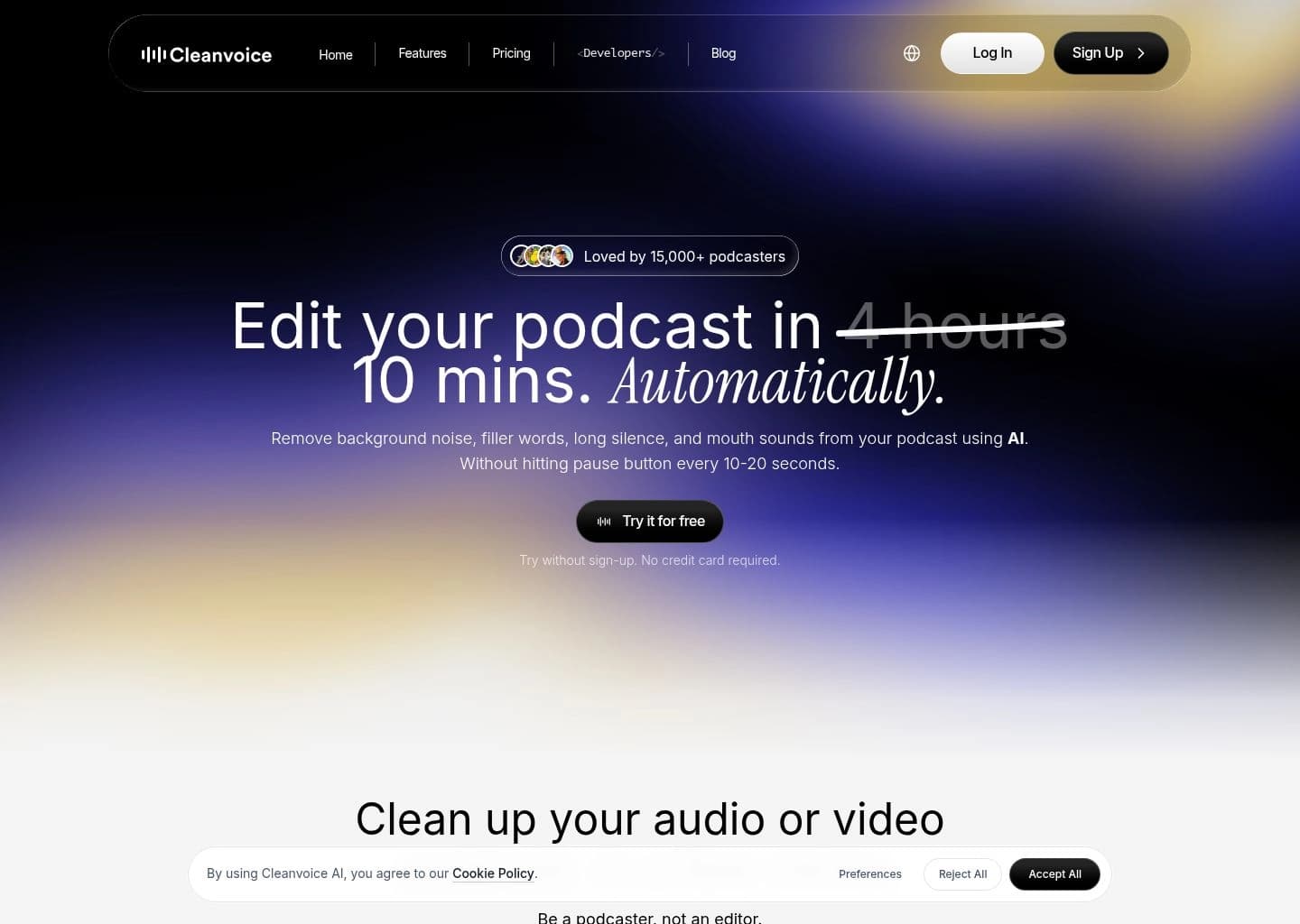
AI podcast editor that removes filler words, noise, and dead air in minutes
Gallery
7 items

About Cleanvoice AI
I ran unedited podcast interviews riddled with "ums", heavy breathing, and mouth clicks through Cleanvoice AI, and its neural cleaning models excised vocal hesitation seamlessly without clipping natural speech cadences. Its dead air reduction tightened interview pacing dramatically. Processing long conversational recordings requires double-checking timestamps, as fast speakers might occasionally have legitimate word fragments trimmed. Ranging from pay-as-you-go hours to $10/month subscriptions, it eliminates hours of soul-crushing manual waveform editing for audio producers.
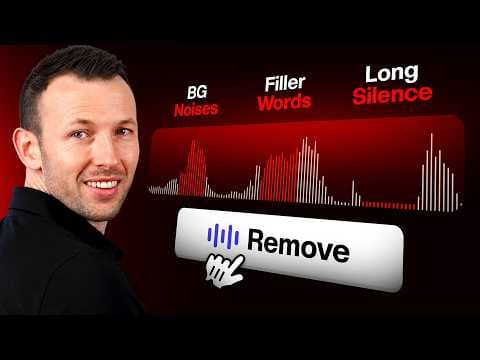
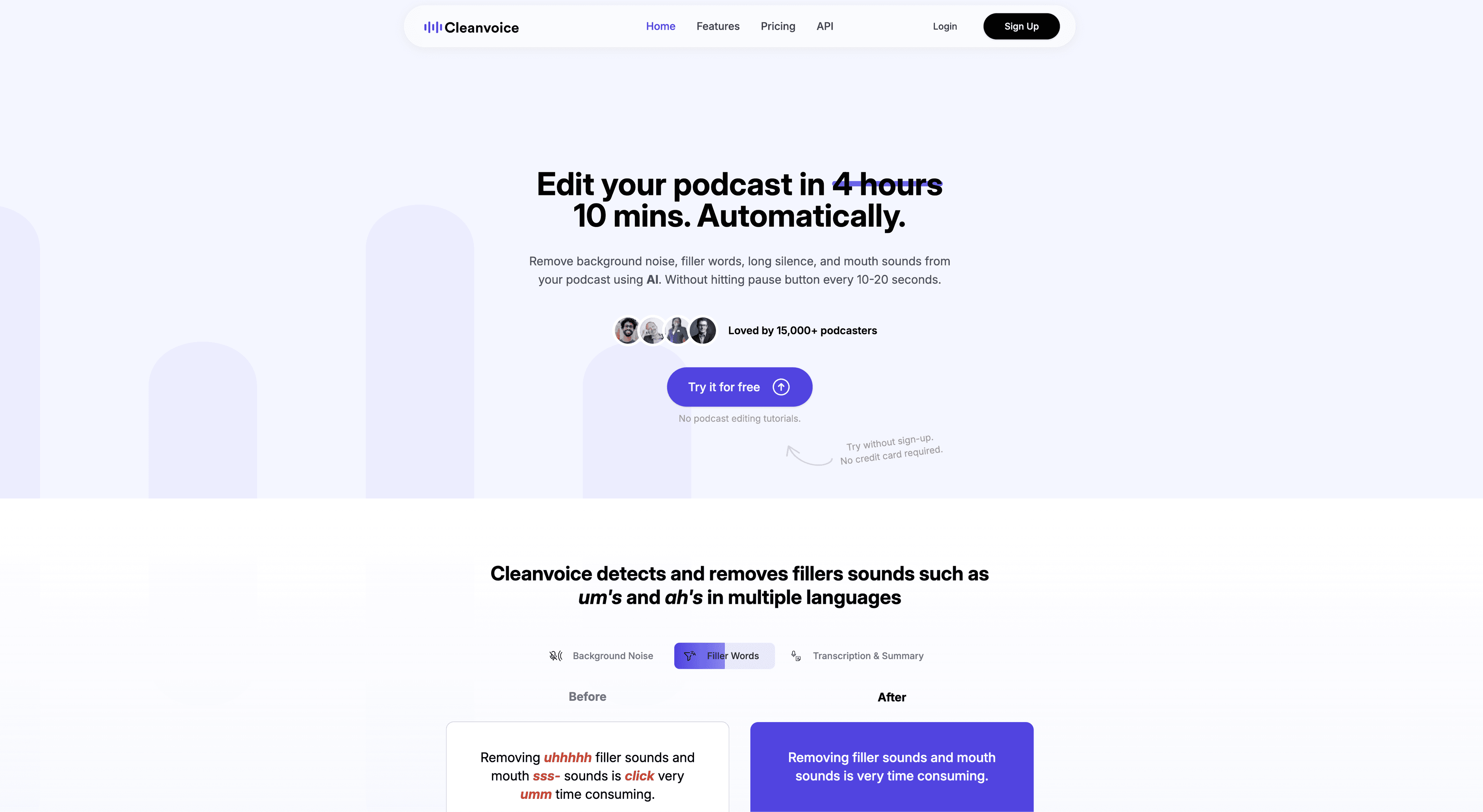
Cleanvoice AI is an AI-powered audio and video podcast editor that automates the tedious parts of post-production. Instead of manually scrubbing a recording for background noise, filler words ("um," "ah"), long silences, and mouth sounds, creators upload their file and Cleanvoice's AI detects and removes these issues automatically, typically finishing an episode in around 10 minutes rather than hours.
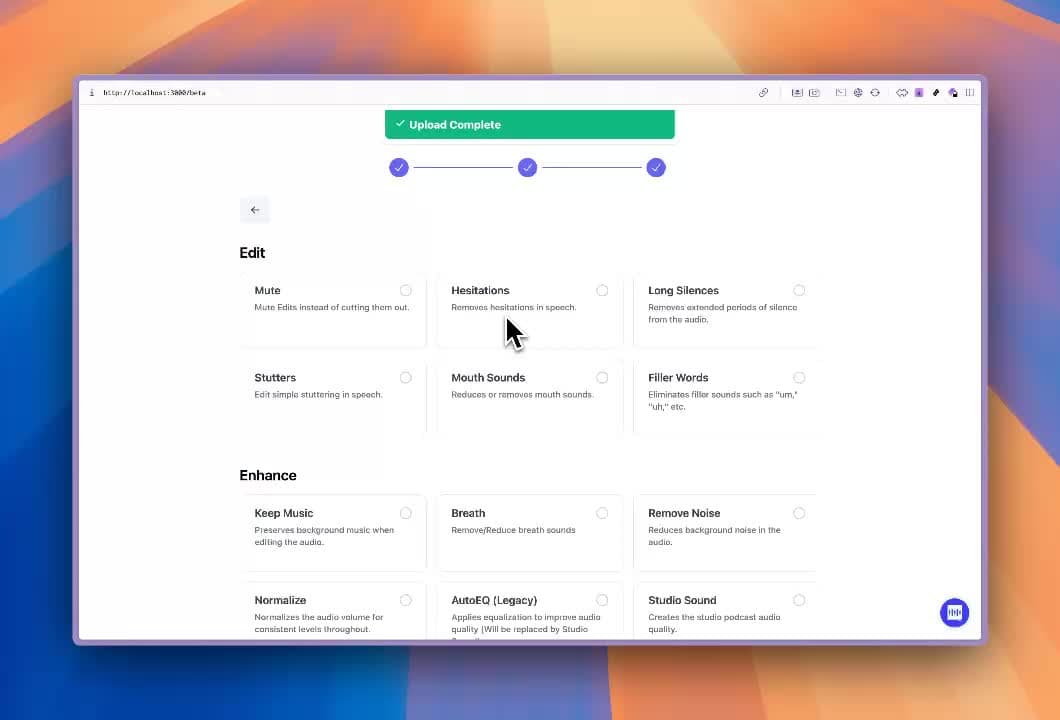
Beyond cleanup, Cleanvoice also acts as a broader podcast production assistant. It offers an Audio Enhancer for studio-quality sound (loudness normalization, EQ, dereverb), multitrack editing for syncing multiple guest recordings, automatic transcription in multiple formats, and AI-generated podcast summaries with show notes, chapter markers, and social content. A timeline export feature lets audio engineers take the detected edits into external tools like Audacity, Reaper, or Adobe Audition for manual fine-tuning.
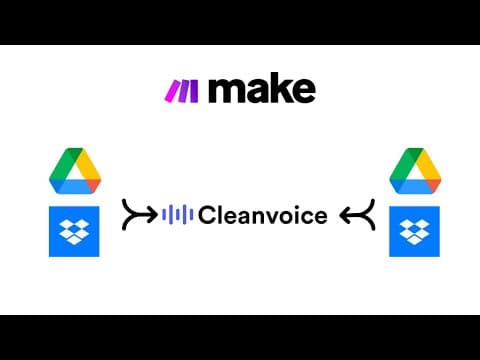
For developers and businesses, Cleanvoice provides a REST API with Python and JavaScript SDKs, letting teams process audio and video at scale with a single endpoint call. The infrastructure is EU-hosted and ISO 27001/GDPR compliant, with no training performed on customer data, and integrations are available with Make, with n8n support in progress.
Cleanvoice is best suited for podcasters, YouTubers, interviewers, media agencies, and audio engineers who want professional-sounding episodes without a heavy manual editing workflow, as well as developers and companies that need to automate audio cleanup and enhancement for spoken-word content at scale.
Key Features
- Filler Words Remover supporting 20+ languages
- Background Noise Remover for ambient sound, traffic, hums, and buzz
- Silence / Deadair Remover that trims long pauses automatically
- Mouth Sounds and Breath Remover for lip smacks, clicks, and stutters
- Audio Enhancer (Studio Sound) with loudness normalization, EQ, and dereverb
- Multitrack editing to sync and clean multiple guest recordings into one episode
- Podcast Transcription with error-free, multi-format export
- Podcast Summary and show notes with chapter markers and social content generation
- Timeline export of edited sections for reference in external editors
- Developer API and SDKs (Python, JS, REST) plus Make and n8n integrations
Pros
- Removes filler words, background noise, mouth sounds, and dead air automatically in a single pass
- Fast turnaround, often cleaning a full episode in around 10 minutes
- Supports filler word detection in 20+ languages
- EU-hosted infrastructure with ISO 27001 and GDPR compliance, no training on customer data
- Simple developer API and SDKs (Python, JS, REST) for teams processing audio at scale
- Generous free trial (30 minutes) with no credit card required
Cons
- Automated edits can be overzealous, occasionally trimming natural breaths or misreading technical terms
- Struggles at times with heavy accents, per some user reviews
- Files are only stored for 7 days after processing, so exports must be downloaded promptly
- Advanced fixes for very noisy or overlapping recordings may still require manual cleanup in a traditional DAW
- Credit-based pricing can be harder to predict for highly variable monthly workloads
Pricing
Cleanvoice AI offers a free trial with no credit card required (30 minutes of free credits on sign-up). Pay-as-you-go credits (valid 2 years): $11 for 5 hours ($2.20/hr), $20 for 10 hours ($2.00/hr), $45 for 30 hours ($1.50/hr), $200 for 200 hours ($1.00/hr). Monthly subscriptions (unused hours roll over up to 3x plan limit): $11/mo for 10 hours ($1.10/hr), $30/mo for 30 hours ($1.00/hr), $90/mo for 100 hours ($0.90/hr), $175/mo for 200 hours ($0.88/hr); annual billing available at a discount. All paid plans include every feature (filler word removal, noise removal, silence removal, video editing, mouth sound/breath removal, audio enhancer, timeline export, transcription and summary). For usage above 200 hours/month, a Custom plan starts from $0.20/hour with custom API endpoints, priority support, and custom billing. Startups can apply for a free program granting 200 hours of API credits.
Claim Verified Creator Badge
Are you the founder of Cleanvoice AI? Display this listing's verified badge on your website to show your customers that your product has been vetted and listed on AI Central Resources.
<a href="https://www.aicentralresources.com/tool/cleanvoice-ai" target="_blank" rel="noopener">
  <img src="https://www.aicentralresources.com/badges/featured-badge-dark.svg" alt="Featured on AICentralResources" width="200" height="54" style="border: none;" />
</a>
* Place this HTML snippet in your website's footer, landing page, or press section. This creates a search-friendly backlink directly to your verification page.
Connect with Cleanvoice AI
Frequently Asked Questions
Yes, Cleanvoice offers a free trial with 30 minutes of processing credits and no credit card required, so you can test the editing features before subscribing.
Cleanvoice supports most common formats including .wav, .mp3, .m4a, .flac, .mp4, .mov, and .mkv. For video files, it processes the audio track and returns cleaned audio plus edit timestamps.
Yes, the filler word remover and related audio editing tools work in 20+ languages, and transcription supports multiple languages and accents.
Yes, Cleanvoice offers a REST API with official Python and JavaScript SDKs so developers can automate noise removal, filler/silence editing, studio sound enhancement, and transcription with a single endpoint call.
Cleanvoice stores both original and edited files for 7 days after processing, after which they are permanently deleted, or immediately upon job completion if zero-retention is requested via the API.
Similar AI Tools to Cleanvoice AI
View all alternatives of Cleanvoice AI

Riverside
Studio-quality podcast and video recording, editing, and publishing powered by AI

Adobe Podcast
AI-powered audio recording, enhancement, and editing, all in the browser

Async
Record, edit, and generate podcasts and videos in one AI-powered creative studio

Auphonic
Automatic AI audio mastering for podcasts — noise reduction, loudness leveling, and transcription in one click

Castmagic
AI that turns podcasts, videos and meetings into transcripts, posts, clips and show notes
Compared with Cleanvoice AI
Direct head-to-head feature matrices, pricing breakdowns, and real-world performance benchmarks