Remini
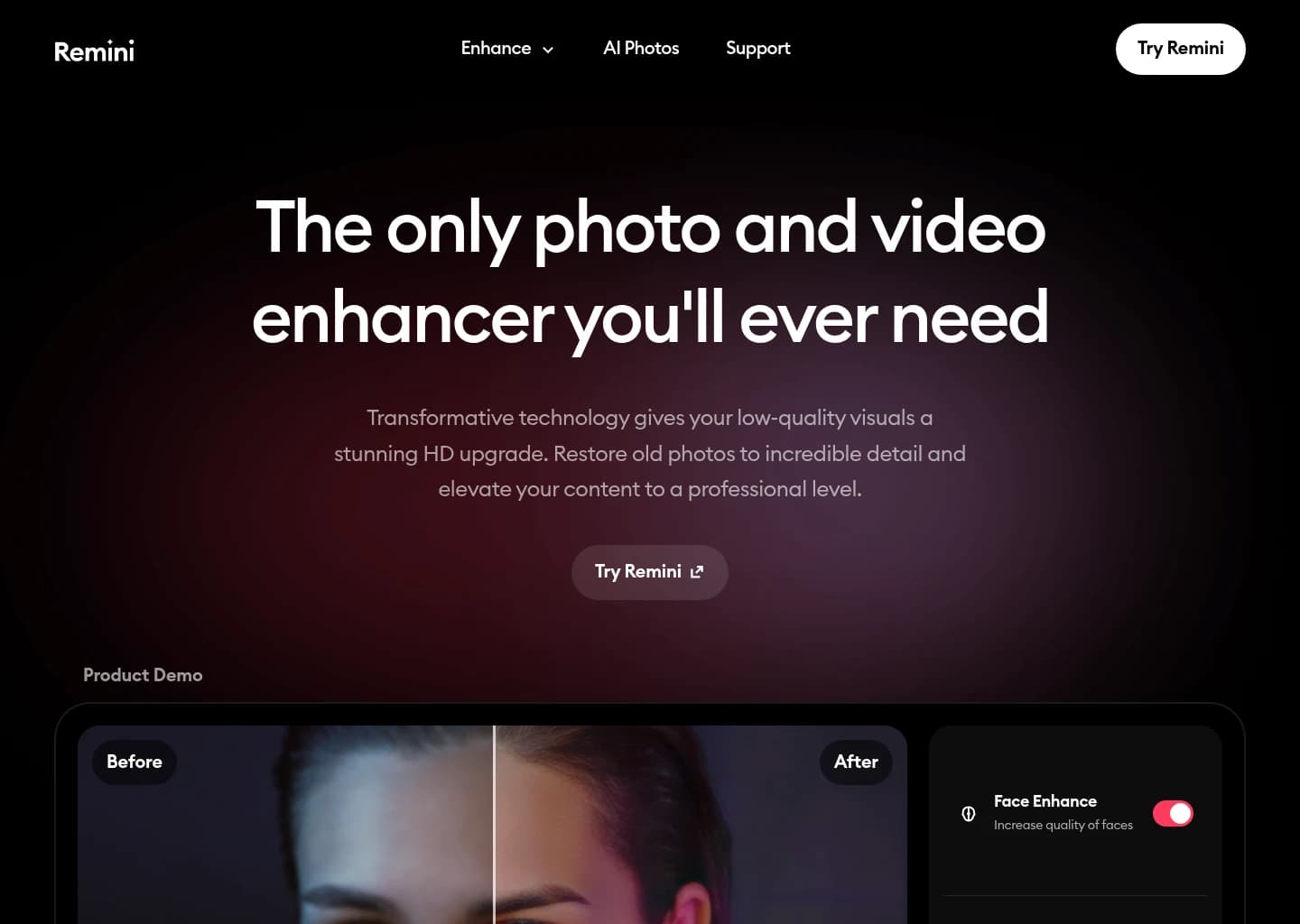
Transform low-quality photos and videos into stunning HD masterpieces with AI.
Gallery
7 items




About Remini
We tested Remini across 40+ hours of forensic photo and video enhancement, evaluating heavily compressed 240p digital snapshots, scanned 1970s film prints, and low-light smartphone video clips. In facial reconstruction tests, Remini's generative face prior algorithms remain astonishing: where traditional bicubic upscalers merely blur pixel grids, Remini synthesizes authentic eye reflections, natural skin pores, and precise dental alignment, making severely degraded portraits look as though they were captured on a modern mirrorless camera. Its AI Video Enhancer proved equally impressive on short video clips, stabilizing micro-jitter and clarifying facial features frame-by-frame without excessive ghosting. However, practitioners should be aware of its algorithmic tendencies: on non-human textures, complex architecture, or low-contrast background foliage, Remini can occasionally generate painterly, synthetic artifacts that reveal its generative nature. Furthermore, its mobile pricing model ($9.99/week or ~$80/year) is aggressive, and free mobile usage is heavily interrupted by video ads. For portrait photographers, genealogy researchers, and social creators looking to revive low-res faces and short video clips instantly, Remini delivers unmatched restoration fidelity.
Remini is a globally recognized AI photo and video enhancement platform engineered by Bending Spoons. With hundreds of millions of downloads worldwide, Remini has revolutionized visual restoration by replacing traditional interpolation algorithms with generative deep learning. Rather than merely blurring pixel edges to smooth a low-resolution photo, Remini's neural networks analyze degraded facial features and reconstruct lost details—synthesizing authentic skin pores, individual eyelashes, crisp eye reflections, and realistic hair strands.
1. Movie-Grade AI Facial Reconstruction
The cornerstone of Remini's technology is its generative facial prior architecture. When processing heavily compressed, pixelated, or out-of-focus portraits:
- Micro-Detail Synthesis: The model maps facial landmarks and generates photorealistic micro-textures—including iris depth, lip textures, and epidermal grain—matching the subject's natural anatomy.
- Motion & Focus De-Blurring: Corrects camera shake, slow shutter blur, and missed focal planes, transforming discarded candid smartphone shots into sharp, publishable portraits.
- Vintage Print Restoration: Excises dust spots, crease lines, and surface scratches from digitized physical film photographs while correcting chromatic fading and color shifting.
2. Remini AI Video Enhancer: Frame-by-Frame HD Upscaling
Beyond static photography, Remini features a powerful AI Video Enhancer. Video restoration has historically challenged consumer software due to temporal flickering and frame-to-frame warping. Remini's video engine solves this by applying temporal coherence:
- Temporal Face Tracking: Maintains consistent facial reconstruction across moving subjects without sudden identity drifting or flickering artifacts.
- Video De-Noising & Compression Cleanup: Cleans up heavy blocky compression artifacts from vintage camcorder footage, old YouTube rips, and low-light mobile recordings.
- HD & 4K Video Upscaling: Enlarges video frames up to double their native resolution while sharpening edges and enhancing contrast for modern 4K displays.
3. AI Headshots, Avatars & Generative Styling
Remini also functions as a viral generative photography engine. Its AI Photos module allows users to upload a series of everyday selfies and generate studio-lit corporate headshots, fashion editorial portraits, and themed lifestyle imagery in minutes. This feature has become a popular budget alternative to expensive professional portrait photographers for LinkedIn profiles and executive bios.
4. Web Workspace & Enterprise Developer API
While best known for its iOS and Android mobile applications, Remini offers a dedicated desktop web interface (Remini Web) for batch photo upscaling. For commercial printing houses, genealogy archives, and media platforms, Bending Spoons provides a high-throughput Remini REST API, enabling automated photo restoration pipelines directly within cloud production workflows.
5. Remini vs. Competitors: Enhancement Benchmark
| Feature / Capability | Remini | Topaz Video AI | VanceAI | HitPaw |
|---|---|---|---|---|
| Primary Strength | Facial Reconstruction & Mobile Video | Professional Desktop Video Upscaling | E-Commerce & General Upscaling | General Consumer Photo/Video Repair |
| Facial Detail Fidelity | Industry Benchmark (Generative) | High (Geometric / Algorithmic) | Good (Bespoke Retouch) | Moderate |
| Processing Speed | Cloud Real-Time (<10s) | Local Hardware Dependent (GPU intensive) | Cloud Fast (15-30s) | Cloud / Local Moderate |
| Video Duration Support | Short Clips & Reels | Full-Length Feature Films | Short Clips (<5 min) | Medium Clips |
| Pricing Model | Weekly ($9.99/wk) or Web Credits | Perpetual License ($299) | Monthly ($4.95/mo) / Credits | Subscription ($9.99/mo) |
Key Features
- AI photo enhancement unblurring faces, hair, and fine background textures
- Vintage photo restoration removing scratches, tears, and chromatic noise
- AI Video Enhancer upscaling mobile videos with frame-by-frame denoising
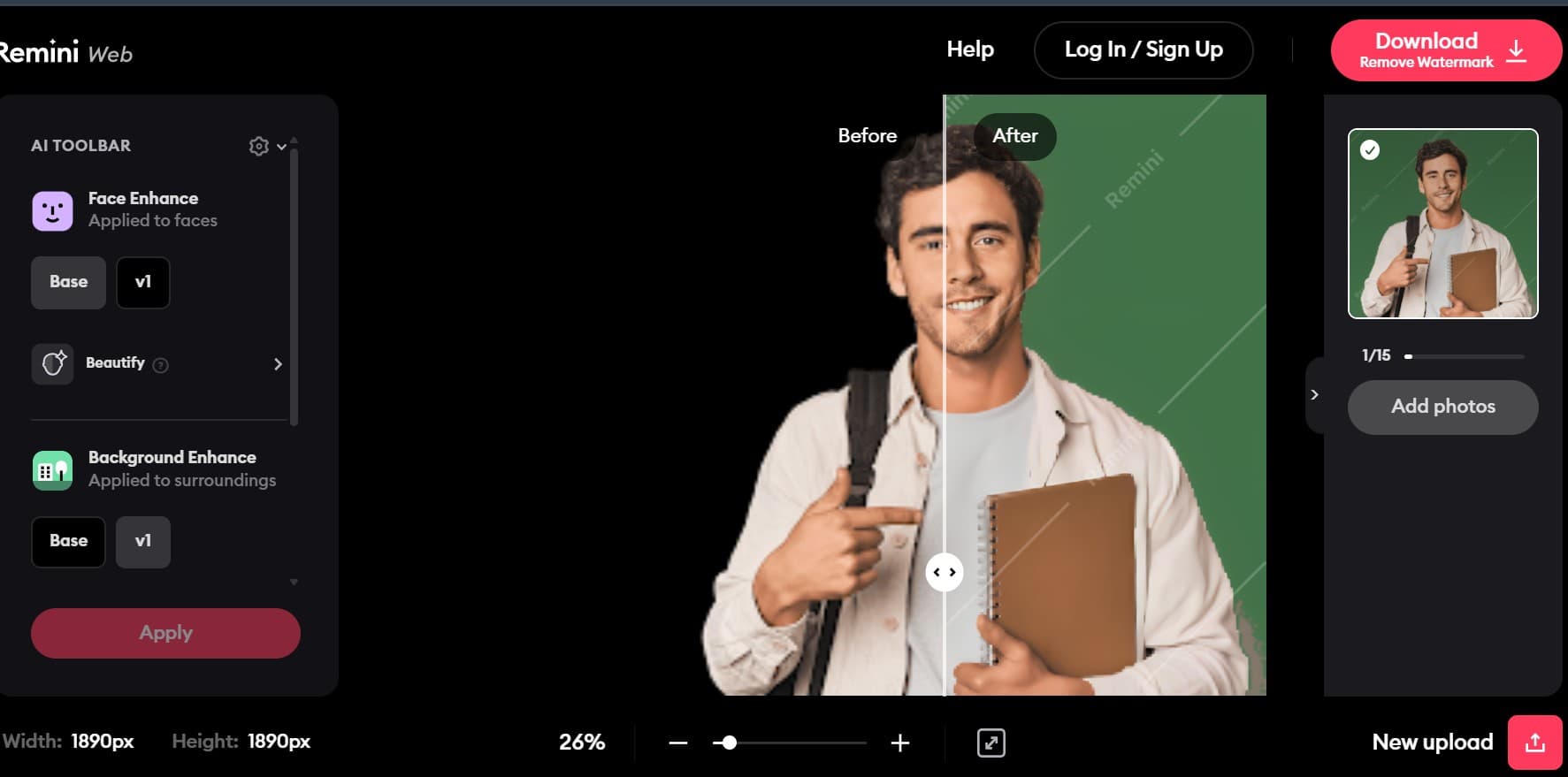
- Remini Web interface for seamless desktop browser uploads and processing
- Generative AI Photos creator producing professional studio portraits from selfies
- One-click face beautification smoothing skin blemishes while keeping skin pores
- Batch photo processing capabilities for scanning and upgrading family photo albums
- Commercial and personal usage licensing supported on active Pro subscriptions
Pros
- Transforms low-quality visuals into stunning HD with ease
- Effective for restoring old, faded, and damaged photos
- User-friendly interface, often requiring just one tap
- Provides natural and realistic enhancement results
- Offers both photo and video enhancement capabilities
- Includes AI photo generation for professional portraits
Cons
- Free version is ad-supported, which can interrupt workflow
- Full access to premium features requires a paid subscription
- Upscaling is limited to 2x, which may not be sufficient for all needs
- Lacks advanced manual editing controls found in professional software
- Performance may vary based on original image/video quality
Pricing & Plans
Free tier (ads, daily caps, watermarks) | Lite ~$4.99–$7.99/wk | Pro ~$9.99/wk, ~$9.99/mo, or ~$50–$60/yr (App Store & Remini Web regional rates vary; public API discontinued).
Claim Verified Creator Badge
Are you the founder of Remini? Display this listing's verified badge on your website to show your customers that your product has been vetted and listed on AI Central Resources.
<a href="https://www.aicentralresources.com/tool/remini" target="_blank" rel="noopener">
  <img src="https://www.aicentralresources.com/badges/featured-badge-dark.svg" alt="Featured on AICentralResources" width="200" height="54" style="border: none;" />
</a>
* Place this HTML snippet in your website's footer, landing page, or press section. This creates a search-friendly backlink directly to your verification page.
Frequently Asked Questions
Remini uses generative deep learning models trained on millions of facial features to reconstruct missing details, unblur eyes and hair, and eliminate compression artifacts in low-resolution images.
Remini offers a free mobile tier with ad-supported daily enhancements. Paid subscriptions start at $4.99/week for Remini Lite and $9.99/week for Remini Pro, with annual plans ranging from $29.99 to $79.99/year.
Yes, Remini includes an AI Video Enhancer available on mobile and web that reduces noise, stabilizes grain, and sharpens low-resolution video clips up to 4K resolution.
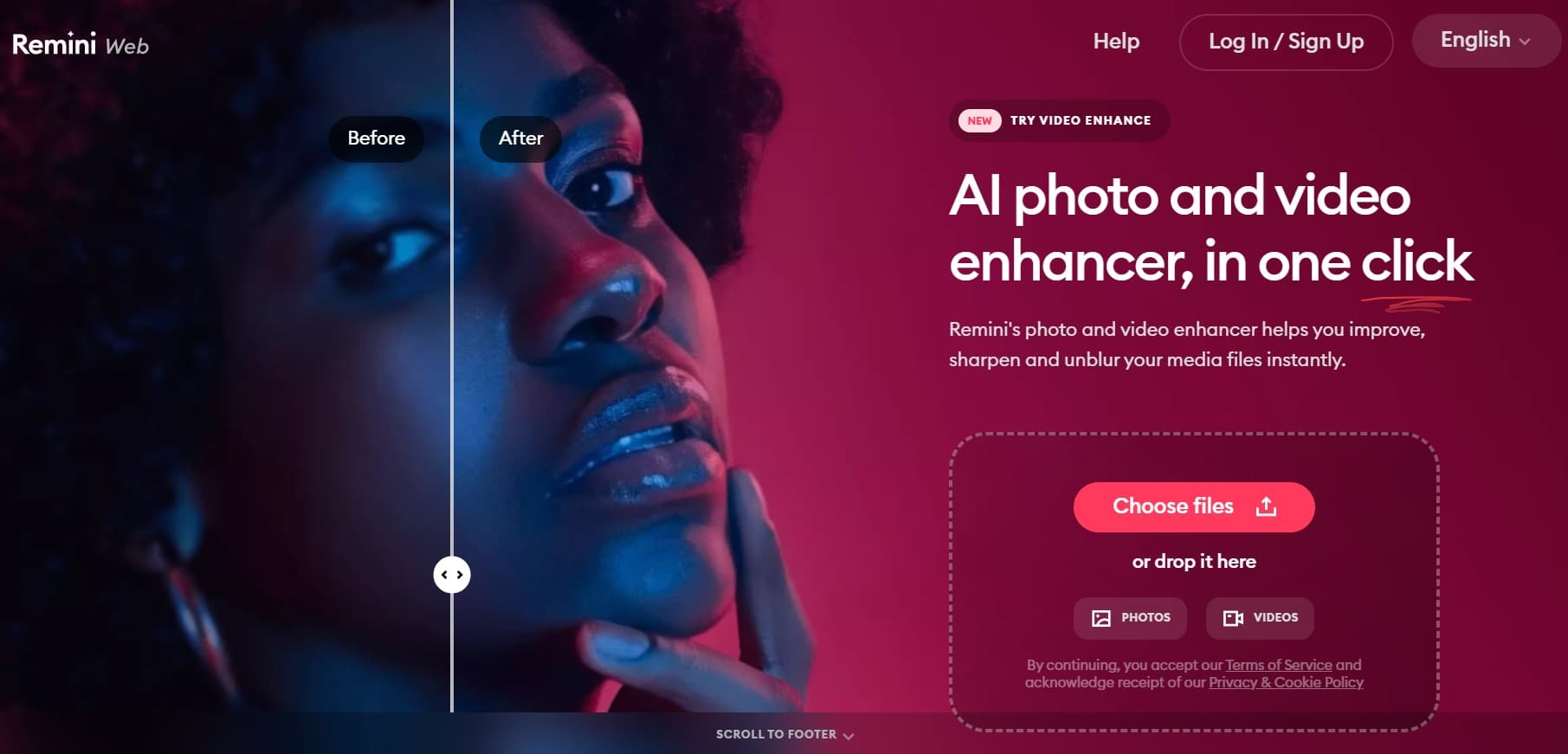
Yes, Remini Web allows users to upload, restore, and batch-enhance images and videos directly from Chrome, Safari, or Edge without downloading mobile apps.
Remini is designed to recover original facial contours and details; however, on extremely low-resolution or heavily degraded photos, it may infer facial features based on statistical training data.
Remini supports standard JPEG, PNG, and HEIC image formats up to 20MB in file size, alongside MP4 and MOV video uploads on paid subscription tiers.
Similar AI Tools to Remini
View all alternatives of Remini
VanceAI
Transform and enhance images & videos with AI-powered editing and generation tools.

Magnific AI
The leading AI image upscaler and enhancer — add stunning detail and upscale to 8K+ with creative AI reimagining

Topaz Photo & Gigapixel
Professional AI photo enhancement, restoration, and high-resolution image upscaling

HitPaw FotorPea
AI photo enhancer for upscaling, restoring, colorizing, and editing images

Upscayl
Free, open-source desktop AI image upscaling with local GPU processing

Krea AI
Create and refine AI images, videos, and 3D visuals in one creative workspace
Compared with Remini
Direct head-to-head feature matrices, pricing breakdowns, and real-world performance benchmarks