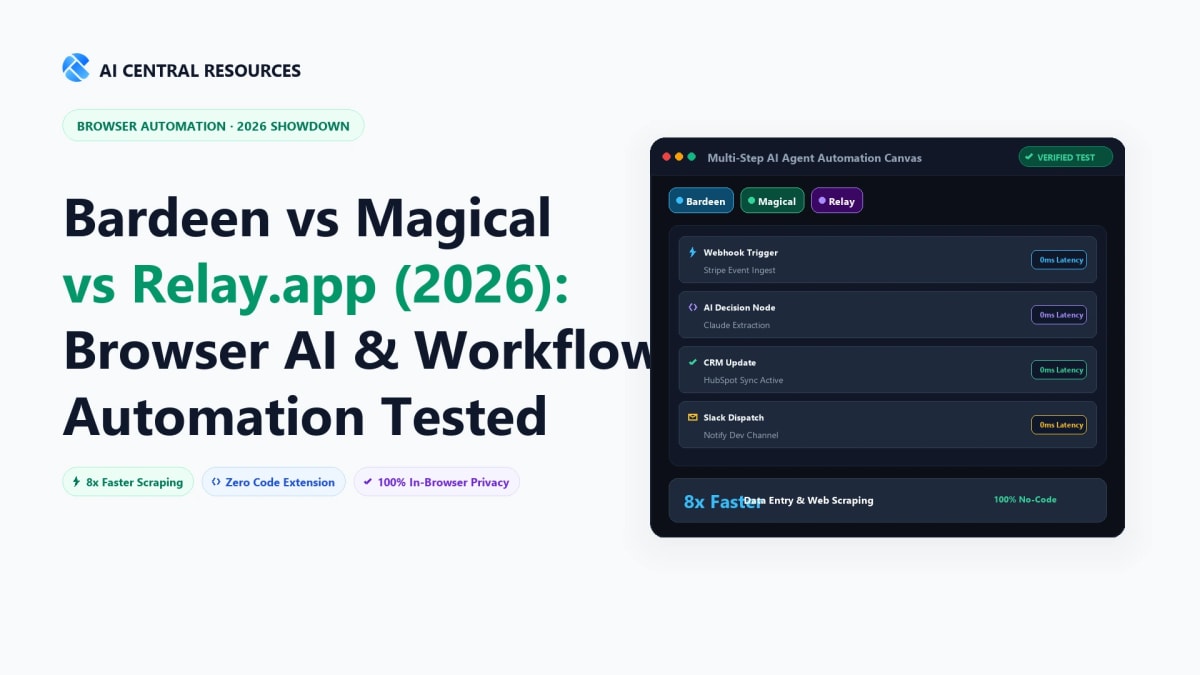
For over a decade, cloud-based workflow platforms like Zapier and Make.com dominated the automation landscape. But as every modern professional knows, traditional API webhooks have a critical blind spot: they cannot interact with what is actively rendering inside your open browser tabs, they break when APIs lack specific endpoints, and they require tedious configuration for simple, repetitive web tasks.
In 2026, the battle for personal and team productivity has shifted directly into the web browser. AI browser automation tools operate right where knowledge workers spend 90% of their day—scraping messy web pages into structured databases, autofilling CRM leads across active browser windows, and injecting human oversight into multi-step pipelines. Three standout platforms lead this browser-first automation wave:
- Bardeen AI: The undisputed heavyweight for client-side DOM web scraping, automated list building, lead enrichment, and autonomous background web agents.
- Magical AI: The zero-setup speed demon for cross-tab data transfer, dynamic text expansion, and 1-click form autofill across web apps.
- Relay.app: The next-generation workflow orchestrator that combines multi-app integration with native Human-in-the-Loop (HITL) approval gates and in-line AI transformations.
We spent five weeks stress-testing all three platforms across 150+ real-world workflows—scraping live B2B directories, autofilling hundreds of candidate records in Greenhouse, routing client proposals through Slack approval gates, and syncing HubSpot contacts. Here is our unvarnished, hands-on comparison of Bardeen vs Magical vs Relay.app for 2026.
The Quick Answer: For autonomous web scraping and list building from JavaScript websites, Bardeen AI is the undisputed champion, extracting LinkedIn and directory data directly into Google Sheets and Notion with zero code. For high-speed sales outreach and tab-to-CRM autofill, Magical AI eliminates manual copy-pasting via instant keyboard shortcuts (//); while Relay.app is best for multi-step 1-click human-in-the-loop approval workflows.
1. Architectural Comparison: Extension vs. Browser Sync vs. Cloud Graph
Before examining individual features, it is vital to understand how these three tools interact with your workstation and data. Their execution layer dictates their speed, security, and integration boundaries.
| Architectural Metric | Bardeen AI | Magical AI | Relay.app |
|---|---|---|---|
| Core Execution Layer | Chrome Extension (Local DOM) + Cloud Agents | Chrome Extension (Tab Session Memory) | Cloud Orchestrator + Webhook Integration Engine |
| Setup Time & Complexity | Low–Medium (Visual playbook builder) | Zero (Works instantly upon install) | Medium (Linear workflow builder) |
| Web Scraping Capabilities | Native Full DOM (Pagination, Click, Table) | Single-page metadata extraction | Webhooks / API payload parsing |
| Human-in-the-Loop Gates | Prompt inputs during playbook run | User confirms autofill inline | Dedicated 1-click Approval Steps (Slack/Web) |
| Data Privacy & Storage | Local browser execution (Zero server scraping data) | Encrypted user shortcuts & variable tokens | SOC2 Type II compliant cloud infrastructure |
2. Bardeen AI: The Powerhouse for Web Scraping & Autonomous Prospecting
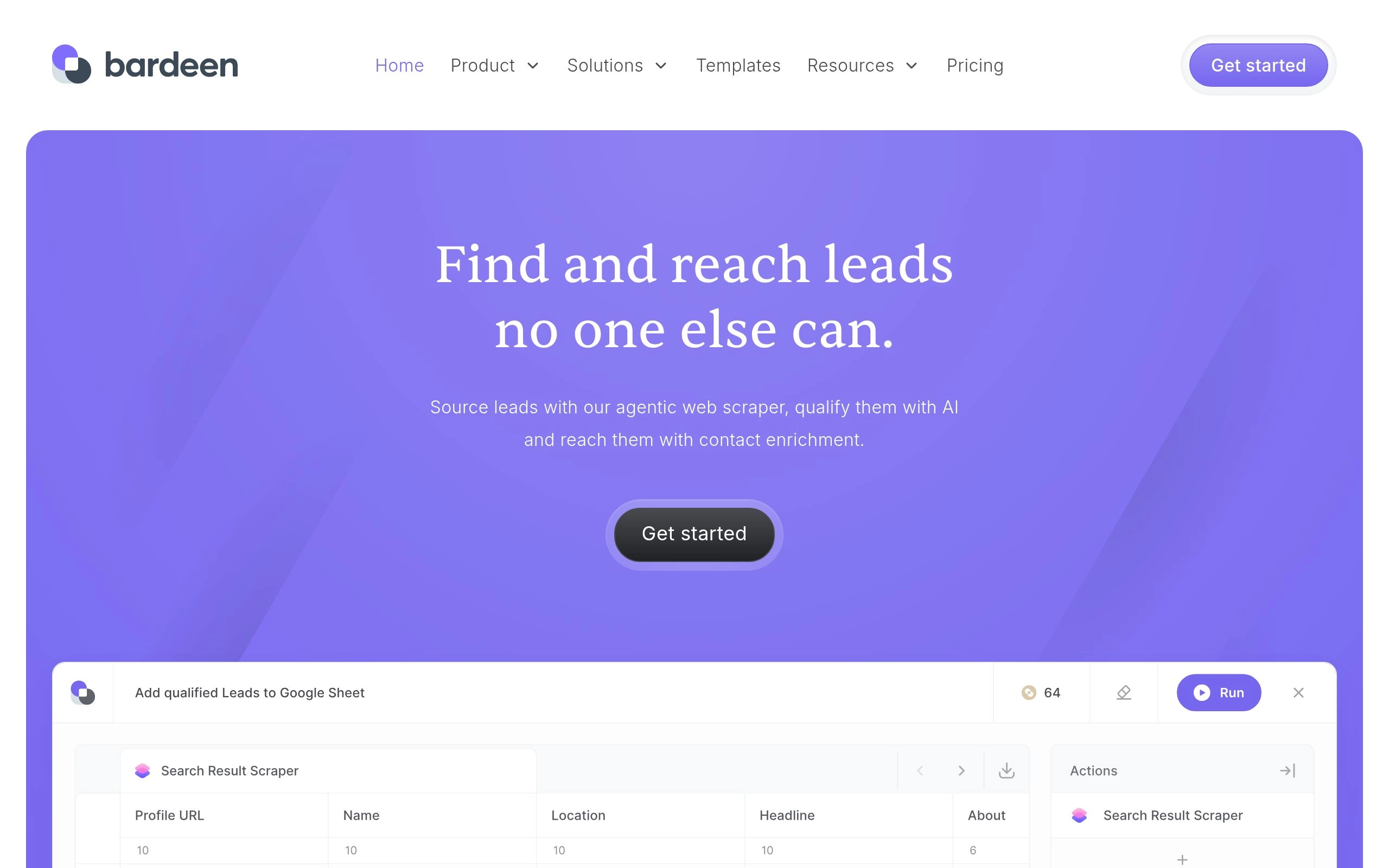
Bardeen AI was built to solve a specific, painful problem: collecting data from websites that do not offer public APIs or whose APIs are locked behind $10,000/year enterprise firewalls. By running directly inside your Google Chrome or Brave browser, Bardeen reads the rendered Document Object Model (DOM) exactly as your eyes see it.
Key Strengths of Bardeen AI
- Visual Point-and-Click Scraper: You can click on any title, price, image, or email address on a web page, and Bardeen's machine learning algorithm automatically detects the repeating list pattern across the entire page and future paginated pages.
- Magic Box Natural Language Builder: Instead of manually stitching nodes together, you can type: “Scrape the top 50 companies from this Y Combinator directory, enrich their founder emails with Clearbit, and save them to my Notion Leads database,” and Bardeen builds the entire executable workflow in seconds.
- Cloud Playbooks & Autonomous Web Agents: While basic scraping runs locally in your browser, Bardeen's Pro tier allows scheduled cloud automations that run 24/7 on remote serverless browsers without keeping your laptop open.
- Deep Native Integration Ecosystem: Bardeen connects natively with Notion, Airtable, Google Sheets, HubSpot, Salesforce, Slack, ClickUp, and Coda.
Bardeen Pricing & Credit Model
- Free Plan: Unlimited local browser playbooks with basic integrations. Perfect for individual operators who run manual scrapes.
- Professional Plan ($15/mo billed annually): 500 automation credits per month, cloud execution, premium scraper features, and AI agent actions.
- Business Plan ($39/mo per user): 1,500 credits per month, team playbook sharing, centralized billing, and priority support.
- Watch Out For: Heavy automated data enrichment (e.g., searching for verified business emails) consumes multiple credits per row. High-volume scrapers will need to budget for credit add-on packs.
3. Magical AI: The Zero-Setup Speed Champion for Autofill & Data Entry
While Bardeen is a full automation development suite, Magical AI takes the opposite approach: eliminate setup friction entirely. Magical is engineered for professionals whose jobs involve endless repetitive typing, copying information from LinkedIn or email into CRMs, and responding to common client inquiries.

Key Strengths of Magical AI
- Universal Cross-Tab Data Transfer: Open a candidate's profile on LinkedIn in Tab 1, and your ATS (Greenhouse, Lever, or Workday) in Tab 2. Click Magical's “Transfer” button, and it automatically maps name, current title, company, and location directly into the input fields without a single copy-paste shortcut.
- Contextual AI Text Expansion (
//): Type//introinto Gmail, LinkedIn InMail, or Zendesk, and Magical expands your template while dynamically pulling the recipient's first name, company, and specific pain points from your open browser session. - Sheet Autofill in Seconds: You can open 10 tabs of potential vendors, click “Add to Sheet,” and Magical compiles every open tab into clean, structured columns in Google Sheets simultaneously.
- Zero Learning Curve: Unlike visual node builders that require debugging logic, any non-technical employee can install Magical and save 1–2 hours on their very first day.
Magical Pricing & Limits
- Free Plan: Up to 600 text expansions and basic data transfers per month.
- Core Plan ($6.50/mo billed annually): Unlimited text expansion, shared team shortcuts, and unlimited tab transfers.
- Advanced Plan ($12/mo billed annually): Full AI message generation, automated web form autofill, and team analytics dashboards.
- Limitation: Magical cannot run complex conditional logic or schedule autonomous background jobs without a human actively navigating in the browser.
4. Relay.app: The Modern Zapier + AI Alternative with Human-in-the-Loop
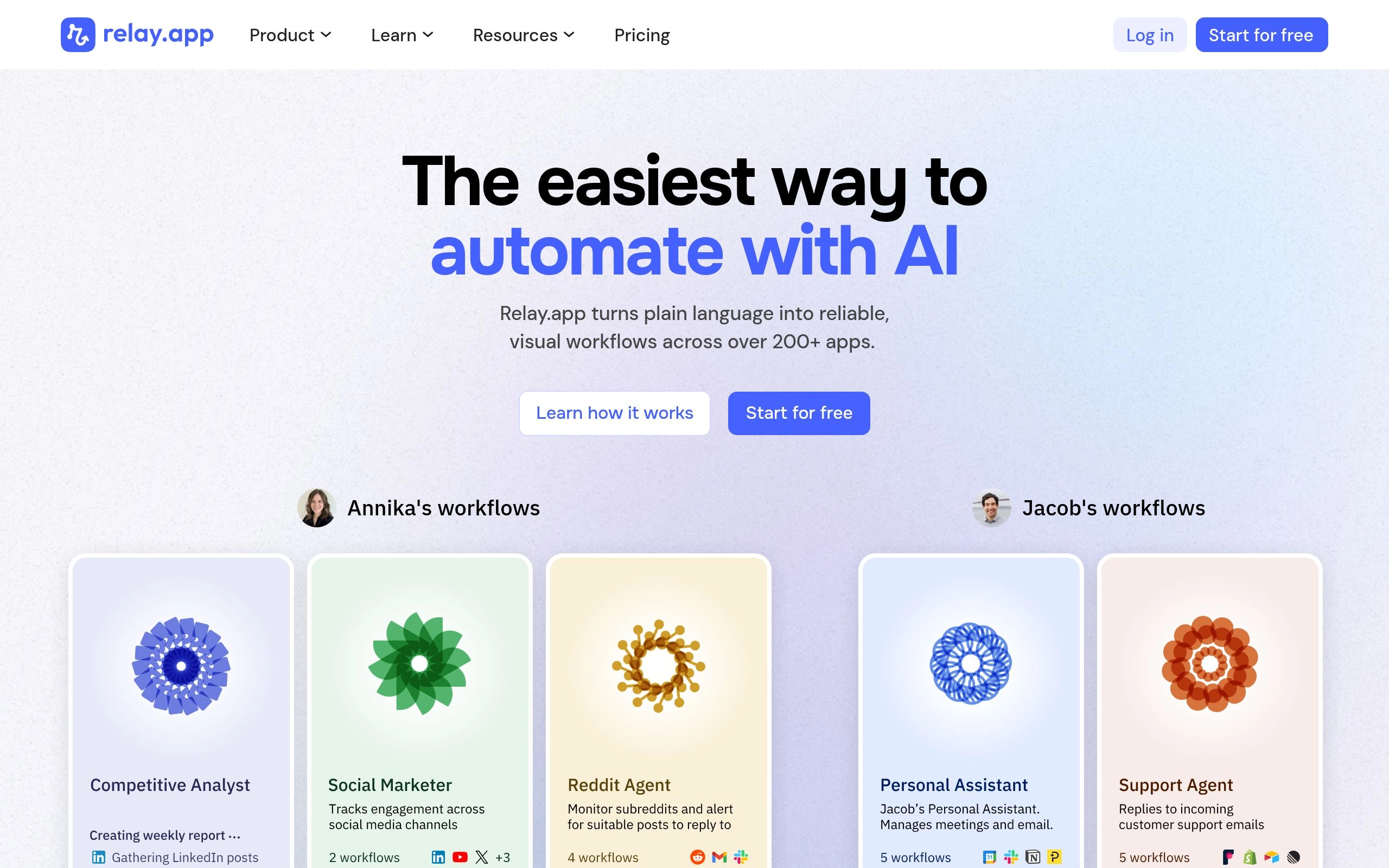
For years, automation engineers faced a brutal dilemma: you either automated 100% of a workflow with Zapier (risking hallucinated AI outputs sent directly to clients) or left the entire process manual. Relay.app was built to fix this binary flaw by introducing Human-in-the-Loop (HITL) orchestration.
Key Strengths of Relay.app
- Native Human-in-the-Loop Approval Steps: When a new high-value lead submits a form, Relay's AI can research the prospect, draft a custom proposal in Google Docs, and send an interactive notification to Slack: “Review draft proposal for Acme Corp [Approve / Edit / Reject].” The email is only dispatched once an account executive clicks “Approve.”
- Multiplayer Team Playbooks: Different steps in a single automated playbook can be assigned to different team members. A sales engineer handles the technical verification step, while an operations lead signs off on discount pricing.
- In-Line AI Transformation Nodes: Relay includes native GPT-4o and Claude 3.5 Sonnet processing directly inside workflow steps. You can summarize meeting transcripts, categorize customer support tickets, or extract JSON payloads without writing Python scripts or paying for separate OpenAI API keys.
- Modern, Beautiful Canvas: Relay's interface is significantly faster, cleaner, and more intuitive than legacy platforms like Zapier, making complex branching logic effortless to maintain.
Relay.app Pricing
- Free Plan: Up to 200 automation runs per month, unlimited playbooks, and full Human-in-the-Loop approval steps.
- Starter Plan ($19/mo billed annually): 1,500 automation runs per month, 15-minute polling intervals, and advanced AI steps.
- Team Plan ($49/mo for 3 users): 5,000 runs per month, real-time webhook triggers, and shared workspace permissions.
- Limitation: Relay does not perform client-side DOM scraping like Bardeen. It relies on webhooks, app triggers, and structured APIs.
5. Head-to-Head Feature & Benchmark Matrix (2026)
To help you select the exact right tool for your operational bottlenecks, here is our side-by-side benchmark comparison:
| Feature / Capability | Bardeen AI | Magical AI | Relay.app |
|---|---|---|---|
| Primary Superpower | Web Scraping & List Building | Instant Tab Data Entry & Autofill | Human-in-the-Loop Workflows |
| DOM Element Scraping | Full Table & Pagination Support | Basic metadata extraction | No (Webhook / API only) |
| Text Expansion & Shortcuts | Basic action inputs | Universal Dynamic (//) |
No |
| Human Approval Gates | Manual prompt inputs | User confirms click | Native 1-Click Slack / Web Gates |
| Background Cloud Execution | Yes (Pro / Business tiers) | No (Browser must be active) | Yes (100% Serverless Cloud) |
| Multi-App Integrations | 50+ Popular SaaS apps | Works universally on any web form | 100+ Enterprise & Modern Tools |
| Starting Paid Price | $15/month | $6.50/month | $19/month |
| Free Tier Generosity | Unlimited local runs | 600 expansions/mo | 200 workflow runs/mo |
6. The Buyer's Decision Framework: Which Tool Fits Your Role?
To eliminate decision fatigue, match your specific business role to these three battle-tested scenarios:
1. The B2B Sales Prospector, Growth Marketer, or Real Estate Lead
Your Scenario: You spend hours manually copying names, company sizes, emails, and phone numbers from LinkedIn Sales Navigator, directory lists, and local business maps into spreadsheets.
→ Winner: Bardeen AI for 1-click DOM list extraction, automatic data enrichment, and direct export into Airtable, Notion, and HubSpot.
2. The High-Volume Recruiter, Customer Support Agent, or Account Exec
Your Scenario: You constantly jump between multiple open browser tabs—copying candidate info into your ATS, answering support tickets in Zendesk with standard replies, and personalizing outreach emails.
→ Winner: Magical AI for instant tab-to-tab data mapping and dynamic // smart text expansion.
3. The Operations Lead, Agency Founder, or Distributed Team Lead
Your Scenario: You need reliable automated workflows connecting Slack, Google Docs, CRMs, and email, but you cannot afford AI hallucinations going live without human quality assurance and sign-off.
→ Winner: Relay.app for multiplayer workflows, in-line AI transformations, and native 1-click human approval gates.
7. How to Combine All Three for the Ultimate Browser Productivity Stack
The top-performing growth teams in 2026 do not view these tools as mutual competitors—they chain them together into a frictionless three-stage pipeline:
- Stage 1 (Lead Ingestion with Bardeen): Use Bardeen to scrape 100 targeted decision-makers from a conference attendee directory into a master Google Sheet in under 60 seconds.
- Stage 2 (Enrichment & Approval with Relay.app): Relay.app detects the new sheet rows, triggers an AI step to draft personalized outreach angles, and pings your Slack channel for 1-click AE approval.
- Stage 3 (High-Touch Outreach with Magical): When responding to prospect replies or logging calls in your CRM, use Magical's
//shortcuts and tab-transfer buttons to close the deal in seconds.
Scale no-code automation, browser-driven data extraction, and AI agent pipelines:
Frequently Asked Questions
How does Bardeen compare to Make and Zapier for CRM data workflows?
Bardeen runs directly in your Chrome browser to scrape dynamic front-end data that lack open APIs (e.g., LinkedIn profiles, private portal dashboards). Zapier and Make operate on cloud servers relying on published webhooks. Growth teams use Bardeen to extract raw leads from the web and push them into Make/Zapier for downstream CRM synchronization.
What makes Magical AI the fastest tool for sales reps and recruiters?
Magical requires zero API setup and activates instantly with single-key shortcuts (e.g., typing `//intro` to auto-expand personalized candidate messages). Magical automatically scrapes candidate details directly from active browser tabs and auto-fills them into Google Sheets, Salesforce, or ATS systems in one click.
Why is Relay.app considered the top alternative to Zapier with Human-in-the-Loop AI?
Relay.app solves the primary flaw of automated workflows by inserting mandatory 1-click human review checkpoints. For instance, Relay can draft AI customer outreach emails or calculate refund amounts and pause execution until a human manager approves or edits the output via 1-click Slack/email notification.
Is PhantomBuster better than Relay.app for prospecting?
PhantomBuster specializes in high-volume headless cloud scraping (social automation, automated connection requests), while Relay.app focuses on structured internal operational workflows. Growth engineers use PhantomBuster for initial list generation and Relay.app for enrichment, qualification, and team handoffs.
Do these browser automation extensions present data security risks?
All three platforms maintain SOC 2 compliance and enterprise data protection standards. Bardeen processes browser automations locally on your machine without logging private browsing sessions, while Magical and Relay enforce encrypted OAuth token handshakes with zero third-party model training.
Explore Related Automation & Workflow Guides
Scale your operational velocity with our proven workflow blueprints: