Software engineering has entered an unprecedented inflection point. For nearly three decades, writing code was fundamentally an artisan craft executed by human typists: navigating through labyrinthine directory structures, memorizing obscure language syntax, deciphering cryptic compiler stack traces, manually drafting boilerplate unit tests, and painstakingly cross-referencing API documentation. In 2026, agentic AI code editors and autonomous developer environments have transformed the IDE from a passive text editor into an active, intelligent pair-programmer capable of refactoring whole codebases with single natural-language prompts.
Today’s leading AI code editors no longer stop at predictive inline autocompletion. Powered by million-token context windows, Abstract Syntax Tree (AST) semantic symbol indexing, and tool-calling agent loops, modern developer copilots can diagnose failing integration test suites across dozens of interconnected microservices, execute terminal build commands autonomously, resolve complex merge conflicts, and submit production-ready pull requests. For engineering teams looking to accelerate sprint velocity without accumulating architectural technical debt, exploring our dedicated AI Tools for Developers Directory provides an authoritative roadmap to the modern intelligent software development lifecycle.
Yet, choosing an AI code editor in 2026 is fraught with engineering trade-offs. Some platforms offer miraculous multi-file refactoring but suffer from severe context bloat and prohibitive per-request API costs; others integrate tightly into enterprise Git ecosystems but lack agentic autonomy in the terminal; while privacy-conscious organizations must navigate strict corporate IP compliance, air-gapped deployment constraints, and model training opt-outs. Selecting the wrong developer environment creates frustrating hallucination loops, breaks existing developer extensions, or leaks proprietary algorithms into public training pools.
To establish definitive technical clarity, our engineering benchmark team spent eight weeks stress-testing the eight most prominent AI code editors and coding assistants of 2026: Cursor, GitHub Copilot, Claude Code, Codeium, Tabnine, Replit, Augment Code, and Gemini Code Assist. We evaluated each platform across enterprise codebases spanning TypeScript, Python, Go, and Rust, measuring multi-file refactoring accuracy, codebase semantic indexing speed, inline completion latency, terminal command safety, and enterprise privacy compliance.
Direct Answer: In 2026, Cursor is the #1 native AI code editor for full-codebase indexing, multi-file Composer refactoring, and agentic terminal execution. For enterprise teams mandating GitHub pull request integration and strict IP indemnification, GitHub Copilot remains standard; while Codeium (Windsurf) provides high-velocity agentic workflows with generous free tier economics.
Master Comparison Matrix: 8 Leading AI Code Editors & Assistants (2026)
The matrix below provides an objective technical comparison across editor runtime architectures, flagship agentic capabilities, codebase context mechanisms, supported IDEs, and pricing tiers.
| Platform | Runtime Architecture | Flagship AI Superpower | Codebase Context Engine | Supported IDEs | Pricing Model |
|---|---|---|---|---|---|
| Cursor | Native VS Code Fork | Composer Multi-File Edits & Terminal Agent | Local Vector Embeddings & Merkle Trees | Standalone IDE (VS Code Extensions) | Free tier; Pro from $20/mo; Business $40/mo |
| GitHub Copilot | Universal Plugin & Copilot Workspace | PR Reviews, Issue Fixing & Cloud Workspace | GitHub Semantic Indexing & AST Parsing | VS Code, JetBrains, Visual Studio, Neovim | Individual $10/mo; Business $19/mo; Enterprise $39/mo |
| Claude Code | Autonomous Terminal Agent (CLI) | Autonomous Git PRs, Test Loops & Architecture Audits | Dynamic Repo-Map & Grep/Glob Tools | Any Terminal (macOS, Linux, WSL) | Pay-per-token via Anthropic API (Claude 3.5 Sonnet) |
| Codeium | Plugin + Windsurf Standalone IDE | Cascade Real-Time Agentic Co-pilot | Supercomplete Context Graph | Windsurf IDE, VS Code, JetBrains, 40+ Editors | Generous Free Tier; Pro $15/mo; Enterprise custom |
| Tabnine | Universal Plugin & On-Premises Engine | Air-Gapped Privacy & Custom Model Fine-Tuning | Local/Private Isolated Context Server | VS Code, JetBrains, Eclipse, Sublime Text | Basic Free tier; Pro $12/mo; Enterprise $39/mo |
| Replit | Browser Cloud Workspace & Native Apps | Replit Agent Full-Stack Autonomous Deployment | Cloud Container AST & Environment Mirroring | Browser, Mobile App, Desktop Client | Free starter; Core $25/mo; Teams $40/mo |
| Augment Code | Universal Extension / Deep Service Layer | Monorepo Scale Codebase AST Mapping | Deep Semantic Graph & Dependency Indexing | VS Code, JetBrains | Developer $30/mo; Enterprise custom pricing |
| Gemini Code Assist | IDE Extension & GCP Cloud Console | 2M Token Context Window & GCP Cloud DevOps | Google Cloud Repository Neural Ingestion | VS Code, JetBrains, Cloud Shell Editor | Standard $19/mo; Free tier via Google Cloud trial |
Our 5-Pillar Evaluation Framework for AI Code Editors
Evaluating developer software requires far more than grading basic “Fibonacci sequence” toy prompts. Our benchmarks subjected each AI code editor to real-world commercial microservices, full-stack web applications, and high-concurrency systems across five rigorous criteria:
- Multi-File Codebase Understanding & AST Indexing: We tested how accurately the tool traces cross-file imports, database schemas, and shared types without hallucinating outdated parameters or inventing fictitious libraries.
- Agentic Autonomy & Execution Safety: We evaluated each assistant’s ability to inspect compiler errors, execute terminal bash scripts, run test suites, and perform multi-step bug repairs without destructive file overwrites.
- Inline Completion Latency & Typing Ergonomics: Microsecond latency matters. We measured key-to-suggestion response times during rapid typing in high-density files, penalizing stutter, cursor jitter, and disruptive auto-formatting.
- Model Flexibility & Prompt Customization: We audited whether the platform locks engineers into a single proprietary model or grants seamless toggling between top frontier LLMs (Claude 3.5 Sonnet, GPT-4o, OpenAI o1/o3-mini, Gemini 1.5 Pro, and open-source DeepSeek-R1).
- Enterprise IP Indemnification & SOC 2 Security: We scrutinized vendor privacy policies to verify zero code-retention agreements, enterprise air-gap capabilities, telemetry opt-outs, and legal indemnification against copyrighted code claims.

1. Cursor — The Undisputed Benchmark for AI-Native Software Engineering
Best Overall AI Code Editor for Rapid Multi-File Refactoring & Full VS Code Parity
Cursor, developed by Anysphere, has swiftly become the standard by which all modern AI coding tools are measured. Rather than attempting to cram complex agentic capabilities into a constrained IDE extension, the Cursor team took the audacious path of forking Microsoft’s open-source VS Code. The result is a development environment that maintains complete binary compatibility with your existing themes, keybindings, and extensions while embedding deep AI mechanics into the core rendering loop.
Cursor’s flagship feature is Composer (`Cmd+I` or `Ctrl+I`). Composer allows developers to describe complex multi-file architectural changes in natural language. Instead of editing files one by one, Composer simultaneously opens, modifies, and validates changes across dozens of files in real time, displaying interactive, unified git-style diffs that you can inspect and accept with a single keystroke. Combined with native terminal access, Composer can automatically run unit test suites, parse traceback errors, and iterate until all tests pass green.
Under the hood, Cursor maintains a continuous, local vector index of your repository using advanced Merkle trees and AST embeddings. When you type `@Files`, `@Folders`, `@Codebase`, or `@Web`, Cursor intelligently pulls the exact relevant context into the LLM prompt window, virtually eliminating hallucinated function signatures. It also supports seamless switching between Claude 3.5 Sonnet, GPT-4o, and o3-mini on a per-prompt basis.
Key Technical Advantages
- Composer Multi-File Agent: Simultaneously refactors architecture, creates new services, updates unit tests, and rewires routing files with interactive visual diffs.
- 100% VS Code Ecosystem Compatibility: Seamless one-click import of all your VS Code extensions, themes, settings, and custom keymaps with zero friction.
- Local Codebase Semantic Indexing: Continuously indexes repository files into high-speed vector embeddings, ensuring accurate `@Codebase` symbol resolution.
- Multi-Model Freedom: Seamlessly switch between Claude 3.5 Sonnet, GPT-4o, OpenAI o3-mini, and DeepSeek without configuring separate API keys.
- Copilot++ Inline Predictions: Predicts your next edit location across multiple lines before you even move your cursor, drastically speeding up repetitive boilerplate.
Trade-offs & Limitations
- Because it is an independent fork of VS Code, it requires running a separate application rather than an in-place plugin for JetBrains or Xcode users.
- Heavy usage of “fast requests” on complex prompts can burn through monthly quotas, dropping heavy users into queued pools during peak hours.

2. GitHub Copilot — The Enterprise Standard for Secure Collaborative Development
Best for Enterprise Monorepos, Ironclad IP Indemnification & GitHub PR Automation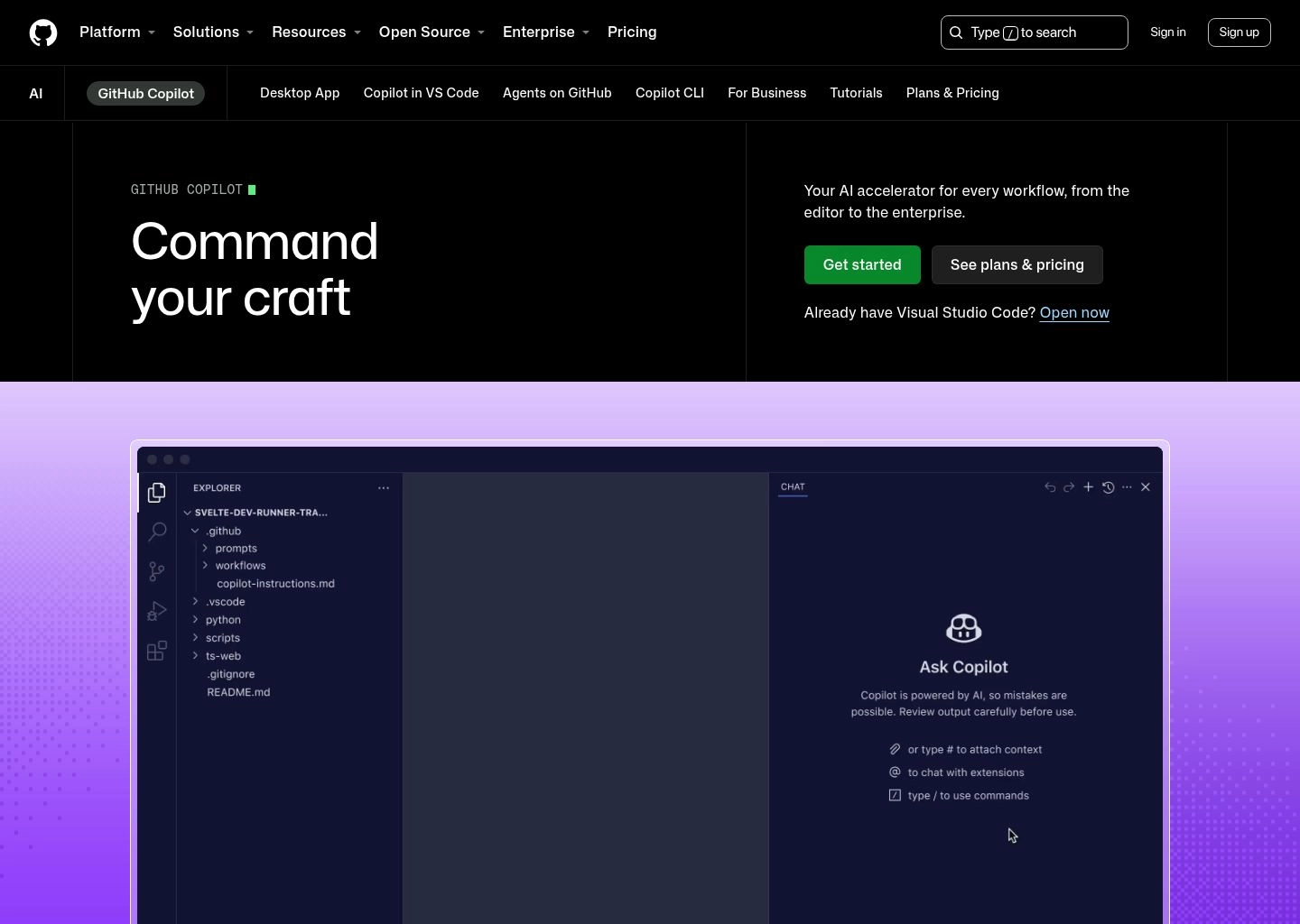
As the commercial pioneer of generative AI coding, GitHub Copilot (backed by Microsoft and OpenAI) remains the dominant choice across Fortune 500 enterprises, government agencies, and regulated institutions. Unlike standalone editors, Copilot is engineered as a universal plugin, running identically across VS Code, the JetBrains suite (IntelliJ, PyCharm, WebStorm), Visual Studio, and Neovim.
In 2026, Copilot has expanded far beyond simple ghost-text autocompletions. Through GitHub Copilot Workspace, developers can assign an entire GitHub Issue to Copilot. The assistant analyzes the issue description, reads relevant repository code, synthesizes a multi-step execution plan, implements code modifications, and submits a ready-to-review Pull Request with automated release notes and test coverage.
For corporate legal and security departments, Copilot offers an unmatched compliance moat. Microsoft backs Copilot Enterprise with full Customer Copyright Indemnification, ensuring businesses are legally shielded from third-party copyright claims. Furthermore, Copilot Enterprise enforces strict zero-data-retention guarantees, ensuring proprietary intellectual property is never utilized to fine-tune external foundation models.
Key Technical Advantages
- Universal IDE Compatibility: First-class support across VS Code, JetBrains IDEs, Visual Studio, Xcode, and terminal Neovim.
- Deep GitHub PR & Issue Integration: Directly generate pull request summaries, review colleague code changes, and triage issue backlogs within GitHub.com.
- Copilot Workspace: Autonomous issue-to-code environment that writes specifications, executes refactoring plans, and opens PRs in the cloud.
- Enterprise Legal Indemnification: Full legal protection against copyright infringement claims, critical for regulated and public enterprises.
- Multi-Model Architecture: Seamlessly toggle between OpenAI GPT-4o, Claude 3.5 Sonnet, and Gemini models within the Copilot Chat interface.
Trade-offs & Limitations
- In-editor multi-file editing is slightly more conservative and slower than Cursor’s native Composer architecture.
- Advanced features like Copilot Workspace and custom knowledge base fine-tuning require the higher-tier Enterprise subscription.

3. Claude Code — Anthropic’s Autonomous Agentic Terminal Coding Powerhouse
Best for Command-Line Developers, Autonomous Git PRs & Deep Architecture Audits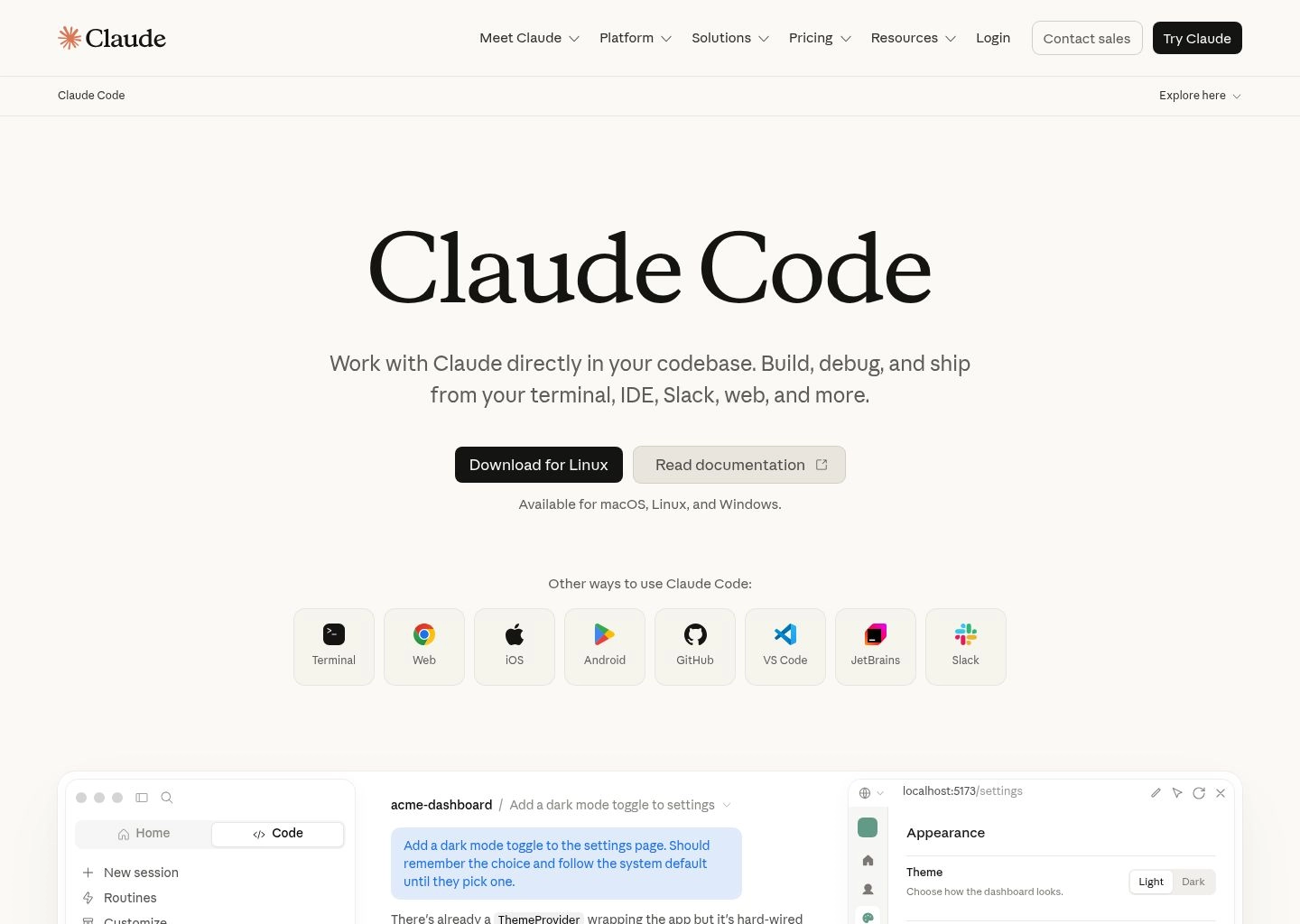
Claude Code represents the most radical philosophical departure from traditional GUI-centric editors. Developed by Anthropic, Claude Code is an agentic command-line interface (CLI) tool that operates directly in your terminal. Rather than waiting for you to type inside an editor, Claude Code acts as an autonomous software engineer sitting at your workstation, equipped with full tool-use access to file editing, git commands, bash execution, and grep search.
Powered by Claude 3.5 Sonnet and Anthropic’s cutting-edge tool-calling protocols, Claude Code excels at complex, multi-layered development tasks that overwhelm conventional IDE copilots. You can issue a single command such as: “Audit our authentication middleware for OAuth2 PKCE vulnerabilities, refactor the token refresh logic to match RFC 7636, update our Jest test suites, and run npm test until all 48 test suites pass.”
Claude Code methodically executes this directive: it scans the codebase using semantic regex searches, builds a dependency mental map, modifies the target files, executes `npm test` in the terminal, reads the compiler errors, self-corrects the code, and creates a polished, signed git commit ready to push. Because it runs purely in the terminal, it works universally over SSH, inside Docker containers, and on remote cloud VMs.
Key Technical Advantages
- True Autonomous Agentic Loop: Reads code, edits files, executes terminal shell commands, runs linters, and inspects test output in an automated loop.
- Superior Architectural Reasoning: Leverages Claude 3.5 Sonnet’s state-of-the-art SWE-bench capabilities for deep multi-file refactoring.
- Zero GUI Bloat & Universal Portability: Runs seamlessly across macOS, Linux, WSL, remote cloud servers, and headless container environments.
- Automated Git Workflow Orchestration: Creates git branches, stages targeted diffs, drafts comprehensive commit messages, and opens GitHub PRs.
- Direct Tool Use Integration: Uses native file system calls and semantic AST search rather than brittle screen scraping.
Trade-offs & Limitations
- Lacks a native visual GUI editor; developers who prefer typing with real-time ghost text in a visual canvas must use it alongside VS Code or JetBrains.
- Billed per API token consumption, which can become expensive during massive repository refactoring loops if context pruning is not carefully configured.

4. Codeium (Windsurf) — The High-Velocity Free Alternative & Agentic Collaborative IDE
Best Generous Free Autocomplete & Autonomous Windsurf Cascade Workflows
Codeium has built a massive following in the engineering world by delivering what seemed impossible: an enterprise-grade AI coding engine with a completely free, unlimited tier for individual developers. While other platforms impose aggressive token meters or short trials, Codeium provides ultra-fast inline autocompletions and in-editor chat across more than 40 programming languages without charging a dime.
In late 2024 and throughout 2026, Codeium elevated its ecosystem with the release of Windsurf, its own standalone AI-native IDE. Windsurf introduces Cascade, a revolutionary collaborative agentic workflow. Cascade combines the deep context awareness of a conversational assistant with the real-time execution capabilities of an autonomous agent, tracking your active cursor movements, file edits, and terminal output simultaneously.
For enterprise security leaders, Codeium provides one of the industry’s most robust self-hosting architectures. Companies operating in defense, banking, and medical technology can deploy Codeium completely on-premises or within their private AWS/GCP VPCs, ensuring proprietary source code never leaves their corporate firewall.
Key Technical Advantages
- Truly Unlimited Free Tier: Free inline autocompletions and intelligent chat for individual developers with zero artificial rate limits.
- Windsurf Cascade Co-pilot: Deep collaborative agent that tracks developer intent, suggests proactive file edits, and synchronizes terminal workflows.
- Massive Ecosystem Support: Available as plugins for 40+ IDEs including VS Code, JetBrains, Xcode, Eclipse, Vim, Emacs, and Visual Studio.
- On-Premises Air-Gapped Deployments: Fully self-hosted enterprise servers for organizations with extreme compliance and security standards.
- Ultra-Low Sub-200ms Latency: Optimized proprietary inference clusters deliver ghost-text completions at blazing speeds.
Trade-offs & Limitations
- Windsurf IDE, while highly capable, is a newer ecosystem with occasional minor extension edge-case quirks compared to mature VS Code setups.
- Advanced proprietary frontier models like Claude 3.5 Sonnet inside Cascade require the Pro subscription tier.

5. Tabnine — The Privacy-First Sovereign AI Assistant for Regulated Enterprises
Best for Air-Gapped Security, Zero Data Leakage & Custom Internal Model Tuning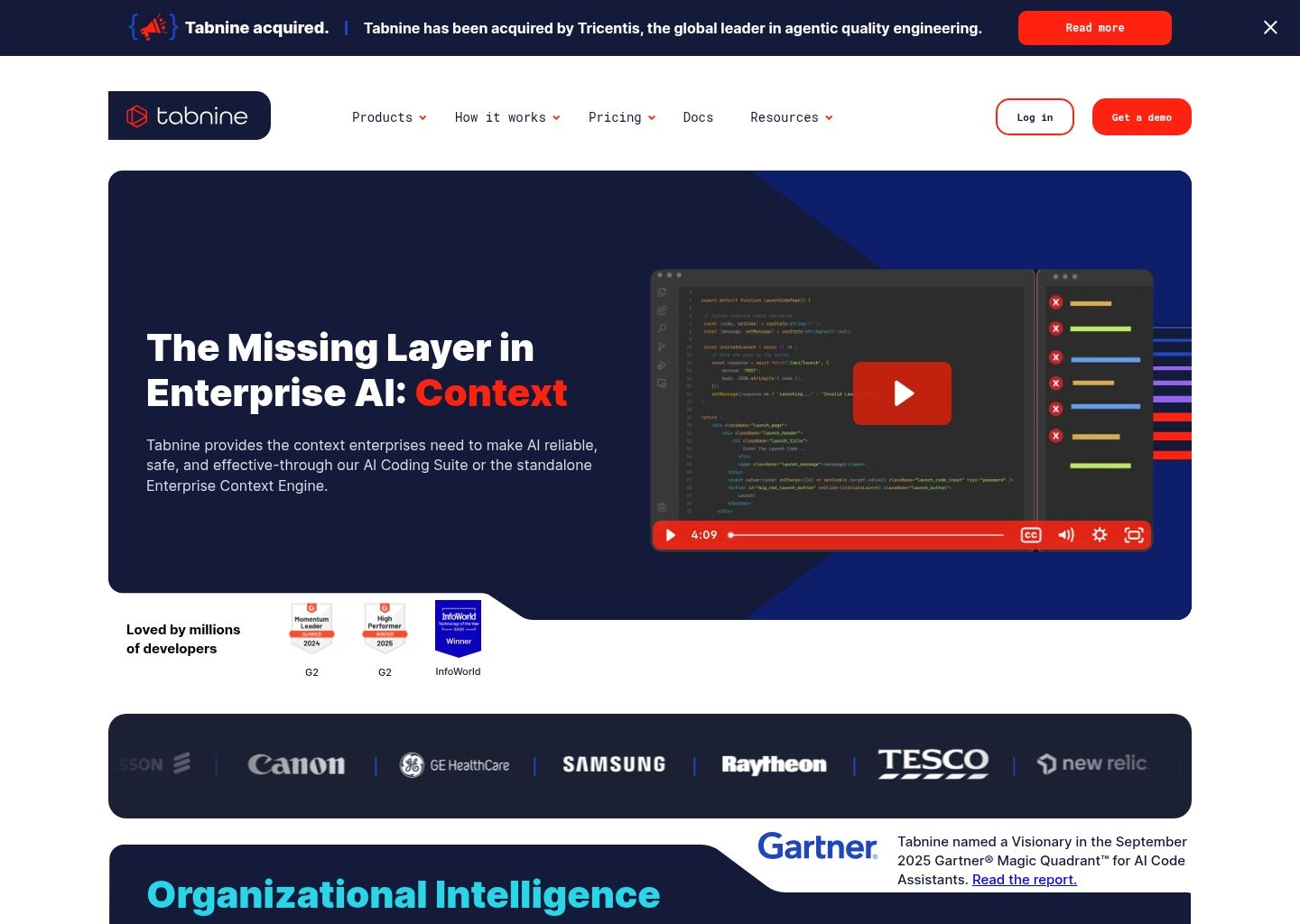
For organizations operating in defense, banking, government, and healthcare, consumer AI coding assistants pose significant compliance risks. Data leakage through public APIs, uncertain copyright provenance in training datasets, and mandatory telemetry pipelines often violate strict corporate governance policies. Tabnine was engineered from day one to eliminate these enterprise vulnerabilities.
Tabnine guarantees complete Data Sovereignty. Unlike competitors that train on publicly scraped code without clear license filtering, Tabnine trains its proprietary models strictly on open-source code with permissive licenses (MIT, Apache 2.0, BSD). This provides enterprise customers with ironclad legal protection against copyright infringement and GPL viral contamination.
Furthermore, Tabnine supports fully air-gapped on-premises installations and private cloud deployments (AWS, Azure, GCP). Enterprises can fine-tune private AI models directly on their internal GitLab, Bitbucket, or GitHub monorepos, allowing the assistant to master proprietary internal APIs, legacy frameworks, and company-specific architectural patterns without a single byte of code leaving their firewall.
Key Technical Advantages
- Strict Permissive License Training: Trained exclusively on open-source repositories with clean permissive licenses, eliminating legal copyright liability.
- Complete Air-Gapped Deployment: Runs locally or on isolated enterprise servers without requiring an active internet connection.
- Proprietary Model Fine-Tuning: Train customized local models tailored specifically to your company’s internal codebases and proprietary frameworks.
- Model Switcher Flexibility: Choose between Tabnine’s private models or securely route to Claude 3.5 Sonnet, GPT-4o, and Command R+ with zero-retention guarantees.
- Universal Editor Coverage: Full plugin support across VS Code, IntelliJ, PyCharm, WebStorm, Android Studio, Eclipse, and Sublime Text.
Trade-offs & Limitations
- Multi-file agentic refactoring capabilities are slightly less adventurous than Cursor Composer or Claude Code.
- The free starter plan is limited to short one-line code completions.

6. Replit — The Autonomous Full-Stack Cloud Development & Instant Deployment Platform
Best for Prompt-to-Production Web Apps, Collaborative Cloud Sandboxes & Replit Agent
Replit has evolved from a popular browser-based educational sandbox into one of the most sophisticated autonomous development ecosystems in the world. By marrying a collaborative cloud IDE with complete virtual Linux containers and autonomous AI tooling, Replit enables developers to conceive, code, test, and deploy full-stack production software entirely within a browser tab.
The centerpiece of modern Replit is the Replit Agent. Unlike local IDE plugins that only write text files and leave environment setup to the human, Replit Agent controls the entire virtual computer. You describe an application in plain English (e.g., “Build a multi-tenant SaaS dashboard in Next.js with PostgreSQL database schema, Stripe subscription webhooks, and Tailwind CSS”), and Replit Agent takes over.
The Agent provisions a cloud PostgreSQL database, installs required npm packages, writes the backend API endpoints and frontend React components, debugs runtime server crashes, and provides an instant live URL. Once verified, you can deploy the application to Replit’s scalable cloud hosting with custom domains and SSL in one click. For rapid prototyping and MVP generation, exploring our guide to the Best AI Website Builders in 2026 illustrates how Replit bridges the divide between visual builders and professional full-stack development.
Key Technical Advantages
- Replit Agent Autonomous Architecture: Provisions cloud databases, installs dependencies, writes backend/frontend code, and fixes runtime bugs.
- Zero Local Toolchain Setup: Instant development environments accessible from any browser, tablet, or operating system without local Docker/Node configurations.
- Multiplayer Real-Time Collaboration: Google Docs-style collaborative coding where multiple engineers and AI agents can code simultaneously in the same room.
- 1-Click Scalable Cloud Deployment: Deploy serverless backends, static frontends, and PostgreSQL databases to global production infrastructure instantly.
- Native Mobile Applications: Full coding, debugging, and deployment capabilities from native iOS and Android apps.
Trade-offs & Limitations
- Less suitable for massive legacy on-premise C++ or Java enterprise repositories that cannot run inside cloud Linux containers.
- Replit Agent usage consumes Replit Compute credits, requiring monitoring for heavy iteration cycles.

7. Augment Code — The High-Capacity Semantic Engine for Massive Enterprise Monorepos
Best for Complex Multi-Million Line Codebases, AST Dependency Graphs & Zero Hallucinations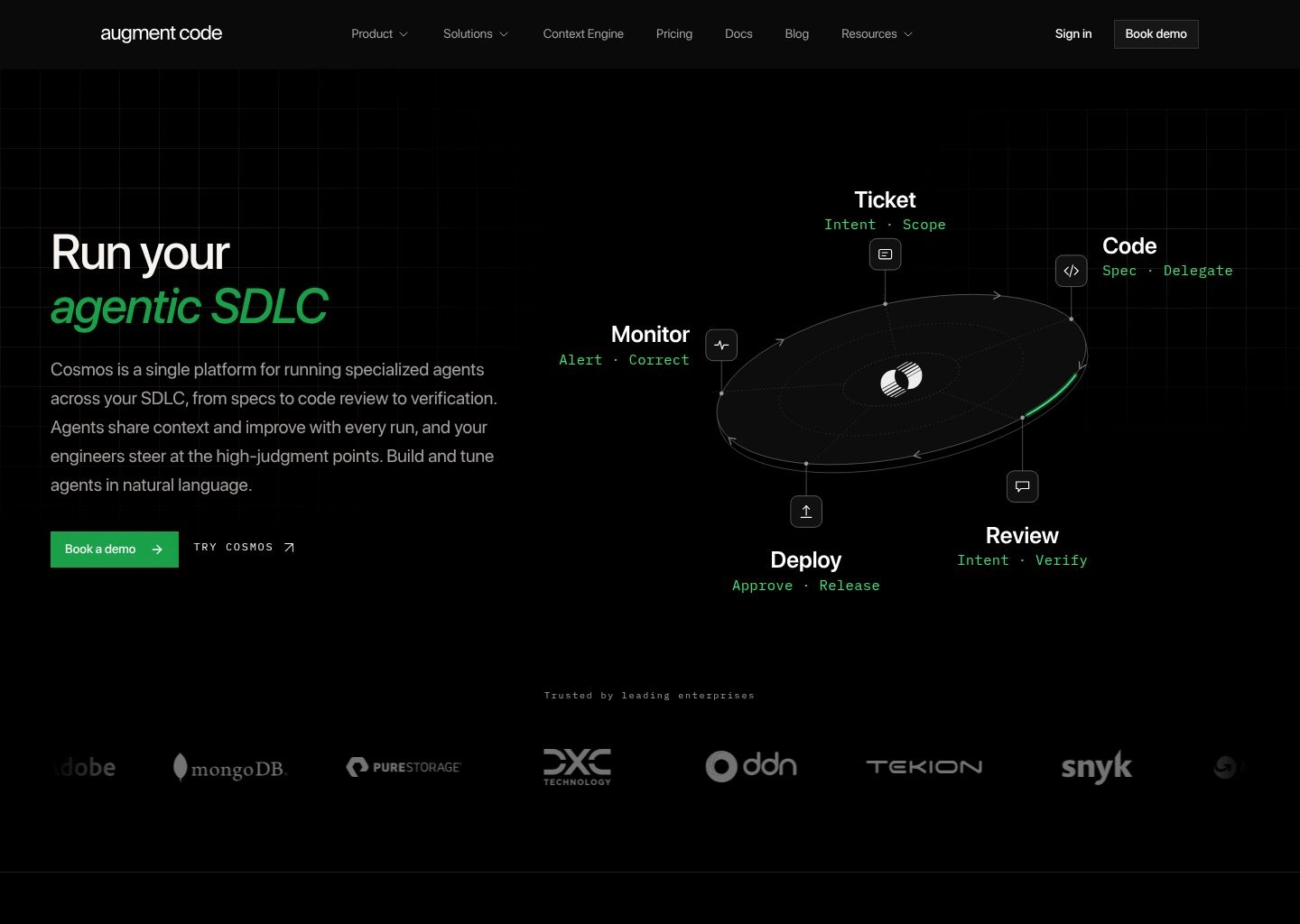
Standard AI coding assistants work marvelously on small, modern greenfield projects. However, when dropped into a multi-million-line enterprise monorepo containing thousands of interconnected modules, legacy microservices, and convoluted type hierarchies, standard tools quickly suffer from context blindness, hallucinating outdated function signatures or suggesting invalid imports. Augment Code was built specifically to solve the enterprise monorepo challenge.
Founded by former Google and Microsoft engineering leaders, Augment utilizes proprietary Continuous Semantic Graph Indexing. Instead of relying on crude lexical keyword searches or generic vector embeddings, Augment parses the Abstract Syntax Tree (AST) of your entire repository, mapping exact type definitions, interface inheritance chains, and cross-package dependency graphs in real time.
When a developer begins typing in Augment, the system feeds precisely curated, mathematically relevant context into the LLM prompt. The result is astonishingly accurate code completion that adheres strictly to your organization’s internal architectural patterns, naming conventions, and shared utility libraries. In high-scale enterprise benchmarks, Augment consistently delivers the lowest hallucination rate among all evaluated platforms.
Key Technical Advantages
- Continuous Semantic Dependency Mapping: Parses AST graphs across millions of lines of code to understand deep type relationships and internal APIs.
- Near-Zero Hallucination Rate: Strictly adheres to real codebase symbols, preventing phantom library imports and invalid parameters.
- Blazing Sub-100ms Inference Speed: Highly optimized custom infrastructure provides virtually instantaneous whole-line and multi-line predictions.
- Team-Wide Architectural Consistency: Learns organizational coding standards, ensuring new code matches existing internal conventions.
- Native Support for VS Code & JetBrains: Integrates smoothly into standard enterprise developer workflows without disrupting existing IDE tooling.
Trade-offs & Limitations
- Targeted primarily at enterprise engineering departments and professional developers; no permanent free tier for hobbyist users.
- Initial codebase semantic indexing of massive multi-gigabyte monorepos can require initial server setup time.

8. Gemini Code Assist — Google Cloud’s 2-Million Token Deep Context DevOps Copilot
Best for Google Cloud Platform Workloads, Kubernetes DevOps & Massive Context Windows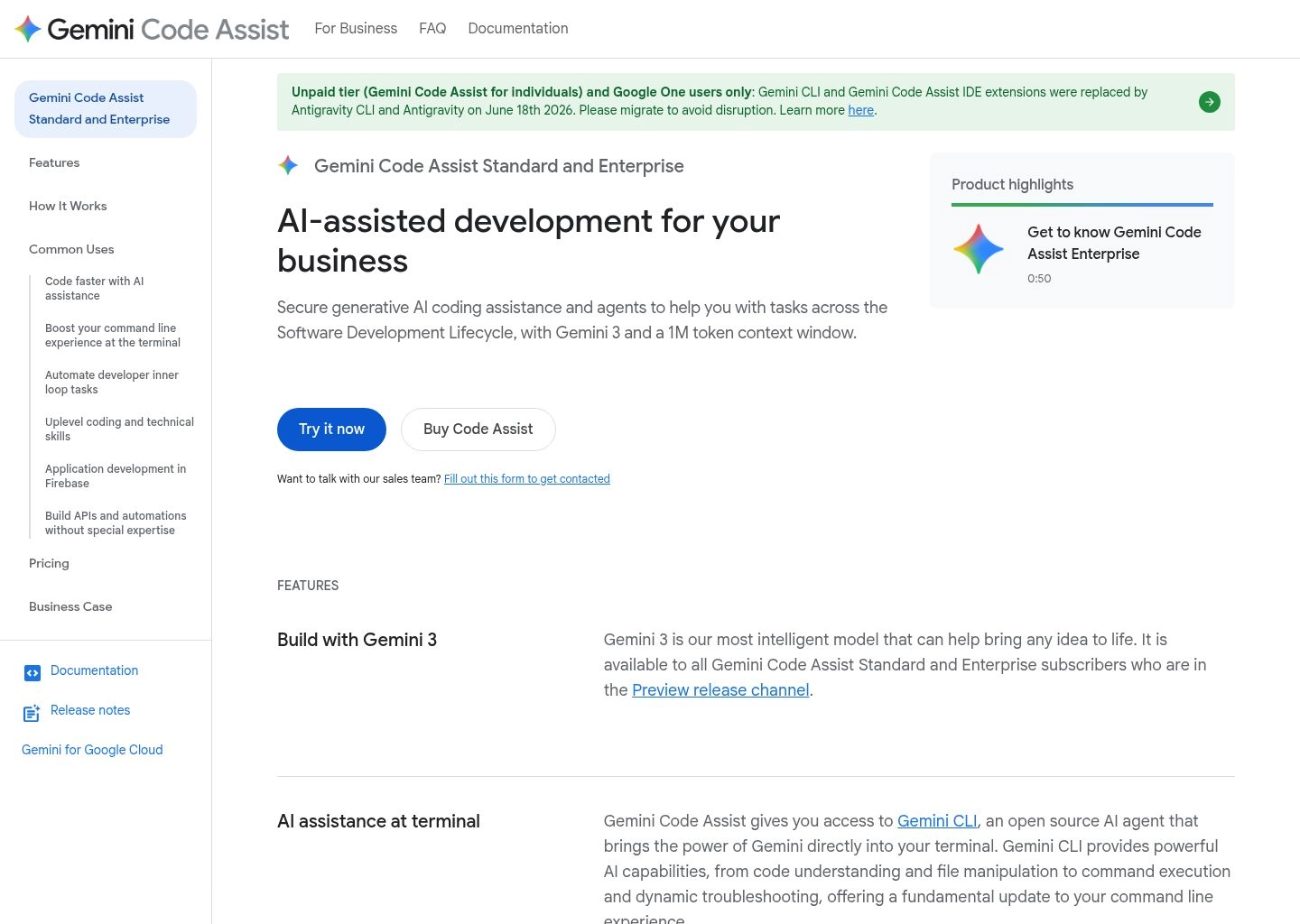
Gemini Code Assist (formerly Duet AI for Developers) is Google Cloud’s flagship enterprise coding copilot. While most coding assistants focus almost exclusively on application-level syntax, Gemini Code Assist is engineered to bridge the divide between application source code and enterprise cloud infrastructure. It operates natively inside VS Code, JetBrains IDEs, and directly within the Google Cloud Console and Cloud Shell.
Gemini’s killer technical superpower is its industry-leading 2-Million-Token Context Window powered by Gemini 1.5 Pro. While other tools must aggressively chop, compress, or vector-search chunks of your repository, Gemini can ingest your entire codebase, API schema documentation, and deployment manifests simultaneously in a single prompt. This allows Gemini to perform architectural audits and broad codebase migrations with holistic context.
Furthermore, Gemini Code Assist is deeply specialized in Google Cloud Platform (GCP) infrastructure. It provides unmatched capabilities when writing Terraform configurations, Kubernetes YAML manifests, BigQuery SQL data pipelines, and Google Cloud Run deployment scripts. For platform engineers, site reliability engineers (SREs), and cloud architects, Gemini Code Assist drastically reduces cloud configuration errors.
Key Technical Advantages
- Industry-Leading 2M-Token Context Window: Ingests vast enterprise repositories, complete technical documentation, and full logs in a single prompt.
- Deep Google Cloud & Kubernetes Specialization: Unmatched accuracy when authoring Terraform infrastructure, BigQuery pipelines, and Kubernetes deployment YAMLs.
- Cloud Console & Cloud Shell Integration: Works directly within Google Cloud Console to diagnose live production errors and suggest IAM permission fixes.
- Enterprise IP Indemnification: Backed by Google Cloud’s comprehensive intellectual property indemnification protections.
- Private Code Customization: Supports private connections to on-premise GitHub, GitLab, and Bitbucket repositories without public exposure.
Trade-offs & Limitations
- Application-level inline autocomplete speed, while solid, is slightly slower than Codeium’s ultra-low latency inference engine.
- Most valuable for organizations with substantial Google Cloud footprints; teams on pure AWS or Azure will find fewer cloud-specific synergies.
Technical Architecture: Abstract Syntax Trees, Vector Embeddings & Agent Loops
Understanding how modern AI code editors work under the hood reveals why certain tools excel at multi-file refactoring while others stumble on basic imports. In 2026, the architecture of an intelligent IDE consists of three foundational layers:
1. AST & Lexical Parsing
Before an LLM sees a single token, editors like Cursor, Augment, and Windsurf parse your code into Abstract Syntax Trees using Tree-sitter. This isolates function signatures, variable scopes, and interface definitions, ensuring the AI receives structured semantics rather than arbitrary raw text.
2. Vector Search & Merkle Indexing
To locate relevant context without exceeding prompt budgets, repositories are chunked and converted into high-dimensional vector embeddings. Local Merkle trees track git changes in real time, re-indexing only modified files to keep context fresh within milliseconds.
3. Tool-Calling Agent Loops
Tools like Claude Code and Cursor Composer employ autonomous tool-use loops. The model formulates an edit, writes changes, executes a terminal command (e.g. `pytest` or `cargo check`), inspects the exit code, and self-corrects until verification succeeds.
Enterprise Automation Playbooks: Maximizing Engineering Velocity in 2026
Deploying an AI code editor transforms team velocity when integrated into structured development workflows. Below are three battle-tested automation playbooks utilized by elite engineering organizations:
Playbook 1: Automated Issue-to-Pull Request Resolution
The Challenge: Minor bug tickets and straightforward feature requests clutter developer sprint backlogs, consuming senior engineering bandwidth for mundane boilerplate fixes.
The Automation: Route incoming Jira or Linear tickets to GitHub Copilot Workspace or Claude Code via webhook. The agent checks out a new git branch, reproduces the failing test case, edits the offending logic, runs regression tests, and opens a draft pull request with complete architectural explanations for human review.
Impact: Reduces average bug-triage cycle time from 3 days to under 45 minutesPlaybook 2: Zero-Downtime Legacy Codebase Modernization
The Challenge: Migrating legacy monolithic codebases (e.g., Python 2 to 3, CommonJS to ESM, or JavaScript to strict TypeScript) is notoriously tedious and error-prone.
The Automation: Deploy Cursor Composer with custom project rules (`.cursorrules`). Feed the complete module directory into Composer with instructions to infer strict TypeScript interfaces, refactor asynchronous callback pyramids into async/await patterns, and regenerate unit test mocks in parallel across dozens of files.
Impact: Accelerates multi-month technical debt migrations by over 70%Playbook 3: Cloud Infrastructure as Code (IaC) Synthesis
The Challenge: Developers frequently misconfigure cloud networking, IAM security roles, and container orchestrations, creating production security vulnerabilities.
The Automation: Pair Gemini Code Assist or Codeium with your infrastructure repository. The assistant references your active cloud schema to generate production-ready Terraform modules and Helm charts, checking resource limits and IAM policies against CIS security benchmarks before deployment.
Impact: Eliminates over 85% of infrastructure syntax bugs and IAM misconfigurationsEnterprise Security, IP Indemnification & Zero Data Retention
Source code is the ultimate intellectual property of any modern technology company. Unregulated adoption of AI coding assistants can inadvertently leak proprietary algorithms, API secrets, and proprietary customer logic into public LLM training datasets. Before rolling out an AI code editor organization-wide, VP of Engineering and InfoSec teams must verify three non-negotiable security requirements:
- Zero-Data Retention & Model Training Opt-Outs: Ensure the vendor explicitly guarantees that your code snippets, context vectors, and telemetry are never stored permanently or used to train public models. Cursor Business, GitHub Copilot Business/Enterprise, Codeium Enterprise, and Tabnine all provide binding zero-retention SLAs.
- Intellectual Property (IP) Indemnification: Verify that the provider offers contractual indemnification against copyright infringement claims arising from generated code. Microsoft/GitHub and Google provide industry-leading legal protection for enterprise subscribers.
- Air-Gapped & On-Premises Isolation: For defense, banking, and government organizations with strict air-gapped data compliance requirements, platforms like Tabnine and Codeium offer completely isolated, on-premise deployments that function without external internet connectivity.
Explore our tested benchmarks and operational teardowns to elevate your engineering velocity, automated docs, and UI generation:
Frequently Asked Questions (FAQs)
What is the difference between Cursor and GitHub Copilot in 2026?
Cursor is a standalone fork of VS Code engineered from the ground up for agentic, multi-file refactoring (via Composer) and local codebase indexing. GitHub Copilot is a universal plugin that works across VS Code, JetBrains, and Visual Studio, backed by deep GitHub.com PR integration and ironclad enterprise IP indemnification. Developers who prioritize rapid, complex local edits often favor Cursor, while large enterprises standardizing across diverse IDEs choose GitHub Copilot.
Can I use my existing VS Code extensions and keybindings with Cursor?
Yes. Because Cursor is a direct binary fork of VS Code, it imports all your existing VS Code extensions, themes, custom keymaps, and editor settings with a single click during setup. You can install extensions directly from the open VS Code marketplace with zero compatibility friction.
What makes Claude Code different from traditional in-editor AI assistants?
Claude Code is an autonomous command-line agent (CLI) rather than a visual text editor plugin. It operates directly in your terminal, executing shell commands, diagnosing compiler errors, running test suites, and creating signed git commits autonomously without requiring you to manually accept inline suggestions.
Is there a truly free AI code editor with unlimited completions in 2026?
Yes. Codeium offers a genuinely free, unlimited tier for individual developers. It provides rapid inline autocompletions and in-editor chat across 40+ programming languages with zero monthly subscription fees or artificial token meters.
Final Recommendation: Choosing Your 2026 Developer Environment
The transformation of software engineering by AI is no longer a futuristic promise—it is the daily reality of modern development. Developers who master agentic code editors write cleaner code, ship features dramatically faster, and eliminate hours of soul-crushing boilerplate maintenance.
If you want the most versatile, high-velocity daily coding IDE with effortless multi-file editing, download Cursor. If you work in an enterprise organization that requires universal JetBrains/VS Code compatibility and legal IP indemnification, deploy GitHub Copilot. If you love the command line and want an autonomous engineer executing your test suites, unleash Claude Code. And if you demand a top-tier assistant with a permanent free tier, install Codeium or Windsurf.
Explore our curated AI Tools for Developers Hub for comprehensive reviews across modern programming toolchains, or dive into our related guides on the Best AI Agent Platforms in 2026, the Best AI Workflow Automation Tools in 2026, and the Best AI Website Builders in 2026.