


Workflow automation has undergone a seismic paradigm shift in 2026. The era of rigid, brittle “If-This-Then-That” webhooks that crash whenever an incoming API schema drops an unexpected null field has officially come to an end. Modern enterprise operations are powered by intelligent, autonomous integration engines capable of parsing unstructured PDFs, making probabilistic routing decisions with frontier LLMs, synthesizing dynamic database queries, and self-healing when third-party software endpoints return rate-limit errors.
However, selecting the optimal AI workflow automation platform in 2026 is an intricate architectural decision. The operational gap between a developer-friendly self-hosted Docker pipeline and an enterprise iPaaS suite governing millions of dollars in financial transactions is immense. Choose the wrong engine, and your business risks skyrocketing task-metered billing fees, unmonitored data compliance liabilities, or uncontained error cascades that silently corrupt downstream customer records.
To provide definitive, data-driven engineering clarity, our team spent seven weeks stress-testing the eight leading AI workflow automation platforms of 2026: Make, Zapier, n8n, Gumloop, Relay.app, Bardeen, Parabola, and Workato. We evaluated each system under sustained real-world enterprise loads, benchmarking webhook ingestion latency, JSON array transformation fidelity, LLM reasoning costs, error-backoff resilience, and security governance.
The 30-Second Verdict: Which AI Workflow Automation Tool Wins in 2026?
The modern workflow automation market in 2026 is divided across four distinct operating philosophies: Visual Logic Canvas Routers, Universal App Connectors, Developer-First Self-Hosted Engines, and AI-Native Scraping & Document Extractors. Here is the bottom-line breakdown:
- Best Overall for Visual Logic & Complex Routers: Make. For multi-branch conditional trees, complex JSON array manipulations, and granular data aggregation, Make delivers unmatched visual clarity at a fraction of Zapier’s cost per execution.
- Best for Maximum App Ecosystem Breadth: Zapier. With over 7,000 native application connectors, Zapier Central AI Copilot, and native relational Tables, Zapier remains the undisputed king of non-technical business team integrations.
- Best for Developers & Self-Hosted Data Privacy: n8n. For engineering teams subject to strict GDPR, HIPAA, or SOC2 data residency rules, n8n’s open-source Docker engine offers unlimited self-hosted executions, native Python/JavaScript nodes, and built-in LangChain AI agent integration.
- Best for AI-Native Web Scraping & Document Parsing: Gumloop. Engineered from the ground up for LLM-driven web crawling, automated browser interaction, and complex multi-page PDF synthesis, Gumloop solves scraping and document extraction challenges that break traditional webhook tools.
- Best for Human-in-the-Loop Collaboration: Relay.app. If your automated workflows require multi-stakeholder email or Slack sign-offs before proceeding with high-impact database mutations, Relay.app provides the smoothest human approval gates on the market.
- Best for In-Browser Desktop Scraping & CRM Enrichment: Bardeen. By executing automations locally within the Chrome browser extension, Bardeen scrapes password-protected portals and enriches CRM leads without triggering bot CAPTCHAs or requiring backend server credentials.
- Best for Messy Tabular Data & E-Commerce Operations: Parabola. For finance, logistics, and retail operations teams wrestling with disparate Shopify orders, 3PL inventory reports, and unstructured CSV invoices, Parabola’s spreadsheet-style visual engine is peerless.
- Best for Global 2000 Enterprise iPaaS: Workato. When multinational organizations require enterprise-grade role-based access control (RBAC), multi-environment ALM deployment pipelines, and Slack Workbots connected to SAP and NetSuite, Workato is the enterprise heavyweight.
Master Comparison Matrix: 8 Top AI Workflow Automation Platforms (2026)
The technical matrix below outlines execution architecture, app connector volumes, self-hosting viability, human-in-the-loop support, and baseline entry pricing across the eight tested platforms.
| Platform | Architecture & Canvas Type | App Connectors | Self-Hosting Viability | Human-in-the-Loop | Pricing Model |
|---|---|---|---|---|---|
| Make | Visual Node Canvas (Infinite 2D Graph) | 1,800+ Direct APIs | No (Cloud SaaS only) | Supported via Webhook Pauses | From $9/mo (10,000 ops); Free tier 1,000 ops |
| Zapier | Linear Top-Down & Branching Paths | 7,000+ Integrations | No (Cloud SaaS only) | Native Approval Actions | From $19.99/mo (750 tasks); Free tier 100 tasks |
| n8n | Fair-Code Visual Graph with Code Nodes | 450+ Native + Custom HTTP | Full Self-Hosted Docker | Native Wait Nodes & Webhooks | 100% Free Self-Hosted; Cloud from €20/mo |
| Gumloop | AI-First Flowchart & Agent Pipelines | Core SaaS + Deep Web Scrapers | No (Managed Cloud) | Native Approval Modules | From $29/mo (Credit-based consumption) |
| Relay.app | Structured Multi-Trigger Step Flows | 150+ Modern SaaS APIs | No (Cloud SaaS) | Industry-Leading Native Gates | From $15/seat/mo; Free tier available |
| Bardeen | Client-Side Browser Extension Runtime | 70+ Direct Cloud APIs | Local Browser Execution | Inline Browser Popups | From $10/mo; Free tier 100 credits/mo |
| Parabola | Tabular Data Transformation Flow | E-Commerce, ERP, Databases | No (Managed Cloud) | Human Data Review Cards | From $80/mo (High-volume data processing) |
| Workato | Enterprise iPaaS Recipe Architecture | 1,200+ Enterprise Connectors | Hybrid On-Prem Agents | Enterprise Slack/Teams Workbots | Annual Enterprise Contract ($10,000+ / year) |
Our 4-Pillar AI Workflow Automation Testing Methodology
Evaluating modern workflow automation systems in 2026 requires testing far beyond simple contact form triggers. Today’s automations incorporate complex cognitive actions: summarizing multi-page financial filings, structuring messy user reviews into normalized JSON schemas, routing customer support tickets based on sentimental urgency, and orchestrating multi-agent state handoffs. Our engineering benchmark evaluated each platform across four rigorous technical pillars:
Webhook Latency & Execution Throughput
We measured the exact elapsed time between firing an incoming HTTP webhook and the trigger node acknowledging receipt. We tested queue durability under synthetic load spikes of 1,000 concurrent payloads, tracking queue drop rates, execution cold starts, and concurrency concurrency bottlenecks.
AI Node Reasoning & Token Cost Efficiency
We subjected each platform’s native AI modules to real-world tasks: parsing malformed receipt images, extracting key metadata from messy contracts, and dynamic semantic routing. We audited whether platforms allow bringing your own API keys (BYOK) to avoid markup fees, versus locked-in proprietary token credits.
Data Transformation & Complex Array Parsing
A workflow engine is only as competent as its data mapping system. We evaluated how easily each platform unpacks nested JSON payloads, splits arrays into discrete iterative loops, merges disparate data sources, and performs mathematical regex computations without forcing users to write bespoke external microservices.
Error Handling, Retries & Self-Healing Backoff
When a downstream destination API returns a `429 Too Many Requests` or `502 Bad Gateway`, does the workflow fail catastrophically and drop data? We examined automated retry policies, exponential backoff curves, dead-letter queue inspection, and partial execution rollback capabilities.
Detailed Hands-On Reviews: The 8 Best AI Workflow Automation Tools
Below are our in-depth technical breakdowns for each platform, outlining architectural strengths, operational limitations, real-world ergonomics, and verified pricing.

1. Make — Best for Complex Visual Logic Routers & Cost-Effective Multi-Step Pipelines
The gold standard visual automation canvas for multi-branch conditional logic, JSON array aggregation, and granular operational control.
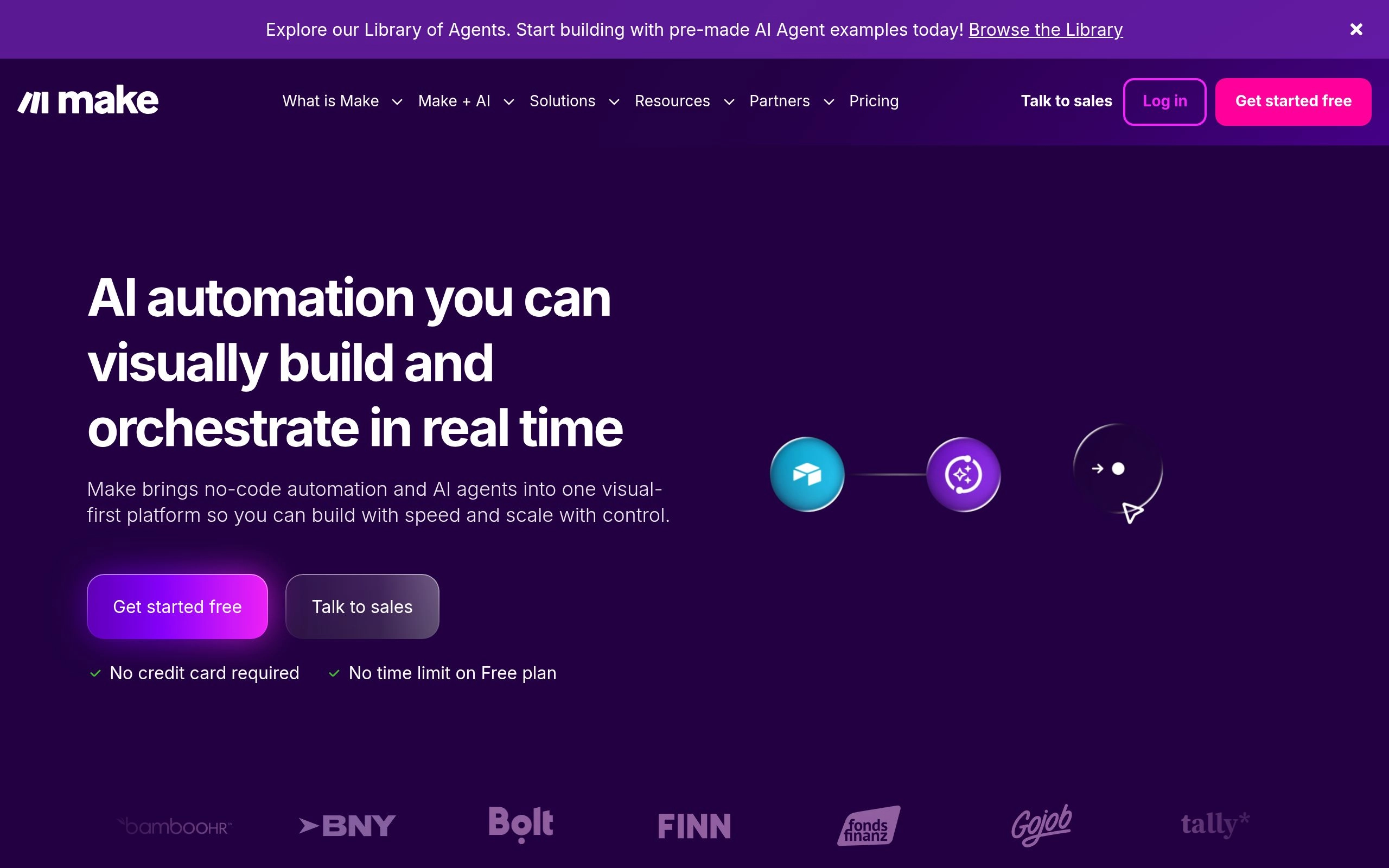
Formerly known as Integromat, Make has established itself as the undisputed favorite among power users, technical marketers, and operations engineers in 2026. While competitors force automations into linear vertical lists, Make provides a fully interactive, two-dimensional infinite canvas where modules are arranged as colorful interconnected nodes. You can watch data packets physically travel along connecting lines in real time during testing, complete with detailed inspectors that display the exact JSON input and output of every single step.
In our data transformation benchmark, Make outperformed every non-developer tool. Its built-in Iterators, Aggregators, and Routers allow developers to ingest complex multi-tier JSON arrays (such as an invoice containing 50 individual line items), break them down, process each row through an OpenAI or Claude reasoning module, and re-aggregate the outputs into a single consolidated Google Sheet or Airtable payload without writing custom code.
From an economic standpoint, Make is vastly superior to Zapier for high-volume operations. While Zapier charges by the “task” (often penalizing multi-step workflows), Make charges per “operation” at prices that are frequently 4x to 8x cheaper. For an organization executing 50,000 automated steps monthly across CRM updates, Slack notifications, and AI email triage, Make delivers massive financial savings.
✓ Key Strengths
- Unrivaled 2D visual canvas with real-time animated data packet debugging and inspection bubbles.
- Native mathematical, string manipulation, and array aggregation formulas built directly into input fields.
- Highly economical operation-based pricing model compared to Zapier’s expensive multi-step tiers.
- Advanced error-handling directives: Resume, Rollback, Commit, Ignore, and Break (with custom retry intervals).
✗ Key Limitations
- Steeper initial learning curve; non-technical users can be overwhelmed by array concepts and bundles.
- Strict execution time limits (40 minutes on standard plans) can terminate long-running AI batch loops.
- No self-hosted on-premise deployment option (strictly managed cloud SaaS).
Core Tech Stack: Cloud visual engine, Webhooks, REST API connectors, OAuth2 tokens, OpenAI/Claude native blocks.
Pricing: Free tier includes 1,000 operations/month. Core plan starts at $9/month for 10,000 operations; Pro plan starts at $16/month with custom variables and full-text execution log search.

2. Zapier — Best for Maximum App Ecosystem Breadth & Central AI Workspaces
The ubiquitous pioneer of SaaS automation, boasting over 7,000 native app connectors, conversational AI builders, and no-code databases.
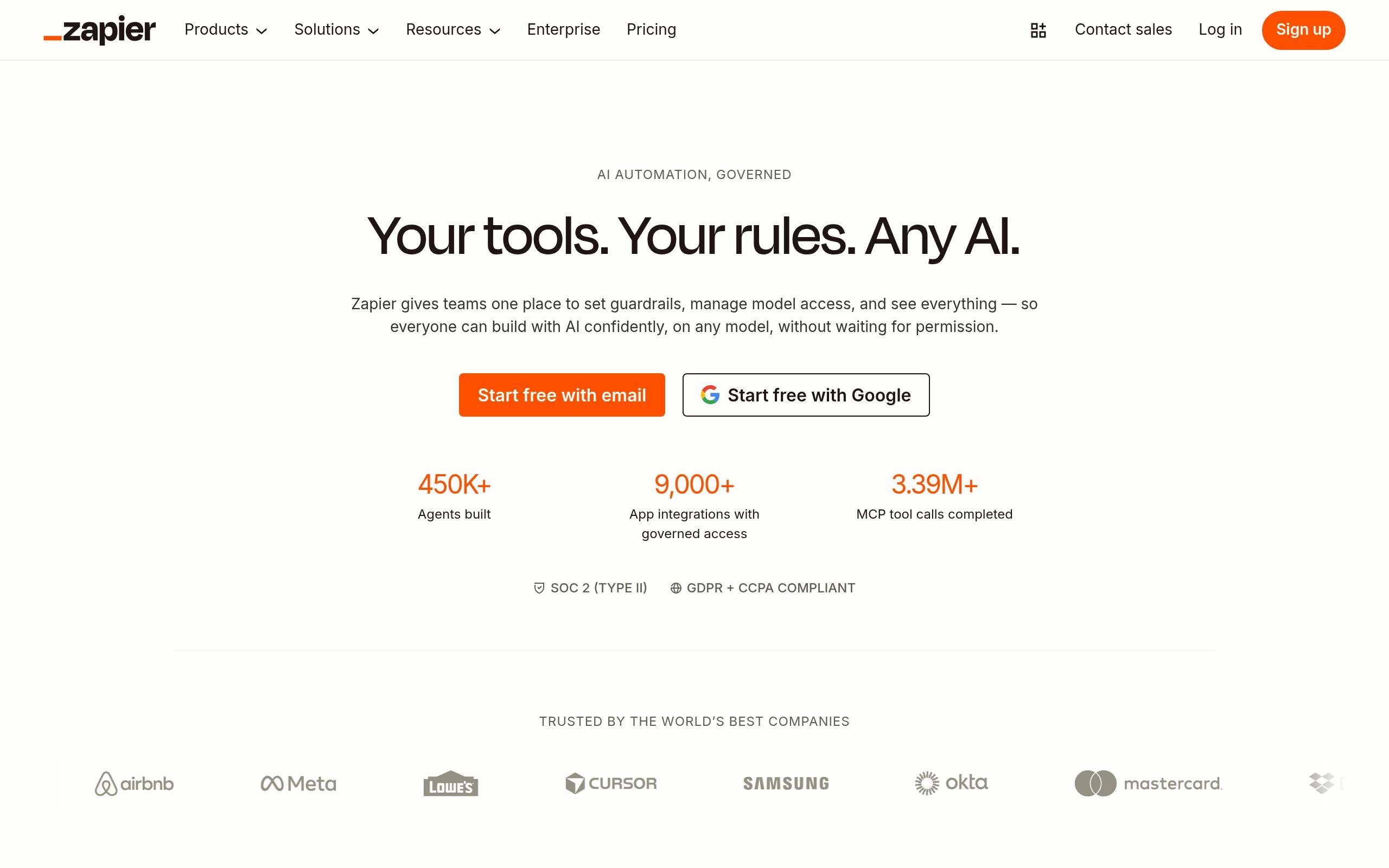
Zapier is the undisputed giant of the workflow automation industry. Its moat remains its colossal catalog of over 7,000 officially maintained application connectors. Whenever a new SaaS tool or AI service launches in 2026, its very first integration is almost always a native Zapier app. For non-technical growth marketers, executive assistants, and sales operations leads who need to connect niche CRMs, event platforms, or legacy marketing software, Zapier is frequently the only tool that supports their specific tech stack natively.
In 2026, Zapier transformed beyond simple two-step “Zaps” into a full-fledged automation ecosystem. The introduction of Zapier Central enables business users to build conversational AI assistants that listen to live workspace events, consult company documentation, and execute actions across connected Zaps autonomously. Paired with Zapier Tables (a native no-code relational database) and Zapier Interfaces (a custom client-facing portal builder), teams can build complete internal business operating systems without touching a database driver.
However, Zapier’s greatest weakness remains its aggressive, tiered pricing structure. Because Zapier counts every successful step in a multi-step Zap as a billable task, a single workflow with five steps (Trigger → Filter → AI Summary → CRM Update → Slack Notification) burns through 4 billable tasks per execution. At enterprise volumes, monthly invoices can scale into thousands of dollars, driving many high-volume teams toward Make or n8n.
✓ Key Strengths
- Unrivaled app ecosystem: over 7,000 native cloud applications with official API maintenance.
- Zapier Central empowers non-developers to create autonomous, conversational agent helpers.
- Seamless native ecosystem integration with Zapier Tables (relational data) and Interfaces (web forms).
- Extremely beginner-friendly linear builder with conversational natural-language prompt-to-Zap creation.
✗ Key Limitations
- Significantly more expensive than Make and n8n at moderate-to-high execution volumes.
- Multi-step Zaps rapidly consume task allowances, penalizing complex automation architectures.
- Data branching and nested array manipulation feel clunky compared to Make’s 2D canvas.
Core Tech Stack: Managed cloud architecture, Zapier Tables, Zapier Central AI, 7,000+ OAuth API adapters.
Pricing: Free tier includes 100 tasks/month. Professional plan starts at $19.99/month (billed annually) for 750 tasks, with Team plans starting at $69/month for shared workspaces and unlimited users.

3. n8n — Best for Developers, Self-Hosted Data Privacy & Advanced AI Agents
The open-source, fair-code automation powerhouse offering unlimited self-hosted executions, native Python/JS scripting, and LangChain agents.
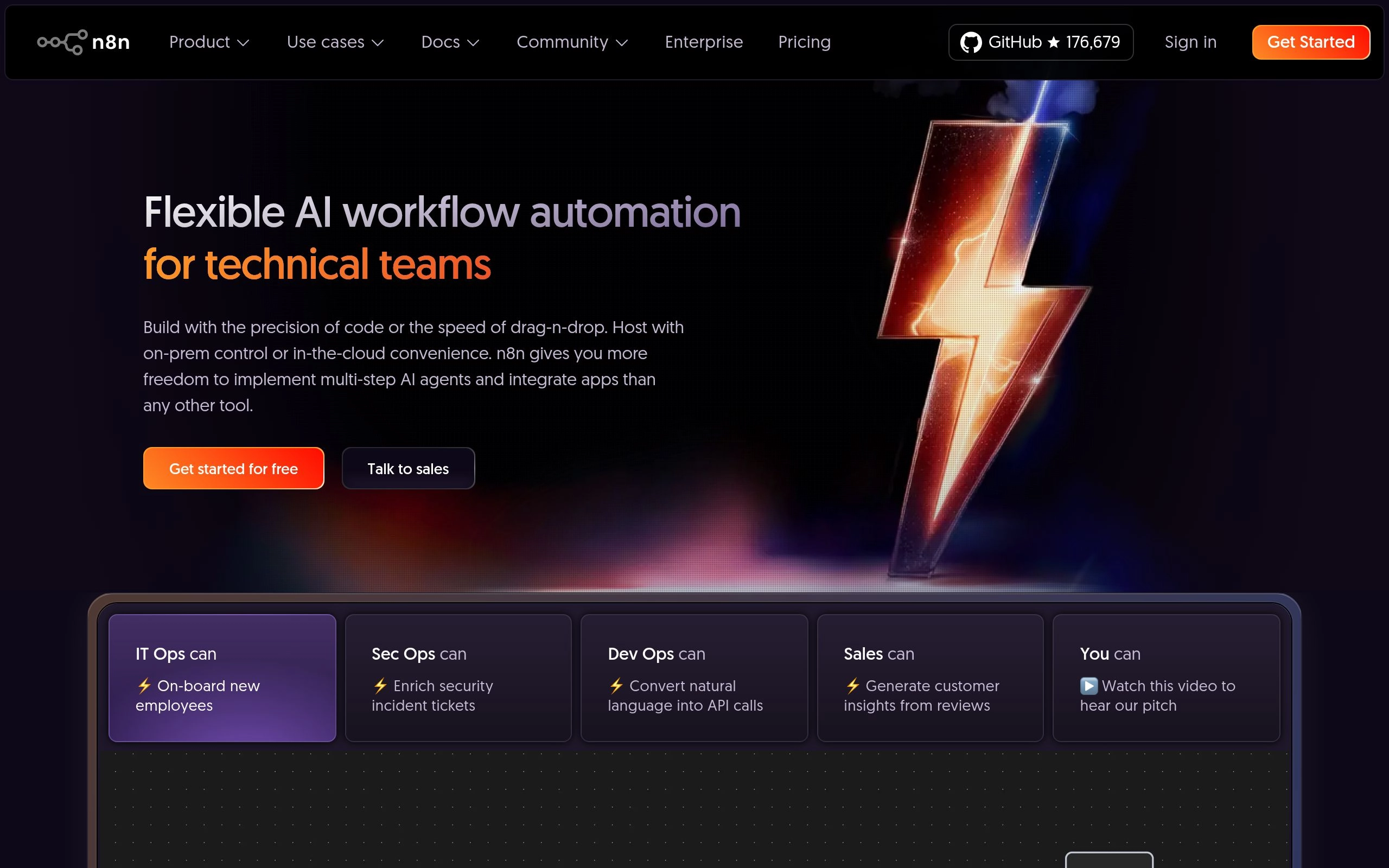
For software engineering teams, DevOps professionals, and organizations operating under strict data compliance mandates (such as healthcare, banking, or defense), n8n is the premier workflow automation engine of 2026. Distributed under a fair-code license, n8n can be spun up in minutes as a self-hosted Docker container on your own AWS, GCP, or private bare-metal server. By self-hosting, sensitive customer PII, internal database queries, and proprietary intellectual property never leave your private VPC network.
What truly distinguishes n8n in 2026 is its native Advanced AI Agent Nodes, built directly atop the LangChain framework. Unlike other tools that treat LLMs as simple black-box text generators, n8n treats agents as first-class architectural components. You can connect memory buffers (Postgres, Redis), tool endpoints (HTTP requests, custom scripts), and vector stores (Qdrant, Pinecone) directly to an AI Agent node on the visual canvas, creating fully autonomous self-correcting agents within a standard visual workflow.
Furthermore, n8n eliminates the limitations of visual no-code builders by offering native Code Nodes supporting full modern JavaScript (Node.js) and Python. Developers can import external libraries, manipulate complex binary buffers, write custom cryptographic signatures, and execute raw SQL against PostgreSQL or MySQL databases without leaving the workflow canvas. And because self-hosted n8n has zero per-task billing, you can execute millions of workflow runs monthly at the cost of your underlying server infrastructure.
✓ Key Strengths
- Complete self-hosted data privacy: deploy inside your private cloud via Docker or Kubernetes.
- Zero per-task billing on self-hosted instances: execute unlimited automated workflows at flat infrastructure cost.
- First-class AI Agent nodes with native LangChain memory, tool-calling, and vector store integrations.
- Full JavaScript (Node.js) and Python code execution nodes embedded directly on the visual canvas.
✗ Key Limitations
- Requires DevOps maintenance (database backups, container scaling, server security patches).
- Smaller catalog of pre-built niche SaaS connectors compared to Zapier (though custom HTTP handles anything).
- Fair-code license restricts embedding n8n as a white-labeled commercial SaaS offering without an enterprise license.
Core Tech Stack: TypeScript/Node.js, Vue.js, Docker/K8s, Postgres/SQLite, LangChain AI agent runtime.
Pricing: 100% Free for self-hosted community instances. n8n Cloud managed hosting starts at €20/month for 2,500 executions, scaling to €50/month for 10,000 executions.

4. Gumloop — Best for AI-Native Web Scraping, PDF Parsing & Deep Research Pipelines
The AI-first automation platform engineered specifically for complex web crawling, unstructured document extraction, and LLM reasoning blocks.
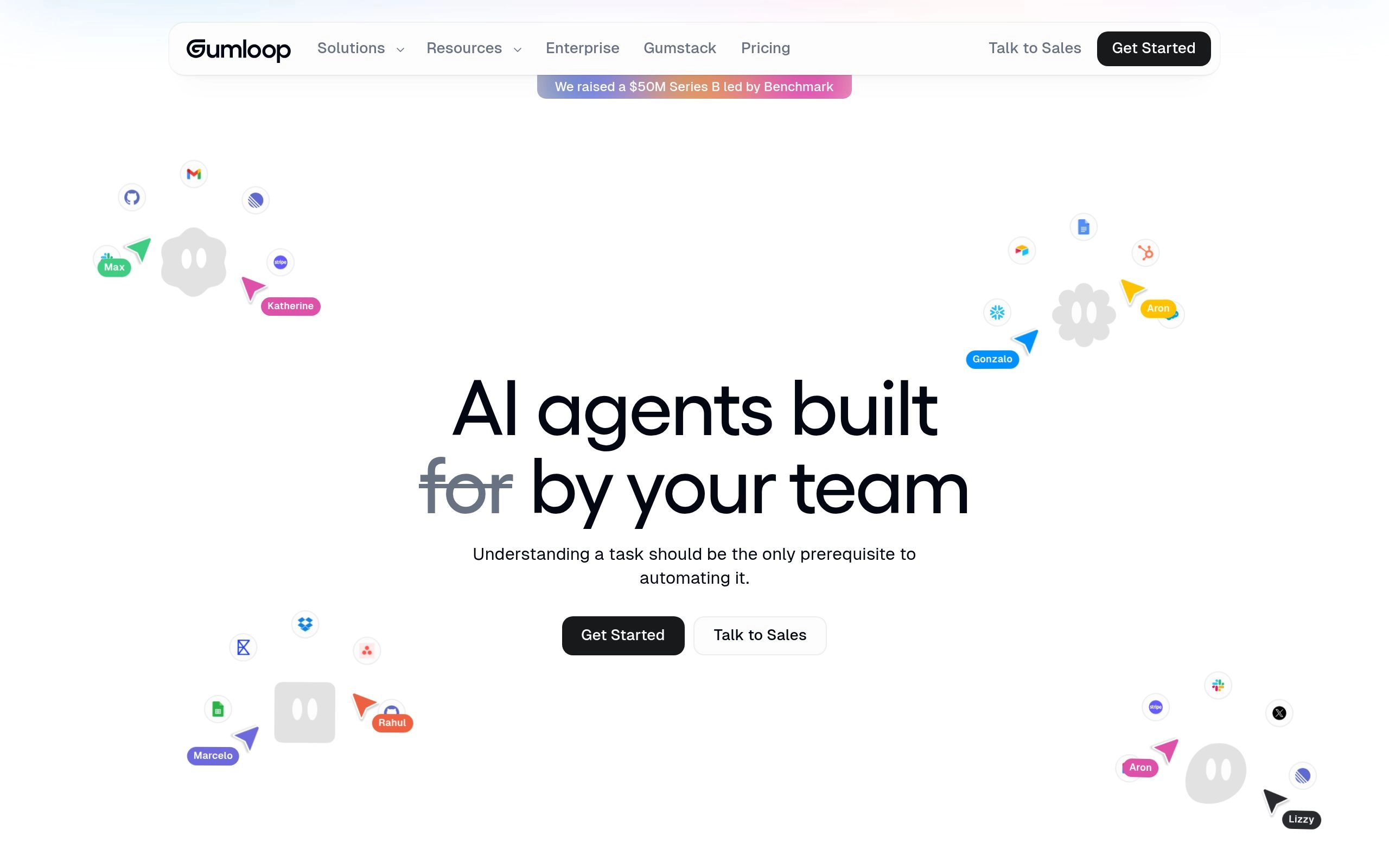
While traditional tools like Zapier and Make were conceived in an era of REST APIs and webhooks, Gumloop was built from the ground up for the generative AI era. Traditional automation platforms struggle immensely when faced with unstructured, messy internet data: navigating dynamic JavaScript web pages, extracting data from multi-column scanned PDFs, or verifying product pricing across hundreds of e-commerce storefronts. Gumloop excels precisely where traditional API connectors fail.
During our competitive web scraping and document synthesis benchmark, Gumloop proved revelatory. Its pre-built nodes include full headless browser crawlers that automatically handle cookie banners, solve visual captchas, scroll infinite-loading social feeds, and convert unstructured DOM trees into clean Markdown for LLM consumption. In testing, extracting line-item product details and warranty clauses from 50 scanned PDF supplier agreements took under three minutes on Gumloop, compared to hours of manual regex configuration on legacy platforms.
Gumloop also supports custom Python code blocks that execute in cloud microVMs with pre-installed data science packages (Pandas, BeautifulSoup, NumPy). This makes Gumloop the premier choice for investment research teams, lead intelligence agencies, and legal ops departments that need to automate deep research workflows rather than simple notification pings.
✓ Key Strengths
- Best-in-class native AI web scraping and headless browser crawling capabilities.
- Flawless extraction from messy multi-page PDFs, scanned receipts, and unstructured documents.
- Seamless multi-model support: swap dynamically between Claude 3.7 Sonnet, OpenAI o3-mini, and Gemini 2.0 Flash.
- Dedicated Python code nodes with full scientific package support running in cloud sandboxes.
✗ Key Limitations
- Not designed as a general-purpose transactional sync engine (fewer direct ERP connectors than Workato or Zapier).
- Credit-based consumption model requires monitoring when running intensive visual browser sessions.
- Relatively young ecosystem compared to established veterans like Make and Zapier.
Core Tech Stack: Cloud headless browser farm, Python microVMs, OCR pipelines, frontier LLM routers.
Pricing: Free tier includes 100 credits/month. Starter plan is $29/month; Pro plan is $89/month for higher concurrency and team collaboration.

5. Relay.app — Best for Collaborative Human-in-the-Loop Approval Workflows
Modern workflow automation pairing seamless 1-click human approval gates with inline generative AI assistance.
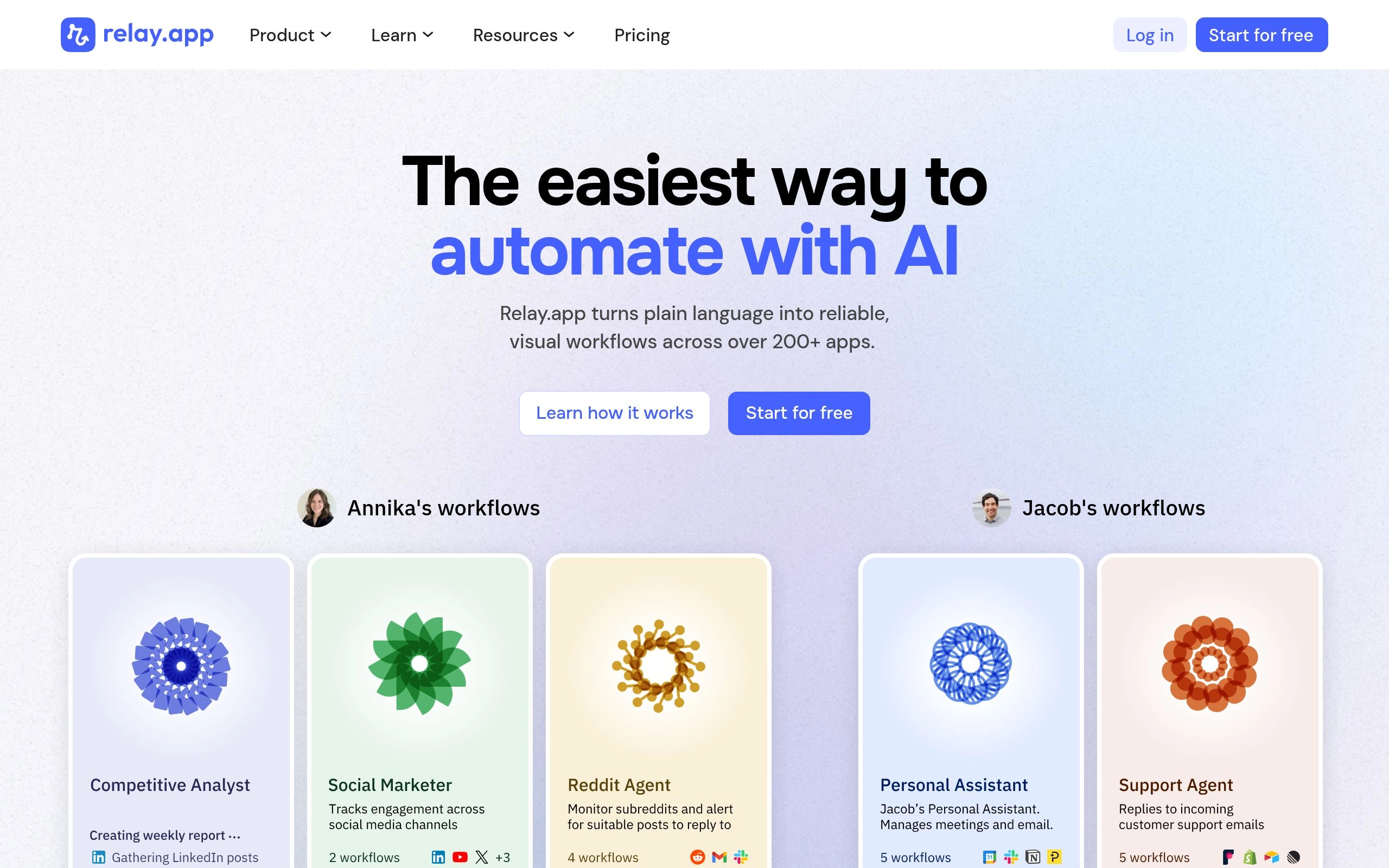
The fundamental flaw of autonomous workflow automation is the risk of silent, catastrophic mistakes: an AI agent misinterpreting an email and firing an accidental refund, or an unvetted batch update overwriting thousands of CRM lead statuses. Relay.app was built specifically to solve this vulnerability by making Human-in-the-Loop (HITL) collaboration a first-class citizen of every automation pipeline.
Unlike Zapier, where configuring a human approval requires clunky webhooks or third-party forms, Relay.app features native Human Action Nodes. When an automation reaches a sensitive juncture (e.g., “Generate customized enterprise sales proposal via AI, then wait for Account Executive sign-off before emailing the client”), Relay pauses execution and sends an interactive card to Slack or email. The human reviewer can inspect the AI’s generated text, make inline edits directly in the card, and click “Approve” to resume execution seamlessly.
Relay.app also features one of the cleanest, most responsive user interfaces in the modern automation space. Its AI blocks support multi-prompt chaining, automated translation, and categorical classification without requiring users to configure API endpoints or parse raw JSON responses. For customer-facing teams who demand the speed of AI automation with the safety of human oversight, Relay.app is a masterclass in product design.
✓ Key Strengths
- Best-in-class Human-in-the-Loop architecture: native 1-click Slack, email, and web approval cards.
- Reviewers can edit AI-generated text inline before approving downstream execution.
- Stunningly intuitive, clutter-free user interface designed for cross-functional collaboration.
- Multi-trigger workflows allow a single automation to be kicked off by webhooks, schedules, or manual buttons.
✗ Key Limitations
- Smaller app directory compared to Zapier (focuses heavily on modern SaaS: Slack, HubSpot, Linear, Notion).
- Per-seat pricing model can become costly for large teams where every employee requires approval access.
- Less suited for high-throughput headless data ingestion pipelines where human review is unnecessary.
Core Tech Stack: React UI, interactive Slack block kit, asynchronous webhook resume engine, OpenAI/Anthropic models.
Pricing: Free tier includes 100 runs/month. Professional plan is $15/seat/month; Team plan is $30/seat/month with role-based permissions and audit logs.

6. Bardeen — Best for Client-Side Browser Automation & Zero-API Web Scraping
Browser extension-based automation engine that scrapes web data, automates repetitive tab tasks, and enriches CRM leads locally.
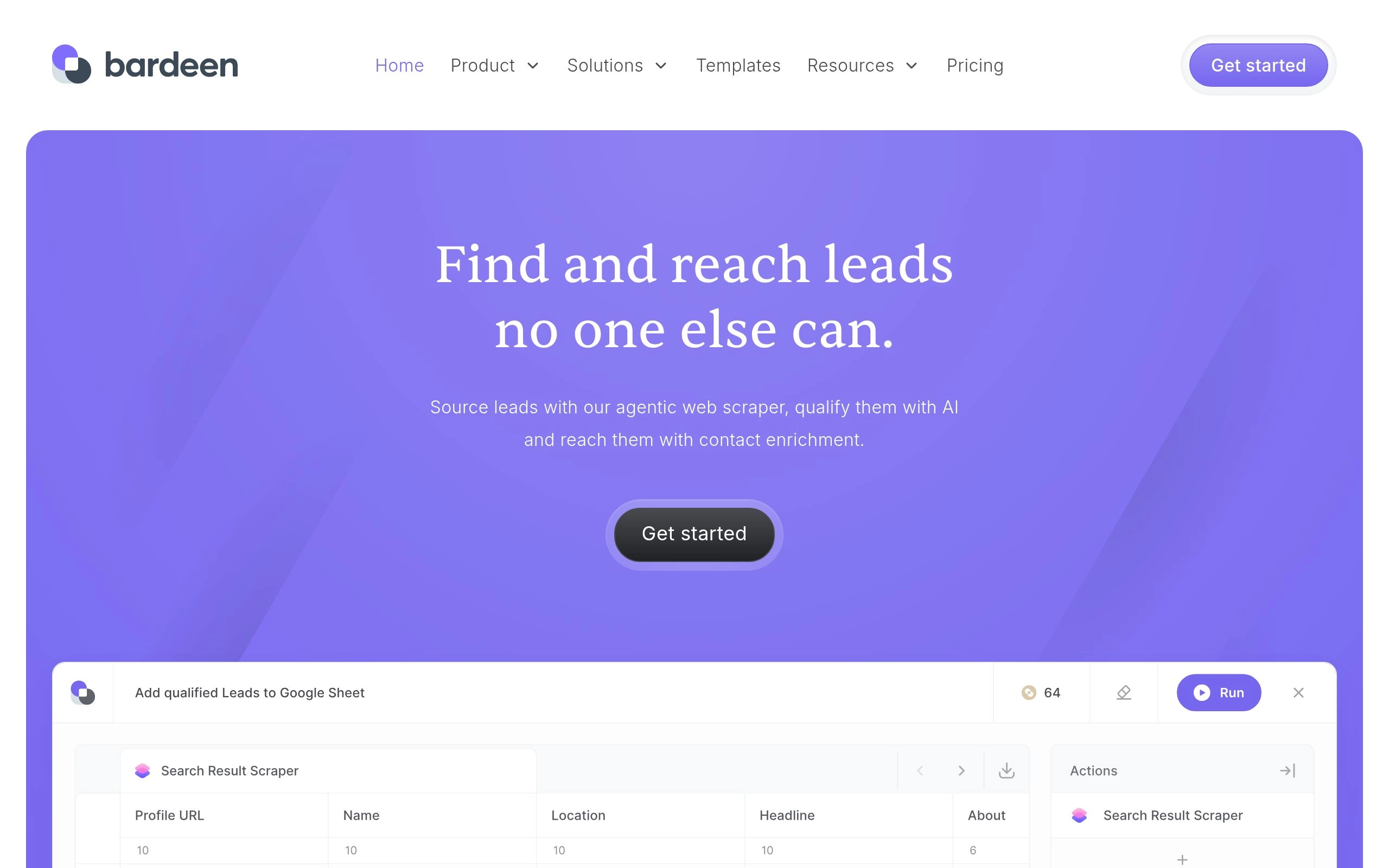
Cloud-based automation engines like Make and Zapier encounter an impenetrable brick wall when data resides behind password-protected web applications without public REST APIs (such as LinkedIn Sales Navigator, internal company admin portals, or private community forums). Bardeen approaches automation from an entirely different perspective: instead of running on a remote cloud server, Bardeen runs directly inside your browser as a Chrome extension.
Because it executes locally using your active browser session, Bardeen can read and interact with any web application you are currently logged into. With a single keyboard shortcut (`Cmd + B`), sales reps can scrape a target prospect’s complete profile, use Bardeen’s native AI to draft a personalized cold outreach email based on recent company news, create a new lead in Salesforce, and schedule a follow-up task—all without switching browser tabs or copying and pasting a single string.
In 2026, Bardeen introduced Magic Box, an intelligent text-to-workflow synthesis engine. You simply describe what you want in plain English (e.g., “When I open a Zoom meeting, summarize the attendee company websites and write key talking points in my Notion meeting notes”), and Bardeen dynamically generates the multi-step automation. For individual knowledge workers and sales professionals who spend their entire day in browser tabs, Bardeen delivers immediate time savings.
✓ Key Strengths
- Operates directly within the browser, effortlessly scraping authenticated portals behind logins.
- Zero-API required: automates repetitive browser actions (clicks, form fills, tab navigations).
- Magic Box translates conversational English prompts into complete functional browser workflows.
- Exceptional pre-built templates for LinkedIn lead generation, meeting prep, and research synthesis.
✗ Key Limitations
- Desktop/browser dependent: client-side automations only execute when your computer and browser are awake.
- Not suited for high-volume 24/7 backend server webhooks or serverless infrastructure tasks.
- Frequent website DOM updates can occasionally break visual point-and-click scraping recipes.
Core Tech Stack: Chrome Extension Manifest V3, Web DOM selectors, client-side AI parsing, cloud sync.
Pricing: Free tier includes 100 credits/month. Professional plan is $10/month (billed annually) for 500 credits, with custom enterprise packages for sales organizations.

7. Parabola — Best for Tabular Data Manipulation & E-Commerce Operations
Spreadsheet-style automated data pipelines for retail operations, logistics reconciliations, and messy CSV/ERP data cleaning.
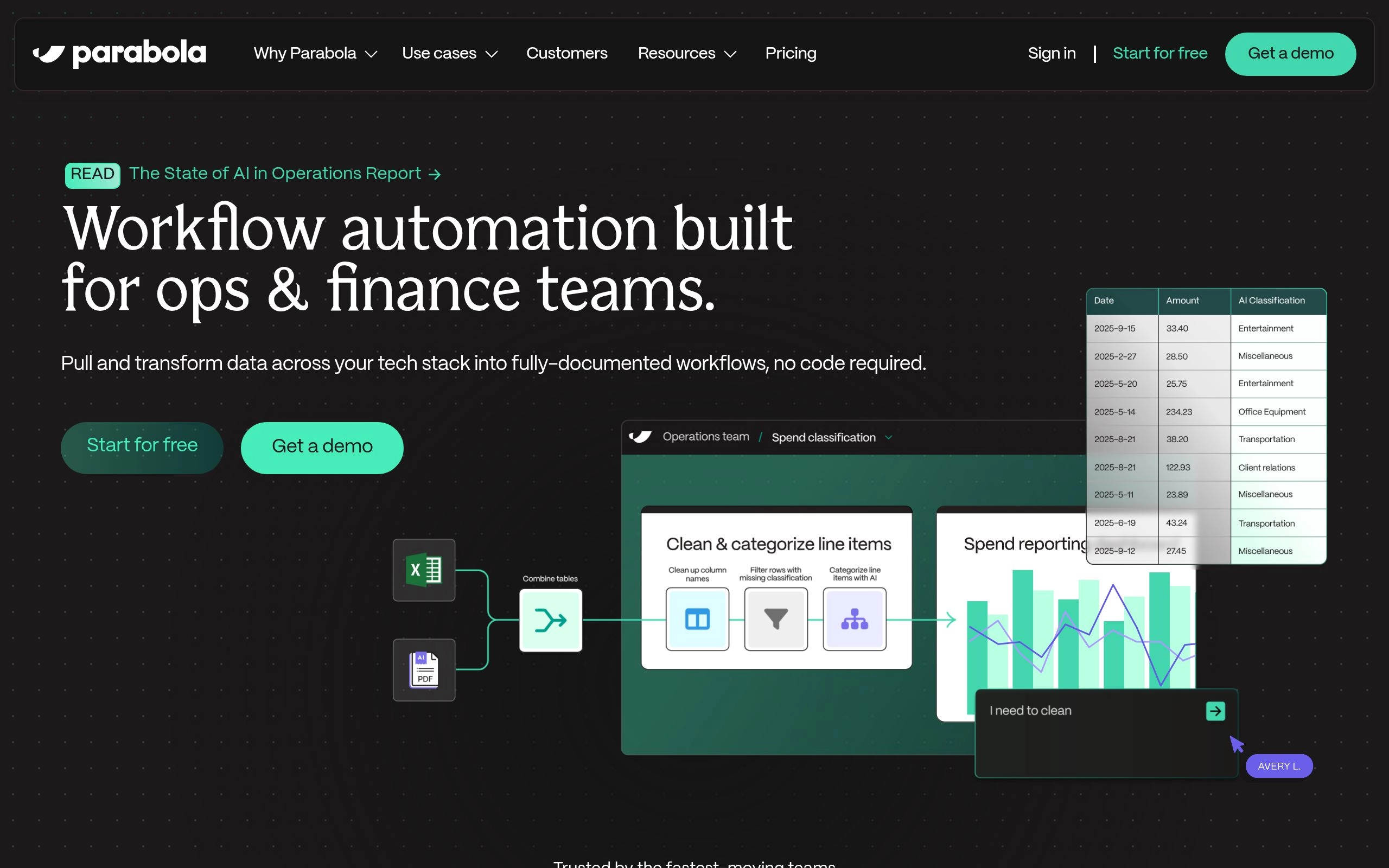
Most workflow automation platforms are event-driven: they trigger when a single customer signs up or one record updates. But when operations teams need to reconcile 50,000 Shopify transactions against a third-party logistics (3PL) warehouse inventory feed and a messy bank settlement CSV every morning, event-driven tools choke. Parabola was engineered specifically for massive, batch-oriented tabular data automation.
Parabola’s visual canvas feels like a superpower for Excel and Google Sheets power users. Instead of writing complex VLOOKUP formulas, SQL joins, or fragile Python scripts, operators drag and drop intuitive data transformation blocks: Merge Tables, Filter Rows, Deduplicate, and Calculate Columns. At every step, you can view the live tabular data grid updating in real time, giving non-technical operators total confidence that zero rows were dropped or corrupted.
In 2026, Parabola integrated native AI Steps designed specifically for tabular operations. You can pass messy supplier product descriptions through an AI categorization block, parse unstructured shipping tracking numbers from email PDFs, and standardize inconsistent address formats across hundreds of thousands of rows simultaneously. For consumer brands, freight brokers, and finance teams, Parabola eliminates countless hours of soul-crushing spreadsheet wrangling.
✓ Key Strengths
- Engineered specifically for massive tabular batch processing (millions of rows without memory crashes).
- Visual spreadsheet transform blocks replace fragile VLOOKUPs, Python scripts, and SQL joins.
- Native AI steps categorize, clean, and standardize messy row text at scale.
- Direct integrations with Shopify, Amazon, NetSuite, Snowflake, and SFTP file servers.
✗ Key Limitations
- Not suited for real-time instantaneous webhook triggers (optimized for scheduled batch runs).
- Higher entry price point ($80/month) makes it less attractive for solopreneurs or small side projects.
- Focused strictly on data transformation; does not build client-facing web portals or form interfaces.
Core Tech Stack: High-throughput distributed data engine, columnar storage, OCR document parsers, cloud batch workers.
Pricing: Free 14-day trial available. Standard plan starts at $80/month for scheduled runs; Advanced plan starts at $220/month with webhook triggers and priority support.

8. Workato — Best for Global 2000 Enterprise iPaaS & Secure IT Governance
The enterprise integration and automation platform (iPaaS) trusted by Fortune 500 companies for strict governance, compliance, and ERP orchestration.
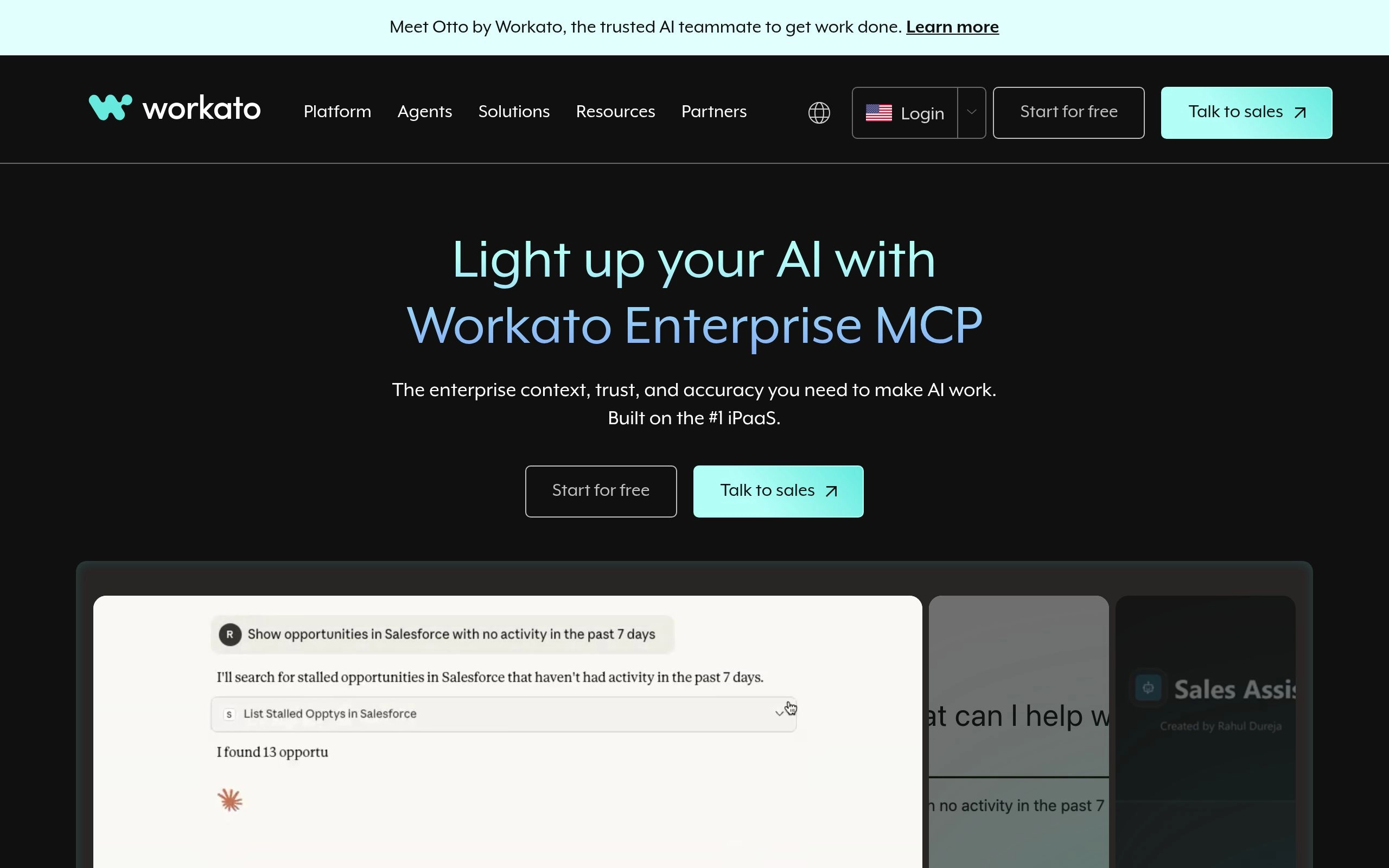
When a company reaches thousands of employees and must integrate mission-critical enterprise systems like SAP, Oracle, NetSuite, Workday, and Salesforce, consumer-grade tools like Zapier are immediately disqualified by Chief Information Security Officers (CISOs). Workato is the undisputed leader in enterprise integration platform as a service (iPaaS), built from the ground up to satisfy the strictest IT security and compliance mandates on earth.
Workato structures automations as Recipes, which feature full Application Lifecycle Management (ALM). IT teams can draft recipes in a secure Development sandbox, promote them to a Staging environment for automated unit testing and security scanning, and push them to Production with one-click rollback capabilities. Through its On-Premise Agents (OPA), Workato connects securely to internal legacy mainframes and databases hosted behind corporate firewalls without opening incoming public ports.
In 2026, Workato leads the enterprise sector in interactive chat automation through its proprietary Workbot for Slack and Microsoft Teams. Employees can submit hardware purchase requests, approve PTO, query CRM sales pipelines, or trigger secure IT password resets directly inside conversational chat windows, with Workato verifying the user’s identity via Okta and active Entra ID directory permissions before executing any action.
✓ Key Strengths
- Enterprise-grade security and compliance: SOC2 Type II, HIPAA, GDPR, ISO 27001, and FedRAMP authorized.
- Full Application Lifecycle Management (ALM) across Dev, Test, and Prod environments with version control.
- On-Premise Agents (OPA) connect legacy on-prem databases and mainframes without exposing public ports.
- Workbot delivers conversational workflow approvals and execution directly inside Slack and Microsoft Teams.
✗ Key Limitations
- Prohibitive enterprise pricing: annual contracts typically start at $10,000 to $25,000+ per year.
- Requires dedicated enterprise IT administrators and certified recipe developers to configure properly.
- Excessive overhead and complexity for small businesses, startups, or simple marketing workflows.
Core Tech Stack: Enterprise iPaaS infrastructure, On-Premise Agents, Workbot for Slack/Teams, Okta/SAML SSO.
Pricing: Custom annual enterprise contract pricing based on workspace recipes and connection capacity (typically starts above $10,000/year).
The 4-Layer Modern AI Workflow Architecture: Beyond Simple Triggers
Building resilient, fault-tolerant workflow automations in 2026 requires understanding how modern integration engines process data. Legacy automations were single-threaded and fragile. Modern AI-powered workflows implement a modular, four-layer architecture that isolates ingestion, reasoning, execution, and error handling:
The Ingestion & Normalization Layer (Webhooks & Polling)
Data enters the automation pipeline via real-time HTTP webhooks, scheduled cron jobs, or database change data capture (CDC) streams. The ingestion layer immediately validates cryptographic signatures (e.g., verifying Stripe or GitHub HMAC headers), strips redundant metadata, flattens deeply nested JSON structures, and caches the raw payload in a durable message queue (such as Redis or SQS) before triggering downstream computation.
The Cognitive Reasoning & Routing Layer (LLM Deciders)
Instead of relying on fragile hardcoded IF/THEN string matches, modern pipelines pass normalized payloads to cognitive reasoning nodes. A frontier LLM (e.g., Claude 3.7 Sonnet or OpenAI o3-mini) evaluates the semantic intent of the data: classifying customer inquiry urgency, detecting sentiment, extracting structured key-value entities, and choosing the optimal conditional branch dynamically based on company operating guidelines.
The Execution & Mutating API Layer (Action Handlers)
Once a branch is selected, the platform executes external API mutations: writing rows to Postgres, updating Salesforce opportunity stages, generating PDF contracts, or firing outbound transactional emails. High-performance engines (such as Make and n8n) process array items in parallel batches rather than sequential single-item calls, dramatically reducing total execution duration and avoiding downstream gateway timeouts.
The Resilience & Observability Layer (Self-Healing Backoff)
External APIs fail constantly. The resilience layer catches non-200 HTTP response codes, inspects `Retry-After` headers, and automatically enqueues failed steps into an exponential backoff retry loop. If repeated retries fail over 24 hours, the execution state is saved to a dead-letter queue, and an urgent incident card is dispatched to engineering Slack channels with full input payloads and stack traces for one-click manual replay.
Strategic Decision Framework: Which Automation Tool Fits Your Architecture?
Selecting the right automation tool is fundamentally a question of your team’s technical skills, data privacy obligations, and monthly execution volume:
Choose Visual Routers & Open-Source (Make, n8n) If:
- Your automations involve complex multi-branch logic, loops, and nested array transformations.
- You execute more than 20,000 automated steps per month and want to avoid massive Zapier task bills.
- You require full self-hosted Docker data privacy (HIPAA, GDPR) or custom Python/JavaScript code execution.
- You value visual real-time data inspection bubbles for rapid step-by-step troubleshooting.
Choose Ecosystem Giants & Enterprise Suites (Zapier, Workato) If:
- You require obscure, niche cloud integrations that only exist in Zapier’s 7,000+ app directory.
- Your non-technical marketing and sales teams need to build automations independently without engineering tickets.
- You represent a Fortune 500 enterprise demanding SOC2 Type II, ALM environments, and ERP connectors (SAP, NetSuite).
- You prioritize zero-maintenance managed cloud infrastructure over low per-task execution costs.
4 Dangerous AI Workflow Automation Pitfalls (and How to Avoid Them)
Deploying AI into automated workflows without strict defensive safeguards introduces severe operational hazards. In our benchmark audits, we routinely observe four critical failures:
1. The Runaway Recursive Loop Trap
A webhook updates an Airtable record → the Airtable record change fires a webhook → which updates the record again. In naive configurations, this creates an infinite recursive loop that consumes tens of thousands of paid tasks in minutes and freezes downstream databases. The Fix: Always enforce strict conditional exit filters (e.g., check `if status != "PROCESSED"`) and set maximum iteration limits on all recurring triggers.
2. Unvalidated LLM Structured Output Failures
When asking an LLM node to extract data from an email and return JSON, models occasionally wrap the output in markdown code blocks (` ```json ... ``` `) or invent non-existent object keys. Downstream nodes expecting a pure integer or valid ISO date crash instantly. The Fix: Enforce JSON mode or OpenAI Structured Outputs with strict Pydantic/Zod schemas, and always insert a regex sanitizer node before database mutations.
3. Silent Data Dropping During API Outages
When your destination CRM or billing software experiences a brief 10-minute maintenance downtime, naive automations simply fail the execution and discard the incoming payload permanently. The Fix: Enable automated retry with exponential backoff on all critical modules, and configure a dedicated webhook fallback route that logs failed payloads to an S3 bucket or Google Sheet.
4. Uncontrolled Token Cost Inflation in Batch Operations
Passing thousands of customer reviews or support logs through a frontier model like Claude 3.7 Sonnet or GPT-4o inside a batch loop can incur hundreds of dollars in API charges per run. The Fix: Implement intelligent multi-model routing: use ultra-fast, cost-effective models (such as GPT-4o-mini or Gemini 2.0 Flash) for simple parsing and classification, reserving high-reasoning frontier models only for complex edge cases.
Frequently Asked Questions: AI Workflow Automation (2026)
What is the difference between Make and Zapier in 2026?
The primary differences lie in canvas architecture, pricing model, and app breadth. Zapier features a simple linear builder with over 7,000 app connectors, but charges per task, making multi-step workflows expensive. Make uses an interactive 2D circular node canvas, excels at complex multi-branch routing and array aggregation, and charges per operation at rates that are typically 4x to 8x cheaper than Zapier.
Can n8n completely replace Zapier for an engineering team?
Yes. For software engineering and technical operations teams, n8n is often a superior replacement. It can be self-hosted via Docker for 100% data privacy and unlimited executions with zero per-task fees. It natively supports custom JavaScript (Node.js) and Python code nodes, custom HTTP endpoints, and advanced LangChain AI agent architectures that Zapier cannot match.
What makes Gumloop different from traditional automation tools?
While traditional tools rely primarily on pre-built REST API connectors, Gumloop is engineered specifically for AI-native web scraping, multi-page PDF parsing, and deep web research. It features built-in headless browser farms that crawl dynamic JavaScript websites, solve captchas, and convert unstructured DOM trees into structured data, solving problems that break standard webhook tools.
Why are Human-in-the-Loop (HITL) approval workflows essential?
While AI agents are highly capable, probabilistic outputs can occasionally hallucinate incorrect facts, misclassify sensitive emails, or draft inappropriate customer communications. Platforms like Relay.app insert native human approval gates before irreversible actions execute, dispatching interactive 1-click approval cards to Slack or email so operators can review and edit text before it goes live.
Is Workato worth the expensive enterprise price tag?
For Fortune 500 enterprises and regulated multinationals, yes. Workato provides enterprise-grade compliance (SOC2 Type II, HIPAA, FedRAMP), full Application Lifecycle Management (ALM) across Dev/Test/Prod environments, on-premise firewall agents, and interactive Slack/Teams Workbots that consumer automation tools cannot legally or architecturally deliver.
Final Verdict: Choosing Your AI Workflow Automation Tool for 2026
The transition from static API webhooks to cognitive, self-healing AI workflow automation represents one of the most transformative competitive advantages in modern business. Automating repetitive data entry, lead triage, and document synthesis frees your human team to focus on strategic innovation. However, long-term operational success requires selecting the platform tailored to your technical requirements:
- If you want the best overall visual logic canvas with powerful array aggregators and affordable pricing, choose Make.
- If you need the broadest SaaS app ecosystem and want non-technical teams to build workflows easily, deploy Zapier.
- If you are a developer requiring 100% self-hosted data privacy, zero per-task fees, and LangChain AI agents, run n8n in Docker.
- If your workflows center on AI web scraping, PDF extraction, and deep research, deploy Gumloop.
- If you demand bulletproof Human-in-the-Loop Slack approvals for sales and marketing operations, use Relay.app.
- If you need in-browser scraping behind login walls without backend APIs, install Bardeen.
- If you process millions of rows of messy e-commerce or logistics spreadsheets, deploy Parabola.
- If you manage a Global 2000 enterprise requiring ERP orchestration, ALM pipelines, and strict SOC2 governance, invest in Workato.
Explore our curated AI Tools Directory for comprehensive benchmarks across every enterprise software category, or explore our companion reviews of the Best AI Agent Platforms in 2026, the Best AI Website Builders in 2026, and the Best AI Voice Generators in 2026.



