
Top 20 Best HitPaw FotorPea Alternatives in 2026
Editorial analysis comparing key features, free tier limits, pricing spectrums, and real-world trade-offs.
Executive Summary & Buying Decision
We benchmarked 8+ leading alternative tools competing with HitPaw FotorPea across feature depth, pricing transparency, and workflow efficiency. Options range from 15 free & freemium tools to paid solutions starting around $0 – $149/mo. Choose HitPaw FotorPea for Everyday photographers, family archive restorers, social creators, and small businesses enhancing, restoring, colorizing, and batch-editing photos, or select VanceAI for complementary capabilities.
Baseline Tool Overview

HitPaw FotorPea
AI photo enhancer for upscaling, restoring, colorizing, and editing images
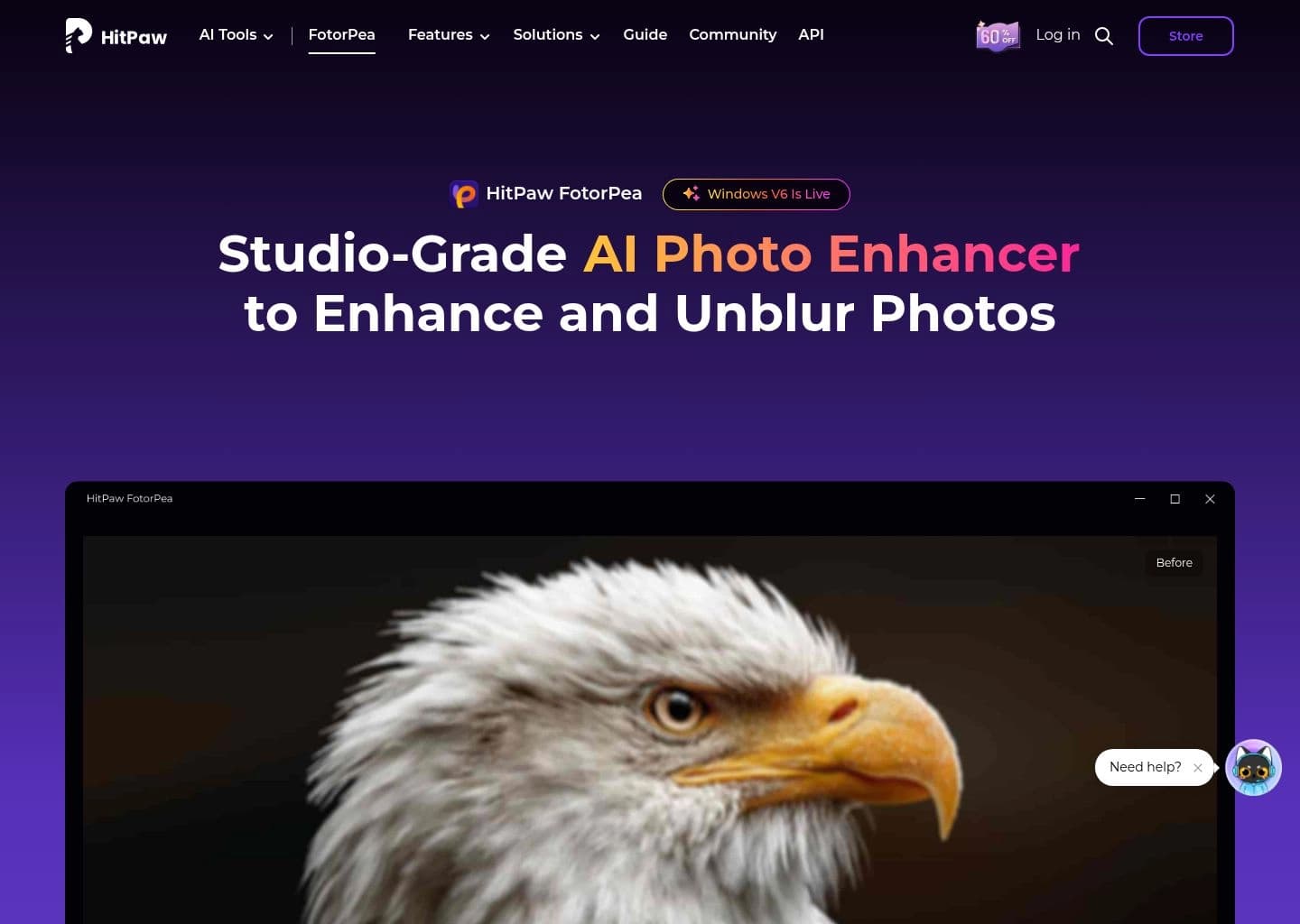
Everyday photographers, family archive restorers, social creators, and small businesses enhancing, restoring, colorizing, and batch-editing photos
- Pricing Model:Paid
- Starting Price:$22.39/mo (Windows)
- Free Tier / Limits:Limited free previews and trial access for selected features; included credit allowance varies by plan. No unrestricted permanent free desktop tier.
- AI photo upscaling and enhancement for output up to 4K or 8K
- AI face enhancement and unblur tools for portraits and low-quality photos
- Old photo restoration and black-and-white colorization
- Batch photo enhancement and editing for processing multiple images
Top Recommendations by Use Case




Why Teams Migrate from HitPaw FotorPea

Cost & Plan Scalability
Users evaluating alternatives to HitPaw FotorPea to optimize subscription costs or access more flexible tiers.
Advanced Automation & Feature Depth
Teams seeking deeper automation and specialized functionality tailored to specific project requirements.
Delivers comprehensive capabilities designed for high-throughput workflows.
Compare vs VanceAI
Ecosystem & Integration Compatibility
Organizations requiring seamless integration with their existing software stack and team tools.
Features robust multi-platform compatibility and enterprise security standards.
Compare vs FotorHead-to-Head Comparison Matrix
| Software Tool | Pricing Model | Free Tier Scope | Target Persona / Best For | Rating | Head-to-Head |
|---|---|---|---|---|---|
 HitPaw FotorPeaBaseline | Paid ($22.39/mo (Windows)) | Limited free previews and trial access for selected features; included credit allowance varies by plan. No unrestricted permanent free desktop tier. | Everyday photographers, family archive restorers, social creators, and small businesses enhancing, restoring, colorizing, and batch-editing photos | 4.5 | Full Review |
Freemium ($4.95) | Free trial gives 3 signup credits (no card required, watermarked downloads) on web plus limited free trials in VanceAI PC. | E-commerce product photo upscaling, printing high-resolution posters from low-res images, anime art upscaling, vintage photo restoration, and bulk photography workflow | 4.8 | Compare | |
Freemium (4.99) | Free iOS/Android tier includes ad-supported daily enhancements with watermarks and lower-res export limits. | Restoring cherished vintage family photos, sharpening blurry smartphone selfies, unblurring low-res social media headshots, and viral generative AI photo trends | 4.8 | Compare | |
Freemium (3.33) | Free plan includes basic photo editing, crop/resize, basic filters, and watermarked AI features | Casual photo enhancement, social media graphic creation, product photo cutout, quick portrait retouching, and collage making | 4.5 | Compare | |
Freemium (9.99) | Free mobile app and web editor with basic background removal and standard resolution exports | Creating clean product photos for Shopify, Amazon, and Etsy stores, removing distracting objects from travel photos, generating AI fashion model visuals, and designing social promo flyers | 4.7 | Compare |


Deep-Dive Alternative Profiles
Click any tool card to expand its complete interface & pricing evaluation
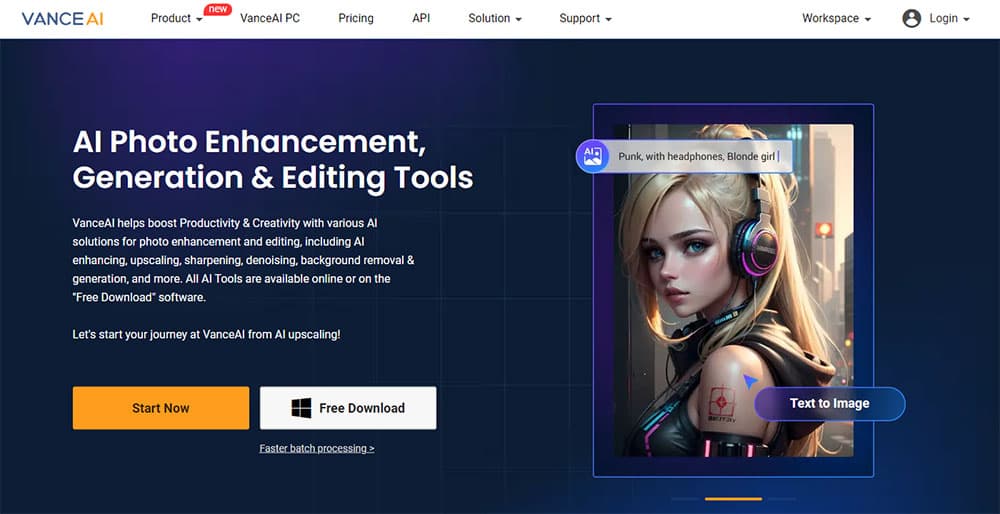
VanceAI focuses on "Transform and enhance images & videos with AI-powered editing and generation tools.", providing an agile and dedicated approach compared to HitPaw FotorPea.
Key Capabilities
- AI Image Upscaling (up to 40x)
- AI Image Sharpening and Denoising
- AI Photo Restoration and Colorization
- AI Background Removal
Pricing & Best Match

Remini focuses on "Transform low-quality photos and videos into stunning HD masterpieces with AI.", providing an agile and dedicated approach compared to HitPaw FotorPea.
Key Capabilities
- AI photo enhancement unblurring faces, hair, and fine background textures
- Vintage photo restoration removing scratches, tears, and chromatic noise
- AI Video Enhancer upscaling mobile videos with frame-by-frame denoising
- Remini Web interface for seamless desktop browser uploads and processing
Pricing & Best Match


The leading AI image upscaler and enhancer — add stunning detail and upscale to 8K+ with creative AI reimagining

Professional AI photo enhancement, restoration, and high-resolution image upscaling



AI tools for video, images, and editing — generate, enhance, and restore in your browser



The open-source AI image generation model — run locally for free or access via API, with maximum creative control





AI fashion model generator — studio-quality on-model photos in 30 seconds, 90% less than a photoshoot

AI ad creative generator with predictive conversion scoring — scale winning static ads across all channels
Compare HitPaw FotorPea Directly With Alternatives
Side-by-side feature comparisons, real pricing differences, and benchmark verdicts to help you choose the best replacement for HitPaw FotorPea.


Frequently Asked Questions
VanceAI is one of the top alternatives to HitPaw FotorPea, offering strong feature parity and active development.
Know another alternative to HitPaw FotorPea?
Help the community by submitting other similar tools you've used. Your contribution helps others make better decisions.