

Topaz Photo & Gigapixel
Professional AI photo enhancement, restoration, and high-resolution image upscaling
Gallery
6 items



About Topaz Photo & Gigapixel
I reviewed the current Topaz product pages, model descriptions, integration documentation, and licensing notes rather than claiming a hands-on benchmark that was not run. One distinction matters for anyone arriving from the URL you supplied: Topaz Photo AI is now a discontinued legacy app at v4.0.4, while Topaz Photo is the actively developed subscription-only product. They are not simply the same app with a renamed icon. Gigapixel remains a separate image enlargement application. The strongest case for the current Photo and Gigapixel pair is a photographer's existing desktop workflow: local processing, batch operations, plugin support, and model choices that cover both image cleanup and enlargement. The practical risks are licensing cost, hardware requirements for local work, and the need to inspect AI-generated detail—especially faces, text, and fine textures—rather than assuming every reconstruction is faithful to the original capture. Owners of Photo AI should also understand that their legacy perpetual version remains usable but will not receive new models. I would shortlist current Topaz Photo and Gigapixel for photographers and production teams who process images regularly and can justify specialist software. If you already own Photo AI and its final version meets your needs, you do not have to switch; for occasional enlargements or budget-constrained use, Upscayl's free desktop app and lower-cost online alternatives are sensible first checks.
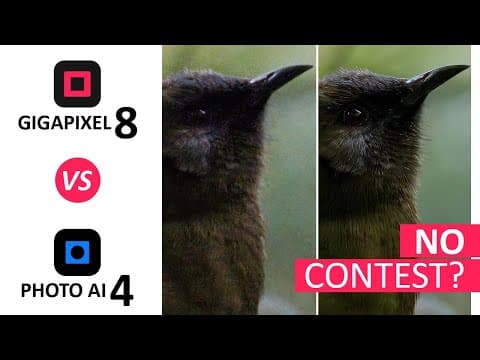
Topaz Photo AI, Topaz Photo, and Topaz Gigapixel are related but distinct products in the Topaz Labs image-enhancement family. Topaz Photo AI is now a discontinued legacy application: version 4.0.4 is its final release and it no longer receives model updates, although owners can continue using the version they purchased. Topaz Photo is the actively developed subscription-based successor-generation app, while Topaz Gigapixel remains a separate specialist application for enlarging images and recovering detail.
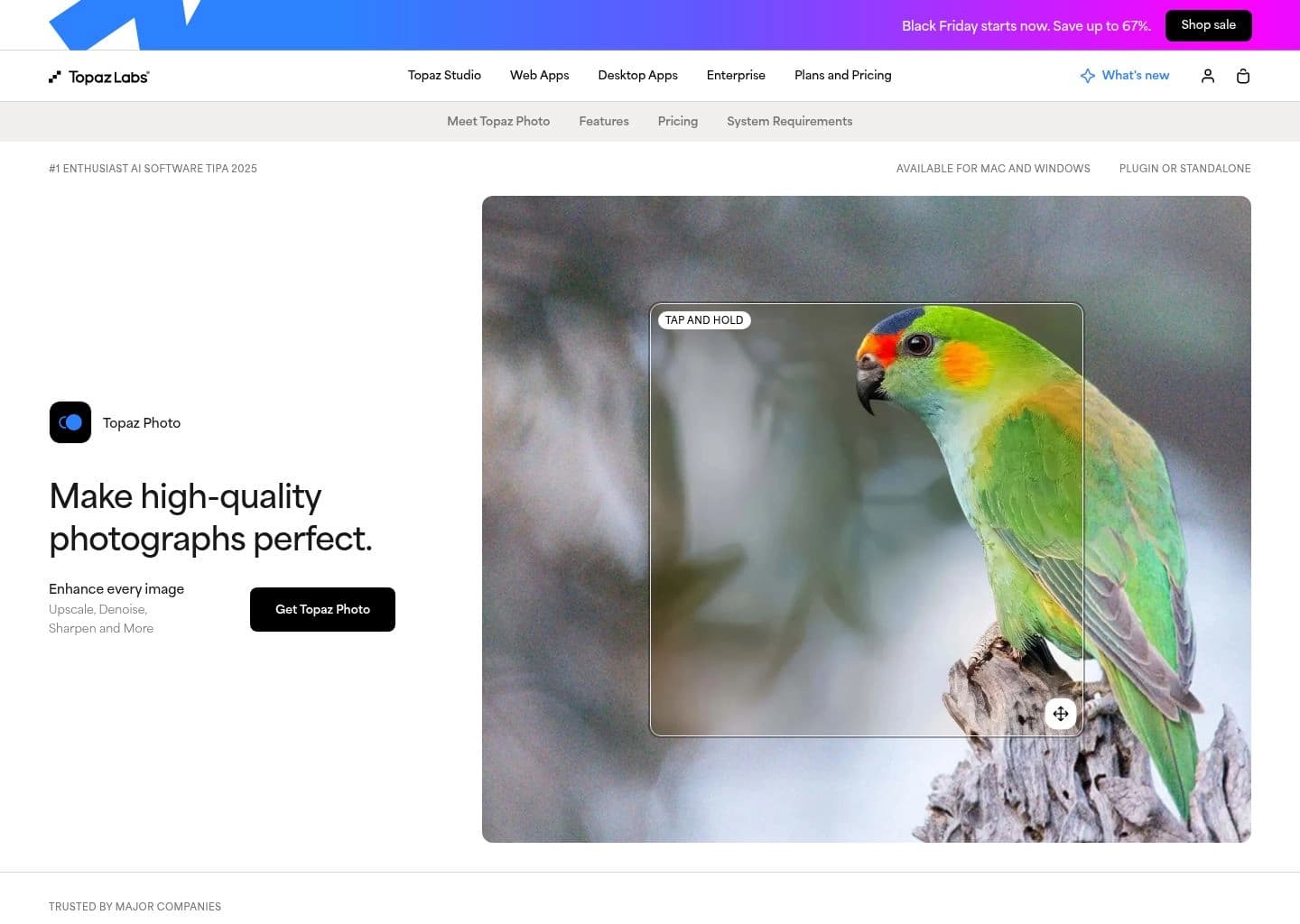
Topaz Photo handles noise reduction, sharpening, focus recovery, face restoration, lighting and color correction, dust and scratch removal, object cleanup, text preservation, and image upscaling. Gigapixel focuses on image enlargement with models for different image types, face recovery, comparison tools, and batch processing. The current desktop apps run on Windows and macOS, support local rendering, and offer optional cloud rendering; Topaz Photo integrates with Photoshop, Lightroom Classic, Capture One, Apple Photos, and Affinity Photo.
This listing covers the current Topaz Photo and Gigapixel products while documenting the legacy Photo AI app for people searching by its older name. It is aimed at professional and enthusiast photographers, retouchers, print studios, and creators who regularly need image restoration, noise cleanup, or large-format enlargement.
Key Features
- Topaz Photo AI tools for RAW and standard-image denoising, sharpening, focus recovery, and detail restoration
- Topaz Photo face recovery, lighting and color balancing, dust and scratch removal, object removal, and text preservation
- Topaz Gigapixel image enlargement with AI models for standard, low-resolution, high-fidelity, graphics, and other image types
- Gigapixel enlargement workflows up to 16x pixels with face recovery and image comparison tools
- Batch processing for handling multiple photographs in professional workflows
- Local rendering on Windows and macOS, with optional cloud rendering under eligible plans
- Plugin and standalone workflows with Photoshop, Lightroom Classic, Capture One, Apple Photos, and Affinity Photo
- Separate Pro licenses, seat management, and enterprise options for commercial studios
Pros
- Combines specialist photo finishing with a dedicated high-quality image upscaler
- Local rendering keeps source files on the user's computer when local mode is selected
- Useful integration options for established photography and retouching workflows
- Multiple models and controls let users prioritize faithful detail recovery or more aggressive enhancement
- Gigapixel and Photo are available as individual products rather than requiring the full suite
Cons
- Paid licensing is relatively expensive for casual users who only upscale occasionally
- Best results depend on choosing the right model and checking for invented or over-processed detail
- Local rendering performance depends on the computer's CPU, GPU, and memory
- The product naming and subscription structure have changed, so older Photo AI tutorials and prices may not match the current Topaz Photo offering
Pricing & Plans
Topaz Photo and Topaz Gigapixel are paid desktop applications. Topaz Photo AI is a separate discontinued legacy app: existing owners can continue using their purchased version, but v4.0.4 is its final release and it receives no further model updates. The current Topaz Photo app is subscription-only; it does not offer a conventional free trial, although Topaz documents a two-day refund window after purchase.
The standalone list prices are $199/year or $39/month for Topaz Photo, and $149/year or $29/month for Topaz Gigapixel. Annual-commitment monthly options are also listed at $25/month for Photo and $19/month for Gigapixel. Pro licenses cost $599/year for Photo and $499/year for Gigapixel, with full commercial use for larger organizations and seat management.
Topaz Studio bundles the wider application family, including Photo, Gigapixel, Video, Web, and Mobile. Eligible current subscriptions include local and cloud rendering; enterprise and production deployments can request custom solutions. Promotions, annual-commitment discounts, and regional taxes may change the checkout total, so verify the current pricing page before purchase.
Claim Verified Creator Badge
Are you the founder of Topaz Photo & Gigapixel? Display this listing's verified badge on your website to show your customers that your product has been vetted and listed on AI Central Resources.
<a href="https://www.aicentralresources.com/tool/topaz-photo-and-gigapixel" target="_blank" rel="noopener">
  <img src="https://www.aicentralresources.com/badges/featured-badge-dark.svg" alt="Featured on AICentralResources" width="200" height="54" style="border: none;" />
</a>
* Place this HTML snippet in your website's footer, landing page, or press section. This creates a search-friendly backlink directly to your verification page.
Connect with Topaz Photo & Gigapixel
Frequently Asked Questions
Topaz Photo AI is a discontinued legacy application. Version 4.0.4 is its final release and it no longer receives model updates, but existing owners can continue using the version they purchased from the legacy section of their account.
They are different generations of Topaz software, not simply the same app under a new name. Topaz Photo AI is the discontinued perpetual-license legacy app; Topaz Photo is the actively developed subscription-only app with newer models and included unlimited cloud rendering.
Topaz Photo is a broader photo enhancement and finishing application, while Topaz Gigapixel is specialized for enlarging images and recovering detail at higher resolutions.
The listed standalone prices are $199 per year or $39 monthly for Topaz Photo, and $149 per year or $29 monthly for Topaz Gigapixel. Annual-commitment monthly options may be lower, and promotions can change the checkout price.
Yes. The desktop applications support local rendering on Windows and macOS. Current Topaz Photo subscriptions also include unlimited cloud rendering; local processing keeps source files on the user's computer.
Similar AI Tools to Topaz Photo & Gigapixel
View all alternatives of Topaz Photo & Gigapixel
Magnific AI
The leading AI image upscaler and enhancer — add stunning detail and upscale to 8K+ with creative AI reimagining

VanceAI
Transform and enhance images & videos with AI-powered editing and generation tools.

Remini
Transform low-quality photos and videos into stunning HD masterpieces with AI.

Upscayl
Free, open-source desktop AI image upscaling with local GPU processing

HitPaw FotorPea
AI photo enhancer for upscaling, restoring, colorizing, and editing images
Neural.love
AI tools for video, images, and editing — generate, enhance, and restore in your browser