

HitPaw FotorPea
AI photo enhancer for upscaling, restoring, colorizing, and editing images
Gallery
6 items


About HitPaw FotorPea
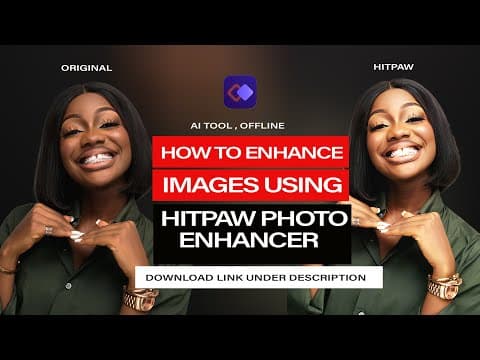
I reviewed HitPaw's current FotorPea product pages, release notes, and Windows/Mac purchase options rather than presenting an unperformed hands-on image benchmark as a personal test. The product has expanded beyond the original Photo Enhancer positioning: the current feature set includes image upscaling, face repair, old-photo restoration, colorization, batch processing, object removal, background tools, and generative editing. The FotorPea name is the current product branding, even though the older Photo Enhancer URL and name remain in circulation. Its main advantage is breadth for non-specialists: users can move from restoring an old portrait to removing an object or generating a background without switching between several applications. The trade-offs are credit accounting for cloud and generative actions, separate Windows and Mac price points, and the perpetual license's restriction to the purchased major version. As with any generative restoration tool, reconstructed facial detail and color should be checked against the source rather than treated as historical truth. I would shortlist FotorPea for users who want a guided all-in-one photo utility and value a perpetual purchase option. Photographers who prioritize precise, repeatable noise reduction and enlargement should also compare Topaz Photo/Gigapixel; users who only need free local upscaling can start with Upscayl instead.

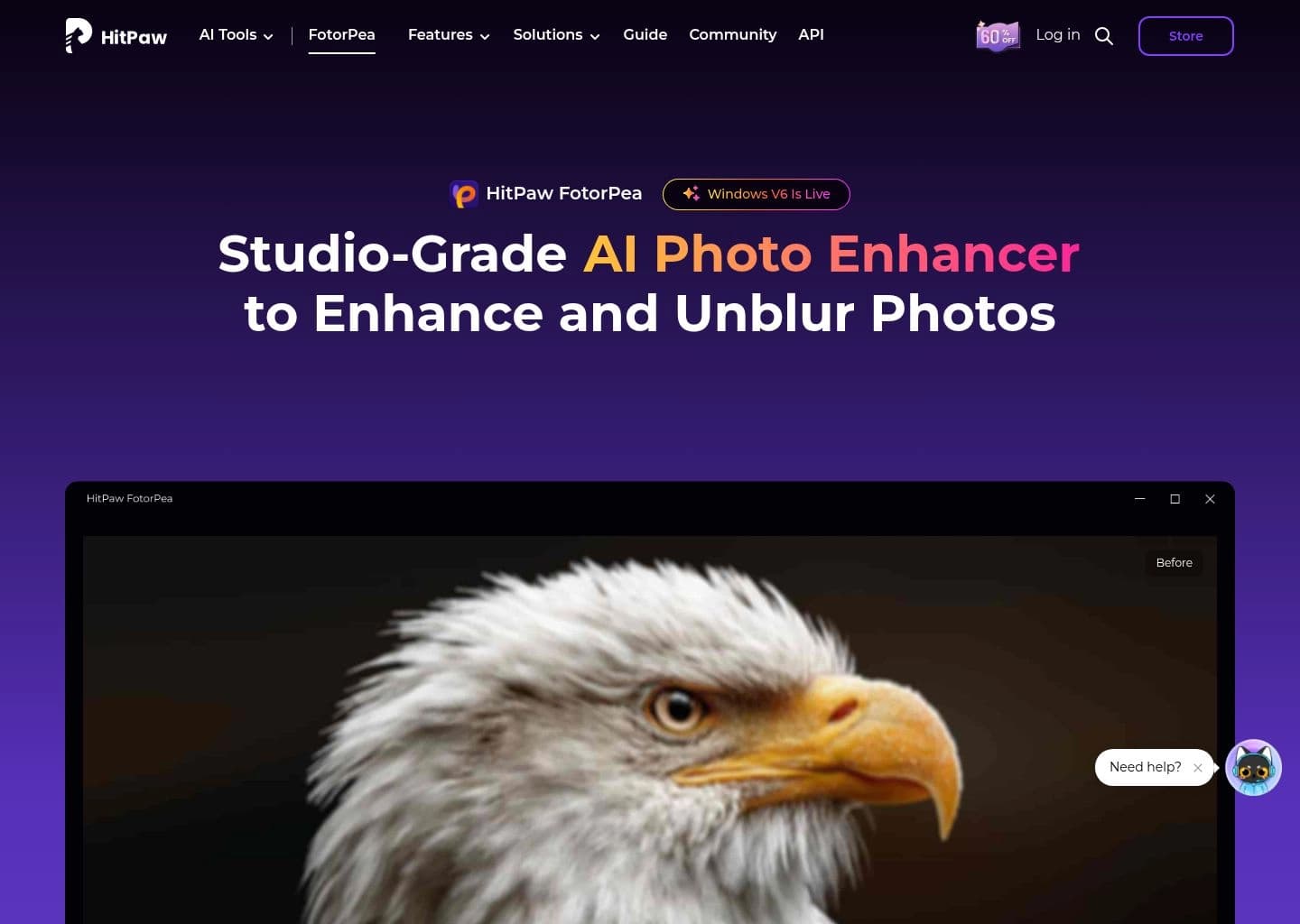
HitPaw FotorPea is the current name for HitPaw's photo-enhancement product, previously marketed as HitPaw Photo Enhancer. It is a desktop-focused AI image application for improving low-resolution photos, sharpening faces, restoring old pictures, colorizing black-and-white images, and editing or removing unwanted objects.
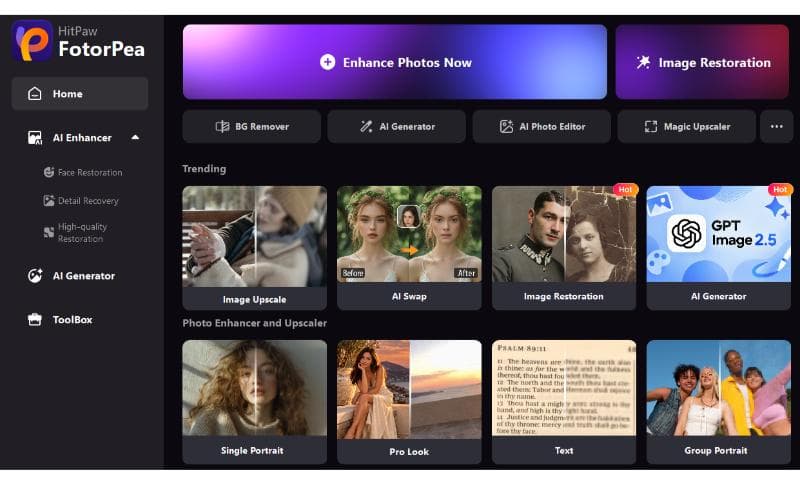
The current product extends beyond the original enhancer workflow with multiple AI image models, batch enhancement, background removal, AI generation, image replacement, portrait tools, and a chat-style editing canvas. It is available for Windows and macOS, with mobile and plugin options also promoted as part of its wider multi-platform offering. The product uses a credit allowance for selected cloud and generative features, while core enhancement features are sold through monthly, yearly, and perpetual licenses.
FotorPea is aimed at everyday photographers, family-history and archival users, social creators, and small businesses that want a guided desktop app for improving photos without learning a full professional editor. The most important purchase check is to distinguish the monthly subscription, annual license, and perpetual version: perpetual licenses cover the current major version and do not automatically include future major upgrades.
Key Features
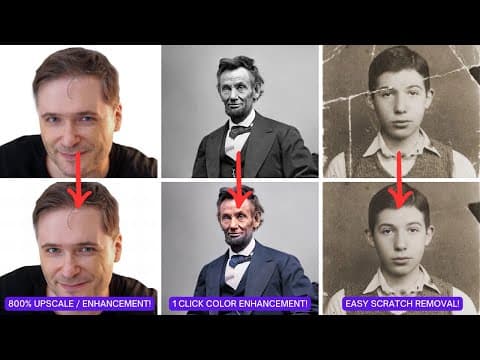
- AI photo upscaling and enhancement for output up to 4K or 8K
- AI face enhancement and unblur tools for portraits and low-quality photos
- Old photo restoration and black-and-white colorization
- Batch photo enhancement and editing for processing multiple images
- AI object removal, background removal, and image replacement tools
- AI background and portrait generation plus text- and image-based generation
- AI Canvas and chat-style image editing workflows
- Windows and macOS desktop apps with related mobile and plugin options
Pros
- Combines photo enhancement, restoration, colorization, and generative editing in one desktop product
- Multiple license choices include monthly, annual, and perpetual purchase options
- Batch enhancement is useful for family archives and larger photo collections
- Beginner-oriented workflow reduces the need to learn a complex professional editor
- Windows and macOS versions are available with feature and credit bundles
Cons
- Some cloud and generative features consume credits, so included allowances need to be checked before bulk use
- Monthly and annual pricing differs between Windows and Mac
- Perpetual licensing does not automatically include future major-version upgrades
- AI face reconstruction and colorization can introduce plausible but inaccurate details that should be reviewed
Pricing & Plans
HitPaw FotorPea is a paid Windows and macOS application with limited free previews and trial access for selected features. The purchase page lists a 1-month subscription, a 1-year license, and a perpetual license; pricing and promotional discounts can differ by operating system and checkout region.
The current Windows page lists $22.39 for one month, $90.39 for one year, and $130.39 for a perpetual license before applicable tax. The Mac page lists $25.59 monthly, $99.99 yearly, and $159.99 for a perpetual license. The plans include 100, 500, and 800 credits respectively, with credits used by selected cloud and generative tools.
The perpetual license is a one-time purchase for the current major version and does not automatically include future major-version upgrades. Business plans support multiple computers and volume purchases. Prices shown on the official checkout may include limited-time discounts, so verify the live Windows or Mac price before paying.
Claim Verified Creator Badge
Are you the founder of HitPaw FotorPea? Display this listing's verified badge on your website to show your customers that your product has been vetted and listed on AI Central Resources.
<a href="https://www.aicentralresources.com/tool/hitpaw-fotorpea" target="_blank" rel="noopener">
  <img src="https://www.aicentralresources.com/badges/featured-badge-dark.svg" alt="Featured on AICentralResources" width="200" height="54" style="border: none;" />
</a>
* Place this HTML snippet in your website's footer, landing page, or press section. This creates a search-friendly backlink directly to your verification page.
Connect with HitPaw FotorPea
Frequently Asked Questions
Yes. HitPaw's photo enhancement product is now branded as HitPaw FotorPea. The older Photo Enhancer name still appears in older pages, reviews, and URLs.
The official Windows purchase page lists $22.39 monthly, $90.39 yearly, and $130.39 for a perpetual license before tax. The Mac page lists $25.59 monthly, $99.99 yearly, and $159.99 perpetual. Promotions can change these prices.
Yes. It includes AI photo restoration, face enhancement, colorization for black-and-white photos, and tools for reducing blur and improving image detail.
Yes. Its paid desktop plans advertise batch photo enhancement, allowing users to process multiple images rather than editing each file individually.
No. The official purchase FAQ says a perpetual license covers the purchased major version and its included updates; upgrading to a future major version may require another payment.
Similar AI Tools to HitPaw FotorPea
View all alternatives of HitPaw FotorPea
VanceAI
Transform and enhance images & videos with AI-powered editing and generation tools.

Remini
Transform low-quality photos and videos into stunning HD masterpieces with AI.

Fotor
Enhance and edit photos with Fotor’s free online photo editor and AI tools.


Photoroom
Remove backgrounds and create studio-quality product photos with AI

Magnific AI
The leading AI image upscaler and enhancer — add stunning detail and upscale to 8K+ with creative AI reimagining