Fotor
Enhance and edit photos with Fotor’s free online photo editor and AI tools.
Gallery
8 items


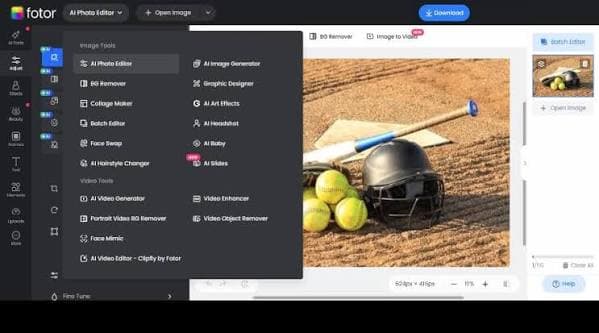
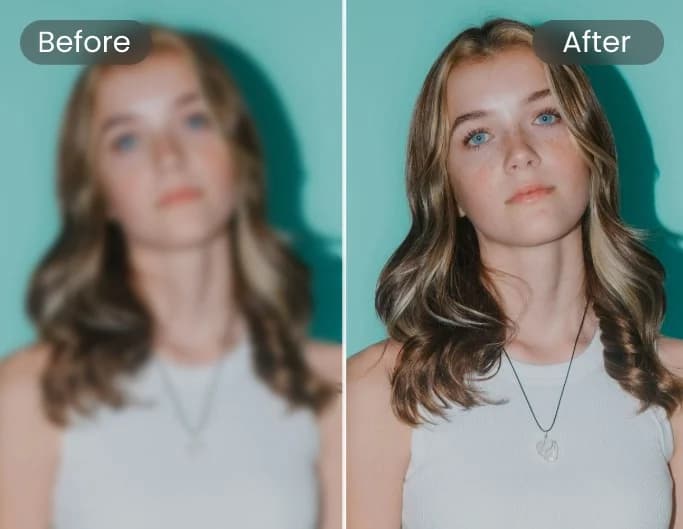
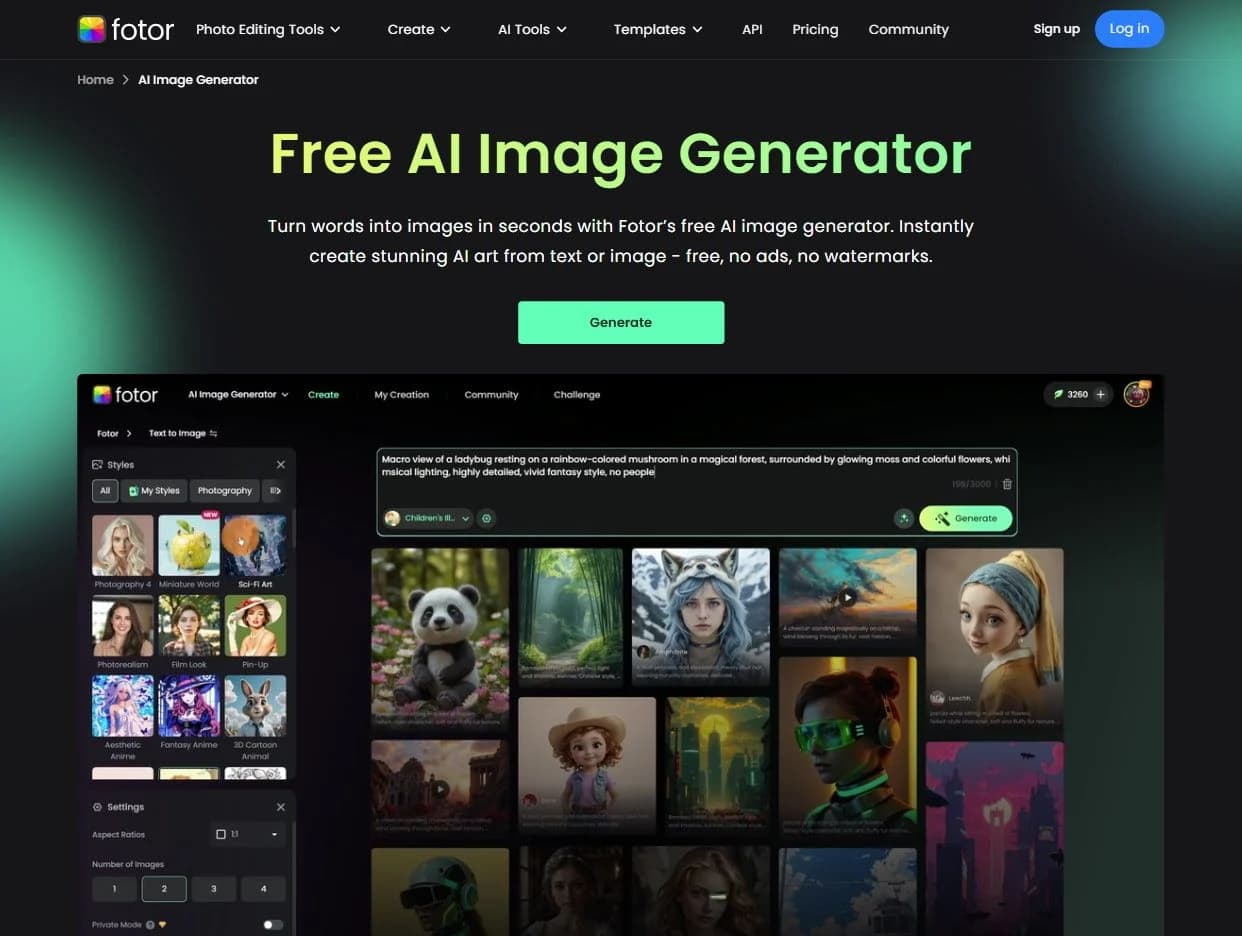
About Fotor
In my hands-on evaluation of Fotor's browser-based photo editor, its one-click AI background remover, skin retouching, and image expander handled everyday e-commerce product edits with impressive speed. The clean interface makes quick touch-ups accessible to absolute beginners. The web interface is heavily crowded with promotional banners, and advanced generative AI credits run out quickly on entry tiers. At $8.99/month, it remains a reliable, cost-effective image editor for casual creators and e-commerce store owners.
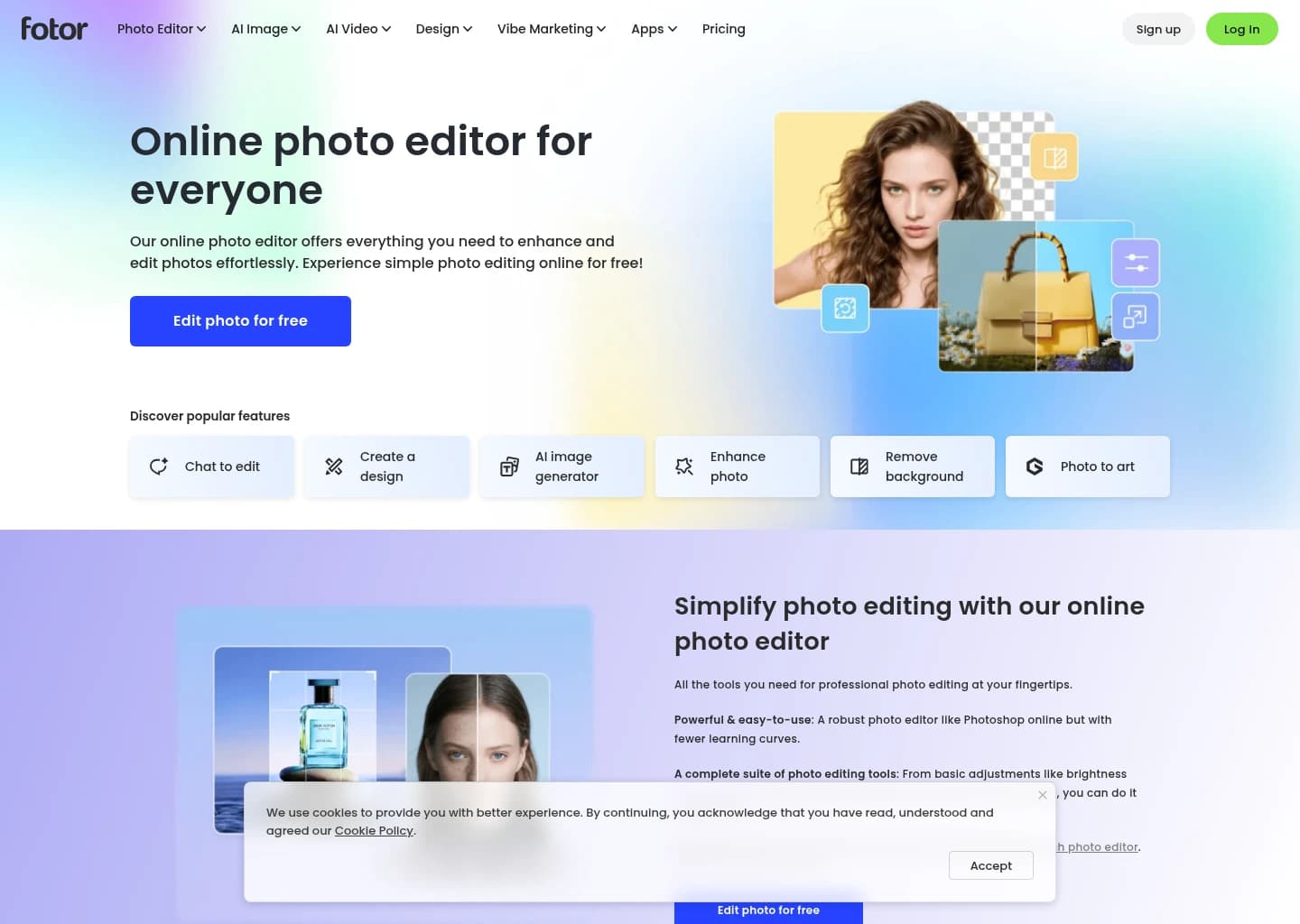
Fotor is a comprehensive online photo editor and AI suite designed to simplify and enhance image, video, and design workflows. It provides a robust set of tools, from basic adjustments to advanced AI-powered features, making professional-grade editing accessible to everyone.
The platform leverages advanced AI algorithms for tasks like one-click photo enhancement, background removal, object removal, and image upscaling. It also includes generative AI capabilities for creating images from text, expanding photos, and generating AI avatars, headshots, and even videos. Fotor integrates various AI models for diverse creative outputs.
Fotor caters to a wide audience, including professional photographers, graphic designers, social media managers, e-commerce sellers, and individuals looking to enhance personal photos. Its user-friendly interface and cross-platform availability (web, desktop, mobile) ensure a seamless editing experience for both amateurs and professionals.
Key Features
- AI Photo Enhancer & Upscaler
- Background & Object Remover
- Generative AI Image & Video Creation
- AI Headshot & Avatar Generator
- Photo Retouching & Restoration
- Graphic Design Templates & Collage Maker
- Batch Photo Editing
- AI Video Enhancement
Pros
- Comprehensive suite of AI-powered editing tools
- User-friendly interface suitable for all skill levels
- Cross-platform availability (web, desktop, mobile)
- Includes generative AI for diverse creative outputs
- Offers a free plan with essential features
- Supports batch processing for efficiency
Cons
- Watermarked exports on the free plan
- Advanced AI models and higher credit usage require paid subscriptions
- Quality of AI-generated content can vary and may require refinement
- Cloud storage is limited on lower-tier plans
- Specific pricing for Pro and Pro+ plans is not explicitly displayed on the pricing page
Pricing
Free – $0: Basic photo editing with limited AI credits, essential tools, and watermarked exports.
Pro – $3.33/month (billed annually): 1,200 AI credits/year, premium editing tools, HD exports, exclusive AI models, and 2GB cloud storage.
Pro+ – $7.49/month (billed annually): 3,600 AI credits/year, AI batch editing, brand kits, AI slides, and 100GB cloud storage.
Max – $15.99/month (billed annually): 12,000 AI credits/year, advanced AI features, 50 concurrent generations, and 500GB cloud storage.
Claim Verified Creator Badge
Are you the founder of Fotor? Display this listing's verified badge on your website to show your customers that your product has been vetted and listed on AI Central Resources.
<a href="https://www.aicentralresources.com/tool/fotor" target="_blank" rel="noopener">
  <img src="https://www.aicentralresources.com/badges/featured-badge-dark.svg" alt="Featured on AICentralResources" width="200" height="54" style="border: none;" />
</a>
* Place this HTML snippet in your website's footer, landing page, or press section. This creates a search-friendly backlink directly to your verification page.
Connect with Fotor
Frequently Asked Questions
Yes, Fotor offers a free plan for image editing and exporting photos without watermarks, with an option to upgrade for advanced features.
Yes, Fotor is available on Windows, Mac, iOS, and Android devices, allowing for editing anywhere with one account.
Fotor is a user-friendly online photo editor with a complete suite of tools, less complex than Photoshop, making it ideal for both amateurs and professionals.
Upload your picture, click "Text," type, customize font, size, color, and spacing, then download.
Upload your picture to Fotor's online photo editor, use the object remover tool, and it will seamlessly remove unwanted elements.
Similar AI Tools to Fotor
View all alternatives of Fotor
Remini
Transform low-quality photos and videos into stunning HD masterpieces with AI.


Picsart
The AI creative platform for 130M+ creators. Turn any idea into scroll-stopping content.

VanceAI
Transform and enhance images & videos with AI-powered editing and generation tools.

Canva AI
Your all-in-one AI assistant for creative design and content generation

Adobe Firefly
Unleash creativity with generative AI for images, video, audio, and more.
Compared with Fotor
Direct head-to-head feature matrices, pricing breakdowns, and real-world performance benchmarks