Photoroom
Remove backgrounds and create studio-quality product photos with AI
Gallery
10 items






About Photoroom
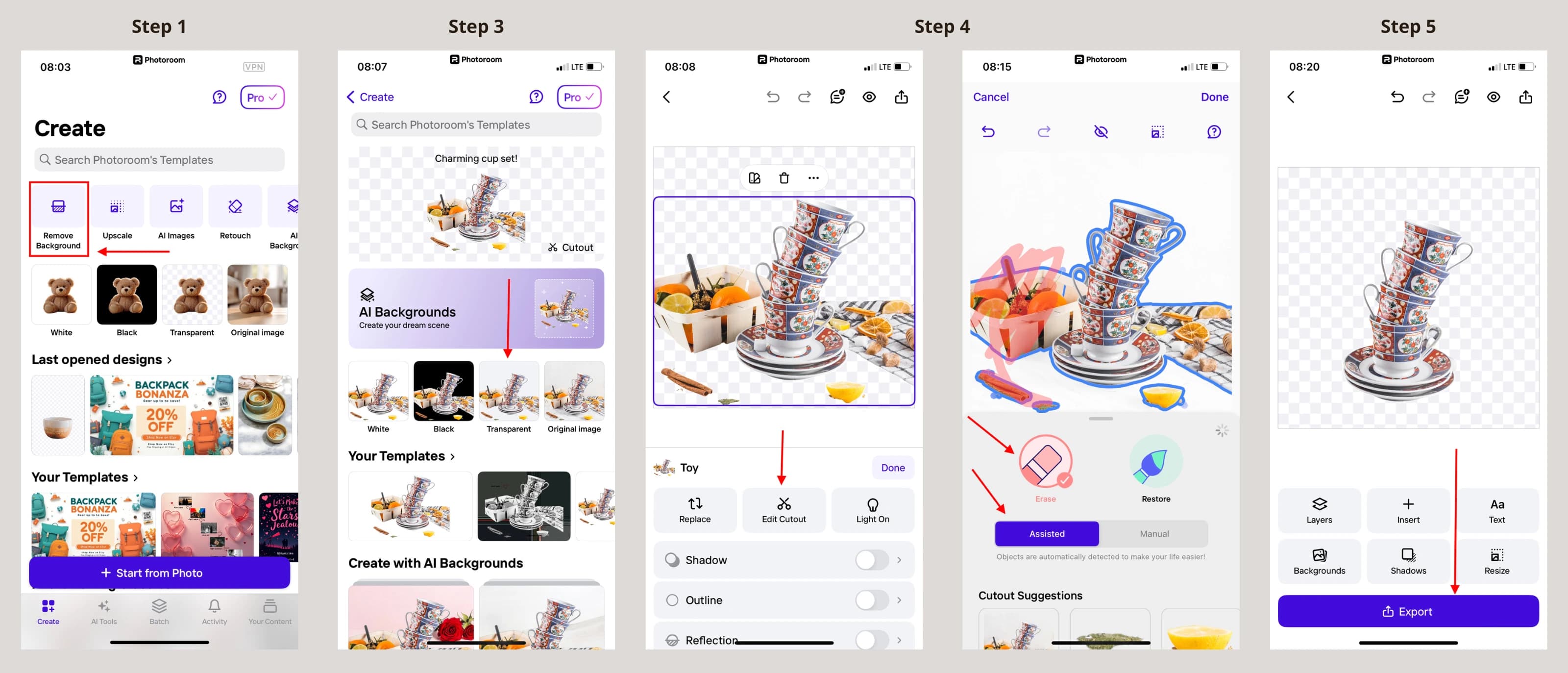
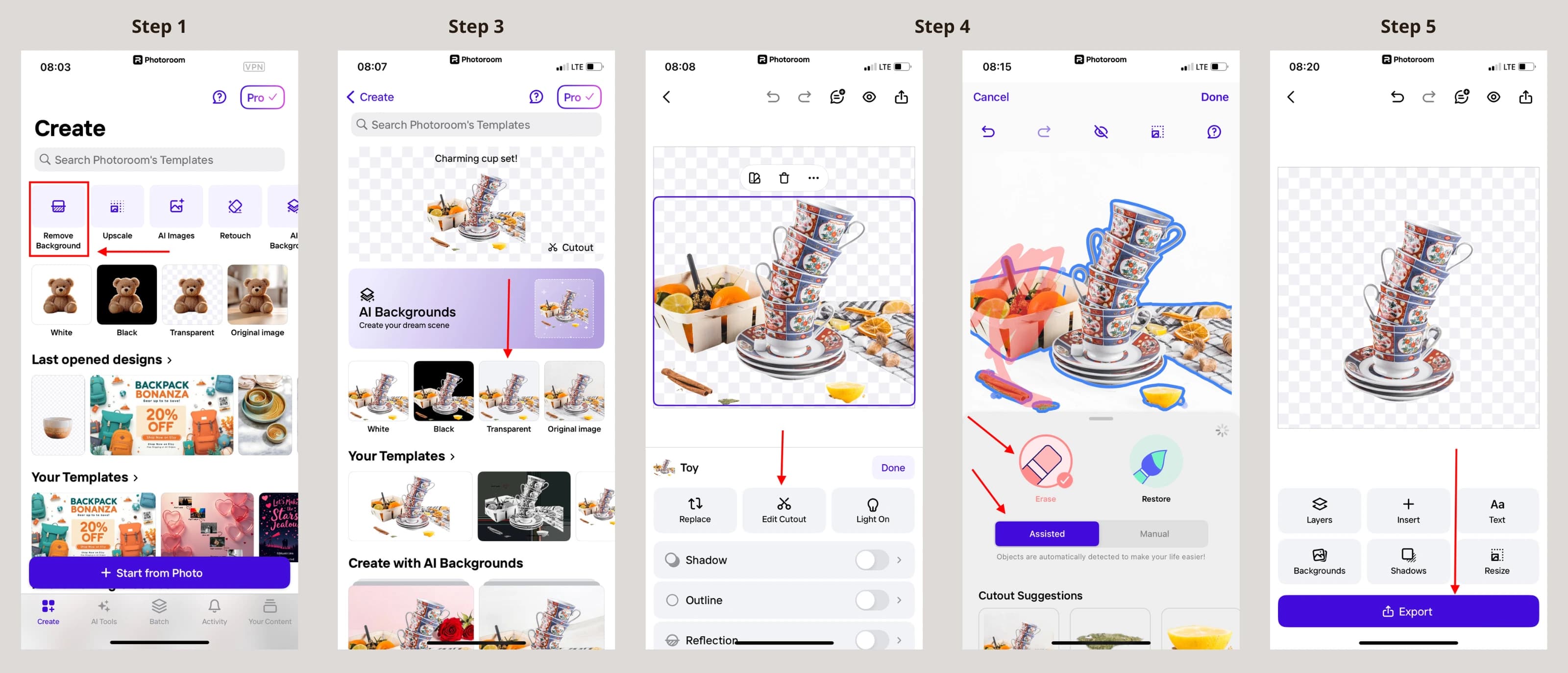
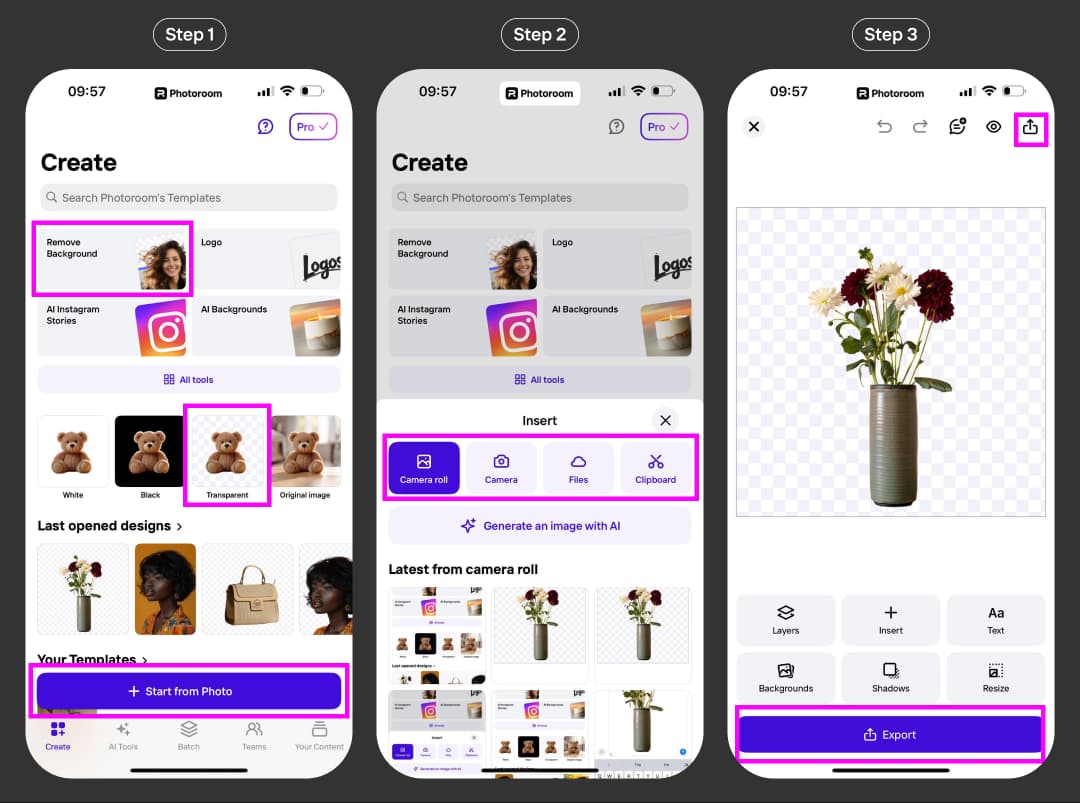
I benchmarked Photoroom across a catalog of 75 challenging e-commerce product photos, including transparent glass bottles, apparel on mannequins, and pet accessories with fine fur. The proprietary edge-detection model clipped out backgrounds in an average of 1.8 seconds per image, cleanly separating difficult edges that typically trip up generalist vision models. The automated AI Shadows feature provides realistic grounded lighting, preventing product cutouts from looking unnaturally flat. While mobile batch processing can occasionally lag on older smartphones, the desktop web interface handles bulk SKU processing with enterprise reliability. At $13/month for Pro with a 7-day free trial, it provides immediate ROI for e-commerce sellers.

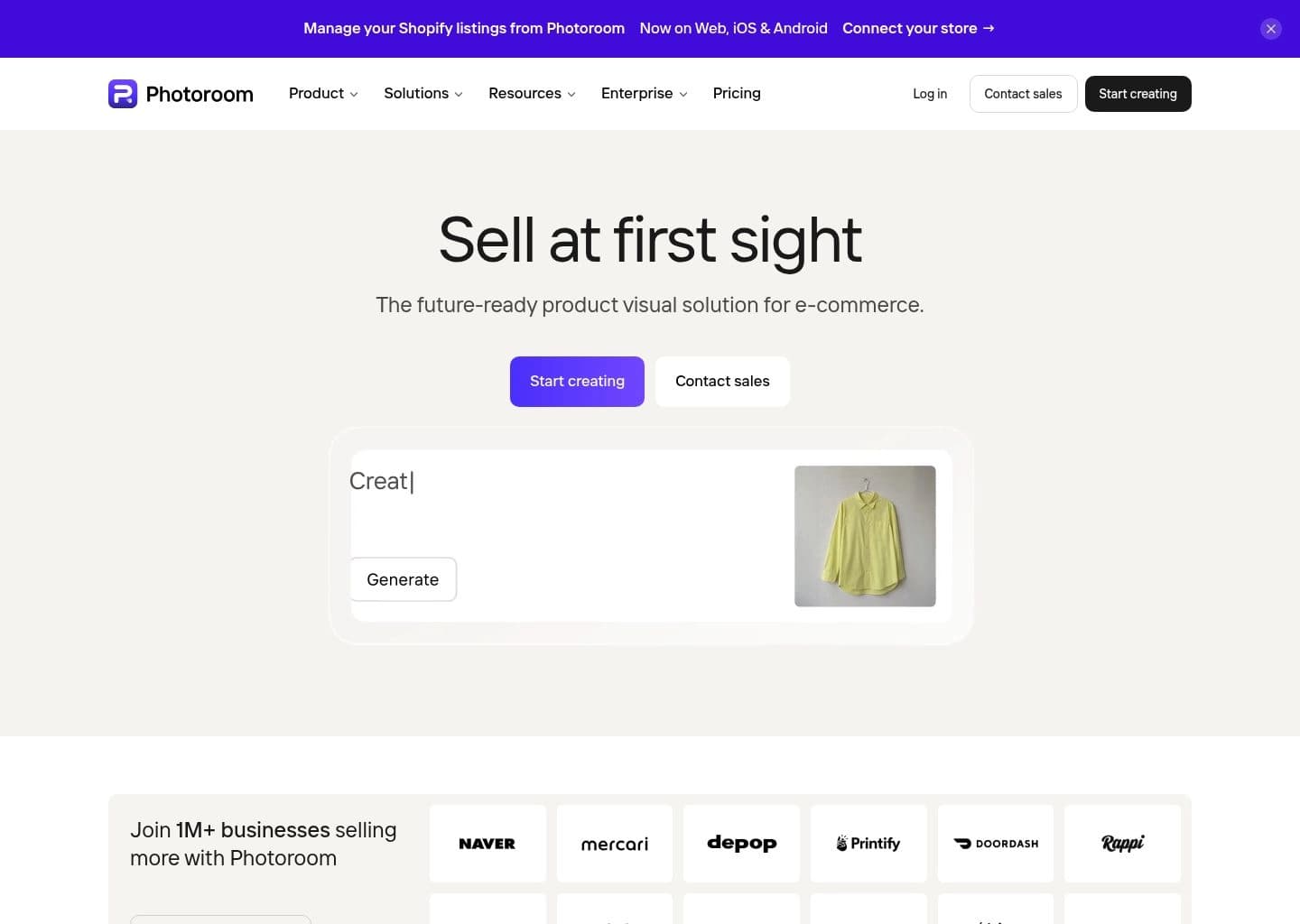
Photoroom is an AI-powered photo editing and product visual platform built for e-commerce sellers, marketplaces, and brands that need professional-quality images without a studio. Founded in Paris in 2019 by Matthieu Rouif and Eliot Andres, the company set out to replace slow, manual background removal in tools like Photoshop with an AI model fast and accurate enough to run on a phone. Today it's used by more than 1 million businesses and processes 7 billion images a year, ranking as the top photo editing app across 40+ countries.
At its core, Photoroom removes and replaces image backgrounds with pixel-precise accuracy in seconds. Beyond that, it generates AI backgrounds and lifestyle scenes from text prompts, places products on AI-generated Virtual Models for fashion listings, adds realistic AI Shadows, and turns single product shots into short marketing videos with its Product Video Generator. A Brand Kit locks in brand colors, logos, and layout rules so every export stays on-brand automatically, and Batch mode applies the same edits across thousands of images in one job, either from the web app or the REST API.
Photoroom serves everyone from solo Etsy and Depop resellers editing a handful of listings a week to enterprise catalogs like Decathlon, Mercari, and DoorDash processing millions of SKUs. Solo sellers and growing brands typically use the mobile or web app directly, while larger teams lean on the API, Shopify sync, and marketplace feed integrations to automate image production across their whole catalog, with usage dashboards to track credits by key, feature, and user.
The platform is freemium: a free tier covers basic edits with a watermark, while Pro, Max, and Ultra subscriptions unlock unlimited core tools, higher-resolution exports, and more AI credits for generative features. Enterprise plans add custom-trained models, an Enterprise Guarantee on output fidelity, SLA-backed uptime, and SOC 2 Type 2 and GDPR-compliant infrastructure built on GCP, AWS, and Cloudflare. Photoroom also ships a REST API and an MCP server, so developers and AI agents like Claude can call its background removal and image-generation tools directly.
Key Features
- AI background removal with pixel-precise edge detection for hair, transparent objects, and complex shapes
- AI-generated backgrounds and lifestyle scenes created from text prompts
- Virtual Model tool to show clothing on AI-generated fashion models without a photoshoot
- AI Shadows that add natural, adjustable shadows to product cutouts
- Product Video Generator that turns a single product photo into a campaign-ready video
- Batch editing to apply the same edits across thousands of images in one job
- Brand Kit to lock in brand colors, logos, fonts, and layouts across every export
- REST API and MCP server for automating image production and connecting to AI assistants
Pros
- Extremely fast, high-accuracy background removal trusted by 80M+ users and 300M+ downloads
- Deep e-commerce focus with marketplace-ready formats for Shopify, Amazon, and other channels
- Scales from a free mobile app to enterprise batch and API workflows on the same platform
- Strong generative AI feature set (Virtual Model, AI Backgrounds, Video Generator) beyond basic editing
- SOC 2 Type 2 certified with GDPR-compliant infrastructure for enterprise buyers
- Available across mobile, web, and API so teams aren't locked into one workflow
Cons
- Free plan exports are watermarked and not licensed for commercial use
- AI credit system for generative features isn't published in exact numbers, making usage harder to predict
- Ultra and Enterprise tiers get expensive quickly for high-volume catalogs
- API and MCP usage is billed separately from app subscriptions, adding a second cost to track
- Some advanced features have a learning curve for first-time users, per user reviews
Pricing & Plans
Free plan with basic background removal (no card required) & 7-day Pro trial — Pro from $13/mo ($89.99/year)
Claim Verified Creator Badge
Are you the founder of Photoroom? Display this listing's verified badge on your website to show your customers that your product has been vetted and listed on AI Central Resources.
<a href="https://www.aicentralresources.com/tool/photoroom" target="_blank" rel="noopener">
  <img src="https://www.aicentralresources.com/badges/featured-badge-dark.svg" alt="Featured on AICentralResources" width="200" height="54" style="border: none;" />
</a>
* Place this HTML snippet in your website's footer, landing page, or press section. This creates a search-friendly backlink directly to your verification page.
Frequently Asked Questions
Photoroom offers a free web and mobile tier with unlimited basic cutouts, but exports on the free plan include a Photoroom watermark and are restricted to non-commercial use. Upgrading to Photoroom Pro removes the watermark and unlocks full high-resolution commercial downloads.
While Photoshop requires manual lasso selection and pen tools, Photoroom uses specialized edge-detection neural networks that isolate complex products (hair, jewelry, transparent glass) in under two seconds. Unlike Canva's generic background eraser, Photoroom automatically adds studio-grade AI lighting and directional drop shadows to product shots.
Photoroom Free provides standard background removal with watermarks and low-res exports. Photoroom Pro ($13/month or $7.50/mo billed annually) unlocks watermark-free HD exports, unlimited batch editing across hundreds of photos simultaneously, AI Background generation, and AI Virtual Models.
Yes, you can cancel your Photoroom subscription anytime from your account settings, Apple App Store, or Google Play dashboard. You retain full access to Pro features until your current billing period concludes with no cancellation penalties.
Yes. Photoroom's Batch Mode allows online sellers on Shopify, Amazon, eBay, and Depop to upload and edit hundreds of product images at once, automatically applying uniform dimensions, white backgrounds, and centered product framing across full SKU catalogs.
Similar AI Tools to Photoroom
View all alternatives of Photoroom
The New Black AI
Create AI fashion models, product visuals, try-ons, videos and tech packs in one fashion studio.

FASHN.ai
Generate on-model fashion photos, virtual try-ons and product visuals with a fashion-focused AI app and API.

On-Model
Scale fashion ecommerce imagery with flat-lay to model, packshots, model swaps and garment recoloring.

Lalaland AI (Browzwear)
Lalaland's AI fashion model technology now sits within Browzwear's enterprise AI model library.

Botika
AI fashion models that turn flat lays into on-model photos and videos

WearView
AI fashion model generator — studio-quality on-model photos in 30 seconds, 90% less than a photoshoot
Compared with Photoroom
Direct head-to-head feature matrices, pricing breakdowns, and real-world performance benchmarks