Managing a distributed team comes with a specific set of friction points. Time zones clash, context gets lost in endless chat threads, and tracking down a single project update often requires pinging three different colleagues. The initial promise of remote work was autonomy, but for many organizations, it evolved into a constant cycle of digital check-ins and meeting fatigue.
The software industry recognized this bottleneck. Now, artificial intelligence is actively reshaping how distributed teams operate, shifting the focus from simple communication to actual workflow optimization. We are seeing a distinct move away from standalone chat apps toward intelligent hubs that actively organize information for you.
The Quick Answer: The most productive remote teams combine real-time communication hubs with asynchronous documentation engines. Slack AI and Microsoft Teams Copilot lead real-time collaboration with conversational thread summaries and cross-channel intelligence. For asynchronous video and knowledge capture that eliminates meeting fatigue, Loom AI, Notion AI, and Guru provide unmatched ROI.
🎥 Remote Video Memos: Read our ranked benchmark of the Best AI Tools for Asynchronous Team Communication in 2026.
When evaluating the best ai team collaboration tools 2026 has to offer, the primary goal is reducing the manual effort required to stay aligned. In this guide, we break down the top platforms specifically tested and optimized for remote-first environments, categorizing them by how your team actually works: in real-time and asynchronously.
Introduction to Remote-First AI Collaboration
Remote work relies heavily on the software stack you choose. If your tools create silos, your team operates in silos. The introduction of AI collaboration tools is addressing this exact issue by acting as an intelligent connective tissue between your team's conversations and their actual deliverables.
Research into digital workspaces confirms this shift in priority. Effective team collaboration software integrates real-time communication with project management to reduce context switching. This means the tool shouldn't just be a place to talk; it should be a place where work actually progresses. When an AI can read a conversation, extract the action items, and update a project board automatically, it eliminates the administrative overhead that typically slows down distributed teams.
The Shift to AI-Powered Remote Work
The evolution of remote work has moved past basic video conferencing and cloud storage. Today's team collaboration software tools are expected to act as active participants in your workflow. They process information in the background, surface relevant documents before you ask for them, and summarize hours of discussion into a quick brief you can read over your morning coffee.
For a comprehensive look at how this shift fits into broader workplace optimization, we highly recommend reading The Ultimate Guide to AI Productivity Tools (2026). It provides essential context on how artificial intelligence is streamlining individual output alongside team-wide operations.
The core benefit of this shift is visibility. In a traditional office, you can lean over a desk to ask a quick question. In a remote setting, that same question might interrupt a colleague's deep work state. AI-powered tools intercept these queries, searching internal knowledge bases and providing answers instantly, protecting your team's focus time.
Real-Time vs. Asynchronous Workflows
Real-Time vs Async Workflows
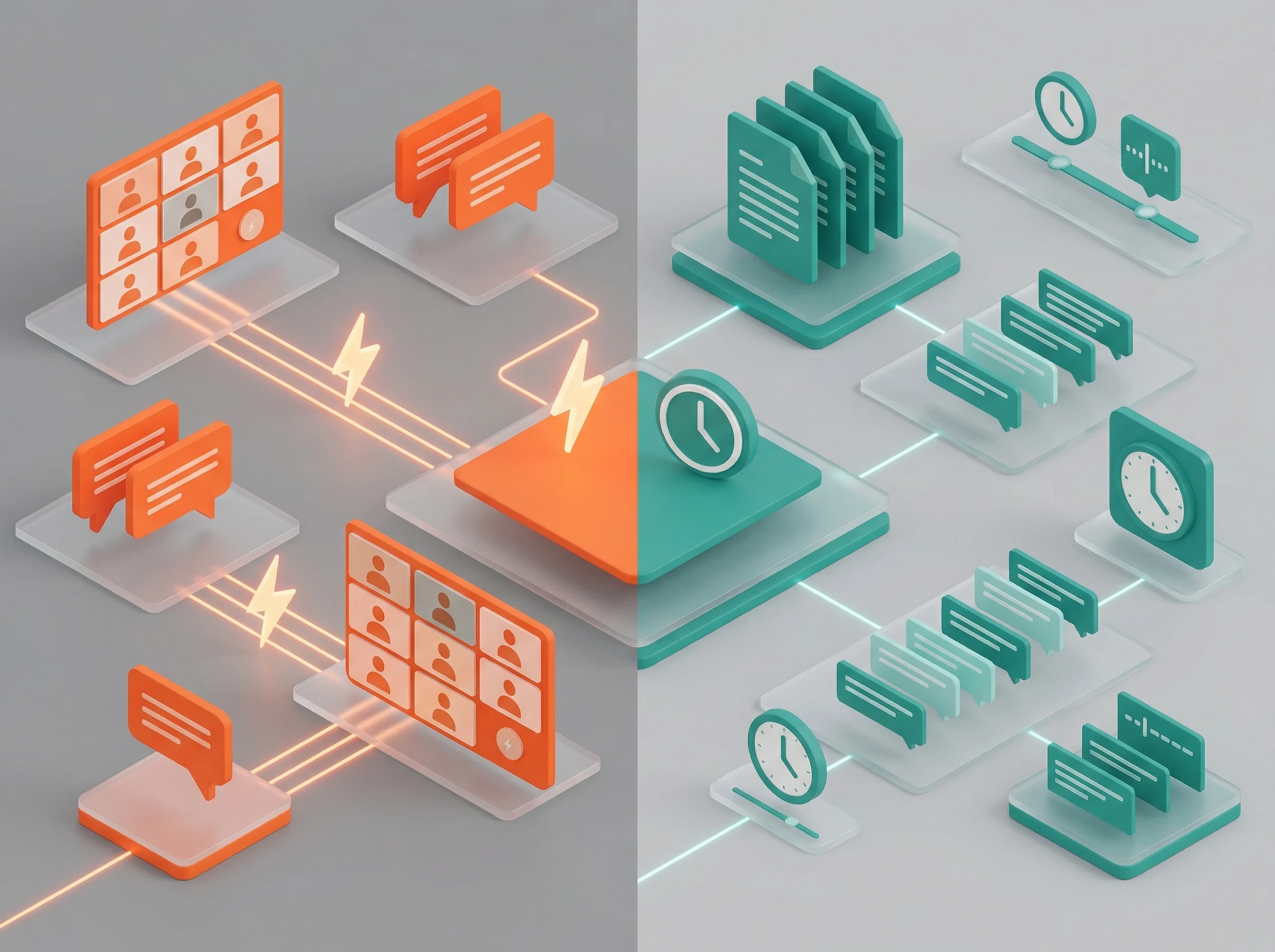
To build an effective remote stack, you must understand the distinction between real-time and asynchronous work. Real-time (synchronous) tools require everyone to be present at the same time. Think video calls, live brainstorming sessions, and rapid-fire chat threads. These are crucial for building rapport, handling complex problem-solving, and making immediate decisions.
Asynchronous tools, on the other hand, allow team members to contribute on their own schedules. This includes recorded video messages, collaborative documentation, and intelligent project boards. When searching for the best collaboration tools for remote teams, the most successful organizations do not choose one over the other. Instead, they build a balanced stack.
Relying too heavily on real-time tools leads to burnout and excludes team members in different time zones. Relying entirely on asynchronous tools can make a team feel disconnected and slow down urgent decisions. The platforms highlighted below are categorized to help you build that necessary balance.
5 Best Real-Time AI Collaboration Tools for 2026
Real-Time AI Collaboration Ecosystem
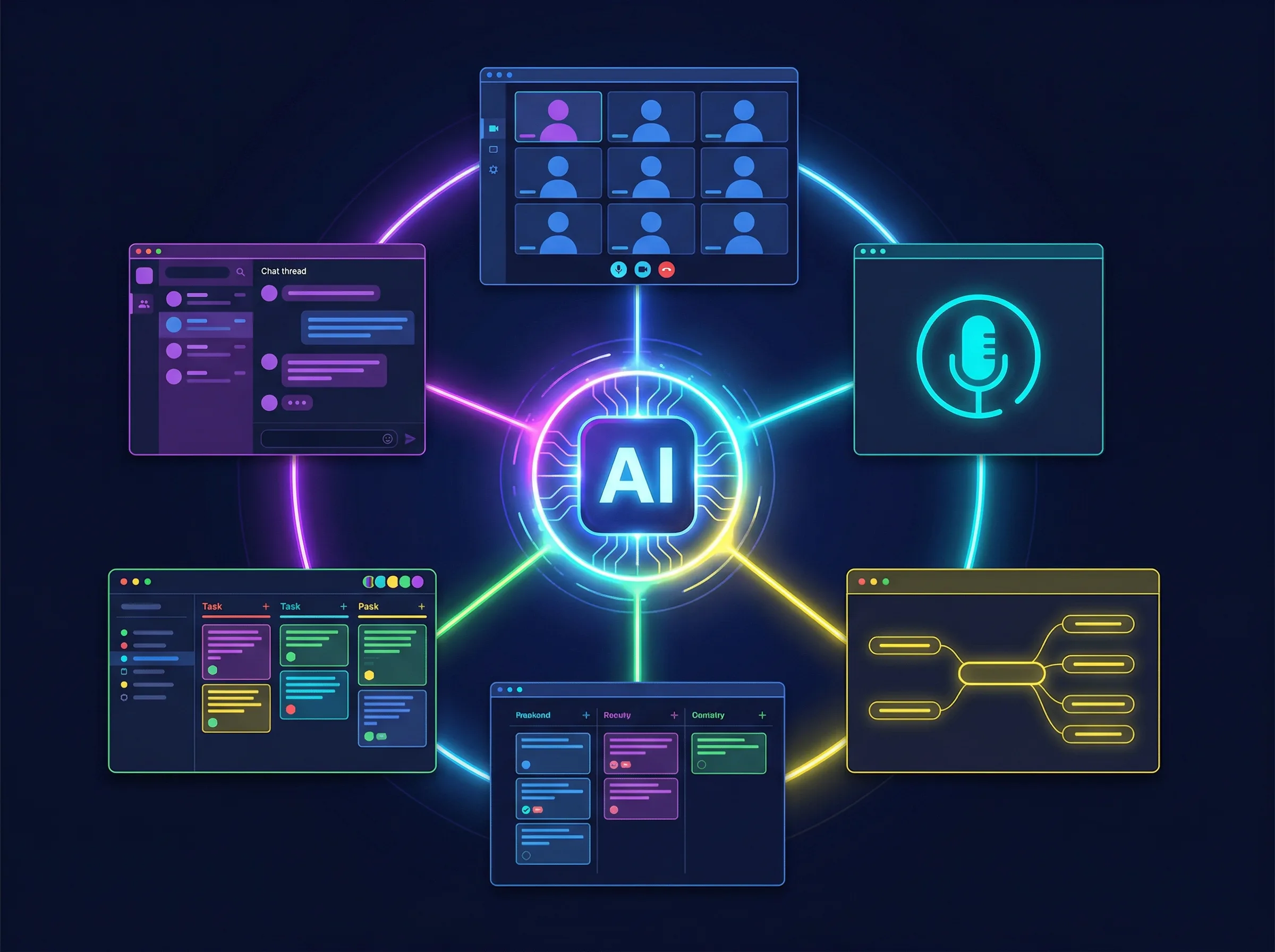
Real-time collaboration is about speed and alignment. When your team needs to huddle, brainstorm, or resolve a critical issue immediately, these tools provide the infrastructure. The best ai team collaboration tools 2026 offers in this category use artificial intelligence to ensure that the rapid pace of live work is captured, organized, and made searchable for the future.
1. Slack AI: Intelligent Chat and Search

Slack has long been the default communication hub for remote teams, but its high volume of messages often leads to information overload. If you step away for a few hours, returning to dozens of unread channels can be overwhelming. Slack AI was developed specifically to solve this problem of conversational noise.
The primary value here lies in its summarization and retrieval capabilities. Slack's AI capabilities allow users to summarize long threads and search for specific knowledge across the platform. Instead of scrolling through 50 messages to find the final decision on a project, you can ask the AI for a summary.
Key remote-first benefits:
* Catch-up summaries: Generate instant recaps of channels you haven't checked in days.
* Conversational search: Ask questions in plain English (e.g., "What was the final budget approved for the Q3 campaign?"), And the AI will find the exact message and context.
* Thread extraction: Pull action items directly from rapid-fire team discussions.
Check Slack's official website for current pricing and AI add-on availability.
2. Microsoft Teams AI: Enterprise Copilot
For organizations heavily invested in the Microsoft ecosystem, Teams serves as the central nervous system for remote collaboration. The integration of Microsoft Copilot into Teams has transformed it from a standard chat and video app into a highly capable administrative assistant.
When managing distributed workforces, keeping track of who is responsible for what after a large meeting is notoriously difficult. Microsoft Teams utilizes AI to provide meeting recaps and automate task assignments for remote workers. This ensures that nothing falls through the cracks, even if half the team was asleep during the live call.
Key remote-first benefits:
* Intelligent recaps: Automatically generate meeting notes, highlighting decisions made and open questions.
* Action item routing: Identify tasks discussed in chats or calls and route them to the appropriate project boards.
* Cross-app connectivity: As one of the leading ai tools for MS Teams, Copilot pulls context from Word, Excel, and PowerPoint directly into your team chats.
Visit Microsoft's official site for current plans and Copilot licensing details. If Slack AI and Teams AI are both on your shortlist, our full Slack AI vs Microsoft Teams AI comparison breaks down pricing, search accuracy, and which one fits your existing stack.
3. Zoom AI: Smart Meeting Companion
Video fatigue is a well-documented challenge for remote workers. Zoom recognized that the value of a meeting shouldn't be limited to the people who attend live. By introducing the AI Companion, Zoom has made synchronous video calls valuable for asynchronous team members.
The AI Companion acts as a silent note-taker and facilitator. Zoom AI Companion offers real-time transcription and highlights key takeaways during video calls. If you join a meeting 15 minutes late, you can privately ask the AI to catch you up on what you missed without interrupting the speaker.
Key remote-first benefits:
* Late-joiner summaries: Get instant context on the discussion if you enter a meeting after it begins.
* Smart chapters: Video recordings are automatically divided into chapters based on topics discussed, making it easy for absent team members to find relevant sections.
* Whiteboard generation: Use conversational prompts to generate ideas on Zoom's digital whiteboards during live calls.
Check Zoom's official site for current pricing and AI Companion inclusion.
4. Miro AI: Visual Team Brainstorming

When teams share a physical office, they gather around whiteboards to map out complex ideas. Replicating this visually unstructured process online used to be frustrating. Miro has bridged this gap, providing a digital canvas that feels intuitive for distributed teams.
Miro AI acts as a co-facilitator during live workshops. Miro AI assists teams in generating mind maps and clustering sticky notes during virtual brainstorming sessions. When your team dumps dozens of ideas onto a board, the AI can instantly organize them by theme, saving the project manager significant manual effort.
Key remote-first benefits:
* Instant clustering: Group hundreds of sticky notes by sentiment or topic in seconds.
* Mind map generation: Type a core concept and let the AI build out a structured visual map for the team to expand upon.
* Code and text creation: Generate boilerplate code or project briefs directly on the canvas based on the visual diagrams.
As one of the premier online collaboration tools for visual thinkers, Miro offers various tiers. Visit the official Miro website for current pricing.
5. ClickUp AI: Real-Time Project Management

Project management tools often suffer from a data entry problem. Team members spend more time updating the status of their work than actually doing the work. ClickUp AI integrates artificial intelligence directly into the project management layer, speeding up how remote teams document and track progress.
The platform focuses on context-aware content generation. ClickUp AI provides role-specific prompts and automates project management updates. Whether you are a developer writing release notes or a marketer drafting a campaign brief, the AI understands your specific context and formats its output accordingly.
Key remote-first benefits:
* Task summarization: Instantly read a summary of a complex, multi-layered task without clicking through every sub-task and comment.
* Role-based writing: Generate content tailored to your specific department's formatting standards.
* Sub-task generation: Type a high-level project goal and let the AI break it down into actionable sub-tasks for the team.
Check ClickUp's official site for current pricing and AI feature availability.
5 Best Asynchronous AI Collaboration Tools for 2026
While real-time tools are necessary for immediate alignment, the true power of a remote-first culture lies in asynchronous work. Forcing everyone onto a live call for a simple status update wastes time and destroys focus.
The data strongly supports this approach. Asynchronous collaboration tools are essential for distributed teams working across different time zones. The following collaboration software platforms use AI to ensure that work moves forward smoothly, regardless of when your team members log online.
6. Loom AI: Automated Video Messaging

Sometimes text is too easily misinterpreted, but scheduling a live meeting is unnecessary. Loom solves this by allowing team members to record quick screen-capture videos. It is the ultimate tool for asynchronous explanations, code reviews, and design feedback.
Loom AI removes the friction of managing these video files. Loom AI automatically generates video titles, summaries, and action items from screen recordings. This means a viewer can read the summary first to decide if they need to watch the entire five-minute video, respecting their time and attention.
Key remote-first benefits:
* Auto-generated documentation: Turn a quick video walk-through into written step-by-step instructions.
* Filler word removal: The AI automatically cleans up the audio, removing "ums" and long pauses to make the video concise.
* Instant action items: Extract tasks mentioned in the video and push them to your project management tool.
Visit Loom's official website for current pricing on their AI features.
7. Tettra: Smart Knowledge Base

In a remote company, "tribal knowledge" is dangerous. If only one person knows how to process a specific type of client request, their time off becomes a bottleneck for the whole team's collaboration effort. Tettra is an internal wiki designed to capture and organize company knowledge.
The platform's AI capabilities transform how employees interact with documentation. Tettra uses AI to answer team questions directly from the company's internal knowledge base. Instead of searching through folders or interrupting a manager, an employee simply asks a question in Slack, and Tettra's AI fetches the exact answer from the wiki.
Key remote-first benefits:
* Instant answers: Reduce repetitive questions by letting the AI serve up verified company policies and procedures.
* Knowledge gap identification: The AI tracks what questions are being asked that don't have answers in the wiki, prompting managers to create missing documentation.
* Stale content alerts: Automatically flag documentation that hasn't been updated recently to ensure remote teams are always using accurate information.
Check Tettra's official site for current pricing and team plans.
8. Confluence AI: Collaborative Documentation

For large engineering and product teams, Atlassian's Confluence is often the central source of truth. It is a robust platform for technical documentation, product requirements, and company-wide roadmaps.
Confluence AI significantly reduces the blank-page anxiety that comes with writing extensive technical documents. Confluence AI helps users draft documentation and summarize complex project pages. When a new engineer joins the team, they can use the AI to summarize a massive, 5,000-word product requirement document into a digestible brief.
Key remote-first benefits:
* Tone adjustment: Rewrite technical jargon into plain language for cross-departmental sharing.
* Page summarization: Quickly grasp the core concepts of lengthy company policies without reading every paragraph.
* Automated drafting: Generate the structure and initial draft of standard operating procedures based on brief prompts.
Visit Atlassian's official site for current pricing on Confluence and its AI features.
9. Guru: Enterprise AI Search
Remote workers use many different apps every day. Information gets scattered across Google Drive, Slack, Jira, and email. Finding a specific file or piece of data often requires searching through multiple platforms, breaking concentration and wasting time.
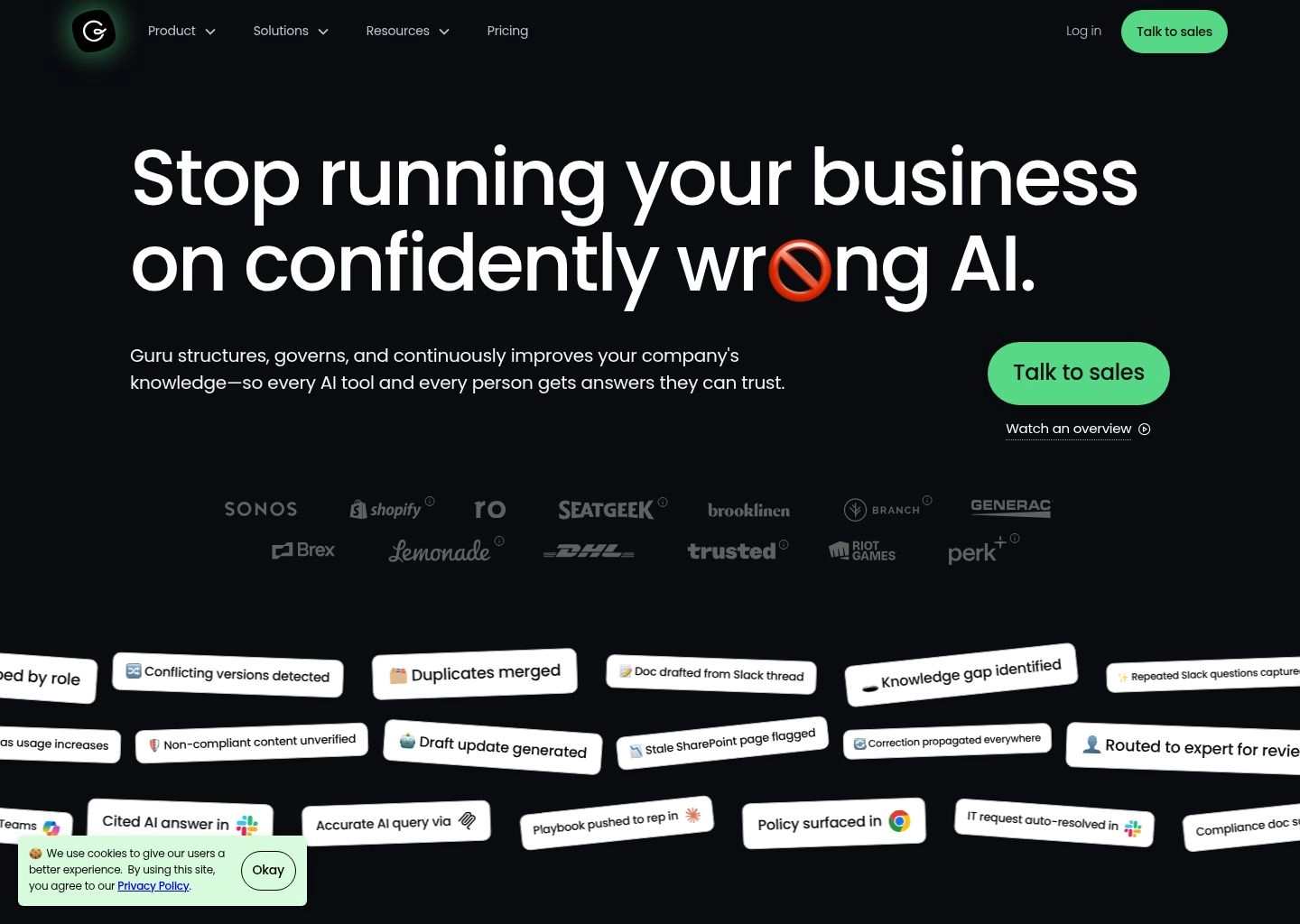
Guru acts as an intelligent layer over your entire tech stack. Guru's AI search functionality retrieves verified information across various company apps without leaving the workflow. If you are typing an email to a client and need a specific pricing stat, Guru can pull it from a PDF stored in your Google Drive without you ever switching tabs.
Key remote-first benefits:
* Unified search: Search across all your company's disparate apps from a single interface.
* Contextual suggestions: Guru proactively suggests relevant information based on the webpage or application you are currently viewing.
* Verified trust signals: Experts within your company can verify specific pieces of information, so the AI only serves up accurate, approved data.
Check Guru's official website for current pricing and integration options.
10. Notion AI: Workspace Automation

Notion is a highly flexible workspace that combines notes, documents, and project databases. Its block-based structure allows remote teams to build custom workflows that fit their exact needs, from content calendars to engineering sprint trackers.
Notion AI is embedded directly into this workspace, turning static text into dynamic data. Notion AI can rewrite text, extract action items, and autofill database properties to streamline team collaboration. It acts as a continuous editor and organizer as you type.
Key remote-first benefits:
* Database autofill: Automatically populate tags, summaries, and status updates in your project boards based on the content of the attached document.
* Translation: Instantly translate company documentation into multiple languages for global remote teams.
* Action extraction: Highlight a meeting transcript and let the AI pull out every task and assign it to a team member in your Notion database.
Visit Notion's official site for current pricing on their AI add-on.
Evaluating Team Collaboration Software Tools
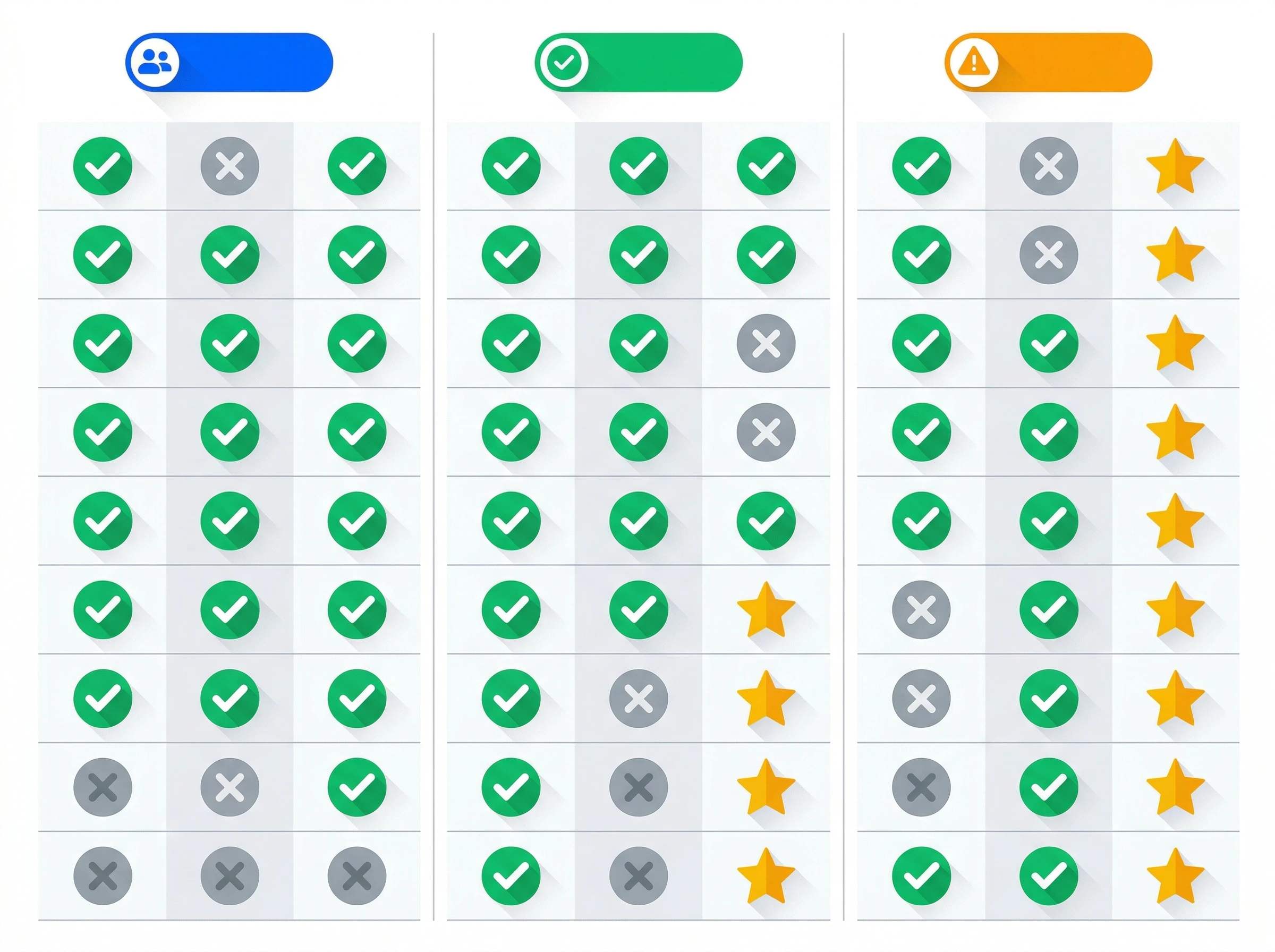
Collaboration Software Evaluation Matrix
Choosing the right mix of tools for your remote team requires careful consideration. Implementing too many platforms simultaneously creates confusion, while choosing tools that don't communicate with each other creates data silos.
When building your stack of collaboration tools, the focus should be on user adoption. A platform with powerful AI features is useless if your team finds it too complex to integrate into their daily routines.
Core Collaboration Features to Look For
The most critical factor in software adoption is the user experience. Evaluating ease of use and onboarding is critical when adopting new AI collaboration software. Look for platforms that offer intuitive interfaces and clear tutorials. If a tool requires a week-long training course to understand basic features, remote employees will likely revert to their old habits.
Furthermore, your new tools must play nicely with your existing infrastructure. Integrating AI tools with Google Workspace or Microsoft 365 is a key strength for enterprise collaboration platforms. If an AI tool cannot access the documents, spreadsheets, and emails your team already uses, its ability to summarize and organize information will be severely limited. Ensure that any tool you evaluate has native, verified integrations with your core foundational software.
Understanding Trade-Offs and Free Plan Limits
Budget is always a consideration when upgrading a tech stack. Fortunately, the software market is highly competitive, allowing teams to test platforms before committing to enterprise contracts.
However, it is important to manage expectations regarding what you get for free. Many AI collaboration tools offer a free plan or trial, but advanced automation features usually require premium tiers. A free plan might allow you to use a basic chat interface or create a limited number of documents, but the heavy-lifting AI features—like automated meeting summaries, cross-app search, and database autofill—are almost always locked behind paid subscriptions.
When evaluating a free plan, use it specifically to test the user interface and the core mechanics of the tool. Have a small pilot group within your remote team test the platform for two weeks. If they find the basic navigation intuitive and the tool naturally fits into their workflow, it is likely worth upgrading to the premium tier to unlock the full suite of AI capabilities.
Ultimately, the best AI team collaboration tools in 2026 are the ones that quietly remove friction. They shouldn't require constant manual management. By carefully selecting a balanced mix of real-time and asynchronous platforms, you can give your distributed team the clarity and focus they need to do their best work.
Recommended Related Deep Dives:
- Best AI Tools for Asynchronous Team Communication in 2026 — compare async video memos vs. live meetings
- 8 Best AI Scheduling Tools in 2026 — eliminate time-zone cross-booking with smart calendars
- 10 Best AI Task Management Tools in 2026 — auto-schedule sprint tasks and Kanban priorities
- Browse All AI Team Collaboration Tools — full directory
Frequently Asked Questions
What is the best AI-powered collaboration tool for remote teams in 2026?
Slack AI paired with Notion AI and Loom provides the most effective remote collaboration stack. Slack AI organizes daily chats and summarizes missed threads, Loom AI handles async video updates, and Notion AI maintains a living single source of truth for company knowledge.
How do AI collaboration tools reduce remote meeting fatigue?
AI tools reduce live meeting demands by 60%+ through automatic meeting transcription, instant action-item extraction (Zoom AI Companion, Teams Copilot), and 2-minute asynchronous video walkthrough summaries (Loom AI). Team members only attend meetings where live debate is required.
Can Slack AI and Microsoft Teams Copilot search across external databases?
Yes. Slack AI connects with enterprise apps (Jira, Google Drive, Notion), while Microsoft Teams Copilot queries the entire Microsoft Graph (SharePoint, Outlook, OneDrive) to answer questions with verifiable citation links.
Which AI collaboration tool is best for cross-functional visual brainstorming?
Miro AI is the clear market leader for visual collaboration, enabling product, design, and engineering teams to turn rough brainstorms into structured user-story maps, mind maps, and Kanban cards with 1-click AI generation.
Are free tiers of AI collaboration tools sufficient for small remote startups?
Free tiers (like Slack's standard plan, Zoom's basic meeting tier, or Notion's free plan) work well for basic messaging and storage, but AI features (thread summaries, meeting recaps, cross-tool search) typically require add-on licenses or standard paid workspace plans ($10–$30/user/mo).