
Top 20 Best Pixelcut Alternatives in 2026
Editorial analysis comparing key features, free tier limits, pricing spectrums, and real-world trade-offs.
Executive Summary & Buying Decision
We evaluated 10+ mobile photo editing apps, background removers, and e-commerce visual studios competing with Pixelcut across 1-tap cutout precision, Magic Eraser object cleanup, virtual model studio, and batch processing speed. Options range from 16 free & freemium tools to paid solutions starting around $0 – $39/mo. Choose Pixelcut for fast mobile-first background removal, clean product photo cutouts, Magic Eraser object cleanup, and virtual AI model staging on iOS/Android, or choose Photoroom for dedicated e-commerce catalog batching, and Canva AI for brand design.
Baseline Tool Overview

Pixelcut
AI photo and video editor for background removal and product visuals

Creating clean product photos for Shopify, Amazon, and Etsy stores, removing distracting objects from travel photos, generating AI fashion model visuals, and designing social promo flyers
- Pricing Model:Freemium
- Starting Price:$9.99/mo (Pro) or $59.99/yr
- Free Tier / Limits:Free mobile app and web editor with basic background removal and standard resolution exports
- AI background removal for both images and video using proprietary models
- Image upscaling up to 16x resolution across multiple models including Topaz
- Creative Agent that plans and executes multi-step edits from a plain-language prompt
- Access to leading third-party image and video models including Nano Banana Pro, Sora 2, Flux, and Imagen
Top Recommendations by Use Case

Photoroom
The market leader in AI product photography, offering industry-best background removal, realistic 3D studio shadows, and batch processing for up to 50 photos.

Picsart
The world's most popular mobile creative platform for photo editing, collage making, AI image generation, and social media stickers.

Canva AI
Combines AI image cutouts with full multi-page layout editing, vector graphics, and automated social media scheduling.

VanceAI
Specializes in high-resolution bulk image restoration, upscaling grainy photos to print-ready resolution.
Why Teams Migrate from Pixelcut

Professional Multi-Slide Presentations & Marketing Layouts
Pixelcut creates single product cutouts; creating multi-page brochures, presentations, and brand kits requires a full design canvas.
Canva provides full multi-page document design, vector graphics, and team marketing templates.
Compare vs Canva AI
Batch E-Commerce White Background Studio for 50+ Photos
High-volume Shopify and Amazon merchants need to apply uniform lighting and white backgrounds to 50+ catalog photos simultaneously.
Photoroom Pro provides an optimized batch mode to clean and format 50 product photos in seconds.
Compare vs Photoroom
Aesthetic Social Media Stickers, Collages & Typography
Social creators wanting trendy photo collage grids, aesthetic sticker packs, and dynamic text effects prefer creative suites.
Picsart offers millions of creative stickers, collage templates, and text styling tools.
Compare vs PicsartHead-to-Head Comparison Matrix
| Software Tool | Pricing Model | Free Tier Scope | Target Persona / Best For | Rating | Head-to-Head |
|---|---|---|---|---|---|
 PixelcutBaseline | Freemium ($9.99/mo Pro) | Free basic mobile cutout | Mobile AI photo studio: background remover, Magic Eraser & virtual models | 4.8 | Full Review |
Freemium ($9.99/mo Pro) | Free basic background removal | AI studio product photography, batch background remover & shadow generator | 4.8 | Compare | |
Freemium ($5–$7/mo) | Free mobile & web editor | The all-in-one mobile creative suite with AI photo tools & stickers | 4.8 | Compare | |
Freemium ($15/mo Pro) | 50 lifetime free AI uses | All-in-one graphic design studio with Magic Media & brand kits | 4.8 | Compare | |
Freemium ($4.95–$19.95/mo) | 3 free credits | Full-suite AI photo upscaler (8x), denoiser & batch image enhancer | 4.8 | Compare |


Deep-Dive Alternative Profiles
Click any tool card to expand its complete interface & pricing evaluation
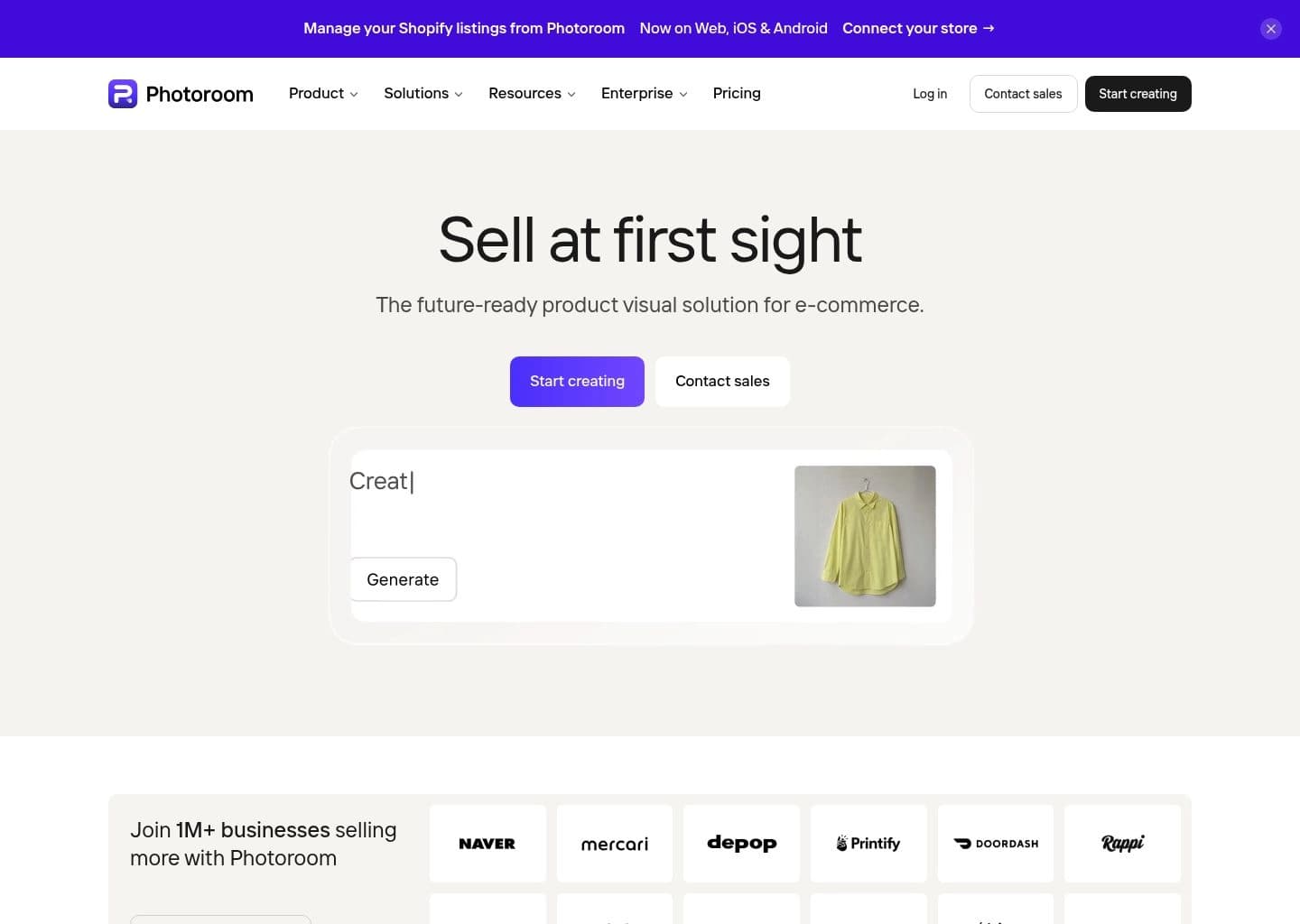
Photoroom focuses on "Remove backgrounds and create studio-quality product photos with AI", providing an agile and dedicated approach compared to Pixelcut.
Key Capabilities
- AI background removal with pixel-precise edge detection for hair, transparent objects, and complex shapes
- AI-generated backgrounds and lifestyle scenes created from text prompts
- Virtual Model tool to show clothing on AI-generated fashion models without a photoshoot
- AI Shadows that add natural, adjustable shadows to product cutouts
Pricing & Best Match
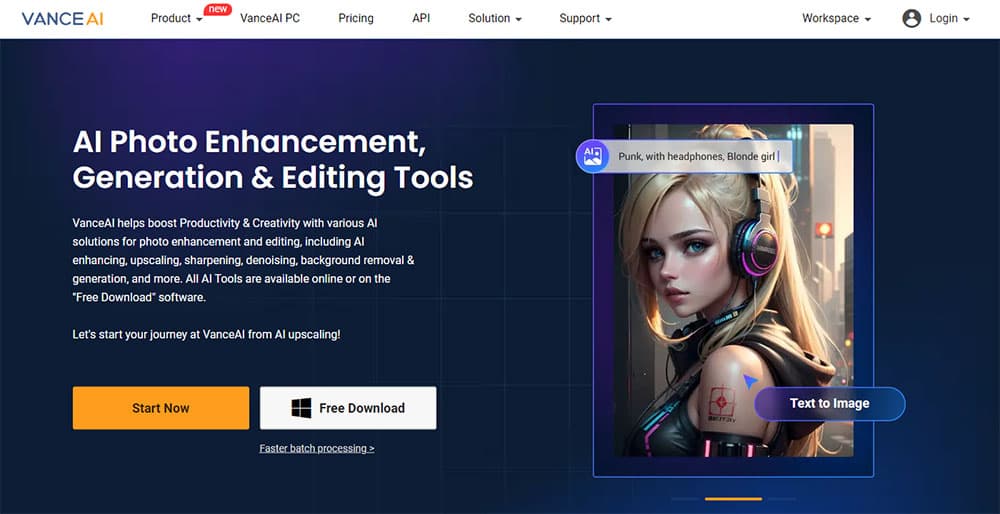
VanceAI focuses on "Transform and enhance images & videos with AI-powered editing and generation tools.", providing an agile and dedicated approach compared to Pixelcut.
Key Capabilities
- AI Image Upscaling (up to 40x)
- AI Image Sharpening and Denoising
- AI Photo Restoration and Colorization
- AI Background Removal
Pricing & Best Match


Generate photorealistic AI images and videos of people, replacing traditional photoshoots.


AI tools for video, images, and editing — generate, enhance, and restore in your browser



AI fashion model generator — studio-quality on-model photos in 30 seconds, 90% less than a photoshoot

The drag-and-drop AI design tool for branded product photography — stage, generate, scale

The leading AI image upscaler and enhancer — add stunning detail and upscale to 8K+ with creative AI reimagining



Frequently Asked Questions
Pixelcut is a mobile-first AI photo studio designed to remove backgrounds, erase unwanted objects with Magic Eraser, generate realistic shadows, and place clothing on virtual AI models for e-commerce and social media.
Know another alternative to Pixelcut?
Help the community by submitting other similar tools you've used. Your contribution helps others make better decisions.