


In remote work and global business operations, audio quality is not merely an aesthetic preference—it is a proxy for professional competence. A client pitch interrupted by leaf blowers, screaming toddlers, or acoustic room echo immediately erodes trust. For years, professionals relied on clumsy physical mute toggles, expensive sound-treated booths, or aggressive directional shotgun microphones to combat background noise.
When Krisp AI emerged, it revolutionized conference calls by deploying deep neural networks directly onto local audio drivers, muting barking dogs and mechanical keyboards in real time without clipping human speech. But in 2026, the audio landscape has transformed. Krisp has evolved from a single-purpose noise filter into a comprehensive, bot-free AI meeting assistant that transcribes calls, drafts action items, and eliminates echo entirely on-device. Meanwhile, specialized challengers like Cleanvoice AI, Fathom, Otter.ai, Supernormal, and Descript have carved out formidable niches in podcast cleanup and automated meeting documentation.
To help you cut through the marketing claims, we spent six weeks stress-testing Krisp across high-noise environments (construction street noise, busy coffee shops, and clicky mechanical keyboard typing), evaluating its on-device meeting summaries, and pitting it directly against the top 5 alternative tools on the market. Here is our complete practitioner review.
The Quick Answer: Krisp AI is the unmatched champion for live real-time noise suppression and acoustic echo cancellation across Zoom, Teams, and Google Meet, combined with private on-device bot-free meeting notes. Cleanvoice AI is the premier solution for post-recording audio post-production (filler word removal and mouth click de-noising). Fathom remains the top choice for 100% free sales meeting summaries and CRM sync.
1. Krisp AI — Real-Time Bi-Directional Noise Cancellation & Bot-Free Notes
Deep neural audio drivers that eliminate background noise, acoustic room echo, and keyboard clicks on live calls with private on-device processing.

To understand why Krisp outperforms standard software noise gates (like Zoom's built-in background noise suppression), you have to look at its architecture. Standard noise gates simply mute audio whenever the volume drops below a predetermined decibel threshold. This fails miserably when noise happens while you are speaking—such as typing on a keyboard while answering a question or speaking over a crying child.
Krisp operates as a virtual audio driver situated between your physical microphone/speakers and your conferencing applications. Powered by deep neural networks trained on over 50,000 hours of human speech and acoustic noise profiles, Krisp analyzes incoming audio frames in sub-15 millisecond slices. The model separates human vocal formants from non-vocal audio frequencies, stripping out everything that isn't human voice before routing the cleaned stream to your conference call.
Bi-Directional Cancellation: Cleaning Both Sides of the Call
Most noise-canceling software only cleans your microphone output. Krisp is strictly bi-directional:
- Inbound Noise Cancellation: Strips background noise coming from other call participants who do not have Krisp installed. If your colleague is calling from an airport terminal or coffee shop, you can toggle Krisp's speaker filter to hear their voice clearly without the airport PA announcements.
- Outbound Noise Cancellation: Strips your own environmental noise (fans, dogs, keyboard clatter, family members) before your microphone audio leaves your computer.
2. The 2026 Game Changer: Bot-Free AI Meeting Notes & Security
For years, AI meeting assistants shared a glaring operational flaw: they required an invasive cloud bot (e.g. "Otter.ai Notetaker" or "Fireflies.ai Assistant") to join the call as an overt participant. In high-stakes executive negotiations, confidential legal consultations, or enterprise sales calls, clients frequently kick meeting bots out or decline recording consent.
In 2026, Krisp solved this completely. Because Krisp already routes system audio through its virtual driver, it performs bot-free AI meeting transcription directly on your device. No bot joins the meeting, no third-party avatar appears on screen, and no external audio recording is streamed to unvetted cloud buckets. Krisp transcribes both sides of the dialogue in real time and automatically generates concise executive summaries, key decisions, and action items upon call completion.
🔒 Enterprise Privacy & Zero Data Retention
For healthcare (HIPAA), financial (SOC2 Type II), and legal compliance, Krisp enforces a strict zero audio data retention policy. Your raw voice streams are processed ephemerally in local CPU/RAM cache and are immediately discarded. Audio is never stored on Krisp servers or utilized to train future public foundation models without enterprise authorization.
3. Head-to-Head: Which Is Better — Krisp vs. Cleanvoice AI?
One of the most frequent questions searchers ask is: "Which is better: Krisp vs Cleanvoice AI?" While both leverage neural audio models to purify human voice, they address completely opposite stages of the audio workflow:
Cleanvoice AI — Post-Production Podcast & Voiceover Surgeon
Automated filler word removal ("um/uh"), mouth click de-noising, and timeline marker exports for Adobe Audition, Audacity, and Reaper.

| Comparison Dimension | Krisp AI | Cleanvoice AI | Direct Winner |
|---|---|---|---|
| Workflow Stage | Real-Time (Synchronous) live calls | Post-Production (Asynchronous) files | Use-Case Dependent |
| Live Noise Muting | Yes (Sub-15ms Latency) | No (File Upload Only) | 🏆 Krisp AI |
| Filler Word Removal | No (Cannot edit live speech) | Yes ("um", "uh", "like") | 🏆 Cleanvoice AI |
| Mouth Clicks & Stutter | Limited suppression | Surgical AI Splice & Crossfade | 🏆 Cleanvoice AI |
| Meeting Notes & Summary | Yes (Full On-Device Transcripts) | Basic transcription only | 🏆 Krisp AI |
| Pricing Model | $8 to $16 / month (Unlimited) | Pay-per-hour ($10 for 10 hours) | Draw (Subscription vs Usage) |
The Bottom Line: If you are attending daily standups, customer discovery calls, or client webinars, Krisp is mandatory. If you are editing a podcast interview, audiobook chapter, or YouTube voiceover after recording, Cleanvoice AI saves hours of manual timeline cutting by automatically deleting filler words and breath noises.
4. The Comprehensive Alternative Comparison Matrix
Here is how Krisp compares against the top 5 audio cleaning and AI meeting assistants in 2026:
| Tool | Primary Capability | Real-Time Denoising | Meeting Notes Method | CRM Integration | Free Tier | Starting Price |
|---|---|---|---|---|---|---|
| Krisp AI | Live Denoising + Bot-Free Notes | Yes (Bi-Directional) | Bot-Free (On-Device) | Webhook / Zapier | 60 min/day noise | $8.00 / mo |
| Cleanvoice AI | Podcast Post-Production Cleanup | No (File Upload) | N/A (Audio Editor) | No | 30 min trial | $10 for 10 hrs |
| Fathom | Free AI Meeting Summaries & Video | No | Bot Participant | Native HubSpot & Salesforce | 100% Free Unlimited | $0 / Free |
| Otter.ai | Live Collaborative Transcription | No | OtterPilot Bot | Salesforce (Enterprise) | 300 min / month | $10.00 / mo |
| Supernormal | Executive Notes & Action Templates | No | Bot or Chrome Extension | HubSpot, Pipedrive | Limited Free | $15.00 / mo |
| Descript | Studio Sound Video & Podcast Editor | No (File Upload) | N/A (Editor) | No | 1 hr/month | $12.00 / mo |
5. The 5 Best Krisp Alternatives: Deep Dive Analysis

1. Fathom AI — The Best Free Meeting Recorder for Sales & Remote Teams
100% free unlimited recording, instant 30-second post-call summaries, and 1-click CRM sync for Zoom, Google Meet, and Teams.
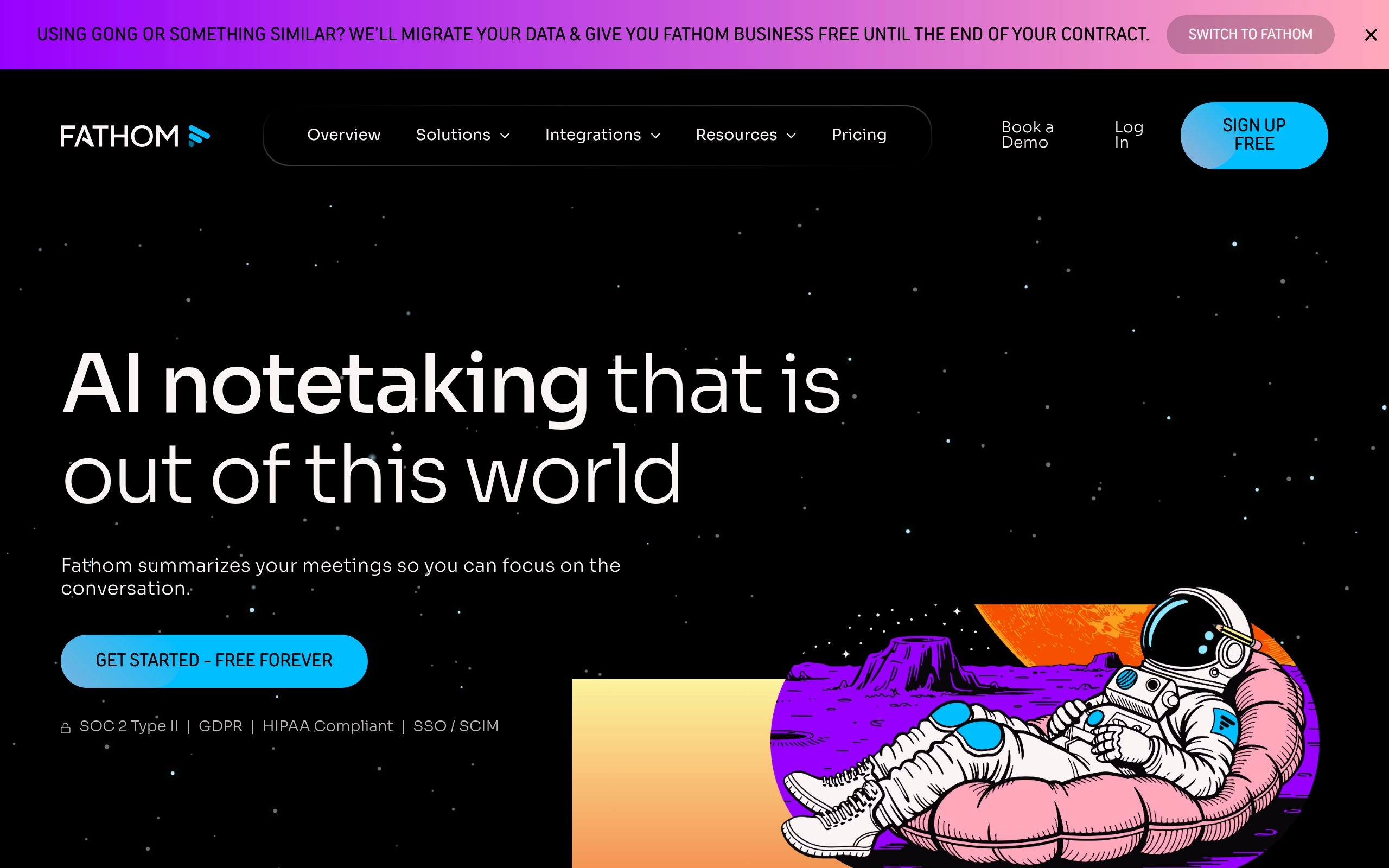
Fathom's killer feature is its deep sales CRM integrations. With zero manual copy-pasting, Fathom formats call summaries directly into HubSpot, Salesforce, and Close CRM deal records. However, unlike Krisp, Fathom does not filter background noise; if your dog barks during a call, Fathom's audio recording captures the bark in full fidelity.
- Strengths: 100% free core tier with zero artificial transcription limits; seamless CRM synchronization; one-click video bookmarking.
- Weaknesses: Requires a meeting bot to join the call; does not perform any live audio noise reduction.
- Pricing: Generous 100% Free plan; Team Edition at $19/user/month for centralized team deal repositories.

2. Otter.ai — The Collaboration & Live Transcription Veteran
Real-time collaborative text streaming, automated slide capture, and multi-speaker diarization for team meetings.
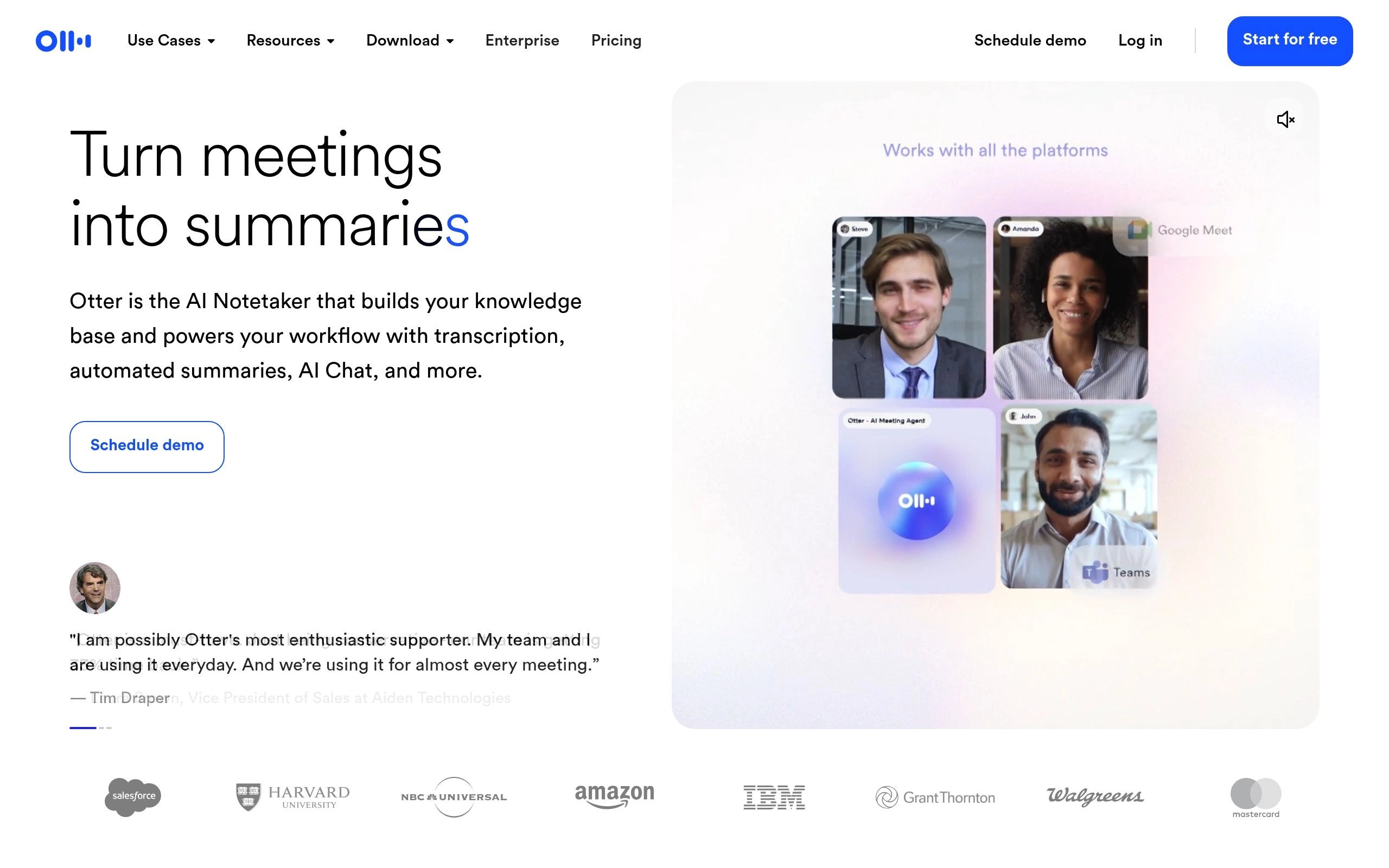
OtterPilot automatically snaps screenshots of presented slide decks and nests them alongside the corresponding transcript timestamps. However, Otter's persistent bot presence has drawn criticism in enterprise environments, and its free plan has tightened significantly to 300 monthly minutes with a 30-minute per-call cap.
- Strengths: Live real-time transcript streaming; automated slide deck screenshot capture; cross-meeting keyword search.
- Weaknesses: Intrusive bot attendee; strict free tier minute limits; zero microphone noise cancellation.
- Pricing: Free plan (300 min); Pro at $10/user/mo; Business at $20/user/mo.
3. Cleanvoice AI — Post-Production Podcast & Voiceover Surgeon
Best for Podcast CleanupWhile Krisp defends your live calls, Cleanvoice AI is designed specifically for post-recording audio engineering. If you record interviews, podcast episodes, or video narrations, Cleanvoice acts as an automated audio editor that detects and cleanly splices out vocal flaws.
Cleanvoice identifies multiple speech artifacts: filler words in multiple languages ("um", "ah", "you know", "genre"), stuttering repetitions, lip smacks, saliva clicks, and dead air silences. It exports both cleaned audio stems and surgical timeline markers for Adobe Audition, Reaper, and Audacity so editors can review every automated cut.
- Strengths: Unmatched filler word and mouth click removal; multi-lingual detection; exports non-destructive timeline markers for DAWs.
- Weaknesses: Cannot operate on live calls; pay-per-minute pricing requires budgeting for long-form recordings.
- Pricing: Pay-as-you-go packages start at $10 for 10 hours of processed audio.
4. Supernormal — Executive Action Templates & Multi-Language Notes
Best for Executive MeetingsSupernormal specializes in structuring unstructured spoken dialogue into highly actionable corporate documentation. Rather than simply dumping a raw transcript, Supernormal employs tailored executive templates (One-on-Ones, Quarterly Business Reviews, Product Sprints, Board Meetings) to extract decisions, assignees, and deadlines.

Supernormal supports transcription across more than 60 languages with real-time translation. It can join meetings either via a traditional cloud bot or through a lightweight Google Chrome extension that records internal tab audio without bot intrusion.
- Strengths: Outstanding executive summary formatting; custom company-specific prompt templates; Chrome extension bot-free option.
- Weaknesses: Expensive for small teams; lacks audio noise reduction features entirely.
- Pricing: Starter free trial; Pro plan starts at $15/user/month.
5. Descript (Studio Sound) — Acoustic De-Reverberation & Voice Repair
Generative AI Studio Sound that reconstructs muffled or echoey audio as if it was recorded in a professional soundproof studio.

With a single intensity slider, Studio Sound removes room reflections, boosts vocal body, and flattens background noise. Combined with Descript's text-based timeline editing (where deleting a word in the text transcript cuts the audio), it remains an unbeatable suite for YouTube creators and video podcasters.
- Strengths: Miraculous room reverb elimination; text-based audio/video editing; custom AI voice cloning with Overdub.
- Weaknesses: Heavy desktop software; post-processing only (cannot run live in calls); high processing overhead on older hardware.
- Pricing: Free tier includes 1 hr/mo; Creator at $12/mo; Pro at $24/mo.
6. Setup & Optimization Guide: Getting Pristine Audio with Krisp
To achieve flawless, artifact-free performance from Krisp without robotic vocal clipping, configure your audio pipeline using these practitioner settings:
1. Set Virtual Audio Routing Correctly
In your computer's OS sound settings, keep your actual hardware microphone and speakers as system defaults. Inside your conferencing application (Zoom, Teams, Meet), set the Microphone input to "Krisp Microphone" and Speaker output to "Krisp Speaker". This ensures audio routes through Krisp's neural buffer before reaching the conference call.
2. Disable Zoom's Native Audio Filtering
One of the most common mistakes is running Krisp on top of Zoom's built-in "Aggressive" noise suppression. Double filtering causes voice thinning and metallic phase distortion. In Zoom Audio Settings, change background noise suppression to "Low" or enable "Original Sound for Musicians", letting Krisp handle 100% of the neural filtering.
3. Calibrate Microphone Physical Gain
Krisp's AI algorithm requires clear vocal formant separation. If your microphone gain is turned up so high that your voice clips into the red, the neural network struggles to distinguish speech harmonics from background distortion. Keep physical mic gain between 60% and 75% for optimal signal-to-noise ratio.
📚 Related Meeting AI & Audio Intelligence Deep Dives
Frequently Asked Questions
Based on reviews, Krisp vs. Cleanvoice: Which is better?
Krisp is superior for live interactive meetings, while Cleanvoice is the undisputed winner for post-recording podcast and voiceover editing. Krisp operates as a virtual audio driver during live Zoom, Teams, and Google Meet calls to prevent background dogs, sirens, and typing clicks from reaching listeners. Cleanvoice cannot process live calls; instead, you upload finished audio files (.mp3, .wav) and it surgically removes filler words ("um/uh"), mouth smacks, and stutter.
How does Iris Clarity compare to Krisp for background noise removal?
Both Iris Clarity and Krisp utilize on-device neural voice isolation algorithms. However, Krisp delivers a far more comprehensive product suite in 2026. While Iris Clarity strictly focuses on raw noise cancellation for contact centers, Krisp includes bidirectional cancellation (muting both your noise and other participants' noise), acoustic room echo cancellation, and native bot-free AI meeting transcription with automated summaries.
Is Krisp free to use in 2026, and what are the free tier limits?
Yes. Krisp offers a permanent free tier providing 60 minutes per day of bidirectional noise removal and 2 bot-free meeting transcriptions per day. For knowledge workers and remote teams requiring unlimited noise cancellation and full AI meeting notes, Krisp Pro starts at $8/month (billed annually) or $12/month (billed monthly).
How does Krisp record and summarize meetings without inviting a bot?
Krisp captures internal system audio directly from its virtual sound card driver rather than injecting a virtual guest bot into your video call. Because audio is processed locally on your Mac or Windows machine, no awkward "Krisp Notetaker" participant appears in your meeting grid, making it completely discreet and compliant with strict corporate privacy policies that ban third-party bots.
What is the best AI notetaker that still works in loud or crowded environments?
Krisp AI is the top-ranked meeting assistant for noisy environments. Traditional cloud notetakers (such as Otter.ai or Fireflies) feed raw microphone audio directly into speech-to-text models, resulting in garbled transcripts when background coffee shop chatter or street noise intrudes. Krisp scrubs the audio stream clean before transcribing, ensuring transcription accuracy remains above 95% even in loud spaces.
How does Krisp differ from standard noise suppression in Zoom, Teams, and Google Meet?
Built-in noise suppression in Zoom or Microsoft Teams relies on basic threshold noise gates that often clip the beginning or end of your words and degrade audio into robotic "underwater" sound when loud background sounds occur. Krisp runs a dedicated deep neural network that separates human vocal timbre from non-vocal audio frequencies, preserving natural speech clarity while eliminating 100% of persistent noise.
Does Krisp remove background noise during live phone calls or VoIP dialers?
Yes. Because Krisp installs as a virtual microphone and speaker at the OS level, it works universally with any desktop application. This includes enterprise VoIP softphones like Aircall, Dialpad, RingCentral, Five9, and Genesys, as well as web-based dialers in Chrome.
How does Fathom compare to Krisp AI for meeting summaries and action items?
Fathom is a dedicated meeting documentation platform, whereas Krisp is an audio purification platform with integrated notetaking. Fathom provides deeper CRM integrations (HubSpot, Salesforce deals), synced video clip bookmarks, and 100% free unlimited meeting recordings. However, Fathom cannot clean up background barking or room echo; pairing Krisp's virtual microphone with Fathom's desktop recorder provides the ultimate remote stack.
Does Krisp work offline without an active internet connection?
Yes. Krisp's core noise cancellation models run 100% locally on your computer's CPU and GPU. You can use Krisp to filter background noise during offline screen recordings, local podcast captures, or VoIP calls without transmitting any audio to the cloud.
Can Krisp cancel echo when multiple laptops are unmuted in the same meeting room?
Yes. Krisp includes Acoustic Echo Cancellation (AEC) and Room Echo Reduction. When two or more colleagues join the same Zoom or Teams call from the same physical conference table, Krisp cancels the acoustic feedback loop that normally causes piercing screeching or hollow barrel reverb.
Does Krisp send raw audio to cloud servers or train AI models on customer voices?
No. Krisp enforces strict zero-data retention on audio streams. Audio frames are processed entirely within local device memory buffers and are purged immediately. Krisp is SOC 2 Type II certified and GDPR compliant, explicitly guaranteeing that customer voice data is never stored on servers or used to train third-party AI models.



