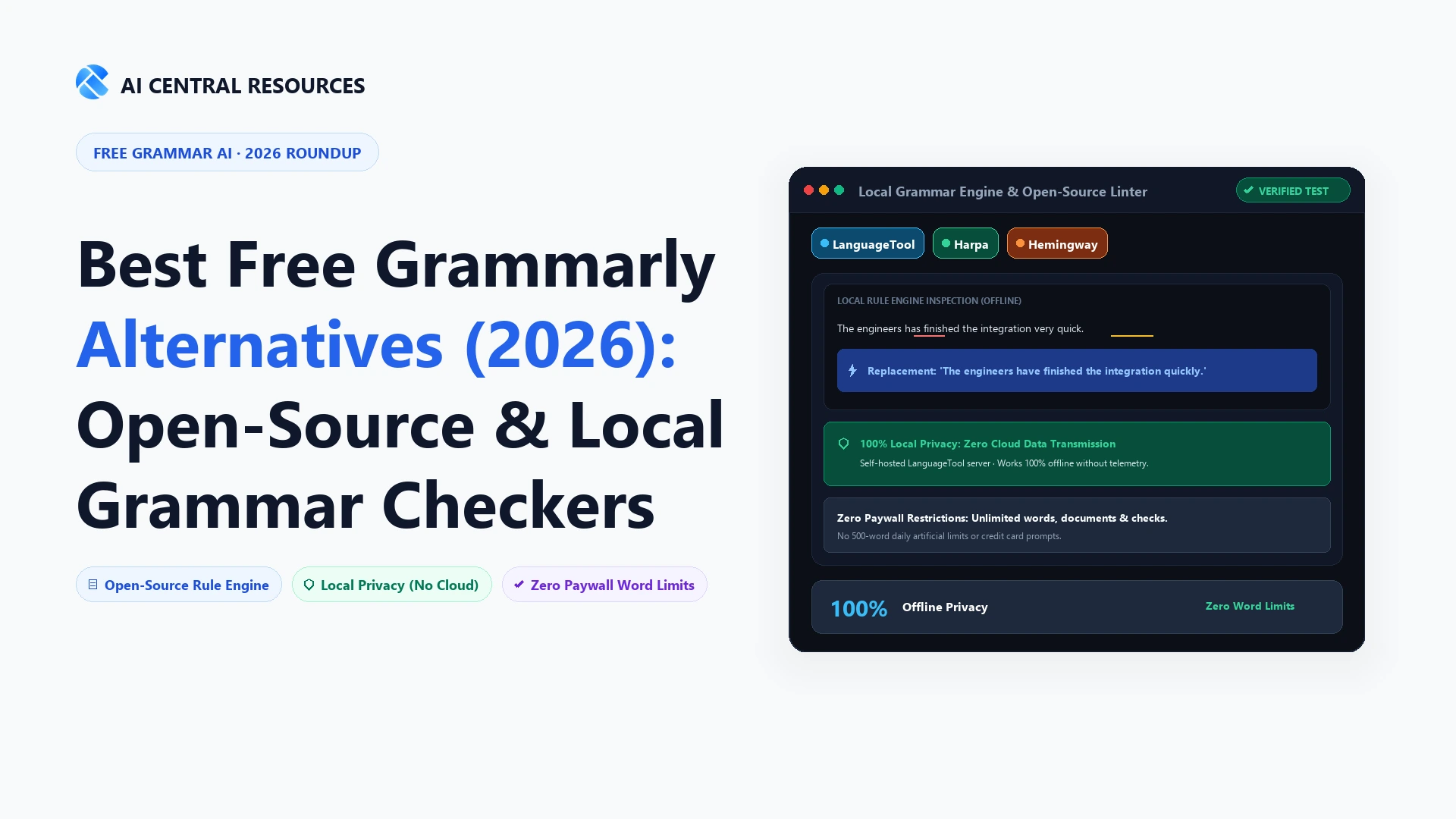
While Grammarly popularized automated writing enhancement, its steep pricing ($12 to $30/month) and aggressive paywalling of advanced clarity, tone, and full-sentence rewrite suggestions have frustrated millions of students, freelancers, and small business owners in 2026. Furthermore, many writers are concerned about privacy and cloud logging when handling confidential drafts.
Fortunately, the explosion of open-source natural language processing and competitive AI writing technologies has produced exceptional free Grammarly alternatives. Whether you need open-source multilingual grammar checking that respects your data privacy, a distraction-free readability editor, or a generative rewriting assistant with generous zero-cost tiers, top-tier free options are readily available.
Our editorial team benchmarked 8 leading free and freemium writing assistants against a standardized test corpus of 200 real-world writing samples—containing complex grammatical traps, dangling modifiers, passive voice abuse, awkward idioms, and punctuation blunders. Below are the 8 best free Grammarly alternatives tested and ranked for 2026.
Direct Answer: If you want to replace Grammarly without paying $12/mo, LanguageTool is the #1 overall free alternative, offering open-source privacy, 30+ languages, and a desktop client with zero cloud tracking. For bold, concise sentence flow, Hemingway Editor provides the ultimate 100% free web editor, while QuillBot delivers the best free combined grammar and paraphrasing tier.
2026 Comparison Scorecard: Best Free Grammarly Alternatives
The comparison table below details the free plan allowances, privacy standards, multilingual support, and standout features across all 8 Grammarly alternatives.
| Tool | Free Plan Allowance | Privacy / Self-Hosting | Languages Supported | Extensions Available | Best For |
|---|---|---|---|---|---|
| 1. LanguageTool | 10,000 chars / check | Open-Source / Self-Hostable | 30+ Languages | Chrome, Firefox, Word, Docs | 🏆 #1 Overall Free Alternative |
| 2. Hemingway Editor | 100% Free (Unlimited Web) | Client-Side Processing | English | Web App / Desktop App | Readability & Concise Style |
| 3. QuillBot | Unlimited Grammar + 125 Words Paraphrase | Cloud Hosted | English, German, French, etc. | Chrome, Word, macOS | Paraphrasing & Rewriting |
| 4. ProWritingAid | 500 words / check + 10 Rephrases/day | Strict Privacy / Zero Storage | English (UK/US/AU/CA) | Word, Scrivener, Docs, Chrome | Novelists & Long-Form Authors |
| 5. Ginger Software | Basic Proofreading + Sentence Rephraser | Cloud Hosted | 40+ Languages (Translation) | Windows, Mac, iOS, Android | Non-Native ESL Writers |
| 6. Wordtune | 10 Rephrases / day + AI Summaries | Cloud Hosted | English | Chrome, Word, iOS | Contextual Rephrasing |
| 7. Slick Write | 100% Free Forever (No Limit) | No Account Required | English | Web, Chrome, Firefox | No-Login Free Checking |
| 8. WhiteSmoke | Basic Web Proofreading | Cloud Hosted | 55+ Translation Languages | Windows, Mac, Web | Budget Business Proofreading |
In-Depth Reviews: The 8 Best Free Grammarly Alternatives
1. LanguageTool — The Undisputed #1 Open-Source, Multilingual Alternative
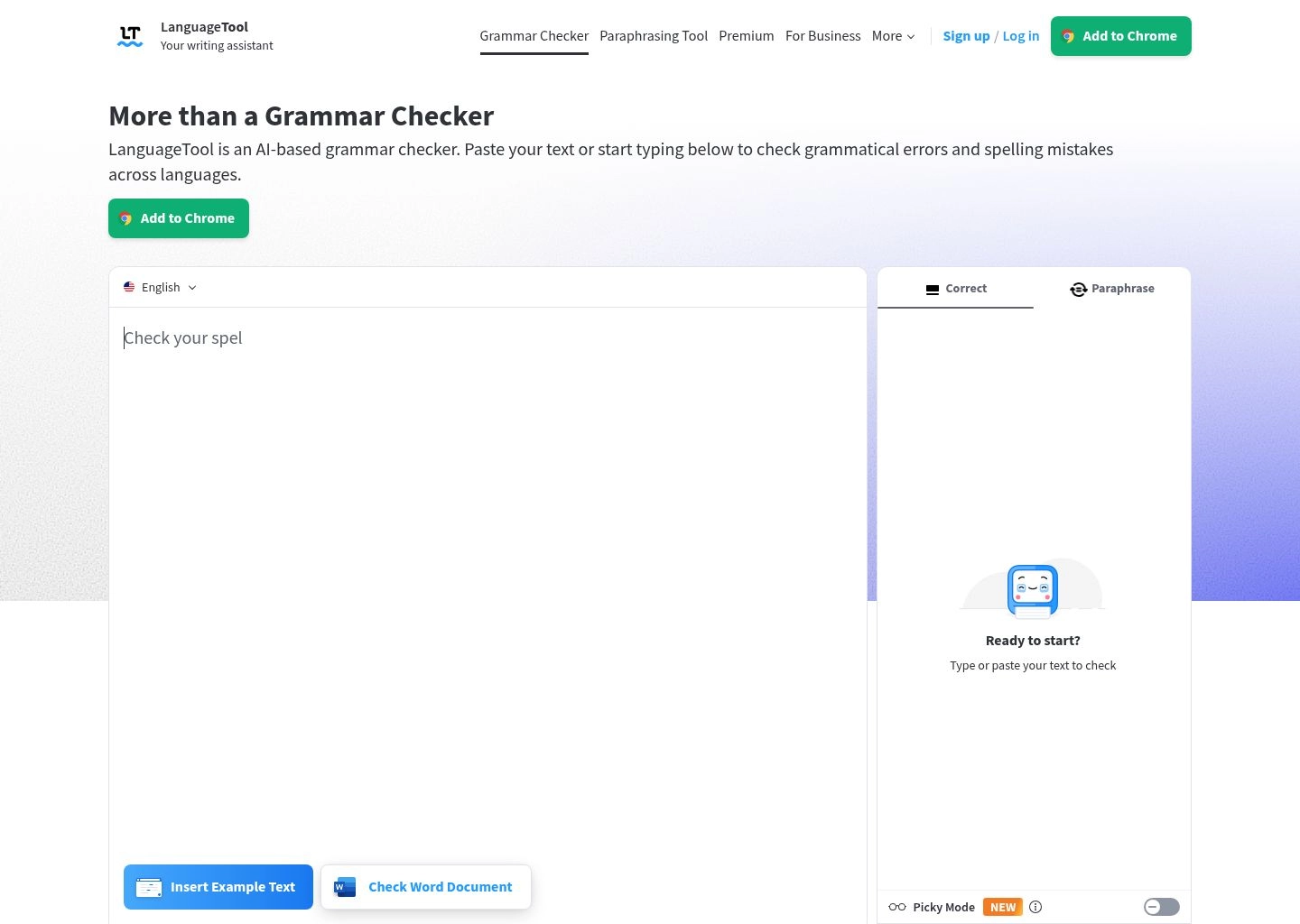
If you want a free grammar checker that rivals Grammarly's core accuracy while offering far superior data privacy and multilingual capabilities, LanguageTool is the absolute gold standard. Unlike Grammarly, which is restricted to English, LanguageTool provides comprehensive grammatical, spelling, and stylistic checking across more than 30 languages—including Spanish, German, French, Portuguese, Dutch, Polish, and Catalan.
LanguageTool's free tier is exceptionally generous: it allows you to check up to 10,000 characters per text submission (approximately 1,500 to 2,000 words) with zero account registration required. It features outstanding browser extensions for Google Chrome, Mozilla Firefox, Safari, Microsoft Edge, and Opera, plus native integrations for Google Docs, Microsoft Word, LibreOffice, and Thunderbird email.
Privacy-conscious users and enterprise security teams also love LanguageTool because its core engine is open-source. Organizations can self-host LanguageTool on their private local servers or Docker containers, ensuring that sensitive internal documents, legal files, and customer correspondence never leave their corporate firewall.
- 30+ Supported Languages: Full grammar, punctuation, and style checks across Spanish, German, French, etc.
- 10,000 Characters Free per Check: Generous free allowance without forcing a paid subscription.
- Open-Source & Self-Hostable: Deploy on private local servers or Docker for 100% data confidentiality.
- Universal App Ecosystem: Extensions for Chrome, Firefox, Word, Google Docs, LibreOffice, and macOS.
Best multilingual support on the web; zero tracking on self-hosted instances; fast and lightweight.
Advanced AI tone shifting and clarity rephrasing are reserved for the Premium tier.
Pricing & Verdict: 100% free tier (10,000 chars/check). Premium Plan starts at just $4.99/month (billed annually at $59.90/year), which is less than half the cost of Grammarly Premium. The undisputed best free Grammarly alternative for writers worldwide.
2. Hemingway Editor — Best for Readability, Conciseness & Bold Phrasing
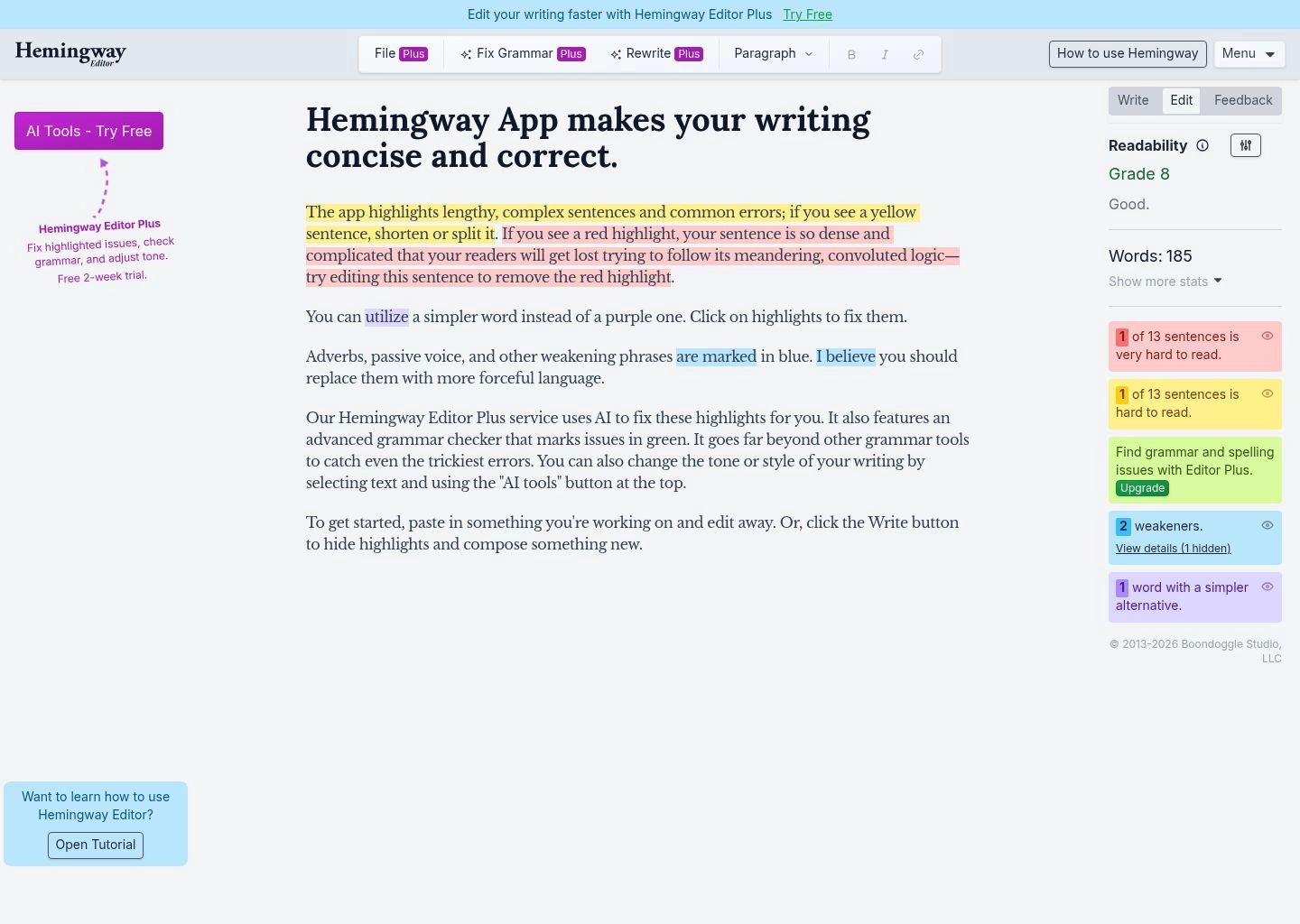
Named after legendary author Ernest Hemingway—renowned for his direct, muscular prose—Hemingway Editor takes a distinctly different approach from standard grammar checkers. While Grammarly focuses on comma rules and spelling typos, Hemingway acts as a developmental editor focused on clarity, pacing, and reading grade level.
The web version of Hemingway Editor is 100% free with zero word limits and no login required. When you paste your text into the editor, it instantly color-codes your sentences:
- Yellow: Sentences that are lengthy and hard to read.
- Red: Convoluted, run-on sentences that confuse readers.
- Blue: Weak, qualifying adverbs that dilute your message.
- Green: Passive voice constructions that weaken your arguments.
- Purple: Complex words with simpler alternatives available.
By giving your draft a real-time Readability Grade Level score, Hemingway helps copywriters, bloggers, and marketers transform dense, academic jargon into punchy, highly engaging prose that any reader can effortlessly digest.
- Instant Color-Coded Critique: Visual feedback on sentence length, passive voice, and weak adverbs.
- Automated Readability Scoring: Calculates Automated Readability Index (ARI) grade levels instantly.
- 100% Free Forever: Full unlimited access on the web with zero subscriptions or sign-up walls.
- Hemingway Editor Plus (AI): Optional AI upgrade to rewrite dense sentences in 1-click.
Completely free; forces writers to eliminate fluff; instant client-side performance.
Does not check spelling or complex punctuation errors; best used in tandem with LanguageTool.
Pricing & Verdict: 100% free web version. A standalone desktop app (Windows & Mac) is available for a one-time payment of $19.99. Hemingway Plus (AI rewrites) is $8.33/month (billed annually). The best free tool for trimming fluff and polishing blog posts.
3. QuillBot — Best for Free AI Paraphrasing & Sentence Restructuring
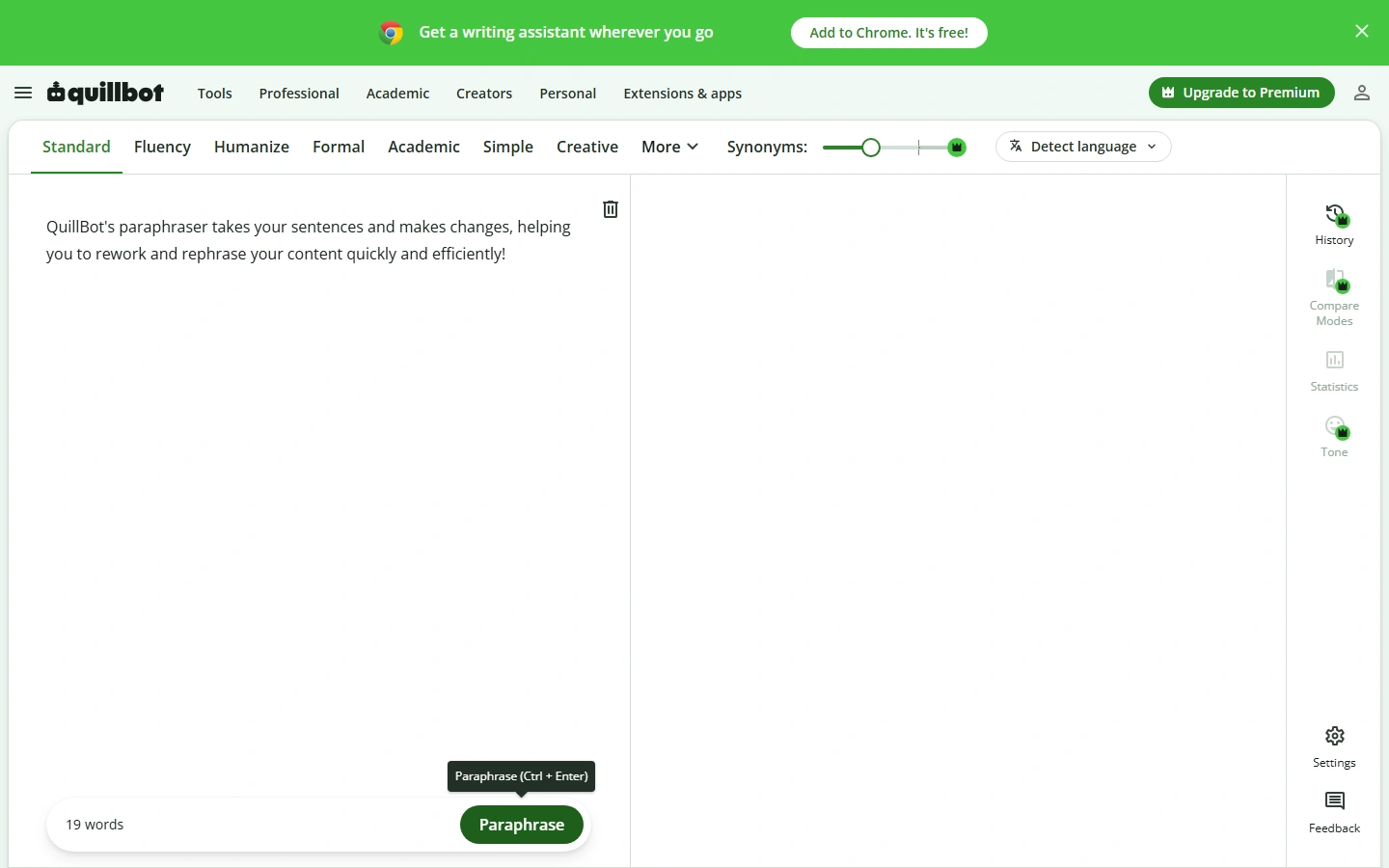
Used by over 35 million writers worldwide, QuillBot is an expansive AI writing platform that combines an unlimited free grammar checker, an intelligent paraphrasing engine, a document summarizer, and a citation generator into a single cohesive dashboard.
While Grammarly requires a Premium subscription for full-sentence rewrites, QuillBot's free plan allows you to rephrase up to 125 words at a time in Standard and Fluency modes. When you paste text into the paraphraser, QuillBot restructures sentence clauses, suggests context-appropriate synonyms, and eliminates repetitive word patterns while preserving your original meaning.
QuillBot's standalone Grammar Checker is 100% free with unlimited word counts, catching spelling errors, subject-verb mismatches, comma splices, and tense inconsistencies with one-click fix buttons.
- Unlimited Free Grammar Checking: Fix spelling and syntax errors with zero word caps.
- Free Paraphrasing Modes: Restructure sentences in Standard and Fluency modes (125 words per run).
- Interactive Synonym Flipper: Click any word in your rephrased text to select from a rich thesaurus dropdown.
- Free Citation Generator: Automatically format bibliographic sources in APA, MLA, and Chicago styles.
Extremely versatile writing suite; great synonym customization; excellent browser extensions.
Free paraphraser has a 125-word chunk limit; advanced modes (Formal, Creative, Shorten) require Premium.
Pricing & Verdict: Generous free tier. QuillBot Premium costs $4.17/month (billed annually at $49.95/year) or $9.95/month billed monthly, providing unlimited paraphrasing words, custom tones, and plagiarism checking. The #1 free tool for sentence restructuring.
4. ProWritingAid — Best for In-Depth Analytics & Long-Form Authors
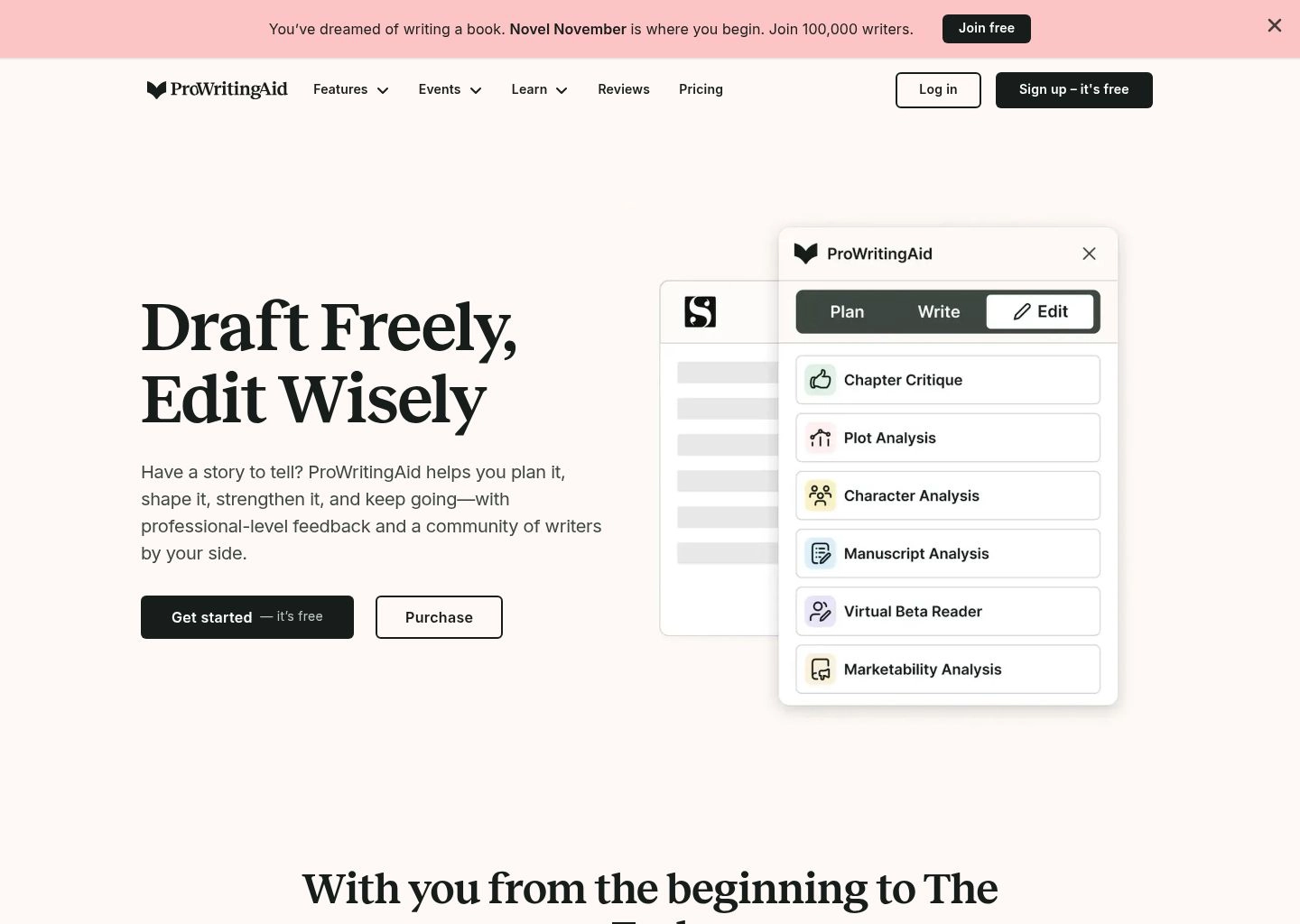
While Grammarly is optimized for short emails and corporate communication, ProWritingAid is the premier writing assistant for novelists, book authors, essayists, and copywriters who demand granular structural feedback.
ProWritingAid's free plan allows you to analyze up to 500 words at a time and provides 10 free AI rephrase credits every day. What truly sets ProWritingAid apart is its arsenal of over 25 in-depth writing reports. These reports analyze pacing, sentence length variance, dialogue tags, cliches, sticky sentences (words that slow down comprehension), and repeat words.
Additionally, ProWritingAid integrates seamlessly with creative writing software like Scrivener, Novlr, MS Word, and Google Docs, making it the favorite tool of creative writing communities.
- 25+ Comprehensive Writing Reports: Analyze pacing, sticky sentences, pronouns, and sensory words.
- 10 Free Daily AI Rephrases: Shift tone, expand, or condense sentences with one click.
- Deep Scrivener & Word Integrations: Perfect for novel manuscripts and multi-chapter book projects.
- Grammar & Style Explanations: Learn the underlying linguistic rules behind every suggested fix.
Most thorough stylistic feedback of any tool on the market; outstanding for creative and narrative writers.
Free tier is limited to 500 words per check; the sheer volume of reports can overwhelm beginner writers.
Pricing & Verdict: Free tier (500 words/check). Premium Plan starts at $10/month (billed annually at $120/year) or $30/month monthly, or a unique Lifetime License for $399. The absolute best tool for serious book authors and creative storytellers.
5. Ginger Software — Best for Non-Native ESL Writers & Dyslexia Support
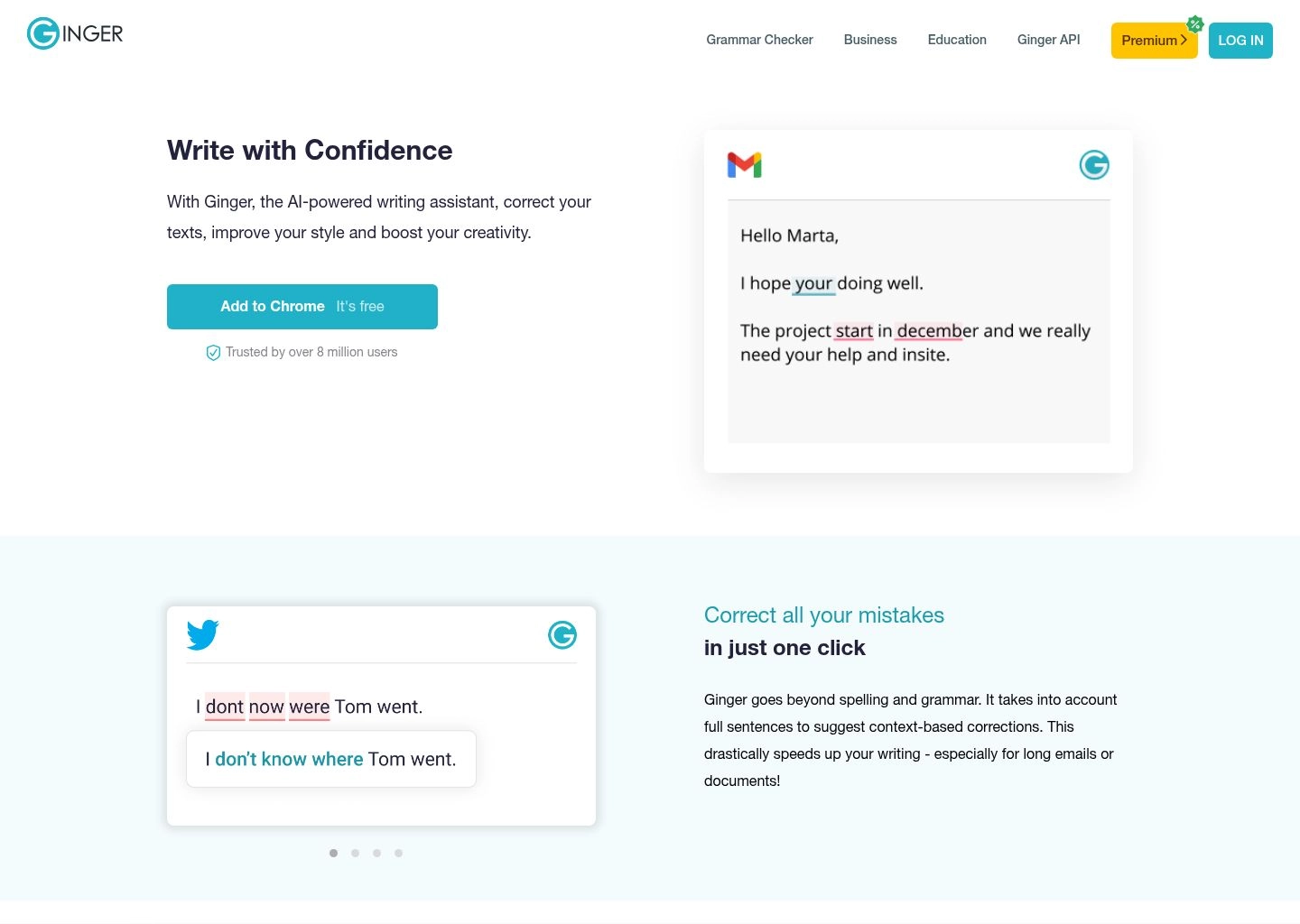
Ginger Software is one of the pioneering proofreading technologies on the web, engineered with a specific focus on assisting non-native English speakers, ESL students, and individuals with dyslexia.
Standard spellcheckers look at words in isolation and often fail to detect phonetically similar misspellings or grammatically incorrect prepositions (e.g., confusing "arrive at" vs. "arrive to"). Ginger's patent-pending algorithm analyzes entire sentences as complete syntactic units, correcting complex ESL errors, verb conjugations, and misused homophones with remarkable accuracy.
Ginger's free web tool and browser extensions also include an integrated Sentence Rephraser and a translation engine supporting over 40 languages, enabling international professionals to translate concepts from their native language directly into natural English sentences.
- Contextual ESL Proofreading: Identifies phonetic spelling errors and preposition confusions common among non-native writers.
- Integrated Sentence Rephraser: Generates alternative sentence formulations to enhance vocabulary variety.
- Built-in Multilingual Translator: Translate words and phrases across 40+ languages directly inside your browser.
- Desktop & Mobile Keyboard Apps: Dedicated apps for Windows, Mac, iOS, and Android.
Superb assistance for ESL learners and writers with dyslexia; lightweight browser add-on.
Free tier limits the number of daily sentence rephrases; web interface features occasional ads.
Pricing & Verdict: Free browser extension and web tool. Ginger Premium starts at $4.99/month (billed annually at $59.88/year) or $13.99/month monthly. An outstanding, budget-friendly companion for ESL writers.
6. Wordtune — Best for Context-Aware Sentence Rephrasing
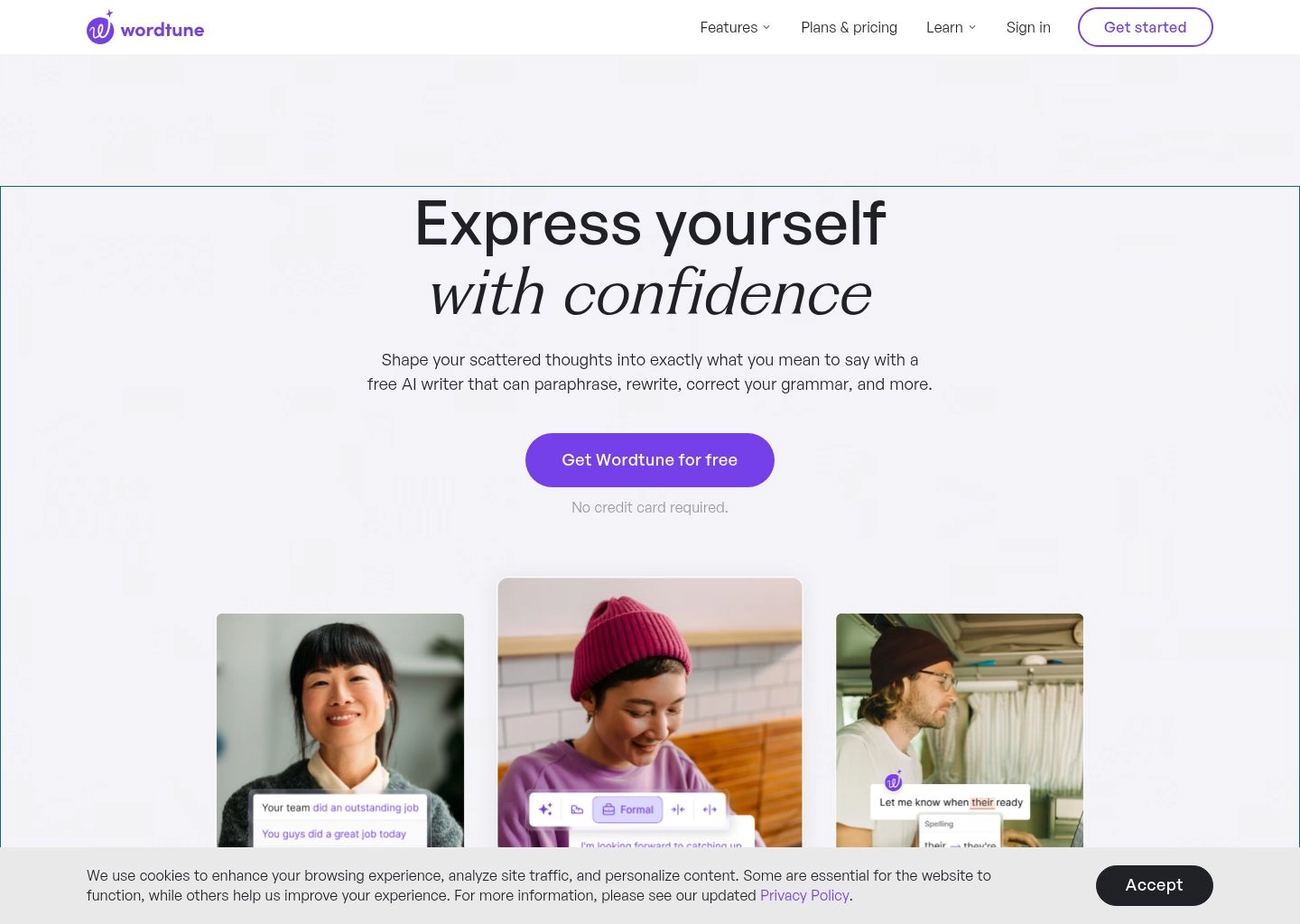
Created by AI21 Labs (pioneers in natural language foundation models), Wordtune is built around a singular philosophy: your writing isn't just about avoiding grammatical errors—it's about finding the exact right phrasing to express your intended thoughts.
Wordtune's free plan grants users 10 free AI rewrites every day across web and browser extensions. When you highlight any sentence in Gmail, Google Docs, LinkedIn, or Slack, Wordtune analyzes the broader conversational context and provides a dropdown menu of 5–10 beautifully phrased alternative variations.
In addition to standard rewriting, Wordtune offers Casual and Formal tone shifting, as well as Shorten (to trim word count for tight social copy) and Expand (to elaborate on brief bullet points) buttons.
- 10 Free Daily Rewrites: Instant contextual sentence rewrite suggestions anywhere on the web.
- Tone Shifting: Toggle between Formal executive register and Casual conversational tone.
- Sentence Shorten & Expand: Effortlessly adjust word density to meet editorial constraints.
- AI Summarizer (Wordtune Read): Summarize lengthy research PDFs and articles into concise bullet points.
Most natural-sounding rewrite suggestions on the market; works seamlessly across all web text areas.
10 daily free rewrites run out quickly if you are drafting long-form content.
Pricing & Verdict: Free tier with 10 rewrites/day. Plus Plan is $6.99/month (billed annually at $83.88/year) with 30 daily rewrites; Unlimited Plan is $9.99/month (billed annually at $119.88/year). The best tool for elevating conversational emails and business copy.
7. Slick Write — Best 100% Free Tool with Zero Account or Word Limits
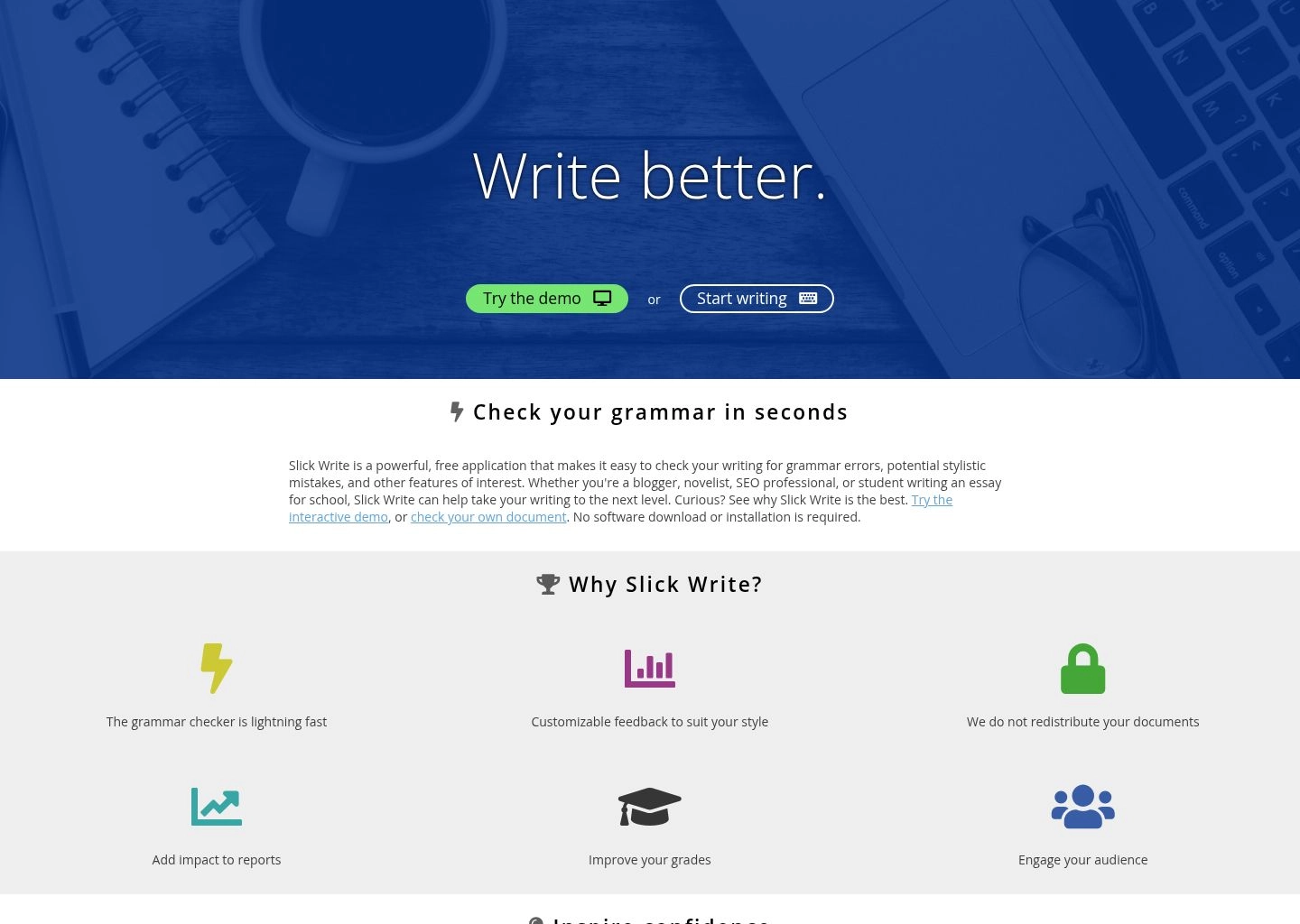
If you want a completely free grammar and style checker that requires no credit card, no registration, no software installation, and has zero word count restrictions, Slick Write is an extraordinary hidden gem on the web.
Slick Write analyzes your writing across multiple professional dimensions. Its Structure Tab graphs your sentence lengths over time, identifying monotonous paragraphs where multiple sentences share the exact same rhythm. Its Vocabulary Tab highlights preposition frequency, uncommon words, and excessive repetition, while the Flow Tab evaluates transition phrases to ensure logical progression between arguments.
Best of all, Slick Write is ultra-fast and lightweight. It respects user privacy by performing client-side evaluations without tracking your identity or selling your writing data.
- 100% Free Forever: Zero subscriptions, zero paywalls, and unlimited word processing.
- No Login Required: Simply paste your text into the web browser and get immediate critique.
- Structural & Flow Analytics: Visual sentence length distribution charts and transition flow scores.
- Customizable Feedback Rules: Toggle specific stylistic critique categories on or off based on your preferences.
Completely free with no strings attached; exceptional structural analytics charts.
User interface has a retro design aesthetic; lacks generative AI auto-rewriting features.
Pricing & Verdict: 100% free with no paid tiers. Supported by unobtrusive web sponsorships. The best no-login free tool for students and privacy-conscious bloggers.
8. WhiteSmoke — Best Budget Proofreader with Document Templates
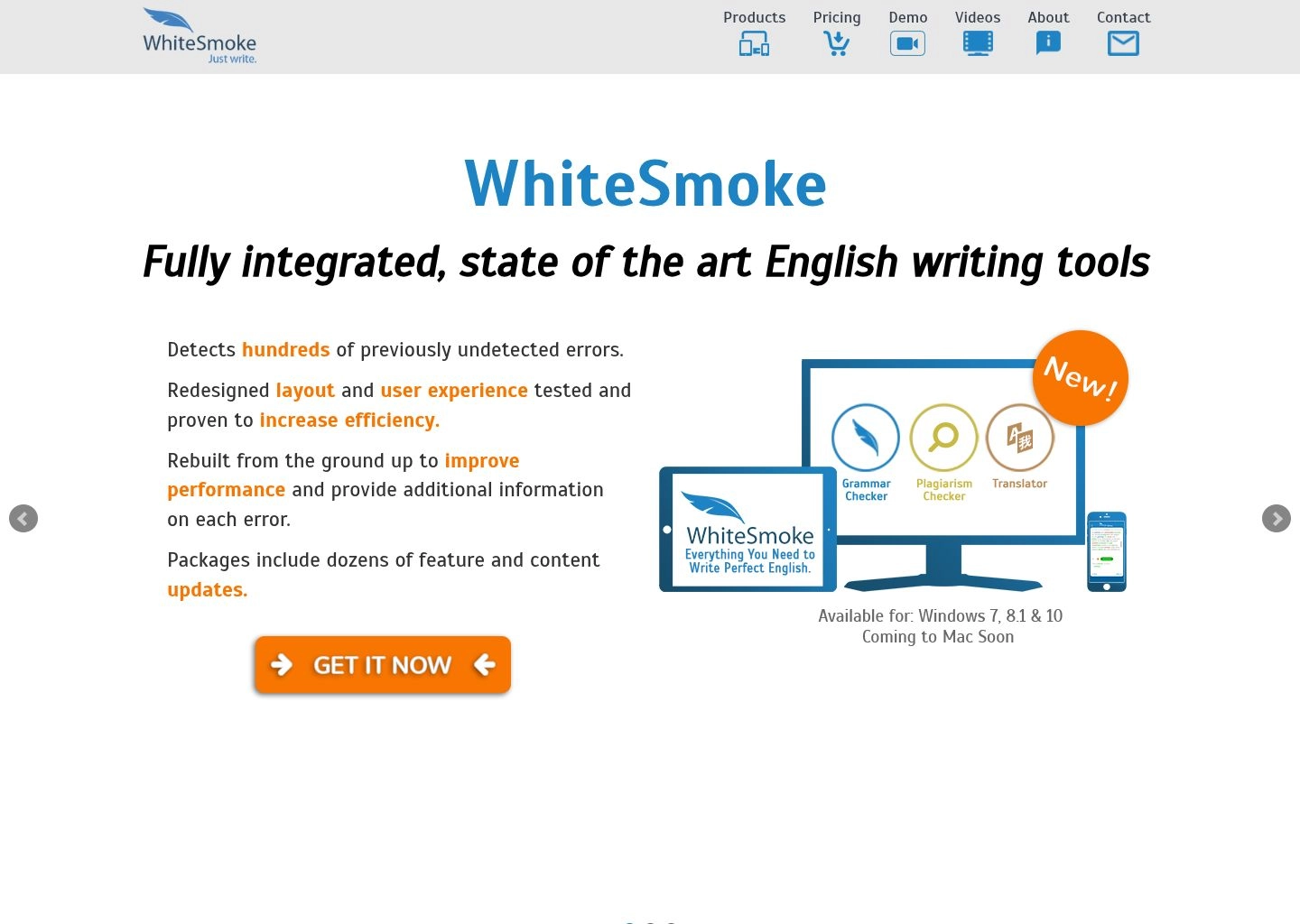
WhiteSmoke is a veteran writing solution designed for budget-conscious business owners, administrative professionals, and corporate writers who need reliable proofreading coupled with pre-built corporate document templates.
WhiteSmoke employs Natural Language Processing (NLP) to detect spelling errors, grammatical mistakes, structural phrasing flaws, and punctuation slips. Additionally, WhiteSmoke includes a built-in library of over 100 professional document templates—ranging from cover letters and thank-you notes to formal business proposals, press releases, and legal notices.
WhiteSmoke also features full-text translation across 55 languages and includes integrated anti-plagiarism checks on its desktop tiers, providing a solid, cost-effective alternative for business writing.
- Comprehensive NLP Proofreading: Identifies spelling, style, syntax, and punctuation slips.
- 100+ Business Document Templates: Jumpstart proposals, cover letters, and commercial emails.
- 55-Language Translation Engine: Translate full documents and text snippets across dozens of language pairs.
- Cross-Platform Compatibility: Available on Web, Windows, Mac, and browser extensions.
Very affordable annual pricing; business templates save time when drafting formal correspondence.
Desktop user interface is dated compared to modern tools like LanguageTool or Wordtune.
Pricing & Verdict: Free basic web checking. Web Plan starts at $5.00/month (billed annually at $59.95/year); Premium Plan (with desktop apps) is $6.66/month (billed annually at $79.95/year). A great value package for business document creation.
How to Choose the Right Free Grammarly Alternative for Your Needs
To maximize your writing quality without spending a dollar, match your specific workflow requirements to the ideal tool profile:
If you write in multiple languages or prioritize data privacy:
Choose LanguageTool. It supports 30+ languages, has a 10,000-character free tier, and can be self-hosted locally on your own hardware.
If your writing tends to be wordy, dense, or passive:
Choose Hemingway Editor. Its color-coded feedback forces you to eliminate fluff and write punchy, readable sentences.
If you need automated paraphrasing and sentence rewriting:
Choose QuillBot or Wordtune for their generative clause restructuring capabilities.
If you want zero logins, zero sign-ups, and unlimited checking:
Use Slick Write for instant, anonymous structural critique directly in your browser.
📚 Related AI Grammar & Proofreading Deep Dives:
- 10 Best AI Grammar Checkers in 2026 — Complete laboratory test across 100 grammatical trap sentences, error catch rates, and enterprise features.
- QuillBot vs Grammarly vs Wordtune (2026) — Full side-by-side shootout comparing accuracy, paraphrasing fluency, and pricing math.
- Best AI Tools for Writers Hub — Curated catalog of paraphrasers, grammar engines, and long-form editors.
- Best AI Tools for Students Hub — Study assistants, citation formatters, and essay polishers.
- Browse All AI Writing Assistants in Directory →
Replacing subscription grammar tools is just one step. Explore our dedicated comparisons and writing benchmarks:
Frequently Asked Questions (FAQ)
Q: Are there free cloud-based grammar checkers that combine AI detection and rewriting without subscriptions?
Yes. LanguageTool and QuillBot provide the most complete free cloud-based ecosystems. LanguageTool delivers an open-source, cloud-synced browser extension that proofreads text across all web forms and detects grammatical slips without selling user data. For rewriting and ambient phrasing, QuillBot's free cloud suite includes an integrated Paraphraser, Grammar Checker, and AI Summarizer that operate simultaneously without requiring credit card registration. Furthermore, combining LanguageTool for grammar with Claude 3.5 Sonnet Free provides an entirely free cloud writing stack that outperforms paid legacy checkers.
What is the best completely free alternative to Grammarly in 2026?
LanguageTool is the overall #1 free alternative to Grammarly. It provides unlimited spelling, grammar, and punctuation checking across 30+ languages, offers browser extensions for Chrome, Edge, and Firefox, and operates on an open-source architecture that respects user privacy without forcing an invasive premium upgrade.
What are the best Grammarly alternatives for legal and medical writing?
For legal documents and scholarly contracts, ProWritingAid leads due to its granular consistency checks (hyphenation, capitalization, and formal legalese terminology). For medical and STEM research, Trinka AI is superior because its vocabulary models are trained specifically on peer-reviewed biomedical literature and AMA/APA manual standards.
Are free grammar checkers safe for sensitive business documents and client data?
Yes, provided you choose privacy-first tools. LanguageTool can be self-hosted locally on your own internal server via Docker, ensuring zero client text ever touches external third-party cloud servers. Web-only tools like Hemingway Editor execute readability parsing directly inside your browser without saving draft copies.
Is there a free alternative to the Grammarly Chrome extension?
Yes. The LanguageTool Chrome Extension operates almost identically to Grammarly’s browser addon: it underlines typos, suggests punctuation improvements in Google Docs and Gmail, and provides distraction-free corrections without locking standard grammatical alerts behind a paywall.
Can I use free grammar checkers without generative AI model training?
Yes. Open-source platforms like LanguageTool and deterministic rule-based linters like Slick Write allow users to disable cloud AI enhancements, ensuring your proprietary manuscripts and sensitive emails are never used to train future public LLMs.
Why did Grammarly become so expensive compared to free alternatives?
Grammarly transitioned its business model toward enterprise B2B customers, bundling heavy generative AI capabilities (Grammarly Go), automated team brand-tone governance, and enterprise SOC-2 compliance into premium tiers starting at $12 to $30/month. For individuals who only require reliable error-free proofreading, free tools like LanguageTool, Hemingway, and QuillBot deliver 95% of the same practical utility at zero cost.
Which free Grammarly alternative is best for business communications and corporate emails?
LanguageTool is the best free alternative for business communications and corporate correspondence. It provides native browser extensions for Gmail, Outlook Web, and Google Docs, catching punctuation blunders, professional tone slips, and grammatical missteps without tracking your email keystrokes. For drafting executive memos and client reports where concise brevity is critical, running drafts through Hemingway Editor ensures readability levels remain sharp and accessible.
Is there a free Grammarly alternative that works completely offline without AI cloud logging?
Yes. LanguageTool offers a self-hosted, local server edition (open-source Java backend) that runs entirely on your local machine with zero data transmitted to the cloud. This makes it the premier choice for lawyers, healthcare practitioners, and developers handling confidential code and client contracts who cannot risk transmitting proprietary text to commercial AI servers.