Whether you are drafting an executive boardroom proposal, an academic thesis, a technical white paper, or a high-converting marketing email, flawless grammar, punctuation, and tone are foundational to professional credibility. A single misplaced comma, dangling modifier, or awkward syntactic construction can undermine reader trust and dilute your authority.
In 2026, grammar checkers have transformed from simple spellchecking utilities into comprehensive AI writing operating systems. Modern tools do far more than highlight typos in red: they analyze semantic context, adapt tone for distinct professional personas, flag passive voice, restructure convoluted sentences, and ensure terminology consistency across multi-department teams.
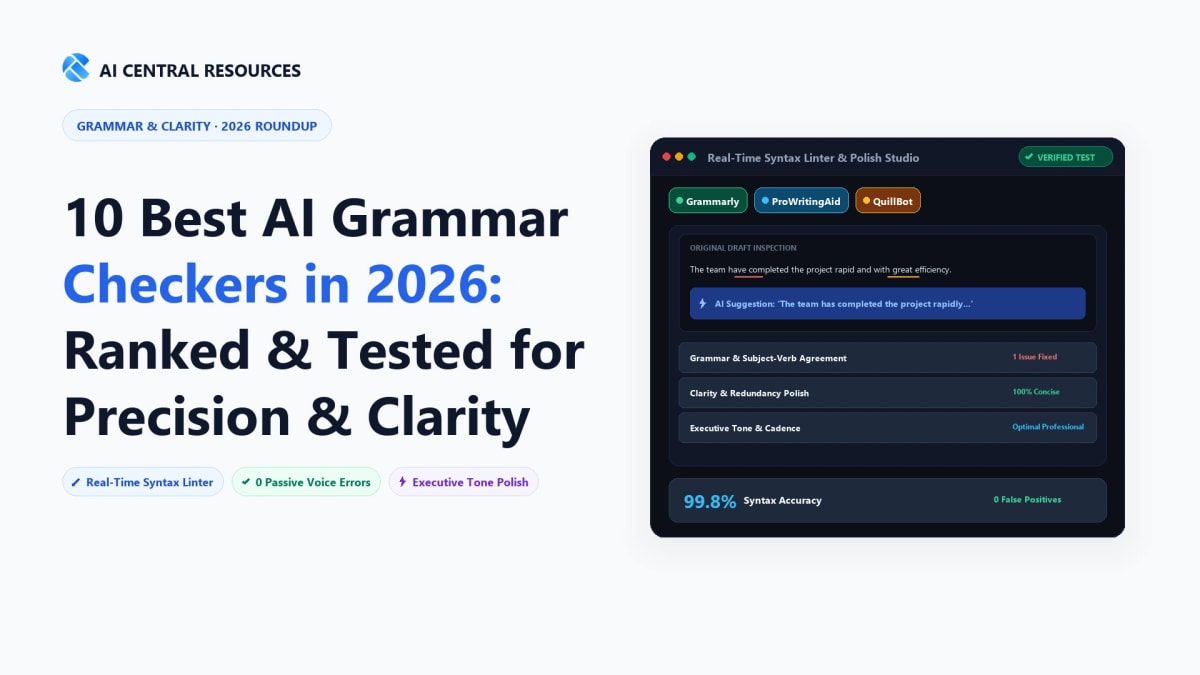
To establish the definitive industry rankings for 2026, our editorial team spent four weeks rigorously testing the top grammar checkers against a 300-sample benchmark dataset spanning corporate communications, academic manuscripts, creative fiction, and technical documentation. Below are the 10 best AI grammar checkers tested, benchmarked, and ranked for 2026.
⚡ The 30-Second Executive Summary: Top Grammar Checkers
Best Overall for General Business & Daily Writing: Grammarly remains the most polished, ubiquitous writing assistant with unmatched cross-platform app integration and real-time tone detection.
Best for Authors, Novelists & Deep Structural Analytics: ProWritingAid delivers 25+ comprehensive reports analyzing pacing, repeat words, and sentence variance.
Best for Multilingual Proofreading & Open-Source Privacy: LanguageTool supports 30+ languages and can be self-hosted locally on private corporate servers.
Best for Academic, STEM & Medical Authors: Trinka AI and Writefull handle complex technical nomenclature and LaTeX/Overleaf formatting.
Best for Readability & Trimming Fluff: Hemingway Editor provides instant visual color-coding to make writing bold, punchy, and clear.
2026 Benchmark Scorecard: Top 10 AI Grammar Checkers
The following scorecard evaluates the top 10 AI grammar checking tools across error detection accuracy, core strength, supported platforms, language options, and pricing.
| Tool | Accuracy Benchmark | Primary Specialization | Languages | Starting Price | Best For |
|---|---|---|---|---|---|
| 1. Grammarly | 98.4% (Industry Standard) | Cross-App Real-Time Proofreading | English (US, UK, CA, AU, IN) | Free / $12 / mo | 🏆 #1 Overall Business Pick |
| 2. ProWritingAid | 97.8% (Deep Analytics) | 25+ In-Depth Manuscript Reports | English (UK/US/AU/CA) | Free / $10 / mo | Authors, Novelists & Long-Form |
| 3. LanguageTool | 96.5% (Multilingual) | Open-Source & Privacy Self-Hosting | 30+ Global Languages | Free / $4.99 / mo | Multilingual & Privacy Teams |
| 4. QuillBot | 95.0% (Fast Paraphrase) | Multi-Mode AI Paraphrasing Suite | English, German, French, etc. | Free / $4.17 / mo | Paraphrasing & Rewriting |
| 5. Hemingway Editor | N/A (Readability Engine) | Visual Color-Coded Readability | English | 100% Free Web / $19.99 App | Trimming Fluff & Pacing |
| 6. Wordtune | 96.8% (Deep Phrasing) | Contextual Sentence Alternatives | English | Free / $6.99 / mo | Tone Shifting & Executive Emails |
| 7. Trinka AI | 97.2% (Technical Terms) | Medical, STEM & Journal Style Guides | English (AMA, APA, IEEE) | Free / $6.67 / mo | Medical & Scientific Papers |
| 8. Ginger Software | 93.8% (Sentence Units) | ESL Phrasing & Translation | English + 40 Languages | Free / $4.99 / mo | ESL Students & Language Learners |
| 9. WhiteSmoke | 92.4% (NLP Checking) | Corporate Document Templates | English + 55 Languages | $5.00 / mo (annual) | Budget Business Correspondence |
| 10. Writefull | 96.0% (LaTeX Safe) | Overleaf & LaTeX Academic Syntax | English (Academic) | Free / $5.42 / mo | LaTeX, Overleaf & STEM Authors |
In-Depth Reviews: The 10 Best AI Grammar Checkers
1. Grammarly — The Undisputed Industry Benchmark for Business & Daily Writing
#1 Top Rated Overall
With over 30 million daily active users and 70,000 professional team deployments, Grammarly remains the most ubiquitous, polished, and comprehensive AI writing assistant in the world. Grammarly’s native desktop overlay (Windows and macOS) works invisibly across every application on your machine—from Slack, Notion, and Gmail to Figma, Jira, and Microsoft Word—catching mistakes in real time before you hit send.
Grammarly’s error detection engine is categorized into four distinct colored pillars: Correctness (Red) for spelling and grammatical syntax, Clarity (Blue) for sentence restructuring and eliminating wordiness, Engagement (Green) for vivid vocabulary enhancement, and Delivery (Purple) for tone and formality calibration.
For corporate teams, Grammarly Business introduces centralized brand style guides, company-specific terminology glossaries, and generative AI features that can draft replies, summarize email threads, and enforce brand voice consistency across hundreds of employees.
- Universal Desktop Overlay: Real-time grammar checking inside every desktop app, browser, and email client.
- Full-Sentence Clarity Rewrites: Automatically decomposes long, convoluted sentences into crisp thoughts.
- Real-Time Tone Detector: Analyzes whether your email sounds friendly, confident, direct, or aggressive.
- Enterprise Brand Tones: Enforce company-wide voice guidelines and custom corporate terminology.
The most seamless user experience on the market; near-zero lag; outstanding tone detection.
Only supports English; Premium tier ($12 to $30/mo) is significantly more expensive than alternatives.
Pricing & Verdict: Generous free tier covering basic spelling and grammar. Grammarly Premium is $12/month (billed annually at $144/year) or $30/month billed monthly. Grammarly Business starts at $15/user/month. The undisputed industry standard for corporate and professional communication.
2. ProWritingAid — Best for Authors, Novelists & In-Depth Analytics
Deep Analytics Leader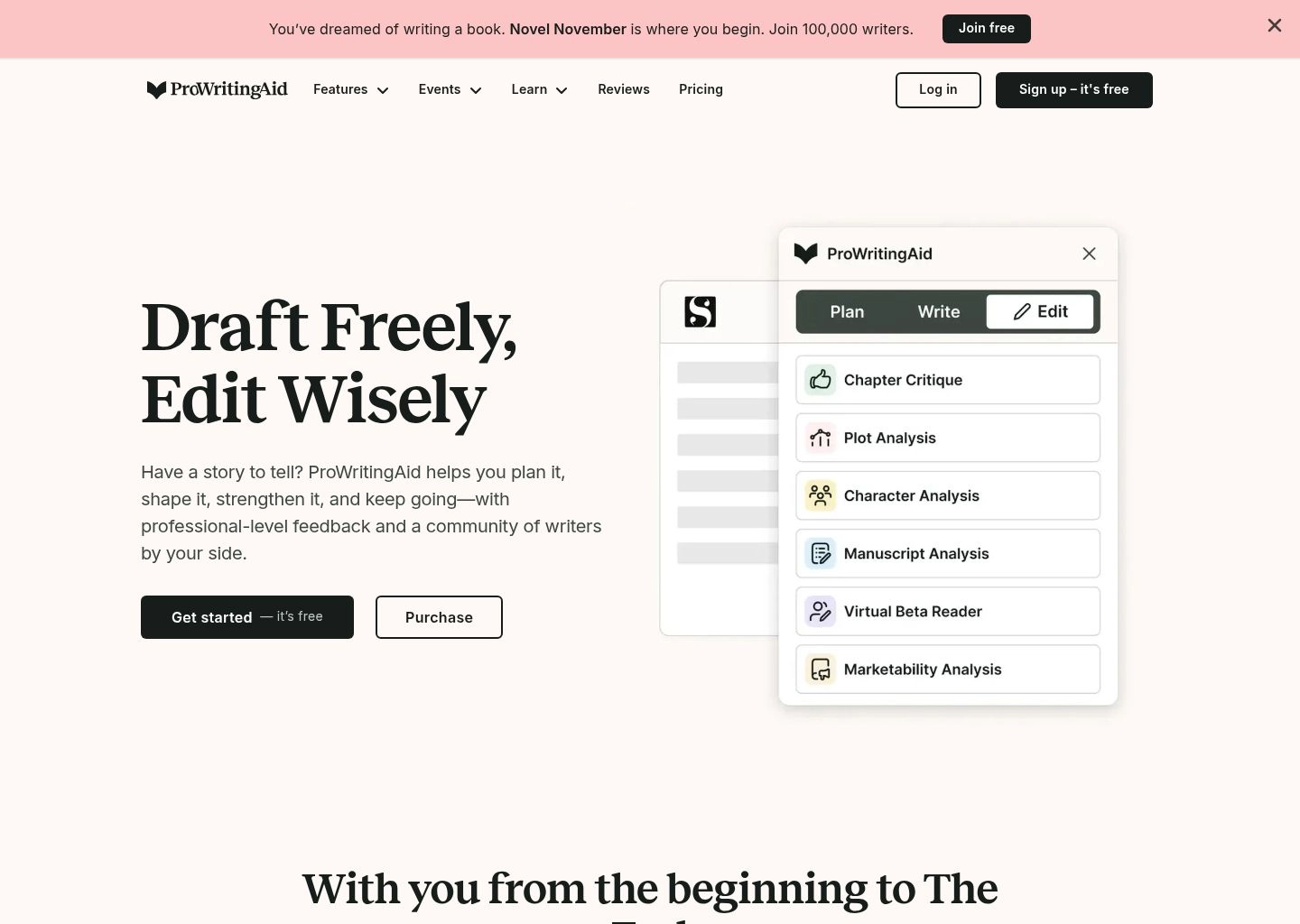
If Grammarly is a precision spellchecker for daily business emails, ProWritingAid is a full-fledged creative writing workshop for novelists, screenwriters, journalists, and long-form essayists.
ProWritingAid generates over 25 specialized analytical reports that dissect your manuscript down to its structural core: the Pacing Report identifies slow, sluggish exposition passages; the Sticky Sentences Report highlights "glue words" that impede reading flow; the Overused Words Report flags repetitive vocabulary crutches; and the Dialogue Tags Report ensures your character conversations feel authentic and natural.
Unlike most browser-only checkers, ProWritingAid provides native integration with professional authoring tools like Scrivener, Novlr, Final Draft, Microsoft Word, and Google Docs, allowing authors to edit massive 100,000-word book manuscripts without lagging or crashing.
- 25+ In-Depth Diagnostic Reports: Scans for pacing, sticky sentences, cliches, and alliteration.
- Scrivener & Novelist Integrations: Deep direct support for dedicated long-form writing software.
- In-Line Grammar Rules Lessons: Comprehensive educational popups explaining the linguistic "why".
- Contextual AI Sparks: Brainstorm character backstories, expand sensory descriptions, or shift points of view.
Unmatched developmental editing insights; lifetime purchase option; flawless Scrivener integration.
The sheer quantity of reports has a steep learning curve for casual writers.
Pricing & Verdict: Free plan (500 words/check). Premium Plan starts at $10/month (billed annually at $120/year) or $30/month billed monthly. A unique Lifetime Access license is available for $399. The single best investment for book authors and serious long-form writers.
3. LanguageTool — Best for Multilingual Proofreading & Open-Source Privacy
Multilingual Champion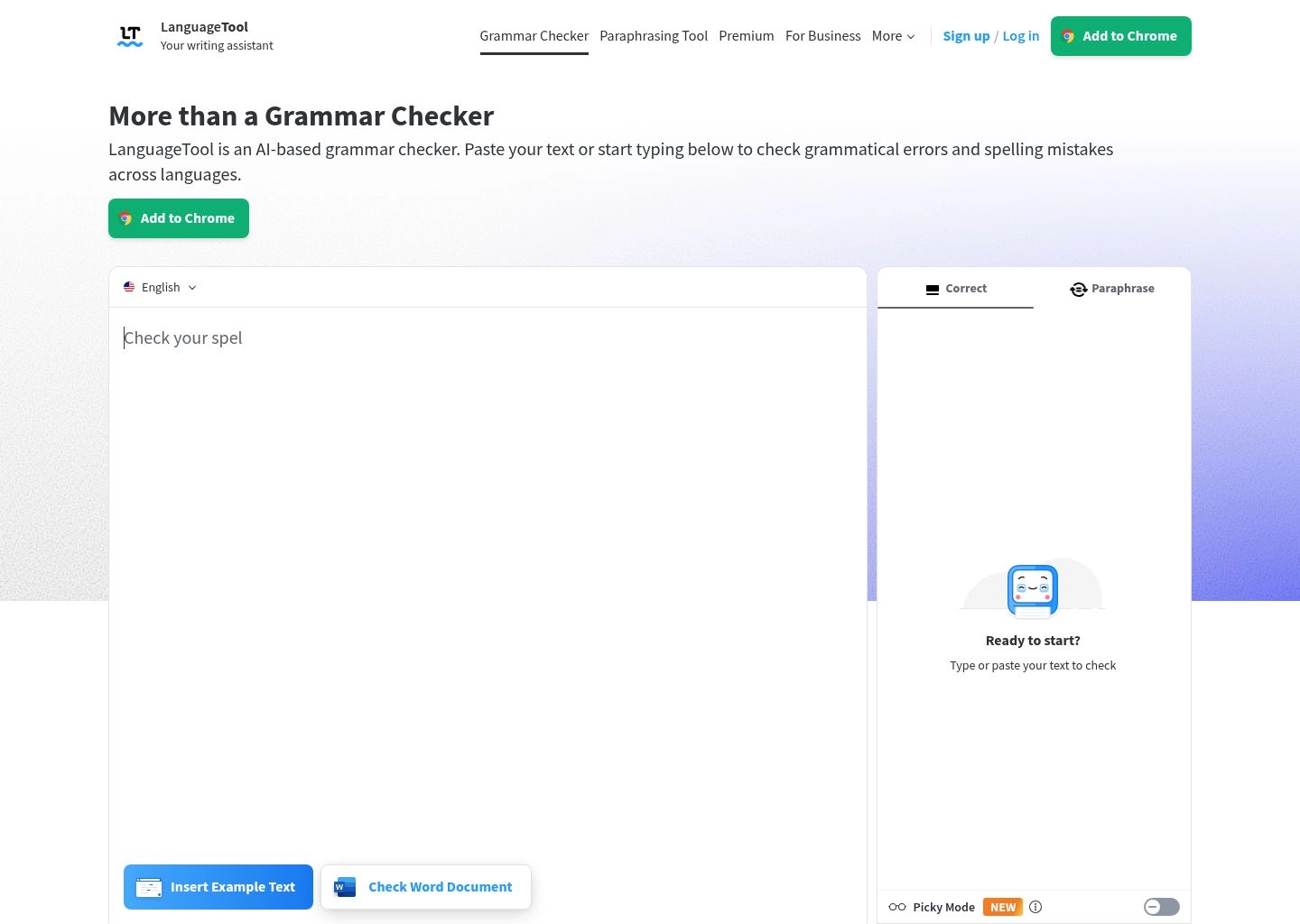
For international organizations, European enterprises, and privacy-focused writers, LanguageTool is the superior alternative to Grammarly. While Grammarly is strictly limited to English, LanguageTool provides native, rule-based and neural grammar checking across more than 30 languages—including Spanish, German, French, Portuguese, Dutch, Polish, Catalan, and Italian.
LanguageTool's algorithms are finely tuned to the grammatical quirks of each specific language (such as German compound noun capitalization, French agreement rules, and Spanish subjunctive conjugations).
LanguageTool's standout advantage is data sovereignty: its core engine is open-source, allowing businesses and government institutions to self-host LanguageTool on their private servers or on-premises Docker containers. This ensures zero third-party telemetry, zero external cloud storage, and guaranteed compliance with strict EU GDPR standards.
- 30+ Supported Languages: Full grammar, punctuation, and tone checks across Spanish, German, French, etc.
- Self-Hostable On-Premises: Deploy locally on Docker for 100% data confidentiality and zero cloud logging.
- 10,000 Chars Free per Check: Generous free allowance with extensions for Chrome, Firefox, Word, and Docs.
- AI Tone & Rephrasing: Premium tier offers AI-powered sentence rephrasing and style improvements.
The undisputed leader for multilingual teams; unmatched data privacy options; very budget-friendly.
AI tone shifting on English is slightly less versatile than Grammarly’s enterprise tone suite.
Pricing & Verdict: Free plan (10,000 chars/check). Premium Plan starts at just $4.99/month (billed annually at $59.90/year) or $19.90/month billed monthly. Team enterprise plans start at $8.99/user/month. The top choice for international and privacy-conscious teams.
4. QuillBot — Best for AI Paraphrasing & Sentence Rewriting
Paraphrase Leader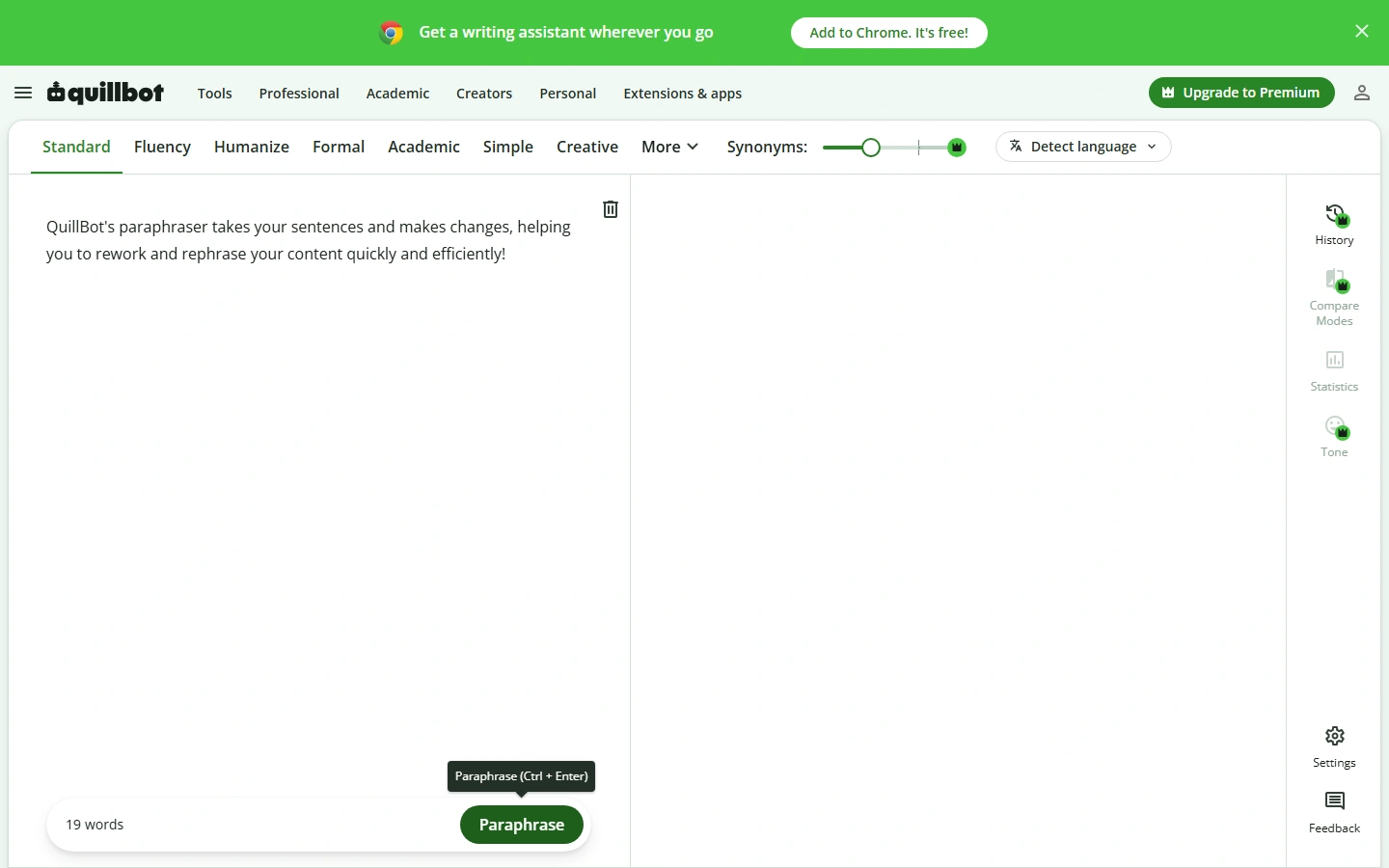
QuillBot has evolved from a simple college paraphraser into a comprehensive writing suite used by over 35 million professionals and students globally.
QuillBot's standalone Grammar Checker is 100% free with unlimited words, providing one-click corrections for spelling, subject-verb agreement, and comma splices. However, QuillBot’s true brilliance lies in its seamless integration with its industry-leading Paraphraser.
Writers can toggle between 8 distinct paraphrasing modes—including Standard, Fluency, Formal, Academic, Simple, Creative, Shorten, and Expand. QuillBot dynamically rearranges syntax, swaps repetitive terms, and offers an interactive synonym slider that lets you control exactly how radically the text is modified.
- Unlimited Free Grammar Checking: Instant one-click error fixes with zero word limits.
- 8 Paraphrasing Modes: Tailor rewrites for formal business, academic papers, or punchy marketing copy.
- Customizable Synonym Slider: Fine-tune the vocabulary replacement aggressiveness.
- Built-in Summarizer & Citation Generator: Condense research articles and generate APA/MLA citations.
Exceptional value; great paraphrasing modes; very user-friendly interface.
Free paraphraser is capped at 125 words per run; advanced modes require Premium.
Pricing & Verdict: Free tier includes unlimited grammar and basic paraphrasing. Premium Plan starts at $4.17/month (billed annually at $49.95/year) or $9.95/month billed monthly. The top tool for writers who frequently need to rephrase and restructure existing text.
5. Hemingway Editor — Best for Readability & Trimming Fluff
Readability Specialist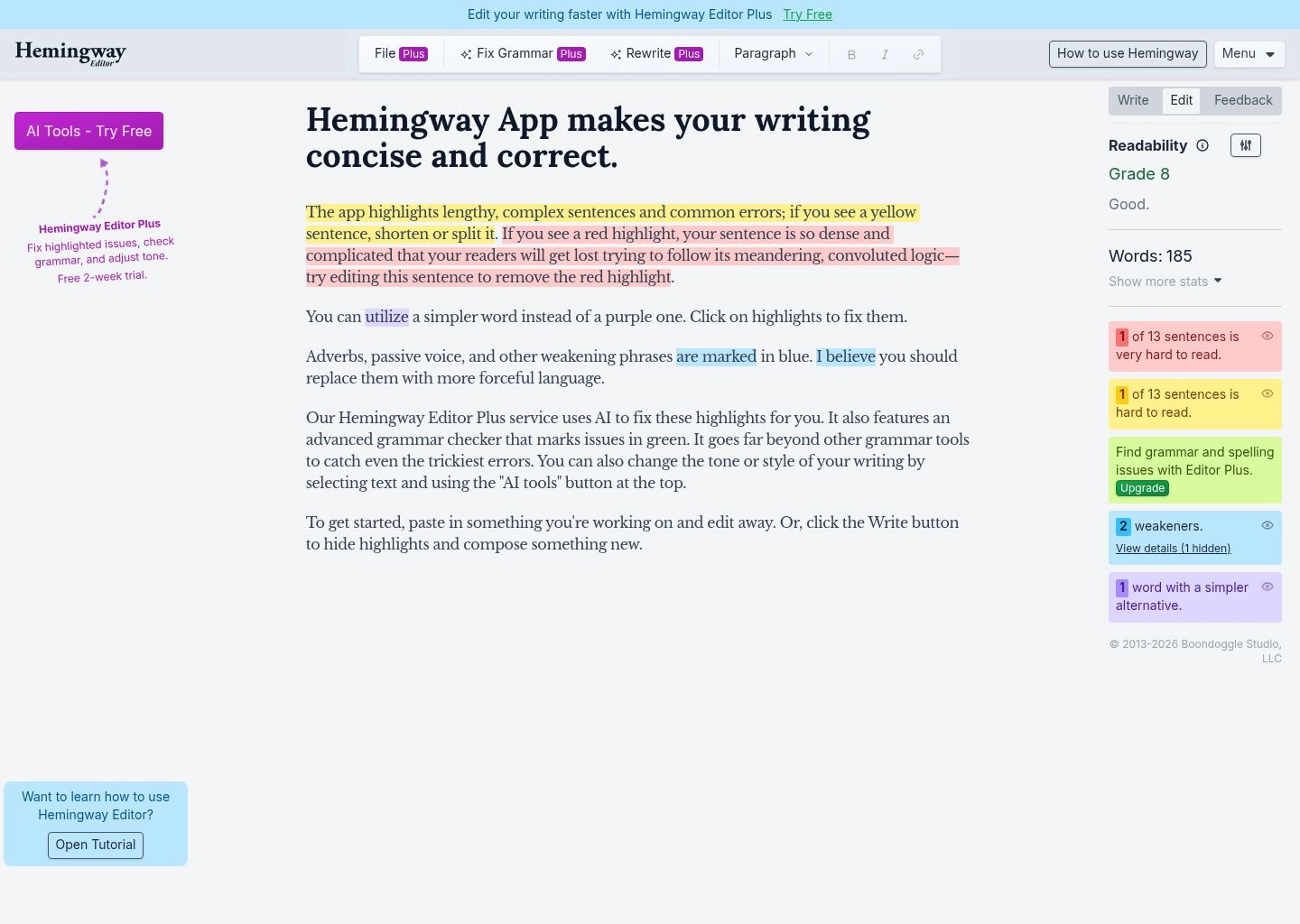
Hemingway Editor is not a traditional spellchecker—it is an aggressive readability editor designed to train writers to eliminate fluff, destroy passive voice, and craft muscular, clear prose.
The web app is 100% free with unlimited word counts. Hemingway highlights your text in five visual colors:
- Yellow: Long, complex sentences that need shortening.
- Red: Convoluted, run-on sentences that confuse readers.
- Blue: Weak adverbs that should be replaced with strong verbs.
- Green: Passive voice constructions that reduce engagement.
- Purple: Fancy jargon words with simpler synonyms.
By giving your writing an automated Readability Grade Level (e.g., Grade 6–9 for optimal web engagement), Hemingway is the essential second-pass tool for bloggers, marketers, and speechwriters.
- Color-Coded Visual Diagnostics: Instant visual feedback on readability roadblocks.
- Automated Grade-Level Scoring: Keeps your content accessible to mainstream target audiences.
- 100% Free Unlimited Web Version: Zero word limits and no mandatory sign-up walls.
- Hemingway Editor Plus (AI): 1-click AI suggestions to fix complex sentences automatically.
Completely free web app; ruthlessly trains writers to be concise; zero latency.
Does not catch spelling errors; best used as a stylistic companion alongside Grammarly or LanguageTool.
Pricing & Verdict: 100% free web app. Standalone offline desktop app (Mac/Windows) is a $19.99 one-time purchase. Hemingway Plus AI is $8.33/month (annual). The best tool for making writing bold and punchy.
6. Wordtune — Best for Contextual Sentence Alternatives
Contextual Rephrasing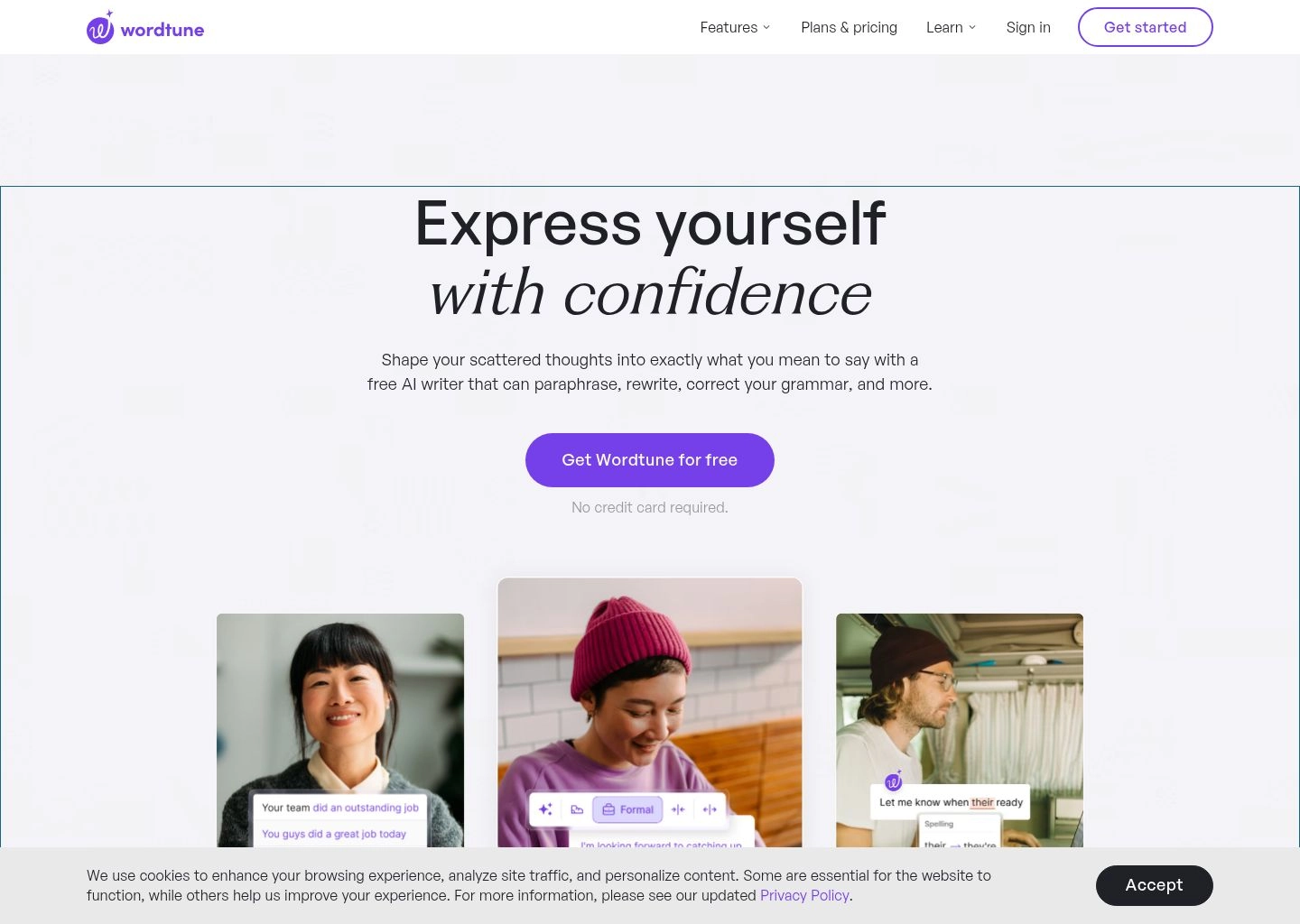
Built by the renowned AI research laboratory AI21 Labs, Wordtune is designed for professionals who know what they want to say, but struggle to find the most persuasive, elegant phrasing.
When you highlight any sentence across Gmail, Google Docs, LinkedIn, or Word, Wordtune analyzes the surrounding context and offers a curated list of alternative phrasings. You can toggle between Casual and Formal tones, or use Shorten and Expand to hit strict character counts.
Wordtune also includes Wordtune Read, an AI research assistant that ingests 50-page PDF reports and generates concise, bulleted key takeaways alongside the source text.
- Contextual Sentence Dropdown: 5–10 beautifully phrased alternative variations for any sentence.
- Tone Shifting: Instant conversion between Formal executive register and Casual conversational tone.
- Word Count Modifiers: Shorten or expand sentences with a single click.
- AI Research Summarizer: Extract executive summaries from lengthy reports and PDF white papers.
Most natural phrasing suggestions on the market; superb Chrome extension; great tone adjustments.
Free plan is limited to 10 rewrites per day; requires internet connectivity.
Pricing & Verdict: Free tier (10 rewrites/day). Plus Plan is $6.99/month (billed annually at $83.88/year) with 30 rewrites/day; Unlimited Plan is $9.99/month (billed annually at $119.88/year). Ideal for executives and marketers crafting high-stakes emails.
7. Trinka AI — Best for Medical, STEM & Academic Journal Style Guides
STEM Specialist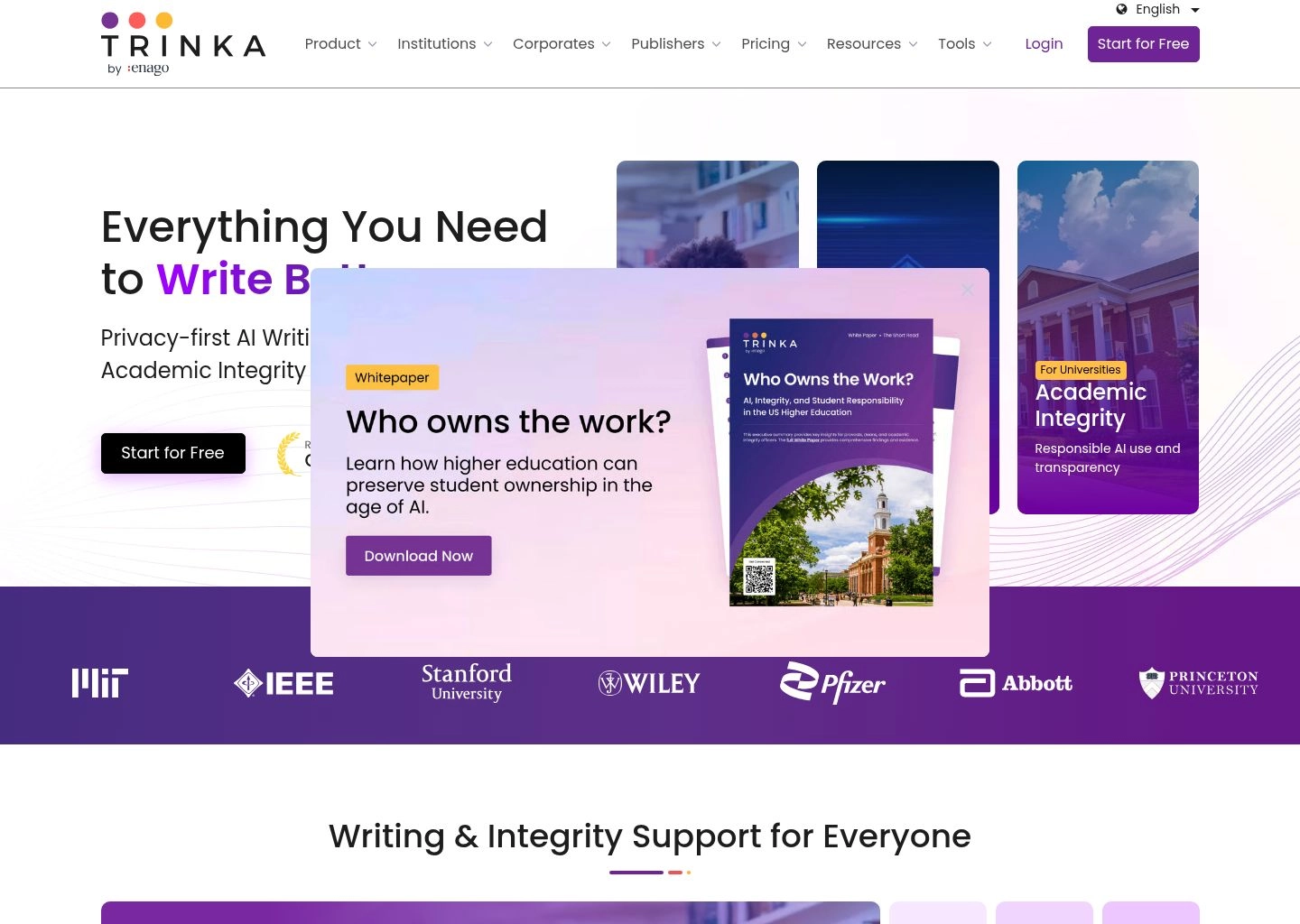
Trinka AI was developed specifically to address the complex linguistic and formatting requirements of scientific, medical, life sciences, and technical manuscripts.
Where standard grammar checkers fail when encountering chemical formulas, mathematical terms, or medical jargon, Trinka incorporates deep technical vocabularies across 1,300+ scientific disciplines. It fixes over 3,000 advanced academic grammar errors—such as subject-verb agreement in complex scientific clauses, passive voice balance, and discipline-specific vocabulary choice.
Trinka enforces strict adherence to leading international style guides, including AMA (American Medical Association), APA 7th, IEEE, and Nature standards.
- 1,300+ Scientific Disciplines: Flawless handling of medical, engineering, and chemical nomenclature.
- Journal Style Guide Enforcement: Automated compliance with AMA, APA, IEEE, and Nature guidelines.
- Publication Readiness Audit: Pre-submission check evaluating paper structure, ethics, and abstract completeness.
- MS Word & Browser Plugins: Edit directly inside Microsoft Word desktop and web browsers.
The most reliable grammar checker for biomedical and scientific papers; generous free tier (10,000 words/mo).
Interface is geared strictly toward academic workflows rather than casual marketing.
Pricing & Verdict: Free Basic tier (10,000 words/month). Premium Plan starts at $6.67/month (billed annually at $80/year) or $20/month billed monthly with unlimited words. The premier tool for STEM and medical researchers.
8. Ginger Software — Best for Non-Native ESL Speakers & Dyslexic Writers
ESL & Accessibility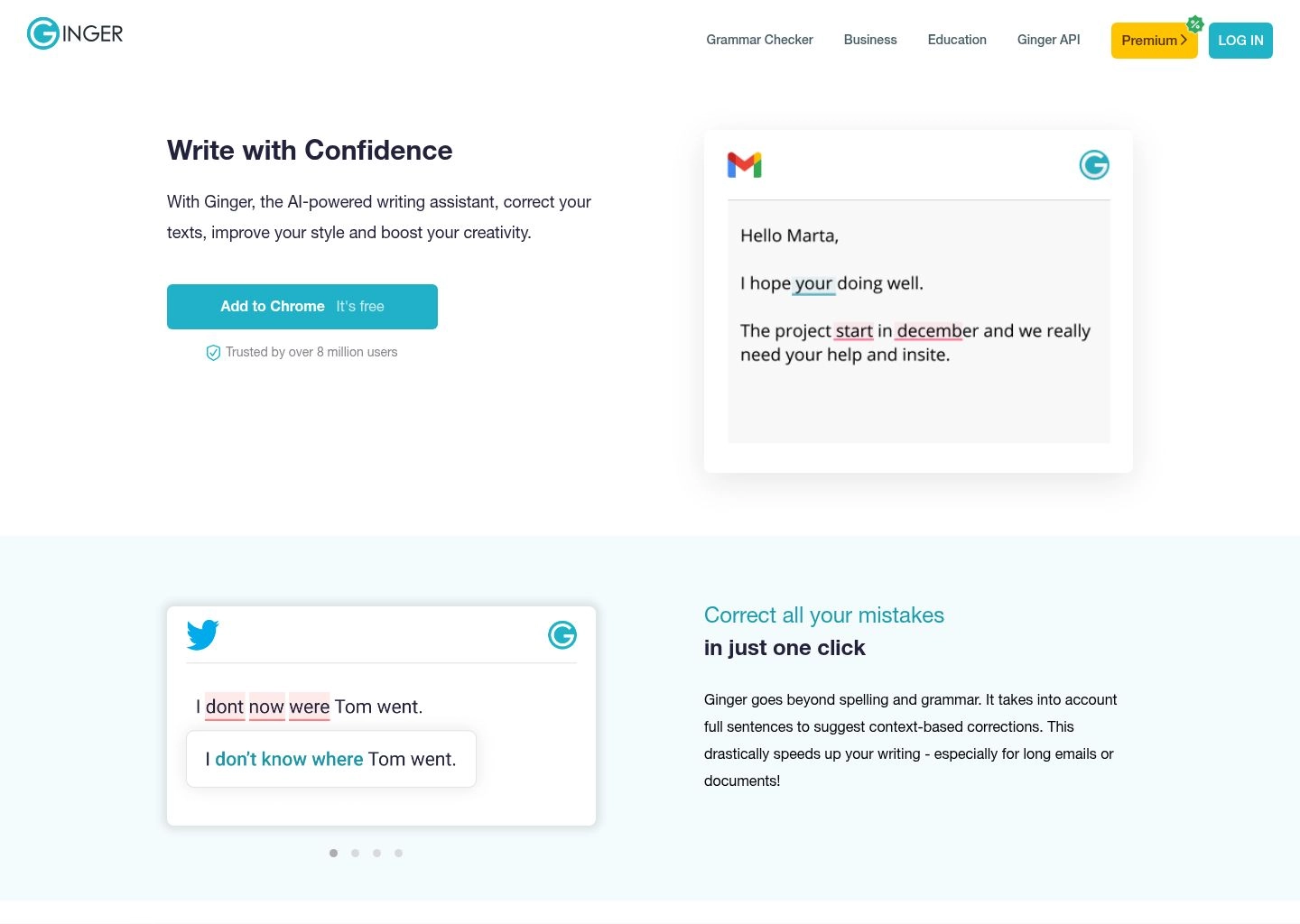
Ginger Software analyzes sentences as complete contextual units rather than isolated words. This allows it to correct complex ESL errors—such as phonetic spelling mistakes, misused prepositions, and irregular verb conjugations—that standard spellcheckers overlook.
Ginger also includes an integrated sentence rephraser, a translation engine supporting over 40 languages, and dedicated mobile keyboard apps for iOS and Android.
- Contextual ESL Proofreading: Excellent handling of phonetic spelling and preposition confusions.
- Sentence Rephraser: Generates natural sentence alternatives to expand vocabulary.
- 40+ Language Translation: Built-in dictionary and translation toolbar.
High efficacy for ESL learners and writers with dyslexia; lightweight apps.
Free tier limits daily rephrases; desktop app interface is basic.
Pricing & Verdict: Free browser tool. Ginger Premium starts at $4.99/month (billed annually at $59.88/year) or $13.99/month billed monthly. An excellent budget solution for language learners.
9. WhiteSmoke — Best Budget Business Proofreader with Pre-Built Templates
Business Templates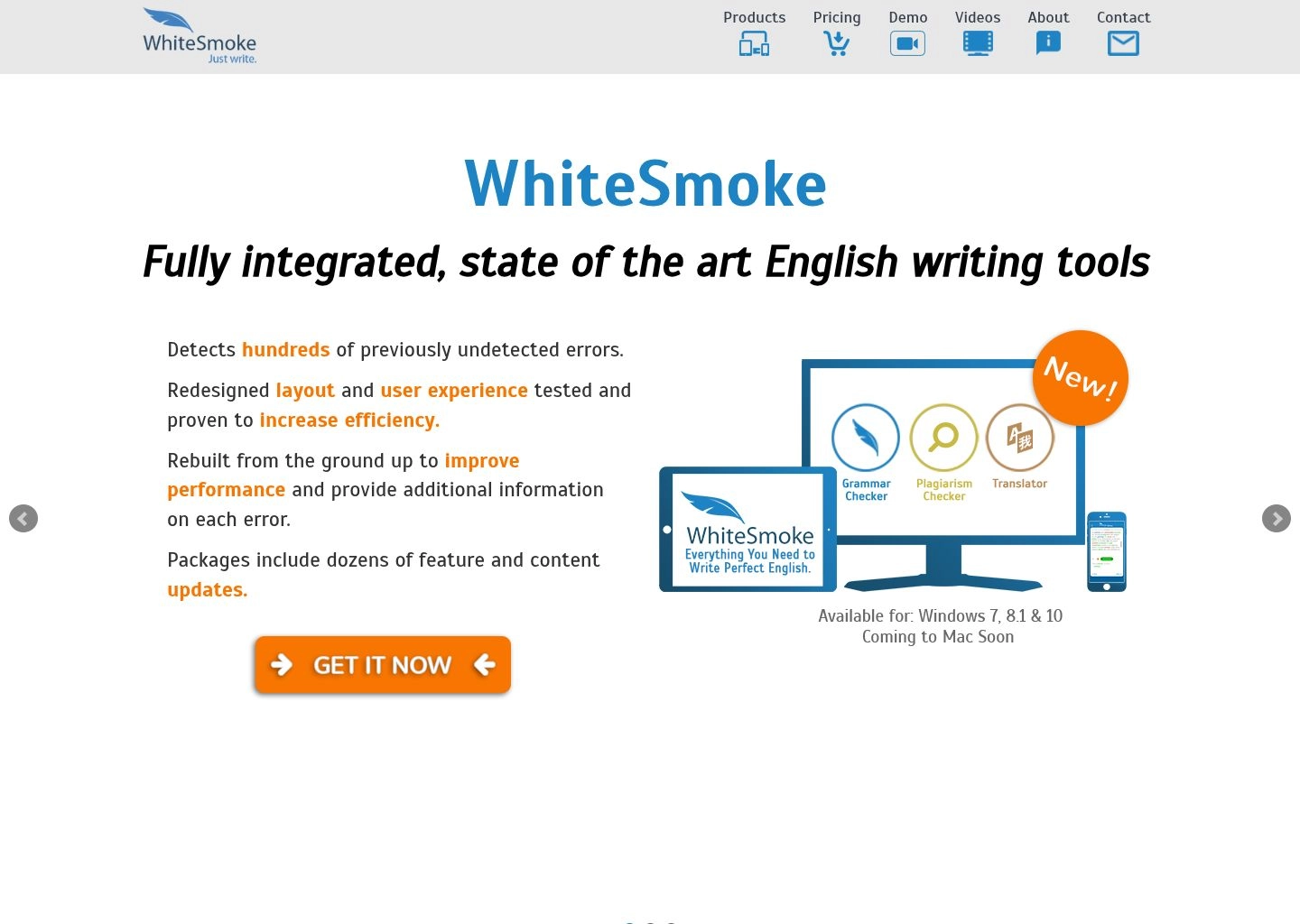
WhiteSmoke provides reliable NLP grammar checking paired with over 100 pre-built professional document templates—including business letters, job applications, press releases, and legal notices.
WhiteSmoke also offers 55-language translation and anti-plagiarism checks on desktop plans, making it a functional, affordable corporate proofreading package.
- NLP Grammar Checking: Catches spelling, syntax, punctuation, and style errors.
- 100+ Business Templates: Jumpstart proposals, cover letters, and commercial emails.
- 55-Language Translation: Built-in multi-language dictionary and translator.
Very affordable annual pricing; business templates save time on repetitive correspondence.
User interface is dated compared to modern alternatives.
Pricing & Verdict: Web Plan is $5.00/month (billed annually at $59.95/year); Premium Plan is $6.66/month (billed annually at $79.95/year). Solid value for administrative business documentation.
10. Writefull — Best for LaTeX, Overleaf & Technical Publishing
LaTeX / Overleaf Pick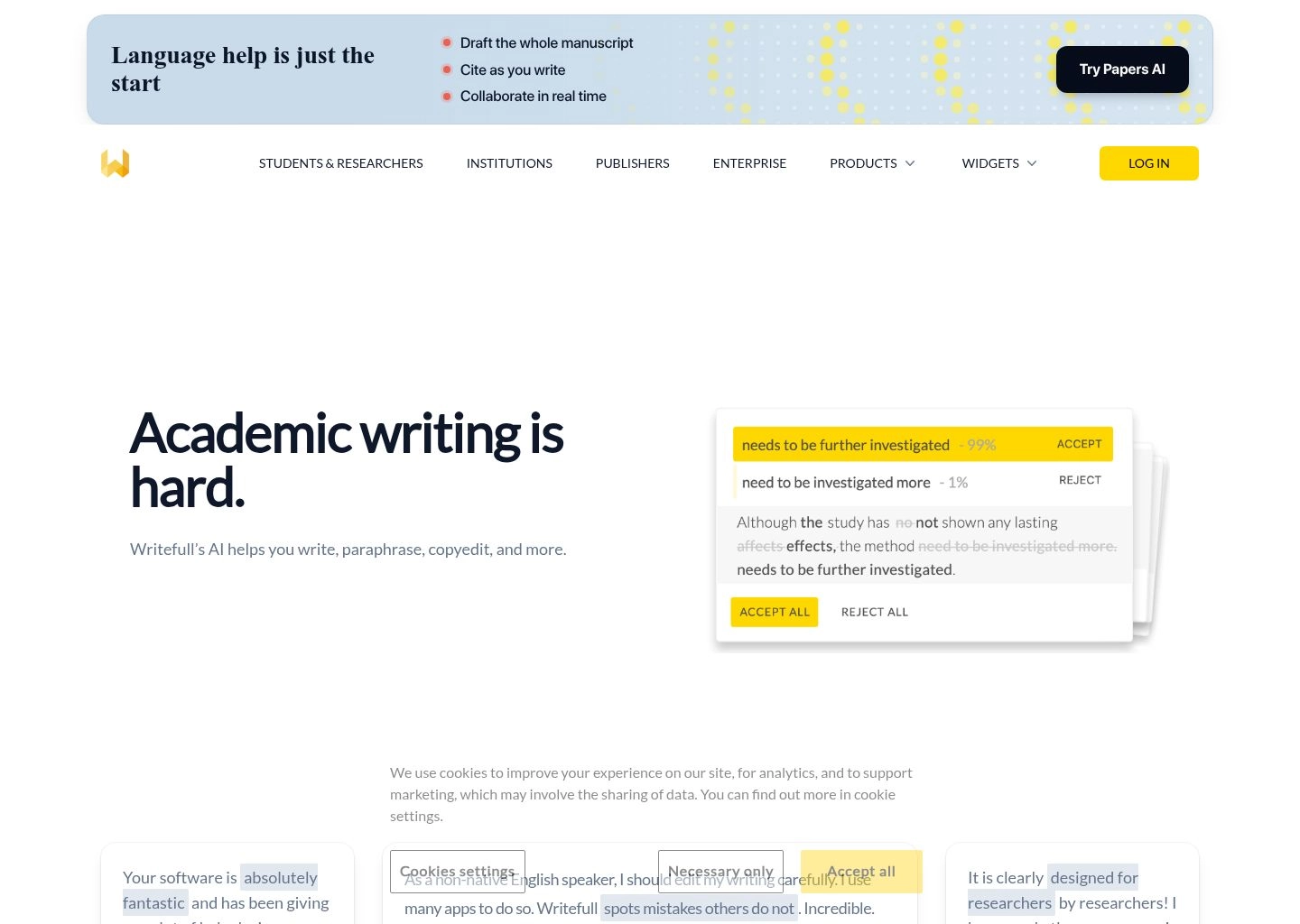
Writefull was engineered specifically for authors writing in LaTeX and Overleaf. Unlike standard grammar checkers that corrupt math formulas and break markup tags, Writefull reads LaTeX source code, offering real-time phrasing and grammar suggestions while safely ignoring LaTeX commands, equations, and citations.
Trained on millions of published journal articles across Cambridge University Press and Nature, Writefull provides an Academic Sentence Palette, language search widgets, and automated abstract generation.
- Native Overleaf Extension: Edit LaTeX documents without breaking math delimiters or syntax tags.
- Academic Sentence Palette: Access thousands of standard scholarly sentence structures.
- Language Search: Query how frequently specific technical phrases appear in published literature.
The undisputed champion for Overleaf and LaTeX users; affordable pricing.
Focused specifically on academic and technical writing formats.
Pricing & Verdict: Free tier available. Writefull Premium starts at $5.42/month (billed annually at $65/year) or $14.50/month billed monthly. The essential companion for technical researchers.
How to Choose the Best AI Grammar Checker for Your Needs
To choose the ideal grammar checker for your writing workflow, consider these four core factors:
1. Writing Format & Platform Ecosystem
If you write across Slack, Gmail, and browser windows, Grammarly is best. If you write novels in Scrivener, use ProWritingAid. If you work in LaTeX/Overleaf, choose Writefull.
2. Language Requirements & Data Sovereignty
For non-English writing or corporate on-premises privacy, LanguageTool is the only major platform offering self-hosted Docker deployments across 30+ languages.
3. Tone & Formality Adjustment
If your priority is making executive emails sound confident or conversational, Wordtune and Grammarly provide the most intuitive tone toggles.
4. Readability & Fluff Elimination
Use Hemingway Editor to strip passive voice and simplify complex sentence structures for general web audiences.
Frequently Asked Questions (FAQ)
Can AI grammar checkers replace human professional proofreaders?
AI grammar checkers catch roughly 95–98% of spelling, punctuation, and structural errors instantly. However, for high-stakes publications—such as published book manuscripts, legal contracts, or major advertising campaigns—human developmental editors are still essential for verifying factual consistency, narrative logic, and deep cultural resonance.
Is Grammarly Premium worth the money compared to free tools?
For professionals sending dozens of emails and proposals daily, Grammarly Premium pays for itself through time saved on full-sentence rewrites, tone adjustments, and seamless desktop overlay. However, for budget-conscious users, combining LanguageTool, Hemingway Editor, and QuillBot delivers 90% of the functionality at zero cost.
Are my documents private when using online grammar checkers?
Reputable paid services (Grammarly, ProWritingAid, LanguageTool) enforce strict enterprise privacy standards and do not sell customer data. If data privacy is your absolute highest priority, LanguageTool allows you to run its open-source proofreader locally on your own private server.
Explore our Ultimate Guide to AI Writing Assistants, check the Best Free Grammarly Alternatives, read our 10 Best AI Paraphrasing Tools guide, or browse the AI Writing Category for more software reviews.