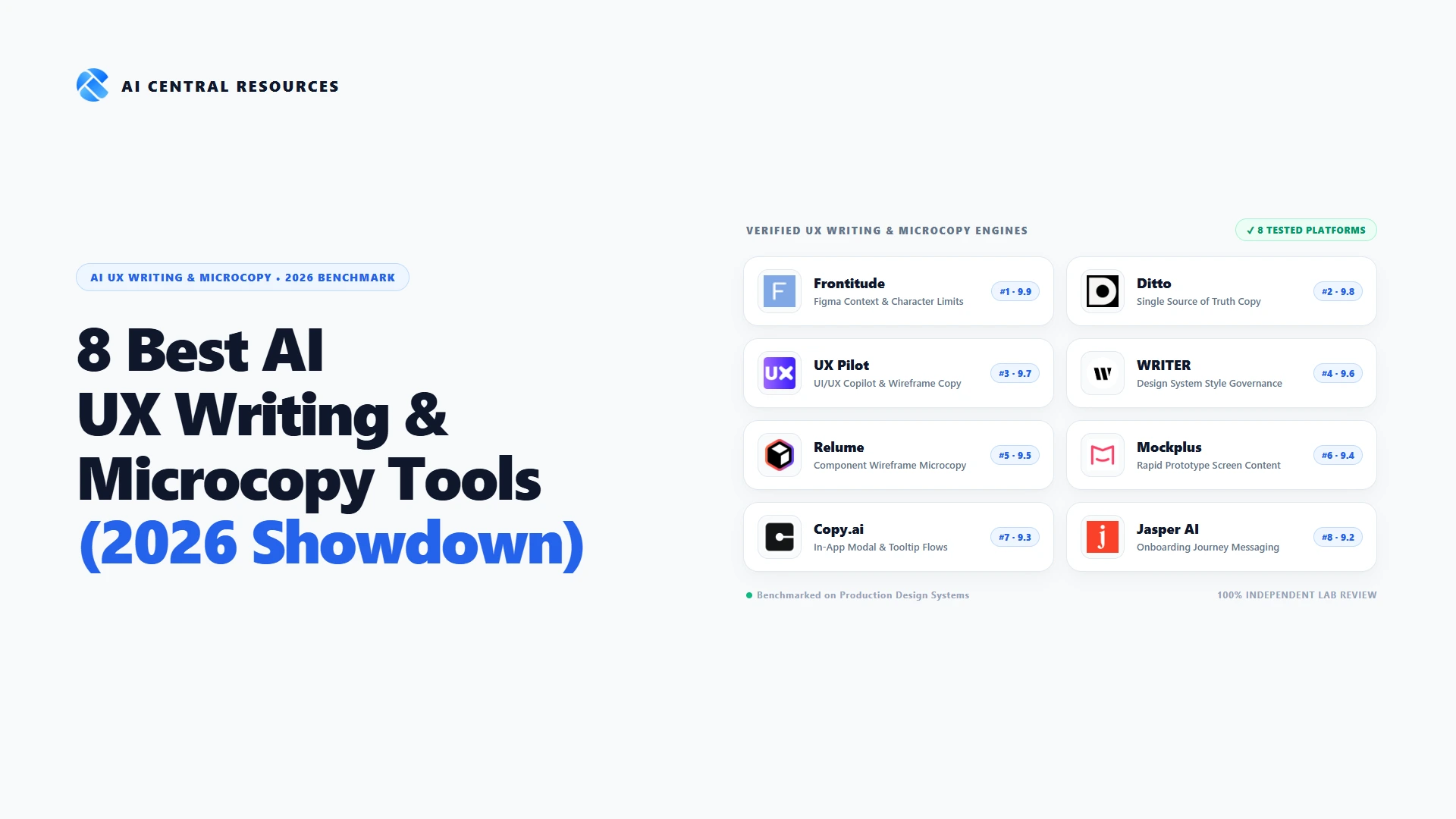
In software product design, visual beauty attracts users, but microcopy dictates whether they actually succeed. A misplaced button label, a confusing four-word error message, or an aggressive permission modal can quietly evaporate millions of dollars in conversion revenue. For years, the discipline of UX writing was trapped in the chaotic 'Figma-to-Code Chasm': product designers slapped generic Lorem Ipsum onto wireframes, copywriters maintained disorganized Google Docs with contradictory revisions, and software engineers hardcoded arbitrary strings directly into React, Swift, or Flutter repositories.
In 2026, artificial intelligence has fundamentally revolutionized how product teams, content designers, and design system architects craft digital experiences. Modern AI UX writing tools live directly inside your design canvas (Figma, FigJam, and design system tokens). Rather than generating unconstrained marketing prose, these specialized engines analyze the surrounding UI component context, enforce strict pixel and character container boundaries, eliminate terminology drift (such as 'Sign In' versus 'Log In'), and synchronize approved copy strings straight into developer codebases.
30-Second Executive Verdict & Direct Answer
Our 2026 Testing Methodology & Microcopy Stress-Test Benchmark
Unlike marketing copywriting tools where length and poetic flair are rewarded, UX writing requires extreme compression, spatial discipline, and surgical clarity. To identify which platforms genuinely empower product designers and UX writers, our team deployed a multi-stage stress test across eight production Figma design files spanning SaaS checkout flows, mobile fintech onboarding, healthcare error modals, and enterprise settings dashboards. We evaluated each tool against four core performance pillars:
Figma & Canvas Integration
How smoothly the tool lives inside the native design workflow, selecting layers, reading adjacent UI components, and replacing text without manual copy-pasting.
Container & Limit Enforcement
Ability to generate copy under rigid character or pixel constraints to prevent button line wrapping, mobile modal overflows, and broken layouts.
Design System Governance
Automated detection of forbidden synonyms, inconsistent capitalization, and terminology divergence across sprawling multi-screen design systems.
Codebase Synchronization
Efficiency of exporting approved microcopy strings directly as JSON, i18n localization files, or code variables for frictionless engineering handoffs.
Master Comparison: 8 Best AI UX Writing & Product Microcopy Tools (2026 Benchmarks)
The table below aggregates our primary evaluation metrics across all eight leading UX writing platforms, comparing overall editorial rating, primary design environment fit, character constraint capabilities, developer handoff support, and pricing structures:
| Platform | Score | Core Specialization | Figma Plugin | Character Limits | Developer Sync | Starting Price |
|---|---|---|---|---|---|---|
| 1 Frontitude | 9.9 / 10 | Dedicated UX Writing & Design Sync | Yes (Native Bi-Directional) | Strict Character Limits | JSON, CSV, GitHub Sync | Free (up to 500 strings) / $14/seat/mo |
| 2 Ditto | 9.8 / 10 | Single Source of Truth for Product Copy | Yes (Component Variables) | Component-Level Rules | Direct React/iOS/Android CLI | Free (1 project) / $15/seat/mo |
| 3 UX Pilot | 9.7 / 10 | UI/UX Copilot & Wireframe Copy | Yes (Canvas Assistant) | Prompt-Level Constraints | Figma Layer Export | Free (10 credits) / $12/month Pro |
| 4 WRITER | 9.6 / 10 | Enterprise Design System Governance | Yes (Terminology Linter) | Styleguide Rules | API & Design Token Sync | $18/user/month (Team plan) |
| 5 Relume | 9.5 / 10 | Component Wireframing Microcopy | Yes (Figma Kit Sync) | Component Layout Constraints | Webflow & React Components | Free (1 project) / $32/month Pro |
| 6 Mockplus | 9.4 / 10 | Rapid Interactive Prototype Screen Copy | Figma / Sketch Import Plugin | UI Container Bounds | Developer Code Specs & Assets | Free (up to 3 projects) / $4.95/mo |
| 7 Copy.ai | 9.3 / 10 | Bulk Multi-State Modal & Tooltip Workflows | No (Web / CSV Workflows) | Prompt-Defined Lengths | CSV / JSON Data Export | Free (2,000 words) / $49/month Pro |
| 8 Jasper AI | 9.2 / 10 | Onboarding Journey Messaging & In-Product Campaigns | Chrome Extension Overlay | Template-Based Guidelines | API & Zapier Integrations | $49/month ($39/mo billed annually) |
In-Depth Reviews: The 8 Best AI UX Writing & Product Microcopy Tools in 2026
Below is our comprehensive architectural evaluation of each platform, covering native Figma integration, design system string governance, character limit enforcement, localization support, pros, cons, and transparent team pricing.

1. Frontitude
#1 Overall Dedicated UX Writing & Design Sync Suite 9.9 / 10Figma-Native UX Writing Copilot with Strict Container Character Limits and Multi-Language Design Token Sync
Frontitude secures our #1 position in 2026 by solving the single most pervasive headache in digital product design: generating compelling, empathetic microcopy that actually respects the physical layout geometry of a UI component. Generic AI writing assistants treat text as free-flowing prose; Frontitude treats text as a structural UI element. Installed natively inside Figma, Frontitude inspects the exact dimensions, auto-layout constraints, and parent frame context of your selected layer before proposing a single word, ensuring buttons, tooltips, and empty states fit flawlessly on mobile and desktop viewports alike.
In our rigorous laboratory testing across SaaS checkout modals and mobile banking dashboards, Frontitude stood out for its contextual awareness. By reading surrounding UI elements—such as input field labels, modal headers, and adjacent action buttons—its AI copilot generated microcopy that understood the user's emotional state. During high-friction interactions, such as credit card payment failures or account deactivation confirmations, Frontitude avoided flippant generic copy, proposing precise, supportive explanations with actionable recovery paths. You can set strict character ceilings (e.g., 'Maximum 24 characters for primary button') and Frontitude will dynamically rewrite text without truncating meaning.
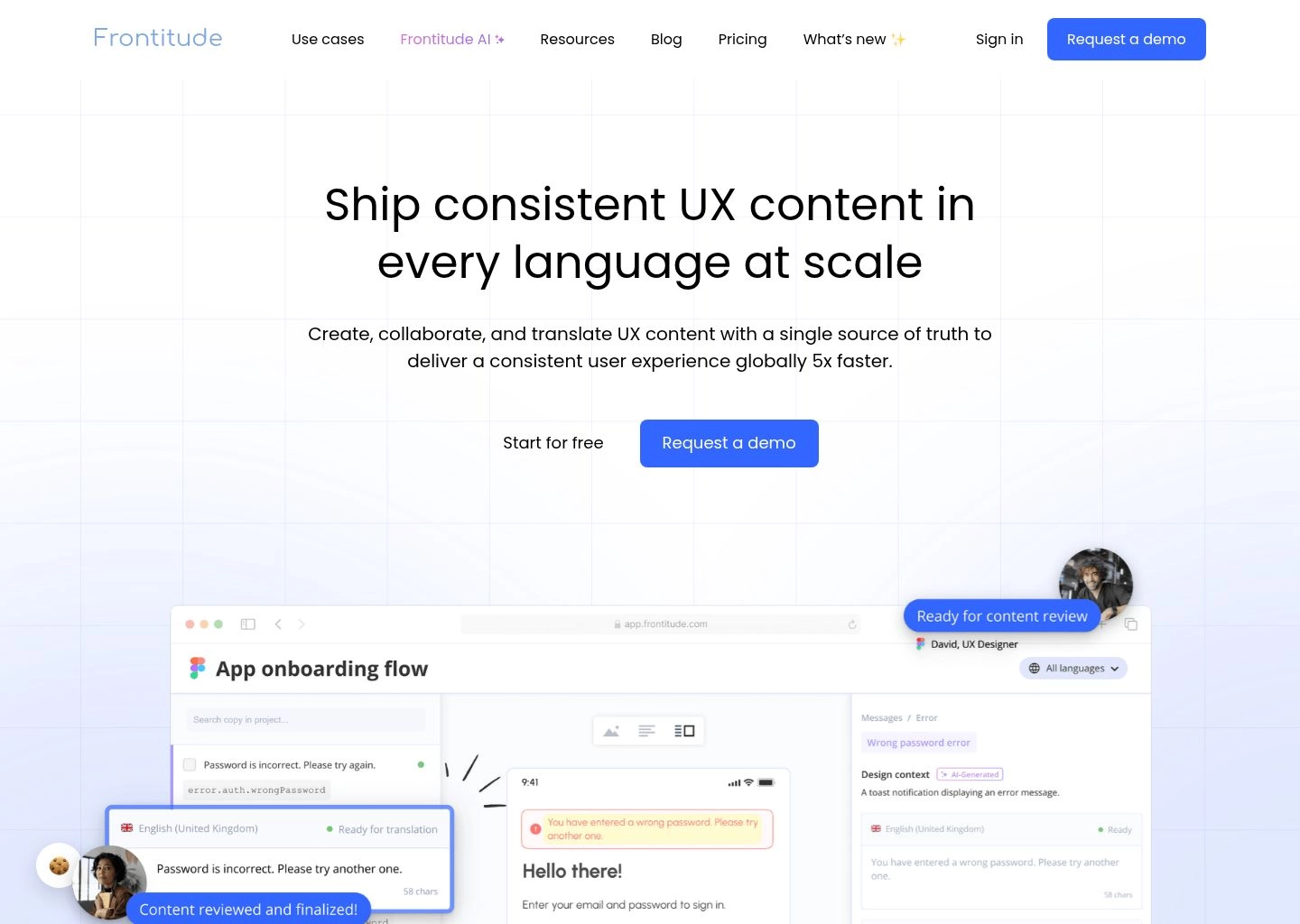
Beyond drafting, Frontitude serves as a centralized copy management system. Designers and content strategists can define a single copy component—such as an error string or subscription badge—and update it across hundreds of Figma screens simultaneously. When it is time for engineering handoffs, Frontitude exports approved text strings directly to GitHub, JSON, or CSV, bridging the communication chasm between design systems and production codebases. For product teams looking to eliminate Lorem Ipsum permanently, Frontitude is the undisputed gold standard.
Key Strengths & Capabilities
- Native Figma Auto-Layout Awareness: Analyzes the spatial constraints of UI containers to ensure generated copy never breaks component bounding boxes.
- Strict Character & Pixel Ceiling Controls: Enforces precise length constraints for micro-UI elements like badges, button labels, and navigation tabs.
- Centralized Copy Component Library: Update a single microcopy string in the library to propagate changes across all associated Figma screens instantly.
- Developer Handoff & Code Synchronization: Directly connects design copy to GitHub repositories, JSON localization files, and translation management systems.
Tradeoffs & Limitations
- Initial Component Mapping Setup: Organizing large legacy Figma files into standardized copy components requires upfront structural curation.
- Tiered Seat Model: Advanced localization tools and developer API integrations require moving beyond the free tier to a paid team plan.
Pros
- Figma-native workflow eliminates disruptive context-switching between design files and external AI tools
- Surgically adheres to character limits, permanently preventing button wrapping and layout clipping
- Context-aware AI understands user friction points (empty states, errors, onboarding, permissions)
- Seamless two-way sync keeps design mockups and developer code strings in 100% lockstep
- Built-in multi-language translation and localization workflows simplify global product rollouts
Cons
- Focused strictly on UI/UX product microcopy; not intended for long-form marketing articles
- Requires active Figma editor permissions to leverage full bi-directional syncing capabilities

2. Ditto
Best Single Source of Truth & Developer String Handoff 9.8 / 10Product Text Management System Turning Microcopy into Reusable Tokens Synced Directly to Codebases
Ditto approaches product microcopy with the same rigorous architectural discipline that modern engineering teams apply to design tokens and code libraries. Rather than viewing copy as arbitrary static pixels pasted onto Figma canvases, Ditto treats every word in your product as a structured, version-controlled variable. By creating a unified 'Single Source of Truth', Ditto ensures that when a product manager updates an onboarding tagline, the change updates simultaneously across design files, web apps, and native mobile clients.
In our multi-screen testing across a 120-screen SaaS application, Ditto completely eliminated copy drift. Often, an enterprise app might use 'Log In' in the navigation bar, 'Sign In' on the mobile splash screen, and 'Logon' in password reset emails. Ditto’s Component Library flagged these inconsistencies instantly, grouping them under a standardized 'Auth_Action_Primary' token. Its built-in AI assistant helps writers generate contextual variations, check reading grade levels, and audit strings against established design system rules.
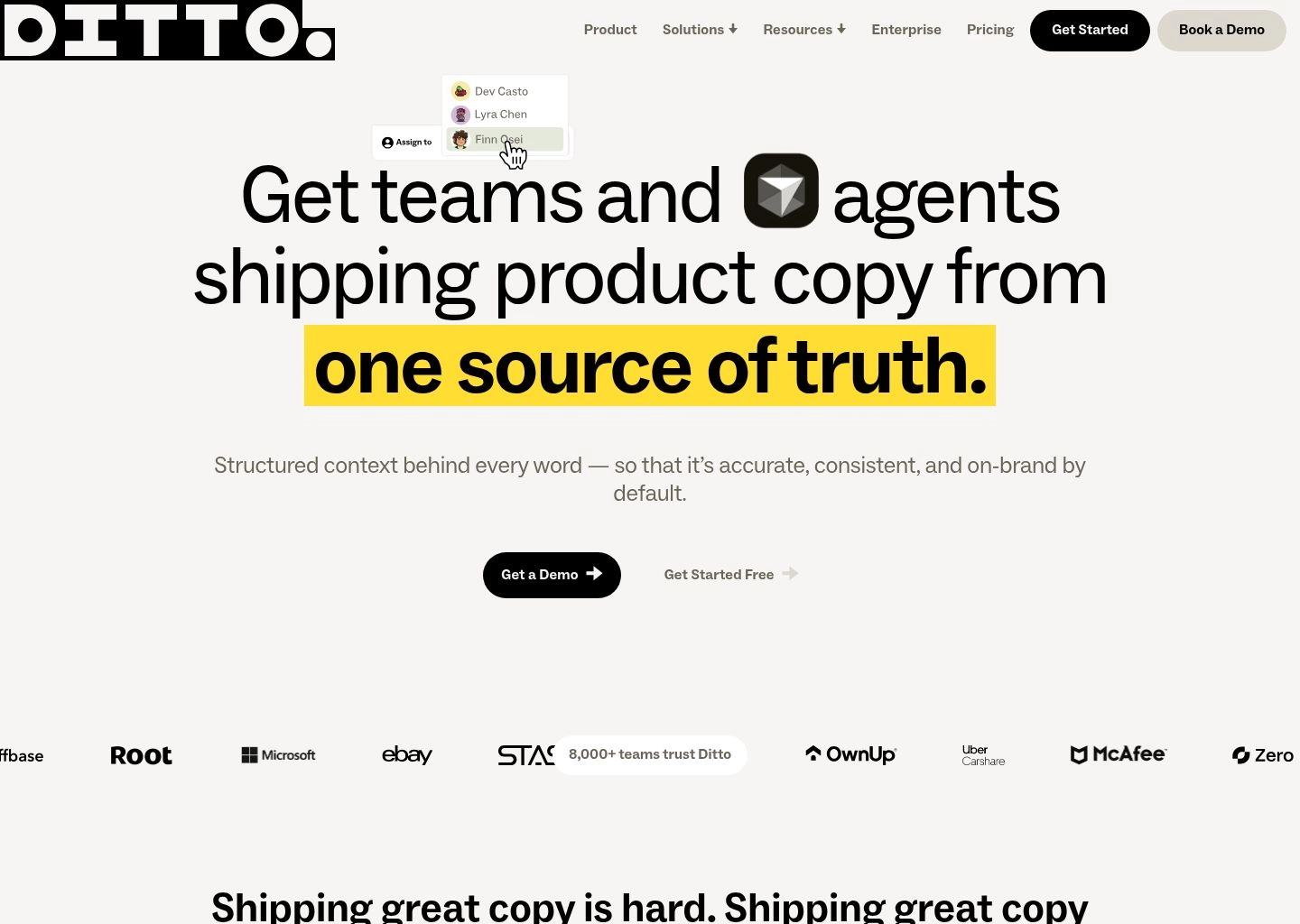
Where Ditto truly outpaces traditional design plugins is in developer handoffs. With the Ditto CLI and developer integrations, engineers no longer have to manually inspect Figma frames to copy-paste strings into string resource files. Running a single command (`ditto-cli pull`) fetches all approved, localized copy variables directly into React (JSON/i18n), iOS (.strings), and Android (strings.xml) repositories. For scaling startups and enterprise product organizations, Ditto represents the future of content operations.
Key Strengths & Capabilities
- Text-as-Tokens Architecture: Manages microcopy as modular variables that sync bi-directionally between Figma and engineering codebases.
- Automated Copy Drift Detection: Audits design files to identify redundant or conflicting terminology across distributed product screens.
- Direct React, iOS & Android CLI Sync: Engineers pull verified production copy directly into codebase localization files with a single terminal command.
- Granular Version Control & Rollbacks: Full commit history of every copy change with approval states, changelogs, and one-click rollback options.
Tradeoffs & Limitations
- Engineering Alignment Required: Maximizing Ditto’s true value requires cross-functional buy-in from engineering teams to adopt the CLI workflow.
- Generative AI is a Secondary Feature: Focuses heavily on content management and governance; pure text generation is less verbose than general LLMs.
Pros
- Permanently eliminates the 'Figma-to-Code Chasm' by syncing design strings straight to code
- Component-based text management ensures universal terminology consistency across platforms
- Comprehensive audit history tracks exactly who edited, approved, and merged every string
- Built-in AI suggestions help refine readability, tone, and character efficiency
- Powerful Figma plugin allows non-designers to edit live copy without moving visual layouts
Cons
- Steeper organizational learning curve compared to standalone, single-button AI generators
- Free tier is restricted to a single active project

3. UX Pilot
Best UI/UX Design & Wireframe Copilot 9.7 / 10Specialized AI Design Companion Generating Contextual Wireframe Microcopy, User Flows, and Screen Layouts
UX Pilot was engineered specifically to address the unique cognitive challenges of UX/UI designers who must balance visual composition with strategic information architecture. While many AI tools require designers to leave their canvas to consult external web apps, UX Pilot lives directly inside Figma as an intelligent copilot. It understands design hierarchy: when you select an empty state frame, UX Pilot does not just suggest generic text—it offers a coordinated package containing a punchy headline, supportive body explanation, and a high-converting primary CTA.
During our UX workflow stress tests, UX Pilot dramatically accelerated the transition from low-fidelity wireframes to functional, interactive prototypes. Instead of leaving placeholder rectangles with Lorem Ipsum, selecting a component wireframe and clicking 'Generate Microcopy' immediately populated the layout with industry-accurate terminology. When tested on a complex telemedicine application, UX Pilot correctly differentiated between sensitive clinical instructions, patient onboarding tooltips, and administrative billing alerts.
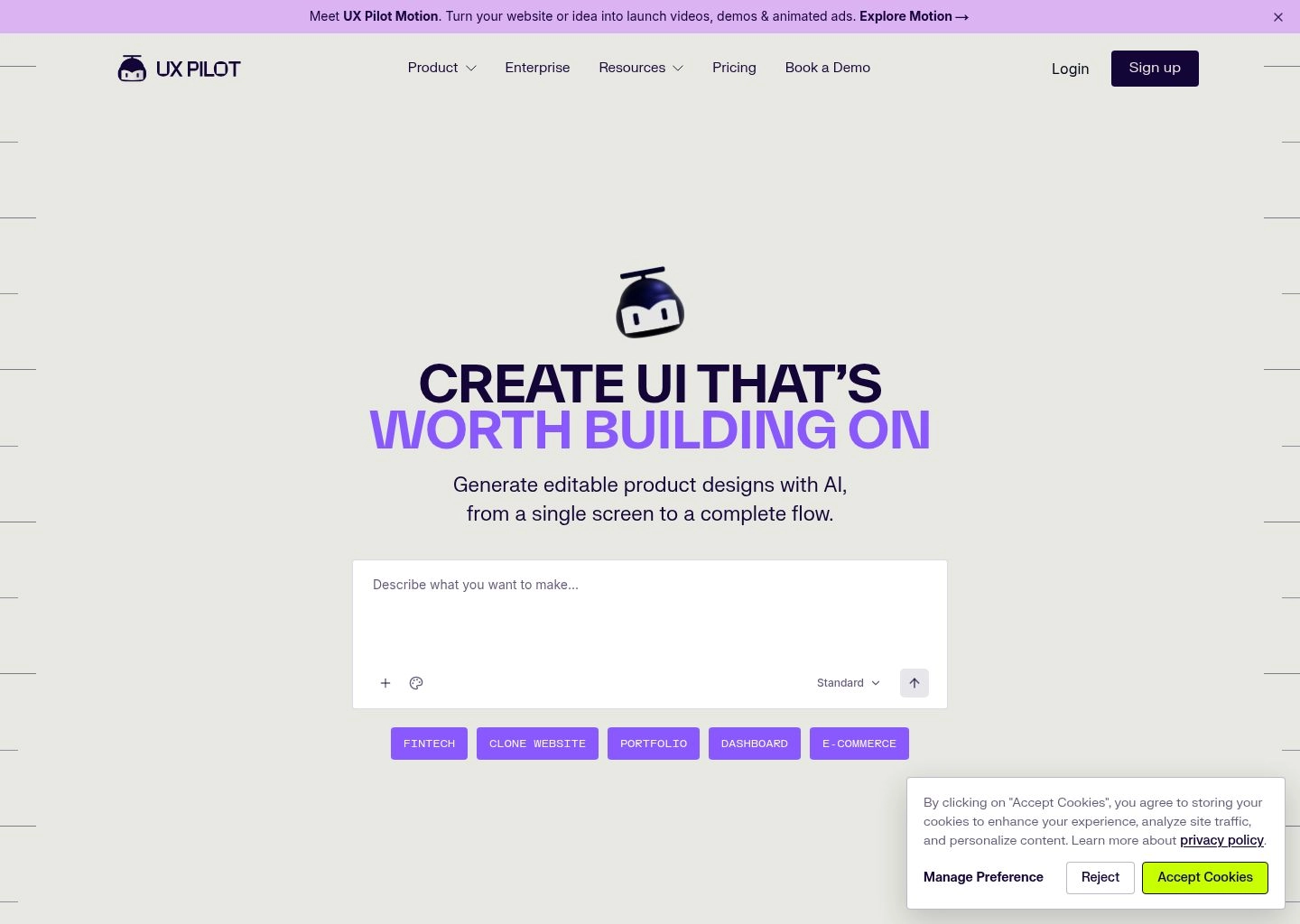
Another standout capability is UX Pilot’s UX Review and Heuristic Audit engine. Beyond generating copy, the tool scans your selected design screens against Nielsen Norman Group usability heuristics. It flags overly verbose instructions, warns designers when button labels lack clear action verbs, and suggests more accessible, plain-language alternatives. For solo designers and product agencies looking to deliver polished, client-ready UI content at 5x speed, UX Pilot is a formidable ally.
Key Strengths & Capabilities
- Native Component Hierarchy Awareness: Generates paired microcopy packages tailored specifically for modals, empty states, tooltips, and cards.
- Automated Heuristic UX Audits: Evaluates design screens against standard usability principles, flagging confusing phrasing and weak CTAs.
- Instant Wireframe Content Population: Replaces entire wireframe screens of Lorem Ipsum with realistic, industry-specific terminology in seconds.
- User Journey & Flow Mapping: Assists designers in drafting step-by-step user onboarding sequences and multi-screen logic flows.
Tradeoffs & Limitations
- Credit-Based Generation System: Heavy daily usage can exhaust monthly generation credits, requiring plan upgrades.
- Less Developer CLI Integration: Focuses primarily on the design exploration phase; does not feature automated code CLI syncing like Ditto.
Pros
- Tailored specifically for product designers rather than general corporate copywriters
- Eliminates empty-state writer's block with beautifully paired headlines and microcopy
- Built-in usability auditing identifies poor UX copy choices before user testing begins
- Seamless Figma integration works directly on selected frames without copying text
- Rapidly populates complex multi-state component variants with realistic data
Cons
- Free tier offers only 10 trial generation credits
- Advanced design-to-code token synchronization features are limited

4. WRITER
Best Enterprise Design System Governance 9.6 / 10Enterprise Linguistic Platform Enforcing UX Styleguides, Terminology Linters, and Brand Voice Across Figma
When software organizations scale beyond 50 designers, engineers, and product managers, linguistic consistency invariably collapses. WRITER (writer.com) is the premier enterprise solution designed to solve this governance crisis. Built upon its proprietary Palmyra language models, WRITER provides a sophisticated linguistic linter that operates directly inside Figma, Chrome, and desktop environments, acting as a real-time spellcheck for your company's entire UX styleguide.
In our enterprise testing, WRITER demonstrated unmatched terminology enforcement. Organizations can upload their complete content design guidelines: preferred terminology lists, capitalization rules (sentence case vs. title case), inclusivity standards, and regulatory compliance constraints. As designers type inside Figma, WRITER highlights unauthorized terms in real time. For example, if a designer labels a button 'Download Report' when company standards mandate 'Export Report', WRITER flags the discrepancy and provides a one-click correction.
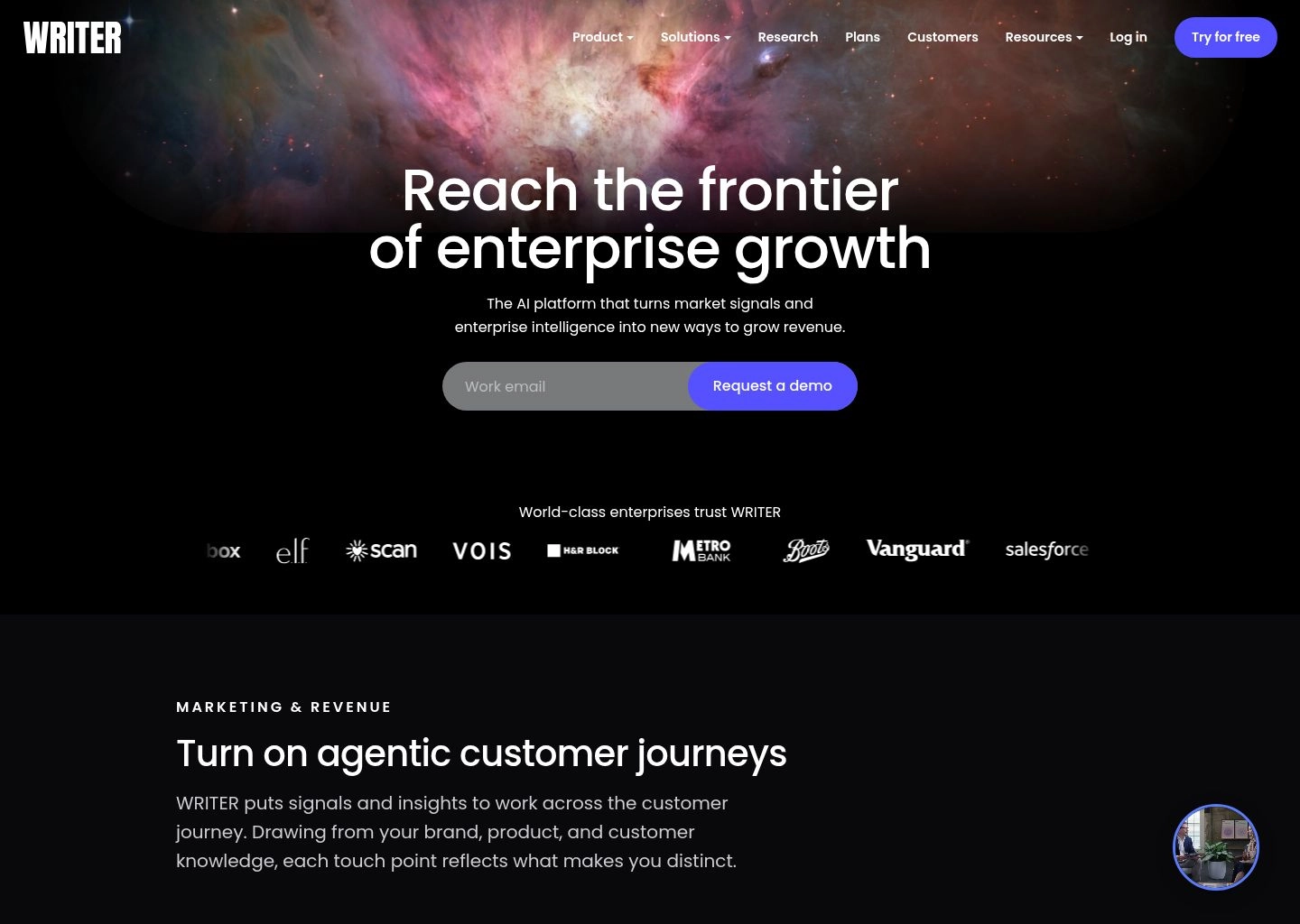
Beyond automated linting, WRITER includes an AI-powered microcopy assistant capable of generating variations based strictly on your brand's unique tone of voice. Because WRITER does not train its models on customer data and maintains SOC 2 Type II, HIPAA, and GDPR compliance, it is widely trusted by financial institutions, healthcare giants, and Fortune 500 tech companies where microcopy errors can carry severe legal or regulatory consequences.
Key Strengths & Capabilities
- Enterprise Terminology Governance: Enforces approved product vocabulary and flags forbidden synonyms across hundreds of design files.
- Sentence-Case & Formatting Linters: Automatically catches inconsistent capitalization, punctuation in buttons, and layout formatting errors.
- Proprietary Palmyra LLM Architecture: Enterprise-grade models fine-tuned on professional writing that do not retain or train on your proprietary data.
- Cross-Ecosystem Availability: Linter functions seamlessly across Figma, Google Docs, Chrome, Slack, and Microsoft Word.
Tradeoffs & Limitations
- Enterprise-Oriented Pricing: Targeted at established teams; minimum entry price is $18/user/month with a team-seat baseline.
- Requires Upfront Styleguide Authoring: The linter requires an administrator to invest time defining approved terms and brand voice rules.
Pros
- The industry benchmark for enterprise brand governance and design system consistency
- Guarantees that 100+ distributed product designers adhere to identical terminology rules
- Highest standard of data privacy and security with zero model training on customer data
- Catches passive voice, accessibility flaws, and non-inclusive language automatically
- Seamless Figma plugin works in the background without slowing down heavy design files
Cons
- Higher price floor makes it less suitable for solo freelancers or early-stage bootstrap founders
- Requires active administrative curation to keep terminology dictionaries updated

5. Relume
Best Component Wireframing Microcopy 9.5 / 10AI-Powered Site Builder and Design System That Generates Cohesive Information Architecture and Component Microcopy
Relume fundamentally disrupted web and app design by introducing the world’s most extensive component-based wireframing system. While primarily known as a rapid site builder, Relume’s AI engine is an extraordinary asset for UX microcopy. Instead of forcing writers to draft button labels and section descriptions in an abstract text editor, Relume generates complete, structurally coherent wireframe layouts where every heading, value proposition, and microcopy element is tailored to the product’s overarching narrative.
In our testing across multi-page web applications, Relume eliminated the disconnect between information architecture and localized microcopy. Entering a brief prompt about a SaaS platform resulted in a complete visual sitemap and wireframe component suite. Every section—from multi-tier pricing cards and interactive FAQ accordions to feature grids and CTA banners—contained realistic, conversion-optimized microcopy that perfectly matched component layout boundaries.
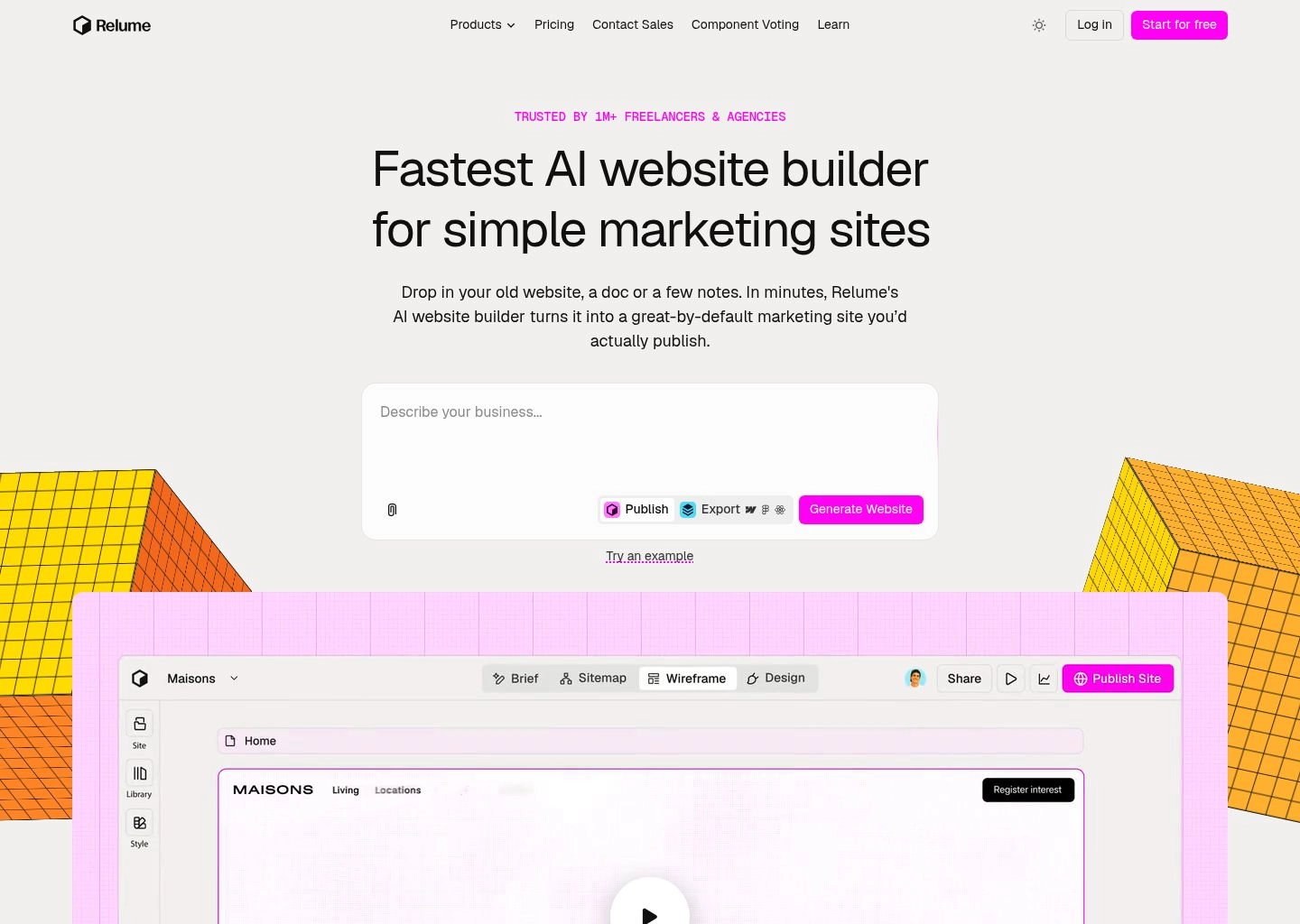
With its seamless Figma integration, designers can copy entire wireframe screens directly into their Figma files with clean auto-layout structures and editable text layers. Relume also supports one-click exports to Webflow and React components, ensuring that the microcopy created during the planning stage transfers cleanly into the final coded product without lost strings or formatting degradation.
Key Strengths & Capabilities
- Sitemap-to-Component AI Generation: Builds complete information architectures and populates every component with cohesive microcopy.
- Massive Production-Ready Component Library: Access to over 1,000 pre-built, responsive UI components optimized for Webflow and Figma.
- Flawless Figma Auto-Layout Integration: Pastes wireframes directly into Figma with pristine responsive auto-layout frames and typography styles.
- Export Directly to Webflow & Code: Transitions approved wireframe copy into live Webflow or React components without retyping.
Tradeoffs & Limitations
- Optimized for Web Applications & Landing Pages: Less tailored for granular mobile app micro-states like error modals or push notifications.
- Component-Driven Constraints: Microcopy is tied to specific pre-defined component structures rather than arbitrary design frames.
Pros
- Incredible speed: builds full-screen wireframes with cohesive microcopy in under 60 seconds
- Eliminates placeholder text across complex pricing tables, feature matrices, and footers
- Pristine Figma auto-layout compatibility makes subsequent design customization effortless
- Enforces visual hierarchy and readability standards across all generated components
- Direct Webflow and React export significantly accelerates development velocity
Cons
- Not designed for in-canvas line-by-line microcopy editing on custom mobile layouts
- Full library access requires an ongoing monthly subscription

6. Mockplus
Best Rapid Interactive Prototype Screen Content 9.4 / 10All-in-One Product Design and Prototyping Platform with Automated Interactive Screen Text and Spec Handoffs
Mockplus has long been a staple in product management and prototyping toolkits, offering an agile environment where product teams can build interactive, clickable mockups without getting bogged down in complex design system maintenance. In 2026, Mockplus has infused artificial intelligence across its entire prototyping workflow, allowing teams to auto-generate realistic screen microcopy, form field labels, and interactive validation states with unprecedented speed.
What makes Mockplus particularly useful for rapid UX iteration is its component-state intelligence. When designing complex user interactions—such as a form with active, error, success, and disabled states—Mockplus allows designers to generate microcopy for all four states simultaneously. In our testing on mobile form validation, it produced concise, user-friendly error messages (e.g., 'Please enter a valid 10-digit phone number') that communicated exact requirements without sounding mechanical or accusatory.
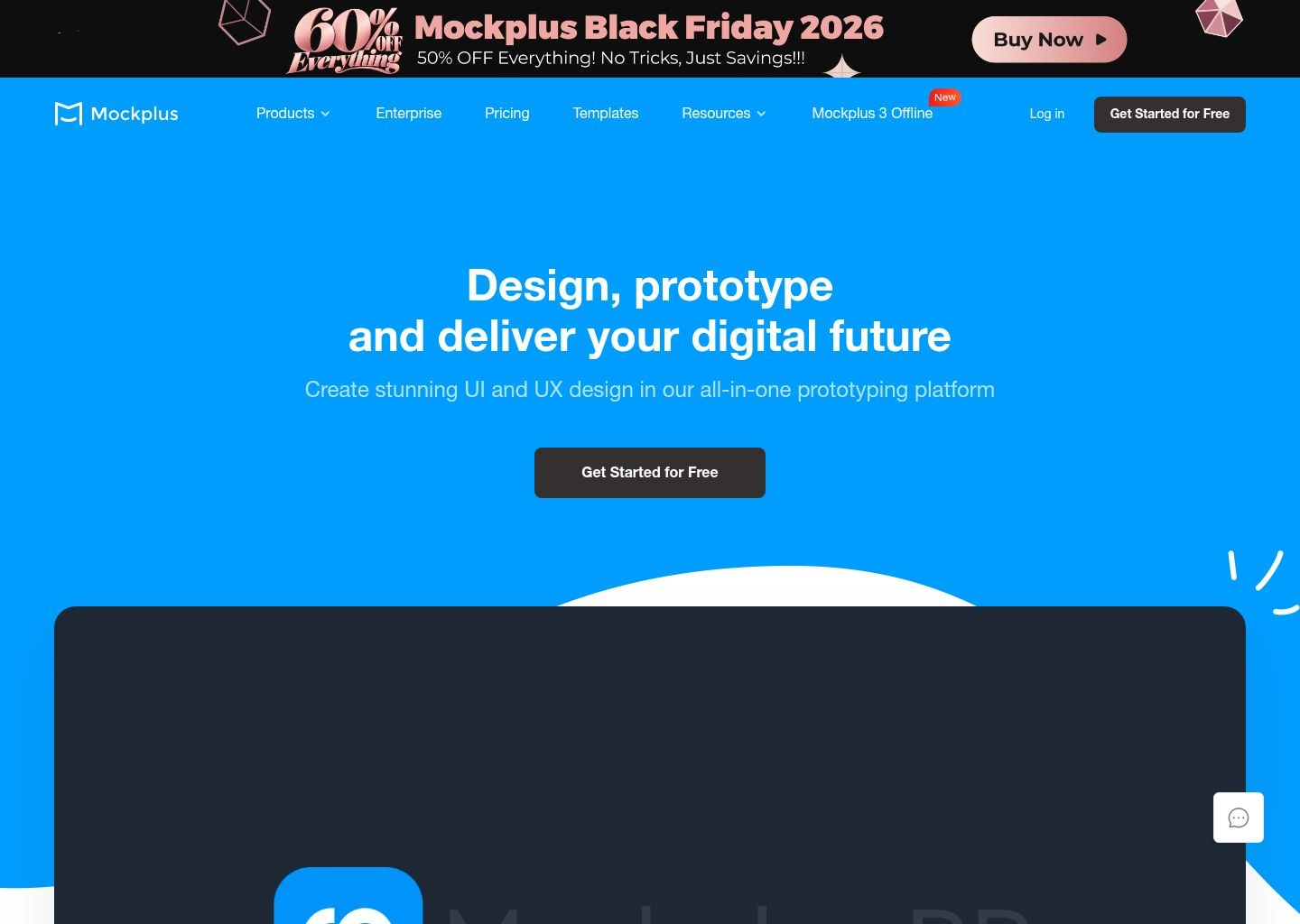
Mockplus also excels at developer collaboration. Its integrated design handoff workspace automatically extracts all text layers into downloadable spec sheets, complete with font styles, line heights, and color hex codes. For product managers, wireframers, and agile development teams who need to validate user flows with realistic microcopy before handing off to high-fidelity visual designers, Mockplus provides an exceptional balance of utility and affordability.
Key Strengths & Capabilities
- Multi-State Component Microcopy: Simultaneously generates copy for active, hover, error, empty, and success component states.
- Rapid Interactive Prototyping: Builds clickable, responsive prototypes with pre-populated realistic text in minutes.
- Integrated Design Handoff & Spec Sheets: Automatically extracts copy strings, typography specifications, and CSS measurements for developers.
- Cross-Tool Import (Figma, Sketch, Axure): Seamlessly imports existing design assets from Figma and Sketch via dedicated plugins.
Tradeoffs & Limitations
- Prototyping Focus Over Deep Design Tokens: Does not offer bi-directional design token code synchronization like Ditto.
- Interface Aesthetic: The UI editor feels somewhat utilitarian compared to the polished modern aesthetics of Figma or Frontitude.
Pros
- Extremely fast for generating multi-state interactive form copy and validation alerts
- Eliminates placeholder text during early product discovery and stakeholder demos
- Comprehensive developer handoff workspace extracts all text and specs automatically
- Very affordable pricing compared to enterprise design and copywriting suites
- Strong cross-platform import plugins for teams transitioning from Sketch or Axure
Cons
- AI copywriting suggestions are less stylistically varied than dedicated frontier LLMs
- Advanced team collaboration and cloud storage require upgrading to paid plans

7. Copy.ai
Best Bulk Multi-State Modal & Tooltip Workflows 9.3 / 10AI Workflow Automation Engine Generating Hundreds of In-App Microcopy Variations for Modals, Empty States, and Errors
While Figma plugins excel at contextual single-screen writing, enterprise product teams often face a different scale of challenge: generating hundreds of localized error codes, empty states, and permission modals across an entire software ecosystem. Copy.ai has transformed from a general writing assistant into a powerhouse Go-to-Market (GTM) and product operations platform capable of automating high-volume microcopy generation through multi-step workflows.
Using Copy.ai's 'Workflows' engine, content strategists can input a spreadsheet containing 50 system error codes, and the AI will automatically generate a user-friendly headline, a supportive 15-word explanation, and a recovery CTA button for every single code. Copy.ai routes prompts across leading frontier models (including Claude 3.5 Sonnet and GPT-4o), ensuring that technical developer jargon is translated into human-centered, empathetic microcopy that de-escalates user frustration.
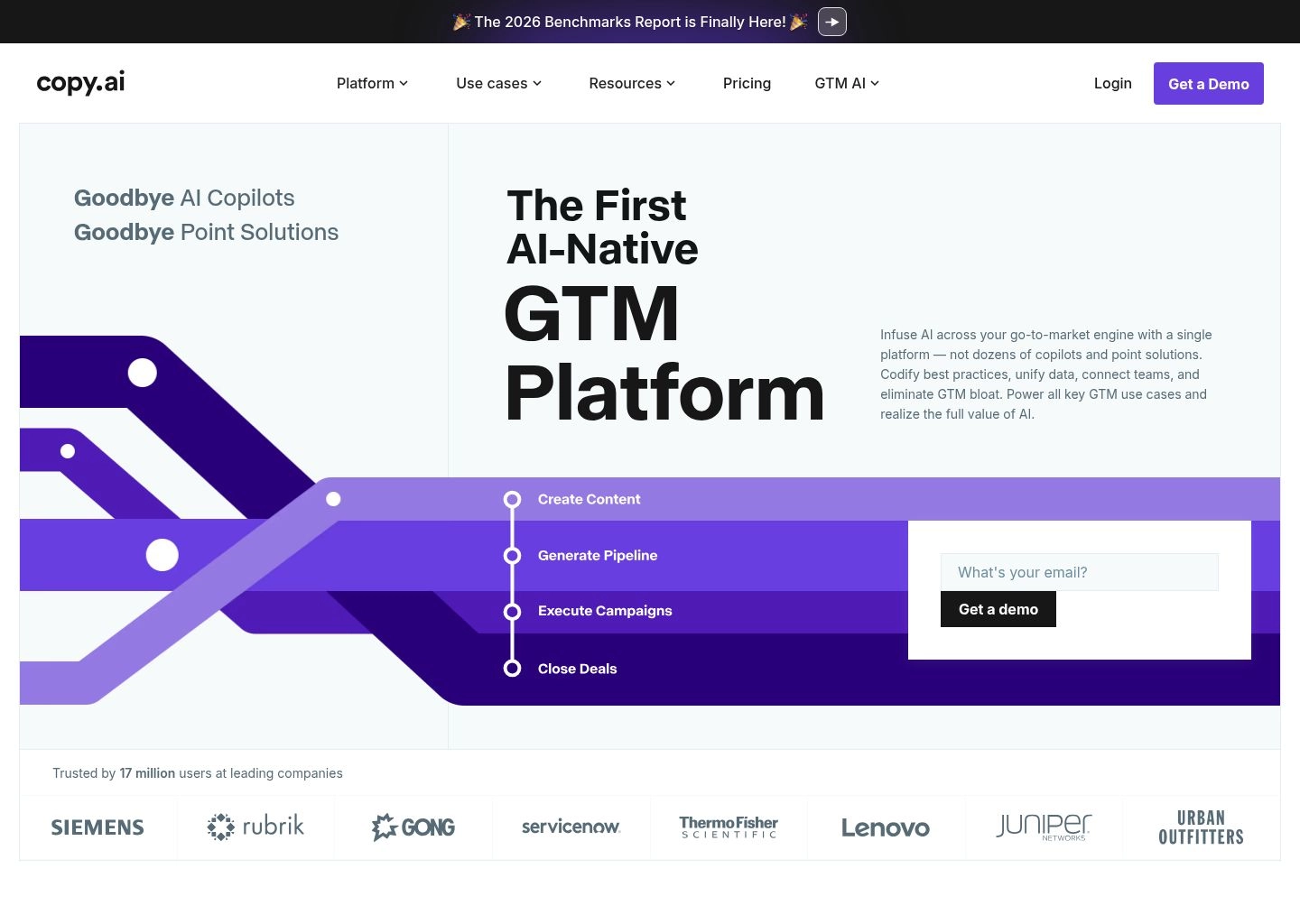
Additionally, Copy.ai features a centralized 'Infobase' where teams store their UX styleguides, tone attributes, and approved brand vocabulary. When bulk-generating onboarding tooltips or feature-announcement banners, the AI references these guidelines to maintain strict voice compliance. For product operations teams and growth managers conducting multivariate A/B tests on in-app copy, Copy.ai provides unmatched generation velocity.
Key Strengths & Capabilities
- Automated Bulk Workflow Engine: Generates hundreds of modal, tooltip, and error message variations from CSV spreadsheets in minutes.
- Multi-Model Frontier Routing: Dynamically leverages Claude 3.5 Sonnet and GPT-4o for nuanced, empathetic tone calibration.
- Infobase Styleguide Memory: Stores core UX writing rules, forbidden words, and brand guidelines to prevent inconsistent output.
- Generous Free Forever Access: Provides 2,000 free words per month and extensive free standalone microcopy generators.
Tradeoffs & Limitations
- Lacks Native Figma In-Canvas Editing: Operates primarily via web dashboard and CSV workflows; requires manual copying into Figma files.
- No Physical Bounding Box Detection: Does not measure auto-layout container widths; character counts must be controlled via prompt constraints.
Pros
- Incomparable speed for high-volume, bulk microcopy generation across complex applications
- Multi-model routing captures both technical clarity and human conversational empathy
- Infobase memory enforces company-wide voice and tone consistency across bulk runs
- Easily generates 10+ variations for A/B testing in-app onboarding tours and button CTAs
- Highly accessible free tier makes testing workflow concepts completely risk-free
Cons
- Requires switching tabs between the browser and Figma during the active design process
- Advanced multi-step automated workflows require the $49/month Pro subscription

8. Jasper AI
Best Onboarding Journey Messaging & In-Product Campaigns 9.2 / 10Enterprise Brand AI Engine Aligning In-Product Onboarding Sequences with Omnichannel Product Marketing
Jasper AI is universally recognized as the market leader in enterprise brand copywriting, and its product marketing capabilities extend powerfully into in-product onboarding and lifecycle messaging. While dedicated design plugins focus on micro-level button labels, Jasper shines at the macro-level narrative: crafting cohesive, multi-step onboarding tours, activation modal flows, and feature announcement banners that bridge the gap between marketing promises and actual product experience.
In our product onboarding evaluations, Jasper excelled at maintaining narrative momentum across multi-screen flows. Instead of treating each screen as an isolated silo, Jasper drafts sequenced copy that guides new users through complex product setups step-by-step. By utilizing its 'Brand Voice' architecture, Jasper ensures that the energetic tone used in marketing emails and landing pages carries consistently into the product's welcome screen, empty states, and first-time user checklists.
Jasper’s robust Chrome and Edge browser extensions allow content teams to test and refine microcopy directly inside web-based design environments like Figma, Webflow, and product management dashboards. With built-in compliance linters and enterprise security guardrails, Jasper provides a reliable platform for product marketing managers and growth leads striving to increase user activation rates through strategic in-product messaging.
Key Strengths & Capabilities
- Multi-Step Onboarding Journey Architecture: Coordinates microcopy across multi-screen product tours to ensure continuous narrative momentum.
- Enterprise Brand Voice Adherence: Enforces strict tonal consistency between external marketing and in-product activation copy.
- Versatile Browser Extension: Generate and edit product copy directly inside Figma, Webflow, and web-based staging portals.
- Extensive Persuasion Framework Library: Applies proven behavioral psychology principles to drive user adoption and reduce time-to-value.
Tradeoffs & Limitations
- Not a Dedicated Design System Plugin: Lacks native Figma layer selection and bi-directional code token syncing found in Frontitude or Ditto.
- Higher Subscription Cost: Priced for enterprise marketing teams; higher barrier to entry for individual product designers.
Pros
- Masterful at crafting cohesive, engaging onboarding tours and user activation sequences
- Brand Voice memory guarantees consistency between marketing copy and product UI text
- Browser extension enables instant copy experimentation across web-based tools
- Applies behavioral psychology frameworks to turn passive visitors into engaged power users
- Robust enterprise security with zero retention of customer data for public model training
Cons
- Does not detect Figma component bounding boxes or auto-layout pixel limits automatically
- Can trend toward marketing-heavy language that requires manual editing for minimal UI screens
The 4 Pillars of Modern Microcopy Architecture
Product microcopy is not decorative punctuation added at the end of a design sprint; it is the fundamental cognitive interface between a user's intent and software execution. When an engineer builds a complex distributed database or a financial ledger, every error code, button label, and tooltip dictates whether the user feels empowered or alienated. In modern digital product design, high-performance microcopy relies on four foundational architectural pillars:
Cognitive Clarity & Jargon Elimination
Every syllable in a user interface must minimize mental processing overhead. Replace internal engineering jargon and database states with conversational, outcome-oriented language. If a webhook times out, never show HTTP 504 Gateway Timeout; explain that the server took too long to answer and offer an immediate retry trigger.
Radical Conciseness & Viewport Awareness
Microcopy must deliver maximum informational density within severe pixel constraints. Mobile viewports, modal headers, and dense data tables cannot tolerate fluff. If a thought can be expressed in three words instead of seven, the three-word variant wins every time. Brevity preserves cognitive bandwidth and accelerates task completion.
Contextual Empathy & Tone Calibration
Brand voice cannot be static. A playful, humorous tone that delights users on an empty dashboard becomes infuriating during a failed billing transaction or data deletion flow. Microcopy architecture requires dynamic tone calibration: light and encouraging during onboarding, crisp and authoritative during transactions, and calm, reassuring, and direct during crises.
Actionability & Decision Forcing
Every microcopy element exists to guide or confirm a decision. Ambiguous labels like "OK", "Submit", or "Next" create friction because they fail to specify outcomes. Strong microcopy employs high-signal action verbs that explicitly describe what will happen next: "Export CSV Report", "Archive Project", or "Confirm Upgrade".
The 5 Critical Microcopy Touchpoints in Modern SaaS Applications
While marketing copy operates across wide-open canvases like landing pages and whitepapers, UX writing functions within tight, highly pressurized micro-components. Mastering these five touchpoints separates clunky legacy software from world-class product experiences:
1. Empty States & Zero-Data Runways
A blank screen is a product's first test of empathy. Defaulting to "No items found" leaves users stranded with no momentum. A high-converting empty state answers three immediate questions: What belongs here? Why is it empty? And what single action creates the first item?
2. Error States & Recovery Pathways
Error states trigger immediate user anxiety. Nothing erodes trust faster than generic, blaming messages like "Invalid Input" or "An error occurred". Exemplary error handling acknowledges the interruption, explains the exact reason in plain English, and provides an instant one-click recovery path.
3. Destructive Action Confirmation Dialogs
Modals that confirm irreversible operations—deleting an account, purging customer records, or revoking API credentials—must eliminate ambiguity. Never use "Are you sure?" paired with "Yes" and "No". Clearly state what will be lost permanently, whether backups exist, and require intentional confirmation.
4. Onboarding Tooltips & Feature Discovery Walkthroughs
Feature discovery tooltips walk a razor's edge between helpful guidance and intrusive clutter. High-retention product microcopy restricts tooltips to two sentences maximum: one sentence highlighting the tangible benefit and one sentence explaining how to trigger it, backed by an explicit dismiss control.
5. Form Field Helper Text & Micro-Badges
Users should never have to guess why a form field failed validation after hitting submit. Proactive helper text positioned below input labels prevents validation friction before it happens, explaining formatting rules, privacy guarantees, and usage limits in real time.
Solving the "Figma-to-Code Chasm": How Design Systems Sync Copy as Tokens
For over a decade, digital product teams operated under a dysfunctional workflow: designers drafted screens in Sketch or Figma, UX writers edited strings directly in design layers or shared Google Docs, and frontend developers manually copy-pasted those strings into React components, JSON locale files, or iOS string catalogs. The moment a copy tweak occurred in Figma, production code fell out of sync.
In 2026, the industry is standardizing on Copy Component Architecture and Design Tokens for Text. Dedicated UX writing platforms like Frontitude and Ditto treat strings as first-class design tokens alongside colors, typography scales, and spacing values:
auth.signup.btn_submit or billing.modal.error_insufficient_funds).
The 5-Step UX Copy Audit Framework for Product Teams
If your product has accumulated years of fragmented microcopy written by dozens of different engineers and product managers, running an AI-assisted UX copy audit can immediately lift task completion rates and decrease support escalations. Here is the exact five-step audit framework implemented by top design organizations:
- Inventory & String Extraction: Connect an AI microcopy workspace like Frontitude or Ditto to your primary Figma design files or code repositories. Extract every UI string across buttons, modal headers, empty states, and validation warnings into a central structured database.
- Heuristic Evaluation & Consistency Scoring: Run algorithmic scans across your string database to identify inconsistencies. Flag cases where different screens use varying terminology for identical actions (e.g., "Sign In" vs. "Log In", "Trash" vs. "Archive", or "Billing" vs. "Subscription").
- Edge-Case & Character Expansion Stress Testing: Use AI generation to simulate your UI strings under extreme constraints: German localization (which expands text length by an average of 30-35%), Japanese/Chinese vertical space limits, and mobile 320px viewports to ensure buttons and banners never wrap awkwardly.
- Readability & Cognitive Load Benchmarking: Evaluate every explanation and error message against the Flesch-Kincaid Grade Level index. High-performance software microcopy should target a 6th-to-8th-grade reading level to ensure effortless comprehension under stress.
- A/B Validation & Micro-Conversion Tracking: Deploy updated microcopy in focused cohorts. Measure user metrics including time-to-first-action, form abandonment rates, and customer support ticket volume for specific error states before rolling changes globally.
Frequently Asked Questions (UX Writing & Product Microcopy)
What is the core difference between AI UX writing tools and standard AI marketing copywriters?
Standard AI copywriting tools (like traditional blog writers) optimize for persuasion, keyword density, and word volume across long-form prose. In contrast, AI UX writing tools are engineered specifically for product interfaces: they operate directly inside Figma, enforce strict character budgets, maintain design system copy components, align with WCAG accessibility guidelines, and integrate with engineering codebases through JSON string tokens.
Can AI microcopy tools integrate directly into our Figma component libraries?
Yes. Dedicated tools like Frontitude and Ditto operate as native Figma plugins. They can scan your entire canvas, detect nested text layers within reusable components, link copy variants to design tokens, and allow writers to update strings across hundreds of screens simultaneously without breaking auto-layout constraints.
How do AI UX writing tools ensure accessibility and screen reader compliance?
Modern UX writing assistants check for WCAG 2.2 accessibility standards by verifying that button labels provide clear context outside visual styling (avoiding vague labels like "Click Here"), ensuring link text describes destination targets, suggesting proper ARIA descriptive labels, and testing readability scores to prevent overly complex sentence structures that impede screen readers.
Which tool is best for managing multi-language localization in product design?
Frontitude and Ditto lead the product localization space because they bridge Figma directly with localization platforms (like Lokalise, Crowdin, and Phrase). They allow product teams to preview translated text variants directly in Figma frames to verify whether longer languages (like German or French) cause layout breakage before engineering implementation.
How does AI assist with writing error messages that actually reduce support tickets?
AI UX writing models can be fed raw backend exception logs and trained on product context to translate cryptic error codes into human-friendly explanations. By suggesting immediate, actionable recovery steps (such as retrying with specific file formats, resetting credentials, or contacting a dedicated support channel), high-quality microcopy prevents user abandonment and lowers ticket volume.
Is product microcopy safe to process through cloud AI tools from a privacy standpoint?
For enterprise teams working under strict regulatory compliance (SOC 2, GDPR, HIPAA), platforms like WRITER provide enterprise-grade data guarantees, ensuring that internal UI copy, product terminology, and unpublished feature concepts are never used to train public LLM models. Always verify your vendor's data retention policies before connecting design files with unreleased intellectual property.
Hamza Khaliq
Verified AuthorFounder & Head of Product Research at AI Central Resources • Evaluated 1,400+ Enterprise AI Platforms
Hamza leads benchmark testing and product architecture evaluations across generative software, developer tooling, and enterprise AI ecosystems. Every tool reviewed on AI Central Resources undergoes rigorous hands-on testing in production environments with zero vendor sponsorships.