
Top 20 Best Figma AI Alternatives in 2026
Editorial analysis comparing key features, free tier limits, pricing spectrums, and real-world trade-offs.
Executive Summary & Buying Decision
We benchmarked 8+ leading alternative tools competing with Figma AI across feature depth, pricing transparency, and workflow efficiency. Options range from 19 free & freemium tools to paid solutions starting around $0 – $25/mo. Choose Figma AI for Product designers, UX teams, and engineers at companies building digital products who need collaborative UI/UX design with AI-powered prototype generation, developer handoff, and design system management, or select Miro AI for complementary capabilities.
Baseline Tool Overview
Figma AI
The industry-standard design platform — now with AI that designs, prototypes, and codes alongside your team
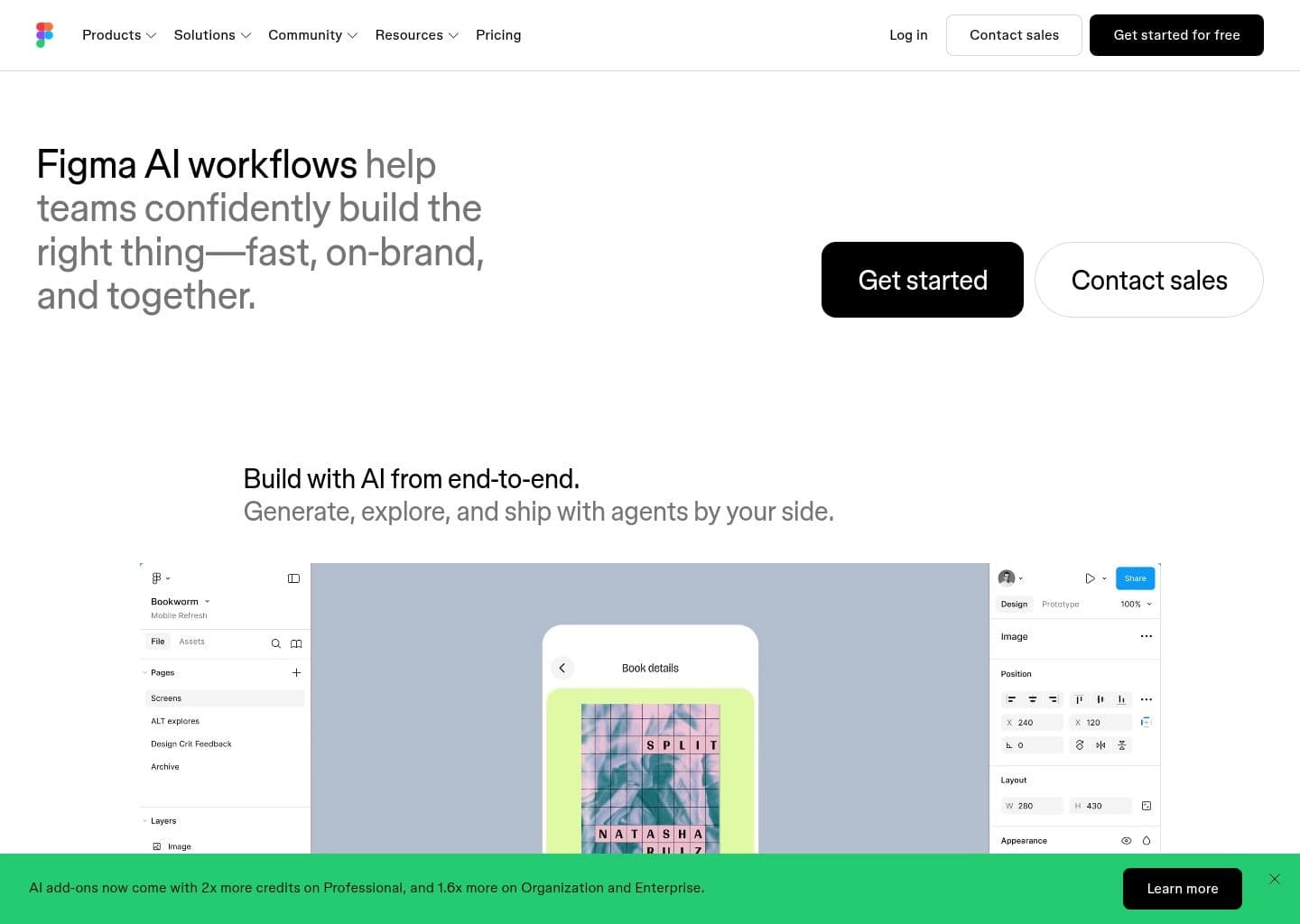
Product designers, UX teams, and engineers at companies building digital products who need collaborative UI/UX design with AI-powered prototype generation, developer handoff, and design system management
- Pricing Model:Freemium
- Starting Price:12
- Free Tier / Limits:Free Starter plan forever: 3 design files, 3 FigJam files, up to 2 editors, 500 AI credits/month (150/day cap), 30-day version history. No credit card required.
- Figma Make — generate complete, editable, interactive UI prototypes from a text prompt directly on the Figma canvas with real Auto Layout components
- Figma Agent (announced Config 2026) — autonomous AI design agent that executes multi-step design tasks from natural language, makes bulk edits, and uses comments as context
- AI auto-rename layers — intelligently names every layer in your file based on its visual content, cleaning up messy component trees in one click
- Figma Sites — publish Figma designs directly as live, hosted websites without leaving the platform (launched 2026)
Top Recommendations by Use Case

Miro AI
Leading competitor in the category offering proven performance and strong feature maturity.

Canva AI
Provides generous free capabilities for individual developers and creators with zero upfront cost.


Adobe Firefly
Comprehensive multi-feature platform covering end-to-end workflows.
Why Teams Migrate from Figma AI

Cost & Plan Scalability
Users evaluating alternatives to Figma AI to optimize subscription costs or access more flexible tiers.
Offers flexible entry pricing starting at $15/user/mo (Canva Pro) or $30/user/mo (Canva for Teams).
Compare vs Canva AI
Advanced Automation & Feature Depth
Teams seeking deeper automation and specialized functionality tailored to specific project requirements.
Delivers comprehensive capabilities designed for high-throughput workflows.
Compare vs Miro AI
Ecosystem & Integration Compatibility
Organizations requiring seamless integration with their existing software stack and team tools.
Features robust multi-platform compatibility and enterprise security standards.
Compare vs MidjourneyHead-to-Head Comparison Matrix
| Software Tool | Pricing Model | Free Tier Scope | Target Persona / Best For | Rating | Head-to-Head |
|---|---|---|---|---|---|
 Figma AIBaseline | Freemium (Free (Starter, 500 AI credits/mo) — Professional $16/Full seat/mo (annual) — Organization $55/mo — Enterprise $90/mo) | Free Starter plan forever: 3 design files, 3 FigJam files, up to 2 editors, 500 AI credits/month (150/day cap), 30-day version history. No credit card required. | Product designers, UX teams, and engineers at companies building digital products who need collaborative UI/UX design with AI-powered prototype generation, developer handoff, and design system management | 4.8 | Full Review |
Freemium ($8/user/mo (Starter) or $16/user/mo (Business)) | Free plan includes 3 editable boards, pre-built templates, and access to basic Miro AI features | Design sprint workshops, agile retrospectives, user journey mapping, software architecture brainstorming, and strategic company roadmapping | 4.8 | Compare | |
Paid ($10/mo (Basic - 200 fast gens) or $30/mo (Standard - 15 fast hrs + unlimited relax)) | No persistent free tier; periodic trial promotions during new model launches | Cinematic concept art, advertising visual exploration, editorial photography simulation, fashion moodboards, and architectural visualization | 4.8 | Compare | |
Freemium ($15/user/mo (Canva Pro) or $30/user/mo (Canva for Teams)) | Free plan includes Magic Studio access (50 lifetime AI image credits), millions of free templates, basic photo editing, and 5GB cloud storage | Social media graphics, marketing presentations, logo design, print materials, and AI-assisted photo editing | 4.8 | Compare | |
Freemium ($4.99/mo (Premium Plan) or included in Creative Cloud) | Free plan includes 25 monthly generative credits with watermarked downloads and web app access | Commercially safe AI image generation, generative fill, generative expand, text effects, and vector graphic generation | 4.8 | Compare |



Deep-Dive Alternative Profiles
Click any tool card to expand its complete interface & pricing evaluation
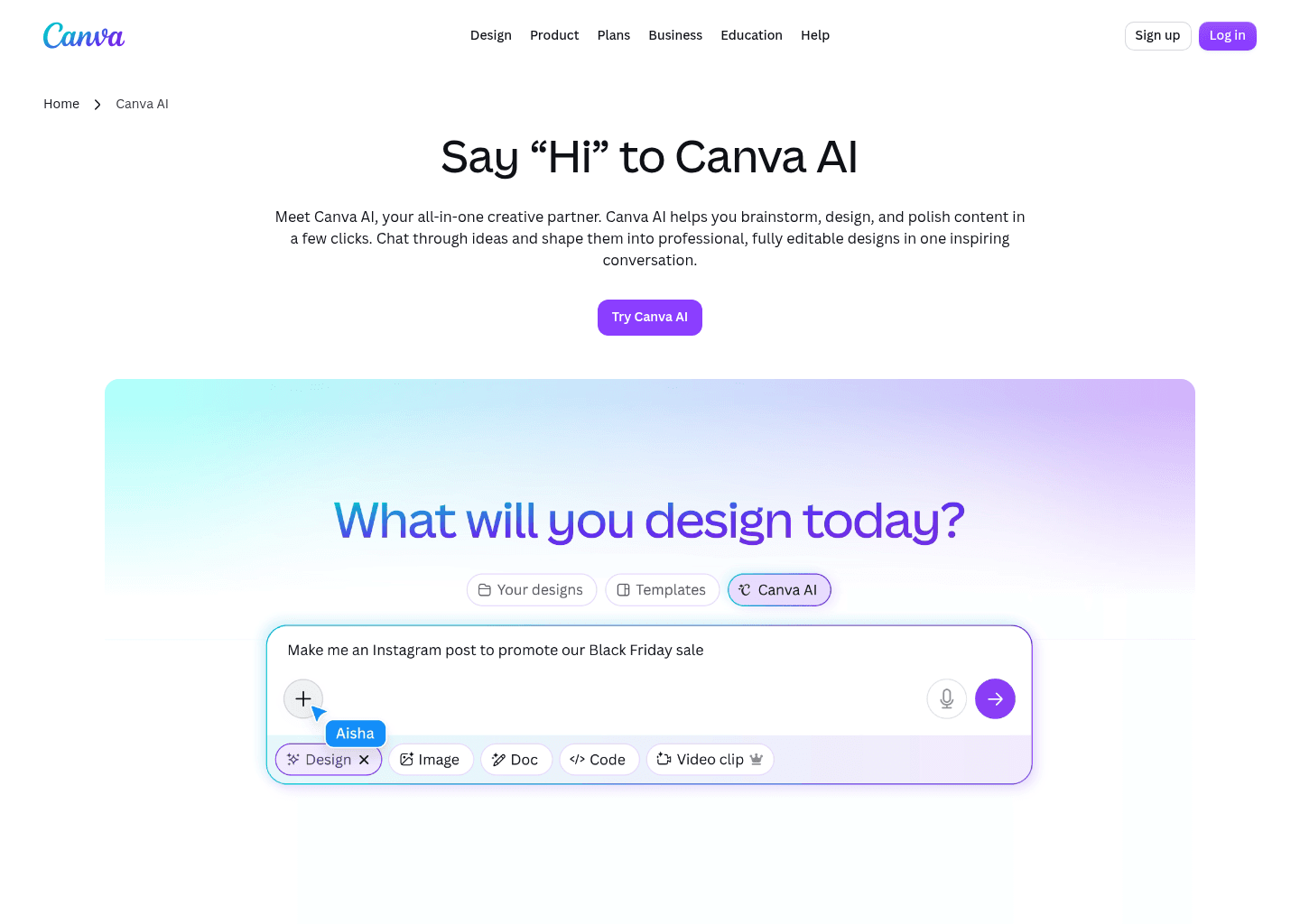
Canva AI focuses on "Your all-in-one AI assistant for creative design and content generation", providing an agile and dedicated approach compared to Figma AI.
Key Capabilities
- Conversational AI assistant with text and voice input
- AI-powered writing and content generation (Magic Write)
- Text-to-image generation from prompts
- Design generation for editable layouts
Pricing & Best Match

AI website builder that goes from prompt to live published site in minutes — no code, no separate hosting
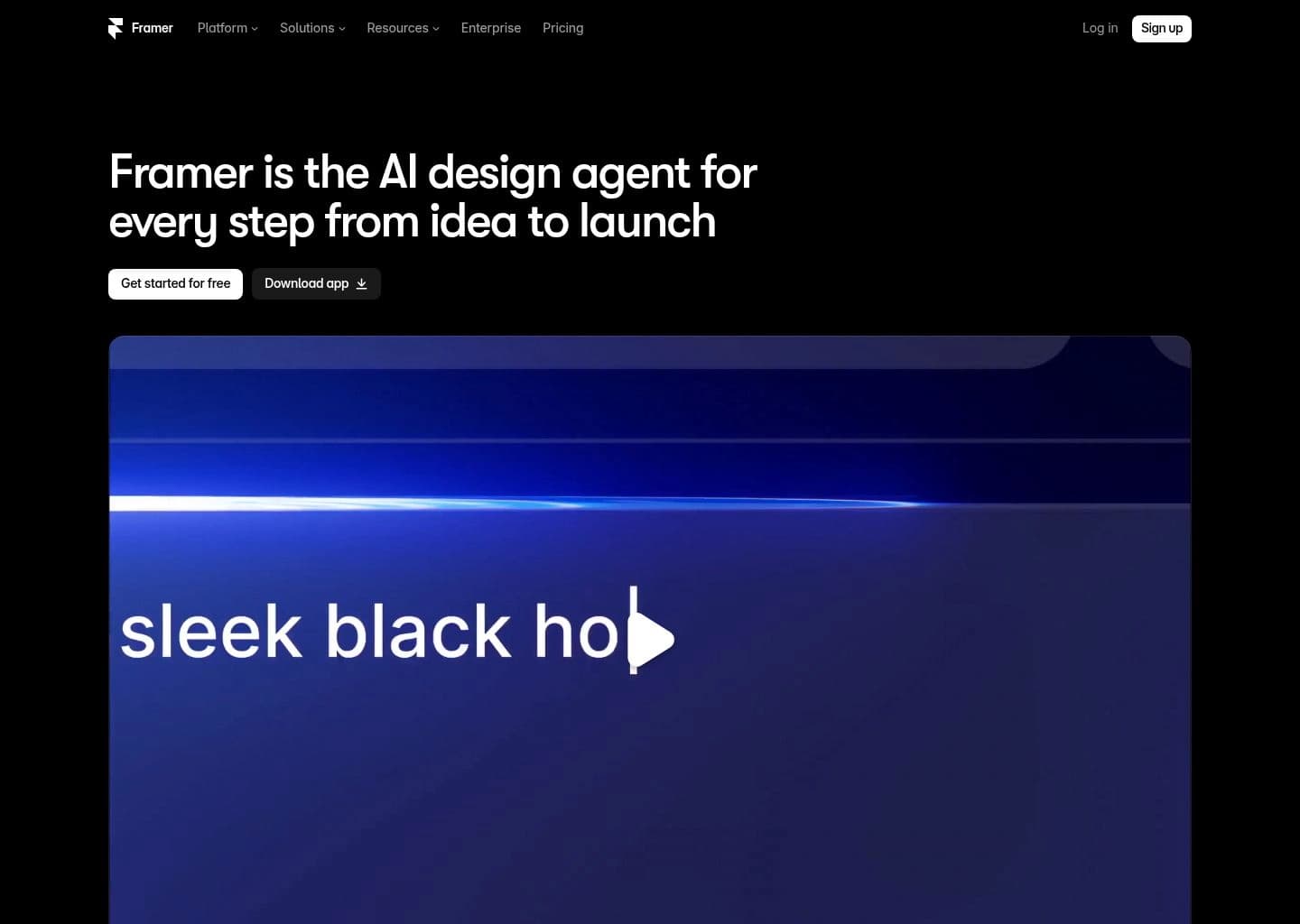
Framer AI focuses on "AI website builder that goes from prompt to live published site in minutes — no code, no separate hosting", providing an agile and dedicated approach compared to Figma AI.
Key Capabilities
- AI canvas agent — describe any website in plain English and Framer generates a complete, multi-section, fully responsive layout ready to edit and publish in seconds
- Prompt-to-published workflow — the only tool that completes the full loop from AI generation to live hosted website without leaving the platform or writing code
- Framer CMS — add dynamic content collections (blog posts, team members, portfolio projects) that update across all pages automatically, with AI-assisted content creation
- Visual canvas editor — same design fidelity as Figma for layout, components, and responsive breakpoints, with direct publishing to production
Pricing & Best Match

Google's AI UI generator — describe any app screen and get a complete multi-screen UI with code in seconds


AI UI design tool that turns text prompts and hand-drawn sketches into clickable app prototypes in seconds


Free AI color palette generator that learns your taste and creates endless personalized palettes for designers

Collaborative presentation software with AI deck generation, brand templates and engagement analytics



AI presentation software with smart slide templates that design and format your slides automatically

AI-native tool for creating presentations, documents, websites and social posts from a single prompt




Zoomable, non-linear presentation software with AI that generates dynamic decks from prompts or documents

AI presentation generator that builds on-brand decks with speaker notes, images and sharing analytics


Compare Figma AI Directly With Alternatives
Side-by-side feature comparisons, real pricing differences, and benchmark verdicts to help you choose the best replacement for Figma AI.


Frequently Asked Questions
Miro AI is one of the top alternatives to Figma AI, offering strong feature parity and active development.
Know another alternative to Figma AI?
Help the community by submitting other similar tools you've used. Your contribution helps others make better decisions.