Spline
Create interactive 3D experiences for web and apps with real-time collaboration.
Gallery
7 items



About Spline
We tested Spline's 3D design studio by generating interactive web scenes and three.js embeds using text prompts. Its browser-based editor makes lighting, materials, and physics simulations approachable for 2D UI designers without Blender's complex toolset. The catch is performance: complex scenes with heavy geometry can lag on lower-spec machines, and the free tier exports include visible watermarks. Starting at $12/month, it is an exceptional gateway for UI/UX designers looking to introduce interactive 3D assets to modern websites.
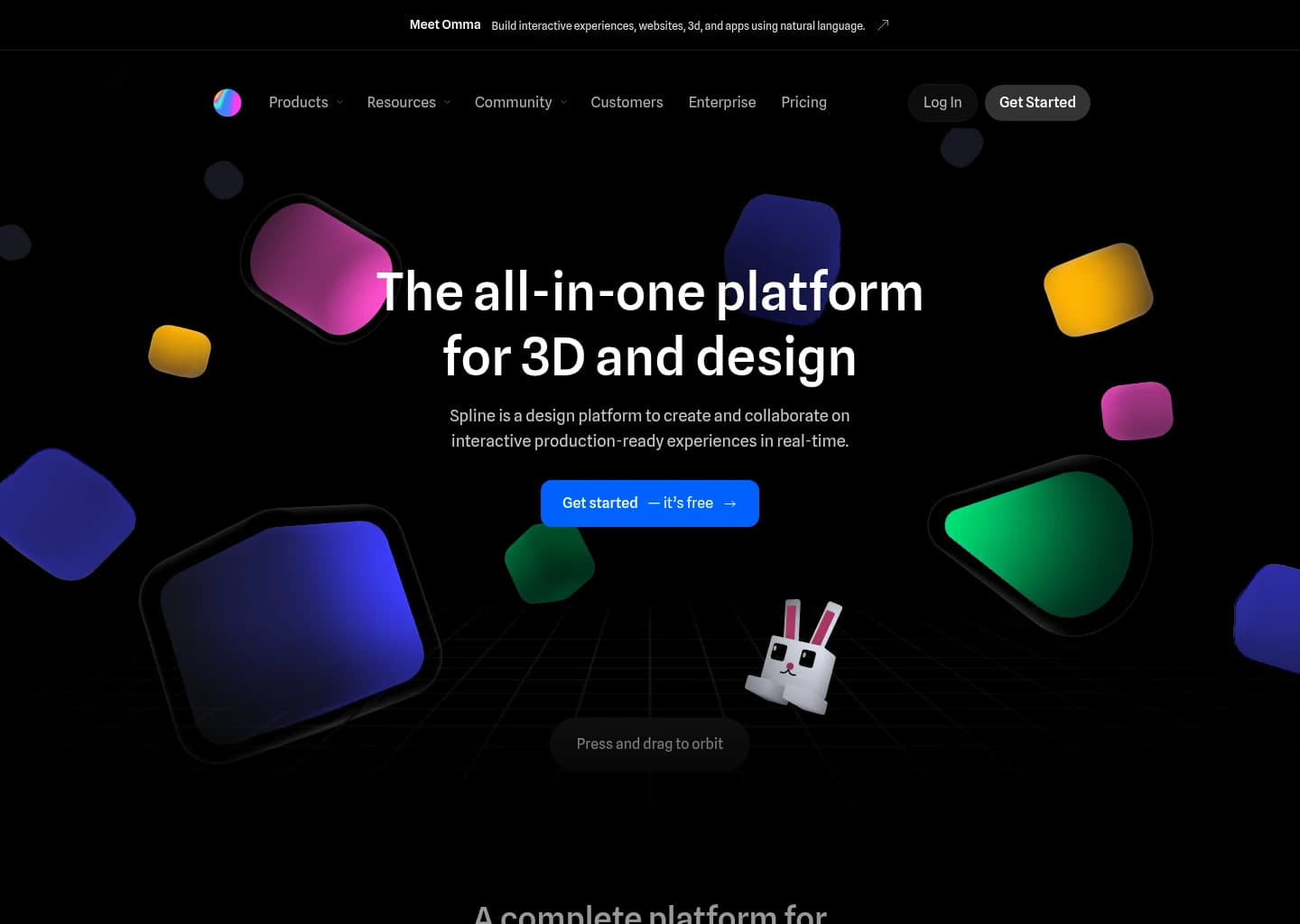
Spline is a powerful web-based design platform that enables individuals and teams to create and collaborate on interactive 2D and 3D experiences in real-time. It addresses the need for accessible 3D design tools that can easily integrate into modern web and mobile applications, simplifying complex processes like 3D modeling, animation, and material creation.
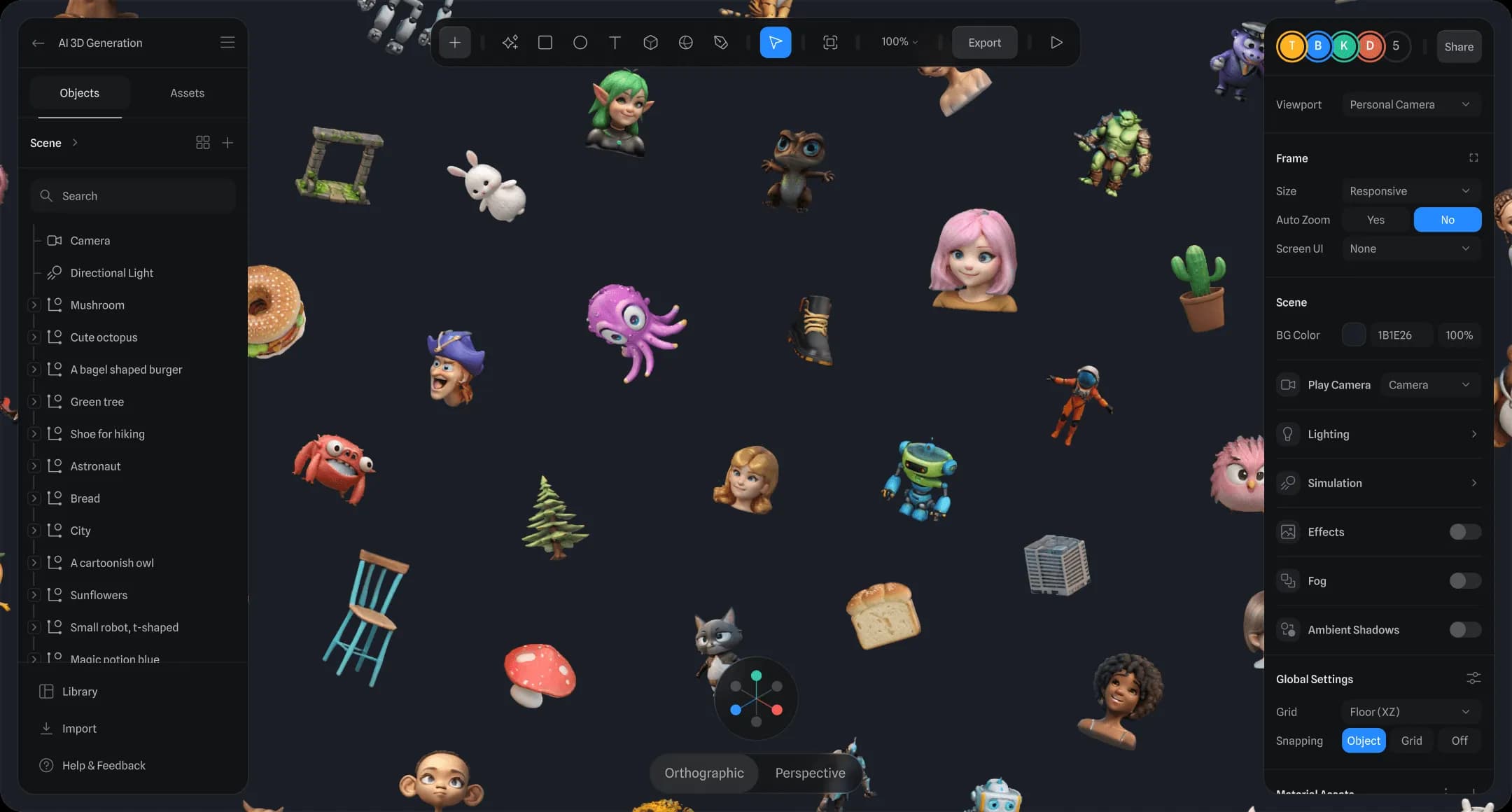
The platform offers familiar design tools for 3D modeling, real-time rendering, and multi-platform exports. Key features include an event system for interactivity and motion, physics, particles, and integration with variables, webhooks, APIs, and AI. It also provides a 2D editor (Hana) with vector networks and visual effects, all within a collaborative environment.
Spline is designed for product designers, brand and marketing professionals, creative developers, students, freelancers, and design teams looking to build interactive websites, product showcases, gamified experiences, mobile apps, and AR/VR prototypes. It empowers users to deliver production-ready interactive content without extensive coding knowledge.
Key Features
- Real-time collaborative 3D design and 2D design (Hana editor)
- 3D modeling, materials, textures, and real-time rendering
- Interactive event system with states, events, timeline animation, physics, and particles
- Multi-platform exports for Web, iOS, and Android (including code exports)
- Integration with Variables, Webhooks, APIs, and AI
- Community platform with remixable designs and learning resources
- Vector networks and visual effects for 2D designs
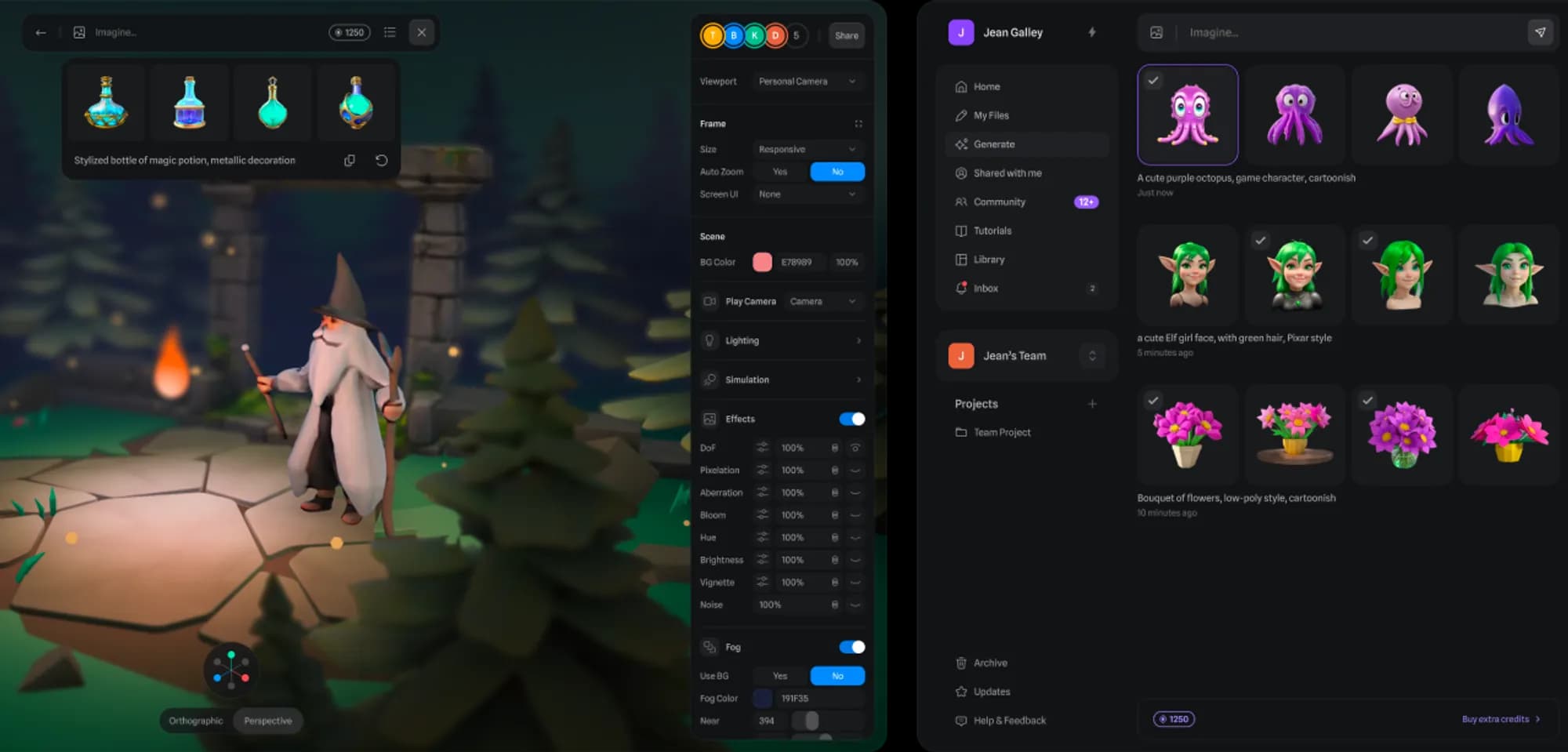
- AI 3D Generation, AI Texture Generation, AI Style Transfer (with add-on)
Pros
- Web-based with real-time collaboration for efficient teamwork.
- Offers a comprehensive suite of tools for both 2D and 3D design.
- Low learning curve, making 3D design accessible to non-developers.
- Seamless integration with popular web platforms like Webflow, Framer, React.
- Ability to export production-ready interactive experiences for multiple platforms.
- Includes AI capabilities for generation and enhancement.
Cons
- Free plan has limitations like watermarks and limited file storage.
- Advanced AI features require an additional paid add-on.
- May require a powerful internet connection and browser for optimal performance with complex 3D scenes.
- Steeper learning curve for users completely new to 3D design concepts.
- Enterprise features like SSO and custom support are only available on the highest tier.
Pricing
Free: Limited files, unlimited viewers, web exports with watermark, access to Spline Templates.
Starter: $12 per seat/month (billed annually) or $15 per seat/month (billed monthly). Includes unlimited 3D & 2D files, video upload, no watermark on web exports, higher resolution image exports, material & audio library.
Professional: $20 per seat/month (billed annually) or $25 per seat/month (billed monthly). Includes everything on Starter, plus unlimited folders/projects, video export, unlimited scenes, Apple & Android exports, audio upload, code exports, unlimited Variables/APIs/Webhooks, Hana 2D Editor (no watermark on embeds).
Spline AI Add-on: +$5 per seat/month (2000 AI credits/month) for AI 3D Generation, AI Texture Generation, AI Style Transfer.
Enterprise: Custom pricing. Includes everything on Professional, plus centralized licensing, SSO, self-hosted exports, file version history, priority support, custom AI credits.
Claim Verified Creator Badge
Are you the founder of Spline? Display this listing's verified badge on your website to show your customers that your product has been vetted and listed on AI Central Resources.
<a href="https://www.aicentralresources.com/tool/spline" target="_blank" rel="noopener">
  <img src="https://www.aicentralresources.com/badges/featured-badge-dark.svg" alt="Featured on AICentralResources" width="200" height="54" style="border: none;" />
</a>
* Place this HTML snippet in your website's footer, landing page, or press section. This creates a search-friendly backlink directly to your verification page.
Connect with Spline
Frequently Asked Questions
Yes, Spline offers a free plan that allows you to start creating real-time 3D design experiences with limited files, unlimited viewers, and web exports with a watermark.
Upgrading unlocks unlimited files, higher resolution exports, no watermarks, access to material/audio libraries, multi-platform exports (Apple & Android), code exports, and advanced interactivity features.
The Spline AI Add-on costs an additional $5 per seat/month, providing 2000 AI credits monthly for features like AI 3D Generation, AI Texture Generation, and AI Style Transfer.
Spline supports multi-platform exports for Web, iOS, and Android, allowing seamless integration into websites, mobile apps, and digital products.
Yes, Spline is built for real-time collaboration, allowing teams to create, comment, and share interactive 2D and 3D designs efficiently.
Similar AI Tools to Spline
View all alternatives of Spline



Figma AI
The industry-standard design platform — now with AI that designs, prototypes, and codes alongside your team

Framer AI
AI website builder that goes from prompt to live published site in minutes — no code, no separate hosting

Compared with Spline
Direct head-to-head feature matrices, pricing breakdowns, and real-world performance benchmarks