

Midjourney
Explore new mediums of thought and expand imaginative powers with advanced AI models.
Gallery
6 items
About Midjourney
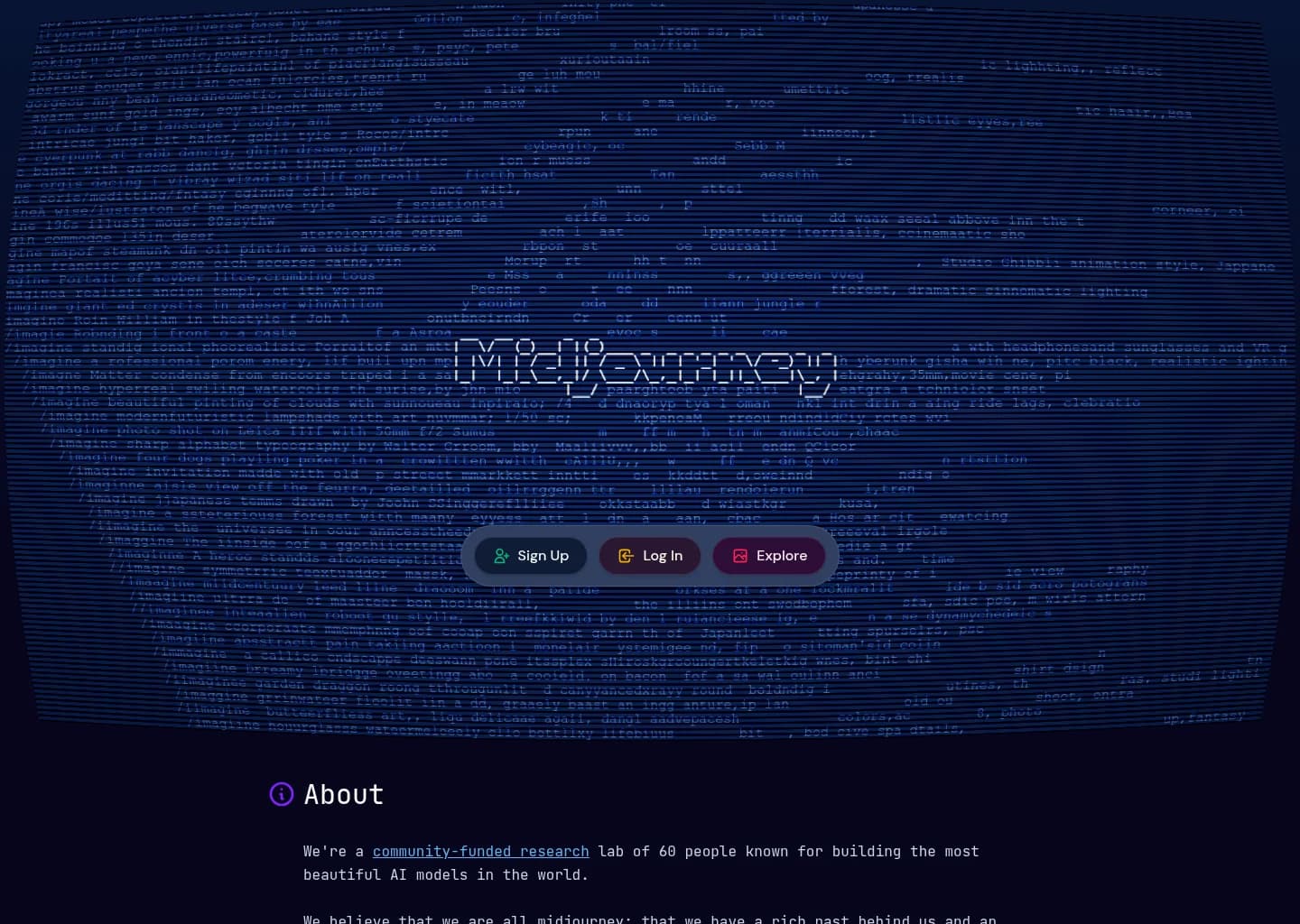
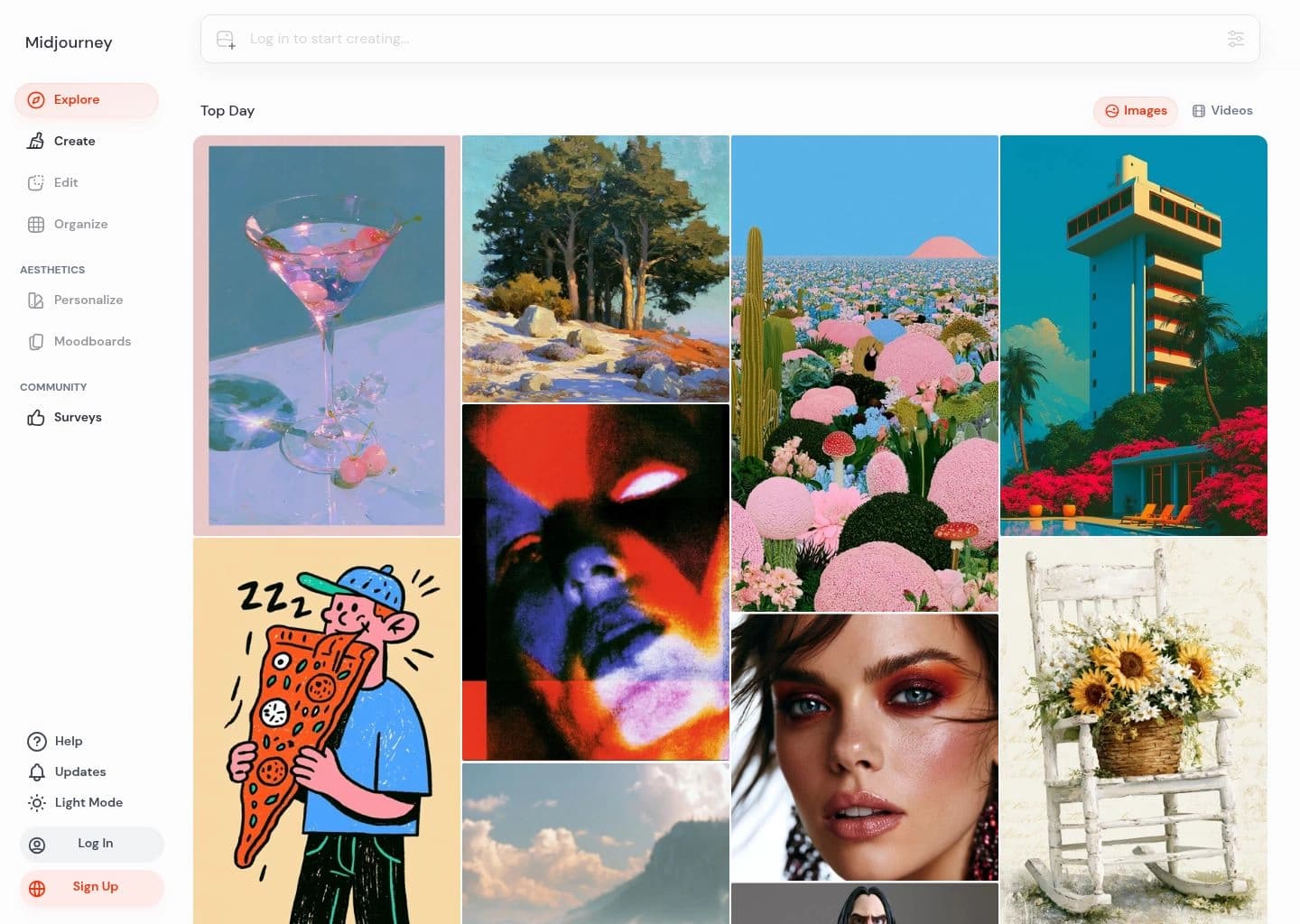
Midjourney is an independent research lab renowned for developing some of the world's most beautiful and imaginative AI models. It empowers users to generate stunning images and explore new visual concepts, pushing the boundaries of creative expression through artificial intelligence. The platform is built around a community-funded research lab dedicated to advancing the imaginative powers of humanity.
At its core, Midjourney utilizes sophisticated AI models, particularly in image and video generation (with video capabilities noted as 'TBA' but part of their future vision). It focuses on themes of imagination, coordination, reflection, beauty, and human flourishing, aiming to tell stories of a humane future through its projects. The tool is known for its ability to produce high-quality, aesthetically pleasing visuals from textual prompts.
Midjourney is ideal for artists, designers, content creators, marketers, and anyone interested in exploring the cutting edge of generative AI for visual content. It serves individuals and teams looking to rapidly prototype visual ideas, create unique artwork, or enhance their creative workflows with AI-powered image generation.
Key Features
- Advanced AI image generation from text prompts
- Focus on aesthetic quality and beauty in generated outputs
- Community-funded research and development
- Ongoing projects in imagination, coordination, and human flourishing
- Support and community engagement via Discord
- Continuous model updates and improvements
- Exploration of new mediums of thought
Pros
- Generates exceptionally high-quality and artistic images
- Constantly evolving with new features and improved models
- Strong, active community for support and inspiration
- Offers a unique aesthetic style distinct from other AI generators
- Empowers rapid visual prototyping and creative exploration
- Pushes boundaries of AI-driven artistic expression
Cons
- Requires a paid subscription for full access and usage
- Primarily Discord-based interface, which may not suit all users
- Can have a steep learning curve for mastering advanced prompting techniques
- Limited direct control over specific elements compared to traditional design software
- Generated images may sometimes require post-processing for specific commercial uses
- Reliance on server-side processing means no offline functionality
Pricing
Basic Plan ($10/month): Get started with Midjourney creative tools with 3.3 hours of Fast GPU time, SD image generation, private Discord workspace access, and essential image creation features.
Standard Plan ($30/month): Create more with 15 hours of Fast GPU time, unlimited Relax Mode images, SD & HD video support, and increased generation capacity for regular creators.
Pro Plan ($60/month): Designed for professionals with 30 hours of Fast GPU time, unlimited image & video creation in Relax Mode, Stealth Mode privacy, and higher concurrent generation limits.
Mega Plan ($120/month): The ultimate creative package with 60 hours of Fast GPU time, unlimited image & video creation, Stealth Mode, and maximum capacity for large-scale AI content production.
Claim Verified Creator Badge
Are you the founder of Midjourney? Display this listing's verified badge on your website to show your customers that your product has been vetted and listed on AI Central Resources.
<a href="https://www.aicentralresources.com/tool/midjourney" target="_blank" rel="noopener">
  <img src="https://www.aicentralresources.com/badges/featured-badge-dark.svg" alt="Featured on AICentralResources" width="200" height="54" style="border: none;" />
</a>
* Place this HTML snippet in your website's footer, landing page, or press section. This creates a search-friendly backlink directly to your verification page.
Frequently Asked Questions
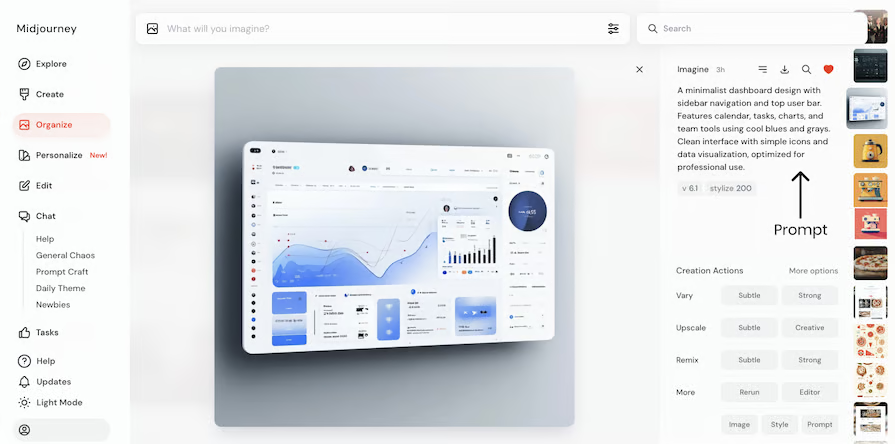
Midjourney is primarily accessed and operated through its Discord server. Users provide text prompts to a bot within Discord, which then generates images based on the input.
No, Midjourney requires a paid subscription to generate images. While it previously offered a free trial, this is no longer consistently available due to high demand.
Midjourney can create a wide variety of images, from realistic photos and abstract art to fantastical landscapes and character designs, all based on user-provided text descriptions.
The provided content does not mention an official public API for developers. Access is primarily through the Discord bot interface.
For product questions and support, users are directed to the Midjourney Discord server or their help page. Billing support is handled via email.
Similar AI Tools to Midjourney
View all alternatives of Midjourney

Ideogram 4.0
Advanced AI image generation with unparalleled text, editing, and brand consistency.

Adobe Firefly
Unleash creativity with generative AI for images, video, audio, and more.

Canva AI
Your all-in-one AI assistant for creative design and content generation


Compared with Midjourney
Direct head-to-head feature matrices, pricing, and category breakdowns