

Turn product briefs, screenshots, and Figma components into editable UX flows and polished UI designs
Gallery
6 items




About UX Pilot
UX Pilot's published workflow is well matched to a practical product-design task: taking a short feature brief or PRD, turning it into a wireframe, then expanding that structure into connected high-fidelity screens. The official product materials show support for screenshot and sketch inputs, multiple design directions, Figma component imports, and Figma or code handoff. This assessment is based on published product documentation and third-party user feedback; I have not run a hands-on latency or generation benchmark for this listing. The strongest distinction is its focus on product UX rather than treating interface design as a generic image-generation prompt. The Glide model, multi-screen flow generation, Figma component import, and MCP workflow give product teams several ways to keep AI-assisted work connected to an existing design process. The trade-offs are credit-based usage, a one-project free tier, and the need for a designer to inspect and refine generated layouts before production. User reviews also indicate that output quality and editing speed can vary by task. I would start with the free tier to validate the quality of its screens against your own product requirements. Pro makes sense for designers who regularly need Figma or code export and more project capacity; Teams is aimed at shared workflows. Teams that only need occasional low-fidelity concepts can likely stay on the free plan or compare free options such as Google Stitch.

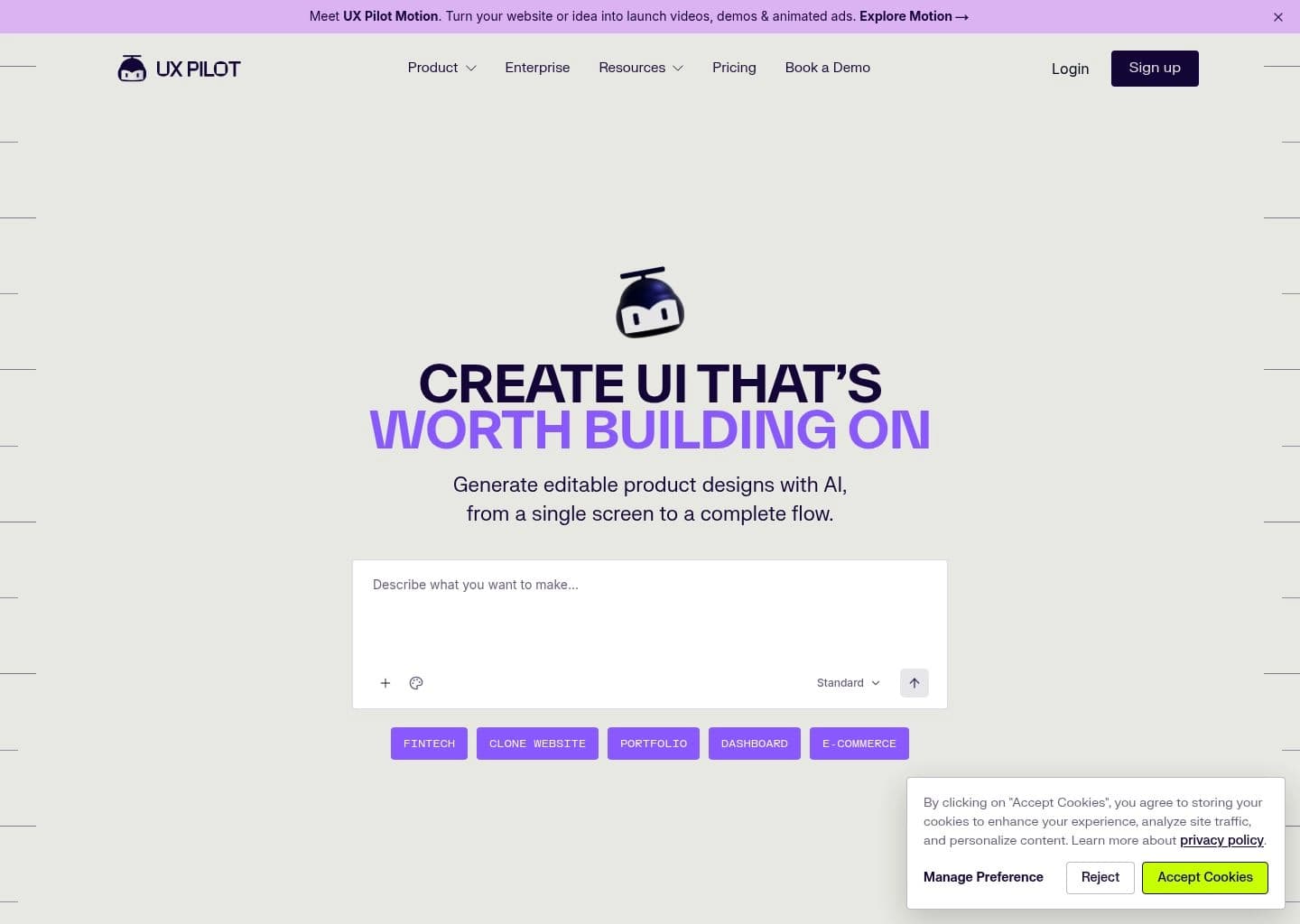
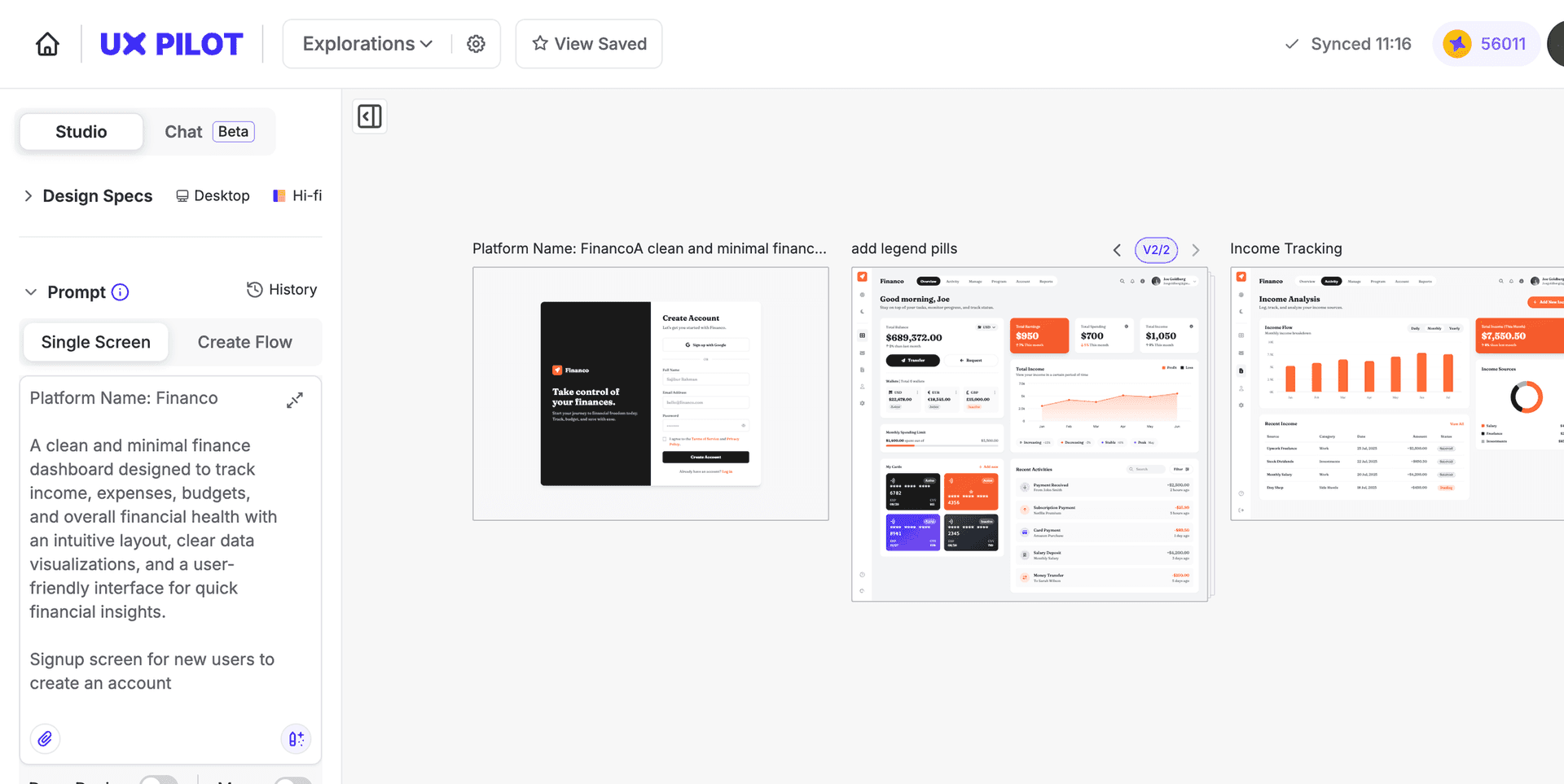
UX Pilot is an AI product design platform built for UX and UI workflows. It converts prompts, product requirement documents, sketches, screenshots, and design references into editable product screens, helping teams move from an early concept to a structured interface without starting from a blank canvas.
Its workflow covers low- and high-fidelity wireframes, multiple visual directions, connected multi-screen journeys, design refinement, flowcharts, Figma component imports, and export to Figma or code. UX Pilot 2.0 also introduces its Glide design model and an MCP server that lets compatible AI agents work with UX Pilot canvases.
It is best suited to product designers, UX teams, founders, and developers who need to explore interface directions, map user journeys, and prepare editable design handoffs. It is a product-design tool rather than a general-purpose website builder.
Key Features
- Generate editable low- and high-fidelity UX wireframes from prompts and product briefs
- Create complete multi-screen product flows and user journeys
- Generate multiple visual design directions for comparison
- Use sketches, PDFs, screenshots, and website references as design inputs
- Import Figma components to keep generated screens aligned with an existing design system
- Export designs to Figma and export implementation-ready code on eligible plans
- Connect compatible AI agents through the UX Pilot MCP server
- Generate editable flowcharts and review interfaces with UX-focused analysis tools
Pros
- Designed specifically for product UX/UI workflows rather than generic image generation
- Accepts varied inputs including PRDs, screenshots, sketches, and Figma components
- Supports both wireframing and polished interface generation in one workflow
- Free tier provides daily credits without requiring a payment card
- Figma, code export, and MCP integrations support handoff into existing workflows
Cons
- Free plan is limited to 80 daily credits and one project
- Credit usage can constrain repeated screen generation and iteration
- Generated layouts still require designer review and refinement before production
- Figma and code export are reserved for paid plans
- Advanced team governance and full design-system tuning require Enterprise
Pricing & Plans
UX Pilot offers a free plan at $0 with no credit card required. The free tier includes 80 credits per day (up to approximately 13 screens) and one project, with access to core design features.
Pro costs $29/month on monthly billing or $19/month when billed annually. It includes 750 credits per month, approximately 125 screens, Figma and code export, website cloning, unlimited projects, and credit top-ups. Teams costs $39 per user/month or $31 per user/month with annual billing, with 900 credits per user and shared team features.
Enterprise pricing is available on request and adds capabilities such as full design-system import, brand-specific model tuning, SSO/SCIM, audit logs, custom data retention, and dedicated support. Prices and included credits should be rechecked on the official plans page before purchase.
Claim Verified Creator Badge
Are you the founder of UX Pilot? Display this listing's verified badge on your website to show your customers that your product has been vetted and listed on AI Central Resources.
<a href="https://www.aicentralresources.com/tool/ux-pilot" target="_blank" rel="noopener">
  <img src="https://www.aicentralresources.com/badges/featured-badge-dark.svg" alt="Featured on AICentralResources" width="200" height="54" style="border: none;" />
</a>
* Place this HTML snippet in your website's footer, landing page, or press section. This creates a search-friendly backlink directly to your verification page.
Frequently Asked Questions
UX Pilot generates editable UX wireframes, high-fidelity product screens, and connected user flows from prompts, PRDs, screenshots, sketches, and design references.
Yes. Its free plan includes 80 credits per day, approximately 13 screens, and one project. The official product information says no credit card is required.
Yes. UX Pilot supports Figma component imports, and paid Pro and Teams plans include export to Figma.
Yes. Paid plans include code export, and the platform also supports workflows that connect designs to development handoff.
Yes. UX Pilot provides an MCP server for compatible clients including ChatGPT, Claude, Claude Code, Cursor, and other MCP-enabled tools.
Similar AI Tools to UX Pilot
View all alternatives of UX Pilot
Figma AI
The industry-standard design platform — now with AI that designs, prototypes, and codes alongside your team

Uizard
AI UI design tool that turns text prompts and hand-drawn sketches into clickable app prototypes in seconds

Google Stitch
Google's AI UI generator — describe any app screen and get a complete multi-screen UI with code in seconds
Spline
Create interactive 3D experiences for web and apps with real-time collaboration.


Framer AI
AI website builder that goes from prompt to live published site in minutes — no code, no separate hosting