
Build interactive prototypes and hand off designs to developers
Gallery
5 items
About Mockplus
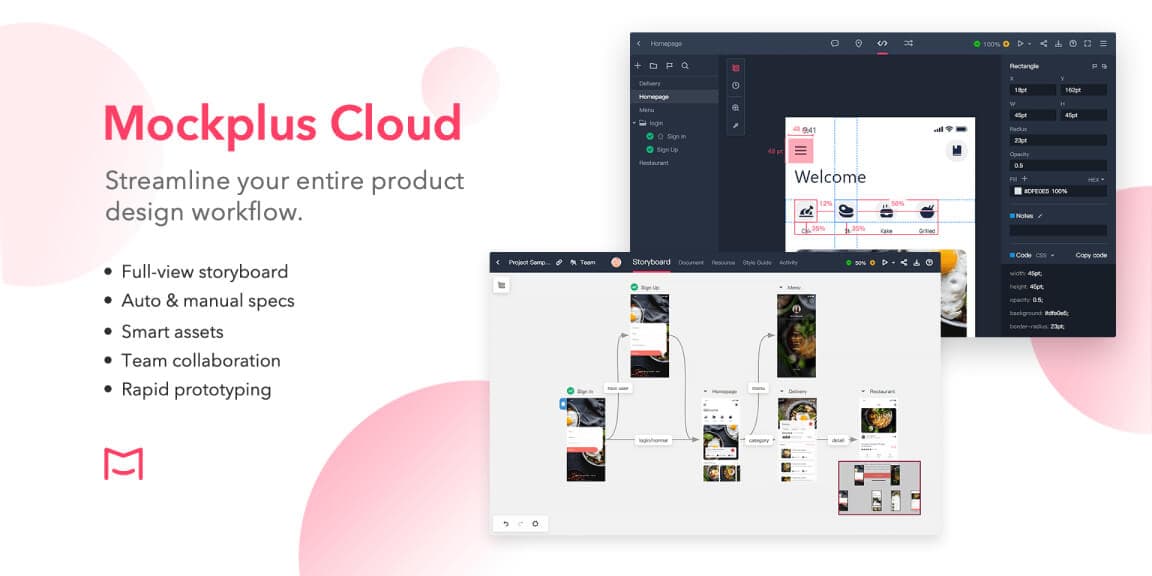
I would begin with a three-screen mobile flow and add an interaction with more than one state before sharing it for review. The vendor’s RP walkthrough covers components, links and previews, while Cloud is where the suite brings together comments, specs and handoff. The purchasing decision depends on which part of the suite the team will actually use. A small prototype fits the free RP allowance. A project that needs an offline demo file or longer revision history should budget for an eligible paid RP plan and check whether Cloud is needed separately.
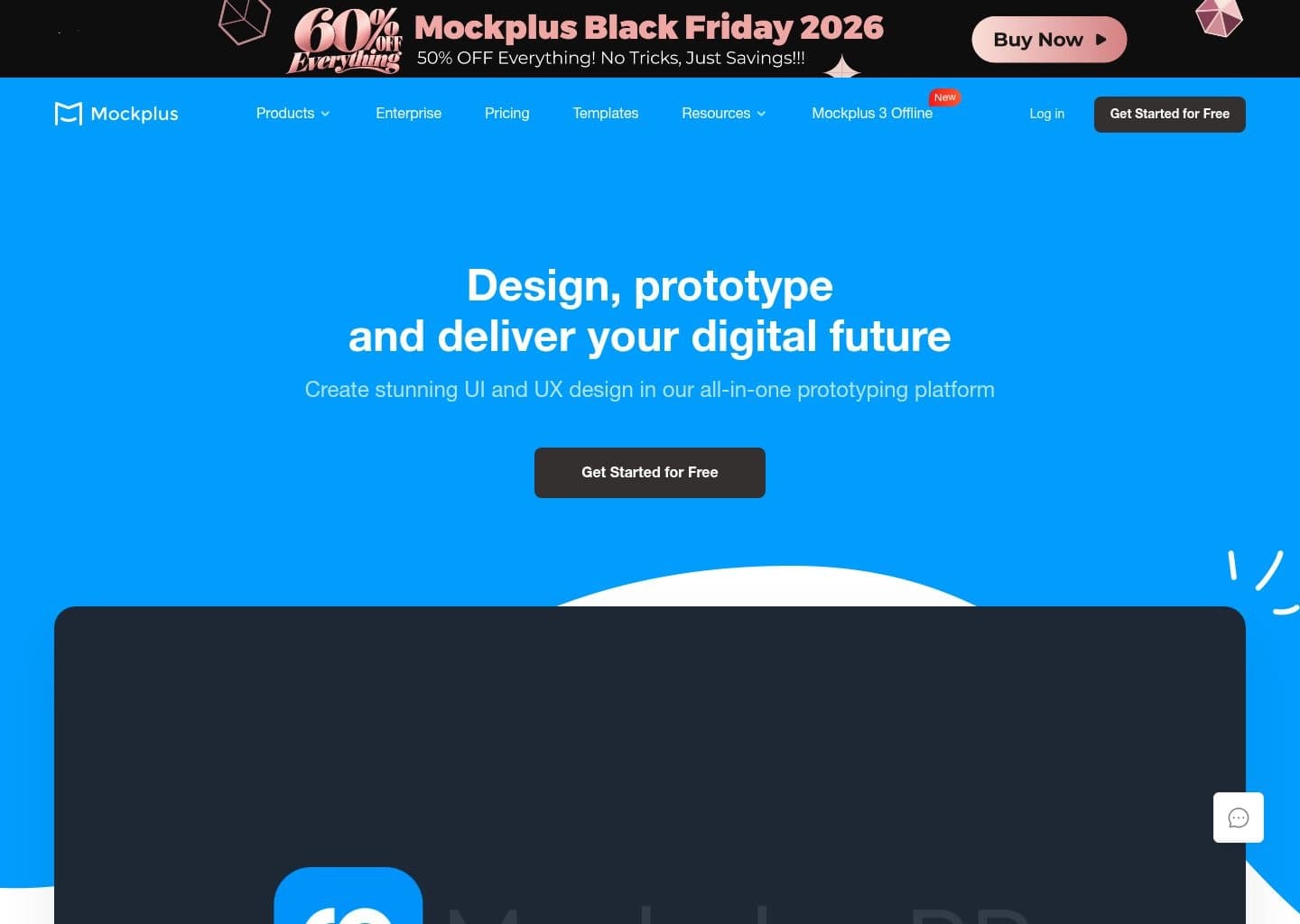
Mockplus is a design and prototyping suite. Use RP to build interactive wireframes and prototypes, DT to create and edit vector interfaces, and Cloud to review designs and share specifications and assets with developers.
RP provides component libraries, interactions and device previews. DT supports collaborative editing and file import. Cloud brings design files, comments, revision history, shared resources and developer specifications into a review workspace.
The suite suits product designers and product managers who want something clickable to review before implementation. A team using an existing design editor can also consider Cloud for review and handoff.
Key Features
- Drag-and-drop wireframing in RP
- Interactive states and cross-device preview
- Template and UI component libraries
- Vector design and co-editing in DT
- Design feedback and specs in Cloud
- Offline and source exports on eligible RP plans
Pros
- RP offers a free tier for small prototypes
- Built-in libraries speed up first drafts
- Cloud supports designs from tools including Figma and Sketch
- Paid RP plans support offline prototype export
Cons
- RP, DT and Cloud have separate pricing and quotas
- Free RP caps prototypes, pages and revision history
- Several export formats are gated behind paid RP plans
Pricing & Plans
RP Free includes 3 prototypes and 10 pages per prototype. The pricing page lists individual annual and perpetual plans, plus Team Ultimate and custom Enterprise. Vendor list prices before promotions are $99/year and $499 one-time for individual RP. DT and Cloud have separate free, paid and Enterprise tiers. Official RP pricing: https://www.mockplus.com/pricing/mockplus-rp
Claim Verified Creator Badge
Are you the founder of Mockplus? Display this listing's verified badge on your website to show your customers that your product has been vetted and listed on AI Central Resources.
<a href="https://www.aicentralresources.com/tool/mockplus" target="_blank" rel="noopener">
  <img src="https://www.aicentralresources.com/badges/featured-badge-dark.svg" alt="Featured on AICentralResources" width="200" height="54" style="border: none;" />
</a>
* Place this HTML snippet in your website's footer, landing page, or press section. This creates a search-friendly backlink directly to your verification page.
Frequently Asked Questions
RP handles interactive prototyping, DT handles vector UI design, and Cloud handles collaboration and developer handoff.
The RP Free tier allows three prototypes and up to ten pages per prototype.
Similar AI Tools to Mockplus
View all alternatives of Mockplus
Figma AI
The industry-standard design platform — now with AI that designs, prototypes, and codes alongside your team

Uizard
AI UI design tool that turns text prompts and hand-drawn sketches into clickable app prototypes in seconds

UX Pilot
Turn product briefs, screenshots, and Figma components into editable UX flows and polished UI designs

Google Stitch
Google's AI UI generator — describe any app screen and get a complete multi-screen UI with code in seconds