

Manage and localize product copy across Figma and development
Gallery
5 items
About Frontitude
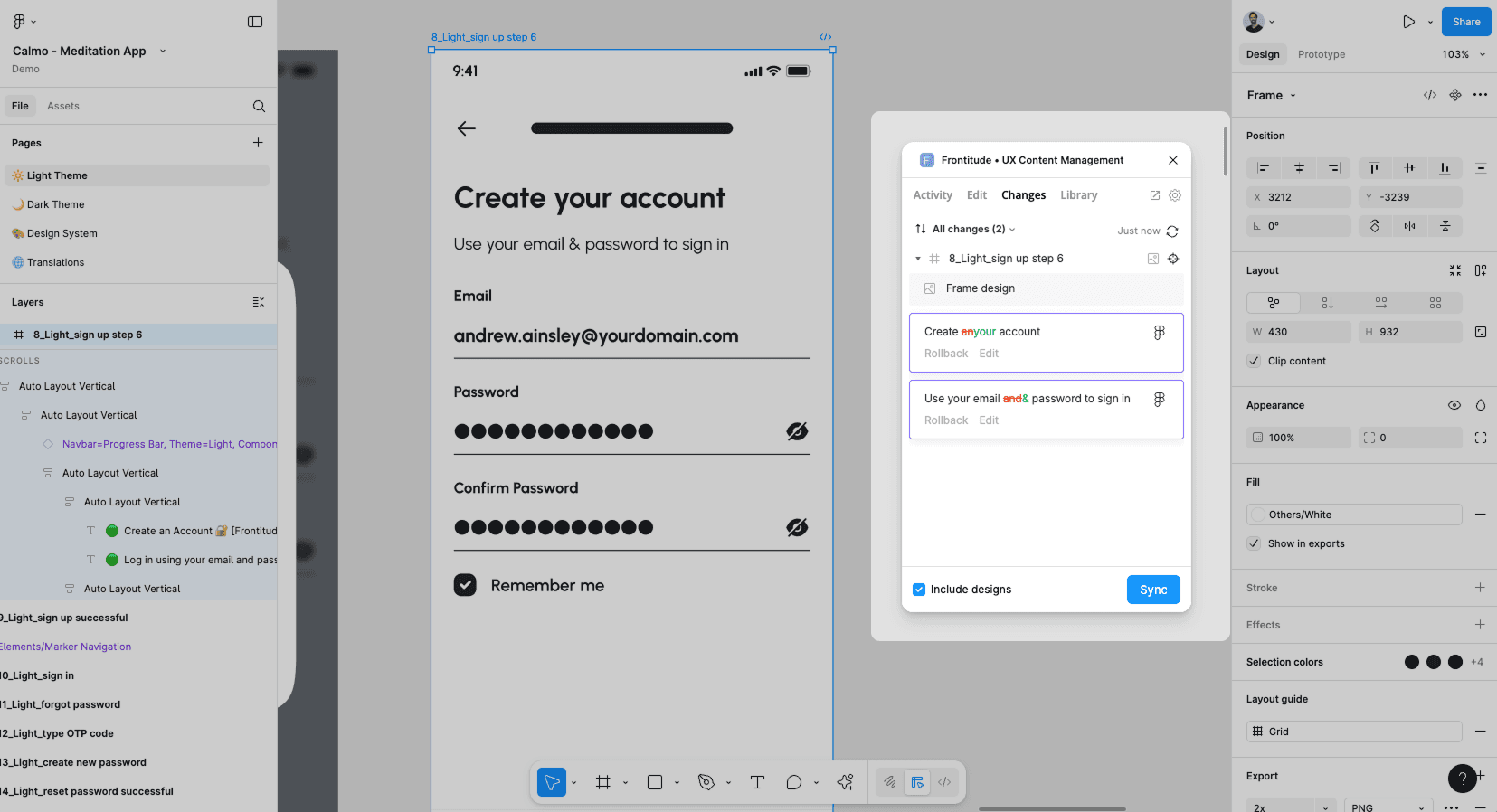
Frontitude’s published documentation makes the copy library the most useful place to start evaluating the product. I would map a repeated error message across a few Figma screens, check how a proposed edit is reviewed, and preview a long translation before expanding the rollout. The pricing decision depends on which roles need the assistant, how many strings the team wants in the library, and whether engineering will use the Developer Pack. Those costs can matter more than the base plan when localization and handoff are both in scope.
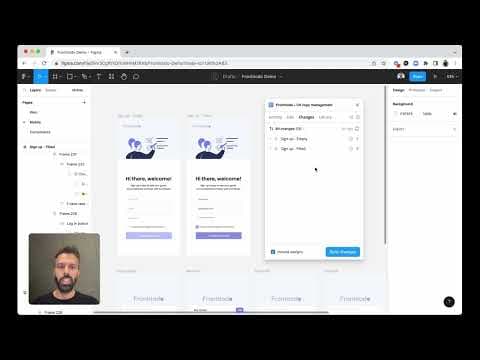
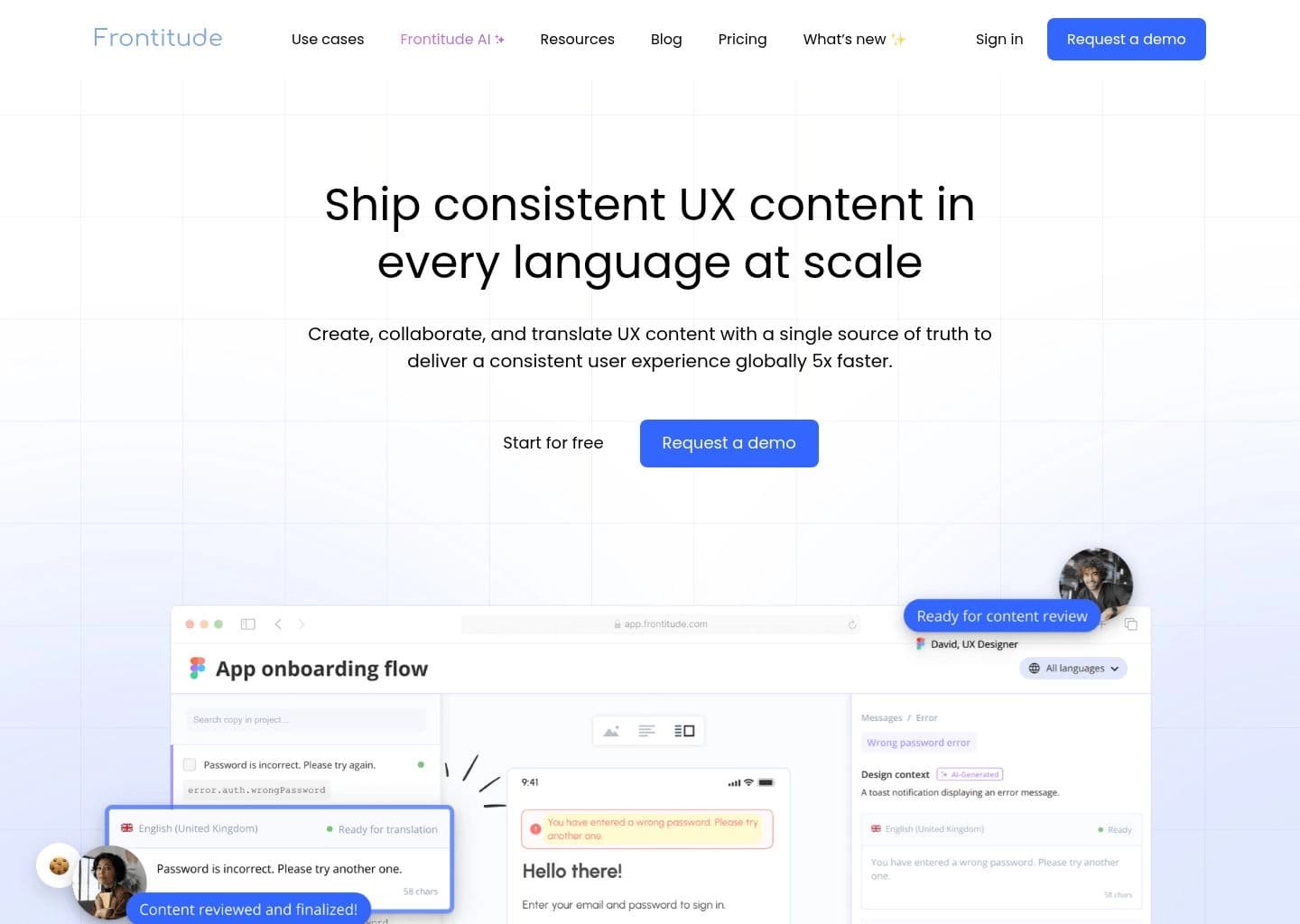
Frontitude gives product teams a shared workspace for writing, reviewing and reusing interface copy. Its Figma integration brings copy into the design process and helps keep changes visible across design files and the content workspace.
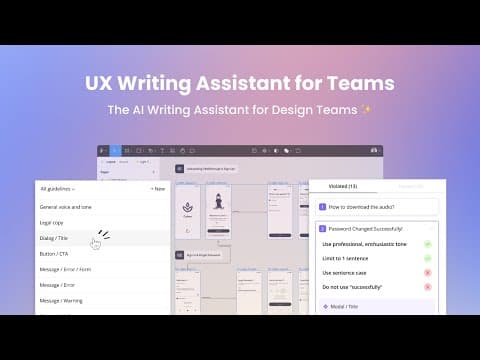
Reusable copy components centralize repeated strings. The UX Writing Assistant can suggest rewrites based on guidelines. Localization tools preview translations in design, and the Developer Pack adds CLI and webhook workflows for teams that want to connect copy changes to engineering.
Frontitude is aimed at content designers, product designers and localization teams maintaining shared language across a product. A small team can use Starter to evaluate the library before budgeting for additional editors, AI seats or developer features.
Key Features
- Reusable copy components and library
- Figma copy sync and in-context review
- AI rewrite, guidelines and copy audit
- Translation previews in Figma
- CLI and webhooks with Developer Pack
- Translation memory on eligible plans
Pros
- Starter supports two editors
- Content reviews retain design context
- Reusable components consolidate repeated strings
- Developer integration supports handoff automation
Cons
- Starter is limited to 50 copy components
- UX Writing Assistant and Developer Pack can add to subscription cost
- AI translation is plan-gated and separately priced
Pricing & Plans
Starter is free. Team is $200/month or $160/month billed yearly. Growth is $325/month or $260/month billed yearly. Organization is custom. Developer Pack, writing assistant seats and AI translation can add cost depending on plan. Official pricing: https://www.frontitude.com/pricing
Claim Verified Creator Badge
Are you the founder of Frontitude? Display this listing's verified badge on your website to show your customers that your product has been vetted and listed on AI Central Resources.
<a href="https://www.aicentralresources.com/tool/frontitude" target="_blank" rel="noopener">
  <img src="https://www.aicentralresources.com/badges/featured-badge-dark.svg" alt="Featured on AICentralResources" width="200" height="54" style="border: none;" />
</a>
* Place this HTML snippet in your website's footer, landing page, or press section. This creates a search-friendly backlink directly to your verification page.
Connect with Frontitude
Frequently Asked Questions
Starter includes 50 copy components, along with three projects, two editors and one viewer.
Frontitude documents a Developer Pack with a CLI and webhooks. Its pricing page lists separate Developer Pack pricing by tier.
Similar AI Tools to Frontitude
View all alternatives of Frontitude


Figma AI
The industry-standard design platform — now with AI that designs, prototypes, and codes alongside your team

Google Stitch
Google's AI UI generator — describe any app screen and get a complete multi-screen UI with code in seconds


Framer AI
AI website builder that goes from prompt to live published site in minutes — no code, no separate hosting