

Keep approved interface copy consistent across Figma and code
Gallery
5 items
About Ditto
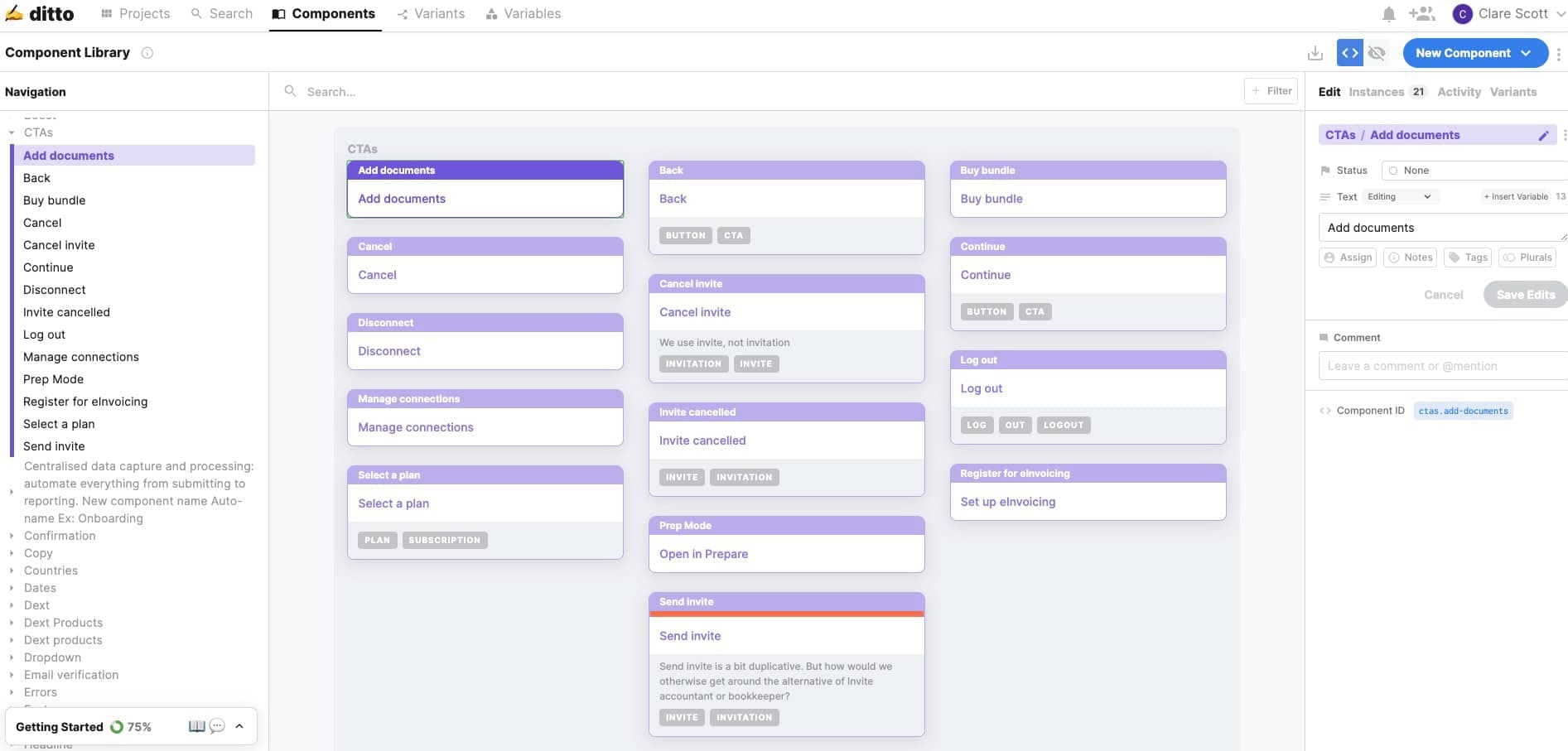
I would evaluate Ditto with a real set of repeated interface strings, including a button label, an error message and a term the style guide disallows. The documented workflow lets a team bring Figma text into a project, turn repeated strings into reusable components and check suggestions against concrete language rules. Engineering teams should confirm how approved text IDs and locale variants fit their release process. The API and CLI make that worth evaluating, and the two-week trial provides a window to validate the workflow before discussing paid access.
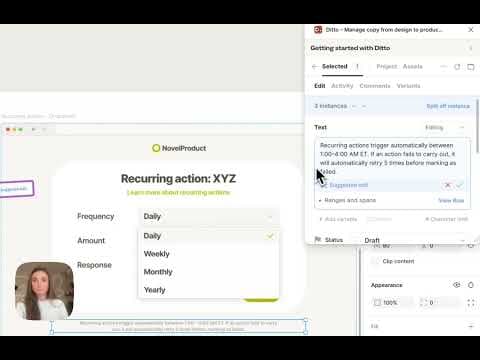
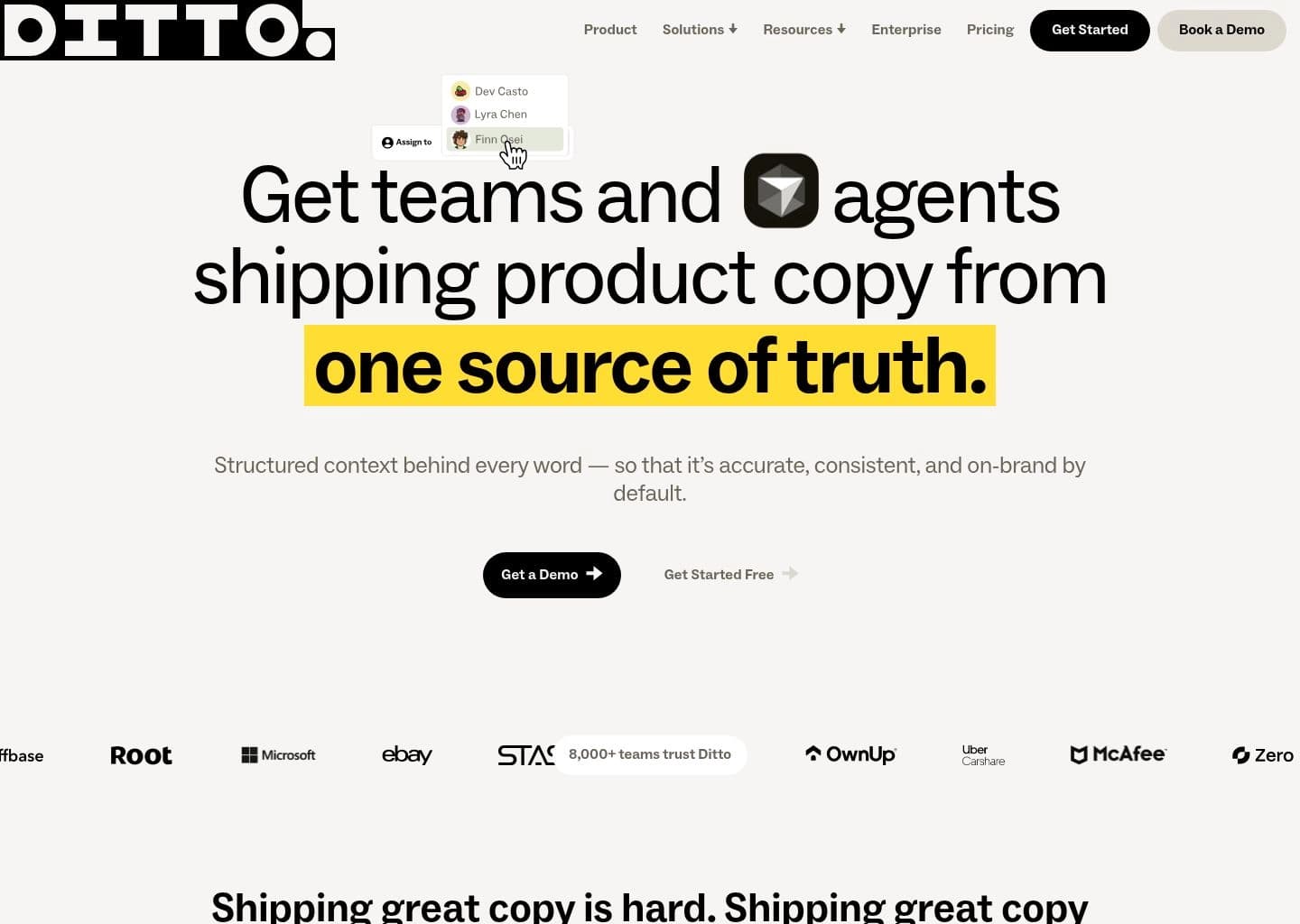
Ditto is a product copy workspace for managing interface strings and the standards that govern them. Product designers and writers can import text from Figma, review edits and reuse approved copy across screens.
A component library stores repeated text such as calls to action and error messages. Custom style guides inform AI suggestions in Magic Edit, while developer integrations expose strings through an API or CLI. Ditto also documents an MCP integration that gives compatible AI tools access to writing context.
Ditto is most relevant to teams with a dedicated content design workflow, shared writing standards and developers who need reliable access to product strings. Teams can evaluate the workflow on a connected Figma file during the free trial.
Key Features
- Figma plugin and project import
- Reusable approved text components
- Custom style guides and glossary
- AI copy suggestions with Magic Edit
- Developer API and CLI for string retrieval
- MCP access to copy and style context
Pros
- Trial requires no credit card
- Shared copy stays visible to design and content teams
- Style guide examples can support concrete terminology rules
- Developers fetching strings through API or CLI do not require a seat
Cons
- Pro and Enterprise prices require contacting sales
- AI suggestion quality depends on rule specificity
- A Figma file is helpful for evaluating the documented design workflow
Pricing & Plans
A cardless 14-day trial begins when a workspace is created. The vendor lists Individual, Pro and Enterprise. Pro and Enterprise require contacting sales, and the public page does not quote a paid starting price. Official pricing: https://www.dittowords.com/pricing
Claim Verified Creator Badge
Are you the founder of Ditto? Display this listing's verified badge on your website to show your customers that your product has been vetted and listed on AI Central Resources.
<a href="https://www.aicentralresources.com/tool/ditto" target="_blank" rel="noopener">
  <img src="https://www.aicentralresources.com/badges/featured-badge-dark.svg" alt="Featured on AICentralResources" width="200" height="54" style="border: none;" />
</a>
* Place this HTML snippet in your website's footer, landing page, or press section. This creates a search-friendly backlink directly to your verification page.
Connect with Ditto
Frequently Asked Questions
Ditto says a new workspace gets two weeks of access without a credit card.
Ditto says developers who only fetch text through the API or CLI do not need a seat.
Similar AI Tools to Ditto
View all alternatives of Ditto


Figma AI
The industry-standard design platform — now with AI that designs, prototypes, and codes alongside your team

Google Stitch
Google's AI UI generator — describe any app screen and get a complete multi-screen UI with code in seconds


Framer AI
AI website builder that goes from prompt to live published site in minutes — no code, no separate hosting