

Jan
A private open-source AI desktop and agent workspace that runs local models or connects cloud providers
Gallery
5 items


About Jan
This review is based on Jan's current desktop and agent documentation, installation guidance, model-management pages, and API references. The documented first-run flow is to install the desktop app, let it download a default model, and start chatting; users can then browse additional models in the Hub and see whether each model fits their hardware. Jan's current documentation also separates Desktop from Jan Agent, which is a terminal tool with its own workflow and preview status. Jan's differentiator is its open-source, local-first approach combined with projects, assistants, MCP integrations, and a local OpenAI-compatible server. The trade-offs are the usual local-model constraints plus the need to understand when a workflow is truly offline: configured cloud providers and external tools can still send data outside the device. The preview status of Jan Agent should also be considered before making it a critical production dependency. I would recommend Jan to users who value an open-source desktop experience and want to experiment with local models and agents in one environment. For a more model-management-focused GUI, compare LM Studio; for a pure inference runtime, compare Ollama; for private document workspaces, AnythingLLM is more specialized.

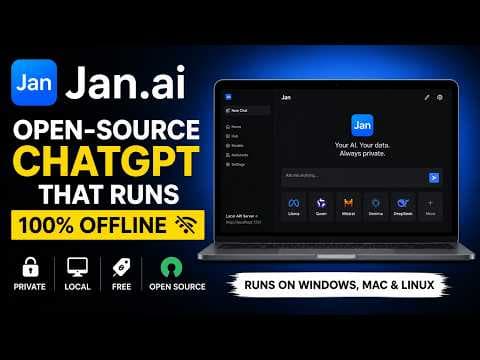
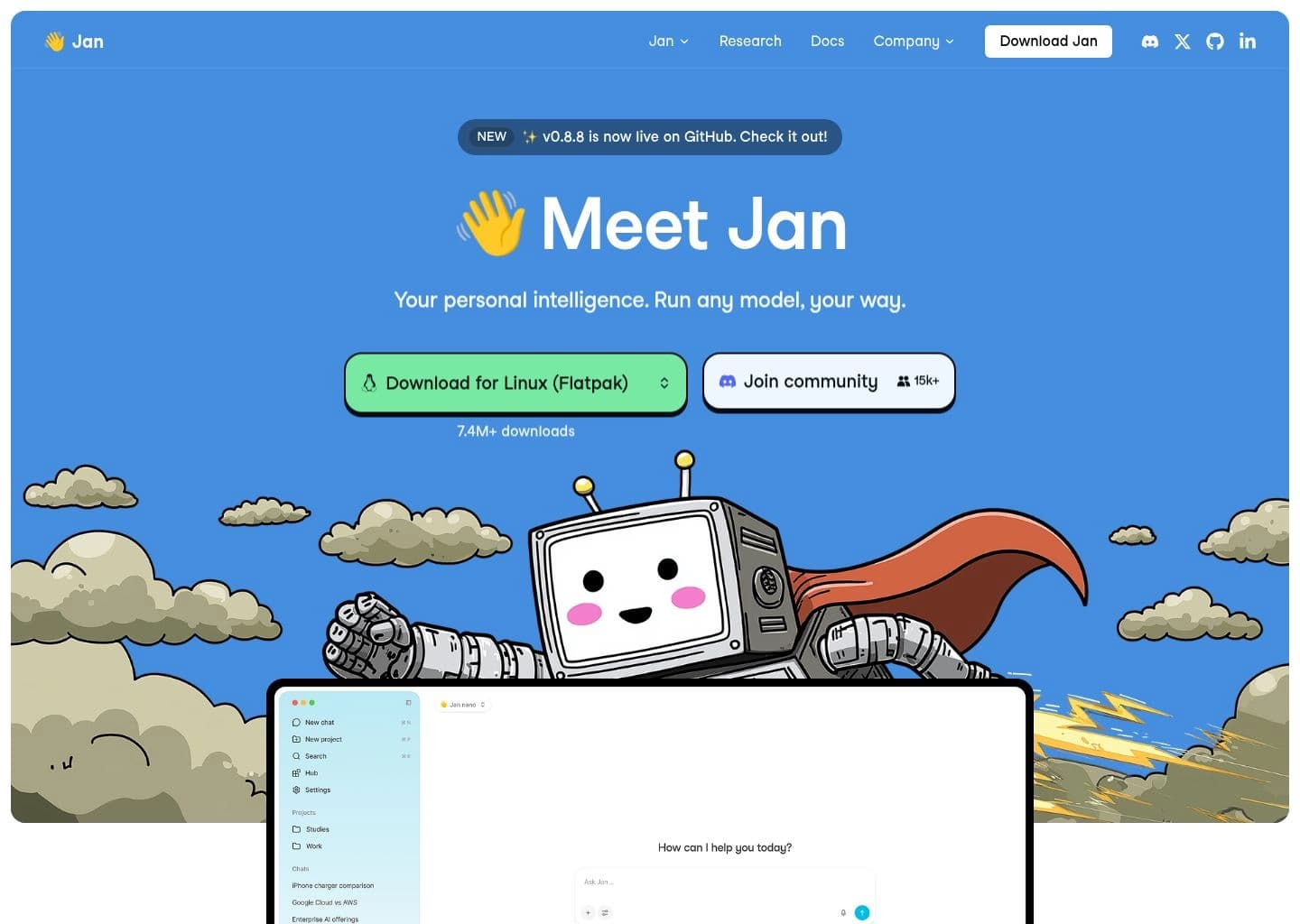
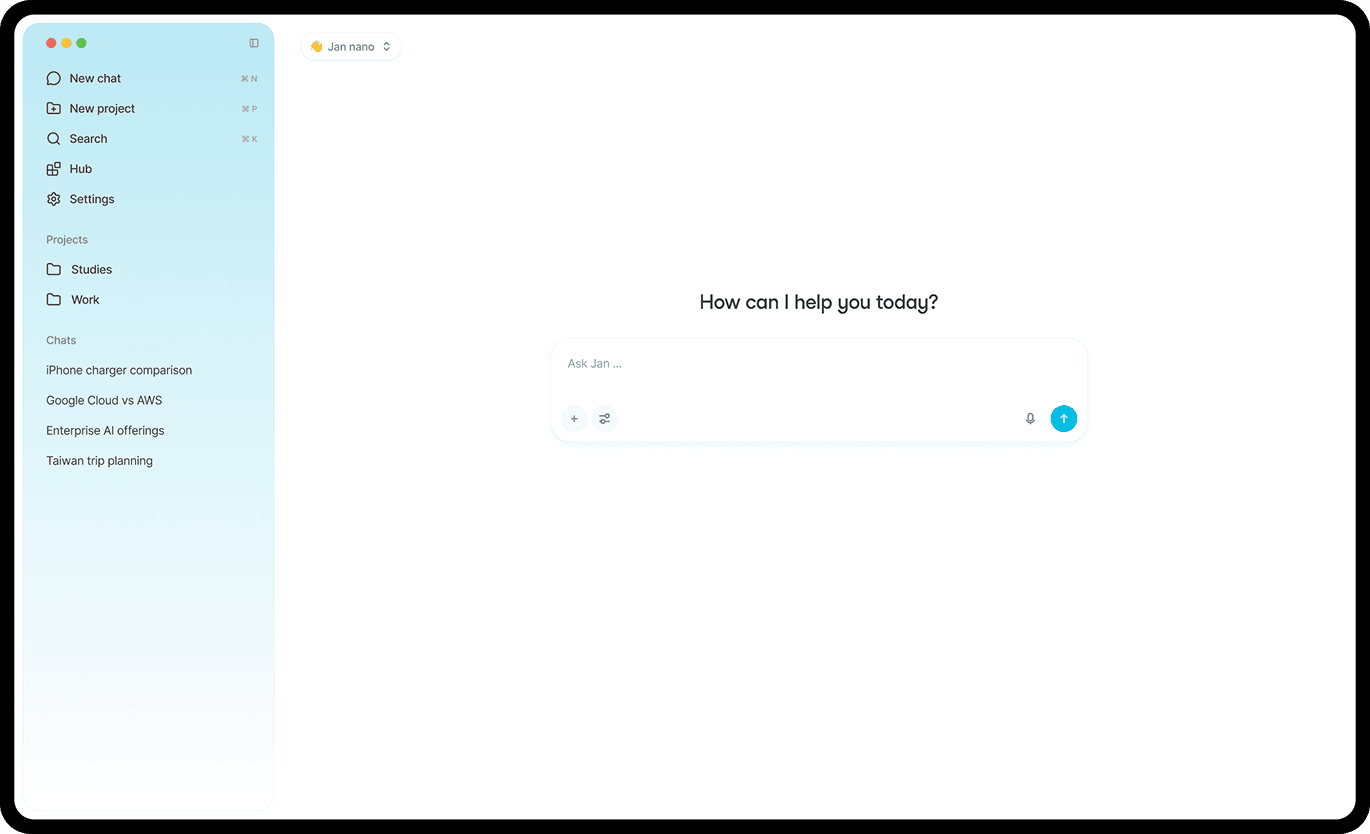
Jan is an open-source AI application built around a privacy-first desktop experience for running language models locally or connecting external model providers. Jan Desktop is available for macOS, Windows, and Linux, with offline support, a model hub, projects, assistants, and a local API server.
The platform has expanded beyond chat to include MCP integrations, agent workflows, and Jan Agent, a terminal-based assistant that can read and edit project files, run commands, and search the web. Local inference uses llama.cpp or MLX on supported hardware; cloud providers and custom OpenAI-compatible endpoints can also be configured.
Jan is suited to privacy-conscious users, developers, and technical teams who want an open-source desktop AI workspace with local models, custom providers, and an extensible agent workflow.
Key Features
- Free open-source desktop application for macOS, Windows, and Linux
- Local model hub with hardware-fit guidance and model downloads
- Offline chat using llama.cpp and Apple MLX on supported devices
- Projects, custom assistants, and agent workflows
- MCP server integrations and built-in tools
- Local OpenAI-compatible API server
- Jan Agent terminal workflow for files, commands, and web research
Pros
- Apache 2.0 open-source licensing
- Local-first design with offline support and no account required for basic use
- Combines desktop chat, projects, assistants, MCP, and local API serving
- Can connect both local models and external providers
Cons
- Local model quality and speed depend on device resources and model choice
- Jan Agent is a separate preview workflow and should be treated as evolving
- Custom provider capability metadata may need manual configuration
- Some advanced agent tools can access external services and are not automatically offline
Pricing & Plans
Jan Desktop is free and open source under the Apache 2.0 license. Users can install the application on macOS, Windows, or Linux, download supported local models, and use local chat without an account or subscription.
Jan can also connect to cloud model providers such as OpenAI, Anthropic, Google, Groq, and other compatible endpoints. Those providers bill separately according to their own API pricing; Jan does not bundle their token usage into a paid desktop subscription.
Jan Agent is a separate terminal interface and currently documented as a preview. Local inference depends on the user's hardware and downloaded model size; the official Windows guide lists 8GB RAM minimum and recommends 16GB, with GPU VRAM and storage requirements varying by model.
Claim Verified Creator Badge
Are you the founder of Jan? Display this listing's verified badge on your website to show your customers that your product has been vetted and listed on AI Central Resources.
<a href="https://www.aicentralresources.com/tool/jan" target="_blank" rel="noopener">
  <img src="https://www.aicentralresources.com/badges/featured-badge-dark.svg" alt="Featured on AICentralResources" width="200" height="54" style="border: none;" />
</a>
* Place this HTML snippet in your website's footer, landing page, or press section. This creates a search-friendly backlink directly to your verification page.
Connect with Jan
Frequently Asked Questions
Yes. Jan Desktop is free and open source under Apache 2.0. Cloud model providers may charge separately for API usage.
Yes. Downloaded local models can run on your device without an internet connection.
Jan Desktop supports macOS, Windows, and Linux. Hardware and model compatibility vary by platform.
Yes. Jan includes a local OpenAI-compatible API server for building private applications around local models.
Yes. Jan can connect to supported cloud providers and custom OpenAI- or Anthropic-compatible endpoints using the relevant API credentials.
Similar AI Tools to Jan
View all alternatives of Jan
LM Studio
Discover, run, and serve local language models through a polished desktop and developer workflow

GPT4All
Run private language models on everyday desktops and chat with local documents

Ollama
Run, manage, and serve open-weight language models locally or through private cloud inference

AnythingLLM
Build private AI workspaces that chat with your documents, connect models, and run agents

Open WebUI
A self-hosted AI interface for local models, external APIs, knowledge bases, and team workflows

LocalAI
Deploy a self-hosted, OpenAI-compatible inference server for text, image, audio, and multimodal models