
LocalAI
Deploy a self-hosted, OpenAI-compatible inference server for text, image, audio, and multimodal models
Gallery
5 items
About LocalAI
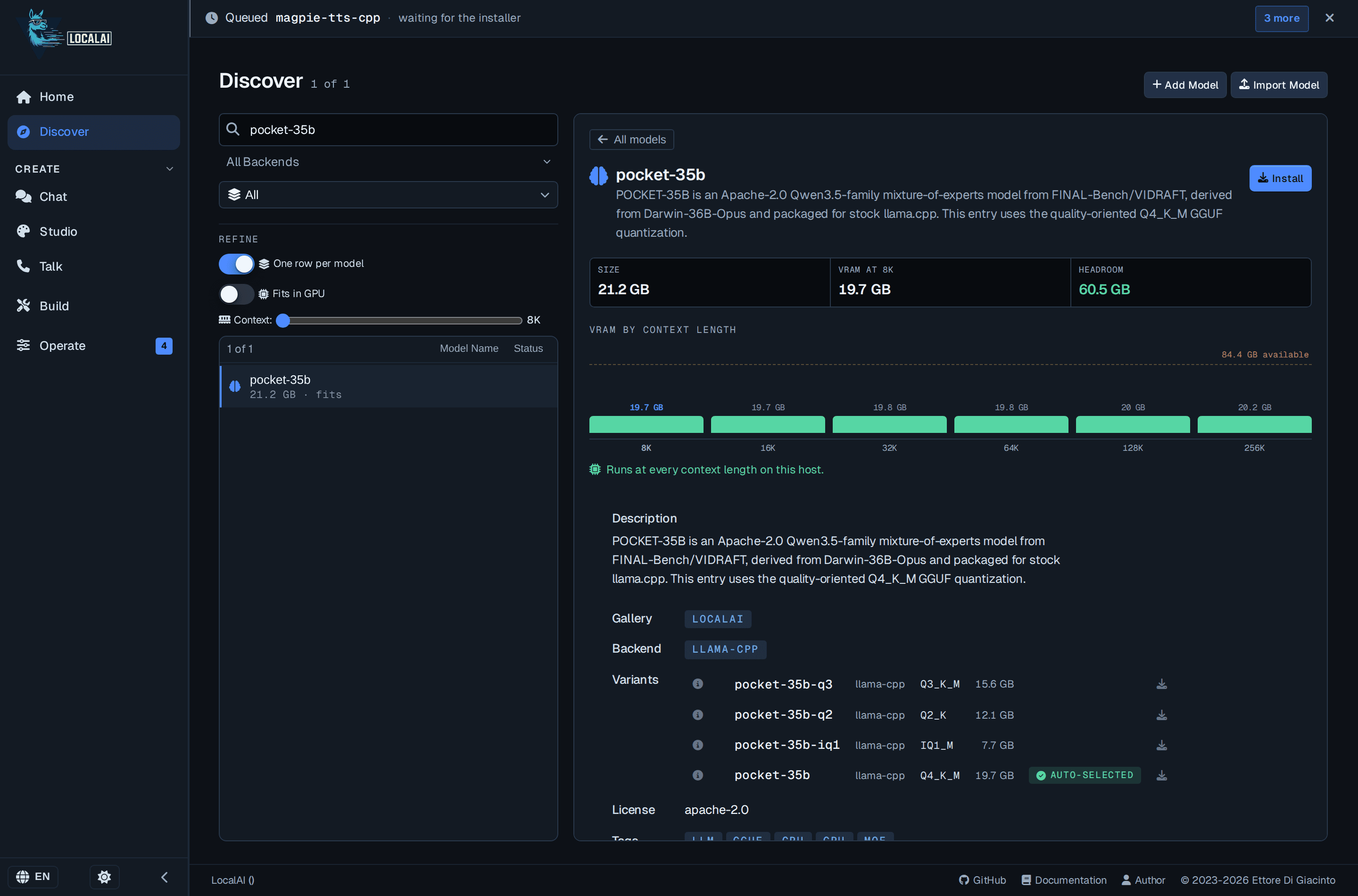
This review is based on LocalAI's current official overview, deployment documentation, backend catalogue, and GitHub repository. The setup options range from a single install script or container to Kubernetes, and the server exposes compatible API routes so existing applications can point to a local endpoint. Its modular backend design means the core can stay relatively small while model-specific engines are installed as needed. LocalAI's strength is breadth: it covers text generation, embeddings, image generation, speech, audio, vision, and more, with CPU and several GPU acceleration paths. That flexibility comes with operational complexity. Administrators need to choose and maintain compatible backends, manage model files and containers, and test performance for their hardware; some add-ons and team features are still described as development builds in the documentation. I would recommend LocalAI to technical teams that need an API-compatible, self-hosted inference layer across multiple modalities. Users who only want to chat with local text models should start with Ollama or LM Studio, while teams that need a ready-made knowledge workspace should compare AnythingLLM or Open WebUI.
LocalAI is an open-source inference server that runs AI models on hardware controlled by the user and exposes APIs compatible with common AI application interfaces. It is designed as a self-hosted alternative to hosted inference APIs, with a modular backend architecture that installs the required engine for each model family.
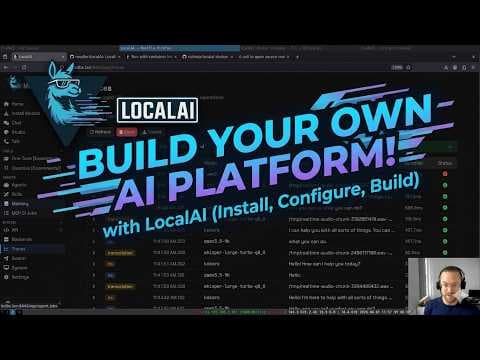
LocalAI supports language models, embeddings, image generation, speech-to-text, text-to-speech, vision, reranking, and other multimodal workloads through a growing set of backends. It includes a web interface for chats and model management, agent and MCP capabilities, and deployment options for binaries, Docker, Podman, and Kubernetes.
LocalAI is best for developers, platform engineers, and organizations building private or on-premises AI services that need API compatibility, hardware flexibility, and control over model execution.
Key Features
- OpenAI-compatible and Anthropic-compatible API routes
- Self-hosted inference for language, vision, image, audio, and embedding models
- Modular backend architecture with on-demand model engines
- Web UI for chat, agents, files, and model management
- CPU and GPU support across NVIDIA, AMD, Intel, Vulkan, and Apple Metal
- Docker, Podman, Kubernetes, desktop app, and binary deployment options
- MCP-enabled agents, add-ons, and distributed inference capabilities
Pros
- MIT-licensed open-source server with no mandatory subscription
- Broad multimodal backend ecosystem beyond text-only LLMs
- OpenAI-compatible APIs simplify migration from hosted providers
- Runs on CPU or multiple GPU ecosystems and can be self-hosted
Cons
- Setup and backend selection are more technical than desktop model apps
- Backend compatibility and acceleration vary by model and hardware
- Production operations require server, container, security, and resource management
- Some newer add-ons and team features may be marked as development builds
Pricing & Plans
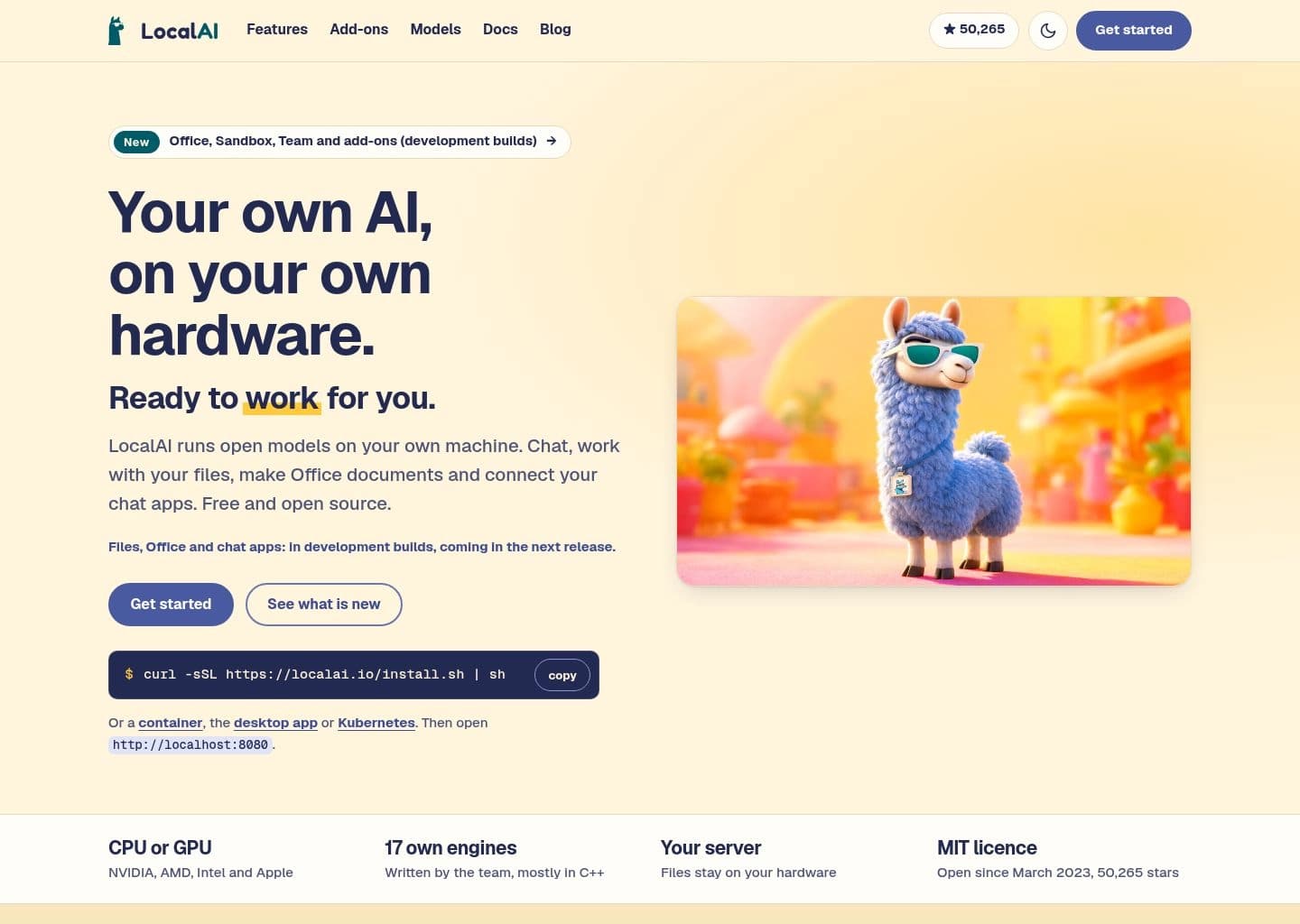
LocalAI is free and open source under the MIT license. Users can run it on their own hardware through a Linux/macOS install script, desktop app, Docker or Podman container, Kubernetes deployment, or source build. The core server does not require a subscription or per-token payment for local inference.
The platform uses modular backends for different model types, including language, vision, image generation, speech, audio, embeddings, and reranking. Hardware acceleration is available through supported NVIDIA, AMD, Intel, Vulkan, and Apple Metal paths; CPU-only operation is also supported.
Costs come from the user's infrastructure, storage, electricity, and any optional external services or managed support they choose. Model files and backend containers can require substantial disk space and memory, so production deployments should size resources for the model and concurrency they expect.
Claim Verified Creator Badge
Are you the founder of LocalAI? Display this listing's verified badge on your website to show your customers that your product has been vetted and listed on AI Central Resources.
<a href="https://www.aicentralresources.com/tool/localai" target="_blank" rel="noopener">
  <img src="https://www.aicentralresources.com/badges/featured-badge-dark.svg" alt="Featured on AICentralResources" width="200" height="54" style="border: none;" />
</a>
* Place this HTML snippet in your website's footer, landing page, or press section. This creates a search-friendly backlink directly to your verification page.
Frequently Asked Questions
Yes. LocalAI is open source under the MIT license and can be self-hosted without a subscription.
Yes. It exposes OpenAI-compatible routes and also documents Anthropic and Open Responses API formats.
Yes. LocalAI supports CPU-only operation as well as acceleration for NVIDIA, AMD, Intel, Vulkan, and Apple hardware.
Its backends cover LLMs, embeddings, image generation, vision, speech-to-text, text-to-speech, audio, reranking, and other model workloads.
You can install it using a script or binary, run it with Docker or Podman, deploy it on Kubernetes, or build it from source.
Similar AI Tools to LocalAI
View all alternatives of LocalAI
Ollama
Run, manage, and serve open-weight language models locally or through private cloud inference

Hugging Face
The AI community platform for hosting, sharing, and running open machine learning models

Replicate
Run, fine-tune, and deploy AI models with one line of code


Fireworks AI
High-performance training and inference platform for open-source AI models