AnythingLLM
Build private AI workspaces that chat with your documents, connect models, and run agents
Gallery
5 items
About AnythingLLM
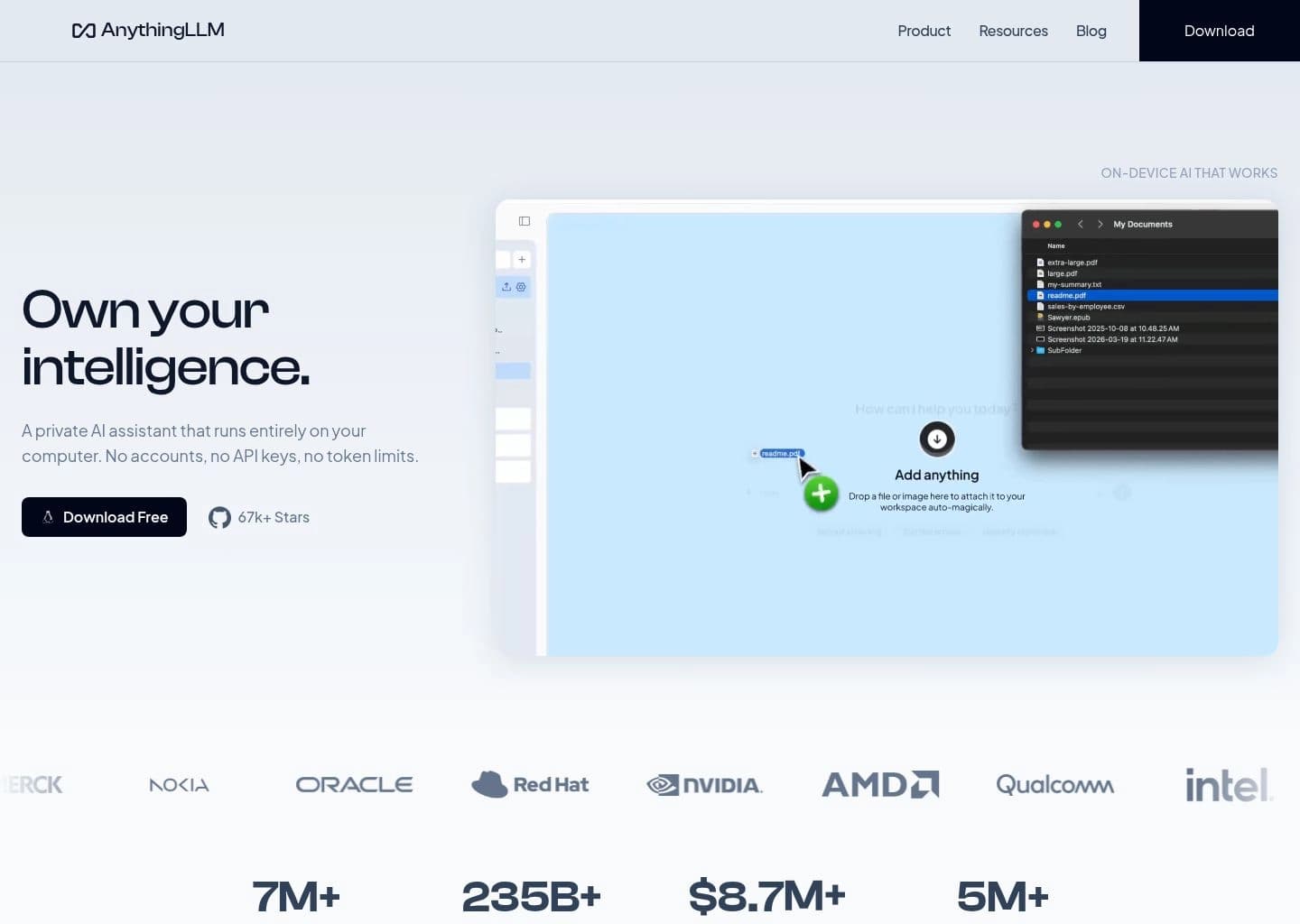
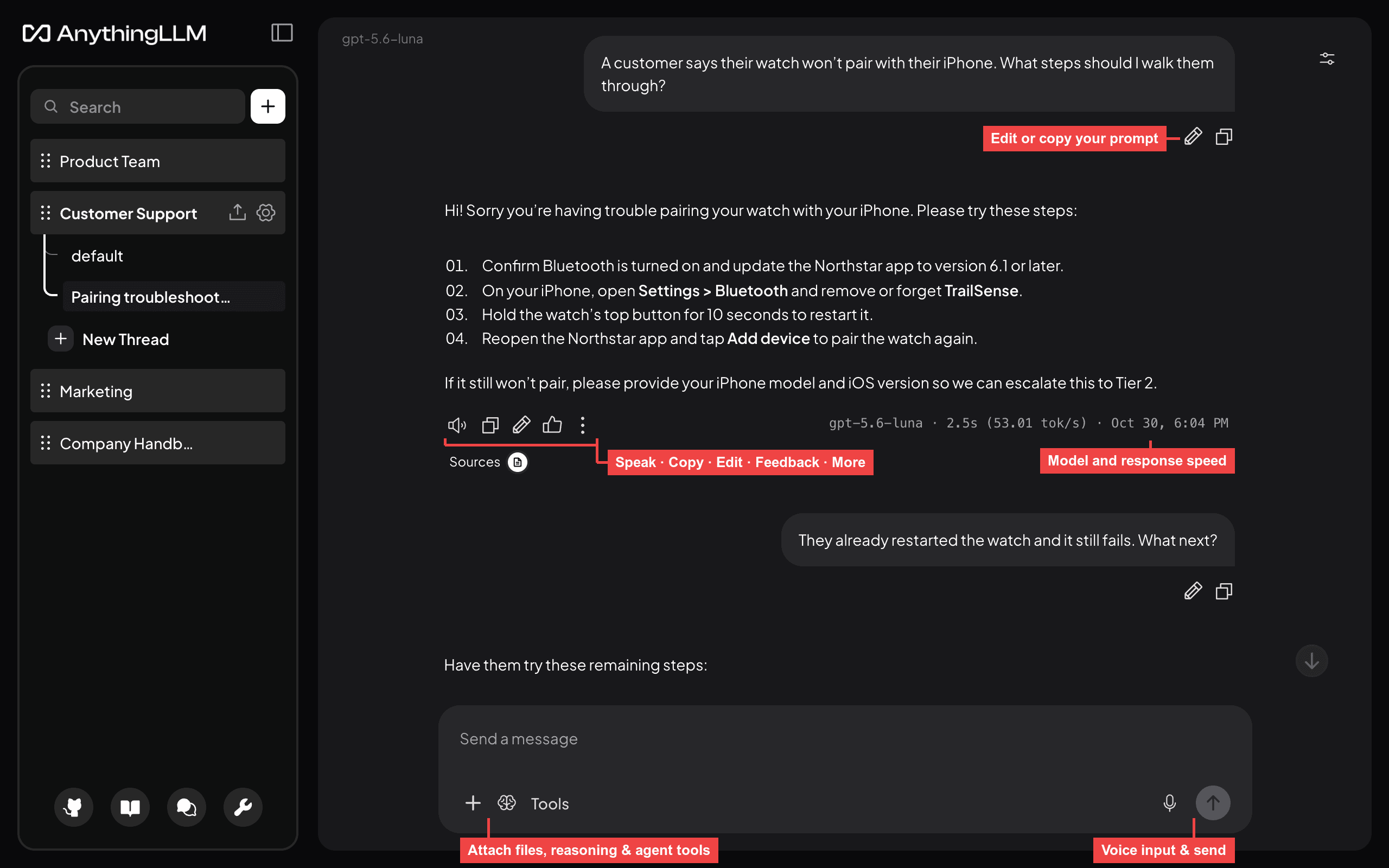
This review is based on AnythingLLM's official documentation, deployment comparison, model-provider list, and cloud limitations. The core workflow is to create a workspace, connect a local or hosted model, ingest documents, and ask questions against the indexed content. The documentation makes the Desktop-versus-Docker distinction important from the start: Desktop is single-player, while Docker is the route for browser access, invited users, permissions, and published widgets. Its main strength is that RAG, model-provider configuration, agent features, and workspace controls are packaged in one product. The trade-offs are deployment complexity and resource planning: document parsing, embedding, chunking, and vector storage affect retrieval quality, and the hosted cloud service does not simply provide an all-in-one GPU model out of the box. Users should also budget for external model API usage or their own local hardware. I would shortlist AnythingLLM when the main job is turning internal files and websites into a private knowledge assistant. If the goal is simply running models and exposing an inference endpoint, Ollama or LocalAI is more focused; if the priority is a flexible self-hosted chat interface, compare Open WebUI.
AnythingLLM is an AI workspace for private document chat, retrieval-augmented generation, and agent workflows. It is available as a desktop application, a self-hosted Docker deployment, and a managed cloud option, allowing individuals and teams to connect language models to their own files and knowledge sources.
Users can create workspaces, ingest documents, configure embedding and vector storage, connect local or cloud model providers, and use agents, website scraping, connectors, and embeddable chat widgets. Desktop and Docker deployments differ: Docker supports multi-user administration, browser access, and published widgets that are not part of the single-user desktop edition.
AnythingLLM is best for teams and individuals who need a practical private knowledge assistant, document-grounded answers, and model flexibility without building a RAG application from scratch.
Key Features
- Document ingestion and retrieval-augmented generation across private workspaces
- Desktop, Docker, and managed cloud deployment options
- Connect local models including Ollama, LM Studio, and LocalAI
- Support for many hosted model providers and custom OpenAI-compatible endpoints
- AI agents, skills, and tool integrations
- Website scraping, document connectors, and embeddable chat widgets
- Configurable vector databases, embedding providers, and text splitting
Pros
- Combines document RAG, model connections, and agents in one workspace
- Free desktop and self-hosted options provide deployment flexibility
- Supports many local and cloud model providers
- Docker edition adds multi-user controls and embeddable chat
Cons
- Desktop and Docker editions have materially different feature sets
- Hosted cloud does not include a built-in GPU-backed model by default
- Large document collections can require careful embedding and resource planning
- RAG answer quality depends on document parsing, chunking, embeddings, and the selected model
Pricing & Plans
AnythingLLM Desktop and the self-hosted open-source application can be used for free. The desktop app is designed for a single user and local-first workflows, while Docker deployments unlock server-based, multi-user features such as user management, workspace permissions, and embeddable chat widgets.
AnythingLLM also offers a managed hosted cloud service for teams that want a deployed instance without managing infrastructure. Hosted cloud pricing and capacity depend on the current plan and deployment requirements; consult the official cloud signup or sales flow for the live quote rather than assuming the free desktop limits apply.
The software supports local providers such as Ollama, LM Studio, and LocalAI, as well as many external model APIs. Model provider usage, hosting, vector storage, and infrastructure can create separate costs depending on the deployment.
Claim Verified Creator Badge
Are you the founder of AnythingLLM? Display this listing's verified badge on your website to show your customers that your product has been vetted and listed on AI Central Resources.
<a href="https://www.aicentralresources.com/tool/anythingllm" target="_blank" rel="noopener">
  <img src="https://www.aicentralresources.com/badges/featured-badge-dark.svg" alt="Featured on AICentralResources" width="200" height="54" style="border: none;" />
</a>
* Place this HTML snippet in your website's footer, landing page, or press section. This creates a search-friendly backlink directly to your verification page.
Frequently Asked Questions
Yes. The desktop application and self-hosted open-source edition are free to use. Managed hosted cloud is a separate service.
Yes. Its desktop application can run local models and private documents on your computer, and Docker can host a self-managed instance.
Yes. Ollama is one of its documented local language model providers, alongside LM Studio and LocalAI.
Desktop is a single-user app. Docker supports multi-user access, workspace permissions, browser access, and embeddable chat widgets.
Yes. It ingests documents into workspaces and retrieves relevant passages to ground answers in private knowledge sources.
Similar AI Tools to AnythingLLM
View all alternatives of AnythingLLM
Open WebUI
A self-hosted AI interface for local models, external APIs, knowledge bases, and team workflows

Jan
A private open-source AI desktop and agent workspace that runs local models or connects cloud providers

GPT4All
Run private language models on everyday desktops and chat with local documents

LM Studio
Discover, run, and serve local language models through a polished desktop and developer workflow

Linkly AI
Local AI knowledge engine — index all your files, search from any AI agent, files never leave your computer