
Top 20 Best Design.com Alternatives in 2026
Editorial analysis comparing key features, free tier limits, pricing spectrums, and real-world trade-offs.
Executive Summary & Buying Decision
We evaluated 20 top competitors to Design.com across AI Design Tools features, workflow performance, and user satisfaction. Options range from 19 free & freemium tools to paid solutions starting around $0 – $20/mo. Choose lightweight alternatives for simplicity and speed, or all-in-one platforms for scalable cross-team collaboration.
Baseline Tool Overview

Design.com
AI Logo Generator, Website Builder & Complete Business Branding Suite
Entrepreneurs, startups, freelancers, and small businesses seeking affordable logo creation alongside an all-in-one suite for maintaining a consistent visual brand identity across web, social, and print.
- Pricing Model:Freemium
- Starting Price:$3/month
- Free Tier / Limits:Free logo creation and previewing, eligible high-resolution and vector downloads, free website builder, digital business card creator, and link-in-bio page.
- AI Logo Generation: Produces industry-specific logo concepts from business names, categories, and descriptive keywords.
- Conversational AI Editor: Enables natural language prompt-based adjustments to icons, typography, colors, and layout elements.
- Extensive Template Ecosystem: 500,000+ logo templates, 750+ fonts, and 62,000+ vector shapes.
- Brand-Sync Engine: Automatically propagates logo colors, typography, and brand assets across websites, business cards, and social media.
Top Recommendations by Use Case

Canva AI
Highest overall feature parity and user satisfaction score in AI Design Tools.

Framer AI
Best cost-effective choice for solo users and small teams seeking powerful AI Design Tools tools without high subscription barriers.

Gamma
Engineered for enterprise scale with enterprise security, centralized administration, and dedicated support.

Kittl
Consolidates disparate apps and workflows into a single collaborative workspace.
Why Teams Migrate from Design.com

Pricing & Per-Seat Scaling Friction
As your team expands, per-user subscription fees for Design.com can escalate quickly, especially when features are locked behind higher enterprise tiers.
Switch to Framer AI for flexible, budget-friendly pricing without steep seat-based lock-in.
Compare vs Framer AI
Workflow Rigidity & UI Complexity
Some teams find Design.com's interface or workflow models too specialized or rigid, creating friction and steep onboarding curves for non-technical team members.
Switch to Canva AI for an intuitive, adaptable interface that accommodates versatile cross-team workflows.
Compare vs Canva AI
Platform Lock-in & Integration Limits
Proprietary cloud constraints and limited export or API integration options can make it difficult to seamlessly bridge Design.com into existing custom toolchains.
Switch to Gamma for robust API capabilities, self-hosting options, and comprehensive integration ecosystems.
Compare vs GammaHead-to-Head Comparison Matrix
| Software Tool | Pricing Model | Free Tier Scope | Target Persona / Best For | Rating | Head-to-Head |
|---|---|---|---|---|---|
 Design.comBaseline | Freemium ($3/month) | Free logo creation and previewing, eligible high-resolution and vector downloads, free website builder, digital business card creator, and link-in-bio page. | Entrepreneurs, startups, freelancers, and small businesses seeking affordable logo creation alongside an all-in-one suite for maintaining a consistent visual brand identity across web, social, and print. | 4.7 | Full Review |
Freemium (15) | Free tier / trial available | Highest overall feature parity and user satisfaction score in AI Design Tools. | — | Compare | |
Freemium ($0 (Free plan available)) | Free forever on a framer.website subdomain with Framer branding. Custom domain, more pages, CMS, and advanced AI features require paid plans from $15/month. | Best cost-effective choice for solo users and small teams seeking powerful AI Design Tools tools without high subscription barriers. | — | Compare | |
Freemium (8) | Custom branding, custom domains, analytics, API access and team workspaces on higher tiers | Engineered for enterprise scale with enterprise security, centralized administration, and dedicated support. | — | Compare | |
Freemium (10) | Unified platform combining multiple workflows into a single interface. | Consolidates disparate apps and workflows into a single collaborative workspace. | — | Compare |



Deep-Dive Alternative Profiles
Click any tool card to expand its complete interface & pricing evaluation
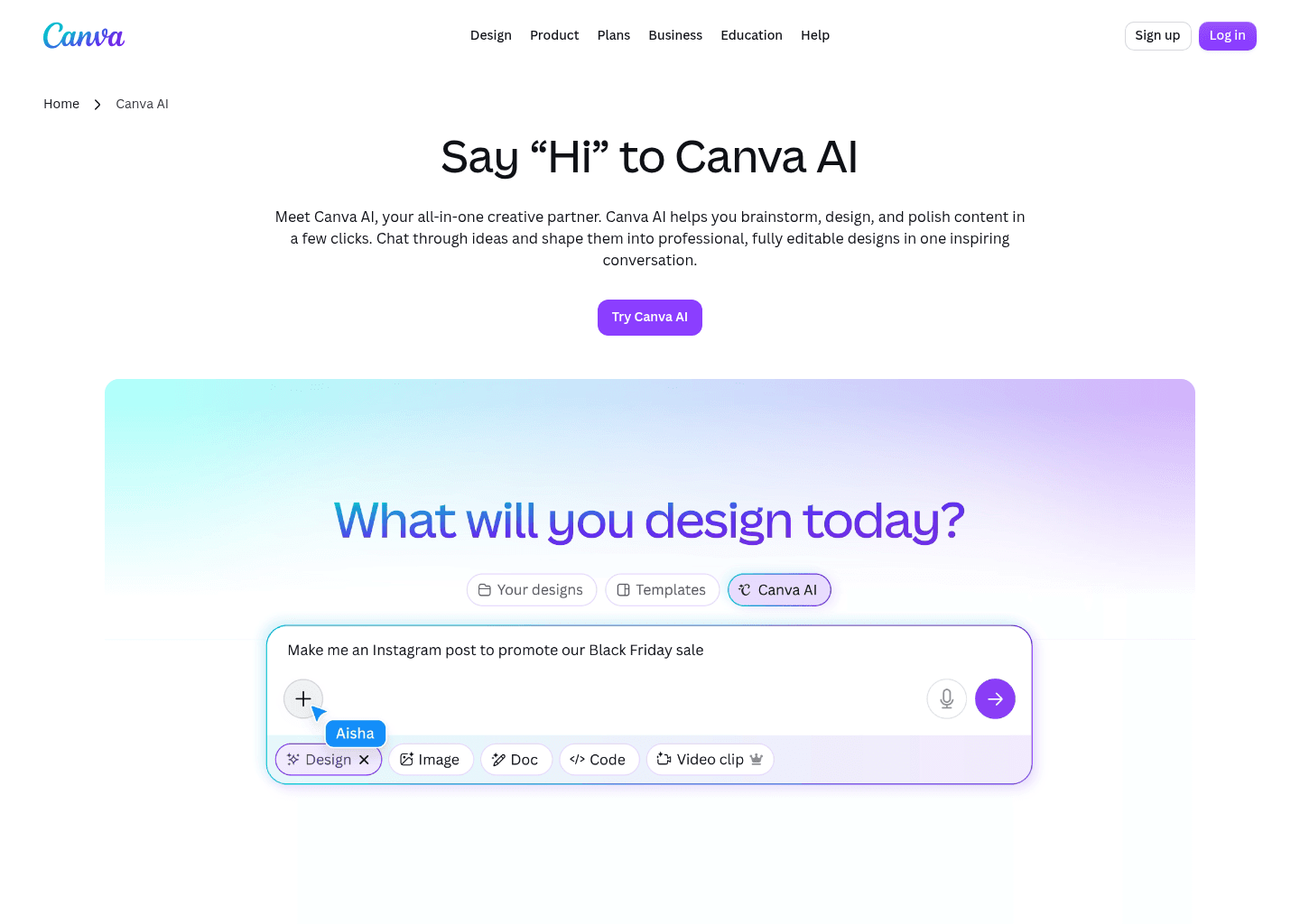
Canva AI focuses on "Your all-in-one AI assistant for creative design and content generation", providing an agile and dedicated approach compared to Design.com.
Key Capabilities
- Conversational AI assistant with text and voice input
- AI-powered writing and content generation (Magic Write)
- Text-to-image generation from prompts
- Design generation for editable layouts
Pricing & Best Match
AI website builder that goes from prompt to live published site in minutes — no code, no separate hosting
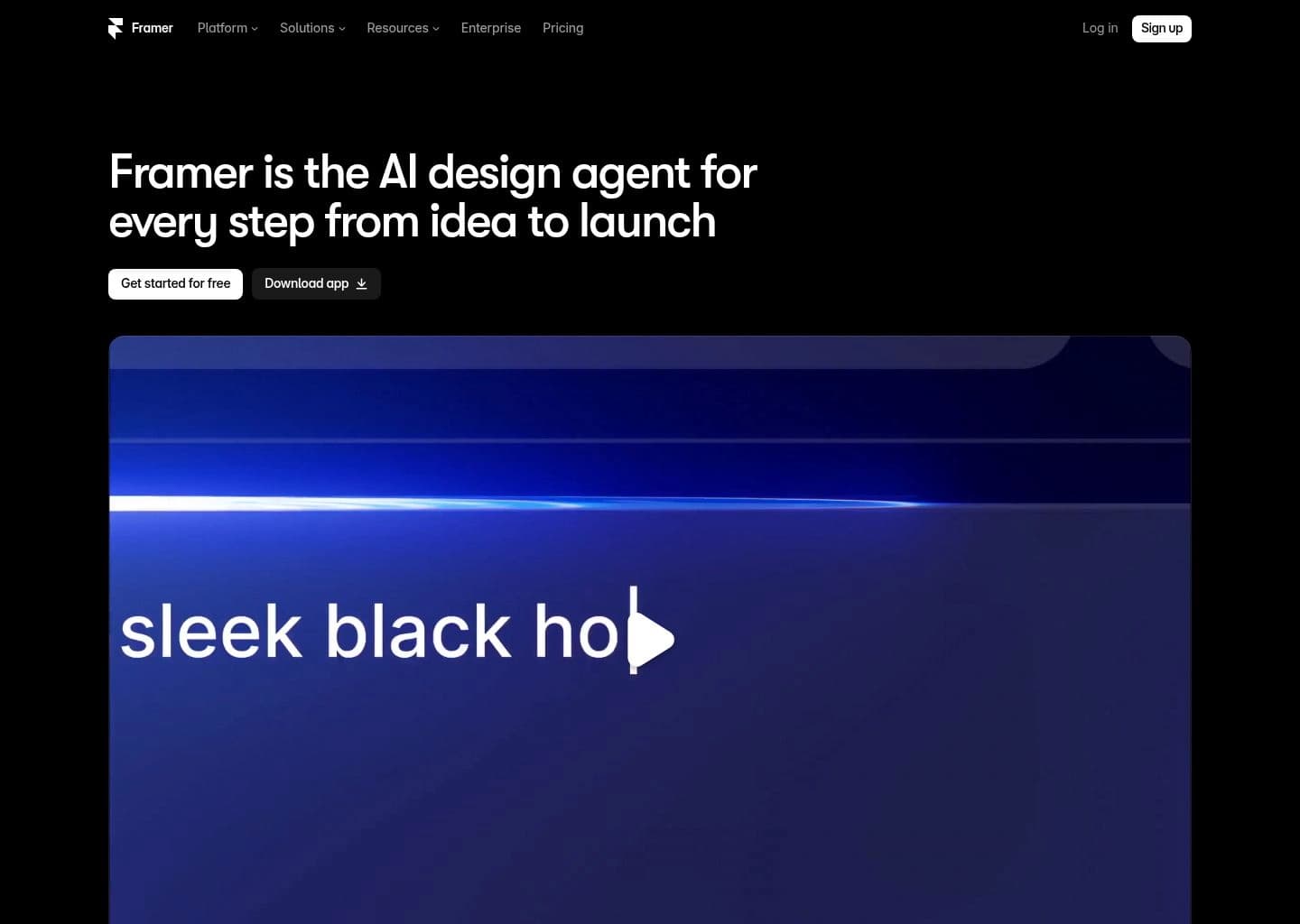
Framer AI focuses on "AI website builder that goes from prompt to live published site in minutes — no code, no separate hosting", providing an agile and dedicated approach compared to Design.com.
Key Capabilities
- AI canvas agent — describe any website in plain English and Framer generates a complete, multi-section, fully responsive layout ready to edit and publish in seconds
- Prompt-to-published workflow — the only tool that completes the full loop from AI generation to live hosted website without leaving the platform or writing code
- Framer CMS — add dynamic content collections (blog posts, team members, portfolio projects) that update across all pages automatically, with AI-assisted content creation
- Visual canvas editor — same design fidelity as Figma for layout, components, and responsive breakpoints, with direct publishing to production
Pricing & Best Match
AI-native tool for creating presentations, documents, websites and social posts from a single prompt
AI-powered graphic design for logos, merch, and print — with professional typography and multi-model AI generation


AI design tool that generates native SVG vectors — brand-consistent icons, illustrations, and images at scale
The industry-standard design platform — now with AI that designs, prototypes, and codes alongside your team


Free AI color palette generator that learns your taste and creates endless personalized palettes for designers

AI UI design tool that turns text prompts and hand-drawn sketches into clickable app prototypes in seconds



Zoomable, non-linear presentation software with AI that generates dynamic decks from prompts or documents

Collaborative presentation software with AI deck generation, brand templates and engagement analytics

AI presentation generator that builds on-brand decks with speaker notes, images and sharing analytics

Free AI-powered design tool from Microsoft — create graphics, images, and social posts with DALL-E and Copilot built in




Compare Design.com Directly With Alternatives
Side-by-side feature comparisons, real pricing differences, and benchmark verdicts to help you choose the best replacement for Design.com.


Frequently Asked Questions
Based on feature parity, user satisfaction, and workflow performance, Canva AI is currently the best overall alternative to Design.com. It delivers robust AI Design Tools capabilities with intuitive team collaboration.
Know another alternative to Design.com?
Help the community by submitting other similar tools you've used. Your contribution helps others make better decisions.