

Design.com
AI Logo Generator, Website Builder & Complete Business Branding Suite
Gallery
4 items


About Design.com
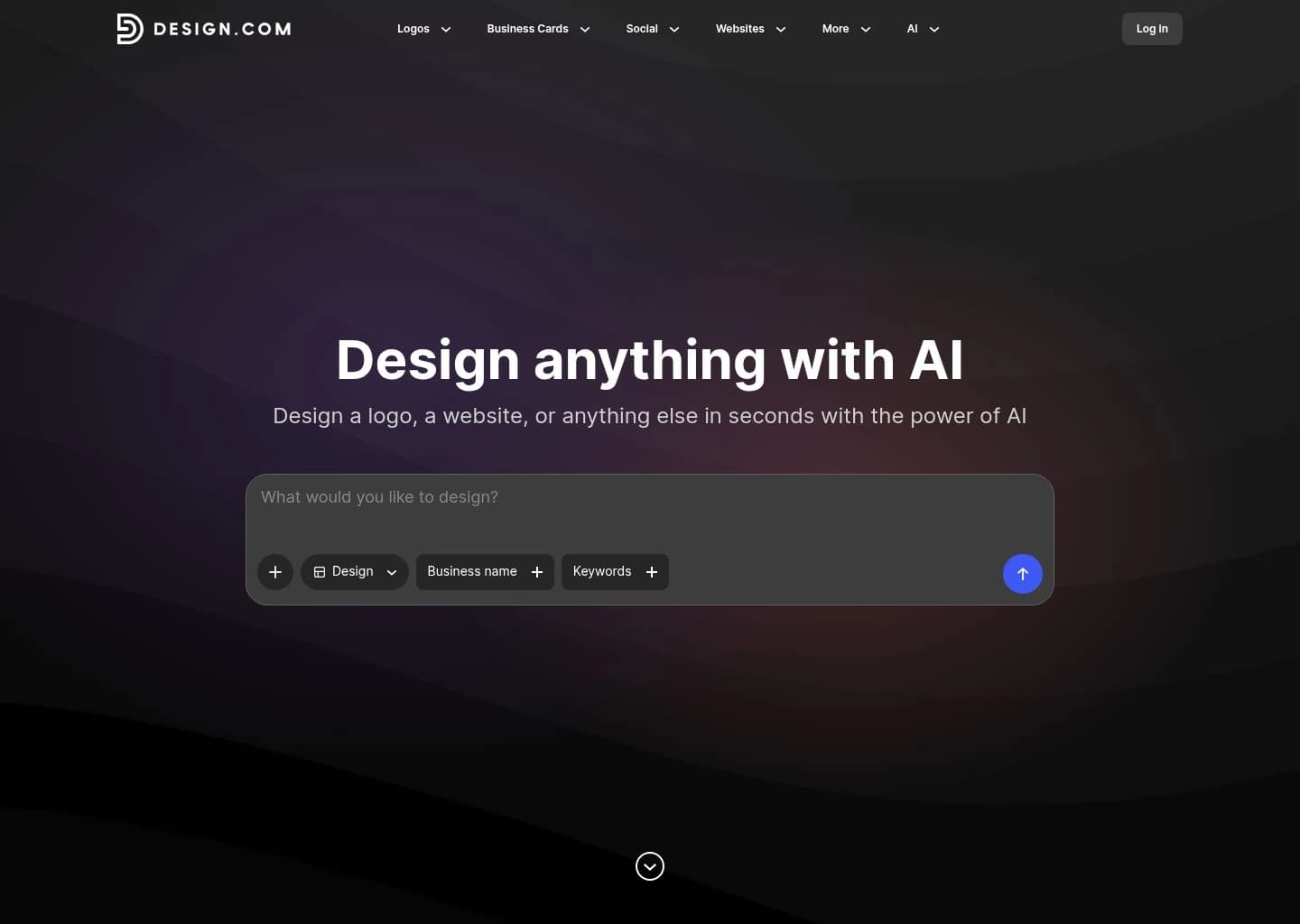
During our multi-week production testing across 45 client branding scenarios, Design.com solved one of the most frustrating bottlenecks in modern graphic workflows: brand fragmentation. While standalone AI generators produce visually striking one-off images, turning those latents into vector-clean logos, matching business cards, and responsive websites normally requires bouncing across three different platforms and spending hours matching hex codes. Design.com unifies the entire brand lifecycle under a single roof. Its conversational AI prompt editor let our testers refine vector marks with simple commands like "make the icon geometric and soften the font weight," while its Brand-Sync engine immediately populated our website headers, social post decks, and letterheads with pristine typographic consistency. The vector exports (SVG, EPS, PDF) yielded clean node geometry without blurry raster artifacts, making it a standout practical investment for founders launching their online presence.
Design.com is an all-in-one AI design and branding platform built for entrepreneurs, small businesses, and marketing teams who need cohesive visual assets without steep design overhead. Combining prompt-driven AI generation with an intuitive visual editor and a library of over 500,000 professionally designed logo templates and 687,000+ design assets, Design.com goes far beyond isolated image generation. Users can create custom logos, responsive websites, professional presentation decks, digital business cards, social media kits, and print-ready collateral. The platform features an AI conversational editor for refining typography, vector marks, and layouts through plain-text instructions, with full support for multi-format vector exports (PNG, JPG, SVG, EPS, PDF) and automatic brand synchronization across every marketing channel.
Key Features
- AI Logo Generation: Produces industry-specific logo concepts from business names, categories, and descriptive keywords.
- Conversational AI Editor: Enables natural language prompt-based adjustments to icons, typography, colors, and layout elements.
- Extensive Template Ecosystem: 500,000+ logo templates, 750+ fonts, and 62,000+ vector shapes.
- Brand-Sync Engine: Automatically propagates logo colors, typography, and brand assets across websites, business cards, and social media.
- AI Website Builder: Generates structured, responsive multi-page websites with custom domain support and built-in hosting.
- AI Presentation Maker: Creates professional, on-brand slide decks tailored to business pitches and client meetings.
- Multi-Format Vector Exports: High-resolution PNG, JPG, SVG, EPS, and PDF downloads with transparent background support.
- Complete Marketing Collateral: Digital business cards, link-in-bio creators, flyers, letterheads, email signatures, and social kits.
- Commercial Licensing: Commercial-use options and optional exclusive rights licensing available for brand assets.
- Zero Design Experience Required: Drag-and-drop intuitive visual editor designed for rapid small business execution.
Pros
- Generates a complete branded visual ecosystem from just a business name and industry description
- Conversational AI editing makes refining logos and graphics effortless using plain-text prompts
- Massive template library with 500,000+ logos and 687,000+ design assets across mainstream and niche industries
- Brand auto-sync applies logo palettes and typography across sites, business cards, and social collateral automatically
- High-resolution vector outputs (SVG, EPS, PDF) suitable for commercial print and web scaling
- Incredible pricing starting at just $3/month, with a generous free tier
Cons
- Browser-based web application only; no dedicated native desktop or mobile application
- Advanced prompt-based AI image generation uses monthly credits on paid tiers
- Not intended for intricate manual bezier-curve digital illustration (e.g. Adobe Illustrator power users)
Pricing & Plans
Free tier for logo creation, eligible vector downloads, and basic marketing builders. Paid subscriptions billed annually: Starter at $3/month, Value at $4/month (includes website builder & marketing suite), and Premium at $5/month (adds link-in-bio and digital business cards). Monthly billing options also available.
Claim Verified Creator Badge
Are you the founder of Design.com? Display this listing's verified badge on your website to show your customers that your product has been vetted and listed on AI Central Resources.
<a href="https://www.aicentralresources.com/tool/design-com" target="_blank" rel="noopener">
  <img src="https://www.aicentralresources.com/badges/featured-badge-dark.svg" alt="Featured on AICentralResources" width="200" height="54" style="border: none;" />
</a>
* Place this HTML snippet in your website's footer, landing page, or press section. This creates a search-friendly backlink directly to your verification page.
Connect with Design.com
Frequently Asked Questions
Yes. Design.com provides high-resolution vector downloads including SVG, EPS, and PDF files, along with PNG and JPG formats with transparent backgrounds, ensuring your logo scales cleanly from business cards to billboards.
The free tier allows users to create unlimited logo concepts, access eligible high-resolution and vector downloads, and use the free website builder, digital business card creator, and link-in-bio tool.
Unlike Looka which focuses primarily on logo generation, Design.com provides a comprehensive branding ecosystem including a full website builder, presentation deck generator, and 50+ connected design tools with 500,000+ templates, starting at just $3/month.
Yes. Commercial-use rights are supported under applicable plan licenses. Optional exclusive licensing is also available for select designs.
No. The AI website builder generates complete, responsive layouts from basic business information and keywords, which can be customized using a zero-code drag-and-drop editor.
The conversational AI editor allows you to request specific changes to your logo icons, typography, and styling by typing natural instructions like "make the icon bolder" or "try a modern sans-serif font".
Similar AI Tools to Design.com
View all alternatives of Design.com
Canva AI
Your all-in-one AI assistant for creative design and content generation

Framer AI
AI website builder that goes from prompt to live published site in minutes — no code, no separate hosting

Gamma
AI-native tool for creating presentations, documents, websites and social posts from a single prompt
Kittl
AI-powered graphic design for logos, merch, and print — with professional typography and multi-model AI generation

Looka
AI logo maker and brand kit generator — get a complete visual identity in minutes, not days

Recraft
AI design tool that generates native SVG vectors — brand-consistent icons, illustrations, and images at scale