Loom AI
Record, enhance, and transform video messages with intelligent AI automation.
Gallery
5 items


About Loom AI
I deployed Loom AI across daily team communications and bug reports, and its automated title generation, bulleted summary breakdowns, and silence removal transformed casual screen recordings into polished executive briefs. It eliminates the need for viewers to watch 10-minute recordings in real time. The AI add-on costs an extra $4/user/month on top of paid Loom subscriptions, which adds up across large engineering teams. For remote organizations aiming to eliminate recurring synchronous status meetings, the time reclaimed is immediately obvious.
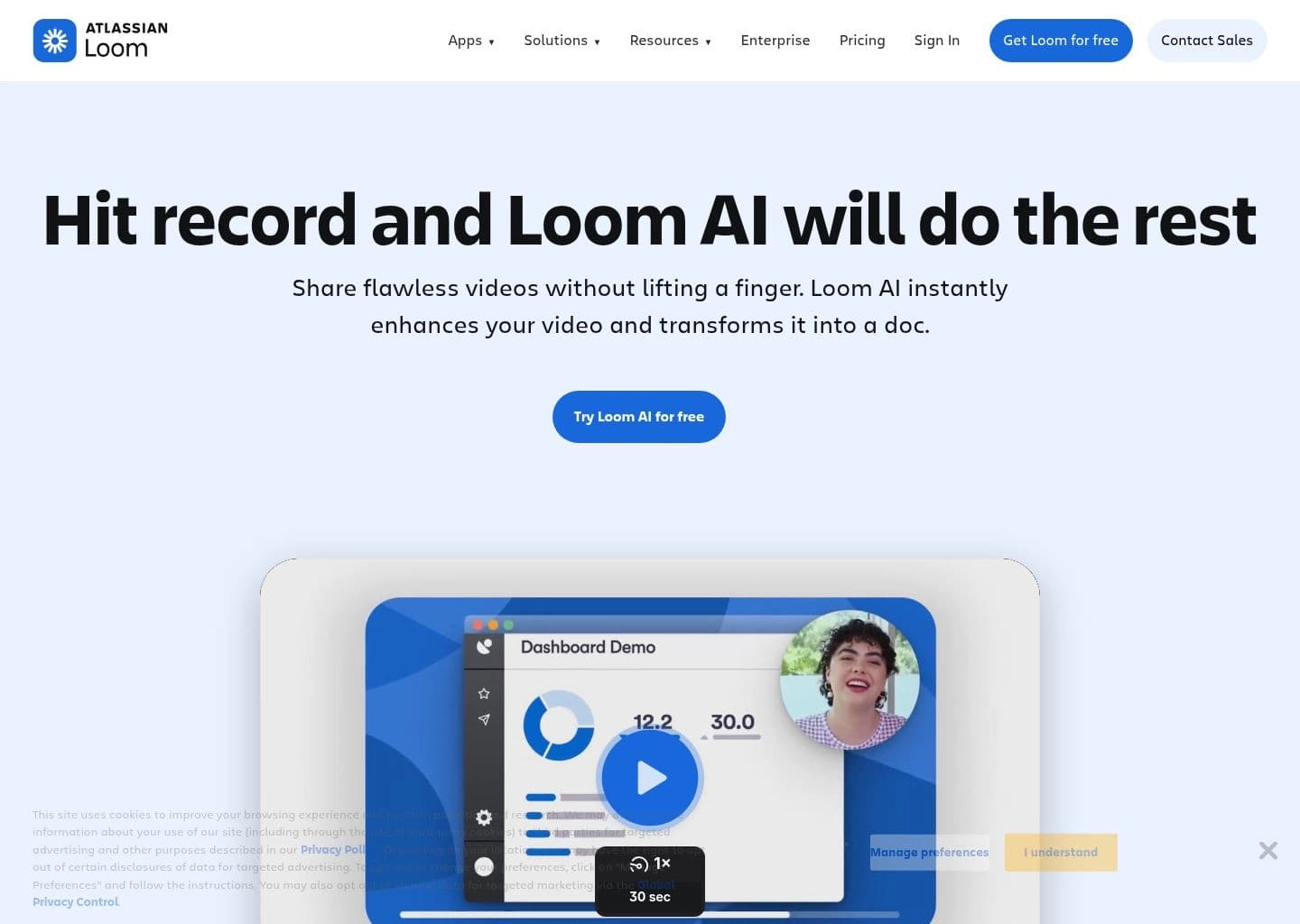
Loom AI revolutionizes video communication by integrating advanced artificial intelligence to streamline the entire video creation and sharing process. It eliminates the need for extensive post-production, allowing users to record and instantly enhance their video messages for clarity and impact. This powerful suite of AI features aims to boost productivity and foster more effective asynchronous communication across teams and with clients.
The platform leverages AI to automatically generate video titles, summaries, and chapters, making content more digestible and engaging for viewers. Key functionalities include intelligent filler word and silence removal, ensuring a polished delivery. Furthermore, Loom AI transforms video content into actionable documents, Jira issues, or email messages, automating follow-up tasks and integrating seamlessly into existing workflows.
Loom AI is ideal for sales professionals looking to personalize outreach, product managers collaborating on roadmaps, engineering teams providing technical explanations, and support staff creating tutorials. It empowers individuals and teams across various industries to communicate complex ideas quickly, reduce meeting fatigue, and enhance overall operational efficiency through smart video messaging.
Key Features
- Auto-generated video titles, summaries, and chapters
- Automatic filler word and silence removal
- Video-to-document conversion and task creation
- Auto-meeting notes and recaps
- Multi-language transcription support (50+ languages)
- Customizable call-to-action (CTA) links
- Live Rewind for on-the-fly recording edits
- Integration with popular workflow tools like Jira and Linear
Pros
- Significantly reduces time spent on post-production and video packaging
- Enhances video clarity and professionalism by removing distractions
- Boosts viewer engagement with automatically generated context and structure
- Streamlines workflows by converting videos into actionable documents or tasks
- Supports multi-language transcriptions for broader accessibility
- Offers a 14-day free trial for Business + AI plans
Cons
- AI workflow documentation generation currently limited to English
- Advanced AI features are only available on paid Business + AI or Enterprise plans
- Free Starter plan has limitations on video count (25) and recording length (5 minutes)
- Relies on OpenAI for transcript data processing, which may be a concern for some users
- Some advanced editing features are only available on desktop apps (e.g., 4K recording)
Pricing
Starter: $0 (25 videos, 5 min screen recordings). Business: $18 per user / month or $15 per user / month (billed annually). Business + AI: $24 per user / month or $20 per user / month (billed annually). Enterprise: Custom pricing. Free 14-day trial available for Business + AI plan upon signup.
Claim Verified Creator Badge
Are you the founder of Loom AI? Display this listing's verified badge on your website to show your customers that your product has been vetted and listed on AI Central Resources.
<a href="https://www.aicentralresources.com/tool/loom-ai" target="_blank" rel="noopener">
  <img src="https://www.aicentralresources.com/badges/featured-badge-dark.svg" alt="Featured on AICentralResources" width="200" height="54" style="border: none;" />
</a>
* Place this HTML snippet in your website's footer, landing page, or press section. This creates a search-friendly backlink directly to your verification page.
Connect with Loom AI
Frequently Asked Questions
Your account Admin can upgrade to the Business + AI or Enterprise plan within your workspace settings under the 'Plan and Billing' tab.
Yes, you can try the Business + AI plan free for 14 days upon signing up for Loom.
Loom AI auto-enhancement features (titles, summaries) are generated in 50+ languages. AI workflows for documentation currently generate in English only, with more languages coming soon.
OpenAI receives transcript data as text files to generate titles and summaries. Loom states it only sends data to trusted third-party systems with strict privacy and security controls.
Upgrading to Loom AI helps you get work done faster, increase productivity by reducing re-records, and communicate more effectively with enhanced viewer engagement through auto-generated context.
Similar AI Tools to Loom AI
View all alternatives of Loom AI

Riverside
Studio-quality podcast and video recording, editing, and publishing powered by AI

Async
Record, edit, and generate podcasts and videos in one AI-powered creative studio


Slack AI
Boost team productivity with AI-powered summaries, search, and automation in Slack.

Compared with Loom AI
Direct head-to-head feature matrices, pricing breakdowns, and real-world performance benchmarks